Most small business owners lose hours every week to emails, invoices and social posts that nobody else is going to write. That is exactly where AI for small business use cases pay off first: not in sci-fi automation, but in the boring tasks that eat your evenings. The bill is often smaller than a weekly lunch order, and in many cases it is zero. This article shows real examples by business type, which free options hold up under daily use, and what you will actually spend once a team, a few extra tools and some hidden fees enter the picture.
💡 Quick answer: A solo owner can run a useful AI setup for $0 to $20 per month. A team of five usually lands between $100 and $250 per month, depending on seats and extra tools. Prices change often, so check each vendor before you commit.
Where Small Businesses Use AI Today
Ask ten owners what they use AI for and you will hear the same five answers: writing, replying, organizing numbers, making visuals and translating. The tools differ, the jobs do not. Here are the three areas where the return shows up fastest.
Marketing and Social Content
A florist does not need a copywriter. They need fifteen caption ideas for Friday's peony arrangement, a short email for wedding clients and a product description that does not sound like the last one. A chat model such as GPT 5.6 Luna can draft all of that in a few minutes, and the owner edits it into their own voice.

What works well in marketing:
- Caption batches: ask for 10 options in three tones, pick two, rewrite one line.
- Email sequences: welcome, abandoned cart and a simple "we miss you" note.
- Local SEO text: service pages and Google Business updates with your city and neighborhood names.
- Image ideas: briefs for a photo session before you pick up the camera.
💡 Tip: Paste three of your own best posts into the prompt and say "match this voice." The difference in quality is immediate.
Customer Support Replies
Online shops answer the same questions daily: where is my order, can I return this, do you ship abroad. A model like Claude Sonnet 5 can turn your policy text into polite, accurate replies in seconds. The human still presses send, which keeps mistakes away from customers.

A simple workflow:
- Save your shipping, refund and warranty policies in one short document.
- Paste the policy and the customer's message into the chat.
- Ask for a reply in two versions: friendly and formal.
- Check the facts, adjust, send.
Over a month, a shop handling 40 messages a week can save several hours. Those hours are worth more than the subscription.
Bookkeeping and Admin Work
Carpenters, cleaners and consultants share one habit: invoices pile up until Sunday night. AI will not replace your accountant, but it can sort receipts into categories, draft payment reminders and turn rough notes into a clean quote.
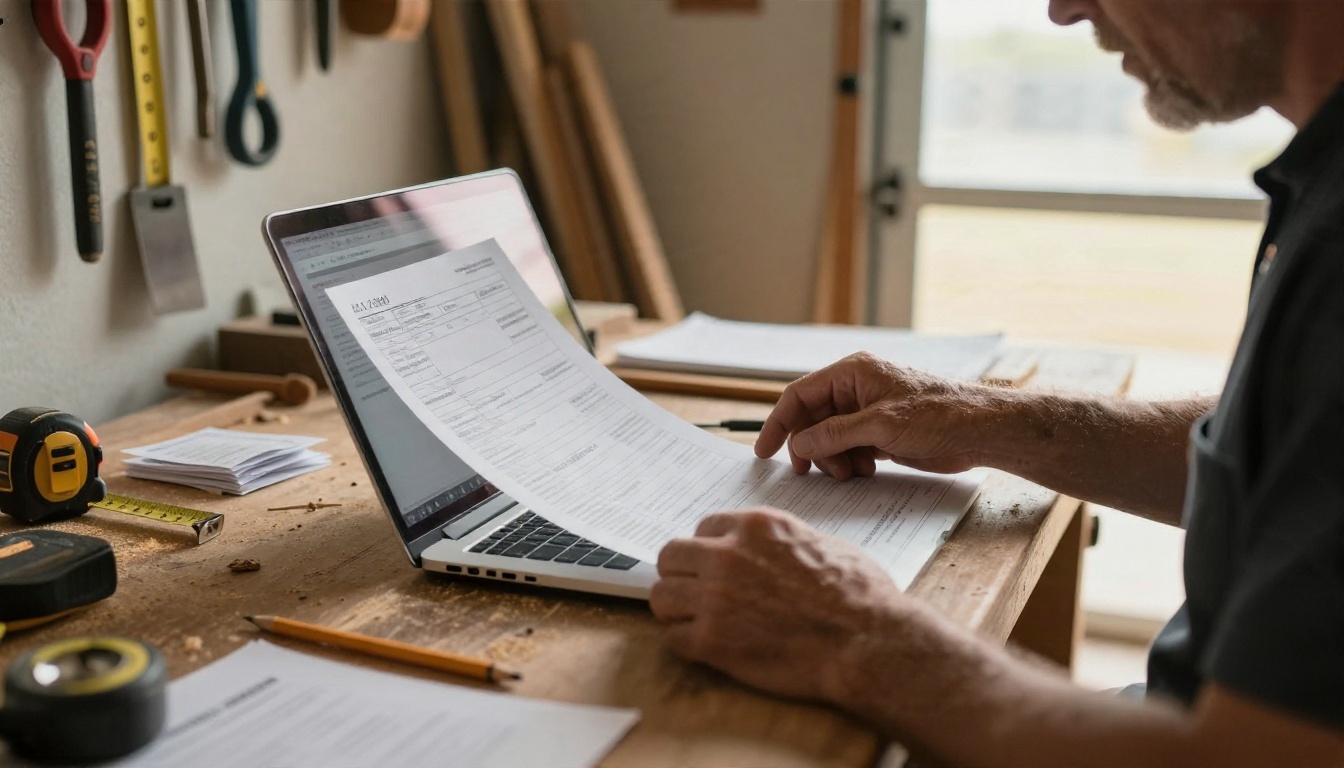
Useful admin prompts:
- "Turn these job notes into a quote with three line items and a short scope."
- "Write a polite second reminder for an invoice that is 14 days overdue."
- "Summarize these 20 receipts by category and flag anything unusual."
Models that read tables and documents, such as Granite Vision 4.1 4B, are built for pulling figures out of charts and scanned pages. Always verify totals yourself before anything goes to a tax professional.
Real Examples by Business Type
Generic advice is cheap. Here is what specific businesses actually do with AI, week after week.
| Business | Main AI task | Typical time saved | Monthly cost |
|---|
| Bakery or cafe | Menu copy, daily specials, review replies | 2 to 3 hours | $0 to $20 |
| Florist | Captions, wedding inquiries, product photos | 3 to 4 hours | $0 to $20 |
| Electrician or plumber | Quotes, follow-ups, job summaries | 3 to 5 hours | $0 to $20 |
| Online shop | Product pages, support replies, photos | 5 to 8 hours | $20 to $60 |
| Restaurant | Inventory notes, staff schedules, promotions | 3 to 5 hours | $20 to $50 |
| Design studio | Proposals, meeting notes, concept images | 6 to 10 hours | $50 to $200 |
Treat those hours as rough estimates. Your results depend on how much you already write, and how willing you are to edit what the model produces.
Trades and Local Services
An electrician finishing a job at 6 pm rarely wants to write a quote at 9 pm. Dictating the job into a phone, then asking a model to format it as a quote with parts, labor and a polite closing line, takes about three minutes. Follow-up messages after a visit ("Everything working fine? A review would help us a lot") are another quick win.

Online Shops and Makers
Product photography is the second biggest cost for small online sellers after ads. A ceramic maker can photograph a mug on a plain linen cloth, then use an image model to place it in a kitchen scene, a gift box or a seasonal setting. Nano Banana Pro handles edits and variations well, while Seedream 4.5 produces sharp 4K scenes from a text description.
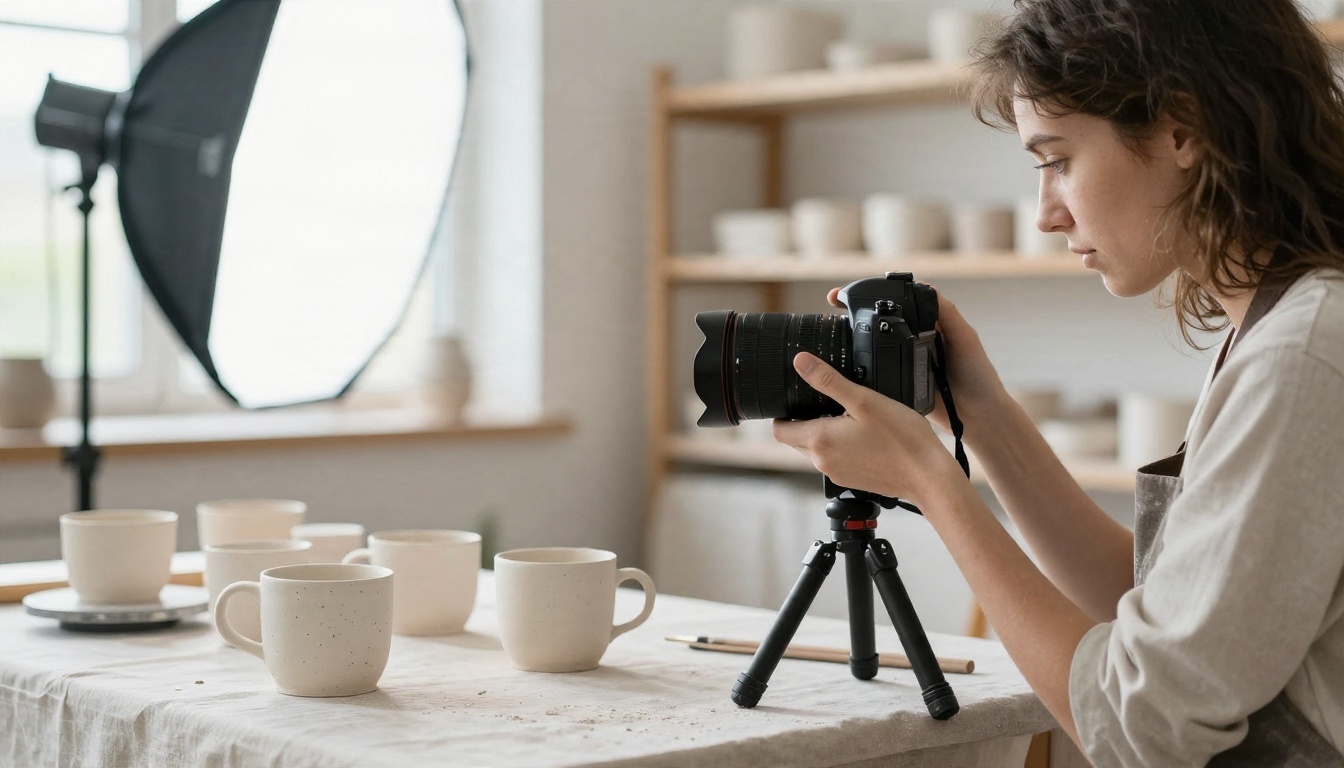
A few more tasks that fit makers and sellers:
- Clean cutouts: use Remove Background to get white-background product shots for marketplaces.
- Short product clips: Kling v3 Video turns a still image into a short motion clip for social feeds.
- Voiceovers: Realtime TTS 2 creates natural narration for a product walkthrough.
💡 Honesty rule: if an image shows a product, it must look like the product you ship. Use AI for backgrounds and mood, never to hide flaws or change what the customer receives.
Restaurants and Cafes
Kitchens run on tight margins, so the wins are small but regular. Owners paste last week's sales and waste notes into a chat and ask for a prep list. They ask for a three-line description of the new special. They reply to online reviews, including the angry ones, in a calm tone.

Multilingual menus are another quiet win. A model such as Gemini 3.5 Flash can translate a menu into three languages in a minute. Ask a native speaker to check it once, then reuse it for months.
Free Options That Actually Work
Free is a real option, not a trap, as long as you know the limits. The question is not "is it free" but "will it stop working at 2 pm on a Tuesday."
What Free Plans Include
At the time of writing, the major assistants, including ChatGPT, Claude and Gemini, all offer a free tier at $0 per month. You get solid writing, summarizing and brainstorming. What you lose is predictability: message caps, slower access during busy hours and fewer of the heavier features such as long file analysis or image generation limits.

Free works well when:
- You write fewer than 20 prompts a day.
- You can wait a few hours if you hit a cap.
- Nothing you paste is confidential or tied to a client contract.
Free starts to hurt when you rely on it for customer-facing work every hour, or when your team shares one login (which most terms of service do not allow).
Free Models on PicassoIA
If you want to try several models without opening five accounts, PicassoIA collects them in one place. For text, Granite 4.1 8B is a free chat and code model that handles routine drafting well. Gemini 3.5 Flash is fast for short replies and quick edits. For visuals, Nano Banana Pro offers free 4K generation according to its model page, which suits social posts and product mockups.
💡 Smart test: run the same prompt through two or three models, then keep the one whose answer needs the fewest edits. That, not a leaderboard, is your benchmark.
What AI Really Costs
Subscription prices are the part everyone quotes. They are also the smallest part of the picture for a team.
Monthly Budget by Business Size
Based on public pricing seen in late 2026, individual paid plans from the big assistants cluster around $20 per month. Team plans typically run $20 to $30 per seat per month, and some require a minimum number of seats (often two to five, so check before you plan a three-person team). Pricing and plan names shift every few months, so treat the table below as a planning range, not a quote.
| Business size | Setup | Estimated monthly total |
|---|
| Solo owner | Free assistant plus one image tool | $0 to $20 |
| Solo owner, heavy use | One paid assistant plan | $20 to $40 |
| Team of 3 | Team plan, shared prompts | $60 to $120 |
| Team of 5 | Team plan plus image and voice tools | $120 to $250 |
| Team of 10 | Team plan, automation, training time | $300 to $600 |
Many owners end up with a two-tool stack: one assistant for text and one image or video tool. Combined, that usually sits between $40 and $70 per month for a solo operator who uses both daily.
Hidden Costs People Miss
The sticker price is never the full story. Budget for these as well:
- Your editing time. AI drafts are fast. Polishing them is not free. Expect to spend 5 to 10 minutes on a customer-facing piece.
- Overlapping subscriptions. Three tools with the same features is a classic mistake. Review them every quarter.
- Usage-based fees. Image and video generation often charge per output, so a campaign with 200 images costs more than a quiet month.
- Connected tools. Automations that link email, spreadsheets and chat can add a separate monthly fee.
- Mistakes. A wrong price or an invented policy in a customer reply costs real money. A review step is cheap insurance.
💡 Rule of thumb: if a tool saves you two hours a month and you value your time at $25 an hour, it is worth $50. Anything priced above that should earn its place.
How to Use GPT 5.6 Luna on PicassoIA
A fast, general-purpose chat model is the best first tool for most owners. GPT 5.6 Luna is built for quick text replies, which makes it a good fit for captions, emails and customer messages.
Step by Step
- Open the model page on PicassoIA and start a new chat with GPT 5.6 Luna.
- Set the context first. Write two sentences: who you are, who your customers are, and what tone you use. Example: "I run a bakery in Leeds. Customers are locals, the tone is warm and short."
- Paste your raw material: a policy, a note, a draft or a customer email.
- State one clear task. "Write a reply under 80 words" works better than "help me with this customer."
- Ask for two versions, then merge the best parts.
- Edit and save the final text as a template for next time.
A Prompt Template That Works
Act as the assistant of a small [business type]. Our tone is [warm / direct / playful]. Here is the situation: [paste]. Write [what you need] in under [number] words. Do not invent prices, dates or policies. If you lack information, ask me one question.
The last sentence matters more than it looks. It stops the model from guessing facts you never gave it.
If you also need visuals, switch to Seedream 4.5, describe the scene in plain language (subject, light, setting, camera angle) and generate a few variations. For a short clip from a still, use Kling v3 Video.
5 Common Mistakes to Avoid
Small teams make the same errors. Spotting them early saves money and embarrassment.

- Publishing without reading. Every AI draft needs a human pass. Typos are rare, but invented facts are not.
- Pasting private data. Client lists, contracts and health or financial details do not belong in a free chat tool. Check the privacy settings of any paid plan too.
- Buying before testing. Spend one week on free tiers and track which tasks you actually repeat. Then pay for the one tool that earns it.
- No shared prompts. If each team member invents their own prompts, quality swings. Keep a shared page of the five prompts that work.
- Skipping disclosure rules. Some marketplaces and advertising platforms require you to label AI-generated images. Check the rules of each channel you use.
💡 Team habit: pick one owner for AI quality. Their job is small: update the shared prompts and review the monthly bill.
A realistic rollout for a small team looks like this:
| Week | Focus | Goal |
|---|
| 1 | One task (emails or captions) | Save 1 hour |
| 2 | Add customer replies | Cut reply time in half |
| 3 | Add images or product photos | Replace one paid stock subscription |
| 4 | Review costs and drop duplicates | Stay under budget |
Try It on Your Own Business Today
You do not need a strategy deck. Pick the one task that annoys you most this week: the caption you keep postponing, the quote you never send on time, the product photo that looks flat. Run it through a model, edit the result, and time how long it took compared with doing it from scratch.
PicassoIA puts text models, image generators, background removal, voice and video tools in one place, so you can compare results before you pay for anything long term. Start with a text model like GPT 5.6 Luna or Claude Sonnet 5, then create your own product images with Seedream 4.5. Browse every option at picassoia.com/en/all-models and build the small, cheap stack that fits your business.


