Most teachers do not run out of ideas. They run out of evenings. A single unit can mean a lesson plan, three versions of a worksheet, a quiz, an answer key, and a stack of parent emails, and all of it lands on top of a full day of actually teaching. Free AI tools will not do your job, but they can do the blank-page part of it in minutes. This article shows what AI for teachers free really looks like in a normal week: which tasks it handles well, which prompts to paste, which tools to open online, and where you should stay firmly in control.
Why Teachers Are Turning to AI
The Time Problem
Ask any teacher where the hours go and the answer is rarely "teaching". It is planning, formatting, copying, differentiating, and responding. Those tasks are necessary, but most of them are pattern work: you already know what a good exit ticket looks like, you just have to write one more of them for a new topic.
Language models are very good at pattern work. Give one a grade level, a topic, and a time limit, and it returns a structured first draft in seconds. Your job shifts from typing to editing, and editing is something teachers are already excellent at.
What "Free" Really Means
"Free" can mean three different things online, and it helps to separate them:
- Free to try: a limited number of messages or credits before a paywall.
- Free with an account: unlimited basic use, but with slower speed or fewer features.
- Free open models: models whose weights are public, which platforms can offer at low or no cost.
On PicassoIA you can open a range of language models from one place and compare their answers to the same prompt, which is useful when you are deciding which one writes the clearest reading passage for your fourth graders. Check each model page for current limits, since usage rules change.
💡 Tip: Run the same prompt through two different models once. You will quickly learn which one matches your teaching voice, and you only need to do this test one time.
Lesson Plans in Ten Minutes
A Prompt That Works
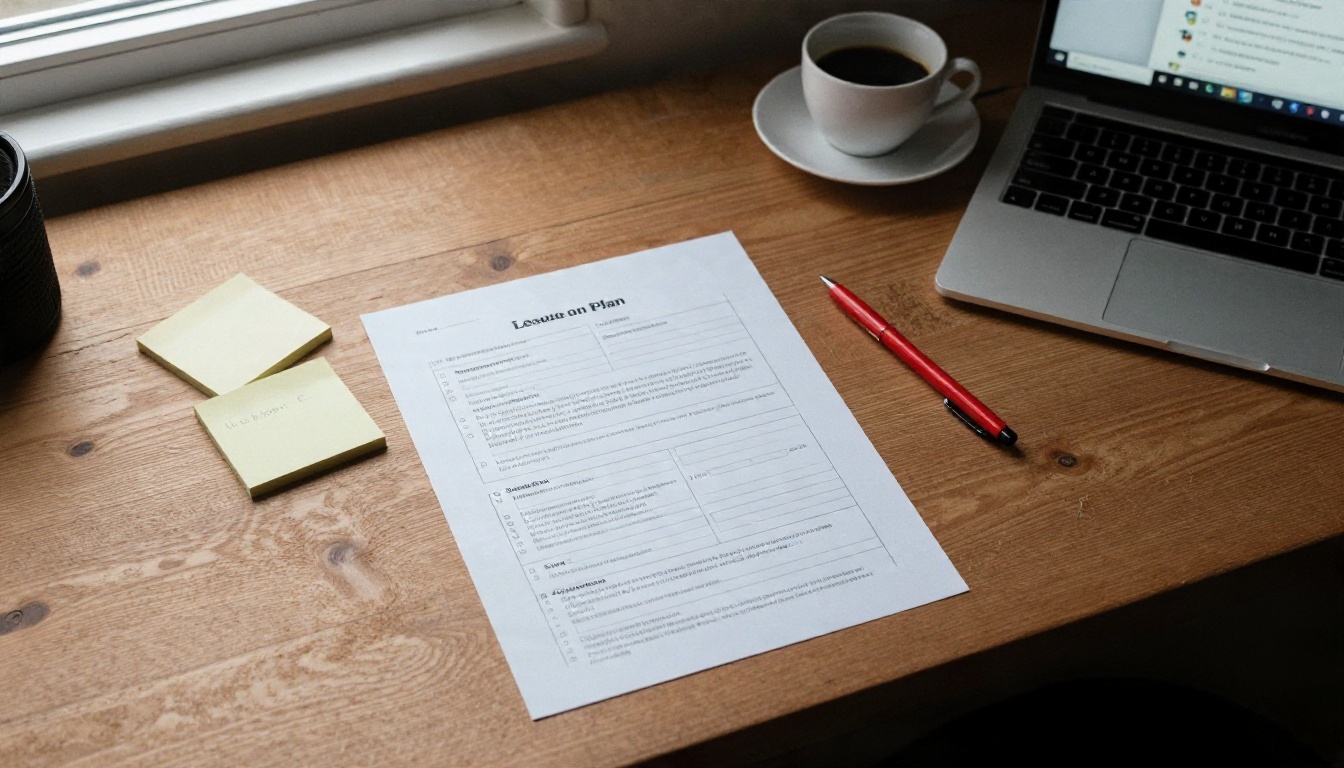
A vague request gives a vague plan. The difference between a useless draft and a usable one is almost always the context you provide. Here is a template you can paste and adjust:
Act as an experienced grade 6 science teacher. Write a 45 minute lesson plan on the water cycle. Include: a learning objective written as "Students will be able to...", a 5 minute hook, a 15 minute direct instruction segment, a 15 minute pair activity with materials I can find in a normal classroom, a 5 minute exit ticket with 3 questions, and 2 common misconceptions to watch for. Keep the language simple. Format as a table with a time column.
Notice what is in there: grade, subject, duration, structure, constraints, and an output format. Every piece removes a guess the model would otherwise make for you.
| Prompt Ingredient | Weak Version | Strong Version |
|---|
| Audience | "for kids" | "grade 6, mixed reading levels" |
| Time | not stated | "45 minutes, 5 minute hook" |
| Materials | not stated | "only paper, markers, tape" |
| Output | free text | "table with a time column" |
| Standards | not stated | "aligned to my state's grade 6 standard, I will paste it below" |
Fixing Weak Drafts
The first draft is rarely the final one. Instead of starting over, talk back to it like you would with a student teacher:
- "The hook is too long. Shorten it to 3 minutes and make it a question."
- "Replace the group activity with something that needs no printing."
- "Add a quick check for understanding after the direct instruction."
- "Rewrite the objective so it is measurable."
Four short follow-ups usually beat one giant rewrite. If a model drifts away from your standards, paste the standard text into the chat and ask it to align the plan line by line.

Worksheets That Fit Your Class
Quizzes and Exit Tickets
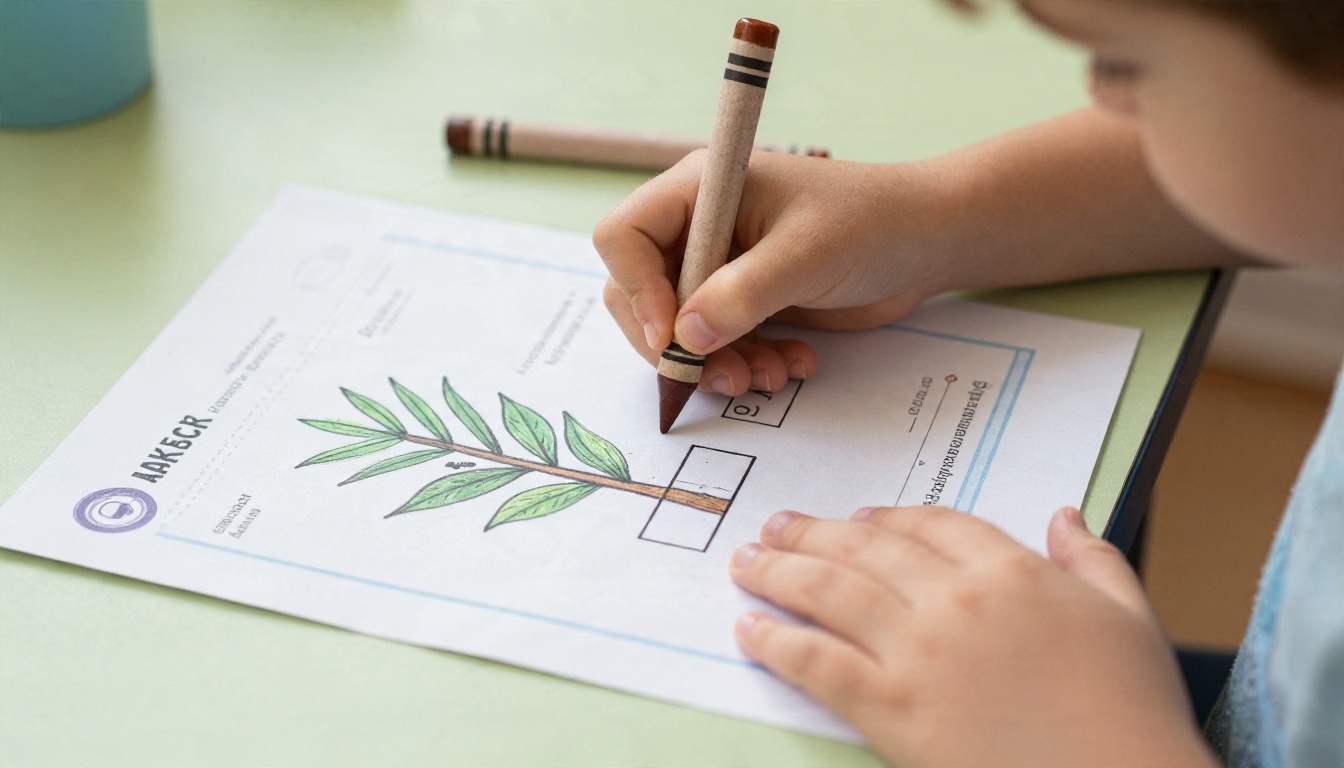
Worksheets are where AI saves the most clicking. A strong request names the skill, the number of items, and the mix of question types:
Create a 12 question fractions worksheet for grade 4. 6 items on comparing fractions with unlike denominators, 4 word problems set in a school cafeteria, and 2 challenge questions. Provide an answer key on a separate section with a one line explanation for each answer.
Exit tickets are even faster. Ask for three questions, one recall, one application, one explanation, and you have a repeatable daily routine. Over a month, those little checks show you which topics need a second pass without grading anything heavy.
Always solve a few items yourself before printing. Models can slip on arithmetic or produce a word problem where the numbers do not work out. Treat the answer key as a suggestion, not a fact.
Adapting for Different Levels
This is where a model feels like an extra colleague. Paste one finished worksheet and ask for variations:
- Support version: shorter sentences, a word bank, one worked example at the top.
- On-level version: the original.
- Extension version: open-ended questions, "explain why", and a real-world scenario.
- Language support version: key vocabulary translated beside the English word.
A task that once took an hour of cutting and pasting becomes a two-minute request. Students in the same room get the same lesson goal with a path that fits where they are.

Different models have different strengths, so it pays to know a few names. These are all available as chat models on PicassoIA:
A simple way to pick: use a fast model such as Gemini 3.5 Flash or GPT 5.6 Luna for worksheets, quizzes, and vocabulary lists. Switch to Claude Sonnet 5 when you want a long unit plan or a message that has to sound careful and kind.
Models that read images are handy for teachers. Snap a photo of a textbook page or a messy student diagram, upload it to Qwen3.7-Plus or Kimi K2.5, and ask for a set of discussion questions based on it.
💡 Tip: Keep a short note on your desktop with your best three prompts and the model that answered them best. Reusing proven prompts is faster than inventing new ones.

How to Use Gemini 3.5 Flash on PicassoIA
Gemini 3.5 Flash is a sensible first stop because it is quick and accepts images. Here is a simple routine.
Step by Step
- Open the model page on PicassoIA using the link above and sign in to your account.
- Write a role line first. Start with "You are a grade 5 literacy teacher who writes clear, friendly materials."
- Add the task. State the topic, duration, and number of items.
- Attach an image if useful. A photo of a page from your textbook gives the model exact context.
- Send and read the first draft. Do not copy it yet. Mark what is wrong.
- Reply with edits. Ask for one change at a time.
- Copy the result into your own document and format it with your school's template.
Parameter Tips
If the model page shows settings such as response length or creativity, a few habits help:
- Lower creativity for quizzes and answer keys, where accuracy matters most.
- Higher creativity for story starters, hooks, and brainstorming.
- Raise the length limit when you ask for a full unit, otherwise the answer may stop halfway.
- Ask for a fixed format, such as a table or a numbered list, so you can paste it straight into a document.
If an answer is too generic, the fix is nearly always more context, not a different model.

Grading, Feedback, and Parent Emails
Feedback Comments
Writing "good job, add detail" on thirty essays is exhausting and not very helpful. A model can turn your rough notes into specific comments. Paste a rubric, paste a short note such as "strong thesis, weak evidence in paragraph 2", and ask for two sentences of feedback written for a 13 year old.
Some ground rules keep this honest:
- You decide the grade. The model only helps with wording.
- Remove names and any personal details before pasting student work.
- Read every comment before it goes out. A friendly sentence that does not match the essay is worse than none.

Parent Messages
Hard emails are the ones that sit in the drafts folder for days. Describe the situation in neutral terms (without names), state the tone you want, and ask for a short message:
Write a calm, 120 word email to a parent about a student who has missed three homework assignments this month. Open with something positive, name the pattern, suggest one concrete next step, and invite a call. No blame.
Then edit it so it sounds like you. Families can tell when a message is generic, so add one real detail from your classroom.
Privacy and Safety Rules
What Never Goes In
A good rule of thumb: if you would not put it on a hallway bulletin board, do not paste it into a chat. That includes:
- Student names, photos, or ID numbers
- Medical, behavioral, or special education records
- Full, unedited student work that could identify a child
- Anything your school or district has told you to keep inside approved systems
Check your school's policy before using any online tool with class material. Many districts publish a list of approved tools, and some limit AI use to staff only. When in doubt, ask. A two minute question to your administrator beats an awkward conversation later.
If your school wants an extra layer, a safety model such as Llama Guard 4 12B is built for content moderation, which can be useful when you are building a classroom tool that students will type into.
Checking the Facts
Language models write fluently even when they are wrong. That makes fact checking a habit, not an option. A quick routine:
- Verify dates, names, and numbers against your textbook or a trusted source.
- Solve math items yourself before they reach students.
- Ask the model, "Which parts of this answer are you least sure about?" It will often point to weak spots.
- Read for bias and for anything that does not fit your students or your community.
Students can also benefit from seeing this process. Showing a class an AI answer that contains a mistake, and asking them to find it, is a strong lesson in checking sources.
A Weekly Routine That Actually Fits
You do not need to change everything at once. Here is a realistic starting pattern:
| Day | Task | Time Saved |
|---|
| Sunday | Draft next week's lesson outlines from your pacing guide | about 45 minutes |
| Monday | Generate three exit tickets for the week | about 20 minutes |
| Wednesday | Create a support and extension version of one worksheet | about 30 minutes |
| Thursday | Turn rubric notes into feedback comments | about 40 minutes |
| Friday | Draft the weekly family update | about 15 minutes |
Those numbers are estimates and depend on your subject and experience, but the shape is the point: small, repeated tasks add up. Pick one row, try it for two weeks, and keep only what works.
Try It on Your Next Lesson
The easiest way to find out whether AI helps you is to hand it one real task. Pick tomorrow's lesson, paste the template from the lesson plan section, and see what comes back. Edit it, teach it, and notice how much time you got back.
PicassoIA gives you several chat models in one place, so you can test Gemini 3.5 Flash, Claude Sonnet 5, and GPT 5.6 Luna on the same prompt and keep the one that sounds most like you. You can browse the rest of the library at picassoia.com/en/all-models, including image tools for making classroom visuals, posters, and slide backgrounds from a simple description.
Start with one worksheet or one lesson plan today. Your evenings are worth more than another hour of formatting.


