AI for Writing Erotica: Free Options, Prompts, Examples and Limits
A practical, honest look at using AI to write erotica as an adult: which free chat models are worth trying, prompts you can copy, short sample scenes, the filters and memory problems you will hit, and how to add tasteful images.
Most people who try AI for erotica hit the same wall within ten minutes: the first scene comes out stiff, the second gets politely refused, and the third repeats the first with different names. That is not a sign the tool is useless. It is a sign that nobody told you how these models behave, which ones bend, which ones don't, and what to type so the writing sounds like a person with taste. This article lays out the free options, the prompts that work, a few short sample scenes, and the limits you should expect before you waste an evening.
A quick boundary before we start. Everything here is for adults writing fiction about adult characters, with no real people and no minors, ever. The samples stay suggestive and stop at the bedroom door, and the images in this article follow the same rule. What you write privately is up to you, but the tools have their own rules, and those rules decide most of your results.
What AI Erotica Writing Actually Means
Using a language model to write erotica is not one activity. It covers brainstorming a slow-burn romance, drafting a single charged scene, rewriting your own clumsy paragraph, or running an ongoing roleplay with a character who answers back. Each of those asks something different from the model, and each runs into different limits.
Who Uses It and Why
Hobby fiction writers use AI to get past the blank page. Romance authors use it to test pacing, tension and dialogue before polishing by hand. Fan fiction writers use it to keep a long project moving. Couples sometimes use it to write something private for each other. And a growing number of people treat it as interactive fiction, a story that responds to them.
The common thread is that the model is a drafting partner, not an author. The best results come from people who already know what they want a scene to feel like and use the AI to get there faster.
Sensual vs Explicit Fiction
This distinction explains almost every refusal you will ever see. Mainstream hosted models, the ones built by large companies and served through apps and APIs, are generally comfortable with romance, attraction, flirting, kissing and sensual atmosphere. They get cautious or decline as the content moves toward graphic detail. Policies on this have shifted more than once. OpenAI announced plans to allow erotica for verified adults, and later reporting suggested those plans were pulled back, so the honest answer for any given week is: test it yourself and read the current terms of the service you use.
💡 Tip: If a model refuses a scene, the problem is usually the level of explicitness, not the topic. Rewrite the request toward tension, atmosphere and implication and you will often get a better scene anyway.
Free Options That Actually Work
"Free" comes in three flavors, and each has a different catch. The table makes the trade-offs easier to see.
Option
Cost
Strength
Catch
Free tier of a hosted chatbot
$0 with daily caps
Best prose quality
Strictest filters, message limits
Open weights model run locally
$0 plus your hardware
No cloud filter, full privacy
Needs a decent GPU and setup time
Hosted open models on a platform
Often free or low cost
Fewer limits per message
Quality varies widely by model
Roleplay apps with free credits
Free credits, then paid
Persistent characters
Memory resets, upsell prompts
Free Chat Models
The easiest start is a chat model with a generous free allowance. On PicassoIA you can try several in the same place, which helps because you can paste the same prompt into different models and compare. GPT 5.6 Terra and Claude Sonnet 5 tend to produce the most polished prose and the most careful behavior around explicit requests. Gemini 3.5 Flash is quick, which matters when you are iterating on a paragraph ten times.
Open Weights and Local Runs
If privacy matters to you, and for this subject it often does, running an open model on your own computer means nothing leaves your machine. Families like Llama, Mistral and Qwen are the common starting points, and communities around them publish versions tuned for fiction. You trade convenience for control: there is no safety layer from a company, which also means the quality of the output depends entirely on the model and the prompts you give it. Hosted versions of these families, such as Llama 4 Maverick Instruct, Qwen3.7-Plus and DeepSeek V3, are a lighter way to see how they write before you commit to a local setup.
Free Tiers, Real Trade-offs
Free tiers cap messages, shorten context, or route you to a smaller model when traffic is high. For fiction, context length is the quiet killer. A scene that depends on what happened in chapter one only works if the model still remembers chapter one. When a free tier forgets your characters halfway through, pasting a short "story so far" summary at the top of each session fixes most of it.
Prompts You Can Copy Today
Weak prompts produce weak erotica. "Write a sexy story" gives you a generic paragraph full of the same phrases every other user got. Strong prompts work like a director's note: who, where, what each person wants, how it should sound, and what to leave out. Paste these as they are and swap the brackets.
The Scene Setup Prompt
You are a romance fiction co-writer. Write a 400-word scene between two adult characters:
[Name A], [age, job, one personality trait] and [Name B], [age, job, one personality trait].
Setting: [place, time, weather].
What each wants: A wants [goal]. B is hiding [secret].
Tone: sensual and restrained, focus on tension, glances and small gestures.
Point of view: close third person on A. Past tense. No clichés like "electricity" or "ragged breath".
End the scene on a line that makes the reader want the next one.
The "what each wants" line is the most important part. Desire without a reason on the page reads as filler. Give both people something to lose and the scene gets sharper right away.
The Slow Burn Prompt
Outline a 6-scene slow-burn romance between two adults. For each scene give: location,
the obstacle between them, one small physical moment (a hand touch, a shared umbrella),
and how the tension rises. Scene 6 is the first kiss. Keep every scene suggestive, not graphic.
Slow burn is where AI helps most, because outlining pacing is something models do well. Write the scenes yourself or have the model draft them one at a time, feeding the outline back in each time.
The Style Matching Prompt
Here are two paragraphs of my own writing: [paste]. Describe my style in five bullet points
(sentence length, vocabulary, humor, imagery, rhythm). Then write a new scene in that style
about [premise]. Do not copy my sentences.
This is the fix for the "it sounds like a robot" complaint. Models imitate well when they have a sample. Your sample beats any adjective you could type.
The Revision Prompt
Below is my draft scene. Do not rewrite it. Give me 5 specific notes: where the pacing drags,
which lines are clichéd, where dialogue feels stiff, and one place to add a sensory detail
(smell, sound, texture). Then show me a revised version of only the weakest paragraph.
Used this way, the AI acts as an editor and your voice stays yours. Many writers find this is where it earns its place, since an editor with no feelings to hurt is very useful at 2 a.m.
💡 Tip: Add a line like "Avoid these overused phrases: [list]" and keep a running list in your notes. Models love the same handful of words, and banning them is the fastest way to fresher prose.
Short Examples of the Output
Here is what a decent result looks like from the Scene Setup Prompt, kept at the suggestive level:
The rain had been tapping the window for an hour when Mara finally stopped pretending to read. Daniel stood in the doorway, jacket still damp, close enough that she could smell cedar and cold air. Neither of them spoke. She set the book down slowly, and the whole room seemed to lean in.
It is not perfect, but it has a setting, a physical detail and a pause. That is the standard to aim for.
Before and After Edit
A first draft from a vague prompt often looks like this:
She felt a rush of desire as he looked at her. Her heart pounded and she could not look away from his intense eyes.
Now the same moment after a revision pass that asked for sensory detail and a ban on stock phrases:
He didn't look away, and that was the problem. She turned the stem of her glass a quarter turn, then another, listening to the small sound it made against the table, and decided she would be the one to speak first.
The second version works because the emotion is shown through action. You can get this from a model, but only if you ask for it. The default setting of every model is the first version.
Weak prompt habit
Better habit
"Make it hotter"
"Slow the scene down and add one sensory detail per paragraph"
No character detail
Give each character a goal and a flaw
One long request
Draft scene by scene, revise each
Accept the first output
Ask for three versions and merge the best lines
Limits You Will Hit
Better to know these now than to find them in the middle of a story you care about.
Content Filters
Hosted models carry the safety training of the company that built them, and it can trigger in odd places. A scene can be refused because of one word, or because earlier messages pushed the conversation somewhere the model reads as risky. Some systems also run a second moderation layer on top of the model. Some content is off the table everywhere and should be: anything involving minors, non-consensual scenarios presented as appealing, or real, identifiable people. No prompt wording changes that, and trying to trick a filter for those cases is not something this article will help with.
For the allowed middle ground, rephrasing toward implication works better than arguing with the model. If you get a refusal, don't repeat the request louder. Change the scene.
Memory and Consistency
Models forget. In a long story, eye colors change, a character's job swaps, and a promise made in scene two vanishes by scene six. Keep a story bible, a short document with names, ages, appearance, relationships and what has happened so far, and paste it at the start of every session. It adds a minute to your routine and saves hours of fixing continuity.
Clichés and Repetition
AI erotica has a house style, and readers can spot it: the same adjectives, the same sentence rhythms, the same "a breath she didn't know she was holding". The cure is specific prompts, your own samples, and heavy editing. If you publish anything, a read-aloud pass catches the robotic rhythm that silent reading misses.
Privacy, Age, and Law
Anything you type into a hosted service may be stored under that service's policy, so read it before you paste in something personal. Don't include real names, real photos of real people, or details that identify you or anyone you know. If you plan to publish or sell, check the rules of the platform you are posting on, because many stores and sites restrict AI-generated content or adult material. Rules on adult content and age checks also differ by country, so you are responsible for following the ones that apply where you live.
Picking the Right Model for the Job
No single model wins at everything, and the same prompt can feel completely different across models. Test the same scene setup on three of them and keep the one whose voice you like. A quick comparison:
Treat this table as a starting point. Model behavior changes with every update, so your own test beats any chart, including this one.
A Simple Testing Routine
Write one scene prompt and run it in three models. Score each result on voice, tension, and how many stock phrases you had to delete. Keep the winner as your drafting model and a second one as your editor. Using a different model for revision catches habits the first one cannot see.
Add Images That Match the Mood
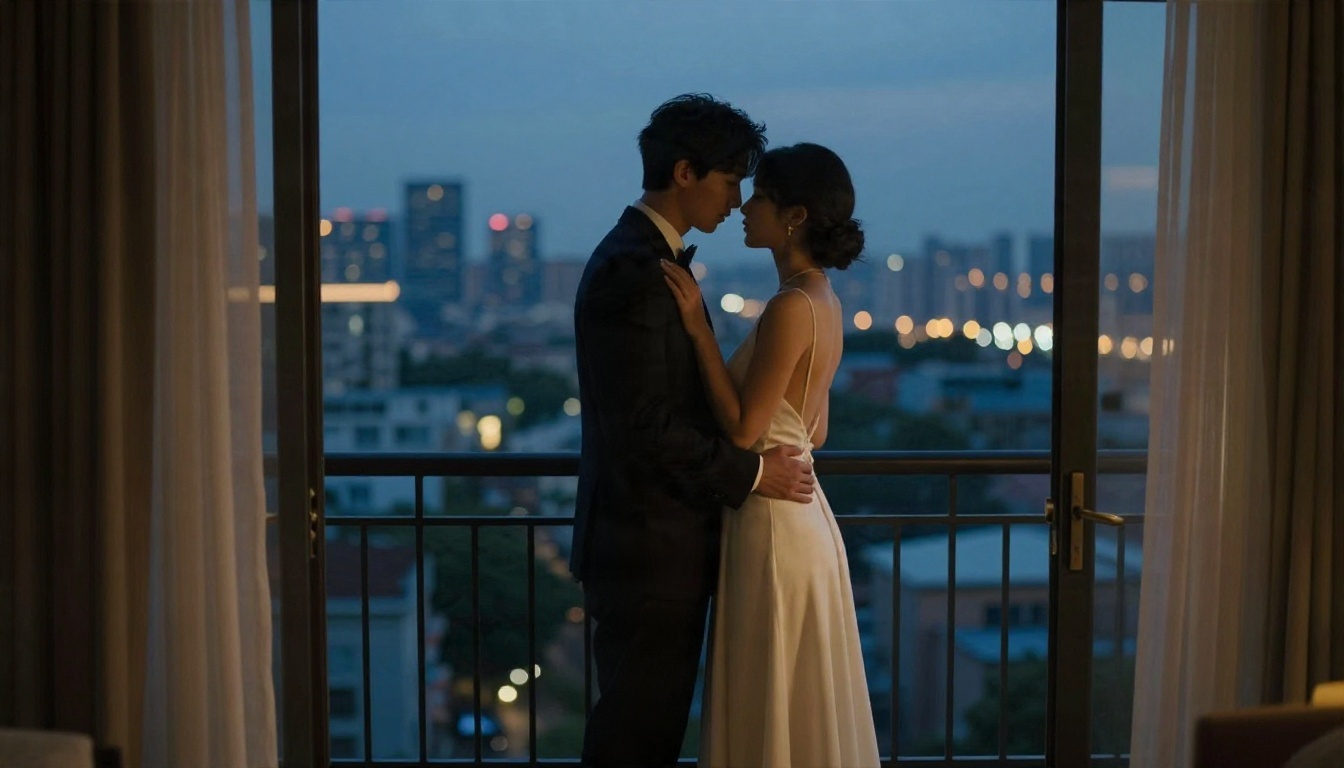
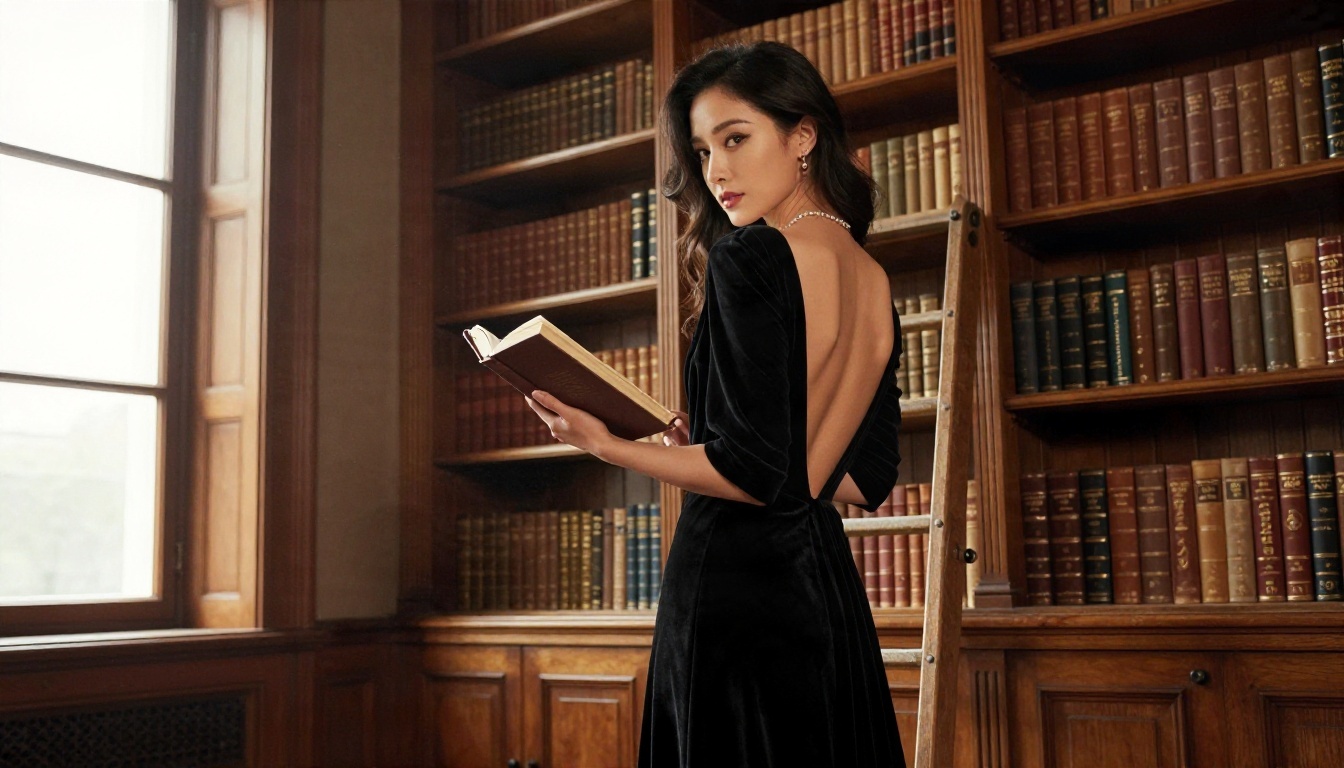
Words are half of a good romance project. Covers, chapter headers, character portraits and mood boards make a story feel real, and they are easy to produce with image models. Keep them suggestive and tasteful: glamour, silk, candlelight, and the kind of tension you see in a good fashion editorial.
Seedream 4.5 for Character Portraits
Seedream 4.5 is the model to start with for adult and glamour imagery. It produces sharp, realistic skin, fabric and lighting, and it does not shy away from sensual, adult-oriented prompts the way many mainstream image tools do. Describe the character from your story: age, hair, outfit, location, light direction and lens, and you get a portrait that matches the person on the page. Use the same description each time to keep the face consistent across chapters.
Image Editor Pro for Unlimited Edits
PicassoIA Image Editor Pro offers unlimited generations, which is what you want when you are fine-tuning a character look or a book cover. Change an outfit, swap the setting from a bedroom to a balcony, or adjust the lighting from morning to candlelight without worrying about a credit meter. Try one change per edit so you can see what each instruction does.
💡 Prompt formula for story portraits: [subject and pose] + [outfit] + [setting] + [light direction] + [camera and lens] + "Kodak Portra 400, film grain, natural skin texture". Realistic photographic language gives you realistic results.
More choice is available on the full model list at picassoia.com/en/all-models, including other image models that handle adult and glamour themes with different looks, from soft editorial to high-contrast fashion.
Write Your First Scene Tonight
Pick two adult characters, give each one a want and a secret, paste the Scene Setup Prompt into a model, and see what comes back. Run the same prompt in a second model and keep the better paragraphs. Then use the Revision Prompt to cut the clichés, and your scene starts to sound like you.
When the draft feels right, build the visuals. Create a portrait of your lead with Seedream 4.5, refine it with PicassoIA Image Editor Pro, and browse everything else on picassoia.com/en/all-models. Open Picasso IA, try a prompt, and see how far a few lines of text and a good image can take your story.