You have a great idea for a video, a decent microphone and a free evening. Then reality hits: the thumbnail takes two hours, the voiceover needs four retakes, and the next topic still hasn't shown up. That is the gap AI for YouTubers: Free Tools for Thumbnails, Voiceovers, and Video Ideas is meant to close. Not by replacing you, but by taking the slowest chores off your plate so you can spend your energy on the part viewers actually come for: your voice, your take and your personality.
This article walks through three jobs that eat most of a creator's week, and shows which kinds of tools handle each one well. You will find ready-to-paste prompts, a simple weekly routine, a comparison table and a list of mistakes that quietly cost views.

The Real Time Sink
Ask any creator what slows them down and the answer is rarely "filming." It is everything around it. A ten minute video can hide hours of packaging work: designing a thumbnail, writing a hook, fixing a mumbled line, hunting for the next topic.
Small channels feel this the most. When you are the writer, camera operator, editor and designer, every extra task pushes your upload day back. AI tools shrink those side tasks from hours to minutes, which means more uploads, and more uploads means more chances to find what works.
What "Free" Actually Means
Free rarely means unlimited. Most tools give you a trial, a daily allowance or a limited set of models. That is usually plenty to test a workflow before you commit to anything. A practical way to treat free access:
- Use it to test, not to rely on. Run the same prompt through two or three models and keep the winner.
- Save your best prompts. A prompt that works once will work again with small edits.
- Check usage terms. Before you monetize anything, read the terms of the tool that produced it.
💡 Tip: Build a simple document called "prompt bank." Every time a thumbnail, voice or idea turns out well, paste the exact prompt in. Within a month you will have your own reusable toolkit.
Thumbnails That Get Clicked
The thumbnail is your first sentence. Viewers decide in a split second whether to open a video, so the image has to be readable on a phone screen at roughly the size of a postage stamp.
Pick the Right Image Model
Not every image model suits thumbnails. You want strong faces, clean lighting and the ability to follow detailed instructions. Here is how a few options on PicassoIA compare for this job:
| Model | Best for | Why it works for thumbnails |
|---|
| Nano Banana Pro | High resolution scenes and edits | Sharp detail that survives a crop |
| Seedream 4.5 | Realistic people and rich color | Natural skin and lighting for face based layouts |
| GPT Image 2 | Following long, specific prompts | Handles precise composition requests |
| Qwen Image 3 | Photorealistic backgrounds | Believable environments behind your subject |
Start with one model, generate four variations, then switch if the style feels off. Different models have different "looks," and your channel's look matters more than any single benchmark.
A Thumbnail Prompt That Works
Vague prompts produce vague thumbnails. Describe the subject, the emotion, the background and the light. Here is a template you can adapt:
A close-up of a surprised man in his thirties holding a small camera, wide eyes and open mouth, bright yellow background with soft studio lighting from the left, shallow depth of field, sharp focus on the face, space on the right side for a short title.
Notice the last phrase. Leaving empty space on one side gives you room to add two or three words of text in your editor. Asking an image model to render long text often goes wrong, so keep text minimal and add it yourself.
Clean Cutouts and Sharp Upscales
Two small utilities fix most "almost good" thumbnails:
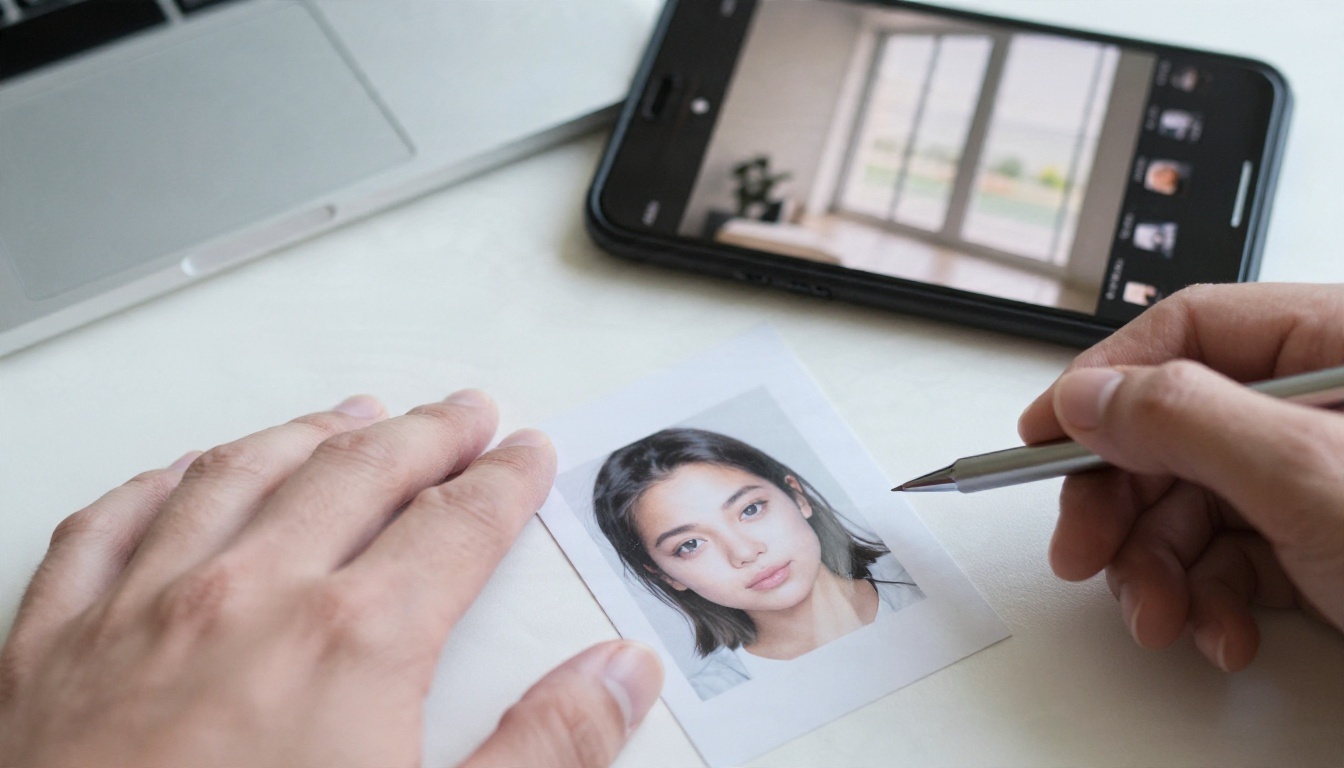
- Background removal. Use Remove Background to cut yourself out of a photo, then drop yourself onto any generated scene.
- Upscaling. If a generated image looks soft when enlarged, run it through Real ESRGAN for a 4x boost in size before you export.
Test Two Versions Every Time
Generate a face-focused version and a concept-focused version of each thumbnail. Upload one, and if your click-through rate sags after a couple of days, swap in the other. AI makes the second version nearly free, so there is no reason to guess.
Voiceovers Without a Studio
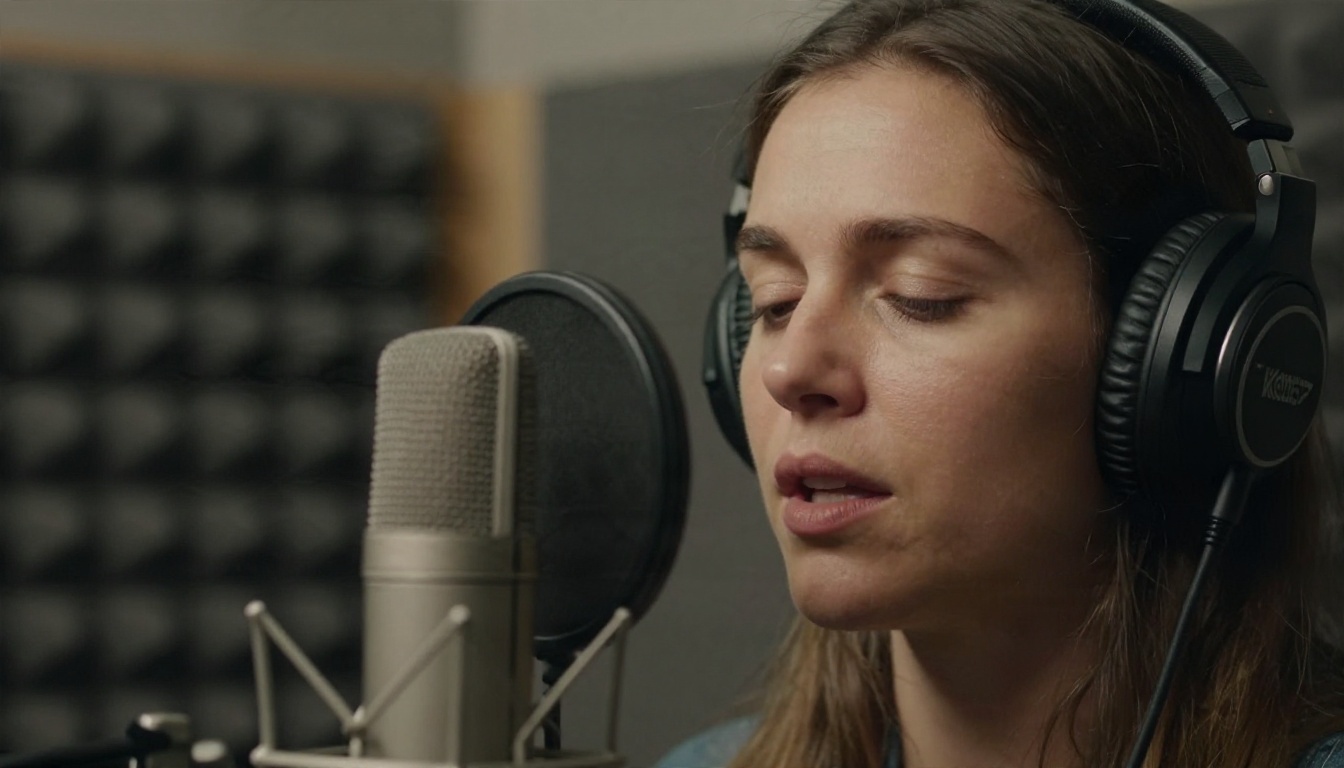
Not everyone wants to be on a microphone. Some creators are shy, some work in a second language, and some run faceless channels where the narration carries everything. Text to speech models have reached the point where short, clean narration can sound natural enough for explainers, tutorials and documentary style videos.
Choosing a Voice Model
PicassoIA has several speech options. Each suits a slightly different situation:
| Model | Strength | Good fit |
|---|
| Speech 2.8 HD | Studio style clarity | Final narration for polished videos |
| Speech 2.8 Turbo | Fast turnaround | Drafts, scratch tracks and Shorts |
| Speech 2.6 Turbo | Quick, natural reads | Everyday voiceover tests |
| v2 Multilingual | 30+ languages | Reaching viewers in other markets |
| Dubbing | Translating existing videos | Re-releasing a hit in new languages |
A good habit: draft with the faster model, then render the final version with the higher quality one once the script is locked.
How to Use Speech 2.8 HD on PicassoIA
Here is a simple path from script to finished audio:
- Open the Speech 2.8 HD page on PicassoIA.
- Paste your script into the text box. Keep paragraphs short, since long blocks tend to flatten the rhythm.
- Choose a voice that matches your channel's mood. A calm voice suits tutorials; a brighter one suits reviews.
- Adjust speed if the option is available. A slightly faster pace often feels more natural for YouTube than a slow, careful read.
- Generate, listen with headphones, and note any lines that sound off.
- Fix those lines by rewriting them, not by regenerating forever. Shorter sentences nearly always read better.
- Download the audio and drop it onto your editing timeline.
💡 Tip: Write for the ear, not the eye. Read your script aloud once before pasting it in. If you stumble, the voice model will too.
Fixing Robotic Delivery
If a result sounds stiff, the problem is usually the script rather than the model. Try these fixes:
- Add contractions. "It is" becomes "it's." Real people talk that way.
- Vary sentence length. Mix a long sentence with a short one. Like this.
- Use punctuation as pacing. Commas create small pauses, periods create longer ones.
- Spell out tricky terms. If a brand name is mispronounced, write it phonetically in the text you feed the model.
Music Under the Narration
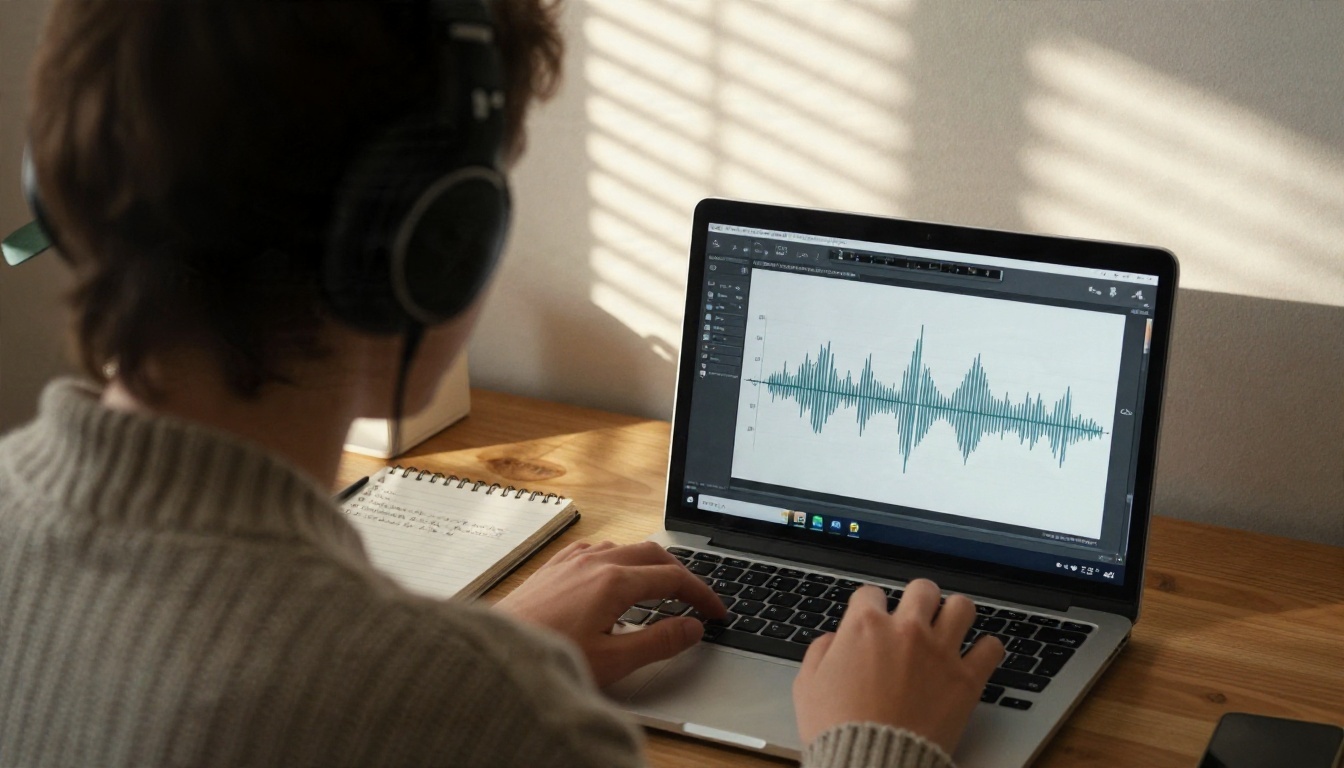
A bare voice track can feel empty. A quiet bed of music fixes that. Music can compose a short instrumental from a text prompt, such as "soft lo-fi beat, warm piano, relaxed, no vocals." Keep it low in the mix so it never fights with your narration.
Video Ideas on Demand

Running out of topics is the quiet killer of channels. Large language models are good at one thing in particular: producing a lot of options quickly, so that you can pick the few that excite you.
Prompts for Brainstorming
Language models available on PicassoIA include Claude Sonnet 5, GPT 5.6 Luna and Gemini 3.5 Flash. The faster ones suit rapid brainstorming; the larger ones suit outlining and longer writing.
Give the model context, or the ideas will be generic. Try:
I run a YouTube channel about budget home cooking for college students. My last three videos were about rice bowls, sheet pan dinners and meal prep. Give me 20 video ideas that are different from these, each with a one line hook and a working title under 55 characters.
The details matter: your niche, your audience, what you've already made and the format you want back.
Scripts and Hooks
Once you pick an idea, ask for three alternative openings. The first fifteen seconds decide whether viewers stay, so it pays to compare options. A reliable structure to request:
- The hook: one sentence that states the payoff or poses a question.
- The proof: a quick reason the viewer should trust you.
- The roadmap: what happens in the video, in one line.
- The body: your main points, each with an example.
Then rewrite the result in your own voice. Models give you scaffolding; you add the personality that makes someone subscribe.
Spotting Gaps in Your Niche
Paste in the titles of ten popular videos from your niche and ask: "What questions do these leave unanswered?" You will often get angles nobody has covered well. Combine that with speech to text on your own older videos, and you can mine your own back catalog for sections worth expanding into full videos.
A Weekly Workflow That Fits
Tools only help if they fit a routine. Here is a schedule that works for a creator uploading once or twice per week.
| Day | Task | Tool type |
|---|
| Monday | Generate 20 ideas, pick two | Language model |
| Tuesday | Write script and three hook options | Language model |
| Wednesday | Record or generate narration | Text to speech |
| Thursday | Edit, add music and b-roll | Video editor, music model |
| Friday | Build two thumbnails, run upscaling | Image model, upscaler |
| Weekend | Review numbers, save best prompts | Notes |
Add Motion When You Need B-Roll
Sometimes a script calls for a shot you can't film: an aerial view, a historical scene, a product you don't own. Text to video models such as Kling v3 Video and LTX 2.5 Fast can generate short clips to cut in as cutaways. Use them sparingly, as seasoning rather than the main dish.
Keep Your Editing Setup Simple
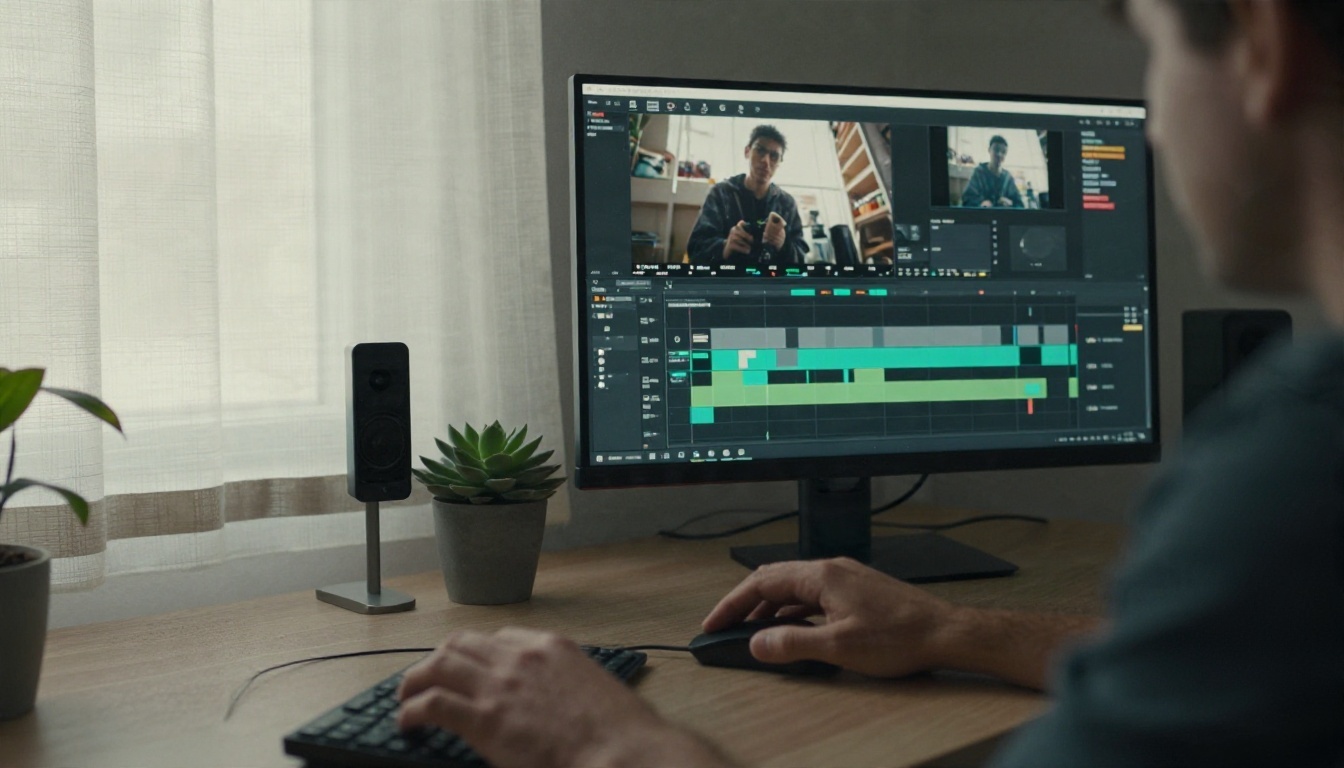
You don't need a dozen apps. One editor, one folder structure and a prompt bank are enough. The point of AI here is to remove friction, not to add new dashboards to check.
Mistakes to Avoid
AI speeds things up, but shortcuts have a cost when you take them blindly. These are the errors that show up most often.
Letting AI Write Everything
Viewers can feel a voice with nothing behind it. If your script reads like it could belong to any channel, rewrite the opening and closing in your own words. Add one story, one opinion or one joke that only you would say.
Overloaded Thumbnails
More elements do not mean more clicks. A thumbnail with a face, one object and two or three words almost always beats a busy collage. If you squint at it on your phone and can't tell what it shows, simplify.
Ignoring Disclosure and Rights
Platforms keep updating their rules about synthetic media, especially for realistic voices and altered footage. Check the current policy before you publish, label content where required and never clone a real person's voice or likeness without permission. A short disclosure costs nothing; a strike costs a lot.
Skipping the Listen Test
Always play your final audio on cheap earbuds and a phone speaker, not just on studio headphones. Most of your audience will listen that way.
Quick Answers Before You Start
Do I need design skills for thumbnails? No. Clear prompts and a simple layout go a long way, and a basic editor is enough for adding text.
Will an AI voice hurt my channel? It depends on your format. Explainers and faceless channels often do well with it. Personality driven channels usually benefit from your real voice, with AI used for fixes and translation.
Which tool should I try first? Whichever job hurts the most. If you dread thumbnails, start there. If scripts stall you, open a language model.
Can I reuse one prompt across models? Yes, but expect different results. Adjust wording slightly for each.
Try It on PicassoIA Today
The fastest way to see what this does for your channel is to run one small experiment this week. Pick your next video, generate three thumbnail options with Nano Banana Pro or Seedream 4.5, record a draft narration with Speech 2.8 Turbo, and ask a language model for ten fresh follow-up ideas. That is an hour of work for a full set of assets.
Then compare. Which thumbnail got more clicks? Which voice felt closest to your style? Keep what works, drop what doesn't, and save your best prompts for next time.
Ready to build your own set of images, voices and ideas? Open PicassoIA, try the models above, and browse the full catalog at picassoia.com/en/all-models. Your next upload could be the one that finally takes off, and it can start with a single prompt today.


