AI Garden Design Free: Design From a Photo of Your Yard
Snap one photo of your backyard, describe the garden you want, and let free AI image tools show you the result in seconds. This article shows the exact prompts, the best models, and the plant and layout choices that make the redesign look real.
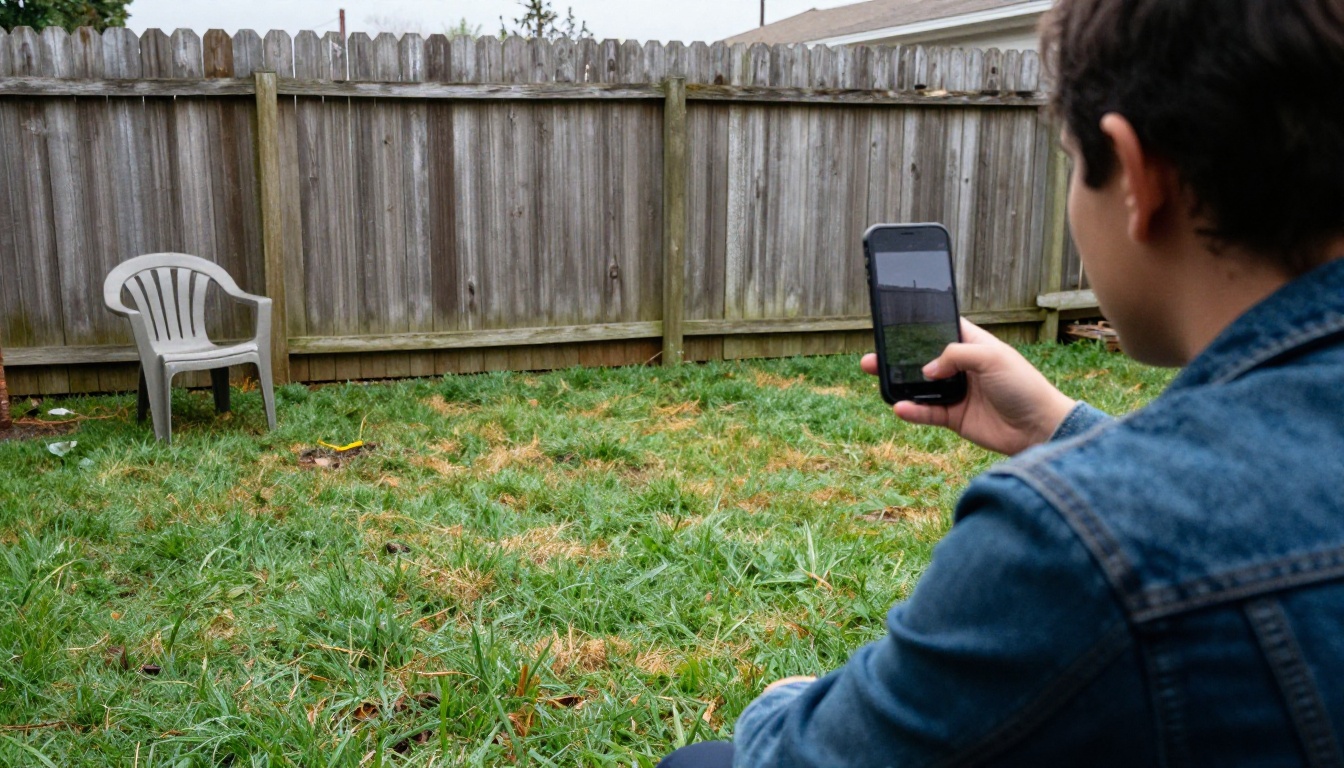
You took a photo of your yard last weekend and it looks like a parking lot for dandelions. Good. That unflattering picture is the best design brief you will ever have, because it holds the real fence line, the real slope, the real shade from the neighbor's maple, and the real corner where nothing grows. AI garden design free tools take that single photo and repaint it with a patio, a planting bed, a gravel path, or a vegetable plot in about the time it takes to pour a coffee. No landscape architect, no CAD software, no subscription wall. This article shows the exact steps, the models worth using, the prompts that work, and the places where an AI render can quietly mislead you.
Why Your Yard Photo Is Enough
Traditional landscape design starts with a measured drawing of the plot, a soil test, and a few meetings. That process earns its cost on a full renovation, but it is a heavy price for a simple question: what would my yard look like with a real patio and a proper planting bed? An image-to-image AI model answers it from one photo. It keeps your perspective, your fence, your house wall, and your horizon, then repaints only the surfaces you point at.
What the AI Actually Sees
The model reads your picture the way an artist reads a rough sketch. It picks up the edges (fence line, wall, steps), the direction of the light, the depth of the lawn, and the materials already in the scene. It does not know your soil type, the slope in degrees, or the exact width of the yard. Every result is therefore a visual concept, not a construction plan.
💡 Think of it as a mood board built on your own yard. If you love the render, bring it to a nursery or a landscaper as a reference picture. If you don't, you spent two minutes instead of two thousand dollars.
Photo Tips That Change Results
A cleaner input photo gives a cleaner render. Five habits help:
Stand where you would sit. Shoot from the patio door or the back step so the render matches the view you will actually live with.
Use flat daylight. An overcast morning gives even light with no hard shadows for the model to misread.
Keep the whole yard in frame. Include both side fences and a slice of the house wall.
Hold the phone level. A tilted horizon produces a tilted patio.
Take three shots. Left, center, and right angles give you spares if one edit goes sideways.
One more thing: move the garbage bins and the garden hose before you shoot. The model will happily preserve them, and you will burn an edit asking it to remove them.
How Free AI Garden Design Works
Under the hood, every tool in this space does one of two things: it edits the photo you give it, or it invents a new picture from words alone. For redesigning your own yard, editing wins, because the output stays glued to your real space. Invention is better when you are still deciding what you like.
Image Editing vs. Text-to-Image
Approach
Starts from
Keeps your real yard?
Best for
Image editing
Your photo plus a prompt
Yes, perspective and structure stay
Realistic before and after
Multi-reference editing
Up to three photos
Mostly
Borrowing a planting style from another picture
Text-to-image
A written prompt only
No
Inspiration boards and style hunting
A practical workflow uses both. Generate a few text-to-image scenes to decide what you like, then edit your own photo to see what fits. It takes one evening, and by the end you have a clear direction instead of forty saved inspiration pictures.
Free Tools vs. Planner Apps
Dedicated garden planner apps are strong at plant spacing, bloom calendars, and frost dates. AI image tools are strong at the thing planners handle poorly: showing you how the whole space looks. Use the image tool to settle the style and the layout, then check the plant list against your hardiness zone and your sun hours before you spend a cent at the nursery.
Redesign Your Yard Step by Step
The simplest place to begin on PicassoIA is PicassoIA Image Editor Pro. It edits photos from a plain-language prompt, accepts up to three reference images, and has no per-edit cap and no daily quota. That last point matters for garden design, because you will want to try a dozen versions of the same corner: gravel or flagstone, lavender or roses, pergola or no pergola.
Upload your yard photo as the first image. The first image is the primary one, so make it your best shot.
Add a style reference (optional). Drop in up to two more pictures, such as a planting bed you admire, and call them "image 2" and "image 3" in your prompt.
Write the edit. Describe what changes and what must stay.
Set the aspect ratio to match_input_image so the render keeps the proportions of your photo.
Ask for two outputs. The model can return up to two results per run, which is perfect for comparing a gravel path against a stone one.
Lock a seed to recreate a result you like at any time.
Pick the file format. WebP is the default. Choose PNG or JPG if you plan to print the picture or send it to a landscaper.
Prompts That Work
The pattern that gets the best result is: what to keep, what to change, what the light does. Naming what stays stops the model from redrawing your whole house.
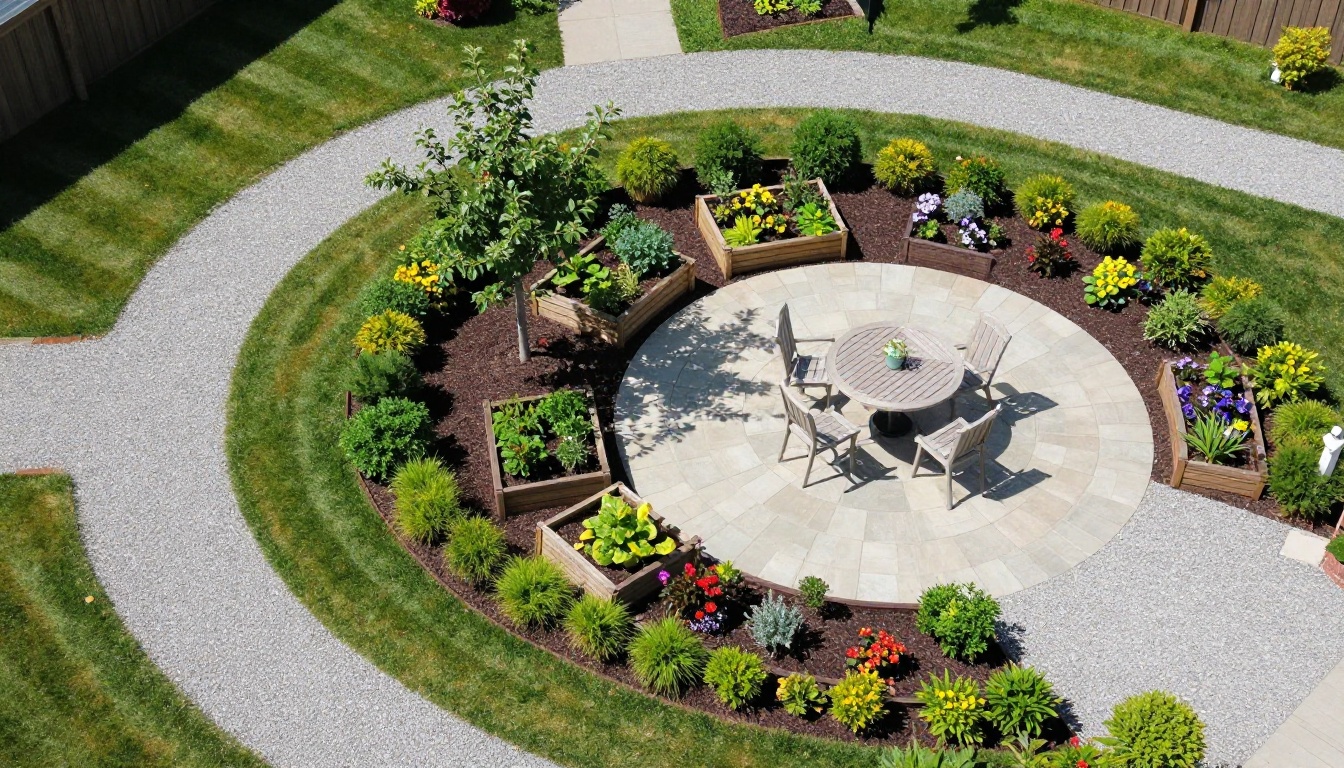
Lawn to patio and borders
Keep the fence, the house wall and the camera angle from image 1 exactly as they are. Replace the patchy lawn with a round limestone patio, a curved gravel path and layered borders of lavender, purple salvia and ornamental grasses. Soft golden hour light from the left.
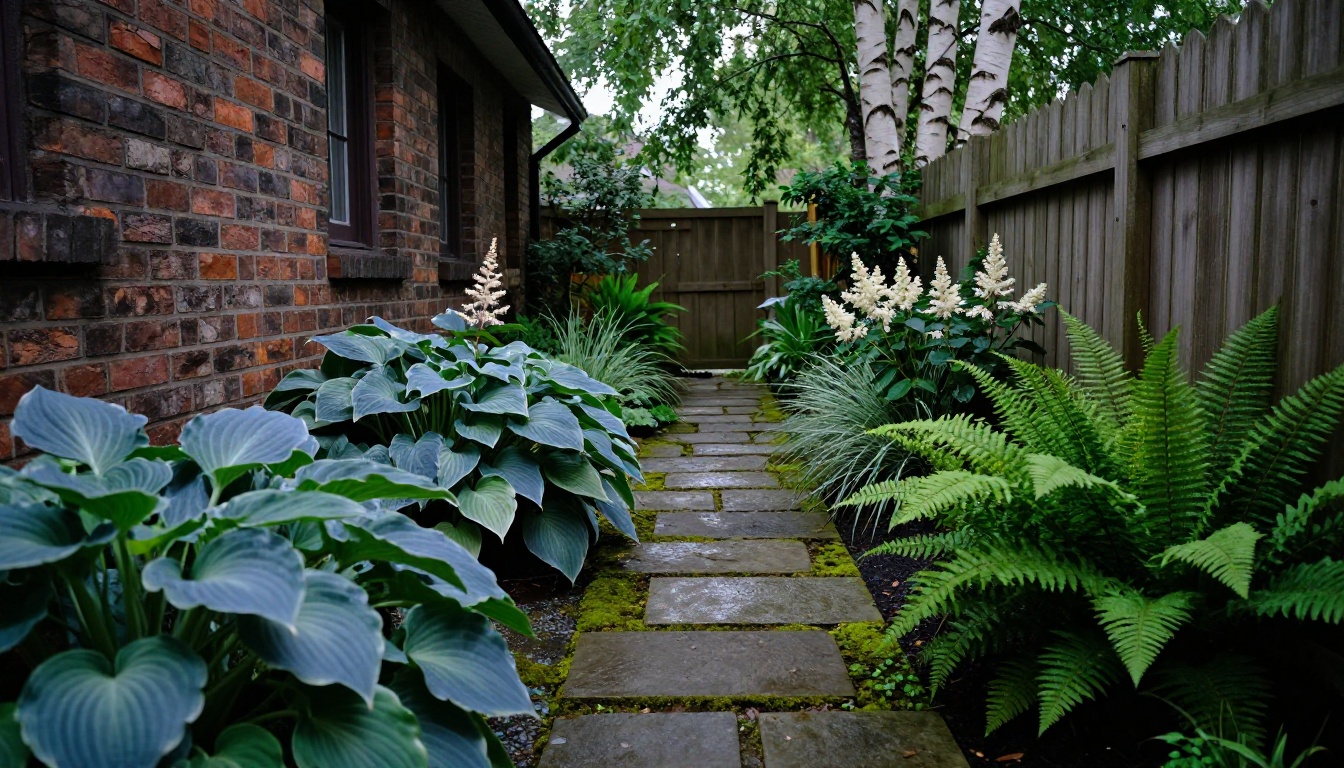
Bare side yard to shade garden
In image 1, keep the brick wall and the wooden fence. Fill the narrow strip with hostas, ferns and white astilbe, add irregular flagstone stepping stones edged with moss, and keep the light soft and overcast.
Style borrowed from a reference
Redesign the planting in image 1 using the plant style and color palette of image 2. Keep the layout of the lawn and the fence unchanged.
Refine one thing per run. If the patio looks right but the borders feel thin, repeat the prompt and change only the planting line ("deeper borders with taller grasses at the back"). Once you land on a version you like, lock the seed so small prompt changes tend to stay closer to it.
💡 Name plants, not moods. "Lavender, purple salvia and feather reed grass" gives the model something concrete. "A pretty colorful garden" gives it a coin toss.
Pick a Style That Fits Your Yard
Style should follow light and water before taste. A shade garden full of roses is a render that will never exist in real life. Pick the style your yard can grow, then push the look as far as you like.
Style
Sun needed
Name these in your prompt
Upkeep feel
Cottage border
Full sun
Lavender, salvia, echinacea
Regular deadheading
Shade garden
Part to full shade
Hostas, ferns, astilbe
Light, mostly mulch
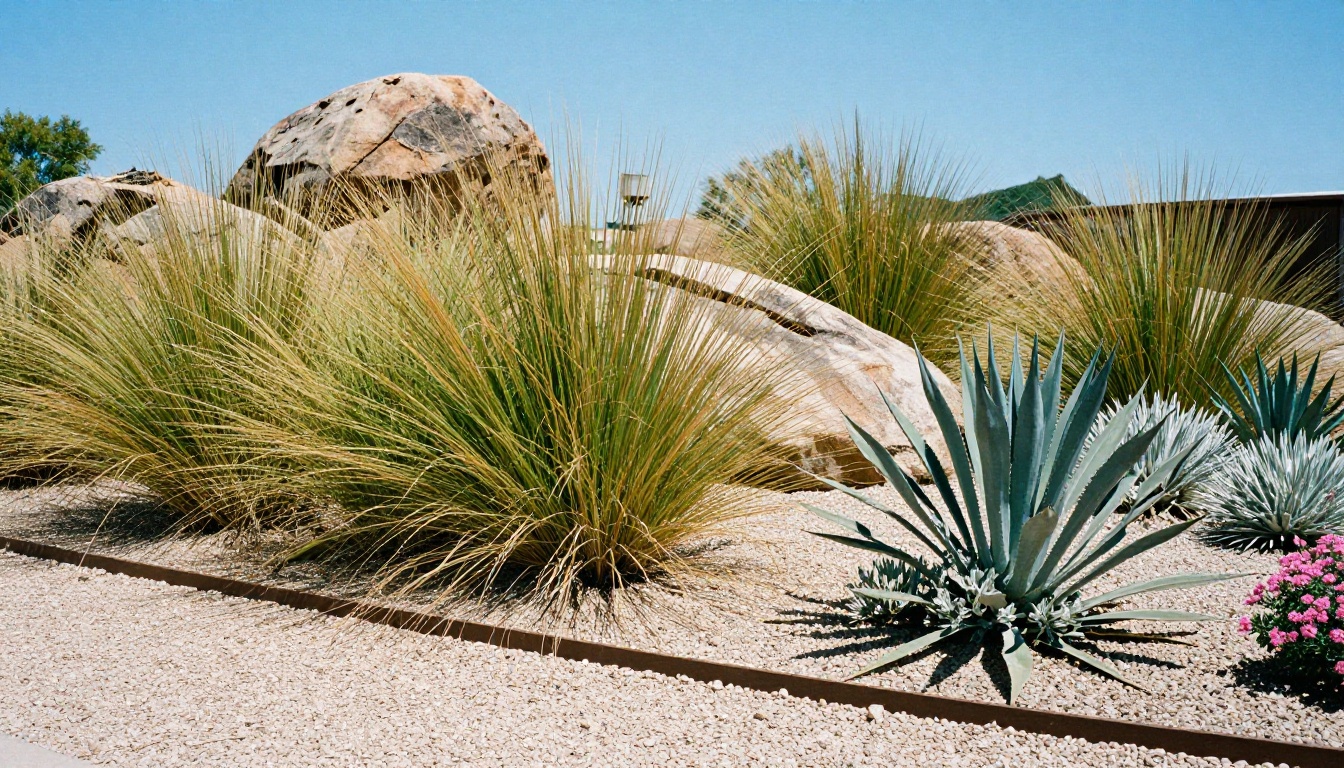
Dry garden
Full sun
Sage, yarrow, agave, native grasses
Low once rooted
Vegetable beds
Six or more hours
Tomato, kale, basil
Daily in season
Most real yards mix two styles. A dry, gravel-and-grass front yard facing the street and a cottage border in the back is a common pairing, and you can render each one on its own photo. Do not try to cram three styles into one picture. The model will blend them into something that looks like a garden center clearance aisle.
Cottage Borders for Color
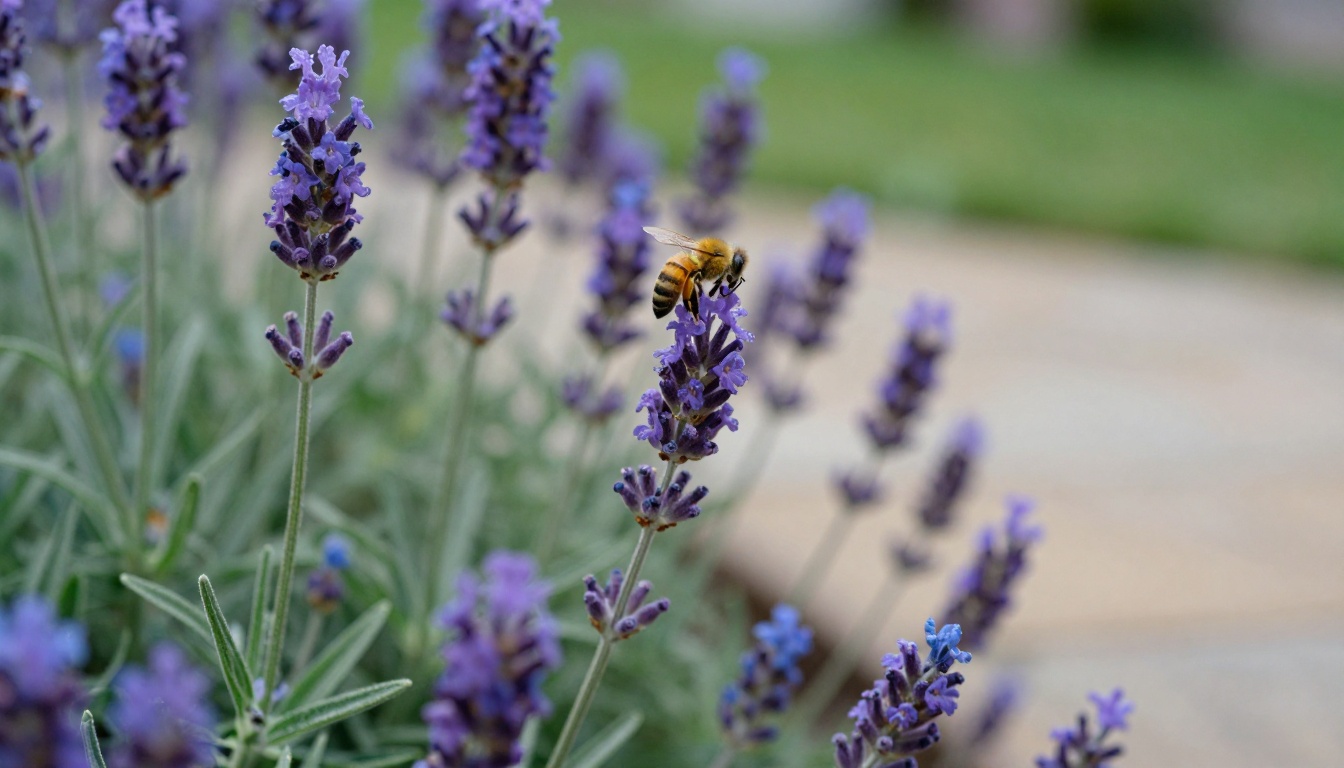
Layered perennial borders are the most photogenic thing you can ask for. The recipe is simple: tall plants at the back (salvia, echinacea), rounded mounds in the middle (hostas, lamb's ear), and soft edge plants at the front (lavender, low grasses). In a prompt, say "layered borders, tall at the back, soft edge at the front" and the model will usually stage the depth correctly. These borders want six or more hours of sun, and the bees will thank you.
Shade Gardens for Tricky Corners
That dark strip beside the house is not a dead zone. Shade is where texture beats color: broad hosta leaves, lacy ferns, white astilbe, and moss between flagstones. Ask the model for "dappled, soft, overcast light" so it does not paint harsh sun into a corner that never gets any. The render is far more believable when the light matches your real photo.
Dry Gardens for Low Water
Gravel, boulders, native grasses, sage, yarrow, and agave make a garden that looks intentional with very little irrigation. The AI handles this style well because the surfaces are simple and the forms are bold. Ask a local nursery which succulents actually survive your winters before you fall in love with the picture.
Small Spaces and Food Gardens
A balcony or a ten-foot courtyard needs different instructions than a quarter-acre lot, and a vegetable bed needs more honesty about sun than a flower border does. Both punish guesswork. A render lets you move a bed three feet to the left in two minutes instead of two weekends, which is exactly the kind of mistake you want to make on screen. Space is short in a small yard, so the design goes up and the elements repeat.
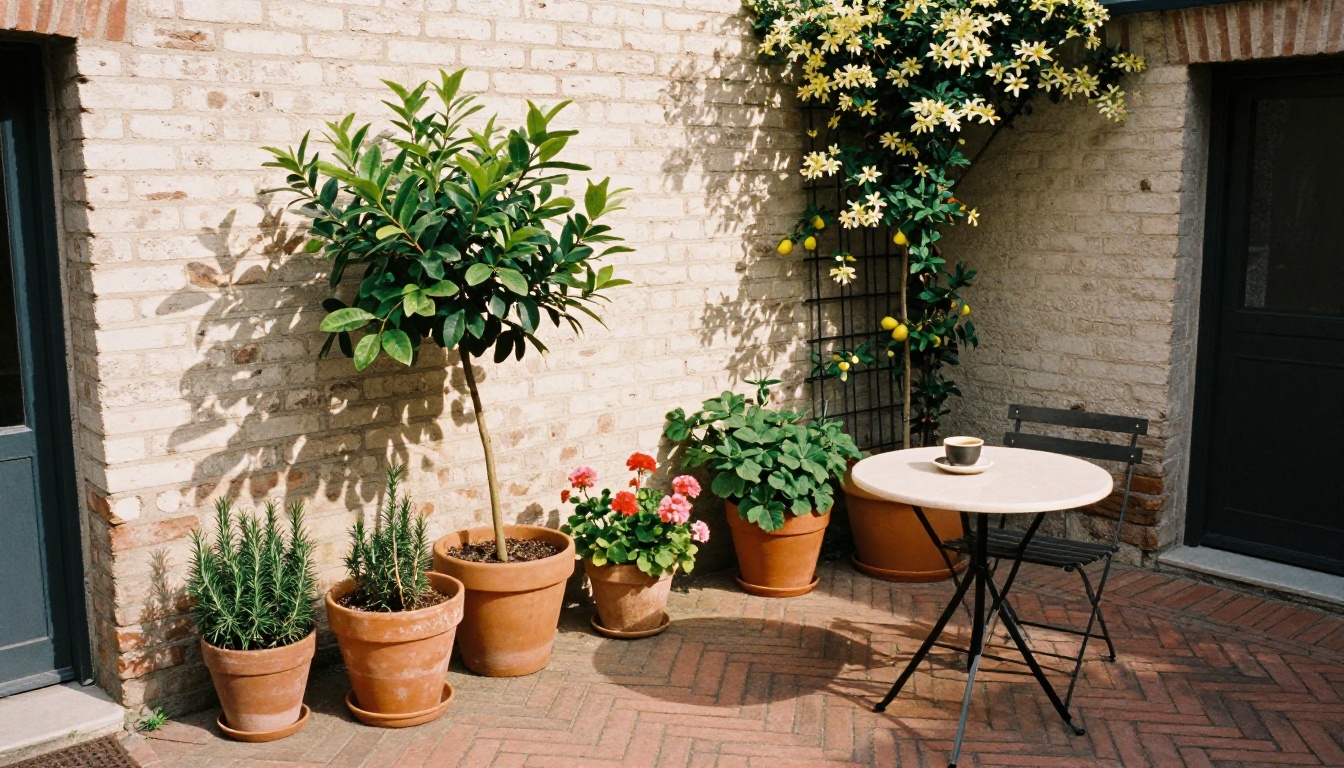
Courtyards and Balconies
Prompt phrases that work in tight spaces:
"Climbing jasmine on a wire trellis" to use the wall instead of the floor
"Three terracotta pots in graduated sizes" because odd numbers look composed
"Herringbone brick paving" to give a small floor a pattern worth looking at
"A single bistro table and two chairs" to keep the scale honest
"Keep the existing wall and doorway unchanged" so the edit does not move your architecture
Leave one clear walking route in every small design. If the render has no path, you will not have one either.
Raised Beds in the Render
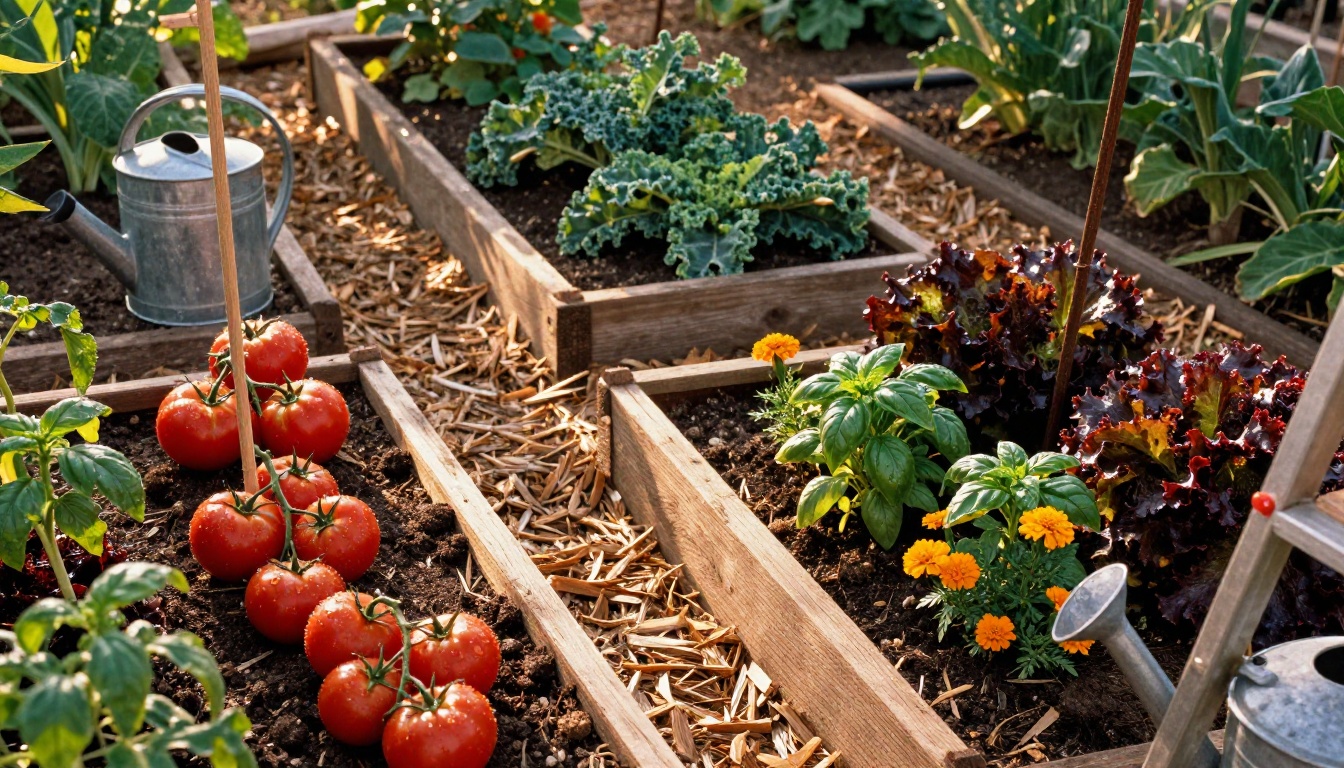
Plenty of people want the yard to feed them as well as look good. A render can show you a vegetable garden that does not look like an afterthought. Ask for "four cedar raised beds with wood-chip paths between them" and place them near the kitchen door, since herbs you can reach in slippers actually get used. Mix tomatoes on stakes, kale, basil, marigolds, and red lettuce so the picture has height, leaf shape, and color.
Check Sun Hours First
Most fruiting vegetables want about six hours of direct sun. Before you commit a corner in the render to tomatoes, watch that corner on a clear day and note when the sun arrives and when it leaves. A beautiful render of tomatoes in the shade is a picture of disappointment.
Which Model for Which Job
Different models suit different stages of the project. All of these live on PicassoIA, so you can switch between them in one session.
Run the design pass in Image Editor Pro, where the edit count is uncapped. When one version wins, feed your yard photo into Seedream 4.5 as a reference and ask for the same design at 2K or 4K. It accepts 1 to 14 reference images and offers ratios from square up to 21:9, which is handy for a wide hero shot or a printed plan for the fridge.
Need a quick yes or no on a single idea? Flux Kontext Fast is built for fast photo edits. And when a first result misses the mark, Qwen Image Edit Plus gives you a second pass on the same photo so you can compare the two side by side.
Mistakes That Make Renders Lie
Wrong Scale and Perspective
AI models like to make everything bigger and lusher. A "small pergola" becomes a wedding venue. Pace out your real patio, then put the size in the prompt ("a 10 by 12 foot patio"). The model will not measure, but numbers often keep it closer to a believable size. Reference objects help too: a standard 36-inch gate, a dining chair, or a garden bench gives the model a size anchor to build around.
Ignoring the Seasons
A render shows one perfect day in peak bloom. Real gardens spend months as brown stems and bare soil. Generate the same design in early spring and late autumn too ("same garden in late October, grasses golden, perennials cut back") so you know what you will be looking at most of the year.
Skipping Real-World Checks
A render cannot see your pipes, your drainage, or your property rules. Before any shovel goes in:
Locate buried utilities through your local free service
Watch where water pools after heavy rain
Check fence height and setback rules with your town or HOA
Match plants to your hardiness zone
Read the mature size on the plant tag, not the nursery photo
Try Your Own Yard Today
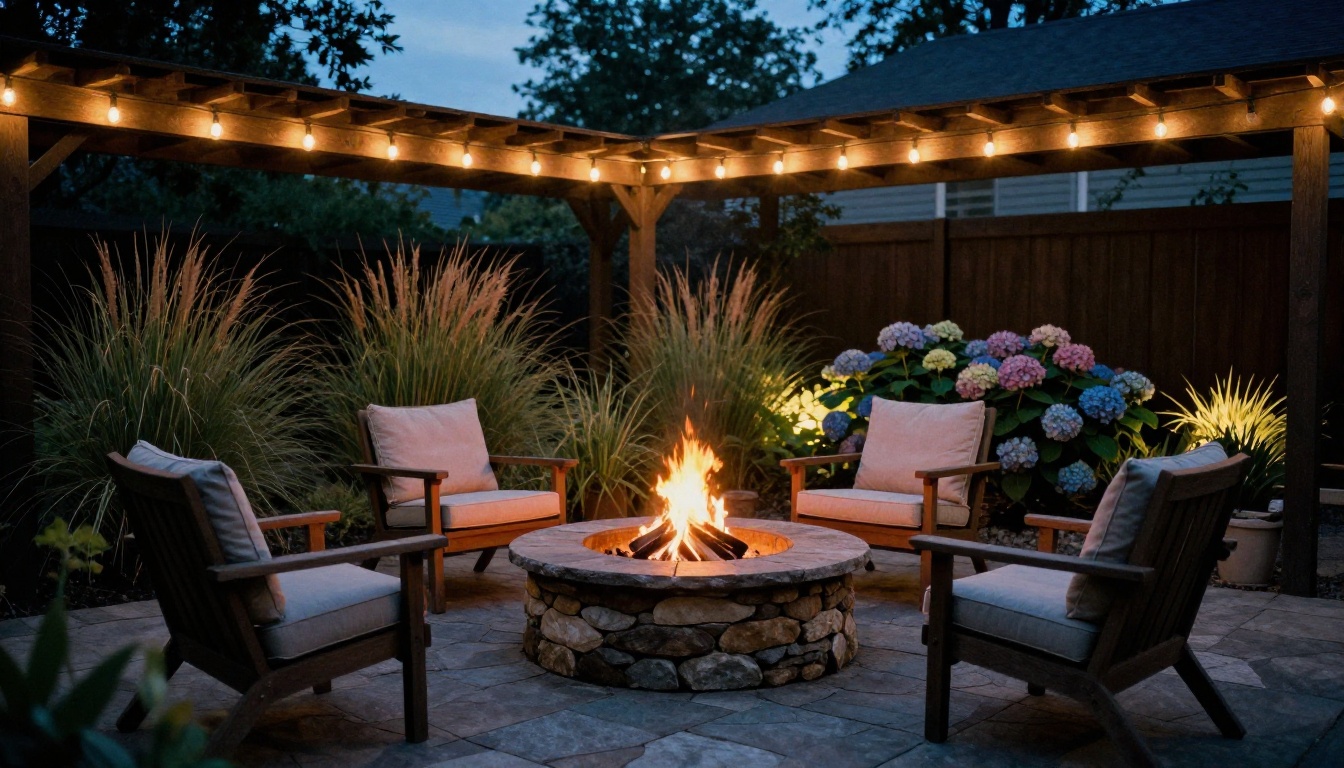
The best reason to run this experiment is how cheap a bad idea is. Take one photo tonight, open PicassoIA Image Editor Pro on Picasso IA, and try three very different gardens on the same picture: a cottage border, a shade garden with stepping stones, and a gravel dry garden. Compare them side by side and keep the one that makes you want to walk outside. Then ask for the dusk version, with warm string lights and a fire pit, to see how the space feels after dinner.
Pick a corner, write the prompt, and press generate. Your yard is already the reference photo, and Picasso IA gives you the tools to see it finished before you pick up a shovel.