Most gardens fail on paper long before they fail in the soil. You buy twelve tomato seedlings because the tray was cheap, then realize the bed fits six. You plant basil in the one spot that gets four hours of shade. An AI garden planner free online will not dig the bed for you, but it can catch those mistakes while they still cost nothing. It drafts layouts, suggests plants that suit your conditions, and turns a vague idea into a list you can shop from.
This article shows what these tools do well, which layout ideas are worth copying, how to turn a plan into a realistic preview, and where the technology still gets things wrong. I will be blunt about the limits, because a plan that ignores your actual frost date is worse than no plan at all.
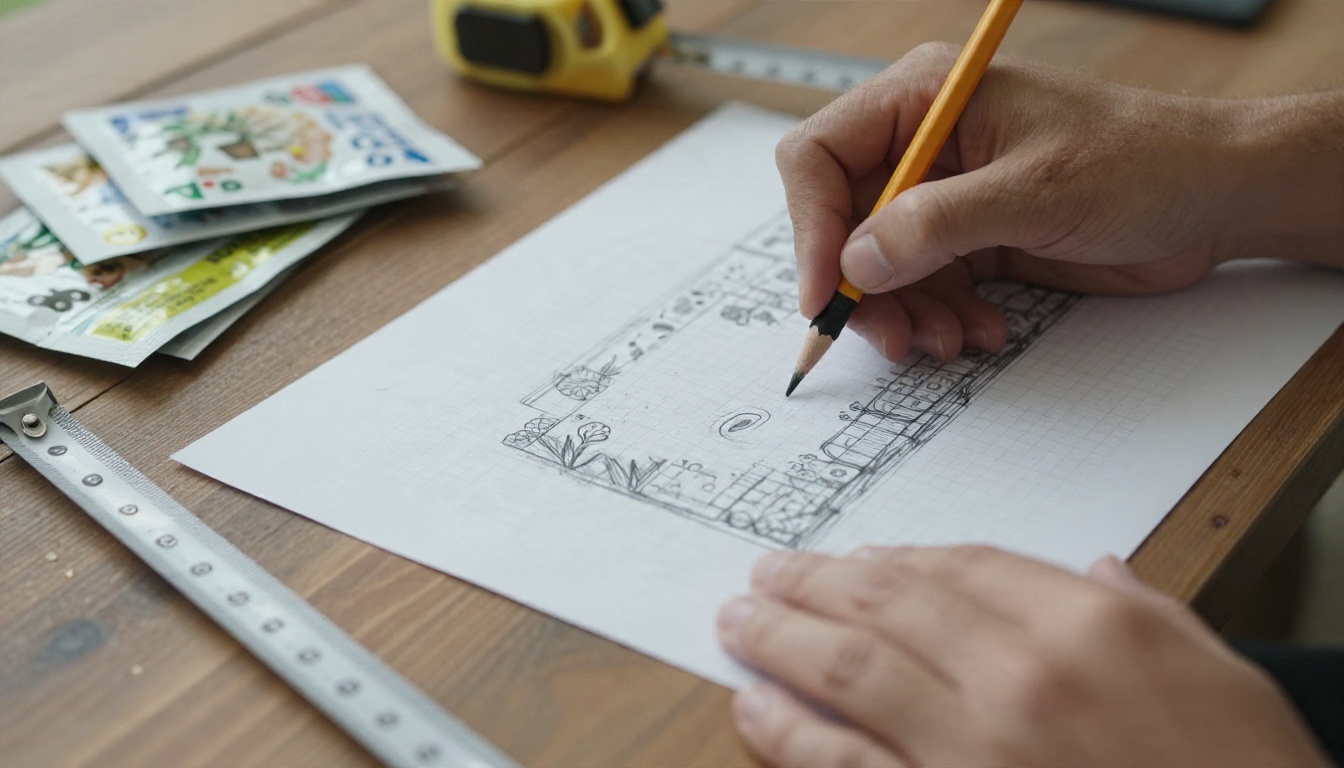
What an AI Garden Planner Does
An AI garden planner is any tool that takes your inputs (space, sun, climate, goals) and produces a planting plan. Some are visual drag and drop apps with an AI assistant bolted on. Others are simply a chat with a large language model that you feed measurements and constraints.
The search intent behind this topic is practical. People want a free way to answer four questions: What should I plant? Where does it go? How far apart? When? A good AI answer to all four takes about two minutes. Doing the same with books and seed packets takes an evening.
Chatbots vs Visual Planners
There are two families of tools, and they solve different problems.
| Tool type | Best at | Weak at | Typical cost |
|---|
| Language model chat | Plant lists, spacing math, calendars, companion advice | Showing the layout to scale | Free tier or per use |
| Drag and drop planner app | Scaled bed drawings, printing, sun maps | Creative plant suggestions | Free trial, then paid |
| AI image generator | Photorealistic previews of the finished garden | Exact measurements | Free tier or per use |
The smart move is to combine them. Use a language model for the thinking, a simple grid or graph paper for the scale, and an image model for the preview. That stack is entirely doable for free.
Why Free Tools Are Enough
Home gardens are small. A typical backyard vegetable plot is somewhere between 50 and 400 square feet. That is a problem a chat model can handle without any paid software, because the math is simple: bed width, plant spacing, number of plants, harvest window.
Paid planners earn their money when you manage several acres, track yields across seasons, or share plans with a team. If you are planning a family garden, a balcony or a flower border, free is the sensible starting point.
💡 Tip: Write your constraints before you open any tool. Square footage, hours of direct sun, your last frost date, and how many minutes per week you will really spend gardening. The quality of the answer tracks the quality of those four facts.
Free Ways to Plan Online
You do not need a special app. You need a clear prompt and a way to check the output.
Use a Language Model for the Plan
A large language model is the fastest planner you can get for free. On PicassoIA you can run Claude Sonnet 5 or GPT 5.6 Terra and have a back and forth about your space. Ask for a plan, then push back: "The tomatoes will shade the lettuce, swap the sides." The model adjusts instantly.
What these models do well:
- Spacing math. They convert "4 beds, each 4 by 8 feet" into plant counts per bed.
- Succession planting. They suggest what follows the spring peas, such as bush beans in summer.
- Shopping lists. They turn the layout into seeds and seedlings to buy.
- Task calendars. They place sowing, transplanting and harvesting in a week by week schedule once you give them your frost dates.
Render the Layout as a Photo
Text plans are hard to judge. A picture is not. Once you have a layout, an image model such as Nano Banana Pro, Seedream 4.5 or Flux 2 Klein 4B Base can show you roughly what it will look like at midsummer: trellised tomatoes, gravel paths, a bench in the corner.
Treat the render as a mood board, not a blueprint. It tells you whether the proportions feel right and whether the style suits the house. It does not tell you whether the beds are the correct size.

Layout Ideas That Work
AI tools are good at remixing proven layouts. These four hold up in real yards, and each one is easy to describe in a prompt.
Raised Bed Grids
The raised bed grid is the most reliable layout for beginners. Beds 4 feet wide let you reach the center from either side, so you never step on the soil. Paths of 2 to 3 feet between beds fit a wheelbarrow.
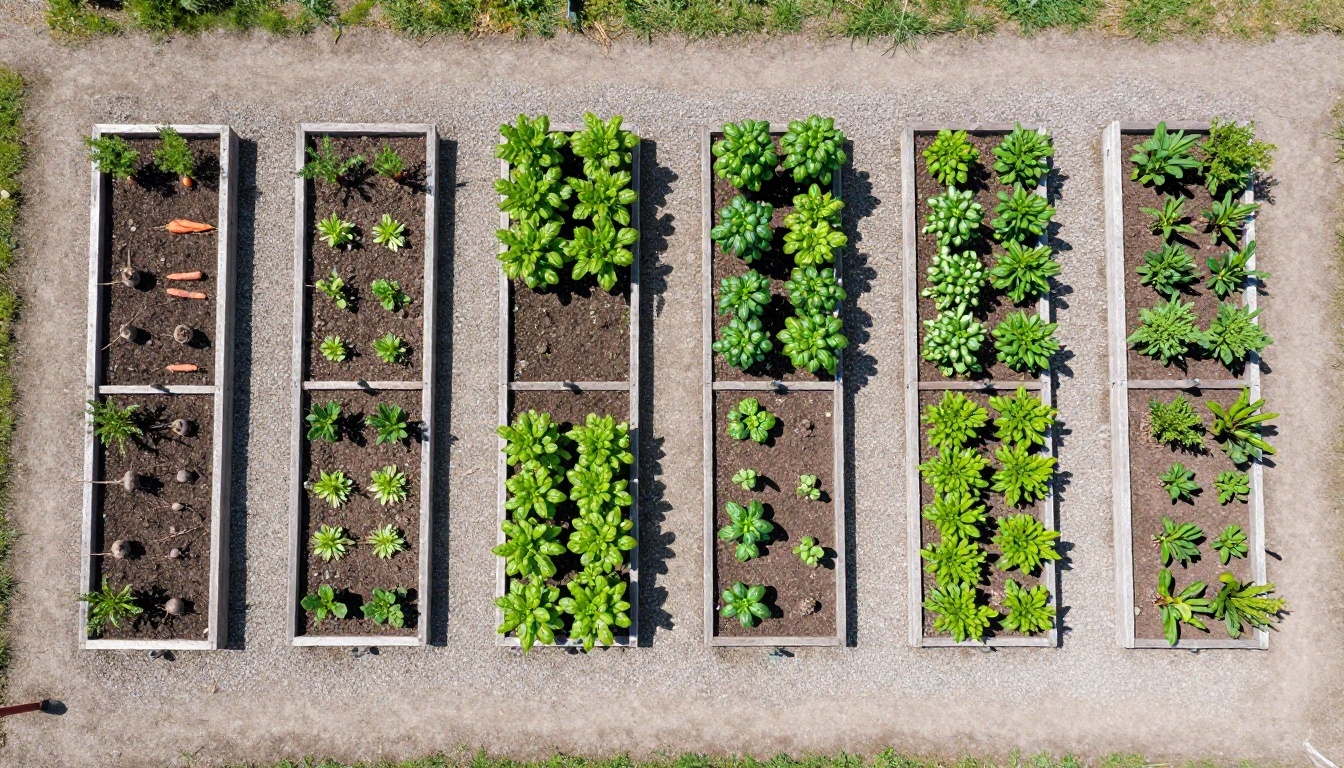
A prompt that works well: "Design a 20 by 12 foot yard with six raised beds, each 4 by 8 feet, 3 foot paths, full sun, zone 7, family of four, focus on salad and sauce vegetables." The model usually returns a bed by bed table with plant counts. Put taller crops such as tomatoes and pole beans on the north side so they do not shade the lower ones.
Cottage Borders
A cottage border is the opposite of a grid. It layers tall plants at the back, mid height flowers in the middle and low edging at the front, with a curved path in front. It forgives mistakes, which is why it suits people who dislike strict plans.
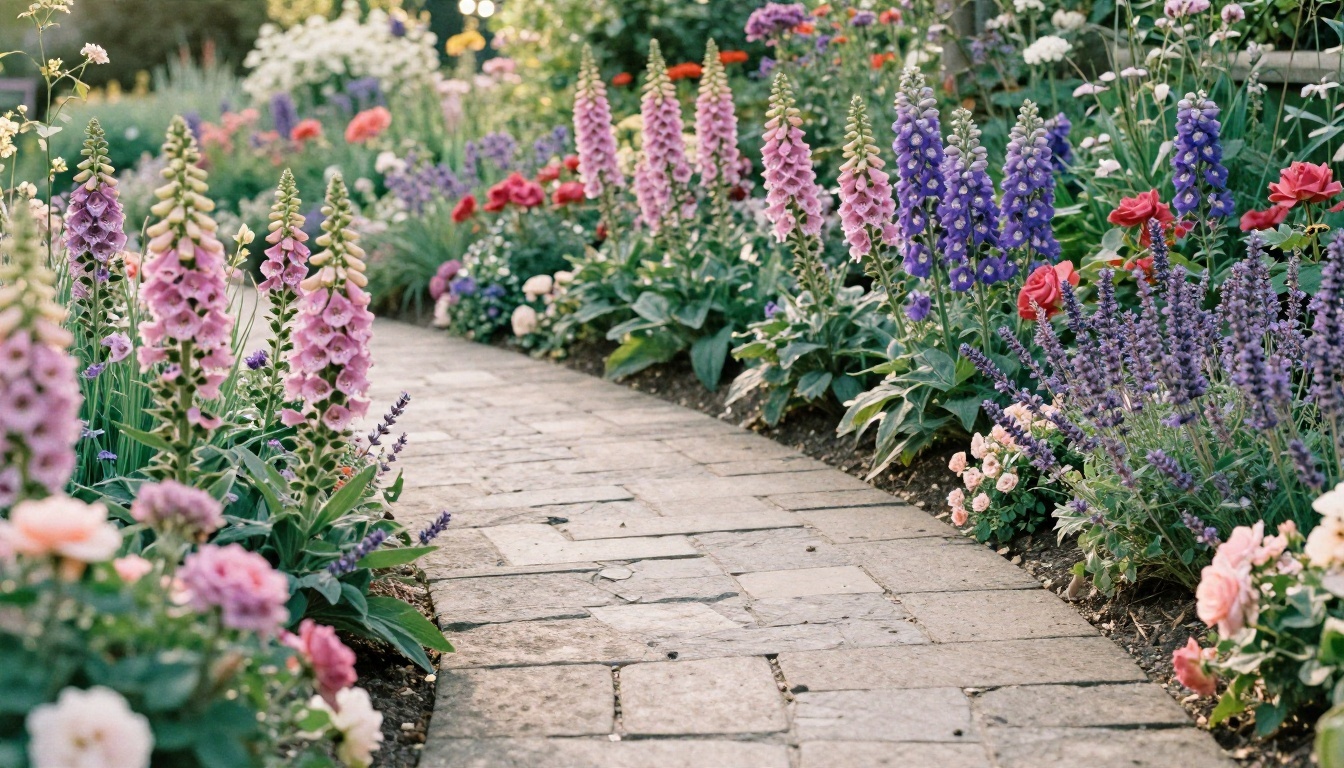
Ask the AI for a bloom sequence, not just a plant list. Early tulips, then peonies, then foxglove and roses, then late asters. A border with one flush of color and nothing else for ten months is a common planning error, and a model asked about bloom timing catches it.
Balcony Containers
Containers change the math. Soil dries out faster, roots have less room, and wind matters more. A single 5 gallon pot suits one tomato, three or four lettuces, or a cluster of herbs.
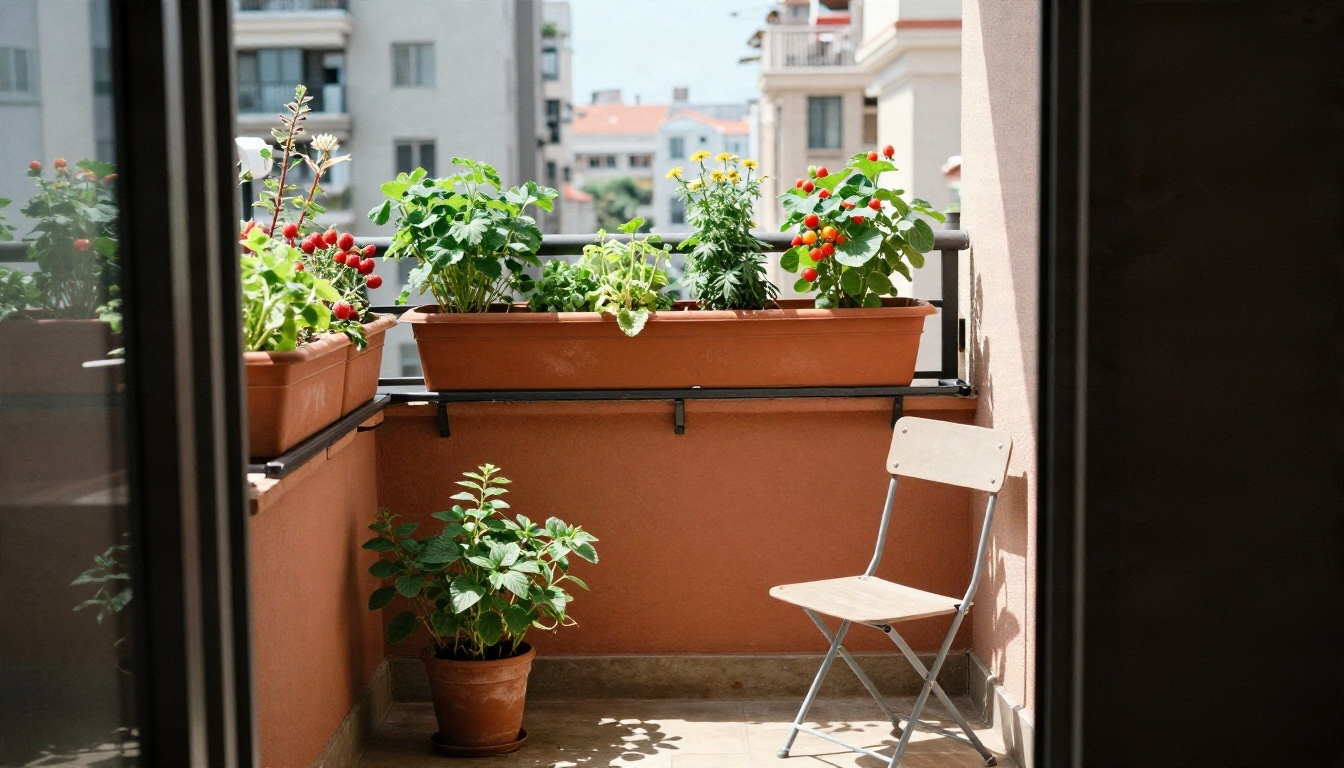
Give the AI the balcony direction (north, south, east, west), the railing length and the weight limit if you rent. A south facing balcony can run cherry tomatoes and peppers. A north facing one is better for mint, parsley and leafy greens.
Shade Courtyards
Shade is where generic advice fails most often. "Full shade" and "part shade" are not the same, and dry shade under a tree is harder than damp shade by a wall. Ferns, hostas and astilbe thrive in the second case. Epimedium and hellebores tolerate the first.
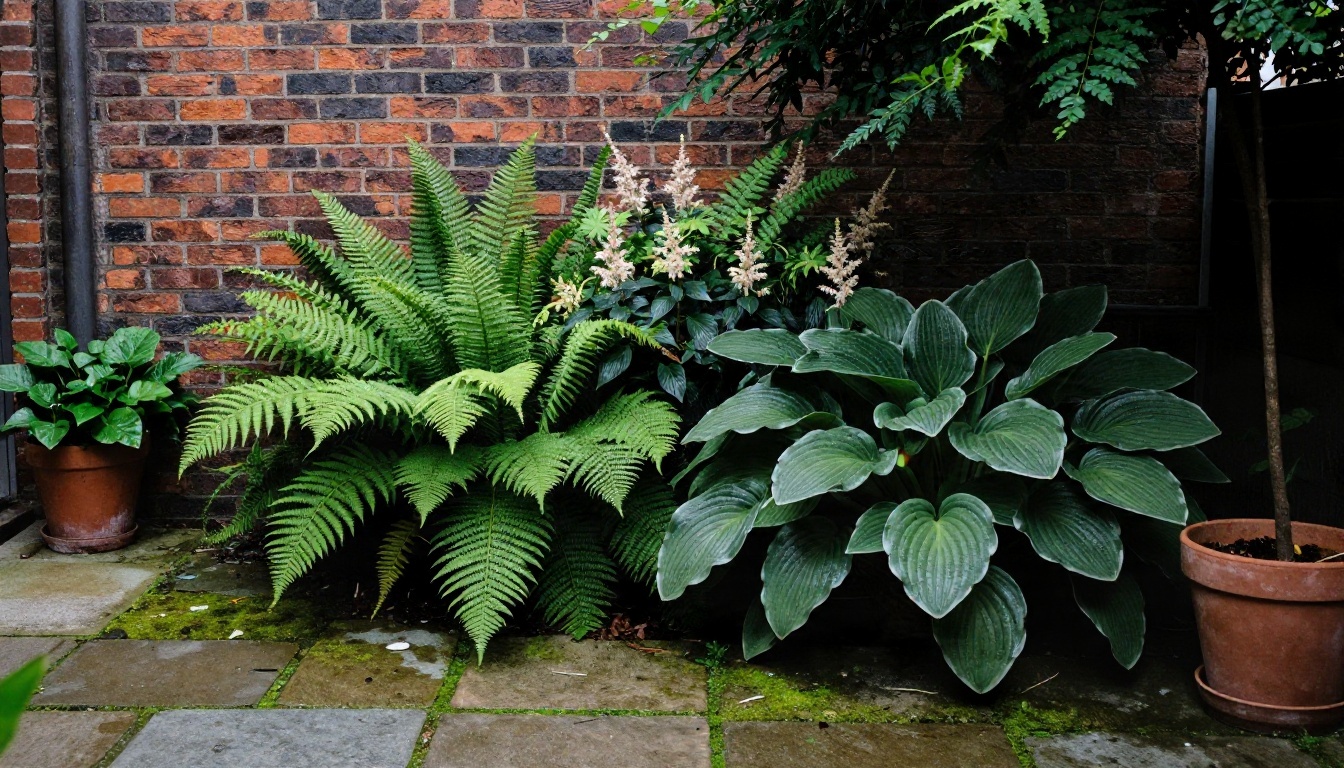
Describe the shade precisely: "Two hours of morning sun, then shade, brick wall on the south side, soil stays damp after rain." Specific input produces specific plants.
Choosing Plants With AI
Plant selection is where a language model saves the most time. It has absorbed an enormous amount of gardening text, so it can compare dozens of varieties in seconds. It can also state wrong things with total confidence, which is covered in the limits section below.
Companion Planting
Companion planting pairs plants that help each other, for example basil near tomatoes, marigolds along bed edges, or carrots beside onions. The evidence is mixed. Some pairings have solid support, such as using tall plants to give lettuce afternoon shade. Others are folklore repeated so often that models treat them as fact.
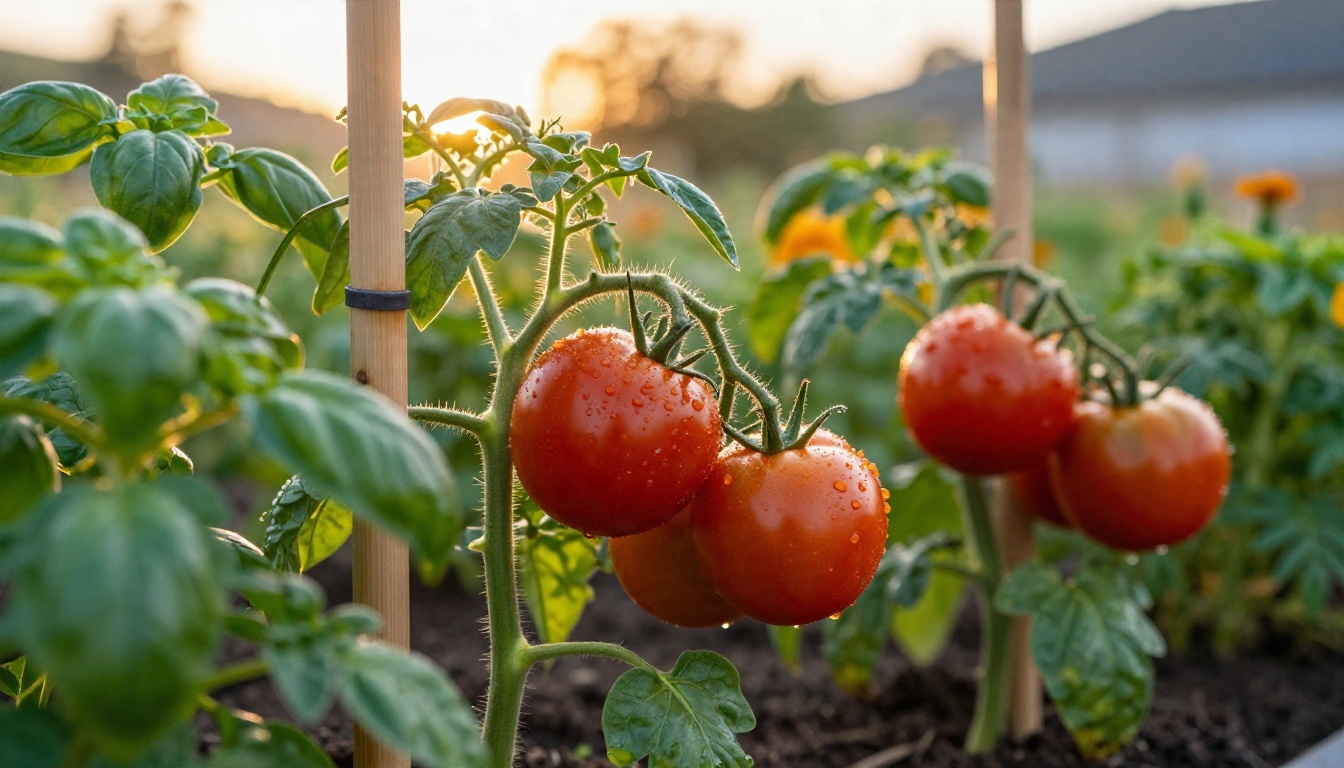
A useful habit is to ask the model to label each claim as "well supported", "plausible" or "folklore". You will often see the folklore bucket fill up, and that is a good thing to know before rearranging a whole bed around it.
Spacing and Timing
Spacing is the most mechanical part of planning, which makes it the best job for AI. Here are typical ranges you can sanity check the model against:
| Crop | Spacing in a bed | Sun needed | Notes |
|---|
| Tomato | 18 to 24 inches | 6 to 8 hours | Stake or trellis early |
| Lettuce | 6 to 8 inches | 4 to 6 hours | Bolts in heat, sow in succession |
| Carrot | 2 to 3 inches | 6 hours | Needs loose, stone free soil |
| Basil | 10 to 12 inches | 6 hours | Pinch flowers to keep leaves coming |
| Zucchini | 24 to 36 inches | 6 to 8 hours | One or two plants feed a family |
| Kale | 12 to 18 inches | 4 to 6 hours | Tolerates frost |
If the AI gives you numbers far outside these ranges, ask it to justify them.
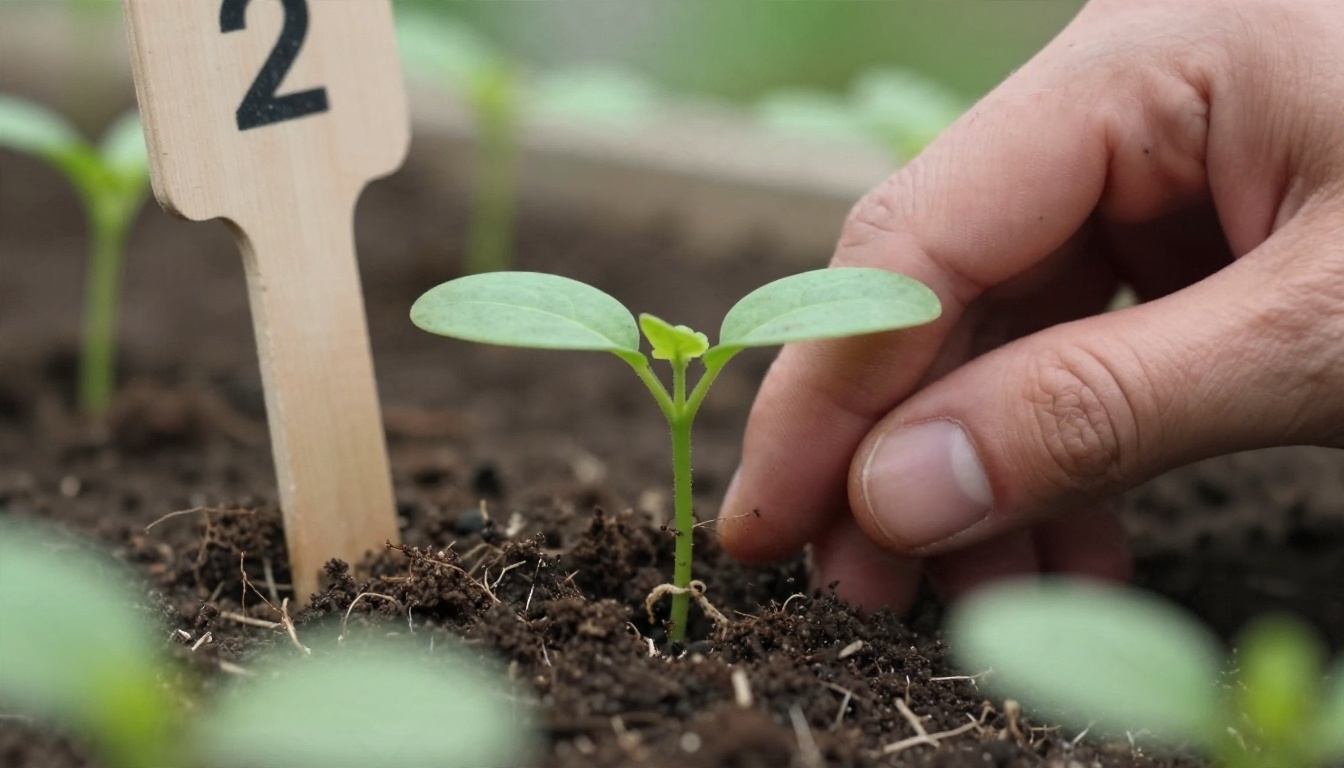
For timing, give the model your last spring frost and first fall frost dates. Then ask for a calendar counted backward from those dates: seed starting indoors six to eight weeks before the last frost for tomatoes and peppers, direct sowing for peas as soon as the soil can be worked, and a second sowing of greens in late summer.
Where AI Gets It Wrong
This is the part most "AI garden planner" pages skip. A planning tool that sounds sure of itself can still lead you into a bad season.
Climate and Microclimate
A model knows your hardiness zone only if you tell it, and even then zones are blunt. Your yard has a microclimate: a south wall that holds heat, a low corner where frost settles, a windy gap between houses. None of this is visible to a text model. It cannot see your yard.
What to do: walk the space at three times of day, note where the sun lands, and report that in the prompt. Check the suggested dates against your local extension office or a neighbor who has gardened there for years.
Invented Facts
Language models sometimes produce plausible plant names, cultivar traits or pest remedies that are simply wrong. This is usually called hallucination. In a garden, the cost is a failed bed or a pest treatment that harms pollinators.
Safe habits:
- Ask for common and Latin names, then verify unfamiliar ones on a seed supplier page.
- Never accept a chemical recommendation without reading the product label.
- Cross check toxicity claims, especially if you have pets or children.
- Ask the model "how confident are you, and what would change this answer?"
💡 Tip: If an answer includes a very specific number (days to maturity, pH range) and you cannot verify it, ask the model for the typical range instead of a single figure. Ranges are more honest and more useful.
Scale and Sun
Image generators draw beautiful gardens that ignore geometry. A rendered bed may show twice as many plants as would physically fit, or tomatoes at a size they reach only in August. Text models can also botch the arithmetic on awkward shapes, such as an L shaped yard or a sloped plot.
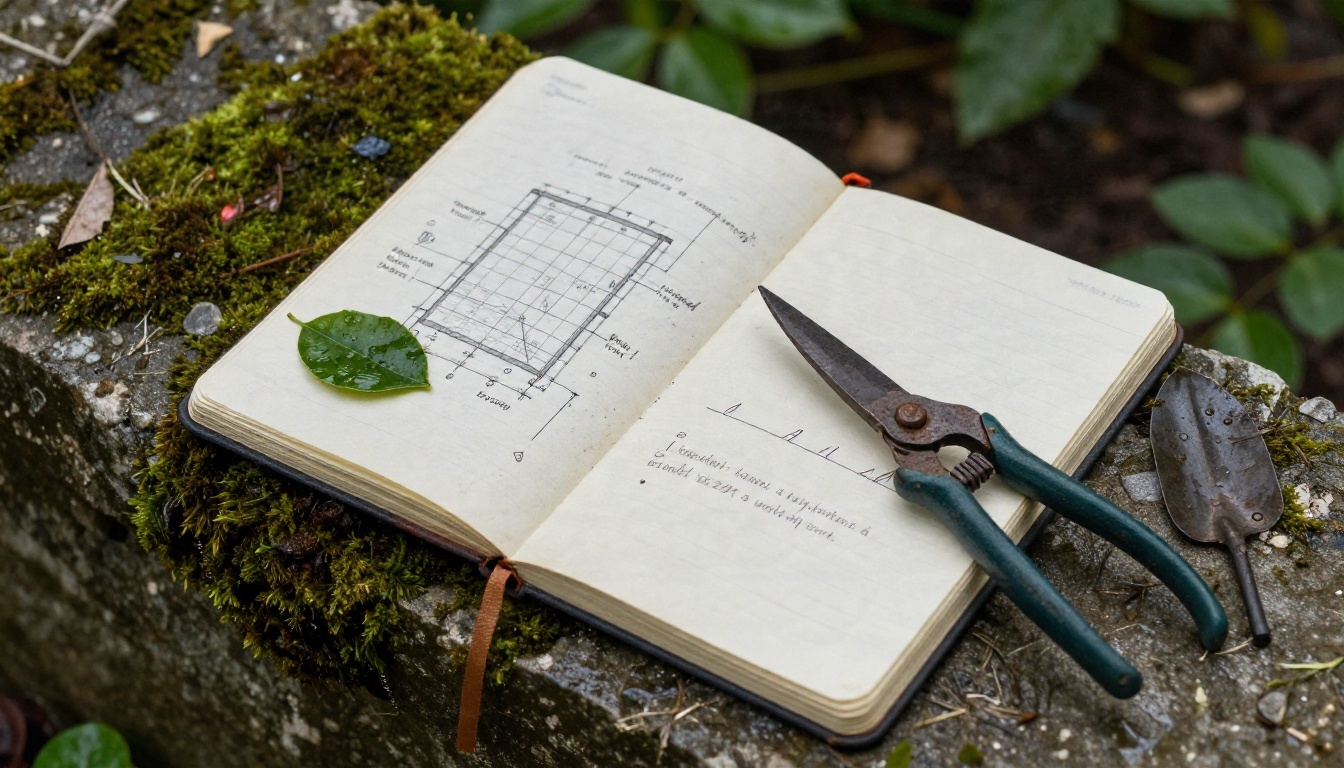
Always redraw the final plan on graph paper at a fixed scale, such as one square per foot. If the plants do not fit on the paper, they will not fit in the soil.
How to Use Claude Sonnet 5 on PicassoIA
A language model is the best free starting point for the planning step. Here is a simple routine using Claude Sonnet 5 on PicassoIA.
- Open the model page. Go to the Claude Sonnet 5 page in the large language models collection and start a new conversation.
- Paste your site facts. Include square footage, bed sizes, sun hours, hardiness zone, last and first frost dates, soil type, and weekly time budget.
- Ask for a layout table. Request one row per bed with the plants, count per bed, spacing and the reason for each placement.
- Request a calendar. Ask for sowing, transplanting and harvest windows counted from your frost dates.
- Challenge the plan. Ask what could go wrong, which pairings are folklore, and what you should verify locally.
- Export the shopping list. Ask for a list grouped by seeds, seedlings and supplies, with quantities.
- Switch to an image model. Copy the layout description into Nano Banana Pro or Seedream 4.5 to render a preview.
Parameter tips:
- Keep prompts under one screen. Long rambling context produces vague plans.
- Ask for one layout at a time. Requesting three alternatives at once dilutes each of them.
- For image previews, name the camera angle (aerial, eye level), the time of day and the season. Those three words change the result more than any adjective about style.
- Describe real materials: cedar boards, gravel paths, terracotta pots. Photographic details give photographic results.
A Sample Prompt Workflow
To make this concrete, here is the exact sequence I would run for a small family plot.
Step one, the plan. "I have a 16 by 10 foot sunny corner, zone 6b, last frost around May 5, first frost around October 10. I want four raised beds of 4 by 6 feet. Family of three, we eat salads, tomato sauce and roasted vegetables. We can spend about two hours a week. Give me a bed by bed table."
Step two, the audit. "List five ways this plan could fail in my climate and how to prevent each." This single follow up often surfaces the best advice: blossom end rot from uneven watering, powdery mildew on squash, bolting lettuce after June.
Step three, the preview. "Photorealistic photo of a backyard with four cedar raised beds, gravel paths, trellised tomatoes, kale and lettuce, early morning light, slightly elevated angle." Compare the render with your sketch. If the image looks crowded, thin the plan.
Step four, the reality check. Mark the bed corners with stakes and string. Stand in the space. Does the path feel wide enough? Is the sun where the AI assumed it would be? Adjust the plan, not the plants.
Plan It, Picture It, Plant It
A free AI garden planner works best as a fast first draft and a patient second opinion. It handles the arithmetic, drafts the calendar and suggests plants you might never have considered. It cannot feel your soil, see your shade or know that the neighbor's oak drops acorns on the whole south bed. You still supply that judgment.
If you want to see your idea before you break ground, try it on PicassoIA. Draft the plan with Claude Sonnet 5 or GPT 5.6 Terra, then describe the finished garden to Nano Banana Pro and see what your raised beds, cottage border or balcony could look like in full bloom. Try three variations, pick the one that feels right, and take the winning image outside as your reference while you mark the beds. Browse every model at picassoia.com/en/all-models and experiment until the garden in the picture is one you want to stand in.


