Most people who type "AI generate erotica" into a search bar want the same two things: a story that actually sounds like a person wrote it, and a picture that matches the mood in their head. The first part is a writing problem. The second is a photography problem. Both are solvable in an afternoon, for free or close to it, once you know which tools to pick and how to talk to them.
This article walks through how AI sensual fiction works, which free story writers are worth opening, the prompt formulas that build heat slowly instead of dumping clichés on the page, and the image models that turn a scene into a tasteful, photorealistic glamour shot. Everything here stays on the suggestive, romantic side of the line. That is where the best writing lives anyway, and it is also where the tools behave most reliably.
What AI Erotica Actually Means
"Erotica" covers a wide range, from slow-burn romance with a closed bedroom door to fully explicit fiction. AI tools sit unevenly across that range. Mainstream chat models are built with content policies, so they will happily write tension, chemistry, flirtation, and atmosphere, and they will decline or soften anything graphic. Understanding that split saves you a lot of frustration.
The Three Layers of a Sensual Story
Good sensual fiction is built from three layers, and AI can help with each one differently.
- Atmosphere: the room, the weather, the light, the sound of a glass being set down. Language models are excellent at this.
- Tension: the glances, the almost-touches, the dialogue that means two things at once. This is where prompt quality matters most.
- Payoff: the moment the tension breaks. In a tasteful piece this is implied, cut away, or handled in a single suggestive line.
Models do the first layer without effort. The second layer needs direction from you. The third layer is a choice about how far you want to go, and with mainstream models that choice is partly made for you.
Why Slow Burn Beats Explicit
Readers of the genre will tell you the same thing: the build is the point. A scene about two people at a late dinner, with a hand resting a beat too long on a wrist, outperforms a page of blunt description almost every time. It is also easier to generate, because you are working with the strengths of the model instead of fighting its limits.
💡 Tip: If a chat model keeps refusing, the fix is rarely a clever workaround. Move the camera. Ask for the scene up to the doorway, the glance, the shut door. You will get better prose and fewer refusals.
Free Story Writers That Work
You do not need a paid subscription to draft sensual fiction. Several capable language models are available in one place on PicassoIA, so you can compare how each one handles tone before you commit to a favorite.
Comparing the Best Options
| Model | Best For | Tone You Can Expect |
|---|
| Claude Sonnet 5 | Literary slow burn, subtext, dialogue | Restrained, elegant, emotionally precise |
| GPT 5.6 Luna | Fast drafts and quick scene ideas | Clean, brisk, easy to edit |
| Gemini 3.5 Flash | Short vignettes and outlines | Light, flirty, conversational |
| DeepSeek V3.1 | Longer plotted stories | Plain and direct, good structure |
| Llama 4 Maverick Instruct | Casual chat style role play scenes | Warm, informal, quick to reply |
Each of these models has its own content rules, and they are not identical. Run the same short prompt through two or three of them and keep the one whose voice you like. That ten-minute test is worth more than any ranking.
Where Each Writer Shines
Claude Sonnet 5 is the one to reach for when subtext matters. It handles restraint well, which is exactly what a slow-burn scene needs. GPT 5.6 Luna is fast, so it suits brainstorming: ask it for ten opening lines and pick one. Gemini 3.5 Flash works well for compact pieces, like a three-paragraph scene you plan to pair with an image.

Draft Fast, Edit Slowly
The workflow that produces the best results is simple. Let the model draft quickly, then rewrite the best paragraph yourself in your own voice. AI prose tends toward safe adjectives and repeated sentence rhythms. A human pass that swaps three generic phrases for specific ones lifts the whole piece.
Prompts That Build Heat Slowly
A weak prompt gets you a weak scene: "Write a sexy story about two people." The model has nothing to work with, so it reaches for the most common phrases it knows. A strong prompt gives it characters, a setting, a point of view, and a rule about restraint.
The Five Part Prompt Formula
Use this structure every time:
- Characters: names, ages (always adults), one trait each, and what they want.
- Setting: place, time, weather, one sensory detail.
- Point of view: first person or close third, past or present tense.
- Tension source: why they should not, or cannot yet.
- Boundary: how far the scene goes, for example "end at the closed door."
Here is a working example:
Write a 500 word scene in close third person, present tense. Mara, 34, a hotel night manager, and Daniel, 36, a travelling architect stuck in the lobby during a storm. They have traded glances for three nights. Focus on the hum of the generator, her keycard, his wet jacket. Build tension through dialogue that never says what they mean. End the scene as the elevator doors close.
Prompt Mistakes to Avoid
| Mistake | What Happens | Better Version |
|---|
| No setting | Generic, floating scene | Name the room, light, and sound |
| Too many characters | Muddled chemistry | Keep it to two people |
| Asking for everything at once | Rushed, flat pacing | Request one scene at a time |
| No point of view | Head hopping | Pick close third or first person |
| Vague tone | Cliché phrases | Give two adjectives: "wry, aching" |
Ask for Revisions, Not Rewrites
After the first draft, give the model one change at a time. "Cut the adjectives by half." "Make the dialogue shorter." "Replace the last paragraph with a single line of action." Narrow edits keep the voice consistent, and the scene improves with every pass.
💡 Tip: Ask the model to list five sensory details for your setting before it writes the scene. Pick the best two. Specific details are what separate a scene that feels lived in from one that feels templated.
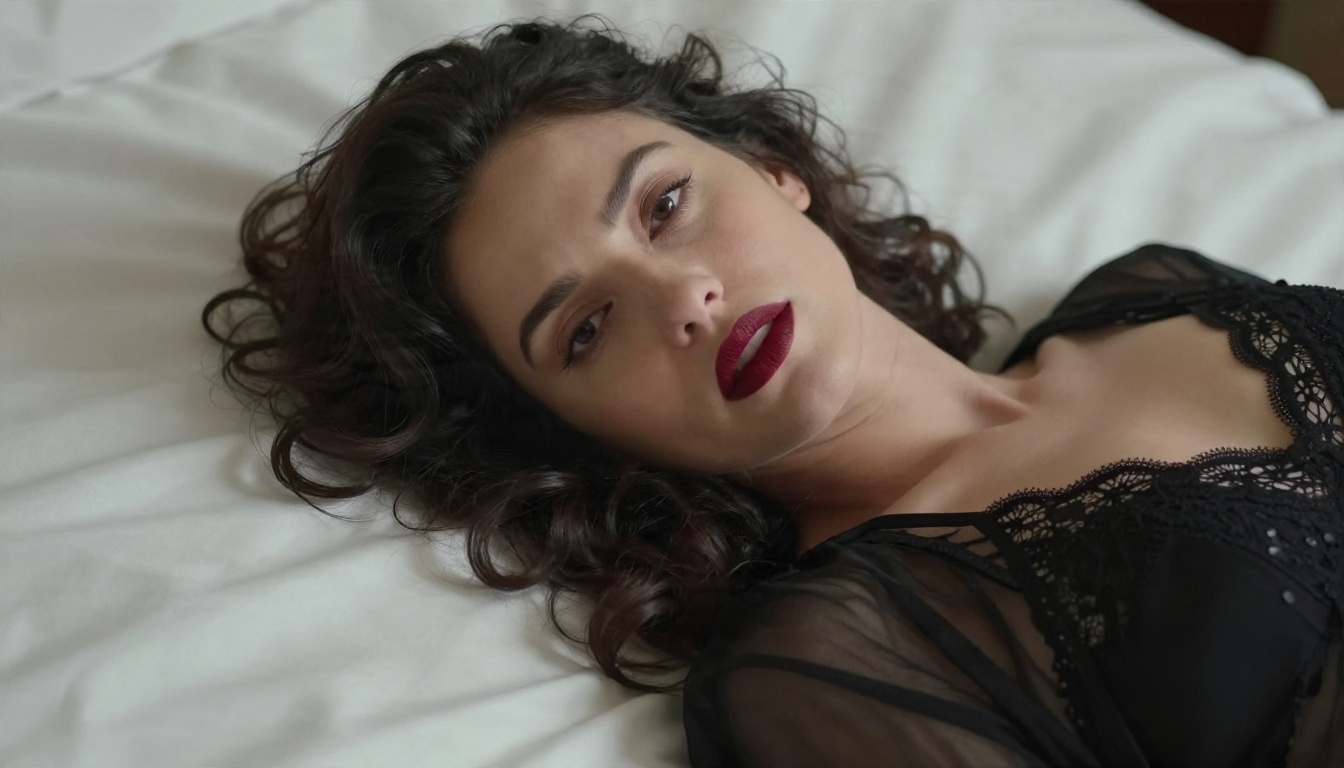
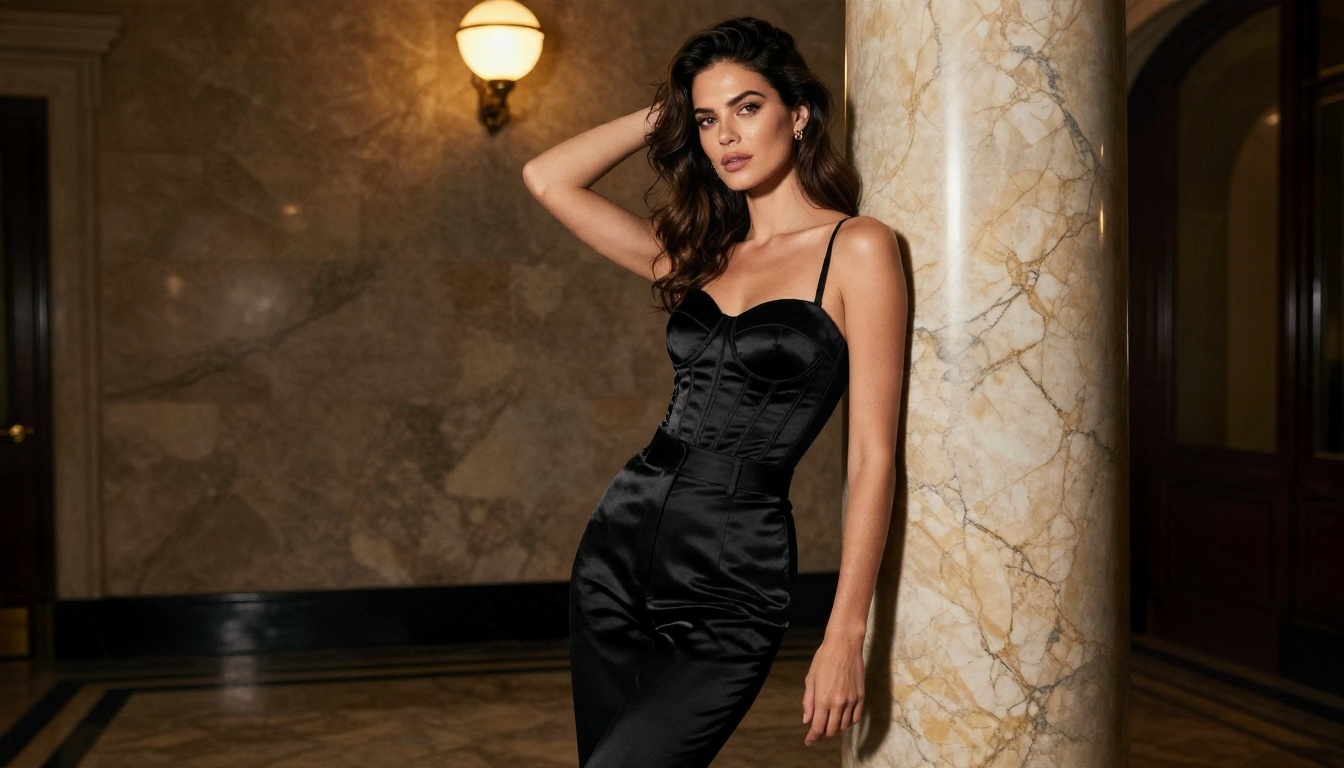
A story gets stronger when it has a face and a place. Photorealistic image models can turn a scene description into a boudoir or glamour shot, the kind you would find in a lifestyle magazine: silk, candlelight, a hotel window, soft skin tones.
Which Models to Try First
Start with the models that handle adult, glamour-style imagery without constant refusals. In this order:
- Seedream 4.5: the first one to open. It produces sharp, photographic skin and fabric detail and is comfortable with boudoir and glamour scenes.
- PicassoIA Image Editor Pro: unlimited generations, which matters when you are iterating on a look. It also edits existing images, so you can adjust outfits, lighting, and backgrounds without starting from zero.
- Flux 2 Klein 9B Base LoRA: a flexible choice when you want a specific styled look.
- Qwen Image 3 Pro: strong photorealism for portraits and lifestyle scenes.
Why Unlimited Generation Matters
Sensual imagery depends on small things: the angle of a shoulder, the way light hits a sheet, a half-smile. You will rarely get it on the first try. A tool without a per-image cost lets you generate twenty variations and keep the best one, which is how professional photographers work too.

Match the Image to the Scene
Take the setting from your story and carry it straight into the image prompt. If the scene happens in a storm-lit hotel lobby, say so: tungsten lamps, wet marble, a long coat. The closer the details, the more the picture feels like it belongs to the text.
Make Images with Seedream 4.5
Seedream 4.5 is the easiest place to start, so here is the workflow I would follow from the first prompt to a finished image.
Step by Step
- Open the Seedream 4.5 page on PicassoIA.
- Paste a prompt built from your story scene (formula below).
- Set the aspect ratio to 16:9 for scenes and landscapes, or 3:4 for portraits.
- Generate, then compare the result to your scene. Change one thing at a time.
- Send your favorite to PicassoIA Image Editor Pro for tweaks such as a different outfit color, lighting change, or background swap.
The Image Prompt Formula
[Subject and pose] + [outfit and fabric] + [environment] + [light direction] + [lens] + [film look]
For example:
An adult woman in a champagne silk robe sitting on a rumpled linen bed, bare shoulder, warm amber window light from the left, shallow depth of field, 85mm f/1.8, Kodak Portra 400 film grain, natural skin texture, editorial boudoir photography.
Parameter Tips
- Name the light. "Warm amber window light from the left" beats "good lighting" every time.
- Name the lens. An 85mm f/1.8 gives portrait compression and soft backgrounds. A 35mm gives a wider, more environmental feel.
- Add texture words. "Visible skin pores," "silk sheen," "coarse linen weave."
- Keep outfits suggestive, not explicit. Lace, satin, silk robes, bikinis, and slip dresses photograph beautifully and keep the image in glamour territory.
- Avoid style words like "digital art" or "render" if you want a photographic result.
💡 Tip: If skin looks plastic, add "natural unretouched skin, fine pores, subtle freckles, soft film grain." If the image looks flat, add a directional light source and a darker background.
Fix Common Problems
| Problem | Fix |
|---|
| Waxy or smooth skin | Add texture words and film grain |
| Flat lighting | Specify a window, a lamp, or golden hour from one side |
| Busy background | Ask for shallow depth of field and a simple room |
| Wrong mood | Change the color palette: "burgundy and gold" versus "cool blue twilight" |
| Hands look odd | Lower the number of props or crop the hands out of the frame |
Build a Story and Image Workflow
The best results come from treating the text and the pictures as a single project. Here is a workflow that takes about thirty minutes.
Start With a One Page Outline
Ask a language model such as Claude Sonnet 5 for a one page outline: two characters, a setting, three scenes, and a closing image. Keep it short. You are building a map, not the story itself.
Write Scene by Scene
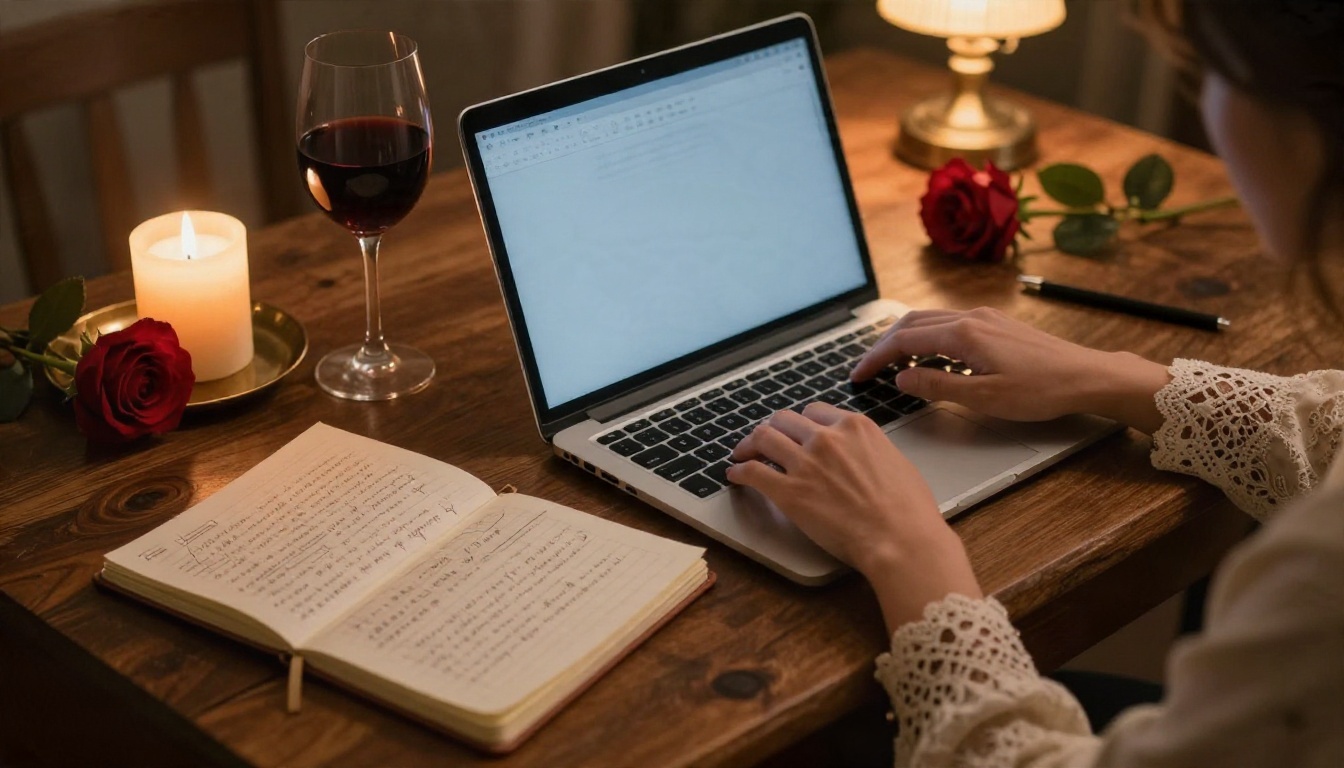
Draft each scene separately with the five part formula. Between scenes, read the draft aloud. If a sentence sounds like something nobody would say, rewrite it. This is the single most useful editing habit for AI-assisted fiction.
Create One Image per Scene
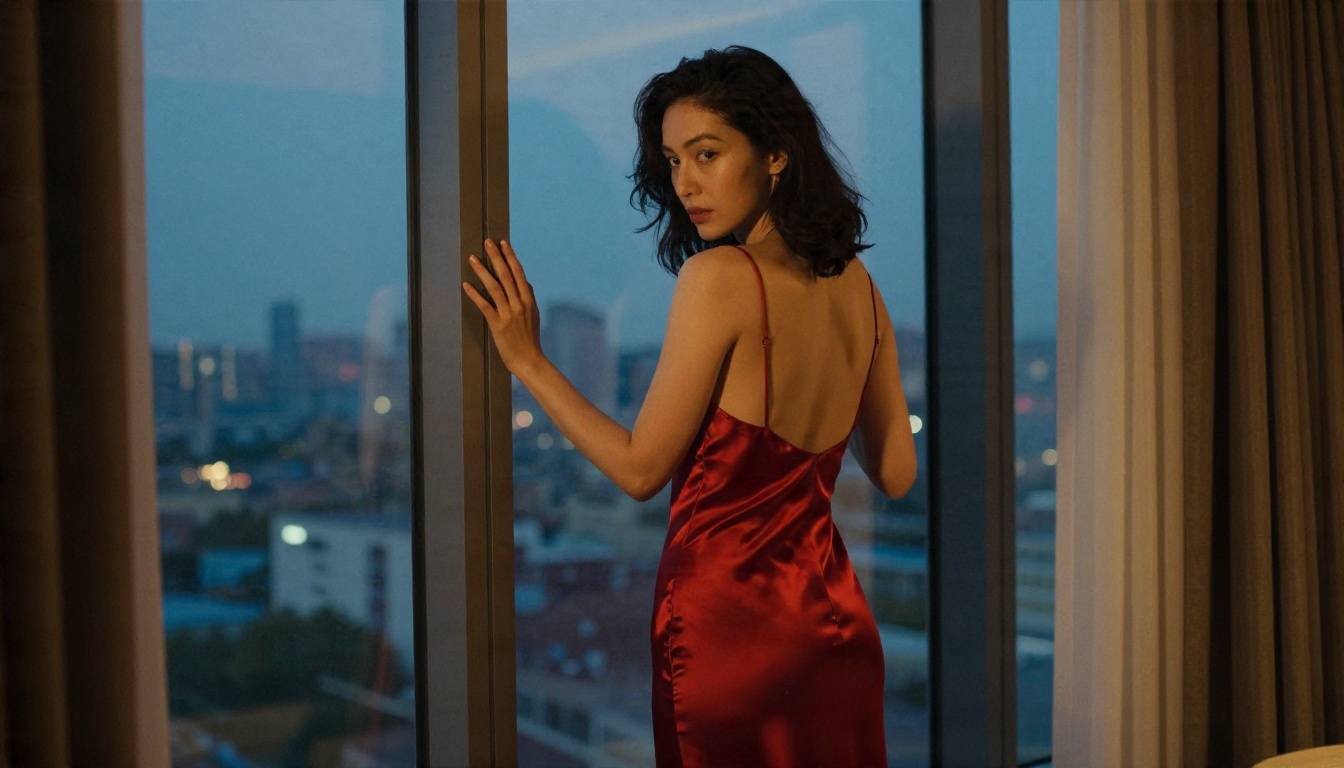
For each scene, write an image prompt from the setting and mood, not from the action. A lobby at night, a balcony at dusk, a bed with morning light. These environment-driven images feel cinematic and avoid the stiff look of a posed model staring at the camera.
Add Variety
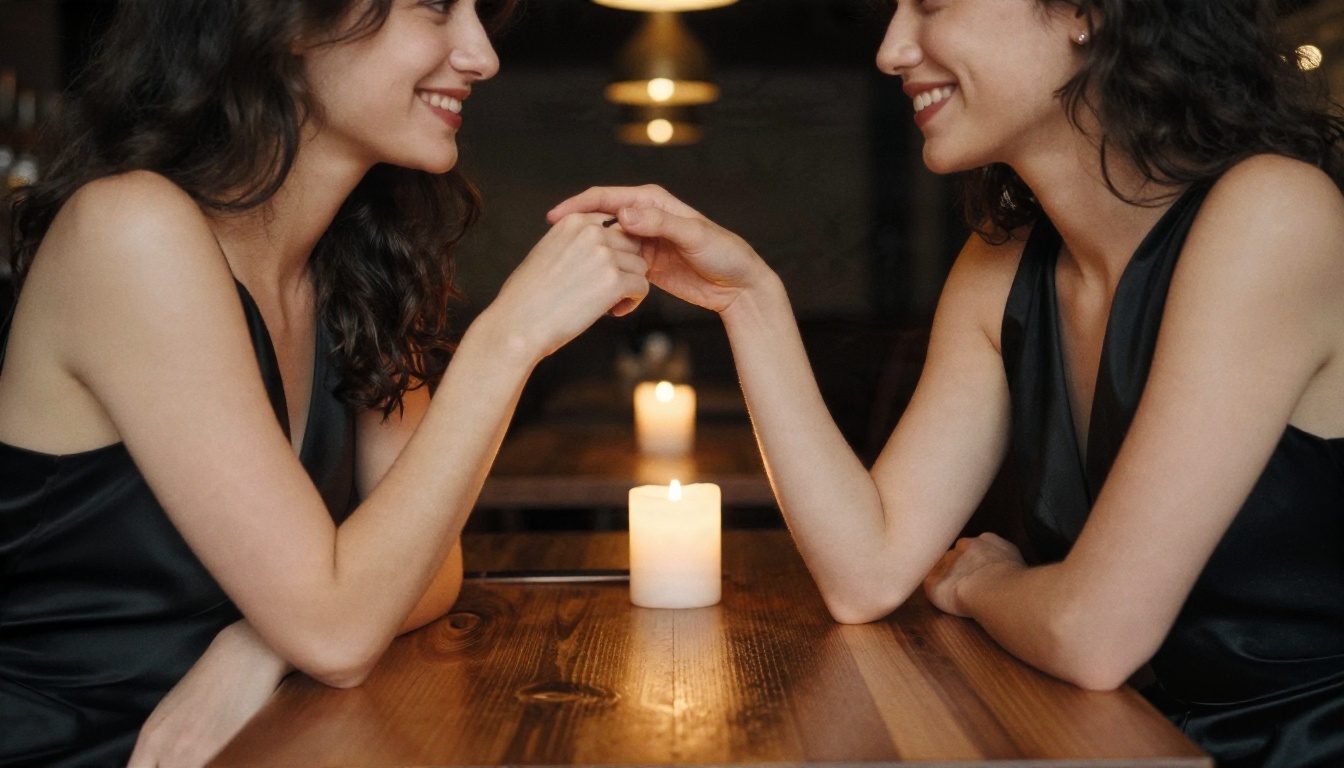
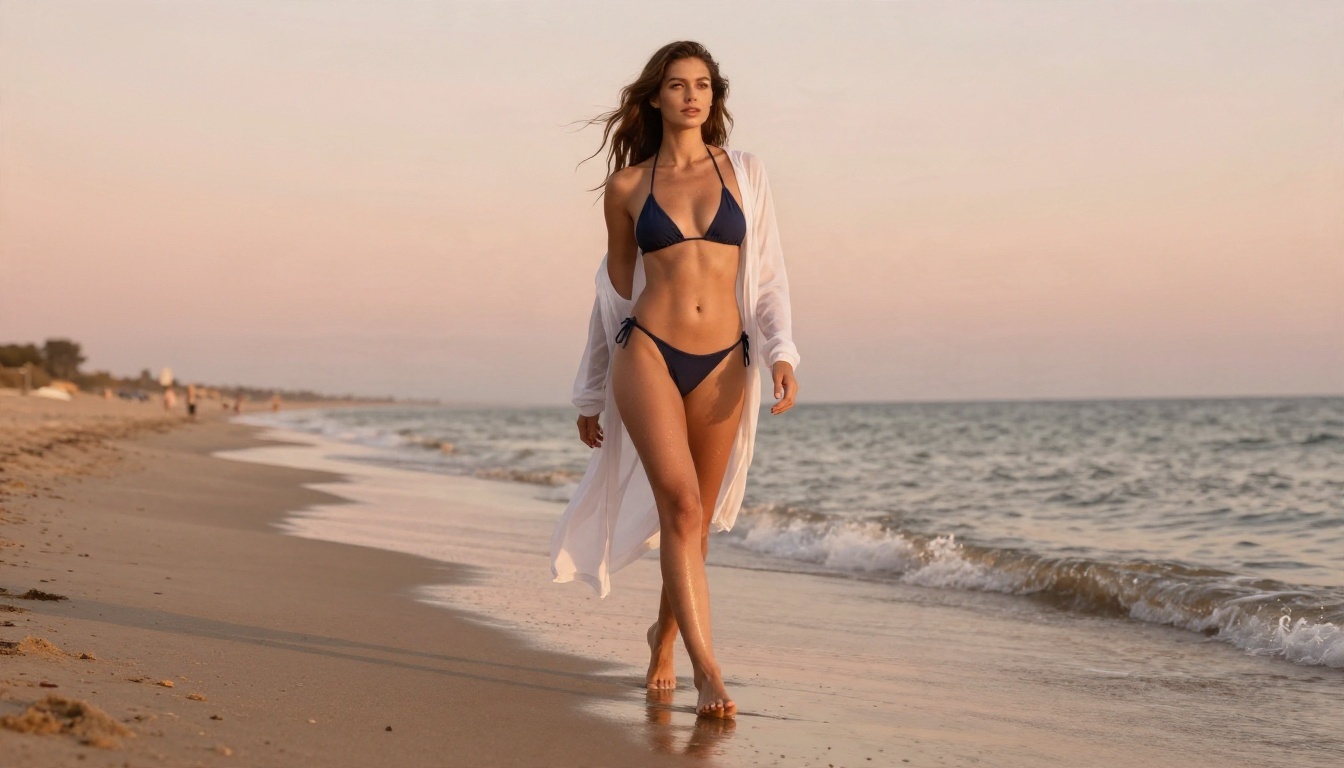
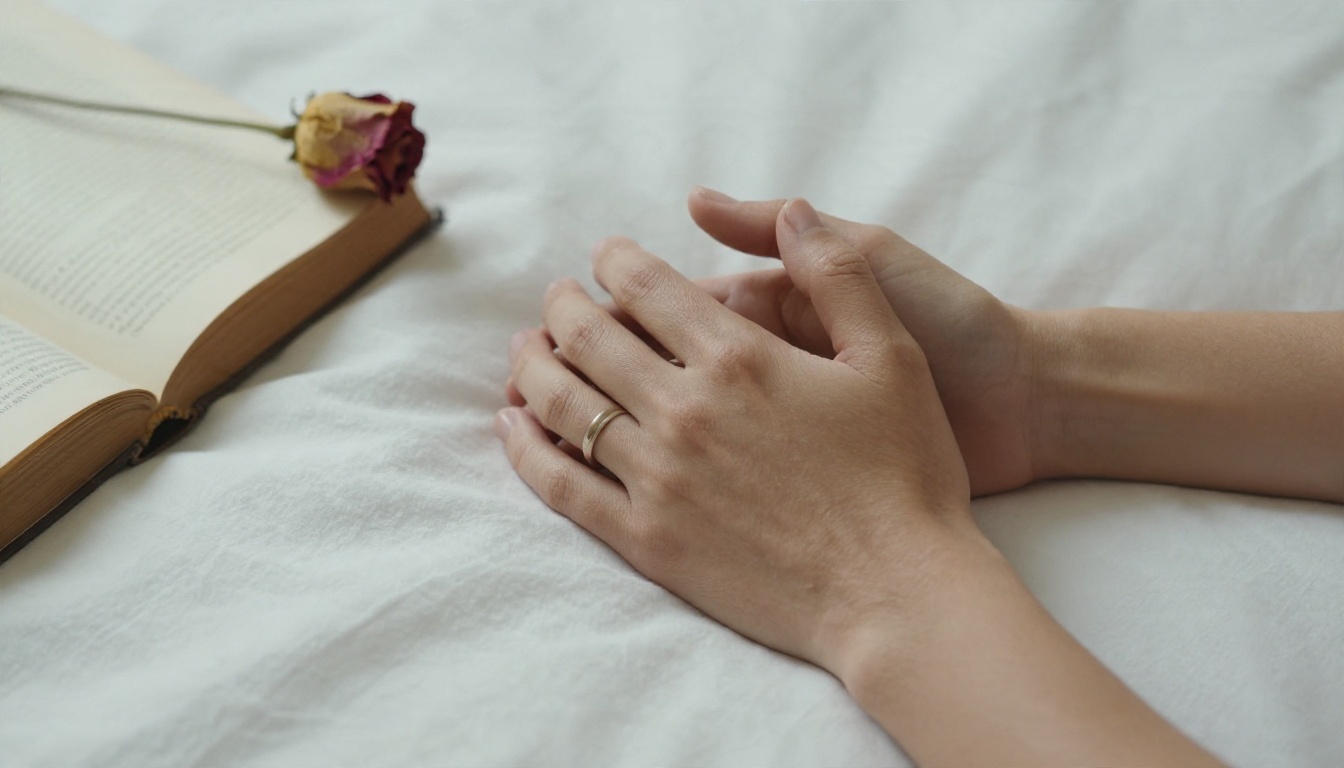
Vary the composition from scene to scene. A close-up of two hands. A wide shot of a beach at sunrise. A low-angle view of a woman at a window. Variety keeps a gallery from feeling like one picture repeated.
Keep Characters Consistent
Consistency is the hardest part of AI imagery. Write a short character sheet and paste it into every prompt: hair color and length, approximate age, skin tone, one distinguishing detail like a mole or a ring. Use the same wording each time. When one image comes out close to what you want, use PicassoIA Image Editor Pro to edit it rather than regenerating from scratch.
Rules Worth Following
Sensual AI content is a legitimate creative hobby, and a few ground rules keep it that way.
Adults Only, Always
Every character in your story and every person in your images must be an adult. State ages in your prompts. This is non-negotiable, and every responsible platform enforces it.
No Real People
Do not generate sensual stories or images of real people, whether celebrities, coworkers, or former partners. Invent your characters. It protects you, and it protects them.
Respect Platform Limits
Each model has its own content policy. Work within it. Chasing workarounds wastes time and often produces worse writing, because the model is fighting you instead of collaborating. If you want to check text for suitability before sharing it, a moderation model such as Llama Guard 4 12B can review it.
Mind Where You Publish
Platforms that host adult content have their own rules. Read them before you post, label content properly, and keep material off public pages where minors might see it. Suggestive, non-explicit images travel further than anything else, which is another reason to keep your work on that side of the line.
Quick Reference Checklist
Before you generate, run through this list:
Try It Yourself Tonight
You now have a working setup: a language model for the story, a five part prompt formula for tension, and a photorealistic image model for the pictures. The only thing left is to run it.
Open Claude Sonnet 5 and draft one scene with the formula above. Then open Seedream 4.5, paste an image prompt built from that same scene, and see how close you get on the first try. Take the best result into PicassoIA Image Editor Pro and adjust it with as many generations as you need, since there is no cap to worry about.
Want to see what else is available? Browse every text and image model at picassoia.com/en/all-models and compare how each one handles your scene. Pick a mood, write the first line, and make something worth reading.


