Most people searching for AI generated adult art want the same three things: images that look like real photographs, prompts they can copy without trial and error, and a tool that does not charge per click. This article gives you all three. You will see actual examples, the exact prompt structure behind them, the settings that change the output, and the free options worth your time. Everything here stays on the suggestive and glamorous side, which is where the best looking results live anyway.
💡 Quick answer: For photoreal adult glamour art, start with Seedream 4.5, then refine and edit with PicassoIA Image Editor Pro, which offers unlimited generations. Write prompts as a photographer would, not as a tag list.
What Counts as Adult AI Art
The phrase covers a wide range. On one end sits tasteful glamour: swimwear, silk robes, evening dresses, boudoir mood lighting. On the other end sits explicit material, which is a different category with different rules, and it is not what this article is about. The sweet spot for most creators, brands and hobbyists is the middle: attractive, confident, adult subjects, shot like an editorial spread.
Suggestive vs Explicit
Suggestive art relies on styling, light and pose. A bikini on a beach at sunset says everything it needs to. Explicit art removes that restraint and usually gets blocked by hosted generators anyway. If your goal is a clean portfolio, a social feed or a creative project, the suggestive approach produces better images and fewer rejected generations.
Why Photorealism Dominates
Illustrated and anime styles still have fans, but photoreal output is what most searches ask for. Modern models handle skin pores, fabric weave, water droplets and film grain well enough that a good image reads as a real photo. That is why every example below uses photographic language: lens length, light direction, film stock.
💡 Rule of thumb: All subjects should be clearly adult, and none should resemble a real, identifiable person. Invent your character. Describe hair, build and styling instead of naming anyone.
Examples of What Works
The images below show the range you can reach with swimwear, portrait and glamour prompts. Notice how each one has a different angle, lens and light source. That variety is what keeps a gallery from feeling repetitive.
Beach and Swimwear
Beach scenes are the easiest way to get a flattering, natural result. Golden hour light wraps around skin, water adds texture, and swimwear is accepted by nearly every model.
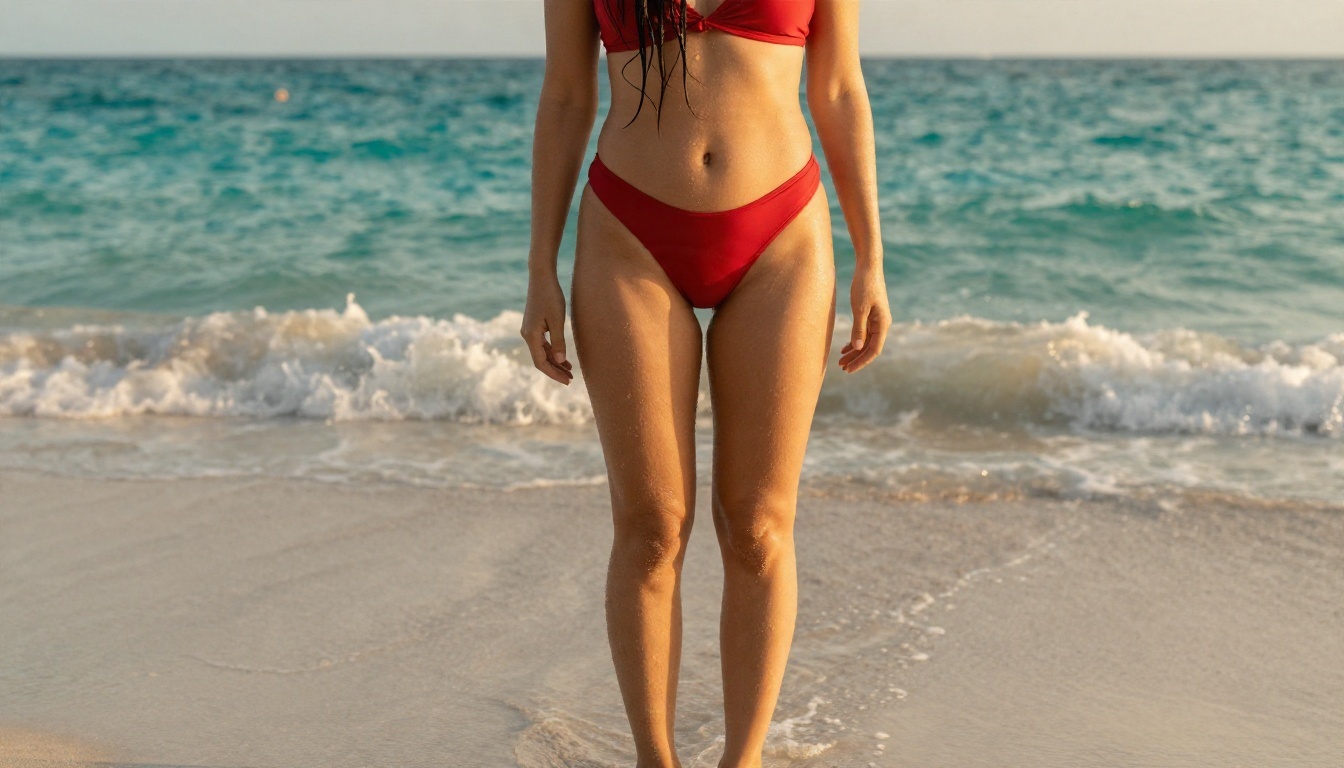
This low angle shot works because of three details: rim light from the right, wet hair, and visible sand and droplets. Those small physical cues tell the model to render skin as skin, not as plastic.
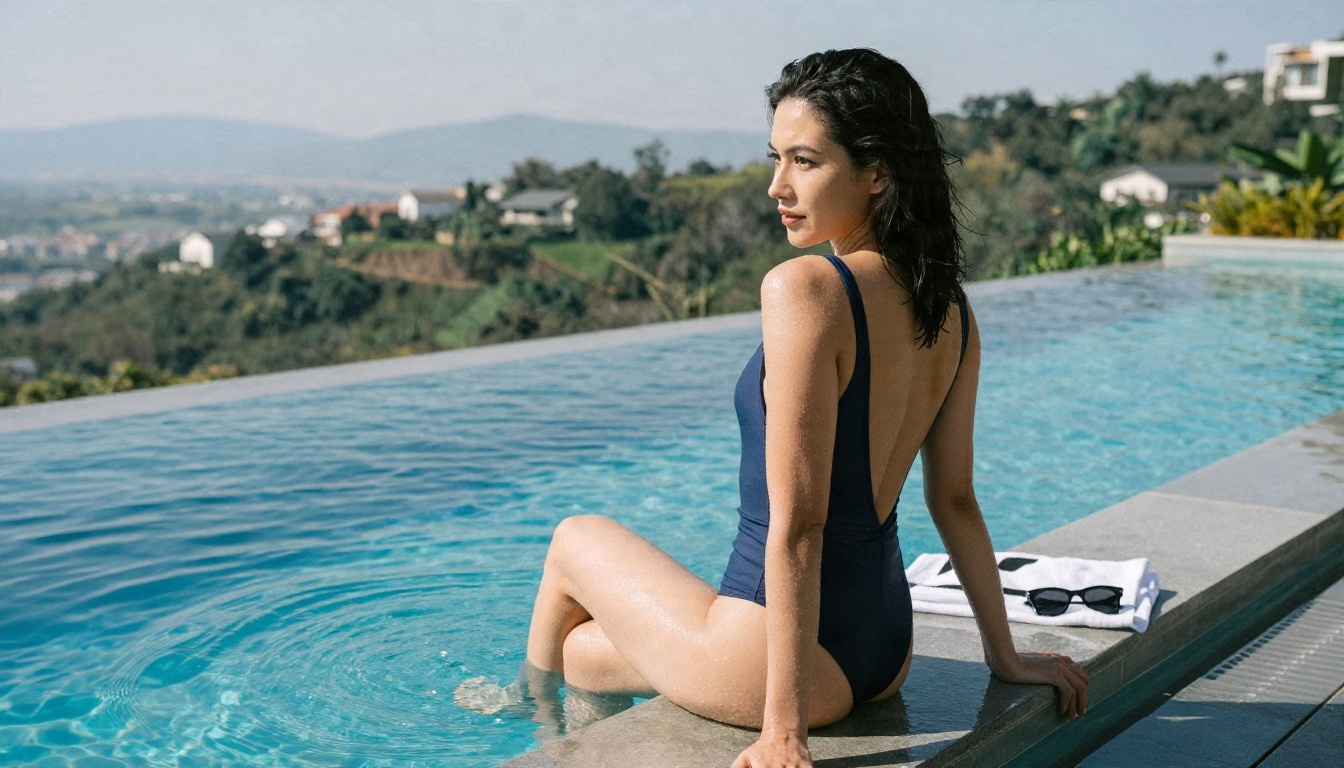
Pool scenes give you a different feel: hard midday sun, crisp shadows, sparkling water. A one piece with a high cut photographs as elegant and often passes moderation more reliably than skimpier cuts.
Portraits and Lounge Mood
Close portraits are where skin texture and lighting matter most. A dim lounge with a velvet chair and window light gives instant atmosphere.
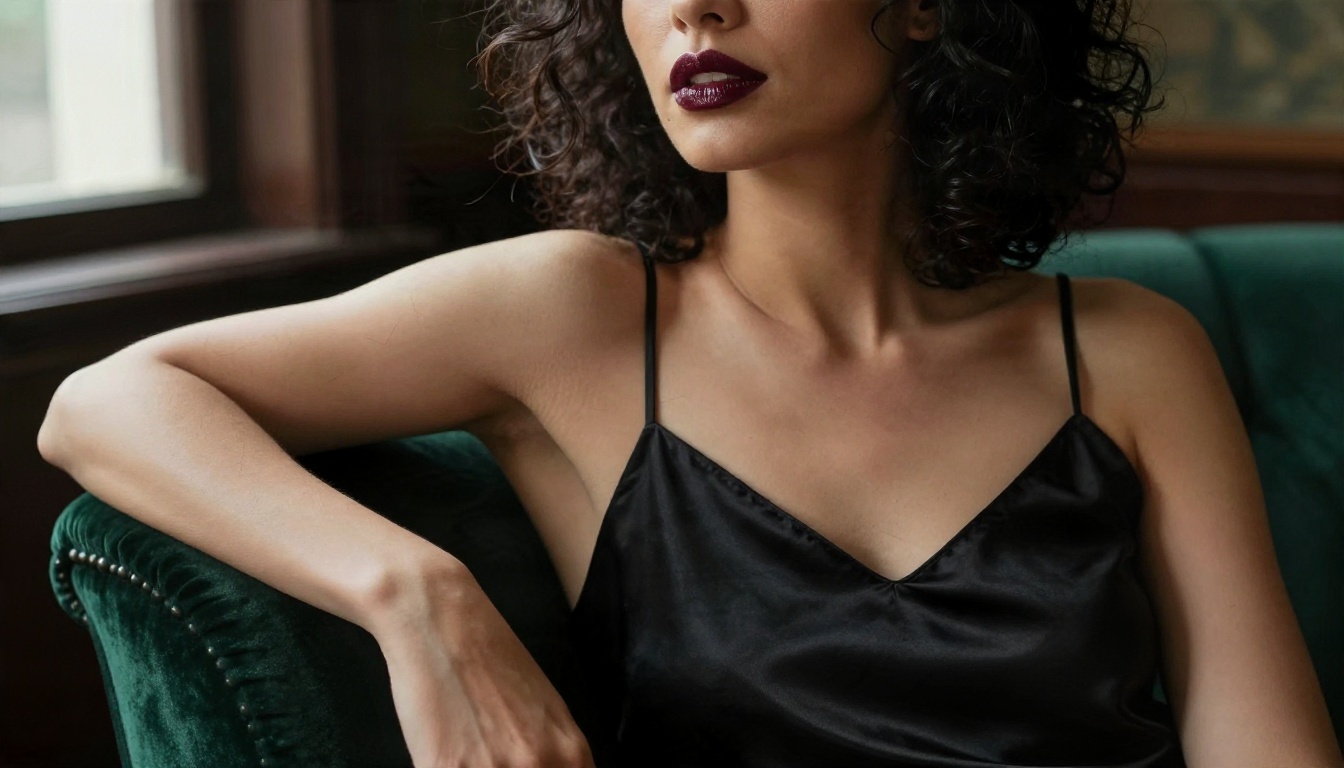
An 85mm lens at f/1.4 does most of the work here. It blurs the background into soft color and keeps the eyes sharp. If you want this look, name the lens in your prompt.
Evening Glamour
Candlelight and marble feel expensive, and they let you build a mood without showing much at all.
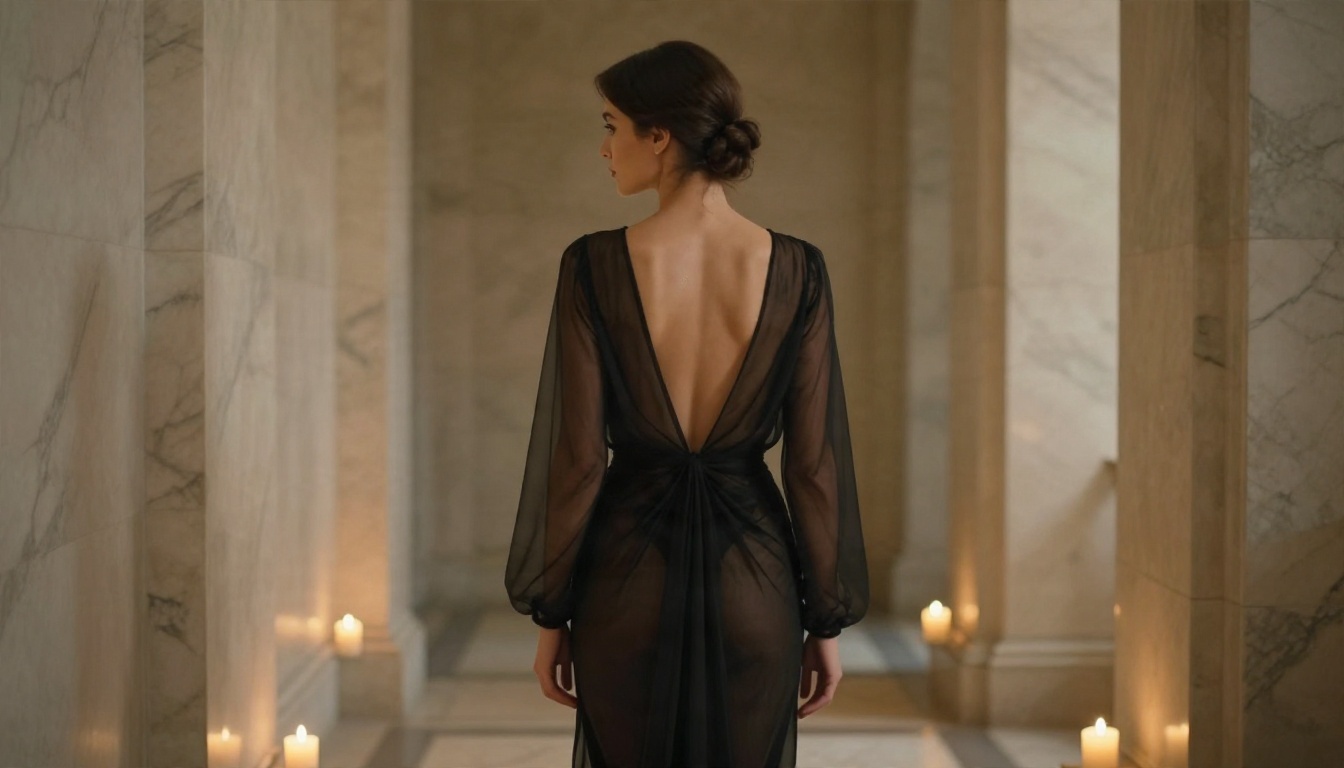
Warm tungsten light from one side, reflective floor, fabric folds. A back three quarter pose adds mystery and keeps the frame elegant.
Male Subjects
Adult art is not only about women. Fitness and lifestyle photography with male subjects follows the same rules.
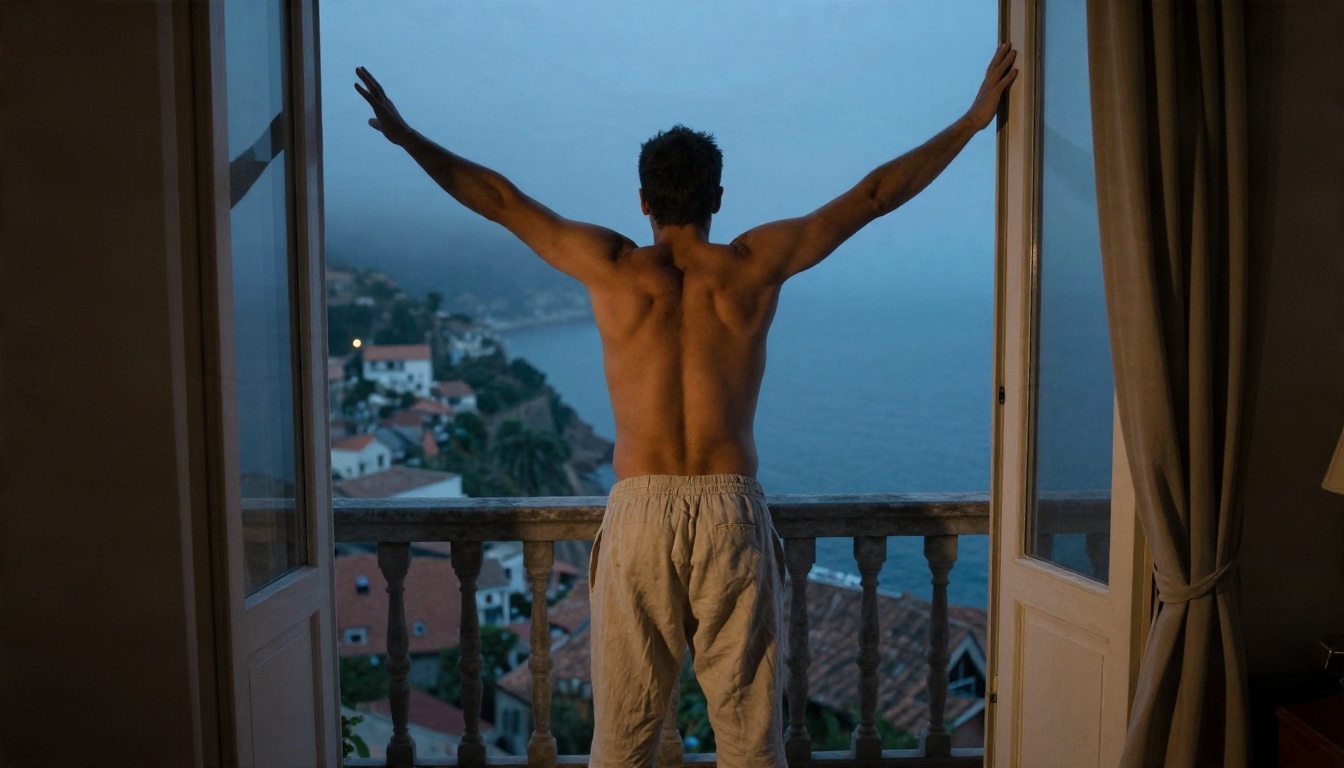
A high angle, cool dawn light mixed with a warm lamp, and rumpled sheets give this image a candid, morning feel. The mix of cool and warm light is a trick worth reusing.
Prompts That Actually Work
A good prompt reads like a shot list. Short tag piles ("sexy, hot, 8k, beautiful") produce generic faces and flat light. Specific photographic instructions produce images that feel directed.
The Five Part Formula
Every prompt in this article follows the same order:
- Subject and pose: who is in frame and what they are doing.
- Environment: where, with two or three concrete props.
- Lighting: direction, time of day, warmth.
- Camera: angle, distance, lens, depth of field.
- Texture and film: skin detail, fabric, grain, film stock.
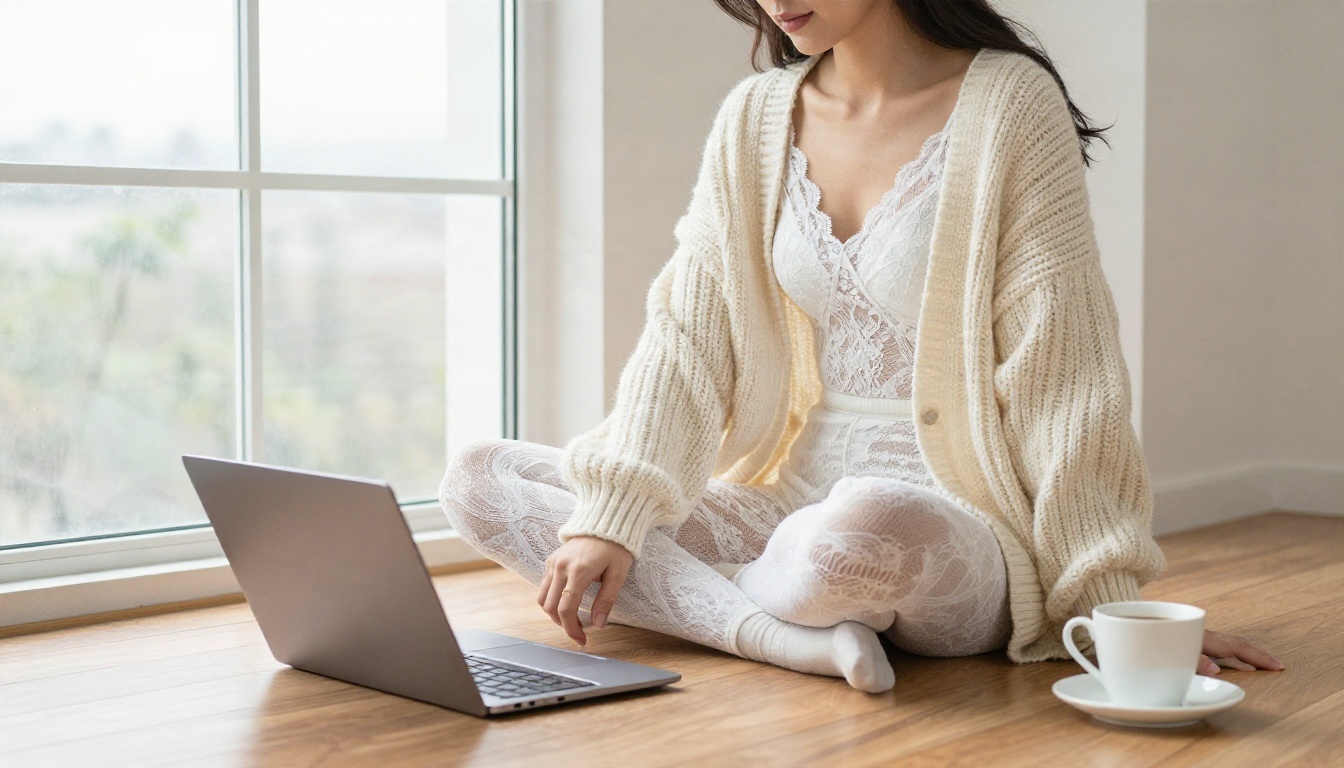
This image came from a prompt that put a cozy, everyday scene first and let the styling carry the glamour. Quiet, believable settings often look more attractive than staged ones.
Sample Prompts to Copy
Paste these and swap in your own details.
| Scene | Prompt starter |
|---|
| Beach | Adult woman in a red two piece swimsuit ankle deep in turquoise waves at golden hour, low angle, 35mm f/2, rim light from the right, water droplets on skin, Kodak Portra 400 grain |
| Pool | Adult woman in a navy high cut swimsuit on an infinity pool edge, over the shoulder angle, 70mm f/2.8, bright midday sun, sparkling ripples |
| Lounge | Close portrait, dark curls, burgundy lips, black satin camisole, velvet armchair, window light from the left, 85mm f/1.4, visible pores |
| Evening | Adult woman in a black evening dress in a candlelit marble hallway, back three quarter view, tungsten light, 85mm f/1.8 |
| Morning | Adult man shirtless in linen trousers on a balcony at dawn, high angle, cool blue light with warm lamp, 50mm f/2 |
💡 Tip: Always include the word "adult" and a specific age range feel such as "late twenties". It anchors the model to mature features and removes ambiguity.
Words That Trigger Blocks
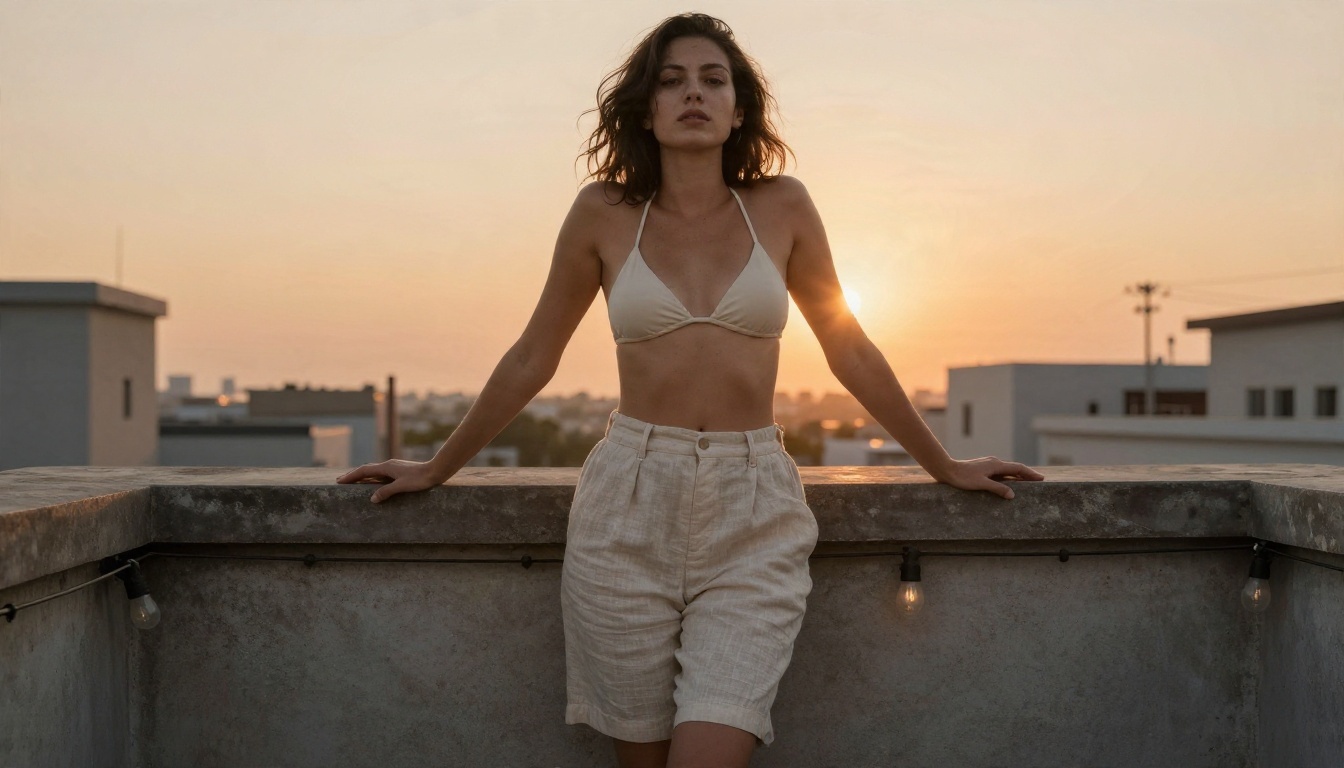
Hosted models run moderation. Two of my own test prompts for this article were rejected, and the cause was clear: lingerie language combined with bed settings and the word "boudoir". Rewriting the same idea around a satin robe over a swimsuit, or a bikini top with linen shorts on a rooftop, passed immediately and looked just as good.
- Swap lingerie terms for swimwear, slips, robes or evening wear.
- Describe light and fabric, not body parts.
- Avoid stacking several suggestive cues in one sentence.
- If a prompt is blocked, change the clothing first, then the setting.
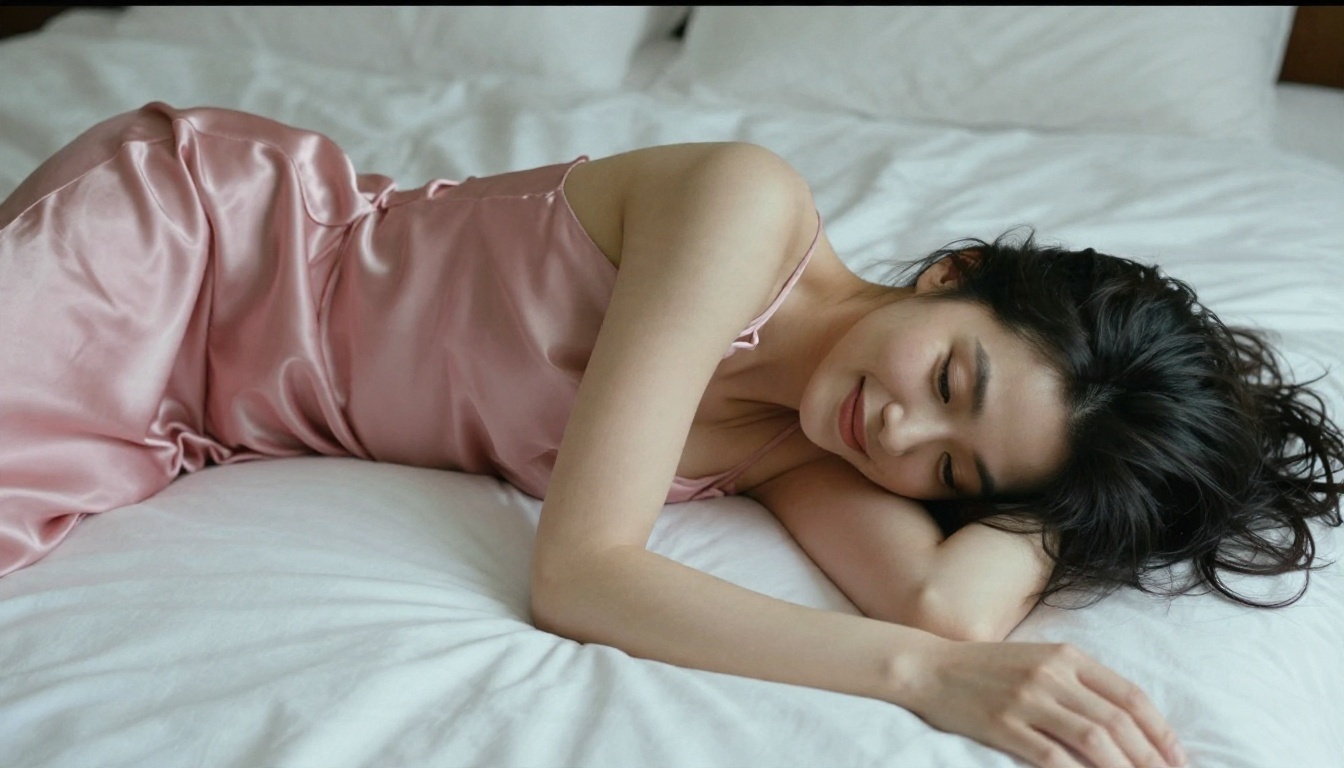
A satin slip dress from an overhead angle gives a boudoir feel without the wording that gets flagged. Soft diffused light from above keeps it gentle and natural.
Settings That Change Results
Prompts get the attention, but settings decide whether you get a usable image on the first try.
Aspect Ratio and Resolution
Use 16:9 for cinematic scenes and banner images, 3:4 or 2:3 for portraits, and 1:1 for social grids. Higher resolution matters more for skin and fabric than for landscapes. Models like Seedream 4.5 are built for sharp 4K output, so there is little reason to settle for a soft preview.
| Setting | Recommended value | Why it matters |
|---|
| Aspect ratio | 16:9 landscape, 3:4 portrait | Matches the framing of real photography |
| Resolution | Highest your model allows | Keeps skin pores and fabric weave crisp |
| Seed | Fixed while testing | Lets you change one word at a time |
| Style cue | "raw photo, film grain" | Avoids the glossy, over smoothed look |
| Negative cues | Plastic skin, extra fingers, blur | Reduces common artifacts |
Seeds and Variations
Lock the seed when you are tuning a prompt. Change only one element per run: the light, the lens, the outfit. When you land on a composition you like, release the seed and generate a batch of variations. This is how you build a consistent gallery in an afternoon.
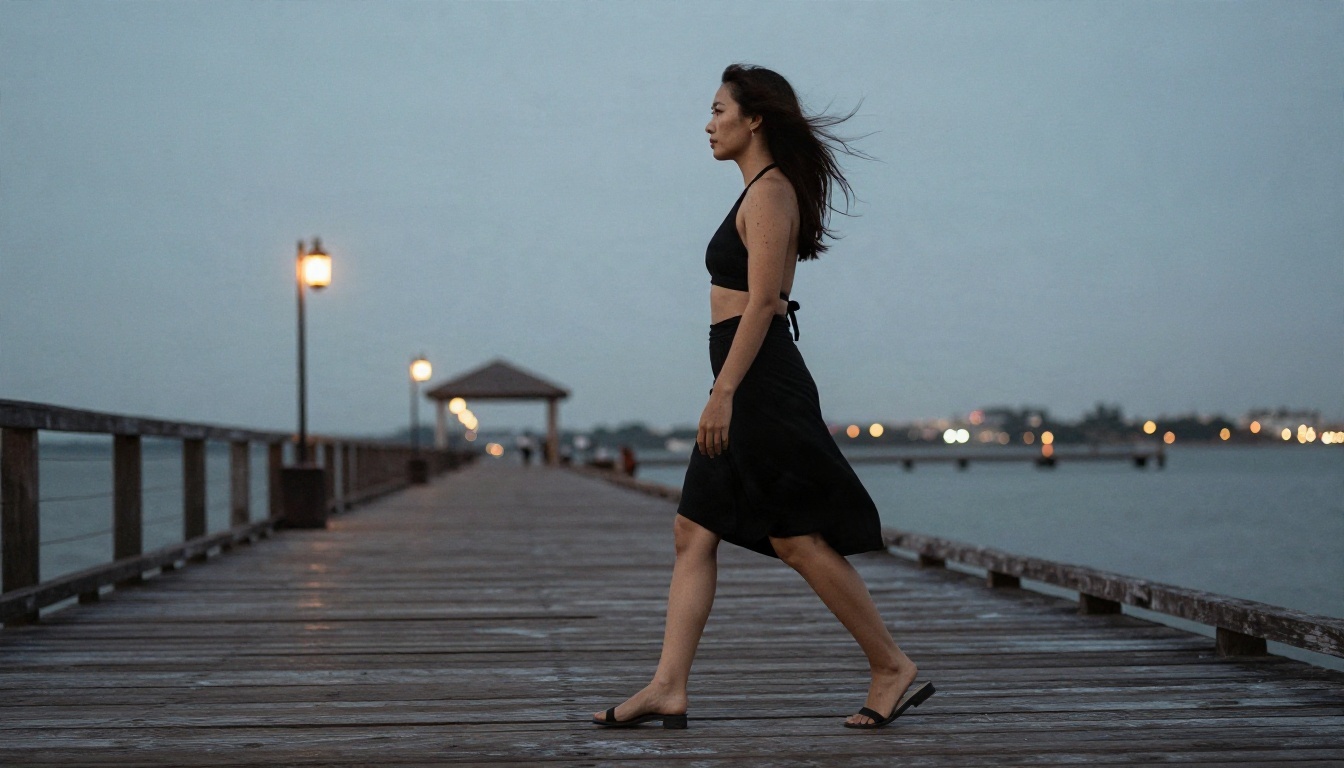
A long lens such as 135mm compresses the background and isolates the subject. It is a simple lens swap that gives a very different image from the same scene.
Free Options Worth Using
Free is a tricky word in AI imagery. Many tools give a handful of credits and then stop. What you actually want is a tool where you can keep generating while you refine prompts, because good images take iteration.
Image Editor Pro Unlimited
PicassoIA Image Editor Pro is built around unlimited generations, which suits the trial and error that adult glamour work needs. You can generate, edit, change outfits or lighting, and run another pass without watching a counter. It is also fast, which keeps the loop tight.
Other Models to Try
Once you have a base image, these models give you different looks. Each page lists its current limits.
💡 Heads up: Not every model treats adult content the same way. Moderation differs from one model to the next, so if one rejects a prompt, try a model from the list above before you give up on the idea.
How to Use Seedream 4.5 on PicassoIA
Seedream 4.5 is the model to open first for adult glamour art. It produces sharp, believable skin and handles detailed scene prompts well.
- Open the model page and select Seedream 4.5 from the text to image collection.
- Paste your prompt using the five part formula: subject, environment, light, camera, texture.
- Pick the aspect ratio. Choose 16:9 for scenes and a portrait ratio for close ups.
- Set the highest resolution available so skin detail stays clean.
- Generate and review. Check hands, eyes and fabric edges.
- Adjust one variable. Change only the light or the outfit, then run again.
- Send the best result to Image Editor Pro for edits and further unlimited variations.
Parameter Tips
- Write "raw photo" and name a film stock for a natural look.
- Give one clear light source. Two or three competing sources confuse the render.
- Keep prompts between 50 and 80 words. Shorter is vague, longer starts to contradict itself.
- Use a descriptive camera angle (low, overhead, over the shoulder) to avoid repetitive framing.
Common Mistakes
Most disappointing results come from the same handful of errors.
- Tag piles instead of sentences. "Sexy girl, hot, 8k" gives you a generic face. A described scene gives you a photograph.
- Ignoring lighting. Flat light makes skin look artificial. Always name the direction and warmth.
- Skipping the lens. Without a lens cue, many models default to a wide, distorted look.
- Overloading the prompt. Ten outfit details fight each other. Pick two.
- Giving up after a block. Rephrase around swimwear or evening wear first.
- Using the same angle every time. Rotate between low, overhead, profile and over the shoulder.
💡 Workflow that saves time: Draft with a fast model, pick the best composition, then rebuild it in Seedream 4.5 for the final render and polish it in Image Editor Pro.
Make Your Own Images Today
You now have the full set: examples that show what is possible, a prompt formula you can reuse, settings that stop wasted runs, and free options that let you iterate without counting credits. Pick one scene from the table above, paste it into Seedream 4.5, and change a single detail. Then take the result into PicassoIA Image Editor Pro and keep refining with unlimited generations.
Want more choices? Browse every available model at picassoia.com/en/all-models and test the same prompt across several of them. Small differences in how each model renders skin, light and fabric are often what turn a good image into the one you keep.


