Type a sentence, wait a minute, and a glamorous, photorealistic clip of an adult model appears on your screen. That is the promise of AI generated adult video, and in 2027 it is no longer a gimmick. The catch is that most tools hide the same three problems: paywalls after the first clip, vague rules about what is allowed, and clips that end after a few seconds. This article sorts through all three. You will see which free and unlimited options exist, how to write prompts that give you sensual, tasteful footage instead of mush, what the results look like, and exactly how long a single clip can run.
A quick note on scope. Everything here is about non-explicit, adult-oriented glamour content: boudoir, swimwear, lingerie fashion, silk, sunlight, slow movement. That is where AI video is strongest, where the results look most believable, and where you stay on the right side of consent and platform rules.
What Counts as AI Adult Video
Sensual, Not Explicit
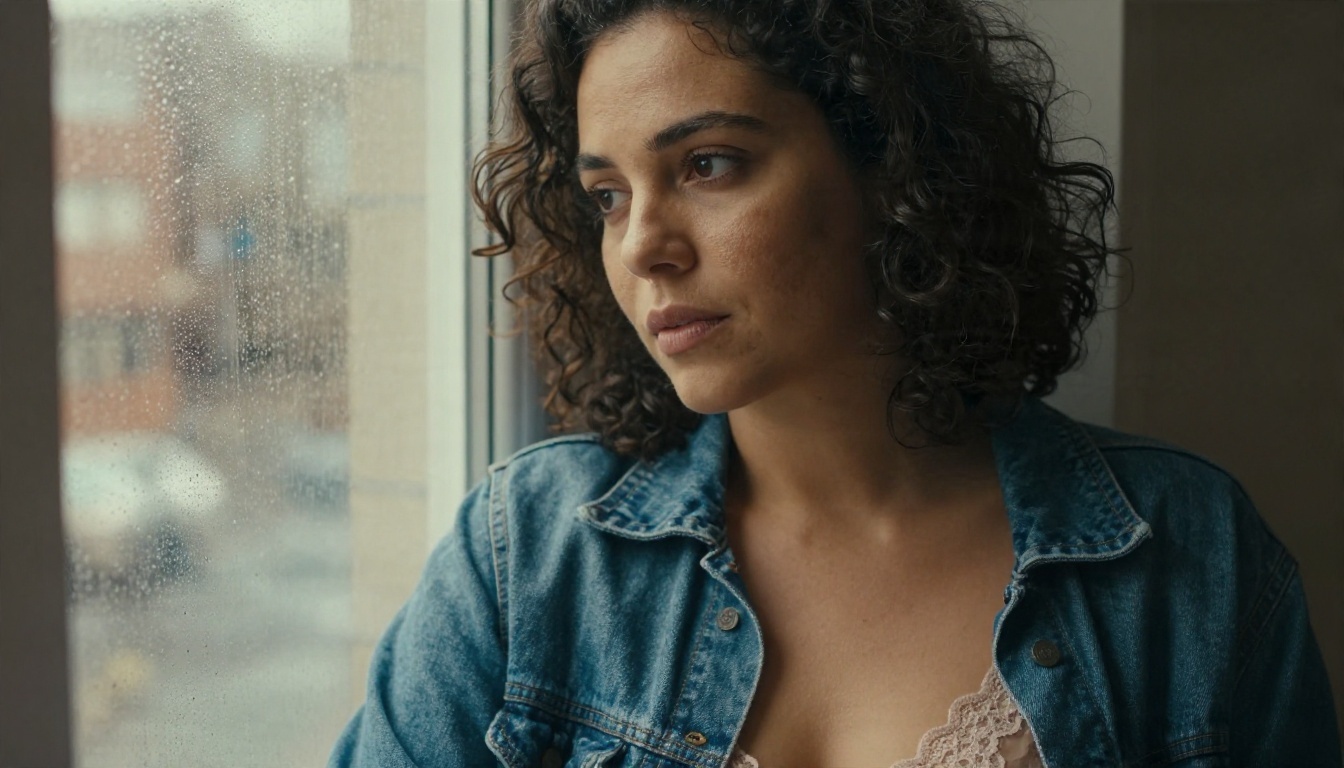
The phrase covers a wide range, so let me be specific. In practice, people who search for it want short, cinematic clips of attractive adults: a woman in a satin robe turning toward a window, a bikini shot beside a pool at golden hour, a slow push-in on a lace detail. The best generators handle this kind of footage well because it relies on things video models are already good at: fabric motion, hair, soft light and shallow depth of field.
Why Demand Keeps Growing
Three reasons explain the search volume. First, the cost of traditional shoots is high: studio, photographer, lighting, model fees. Second, AI clips can be made privately, on your own schedule. Third, the quality jump is real. Skin texture, hair strands and fabric folds now hold up at 720p and above, which was not true two years ago.
💡 Tip: Treat AI adult video as a two-step craft. First you build a great still image. Then you animate it. Almost every good clip starts as a strong first frame.
Unlimited Options on PicassoIA
If you want to create without counting credits, start here. Seedream 4.5 is the first model I would use for the starting frame. It produces sharp, photoreal people with natural skin and accepts adult glamour themes, so you are not fighting a filter on every prompt. Next, PicassoIA Image Editor Pro gives you unlimited generations for editing and refining that frame: swap an outfit, change the light, fix a hand, adjust the background. Because it is unlimited, you can iterate ten or twenty times until the frame is exactly right, and that is the step that separates polished clips from random ones.
For the motion itself, three PicassoIA video models matter most for free or near-free use:
- Seedance 2.5 Lite is a free and unlimited video generator that reaches up to 10 seconds per clip.
- PicassoIA Video is a free, unlimited generator that works from text or from an image.
- Seedance 2.5 is the long-form option, built for clips of up to 30 seconds.
Where Free Tiers Cut Corners
Free tiers elsewhere often limit you in quiet ways. Watch for these:
| Limit | What it looks like | Why it hurts |
|---|
| Daily credit cap | 3 to 5 clips, then a paywall | You cannot iterate on a prompt |
| Watermarks | Logo across the frame | Clip is unusable for most purposes |
| Low resolution | 480p or lower | Skin and fabric look smeared |
| Content filters | Swimwear or lingerie blocked | Constant rejected prompts |
| Short clip cap | 3 to 4 seconds | Hardly enough for a scene |
Unlimited generation matters more than any single feature, because video is a numbers game. Even strong models give you one great take out of every three or four attempts.
Prompts That Produce Clean Results
The Five Part Formula
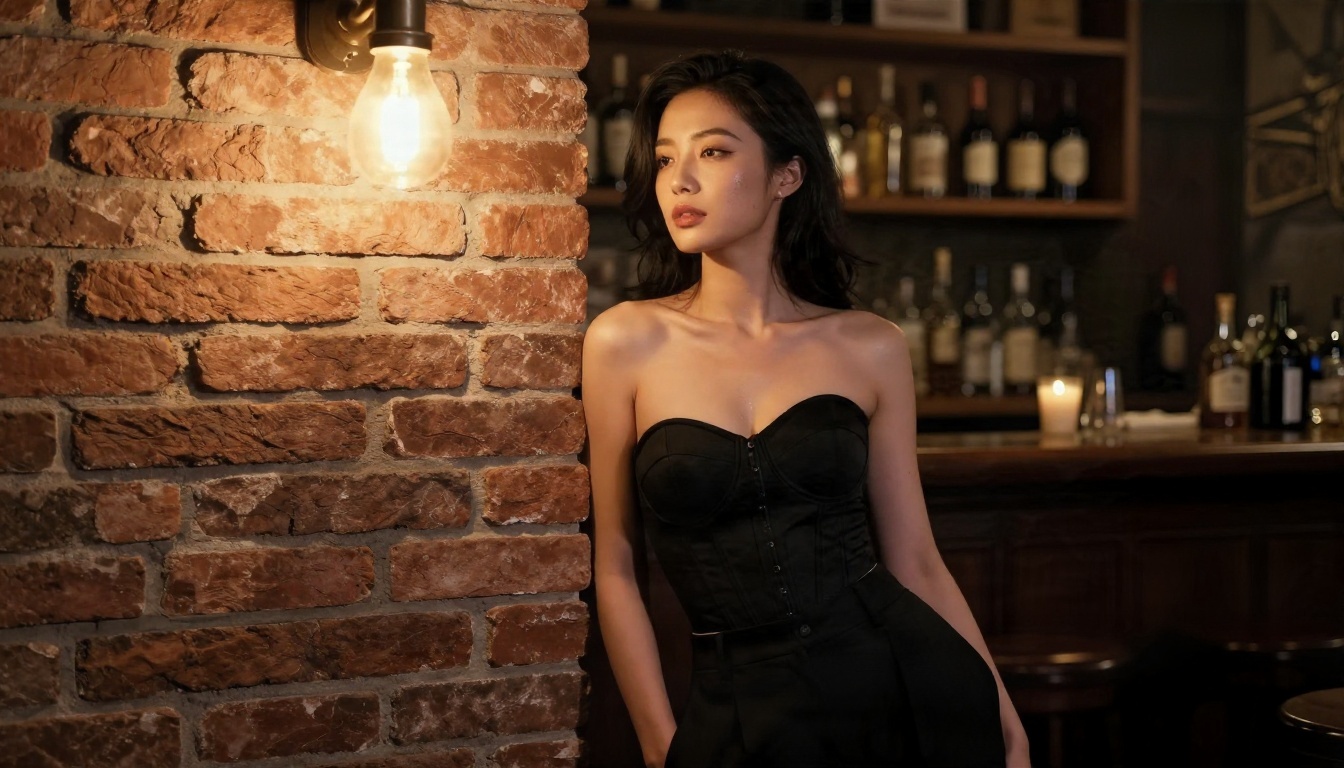
Vague prompts give vague footage. A reliable structure has five parts, in this order:
- Subject and wardrobe: age as "adult woman in her late twenties", hair, outfit, fabric.
- Action: one simple movement, such as turning, walking, adjusting a strap, lifting hair.
- Setting: hotel suite, villa pool, balcony, bathroom with marble, desert courtyard.
- Light: direction and quality, for example "soft window light from the left".
- Camera: lens and movement, such as "85mm, slow dolly in, shallow depth of field".
Keep it to one action per clip. Asking for a walk, a turn, a laugh and a hair flip in five seconds is how you get warped limbs.
Motion Words That Work
Some verbs reliably give smooth results, and some cause chaos. Use the left column.
| Works well | Causes problems |
|---|
| slowly turns her head | spins quickly |
| fabric ripples in the breeze | dances energetically |
| gentle push-in | rapid whip pan |
| hair drifts softly | complex hand gestures |
| shifts weight, small smile | multiple people interacting |
Prompts to Copy
Here are three starting points. Swap in your own wardrobe and setting.
- Boudoir: "Adult woman in a black satin robe on white linen sheets, slowly turns toward the window and smiles, soft morning light from the left, 85mm lens, slow dolly in, shallow depth of field, film grain."
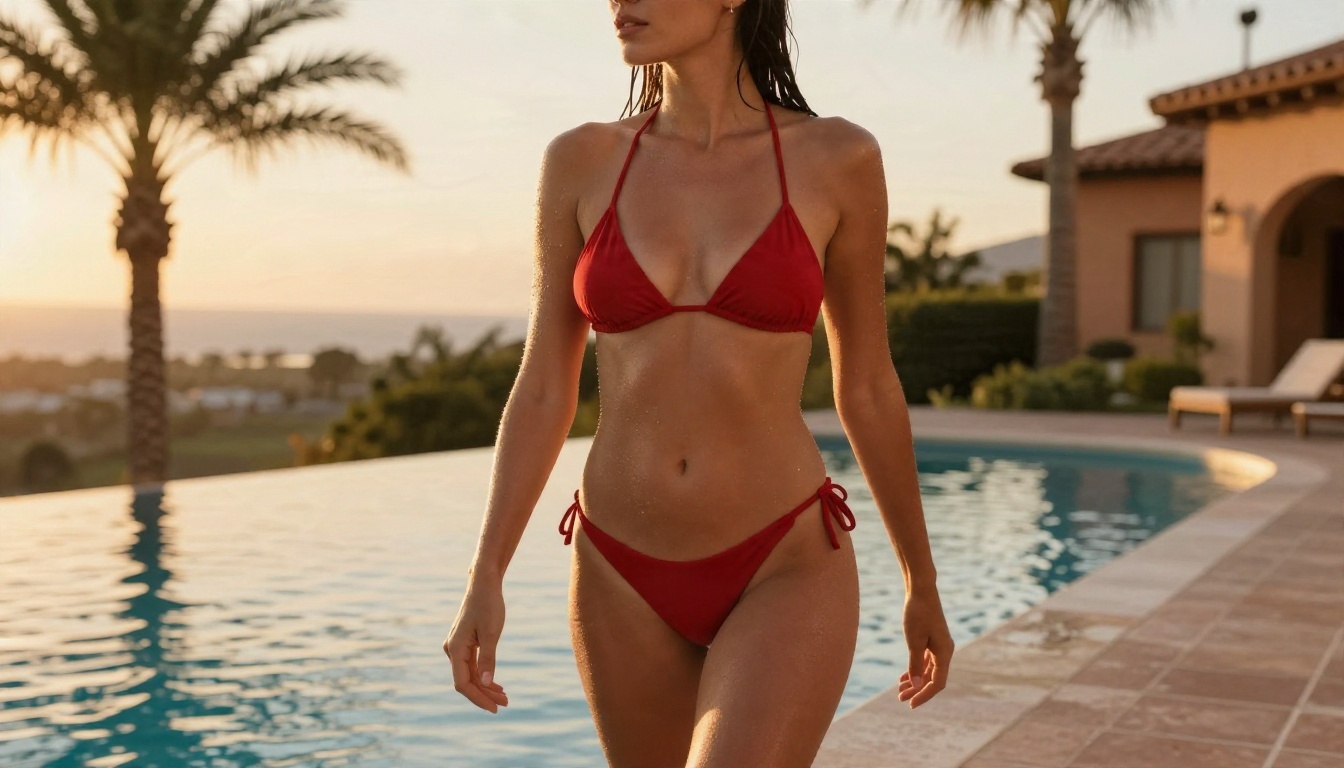
- Poolside: "Adult woman in a red bikini walks slowly along an infinity pool edge at golden hour, wet hair, warm rim light, low angle, 35mm lens, gentle handheld motion."
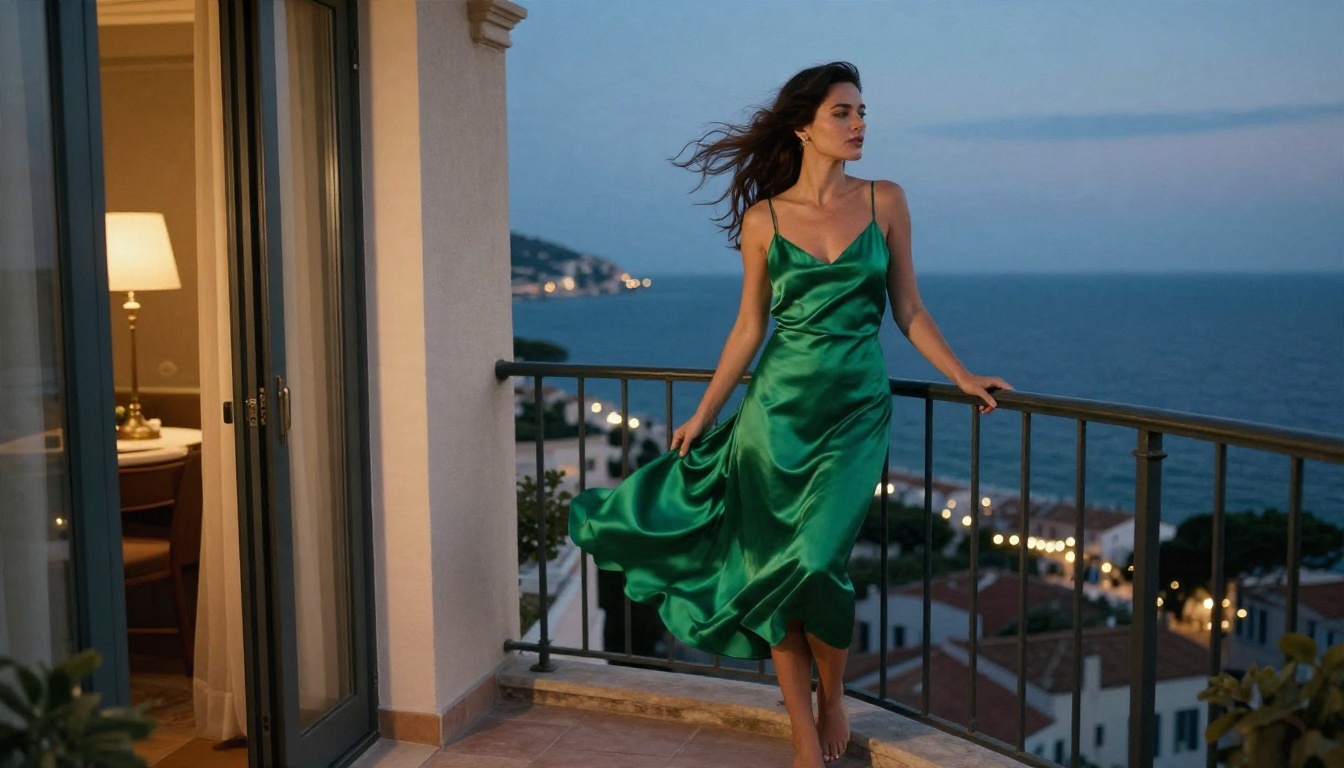
- Balcony: "Adult woman in an emerald silk slip dress on a seaside balcony at dusk, wind lifts the fabric and her hair, slow lateral camera move, blue-hour light with warm lamp glow."
💡 Tip: Add "photorealistic, natural skin texture, film grain" to every prompt. It pushes the model away from the plastic look.
Examples of What to Expect
Fabric and Light
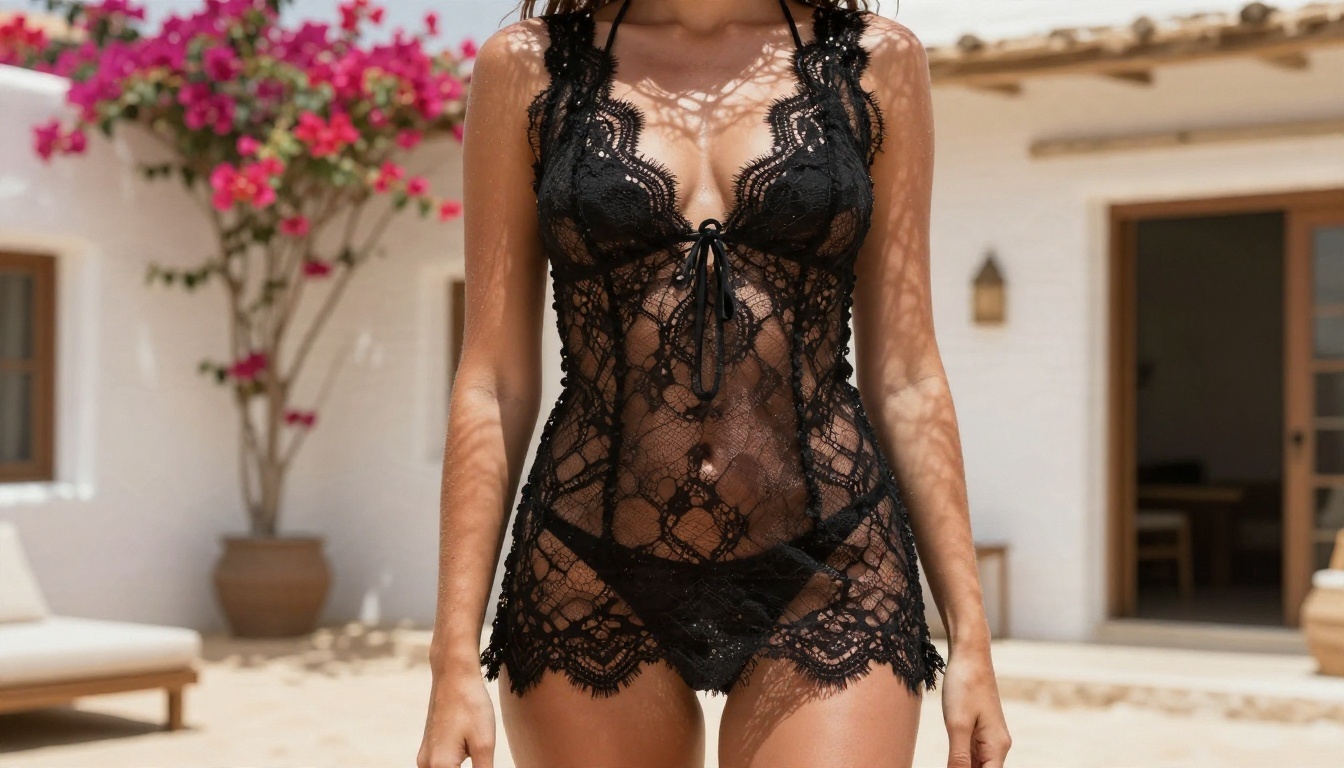
Silk, satin and lace are favorites for AI video. They catch highlights, they move in predictable ways, and they hide small flaws better than tight, repetitive patterns. The balcony frame below is a typical example of a starting image that animates well: wind, a distant sea, a single subject.
Close Portraits
Tight portraits are the safest shots because the model has fewer limbs to track. A slow blink, a small smile, a head turn: these look believable even in the first attempt. If you are new to this, begin with close framing and move wider once you trust the results.
Wide Environmental Shots
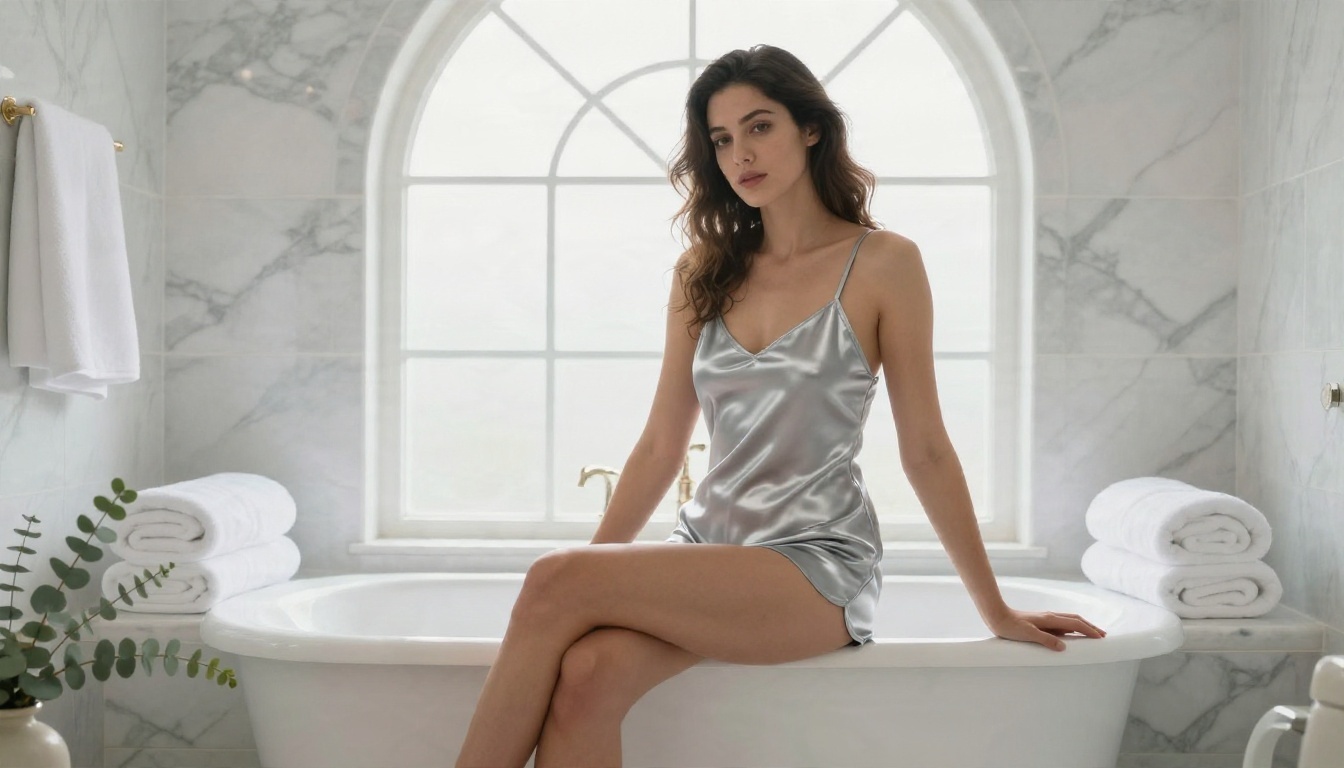
Wide scenes are harder, since background and subject must stay consistent for the whole clip. Still, a well lit courtyard or bathroom can look striking. Here is a wide interior with soft daylight, which works because the light is even and there is little fast motion.
Outdoor Natural Light
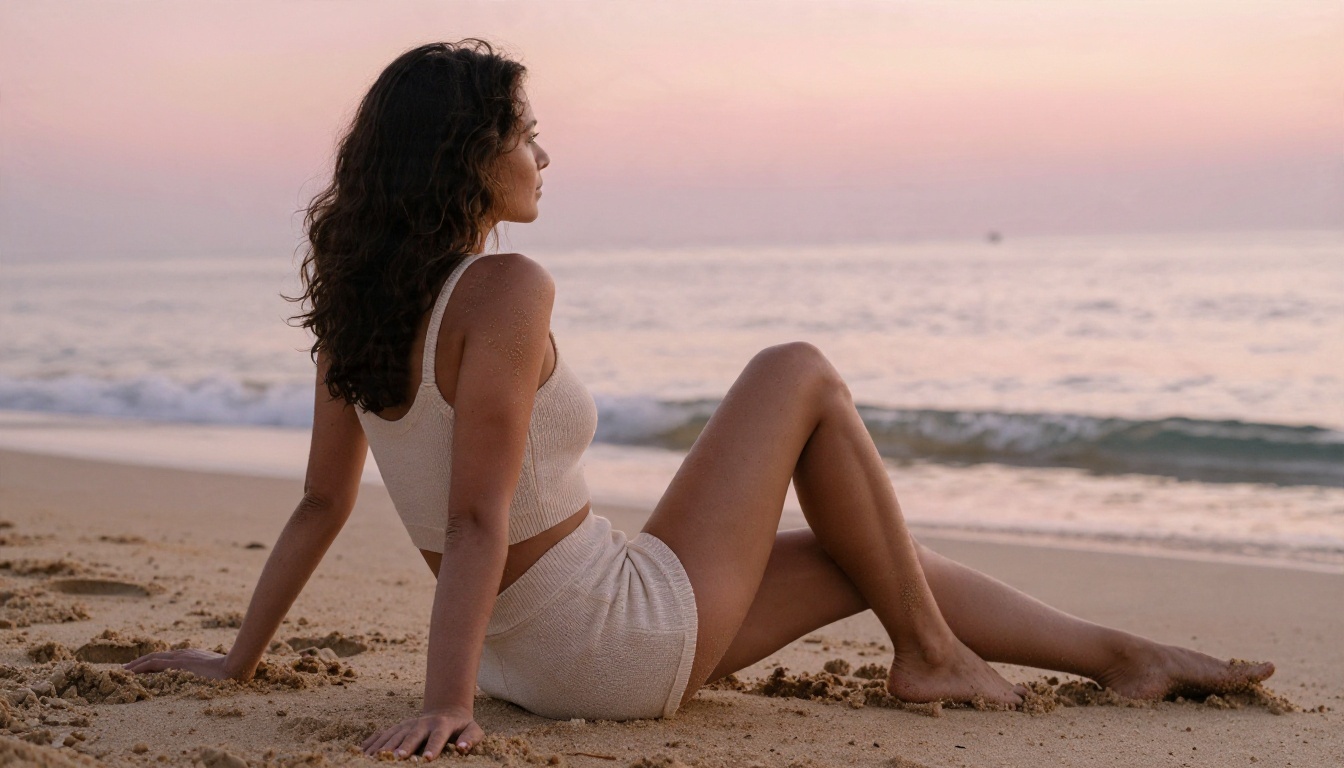
Sunrise, sunset and shaded courtyards give the most natural skin tones. Harsh noon sun creates deep shadows under eyes and chin that video models often exaggerate, so soften it with a canopy or choose the golden hour.
Length Limits Explained
Why Clips Stay Short
Video models predict many frames at once, and errors pile up the longer a clip runs. A hand drifts, a face changes slightly, a background object melts. That is why most generators produce clips of roughly 5 to 10 seconds, and why a model that holds a person steady for 30 seconds is a notable step.
Stitching Longer Scenes
If you need more than one clip allows, build the scene in pieces. Generate a first clip, grab its last frame, and use that frame as the starting image for the next clip. Repeat. Keep the same outfit, light and location in every prompt, and you can cut the pieces together into a 20 or 30 second sequence. Cutting between two angles also hides small drifts, the same way film editors do.
A Simple Workflow on PicassoIA
Step 1: Build the First Frame
Open Seedream 4.5 and write a still prompt using the five part formula. Specify lens, light direction and skin texture. Generate four to six variations and pick the one with the cleanest hands and the most natural face.
Step 2: Refine in Image Editor Pro
Take your favorite frame into PicassoIA Image Editor Pro. Since generations are unlimited, fix everything now: adjust the outfit color, soften a harsh shadow, clean up the background. A flaw in the first frame becomes a flaw in all 120 frames of the video.
Step 3: Animate the Frame
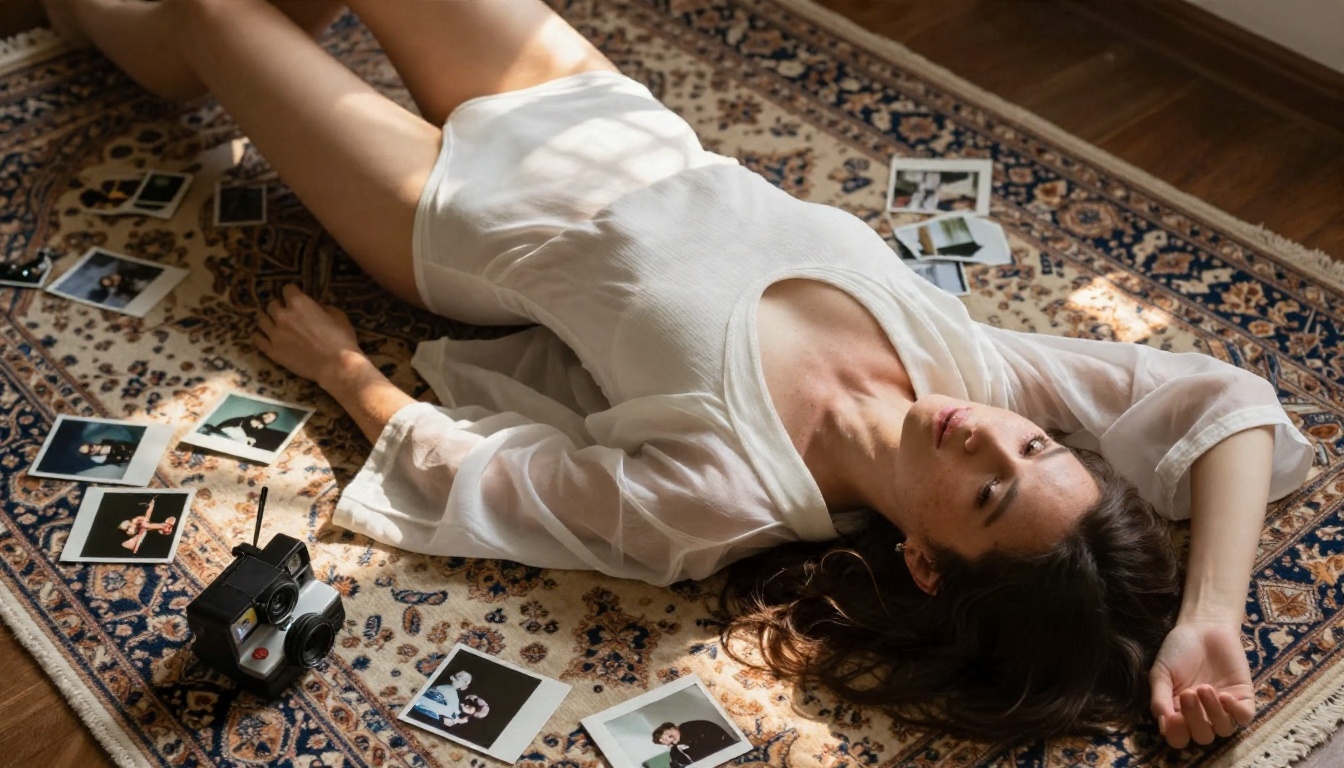
Send the finished image to Seedance 2.5 Lite or PicassoIA Video. Write a motion only prompt, since the image already defines the subject. Something like "slowly turns toward the window, fabric ripples, slow push-in, soft light" works well. Generate several takes and keep the best one.
💡 Tip: For a longer, more cinematic scene, switch to Seedance 2.5 once your first frame and prompt are locked in. Test short, then go long.
Speed Matters
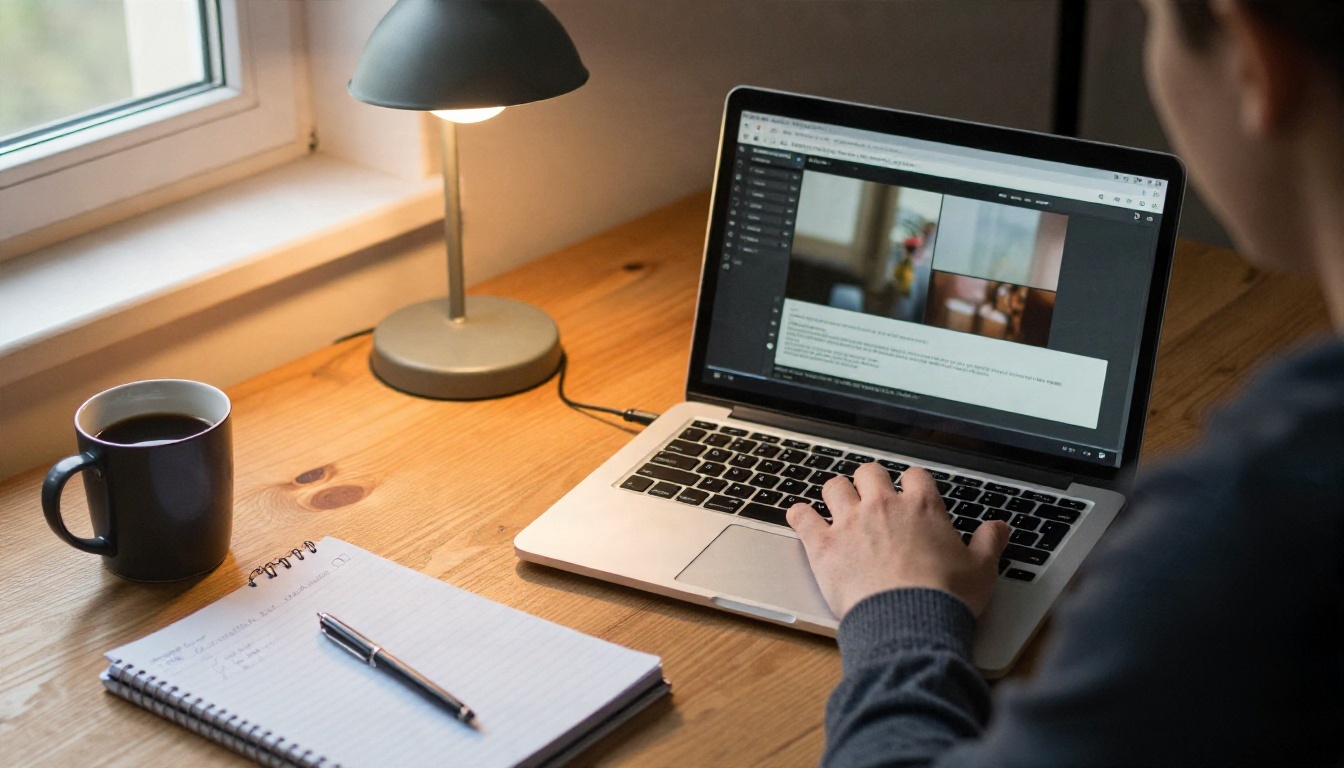
The lighter models return results quickly, and speed changes how you work. When a clip takes under a couple of minutes, you test ideas freely. When it takes twenty, you start playing it safe. Pick tools that let you try the odd idea.
Safety and Consent Rules
Some rules are not optional, whatever tool you use.
- Adults only. Every character must be clearly an adult. State an adult age in your prompt.
- No real people without consent. Do not use photos of a real person, a celebrity, an ex, or a coworker as a source image. Face swapped or lookalike content made without consent can cause real harm and is illegal in many places.
- Keep it non-explicit. Suggestive and beautiful is the target. It is also what looks best, since the models are strongest at fabric, light and mood.
- Check where you post. Each platform has its own adult content rules. Read them before you upload.
- Disclose AI. Label your clips as AI generated when you publish them.
If you need a quick sanity check before sharing, ask: would the person shown be comfortable with this existing? For a fictional AI character the answer is easy. For anyone real, it is a hard stop unless they agreed.
Make Your First Clip Today
You now have everything needed: free and unlimited tools, a prompt formula, realistic expectations about length, and a workflow that turns one great still into a smooth clip. Start small. Build one first frame in Seedream 4.5, polish it with PicassoIA Image Editor Pro, and animate it with Seedance 2.5 Lite. Then change one variable at a time: the light, the lens, the outfit, the movement. Within an hour you will have a personal prompt library that gives you consistent, attractive results.
Want to try other engines? Browse every image and video model, including unlimited and uncensored options, at picassoia.com/en/all-models, and run your own tests on Picasso IA today.


