Every December the same thing happens. The tree is up, the kids are in matching pajamas for exactly four minutes, and the one photo everyone wanted is a blur of wrapping paper and a half-closed eye. AI generated Christmas photos fix that problem from two directions: you can build a picture from a text description, or you can feed in a real snapshot and let the software dress it in snow, fairy lights and knitwear. Done well, the result looks like a session with a lifestyle photographer who happened to be in your living room.
This article shows what those photos look like, the prompts that produce them, family ideas that work for every kind of household, and the apps and free tools worth your time. It also covers the mistakes that make AI portraits look plastic, so your cards end up on the fridge instead of in the trash.
What AI Christmas Photos Really Are
An AI generated Christmas photo is an image created or edited by a model trained on millions of pictures. You describe a scene such as a family by a fir tree at dusk, and the model draws it pixel by pixel. Modern systems handle skin pores, wool fibers, candle glow and even the way light bends through a glass ornament.
There are two main routes, and they suit different people:
- Text to image: you write a prompt and get a brand new scene with invented people. Perfect for card backgrounds, mockups, social posts and inspiration.
- Photo editing: you upload a real picture of your family and ask for changes, such as a snowy backyard, Santa hats or a cozy fireplace. Perfect when the faces must be yours.
The second route is where most families land. Nobody wants a stranger's smile on their holiday card. They want Grandma's real smile, only with better lighting and no laundry basket in the background.
💡 Tip: Start with text to image to find a look you love, then repeat the same style with your own photos. You will waste far fewer credits.
Free Examples Worth Copying
Words only go so far, so here are examples of scenes that tend to come out well. Each one was generated from a single prompt with no retouching. Notice how restrained the styling is: real fabrics, soft window light, a little film grain. That restraint is what separates a believable photo from an obvious AI picture.
The Classic Tree Portrait
The tree portrait is the workhorse of holiday photography. Two parents, two children, coordinated colors, a decorated fir behind them. It works because the composition is simple and the lighting does the heavy lifting.
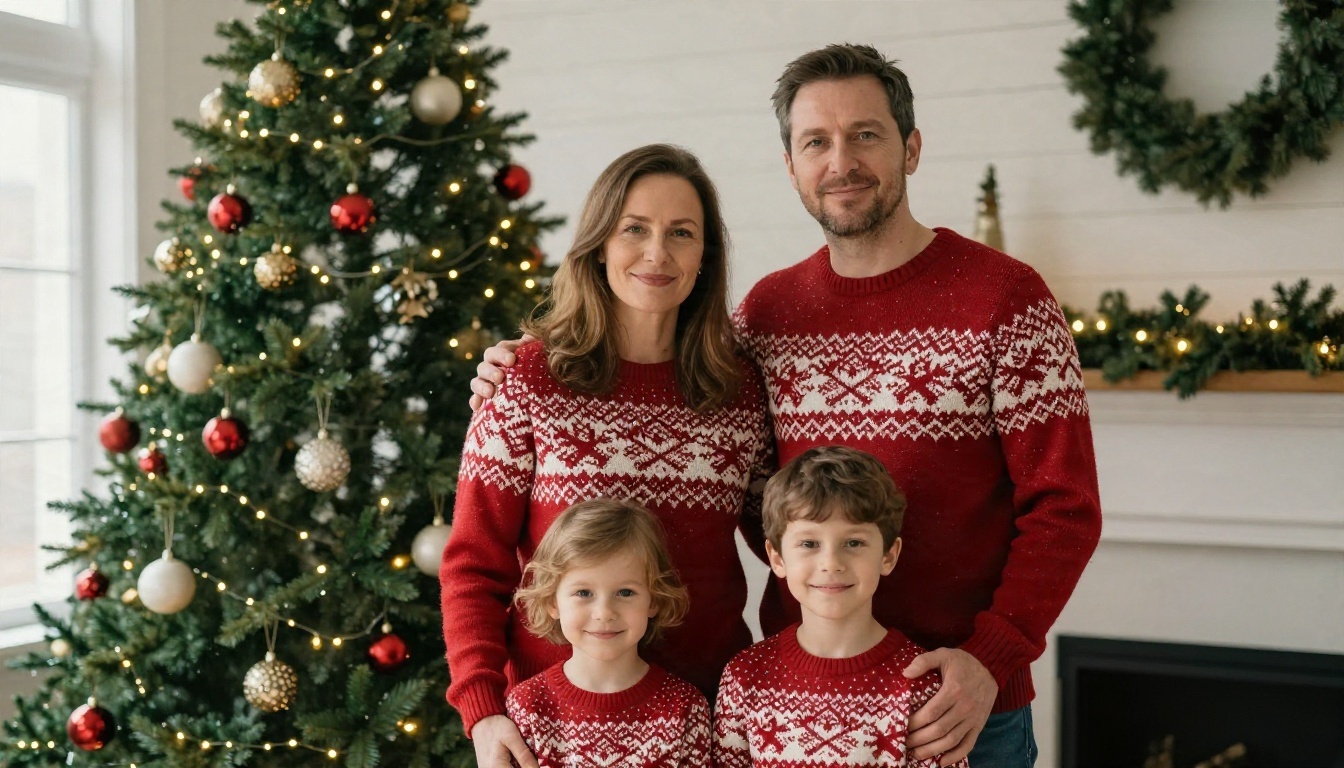
What makes this one convincing: the knit texture is visible, the hands rest on shoulders in a natural way, and the background lights are blurred into soft circles, just like a real portrait lens would do at a wide aperture.
Gift Opening Close-Ups
Close-ups of a child tearing into a present are the emotional shots people print and frame. They are also forgiving for AI because you only need one face, one pair of hands and a bit of paper.
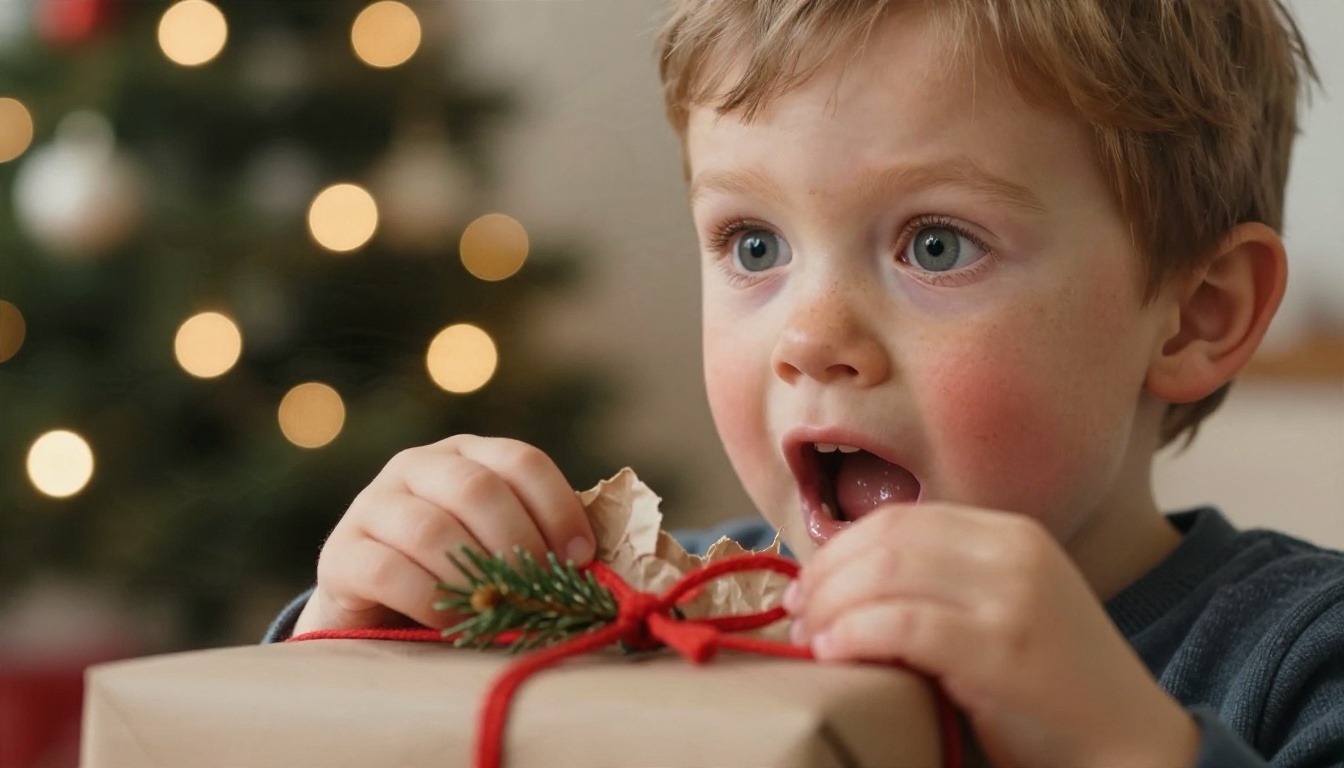
Ask for a low camera angle at the child's eye level, wide eyes, crumpled paper and blurred lights behind. Those four details create instant warmth.
Couples by the Fire
Couples portraits lean on atmosphere rather than posing. Matching sweaters, mugs of cocoa, a blanket and a fireplace give the model plenty to work with.
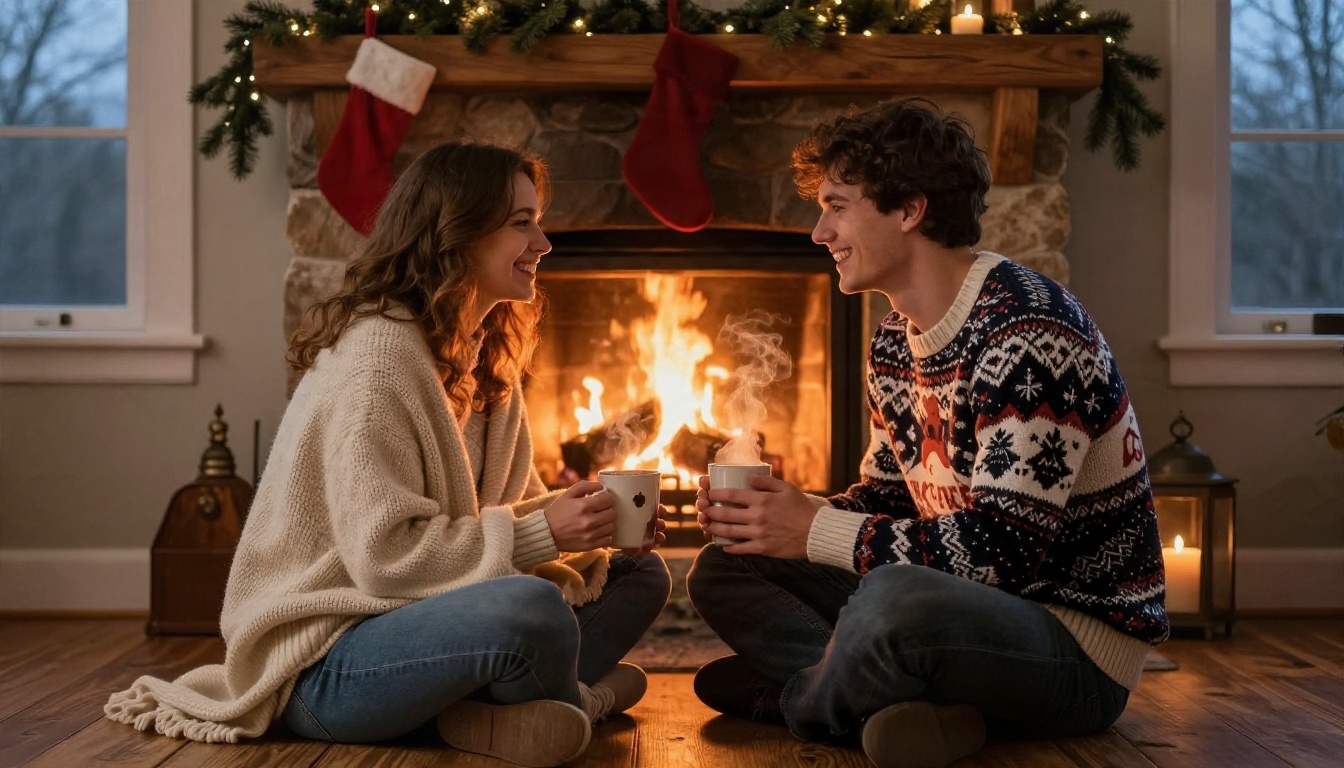
The trick here is mixed lighting: warm firelight from one side and cool dusk light from the other. It adds depth and keeps skin from looking flat.
Prompts You Can Paste Today
A good prompt reads like a shot list. You are not asking for "a nice Christmas photo." You are telling a photographer exactly where to stand, what the light is doing and what everyone is wearing.
The Prompt Formula
Use this order and you will get better results almost every time:
| Part | What to write | Example |
|---|
| Subject and action | Who is there and what they are doing | A mother and daughter laughing over a wrapped gift |
| Setting | Room, props, season details | Real fir tree, brick fireplace, pine garland |
| Light | Direction and softness | Soft window light from the left, warm fairy lights behind |
| Camera | Angle, lens, depth of field | Eye level, 50mm f/1.8, shallow depth of field |
| Texture and film | Surface detail and grain | Wool fibers, visible skin pores, subtle film grain |
Two details matter more than people expect. First, name a real lens and aperture, such as 35mm f/1.8 or 85mm f/1.8. Models associate those numbers with photographs, not illustrations. Second, mention texture explicitly. Words like "wool knit," "crinkled kraft paper" and "natural skin texture" push the output away from that smooth, waxy look.
Five Ready Prompts
Copy any of these, then swap in your own details:
- Family living room: "Candid photograph of a family of four on a wool rug on Christmas morning, laughing at a wrapped present, real fir tree with warm white lights, soft morning window light from the right, 35mm f/1.8, natural skin texture, subtle film grain."
- Snowy walk: "Family in red plaid scarves walking hand in hand along a snowy path between pine trees at golden hour, low sun behind them, visible breath in cold air, 24mm lens, sharp snow texture."
- Baby card: "Newborn in a small red knitted hat asleep in an oversized cream stocking on a sheepskin rug, overhead shot, soft window light, 60mm macro lens, delicate skin texture."
- Dinner table: "Three generations around a long wooden table set for Christmas dinner, candlelight, pine sprigs and brass candlesticks, wide shot, 28mm f/2.8, steam rising from dishes."
- Pet portrait: "Golden retriever in a small Santa hat on a linen sofa between two smiling people, tree and soft snowfall in the window behind, 35mm f/2, realistic fur texture."
💡 Tip: Keep every prompt under about 80 words of description. Longer lists of adjectives tend to confuse the model rather than help it.
Family Ideas for Every Household
Different households need different pictures. A family with a toddler needs a quick shot. A family spread across three cities needs a way to be in the same photo. Here are ideas that work for each situation.
Pets in Santa Hats
Pets are family, and the holiday card should say so. Dogs in particular photograph well in AI because fur is a texture models handle confidently. Ask for a slightly high angle and soft daylight so the fur has depth.
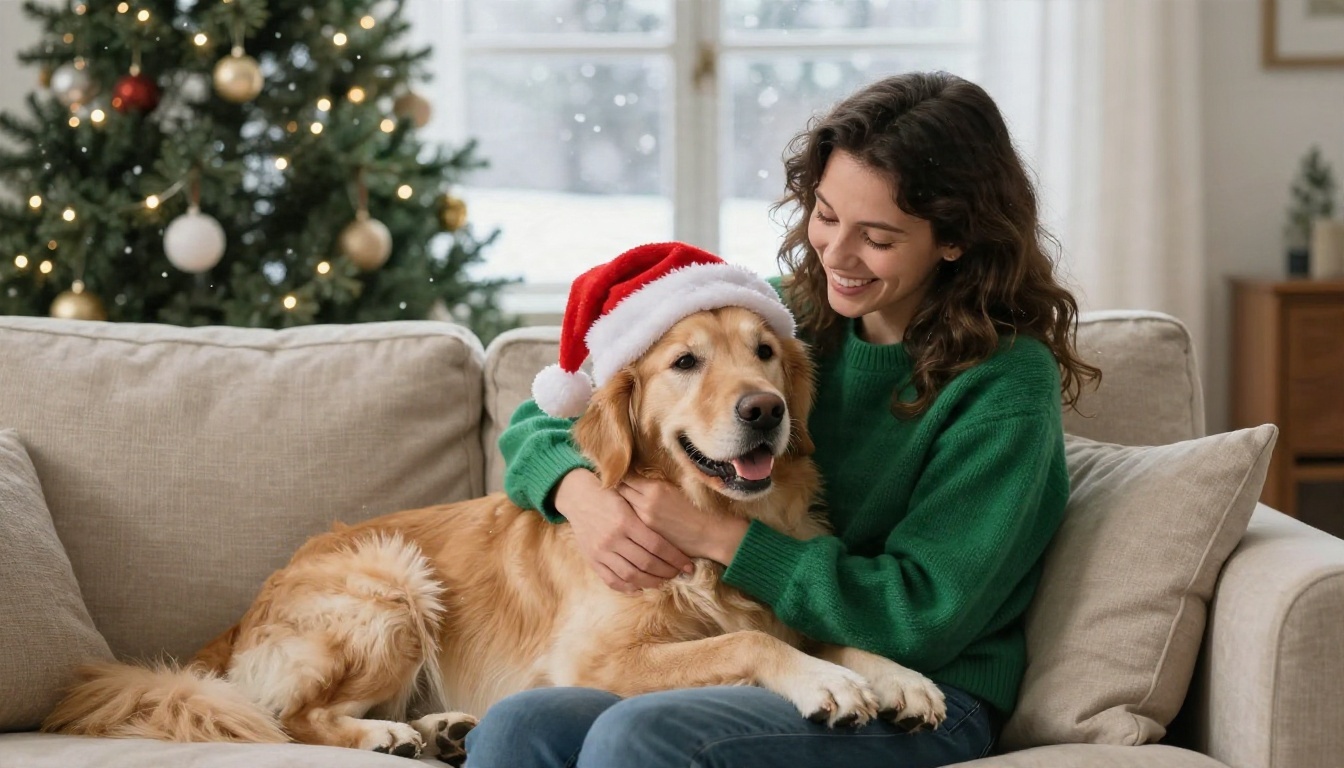
If you are editing a real photo of a pet, keep the request modest. A small hat and a decorated background are safer than a full costume, which can distort the animal's face.
Snowy Outdoor Walks
Not everyone lives somewhere with snow, and not everyone can get four people dressed and outside before the light fades. AI lets you place your family on a winter path without the frostbite.
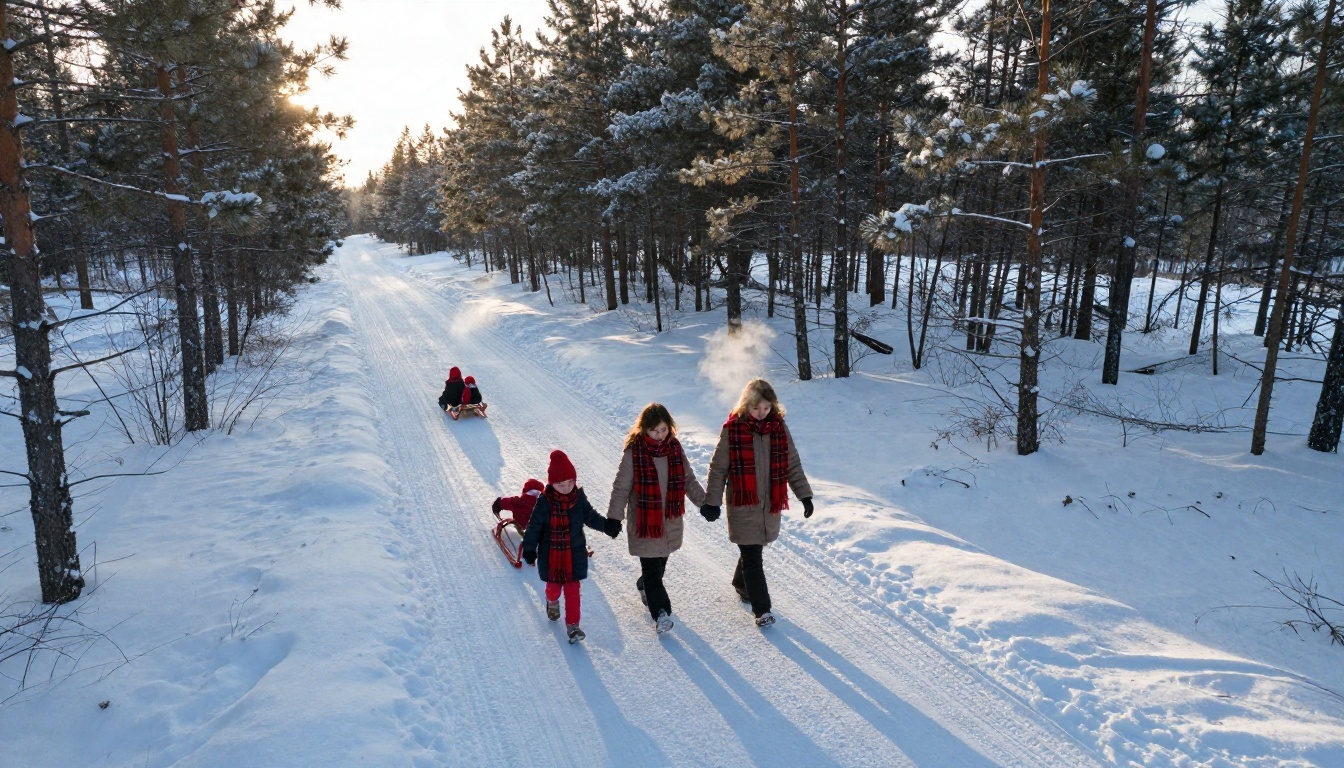
A wide aerial perspective keeps faces small, which hides the small errors AI sometimes makes with distant features. It also gives you room for a card message in the snowy foreground.
Grandparents at the Table
For families scattered across borders, a shared dinner scene can be a lovely gift. Combine separate photos of each relative into one table setting, with candlelight and a roast in the middle.
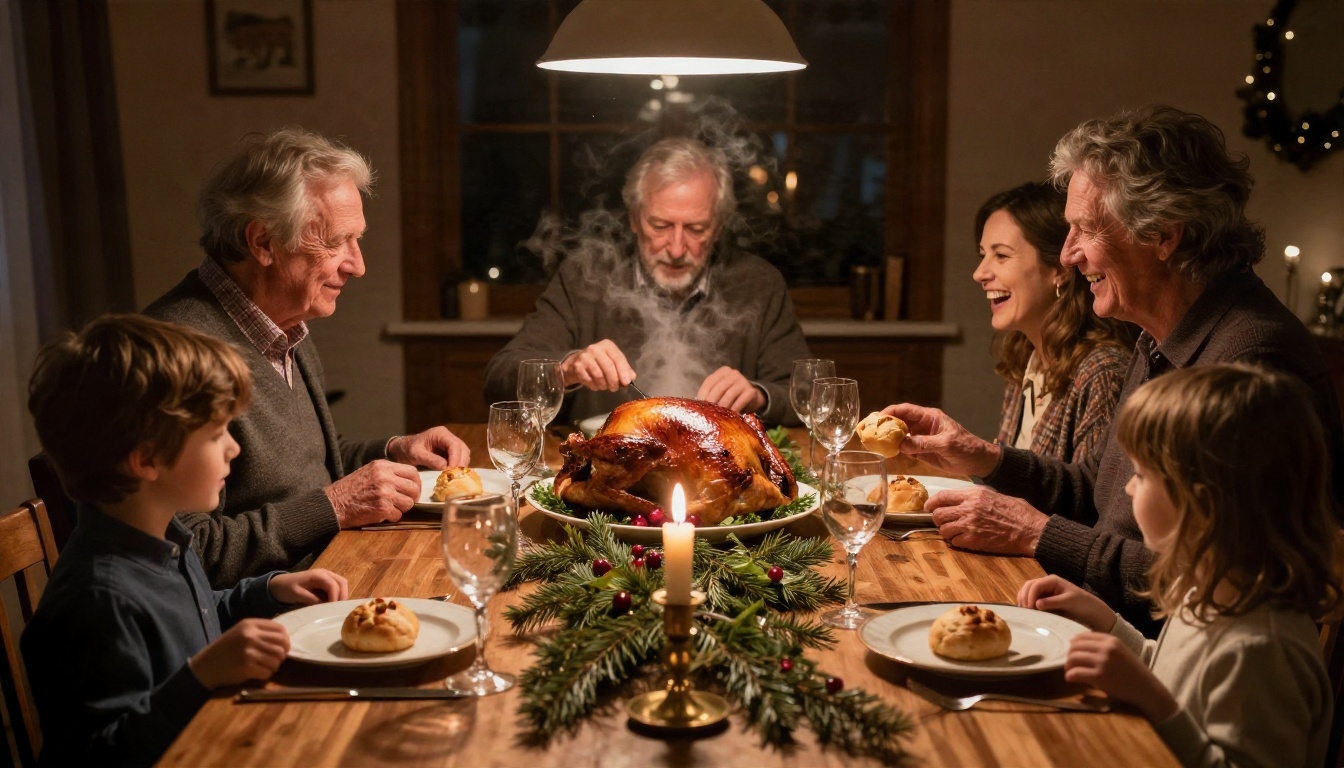
Warm amber light flatters older skin and hides the slight color mismatches that appear when you merge pictures taken in different rooms.
Newborn and Baby Cards
A first Christmas deserves a photo, but newborn sessions are tiring and sometimes expensive. A tiny knitted hat, a stocking and a sheepskin rug make a classic card, and you can build the scene around a real baby photo.
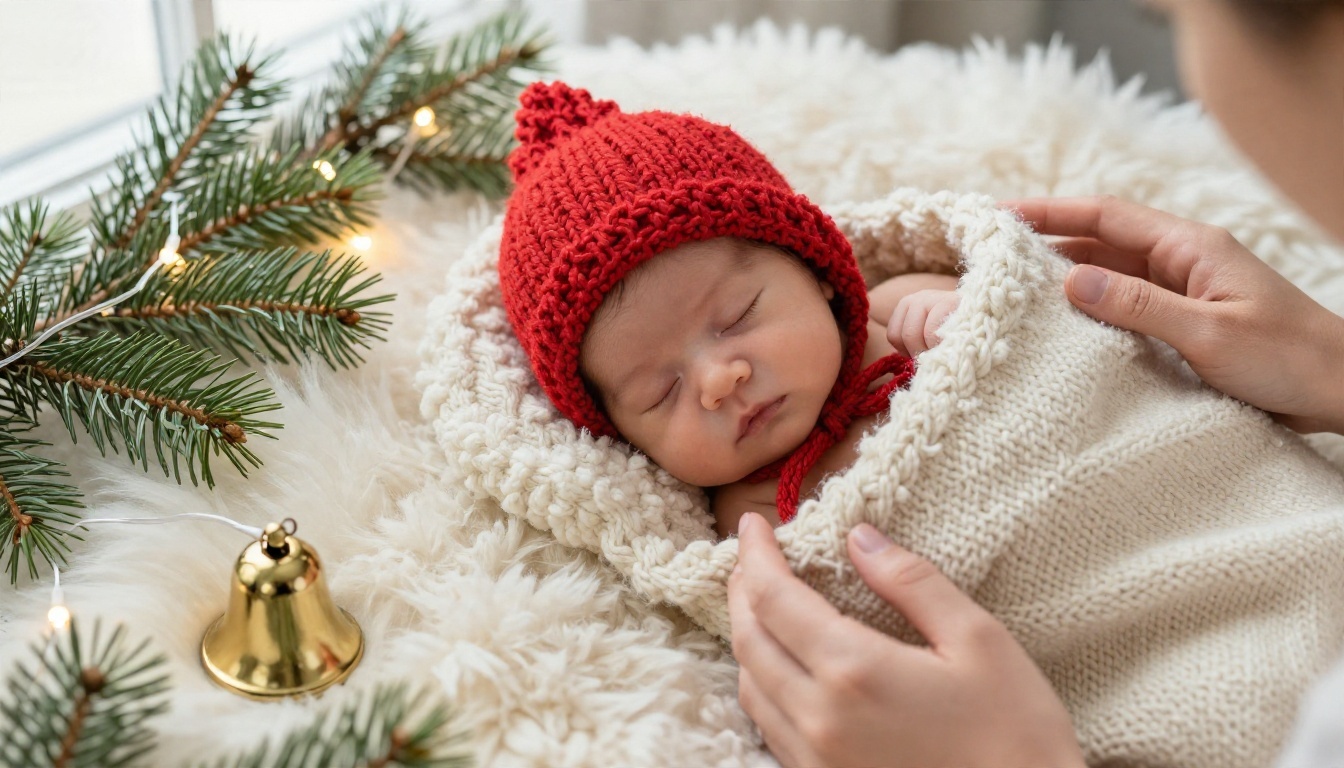
Always keep babies on a safe, flat surface in the original photo. The AI can add the stocking and pine branches afterward, so nothing risky needs to happen in real life.
The market is crowded, and most of it falls into two groups: phone apps built around templates, and browser tools that give you more control.
Phone Apps
Searching for a Christmas photo generator in an app store turns up dozens of options. Christmas AI Photo Maker and AI Christmas Photo Generate are iPhone apps that offer ready-made looks such as Santa style and family moments, with some letting you upload several photos at once. FestivAI is another iPhone option built around festive effects. XmasAI takes a different path and produces cartoon-style characters, which is fun but not what most people want on a printed card.
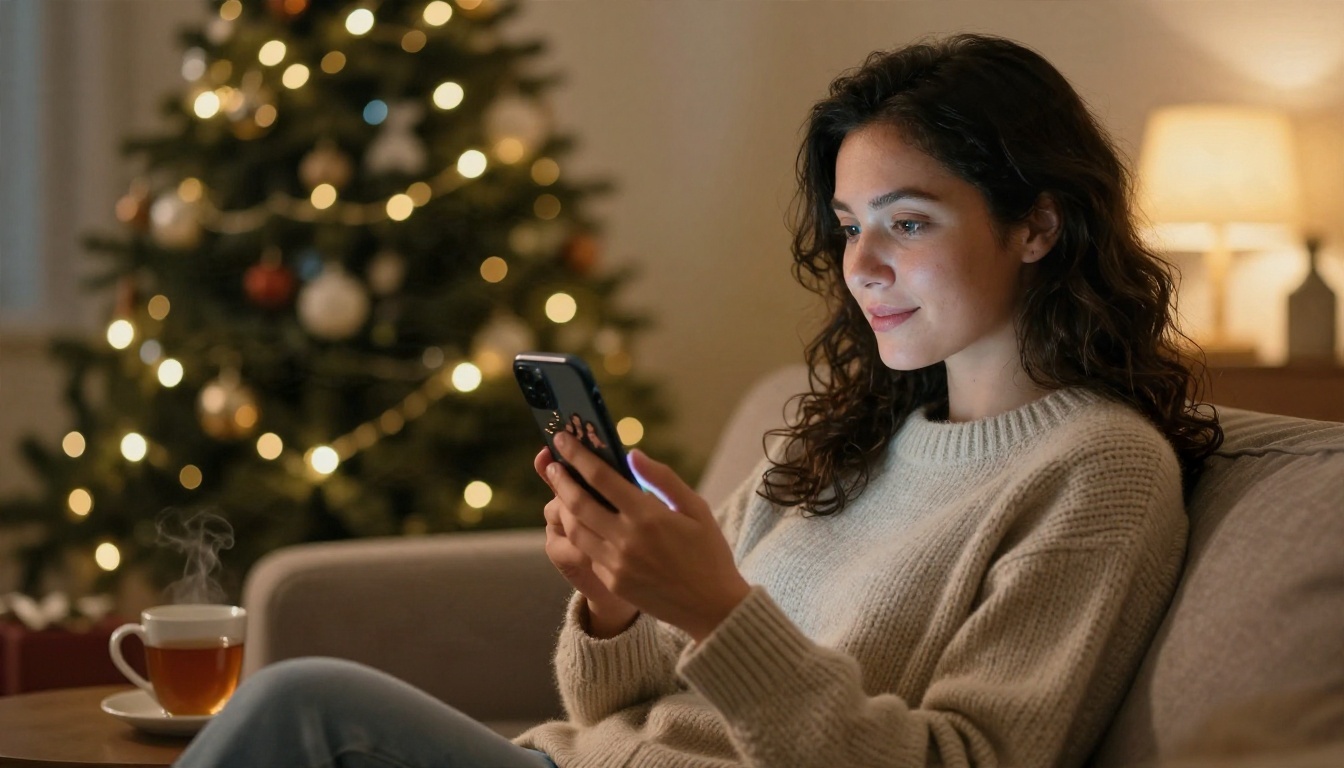
Phone apps are fast and convenient. The tradeoff is that you work inside their templates, and the free versions usually add watermarks or limit exports.
Browser Tools
Web tools such as Morphic, Eltima, VEED, Venngage and Reface let you upload a family picture and add snow, lights and holiday outfits. Some offer a small number of free generations per day, while others use a limited pool of credits. Plans and limits change often, so check each site's current terms before you commit.
| Option type | Best for | Usual limits |
|---|
| Phone template apps | Quick edits on the go | Watermarks, weekly subscriptions |
| Browser editors | Light retouching with a few settings | Daily or credit limits on the free tier |
| Text to image models | Full control over the scene | Depends on the platform and model |
| Cartoon filter apps | Funny social posts | Not suited for printed cards |
Free or Paid: What You Get
Free tiers are good enough for testing. Expect small previews, a handful of daily generations or a watermark. If you only need one card, that may be enough.
Paid plans start to matter when you want:
- Higher resolution for printing at 5x7 or larger
- No watermark on your final image
- Several attempts per scene, because the first result is rarely the best
- Faster queues when everyone else is generating photos on December 20th
💡 Tip: Generate your cards in early December. Servers are quieter and you leave time to print, which can take a week or more with shipping.
Models That Make the Best Photos
If you want control over the result instead of picking a template, the model you choose makes a real difference. These models are available on PicassoIA and handle realistic family scenes well:
- Seedream 4.5: sharp, high resolution images with accurate skin and fabric detail. A strong first choice for portraits and card backgrounds.
- Nano Banana Pro: good at following long, specific prompts and at keeping a subject consistent while you edit. Useful when you build a scene in several steps.
- Nano Banana: a lighter option for quick edits and generation when you want fast tests.
- GPT Image 2: reliable with composition and prompts that mention several people in one scene.
- Imagen 4: known for natural lighting and clean photographic output, a good match for warm interior scenes.
- P Image Edit: built for fast photo editing. Upload a family picture and ask for snow, a tree or a cozy room.
A simple workflow that works for most families:
- Pick one of the prompts above and generate three or four versions with Seedream 4.5 or Imagen 4.
- Choose the look you like best and note the lighting words that made it work.
- Upload your own family photo to P Image Edit or Nano Banana Pro and ask for that same setting.
- Review hands, teeth and background text, then regenerate anything that looks off.
For each tool, the prompt tips from earlier still apply. Name the lens, name the light, describe the textures.
Printing, Cards and Privacy
The photo is only half the project. How you print and share it matters just as much.
Turn Photos Into Cards
Matte paper suits the soft film-grain look of these images, while glossy paper can make skin look overly smooth. Print a test copy before ordering fifty. A card message works best in an area of calm background, such as snow, a plain wall or a blurred corner.
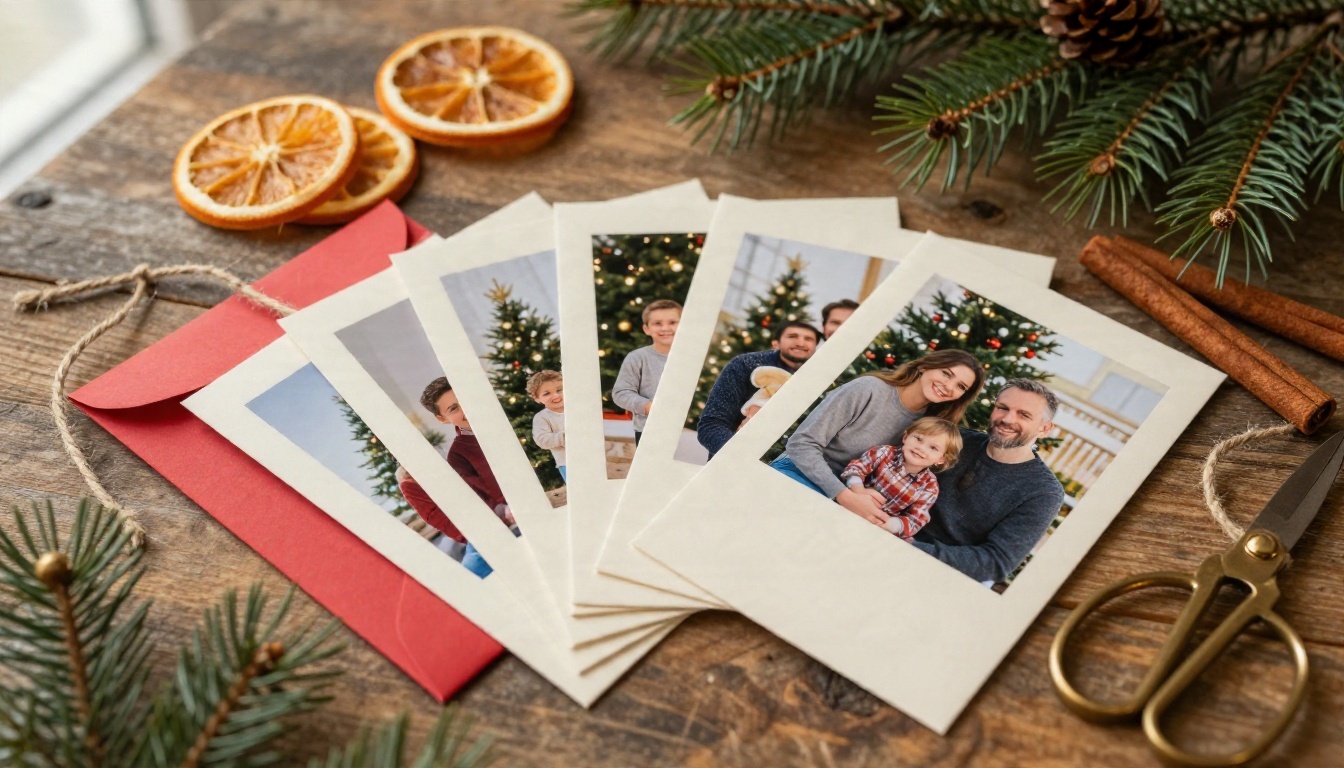
If your generated picture is a little soft for print, run it through an upscaler. PicassoIA lists super resolution tools that enlarge images two to four times, which helps when you want a larger frame print.
Protect Family Faces
Before uploading your children's pictures to any app or site, read how that service handles images. Some tools say they use photos only for the requested generation, while others have broader terms. Check the privacy policy, avoid uploading photos that show addresses or school uniforms, and delete your uploads when the project is done. Where possible, use a plain, cropped photo rather than a whole camera roll.
Common mistakes that make AI Christmas photos look fake:
- Too many props. Twenty glowing ornaments and six candles crowd the frame. Pick three details.
- Perfect skin. If faces look airbrushed, add "visible skin pores" and "natural freckles" to the prompt.
- Hands doing odd things. Keep hands in simple positions, such as holding a mug or resting on a shoulder.
- Text in the image. Models often misspell words. Add messages afterward in a card editor.
- Overly bright colors. Ask for muted reds, sage greens and warm whites for a natural film look.
Make Your Own Christmas Photos Today
You now have the prompts, the ideas and a sense of which tools fit your budget and your family. The best way to find your own style is to try it: write one prompt, generate four versions, and see which light and which sweater colors make your family look like themselves on their best day.
Start with the five prompts above, swap in your own details and test them on Seedream 4.5 or Imagen 4. Then bring in a real family photo and shape it with P Image Edit. You can also browse every image model on PicassoIA and pick the one that suits your style. This holiday season, make the card people actually keep.


