Type "AI generator 18+" into a search bar and you get a mess: sketchy sites, paywalls hiding behind "free" buttons, and galleries that look like plastic dolls. What most people want is simpler. They want adult, glamorous, photorealistic images they can create in minutes, without a credit meter ticking down after the third try. This article shows which tools deliver that, how to write prompts that produce believable skin, light and fabric, and what the results look like in practice.
Everything here stays on the suggestive and beautiful side: swimwear, boudoir styling, evening fashion, intimate editorial moods. Think magazine shoot, not explicit content. That boundary is also what makes the images easy to share, easy to use in portfolios, and far less likely to get blocked by the models you rely on.
💡 Quick answer: Start with Seedream 4.5 for generation, then refine and retouch inside PicassoIA Image Editor Pro, which offers unlimited generations. Everything else in this article builds on those two.
What an 18+ AI Generator Does
An 18+ AI image generator is a text to image model (or an editor built on one) that accepts adult themed prompts: glamour portraits, swimwear, lingerie style fashion, sensual lighting and moods. The "18+" is about the audience and the subject matter, not about being explicit. Adults create these images for photo sets, fan art of original characters, mood boards, book covers, dating profile styling references and plain curiosity.
Adult Content, Not Explicit Content
There is a wide band between family friendly and pornographic, and that band is where nearly all useful 18+ imagery lives. Bikini shots at golden hour. A silk robe on a hotel balcony. A corset top at a dressing room mirror. These images are attractive, confident and clearly adult, and they work because of lighting, styling and posture rather than shock value.
Models respond to this band much better too. A prompt written like a fashion editorial brief usually produces cleaner anatomy, better hands and more natural skin than a prompt written as a blunt list of body parts.
Who Searches for This
Most readers fall into a few groups:
- Creators building original characters, comics or novel covers who need glamour references.
- Photographers and stylists testing looks, locations and wardrobe before a real shoot.
- Marketers in swimwear, lingerie and beauty who need concept art before a budget is approved.
- Hobbyists who simply enjoy making attractive images and sharing them.
If you are in the second or third group, the realism and consistency of the output matter more than anything else, and that shapes which tool you should pick.
"Free" is slippery. Some tools give you three images and a paywall. Others give you a trial that expires. Below is the honest order I would use, starting with the models that handle adult glamour prompts best and ending with specialists.
Seedream 4.5 Comes First
Seedream 4.5 is my first stop for adult glamour work. It produces high resolution output, handles skin texture without that waxy sheen, and follows long, detailed prompts closely. Fabric is where it shines: satin, silk, lace and velvet all get believable highlights and folds. It also copes well with complex lighting, such as window light mixed with warm practical lamps.
Its biggest strength is prompt obedience. If you write "85mm lens, soft light from the left, film grain," you actually see those choices in the result.
Image Editor Pro for Unlimited Tries
PicassoIA Image Editor Pro is the tool I would keep open all day. It gives you unlimited generations, which changes how you work. Instead of nursing a handful of credits and writing "perfect" prompts, you can iterate freely: change the outfit, swap the location, shift the time of day, adjust the pose, and run it again.
It is also an editor, so you can start from an existing image and push it in a new direction. That is how you keep a consistent look across a whole set. For anyone searching for uncensored feeling freedom with fast results, the unlimited aspect is the real value.
Other Models Worth Testing
Once you have a baseline from Seedream 4.5 and Image Editor Pro, these are good additions, in the order I would try them:
| Model | Best for | Speed | Notes |
|---|
| Seedream 4.5 | Polished glamour portraits | Fast | Best prompt following and fabric detail |
| PicassoIA Image Editor Pro | Unlimited iteration and edits | Very fast | Great for consistent sets |
| Z Image Turbo | Quick drafts and prompt testing | Very fast | Low wait, good for A/B testing wording |
| Flux 2 Klein 9B Base LoRA | Styled looks with LoRA control | Fast | Useful when you want a specific aesthetic |
| Qwen Image 3 Pro | Natural photographic realism | Medium | Strong faces and clean lighting |
💡 Workflow tip: Draft your prompt in Z Image Turbo because it returns quickly. When the composition looks right, send the same prompt to Seedream 4.5 for the final render.
How to Use Seedream 4.5 on PicassoIA
Here is the exact routine I use for a glamour set. It takes about five minutes from blank page to first usable image.
Step by Step
- Open the Seedream 4.5 page on PicassoIA.
- Paste your prompt into the text box. Use full sentences, not a list of tags.
- Set the aspect ratio. 16:9 works for scenic and wide editorial shots, 3:4 or 2:3 works for portraits and full length looks.
- Run the first generation and look at light, skin and hands before anything else.
- Change one thing in the prompt (lens, time of day, wardrobe) and run again.
- When you like a result, send it to Image Editor Pro to adjust details or build variations.
Parameter Tips That Matter
- Resolution: Pick the highest option for final images. Use lower settings for drafts.
- Aspect ratio: Match the final use. Vertical for social posts, wide for banners and covers.
- Prompt length: 50 to 80 words is the sweet spot. Shorter prompts leave too much to chance, longer ones can start to contradict themselves.
- Seed: If a result is almost right, keep the seed and change only a few words. That gives you controlled variations instead of random ones.
Prompts That Actually Work
A good adult glamour prompt reads like a photographer's shot list. It names the subject, the action, the place, the light, the lens and the film feel. Nothing more is needed.
The Five Part Formula
Use this structure and you will get better results than 90 percent of the prompts floating around online:
- Subject and pose: "an adult woman in a champagne satin corset top, applying lipstick"
- Environment: "in a dressing room with a bulb lined mirror, makeup brushes on the table"
- Lighting: "warm golden light from the mirror bulbs, soft shadow on the left"
- Camera: "85mm f/1.4, shallow depth of field, side profile"
- Texture and film feel: "visible skin pores, fabric sheen, Kodak Portra 400 grain"
💡 Always state that the subject is an adult. It sets the tone for the model and keeps your whole workflow clearly in bounds.
Five Prompts to Copy
1. Golden hour pool
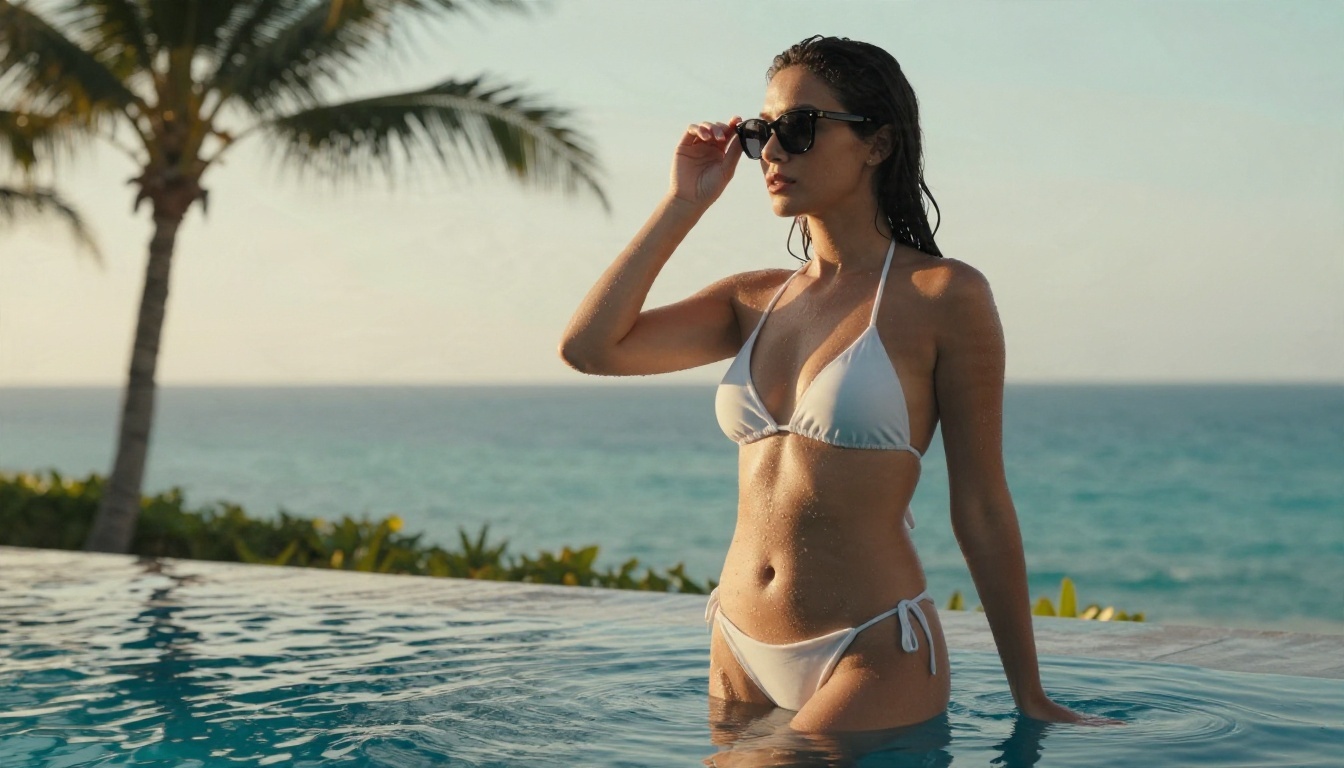
An adult woman in a white string bikini and sheer sarong at the edge of an infinity pool, water droplets on tanned skin, low sun from behind left creating rim light, palm trees and calm sea behind her, 35mm f/2.8, low angle, Kodak Portra 400 grain.
2. Rainy cafe window
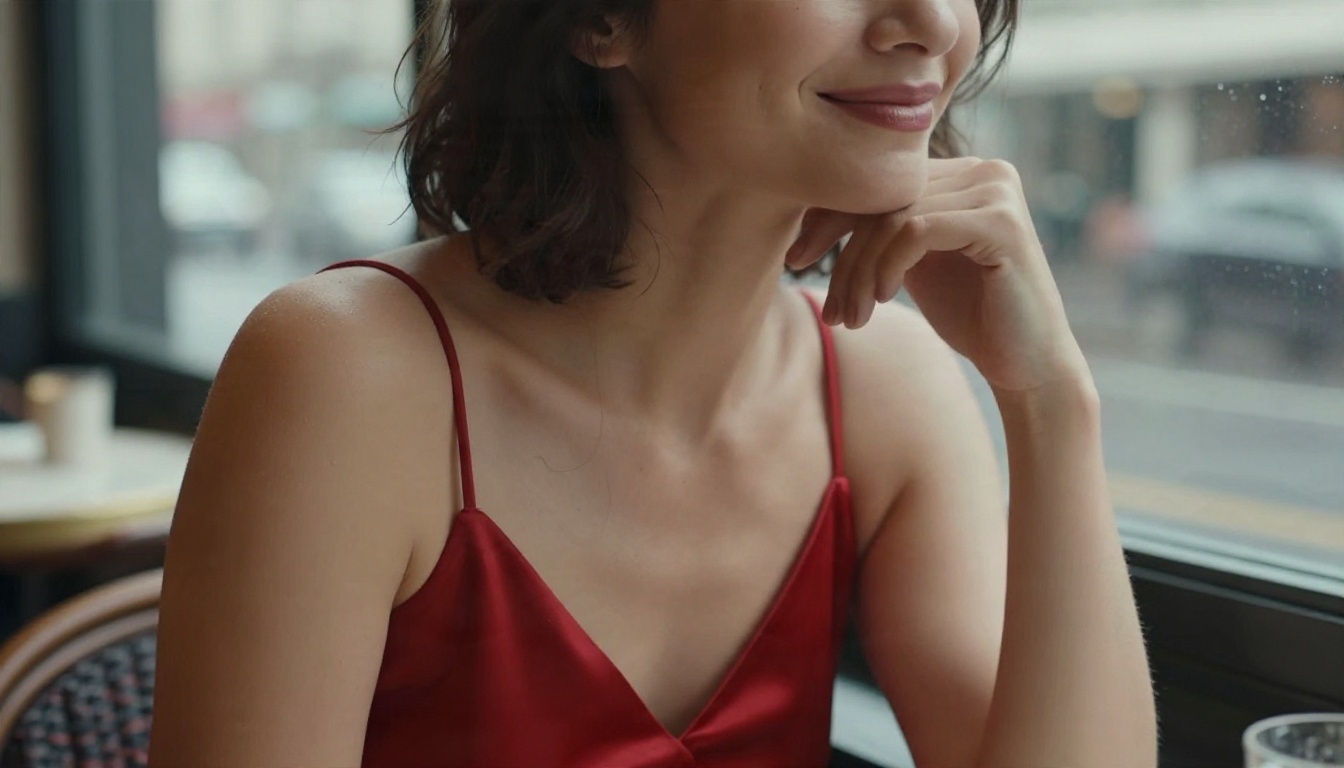
An adult woman in a red satin slip dress at a cafe window table, hand near her chin, soft smile, rainy European street blurred behind the glass, overcast light from the right, 85mm f/1.8, visible skin pores, muted film tones.
3. Hotel balcony at dusk
An adult woman in a dark green velvet bodysuit with a long coat draped off her shoulders on a hotel balcony at blue hour, city skyline behind, warm lamp light from the room, 50mm f/1.8, velvet texture, film grain.
4. Sunrise beach walk
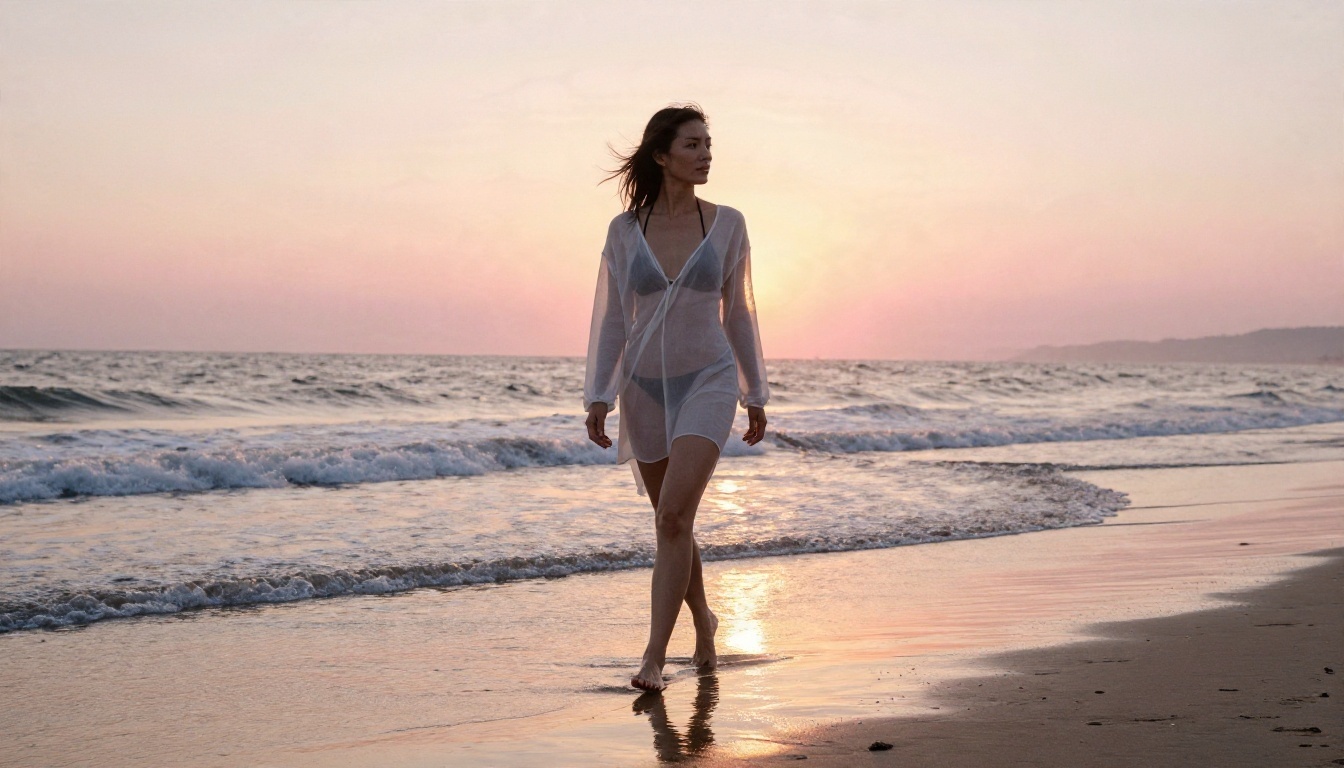
An adult woman in a sheer white beach cover up over a black bikini walking barefoot on wet sand at sunrise, soft pink and gold light behind her, waves around her ankles, 35mm f/2.8, reflective sand, natural grain.
5. Dressing room mirror
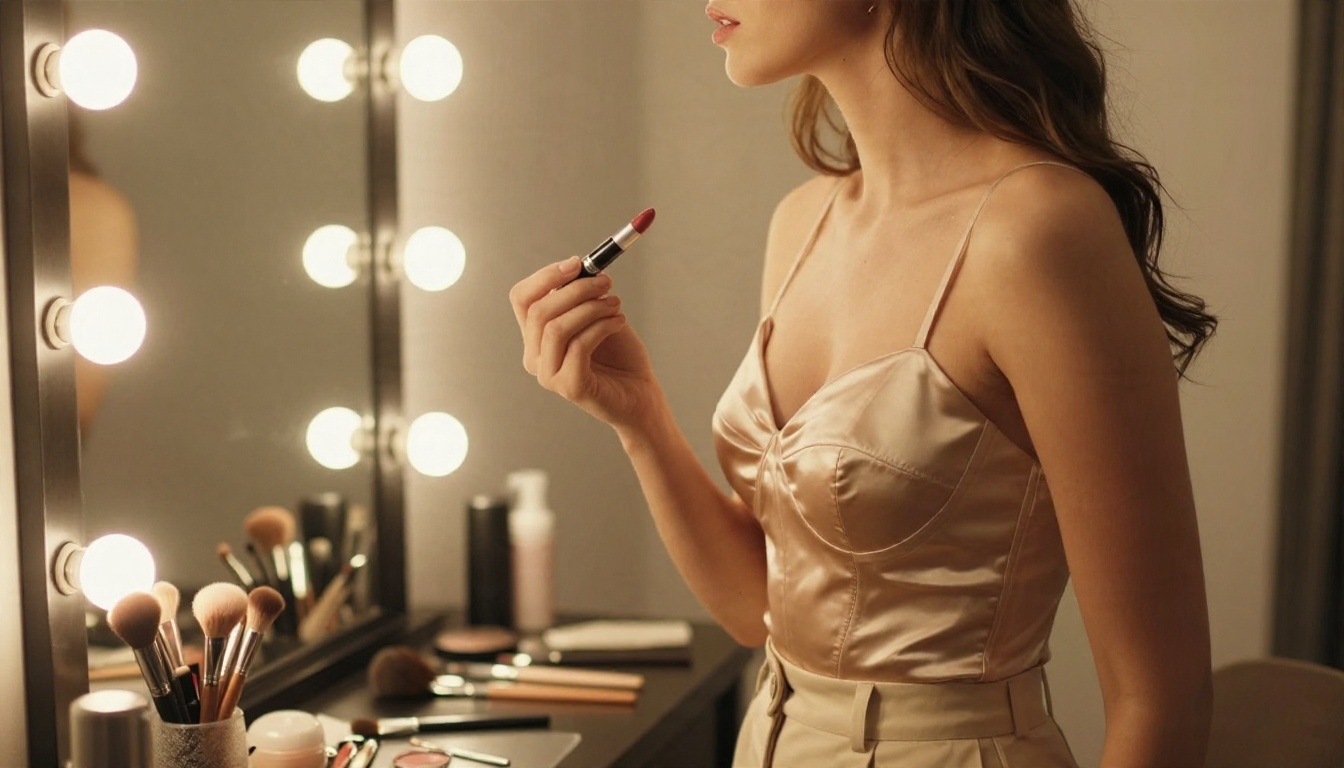
An adult woman in a champagne satin corset top and high waisted trousers applying lipstick at a vanity mirror, golden bulb light, side profile, 85mm f/1.4, shallow depth of field, makeup brushes on the table.
Examples by Style
Seeing real outputs is the fastest way to tune your own prompts. These came from the formula above, each with a different camera angle and lighting setup.
Swimwear and Summer Looks
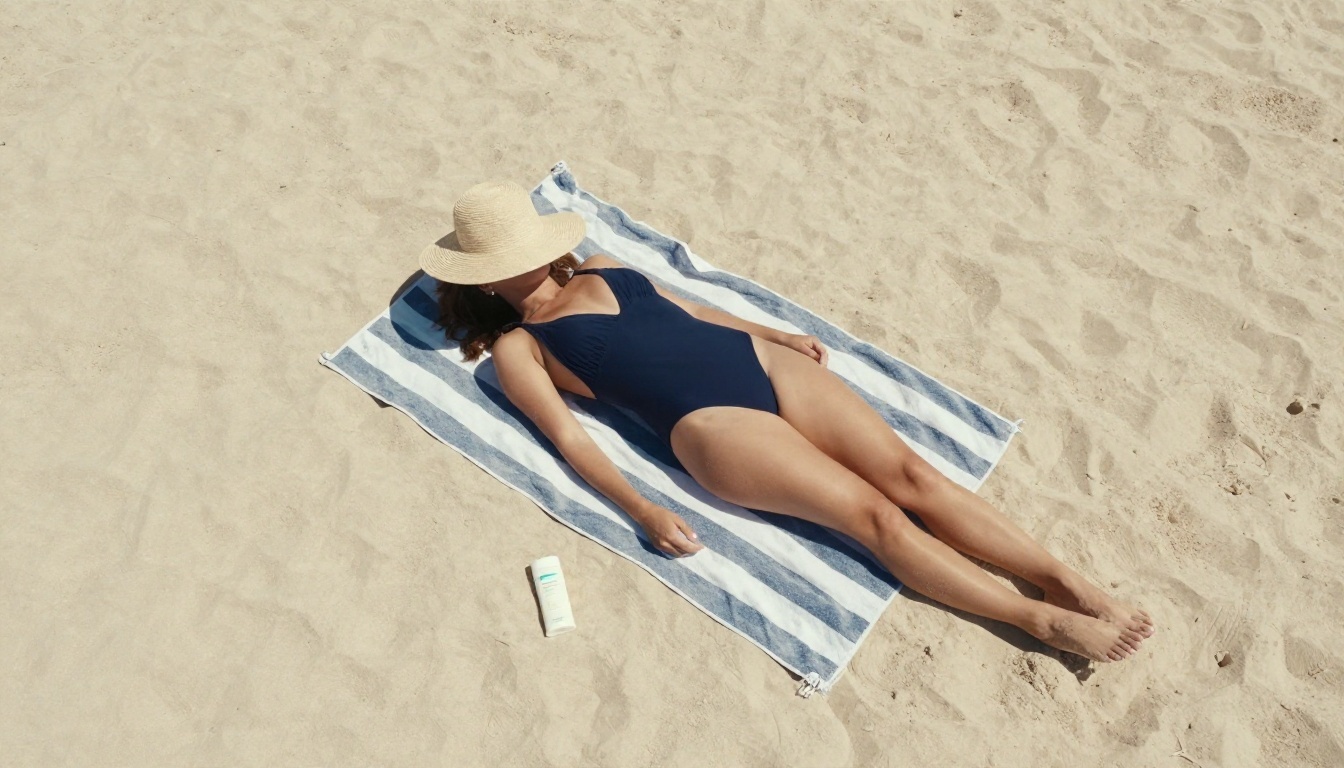
Swimwear is the easiest entry point because the genre is familiar and the settings are naturally photogenic. Beaches, pools and boat decks give you built in reflected light, which helps skin look believable.
The aerial beach shot below uses a top down 24mm angle and harsh midday sun. Short, crisp shadows keep it clean and graphic. Notice how the sand grain, towel stripes and straw hat edges all hold up.
For a softer mood, shoot at sunrise. Low warm light wraps around the body and gives the whole frame a gentle haze.
Boudoir and Intimate Moods
Boudoir styling is about atmosphere: window light, soft fabrics, relaxed posture. The most flattering results come from layering. A satin camisole under an oversized cardigan reads as natural and warm, and it avoids the stiff, posed feeling that makes AI images look fake.
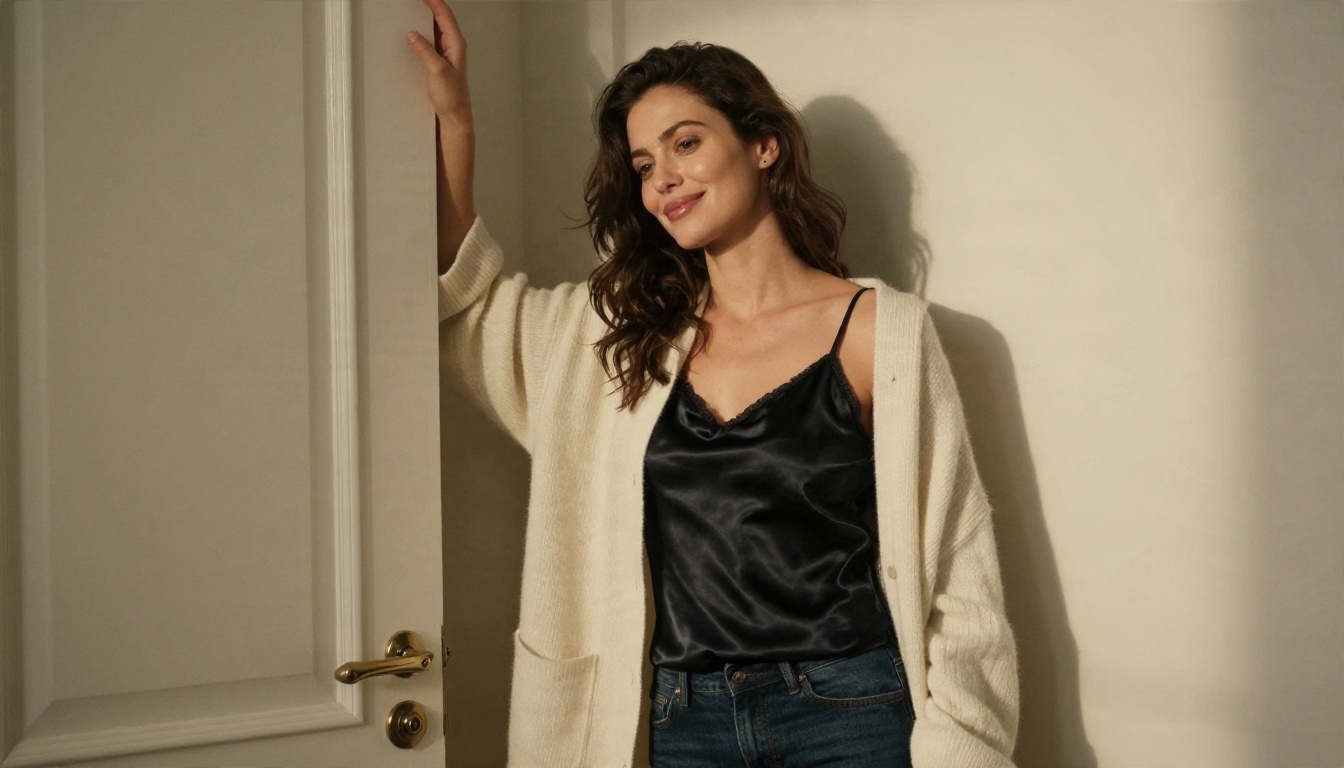
Keep the light directional. A single window on one side, no fill, lets shadows fall naturally across the frame and gives the picture a candid, lived in quality.
Evening and Fashion Editorial
Evening wear gives you drama without any need to push the boundaries. Velvet, satin and tailored coats with a city backdrop produce an image that could run in a fashion magazine.
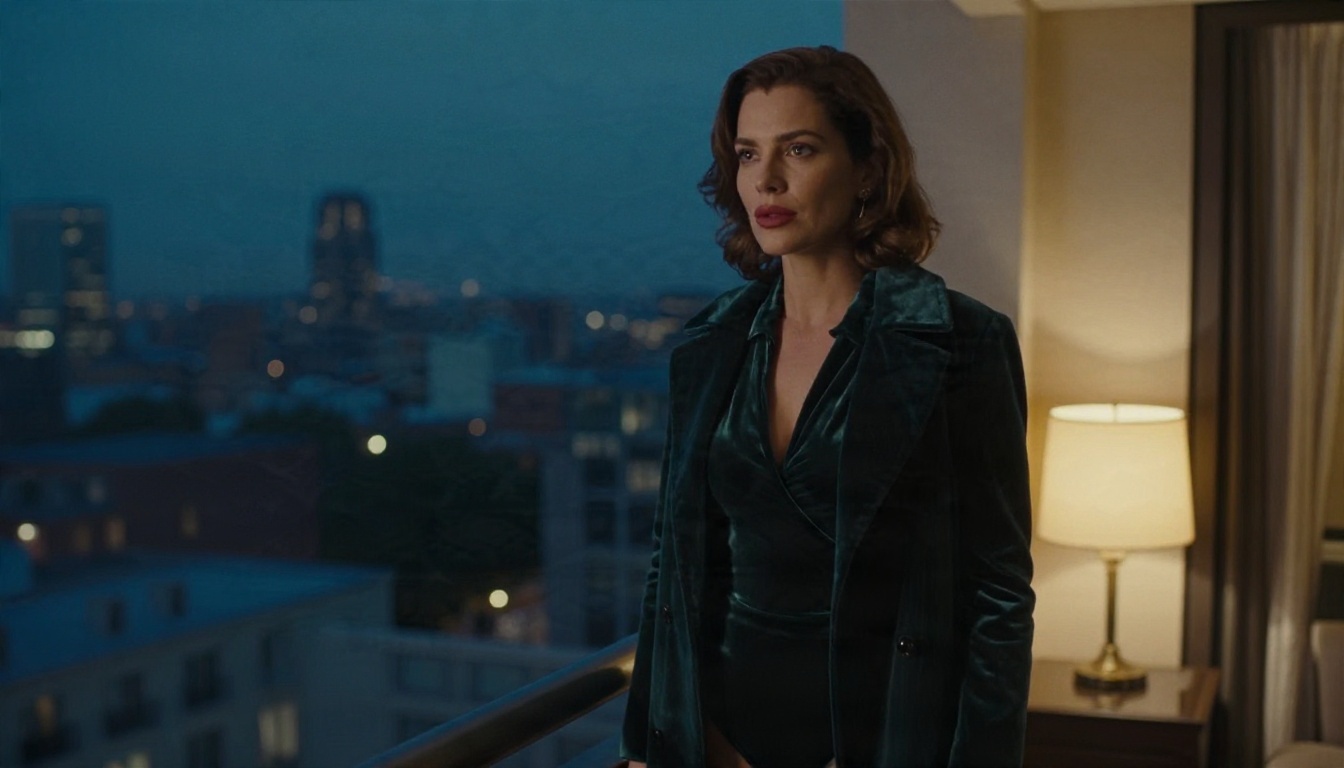
The trick here is mixed light. Blue hour ambient light from outside plus a warm lamp from inside creates a color contrast that makes the image feel photographed rather than generated.
Common Mistakes to Avoid
Most weak results come from the same handful of errors. Fix these and your hit rate goes up sharply.
Overloaded Prompts
Stuffing in forty adjectives makes the model average them all out. Pick three or four strong visual choices and let the rest go. A single clear lighting direction beats five vague mood words.
Ignoring Hands and Fabric
Hands and clothing edges are where AI images give themselves away. Give the hands something to do: holding sunglasses, resting on a chin, gripping a coffee mug. Props anchor the pose and reduce the strange finger problem. For fabric, name the material (satin, velvet, linen) instead of just the color.
Chasing Perfect Skin
Skin that is too smooth looks fake. Ask for visible pores, fine hair strands, subtle freckles and natural sheen. Photographers call it texture, and it is the single biggest realism upgrade you can make.
Staying in One Tool
A draft model and a final model do different jobs. Run quick tests in Z Image Turbo, polish in Seedream 4.5, and fix small details in Image Editor Pro.
💡 Save every prompt that works in a notes file. A library of twenty proven prompts saves more time than any new tool.
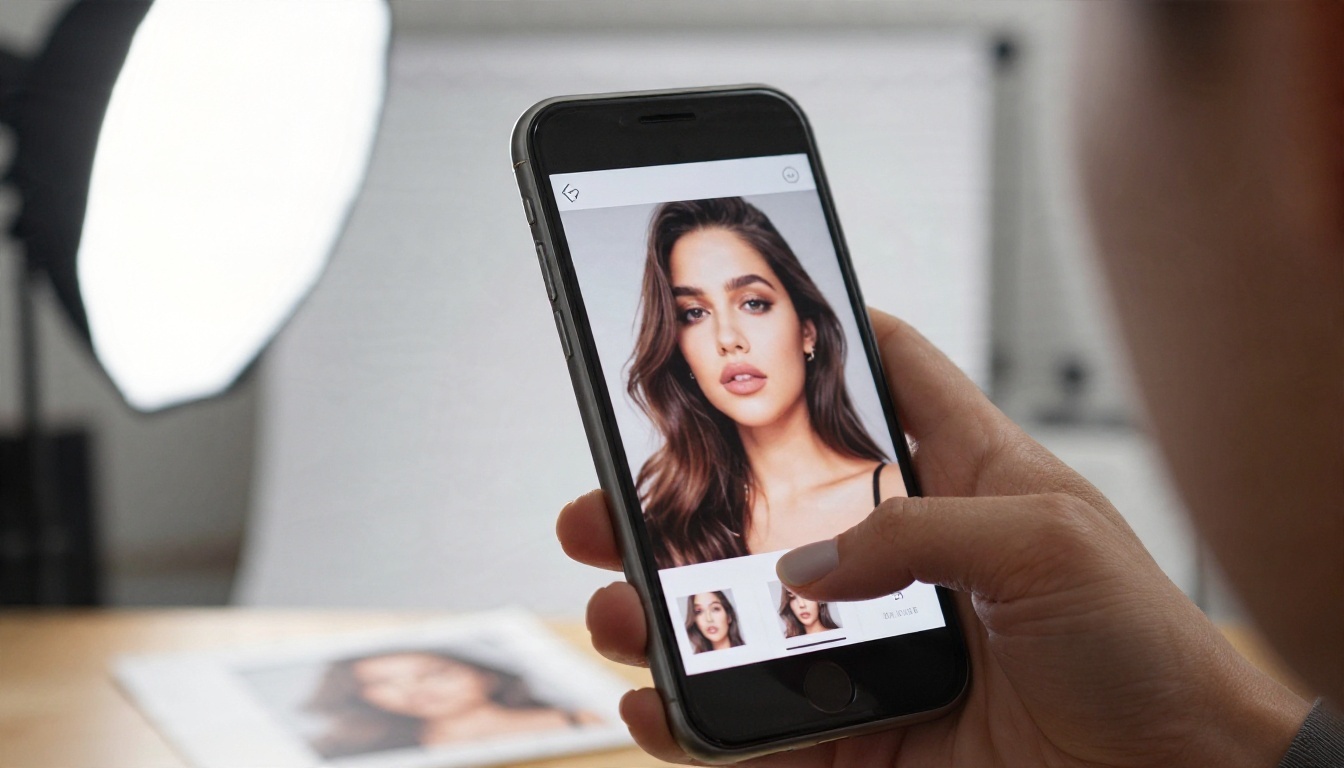
Safety Rules for Adult Images
This part matters, and it is short. Adult AI imagery comes with real rules, and following them protects you and the people around you.
Adults Only, Always
Every subject you generate must be clearly and unmistakably an adult. State it in the prompt, keep styling and settings age appropriate for adults, and delete anything that reads as ambiguous. There is no gray area here.
No Real People Without Consent
Do not generate images that resemble a real person, whether a celebrity, a coworker or an ex. Use original, invented characters. If you want a consistent character, build one through repeated prompts and edits rather than copying anyone's likeness. Also remember that platforms where you post may have their own rules about adult content, so check them before you upload.
Start Creating Your Own
You now have the full routine. Open Seedream 4.5, paste one of the five prompts above, and change a single detail: the outfit, the hour, the lens. Then take your favorite result into PicassoIA Image Editor Pro and run as many variations as you like, since generations there are unlimited and fast. Try a cinematic balcony one night, a sunrise beach the next, and compare how small prompt changes shift the whole mood.
If you want to see what else is available, from quick draft models to LoRA styled options, browse the full catalog at picassoia.com/en/all-models. Pick a model, write a shot list like a photographer would, and start building your own set today with Picasso IA.


