You have a picture in your head and about thirty seconds of patience. Then the site asks for your email, a password, a verification code, and a credit card "just in case." Most people close the tab right there. That reaction explains why searches for an AI generator with no login keep growing: people want to type a sentence, press a button and get an image, nothing more.
The idea is simple, but the reality is messy. Some tools really do let you create pictures anonymously. Others hide a sign-up wall behind the first click, cap you at three images, or stamp a huge watermark across the result. This article sorts the honest options from the traps, explains what "unlimited" can and cannot mean, and gives you prompts and model picks that produce sharp, photorealistic results.
💡 Quick answer: A no-login generator is worth using when it gives you a clean image, a usable resolution and clear rules about what you can do with the result. Everything else is a funnel.
What "No Login" Really Means
The phrase sounds precise, but it covers several very different experiences. Before you invest time in a prompt, it helps to know which version you are dealing with.
No Account vs No Cost
These are two separate things, and sites love to blur them. No account means you can use the tool without registering. No cost means you are not charged. A generator can be free but demand a login (so it can track you and sell upgrades), or it can ask for no login but limit you to a handful of pictures per day.
The best case is both: open the page, type, receive the image. The worst case is a "free" generator that only reveals its price after you have spent ten minutes on a prompt.
The Three Flavors of Free
Most free online image makers fall into one of three groups:
- Truly open tools. No registration, a visible prompt box on the first screen, and results you can save right away. Usually supported by ads or by a paid tier that you never have to touch.
- Soft-gated tools. You can generate a few images anonymously, then a pop-up asks you to sign up. Fair, as long as the limit is clear from the start.
- Hard-gated tools. Marketed as "no sign up," but the button you press leads straight to a registration form. These are the ones that give the category a bad name.
Spotting the group takes about ten seconds: try one prompt and watch what happens when you press generate.
Why People Skip the Sign-Up
Nobody dislikes accounts on principle. They dislike what accounts usually mean: another password, another inbox full of promotions, another service that knows more about them than it should.
Speed Beats Everything
If you need a quick header picture for a post, a reference for a mood board or a visual for a presentation due in ten minutes, a registration form is an obstacle. A browser based image maker that works the moment the page loads respects your time.
Privacy Matters More Than Before
An anonymous session means fewer personal details sitting in a database. For people who generate pictures of work projects, early product ideas or anything they would rather not tie to an email address, that is a real benefit. It does not make a tool automatically private, though, which is why the safety section further down matters.
Throwaway Tests
Sometimes you only want to check what text to image technology can do. You are not ready to commit, you do not want a subscription reminder and you certainly do not want to hunt for the "delete my account" link next month. No-login access makes testing painless.
The Catch Behind "Unlimited"
Here is the honest part. Image generation costs real money: every picture uses GPU time on a server somewhere. So when a site promises unlimited images, you should ask who pays for them.
Queues and Throttles
Unlimited rarely means instant. Many free tiers place you in a queue behind paying users, so the tenth image might take two minutes instead of five seconds. Others slow you down after a certain number of generations without telling you. The word "unlimited" is technically true, but the experience is not.
Watermarks and Resolution
A second common trade-off is output quality. Free pictures may come out small (512 pixels wide), compressed or marked with a logo. For social posts that might be fine. For print, a product page or a client project, it is not.
Commercial Rights
The third question is the one most people skip: can you use the picture for business? Some free generators allow personal use only. Others keep a license over what you create. Read the terms for one minute. It saves a headache later.
| Question | Good sign | Warning sign |
|---|
| Do I need an account? | Prompt box on first screen | Form appears after clicking generate |
| How many images? | Clear daily or hourly rule | "Unlimited" with no details |
| What resolution? | 1024 px or higher | Tiny previews, paid upscale only |
| Watermark? | None, or a small removable one | Large logo across the picture |
| Commercial use? | Stated in plain language | No terms page at all |
| Speed? | Seconds | "You are number 48 in line" |
💡 Rule of thumb: If a site hides its limits, assume they are tight. Honest tools tell you upfront.
Models Worth Using
The generator is only the wrapper. The real quality comes from the model underneath, and some models are far better at photorealistic faces, hands, fabric and light than others. Here are the ones that consistently deliver.
Fast Models for Drafts
When you are testing prompts, speed matters more than perfection. You want to see ten variations in a minute, pick the direction that works and refine it.
- Z Image Turbo is built for sharp results in seconds, which makes it a strong choice for quick drafts.
- Flux Schnell generates in very few steps and handles everyday scenes well, from street photos to product shots.
- Nano Banana is useful when you want to generate and also edit an existing picture with a sentence.
Sharper Models for Finals
Once the composition is right, switch to a model that adds detail and resolution.
- Seedream 4.5 produces 4K-class images with convincing skin, textures and lighting.
- Nano Banana Pro is a good pick for high resolution results and for scenes where small details such as hands or product edges need to hold up.
- Stable Diffusion 3.5 Large is a dependable all-rounder, especially for stylistic range and detailed prompts.
💡 Workflow tip: Draft with a fast model, then rerun the winning prompt on a sharper one. You spend seconds on experiments and minutes only on the final.
Access rules, free allowances and sign-in requirements can change over time, so check the model page for the current details before you plan a big batch.
Prompts That Actually Work
A generator with no login still needs a good sentence. The difference between a flat, plastic picture and a convincing photo is almost always in the prompt, not the tool.
A Simple Formula
Use this order, and keep each part short:
- Subject and action: who or what is in the frame and what they are doing.
- Setting: where it happens, with two or three concrete objects.
- Light: direction and quality, such as "soft window light from the left" or "golden hour backlight."
- Camera: lens and distance, such as "85mm, shallow depth of field" or "wide 28mm."
- Texture and mood: skin, fabric, wood, steam, film grain.
Here is an example that follows the formula:
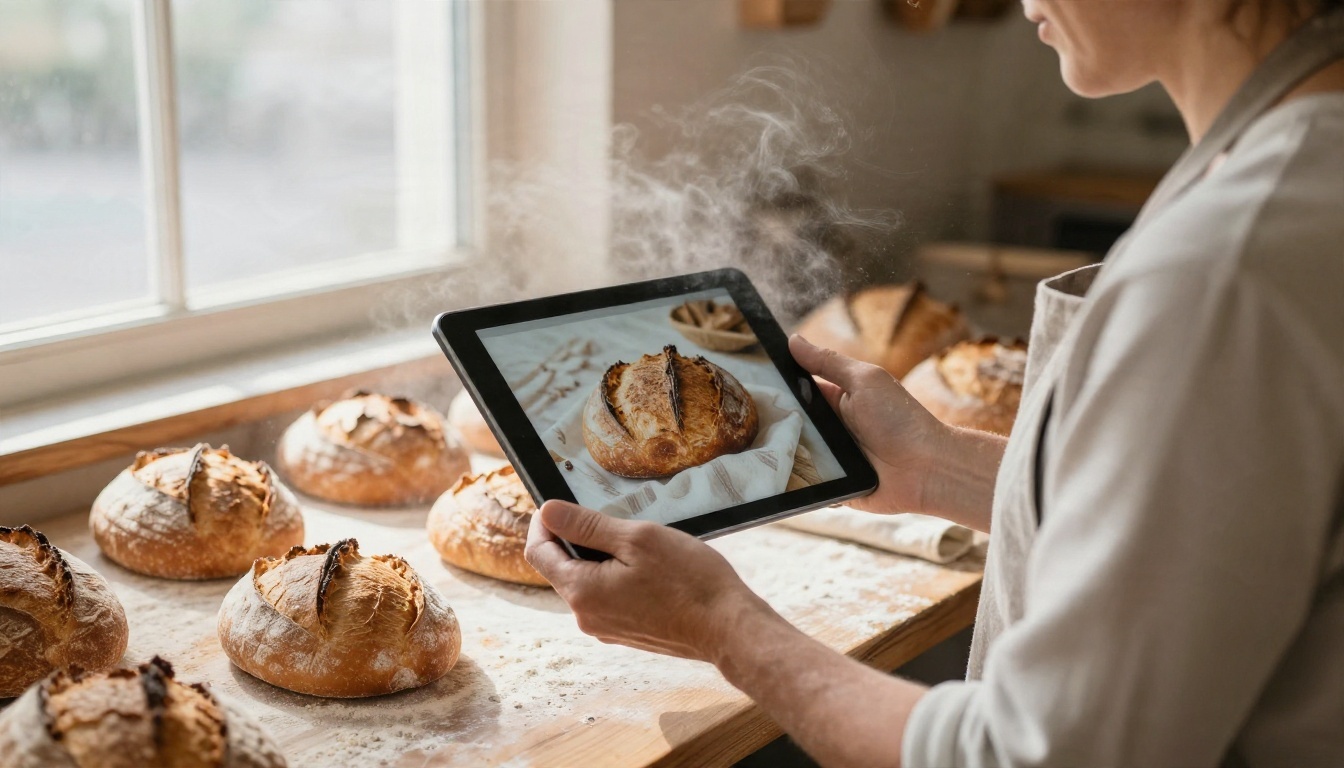
A baker in a flour dusted apron holding a tray of sourdough loaves, rustic wooden counter, warm morning light from the front window, 50mm lens at f/2, visible crust texture, soft film grain.
That single sentence beats "a baker with bread, high quality, 8k, masterpiece" every time, because it gives the model something to draw instead of empty adjectives.
Mistakes That Cost You Images
- Stacking buzzwords. "Ultra HD, 8K, hyperrealistic, best quality" adds little. Describe the light and lens instead.
- Cramming five subjects into one frame. Models struggle with crowded scenes. Generate one clean subject and edit later.
- Ignoring negative space. If you need text on the image later, ask for "open space on the left."
- Changing everything at once. Alter one detail per attempt so you know what caused the improvement.
- Asking for text inside the picture. Keep it to one or two short words, or add text afterward in a design tool.
Real Uses for Quick Images
A fast, anonymous image maker is not only for hobbyists. These are the situations where it earns its place.
Small Business Visuals
A bakery owner needs a photo for tomorrow's menu post. A shop owner wants a lifestyle scene for a product page. A freelancer needs a banner for a newsletter. In each case the picture is a supporting piece, so speed and a believable look matter more than a studio budget. Generate three versions, pick the one that matches your brand and move on.
Study and Presentations
Students use image generators to illustrate slides, build mood boards for design projects and visualize scenes for creative writing. A no-account tool is ideal here, since school email addresses and shared computers make registrations awkward.
Design Exploration
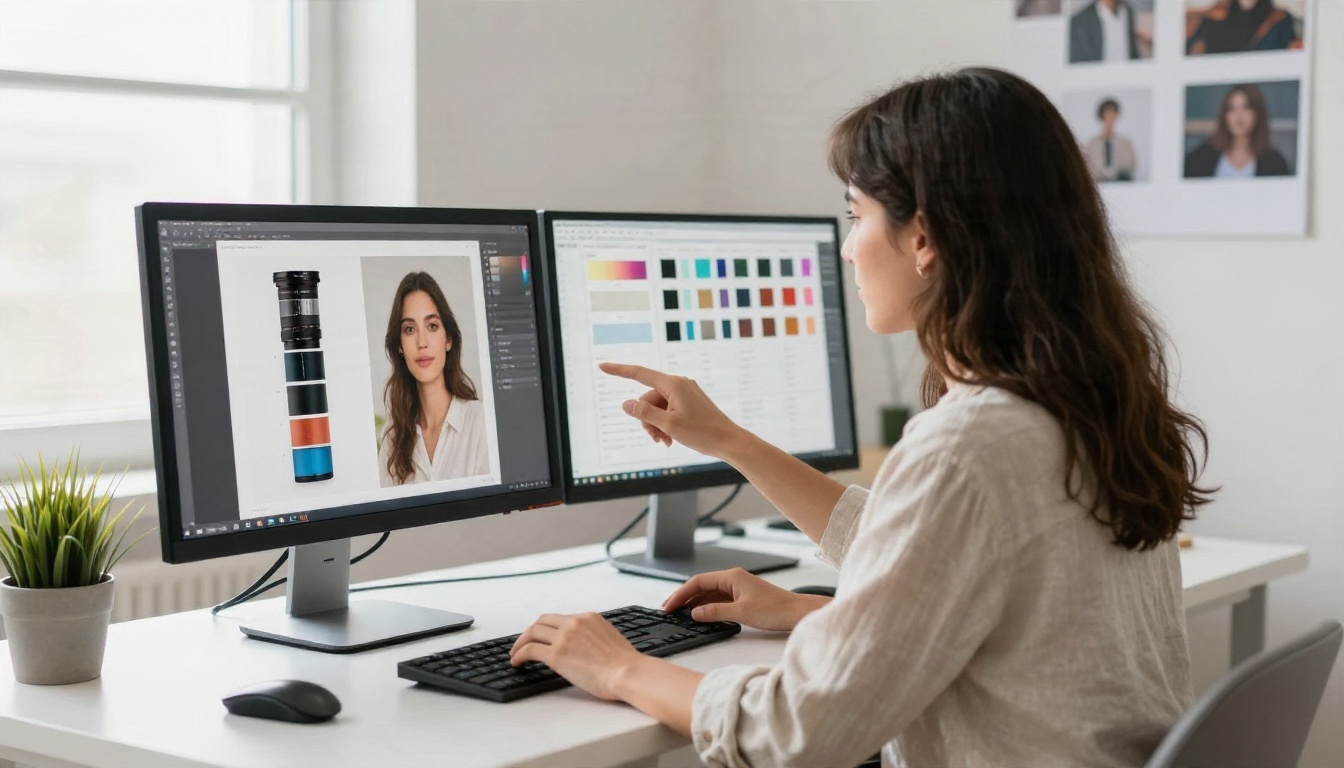
Designers rarely use the first result as a final. They use generated pictures as references: a lighting setup, a color palette, a composition idea. Run a dozen quick variations, pin the best three to a board and build the real asset from there.
Mobile Creation
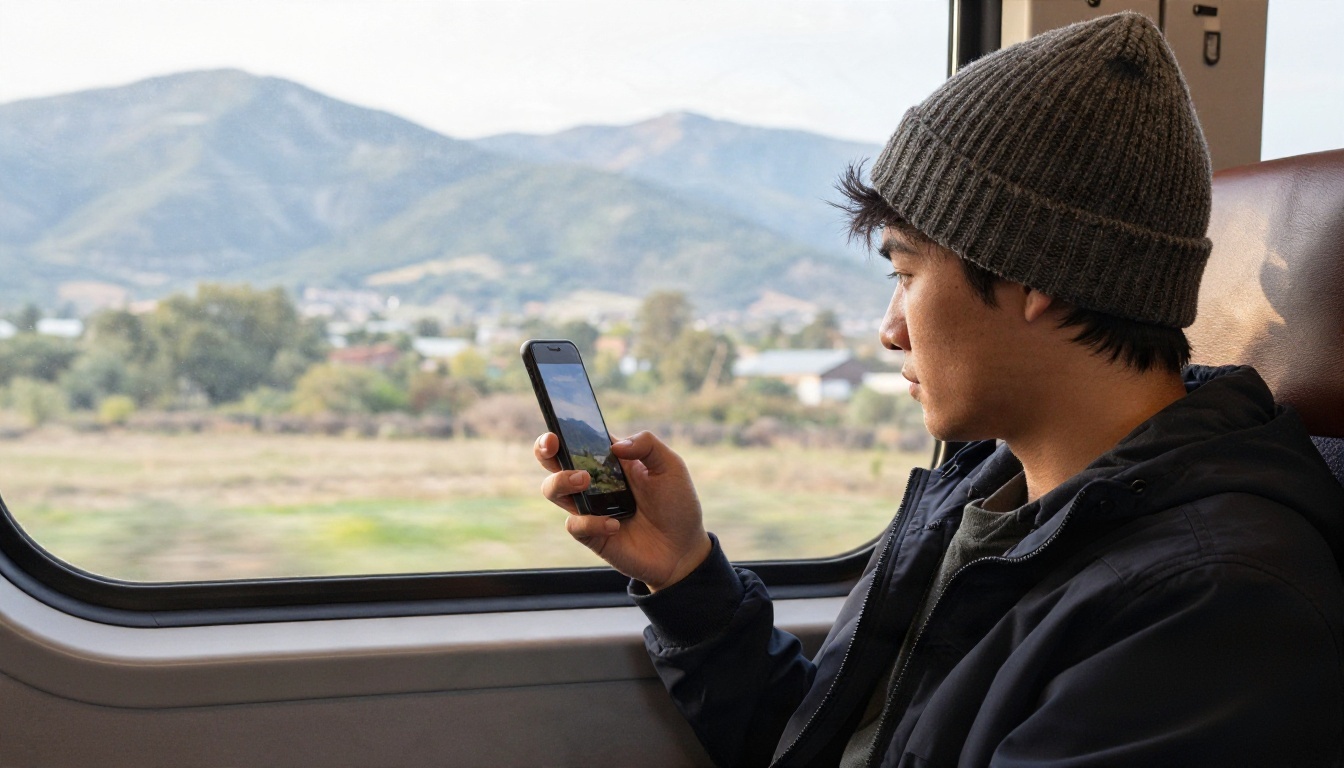
Because a browser based tool needs no installation, it works on a phone during a commute or a break. Type a short prompt, save the result to your camera roll and share it. If the site loads slowly on mobile data, that is also a useful signal about how it will behave under load.
Safety and Privacy Checks
No login does not equal no risk. A few habits protect you while you test unfamiliar sites.
Before You Type Anything
- Check the address bar. Make sure the page uses a secure connection and that the domain looks legitimate.
- Avoid downloads. A real image generator runs in the browser. If a site pushes an "installer" or a browser extension, leave.
- Skip personal data. Do not type names, addresses or private details into a prompt on a tool you do not know.
- Be wary of pop-ups. Fake "your device is infected" banners or surprise payment windows mark a low quality site.
Copyright and Responsible Use
Generated pictures can feel like they belong to nobody, but the rules vary by service and country. Do not generate images of real people without permission, avoid copying the exact style of a living artist for commercial work, and keep a record of which tool and prompt produced each picture. If you plan to sell or publish the result, confirm the commercial terms first.
Keep What You Make
Download your favorites right away. Anonymous sessions often have no history, so once you close the tab, the image and its prompt may be gone. Save the prompt in a notes file next to the picture. That small habit lets you recreate or refine the image later.
Free, Fast, and Still Sharp
Speed and quality do not have to compete. A practical routine looks like this:
- Write one clear prompt using the formula above.
- Run it on a fast model such as Z Image Turbo or Flux Schnell.
- Pick the best composition and adjust one detail at a time.
- Rerun the final prompt on Seedream 4.5 or Nano Banana Pro for detail and resolution.
- Save the image and the prompt together.
When Free Stops Being Enough
There is a point where a free tier becomes a bottleneck: client deadlines, large batches, print resolution or consistent branding across dozens of pictures. At that point, a paid plan is not a trap, it is a tool. The difference is that you now know exactly what you are paying for, because you tested the free version first.
A Quick Self-Test
Before you commit to any generator, run this five-minute check:
- Can you generate an image without registering?
- Is the result at least 1024 pixels wide?
- Is there a watermark, and can you live with it?
- Does the second image arrive as fast as the first?
- Do the terms allow your intended use?
If you can answer yes to four of five, you have found something worth bookmarking.
Try It Yourself Today
The best way to judge an AI generator is to use it. Pick a scene from your own life: your desk, your street, your product, your favorite cafe at sunrise. Write one clear sentence with light, lens and texture, and see what comes back.
Picasso IA brings together dozens of text to image models in one place, from fast drafting models such as Z Image Turbo and Flux Schnell to sharper options such as Seedream 4.5 and Nano Banana Pro. Try the same prompt on three of them and compare the results side by side. You will quickly see which one fits your style.
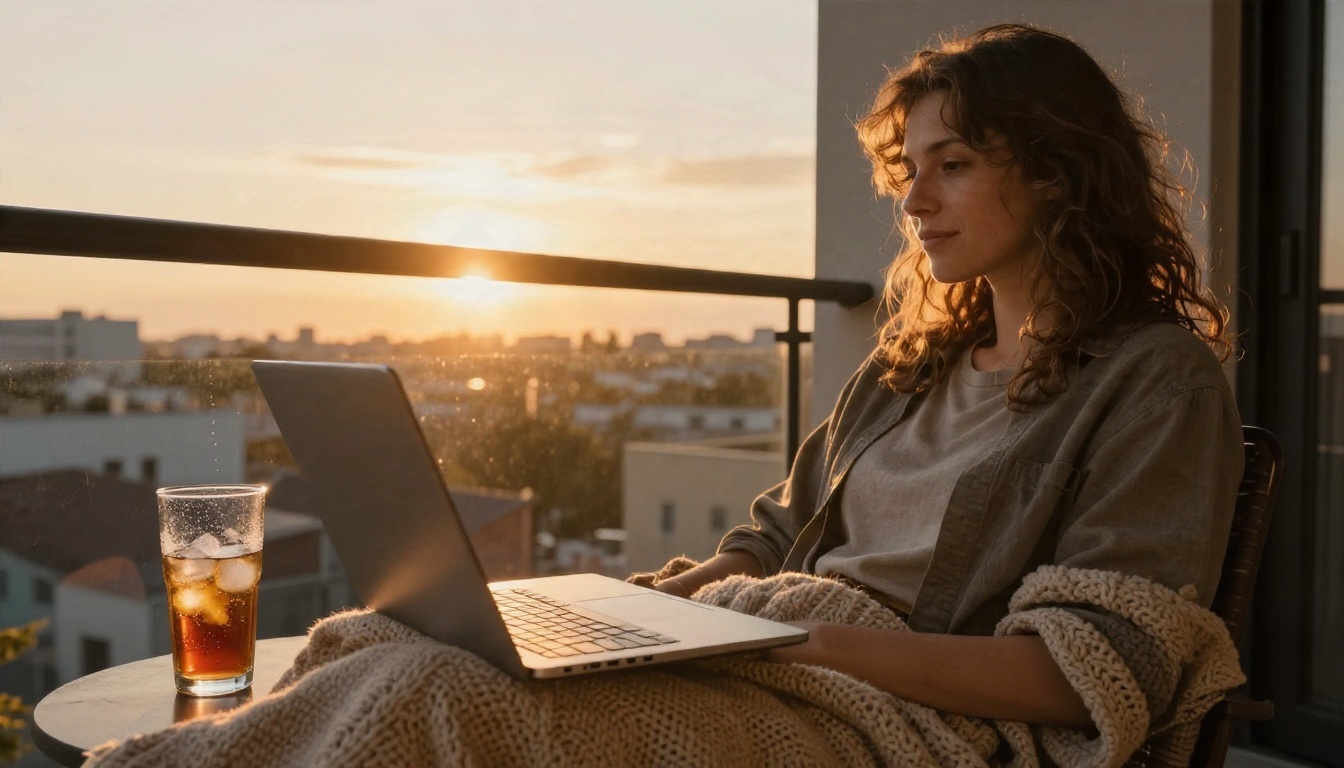
Ready to see what is on offer? Browse the full catalog at picassoia.com/en/all-models, pick a model, type your first prompt and start creating. Your next image is one sentence away.


