Type a perfectly normal prompt into a mainstream AI image tool, and there is a fair chance you get a polite refusal instead of a picture. A swimsuit shoot on a beach. A moody boudoir portrait. A fashion editorial with bare shoulders. None of it is explicit, yet the filter says no. That frustration is exactly why searches for an AI generator with no restrictions keep climbing, and why so many sites make big promises they cannot keep.
This article cuts through the noise. You will see what "no restrictions" really means in practice, which free options exist and where their limits hide, the prompt structure that produces sharp photorealistic results, and what you should expect to pay in 2026. Everything here is written for adults creating lawful, non-explicit glamour, portrait and fashion content.

What "No Restrictions" Really Means
Let's be blunt: no serious generator has literally zero rules. Every platform blocks illegal material, content involving minors, and the non-consensual use of real people's faces. Those lines are not negotiable, and you should not want a tool that ignores them.
What people actually want is freedom from over-cautious filters. They want a tool that treats an adult swimsuit photo, a lingerie campaign mockup or an artistic portrait as the normal creative work it is. The difference between a strict tool and a permissive one usually comes down to three things:
- Prompt filtering: some tools reject any word they consider "risky", even in harmless context.
- Output filtering: others generate the image, then hide it behind a blur if a classifier gets nervous.
- Account rules: a few add monthly caps or ask for ID before they relax anything.
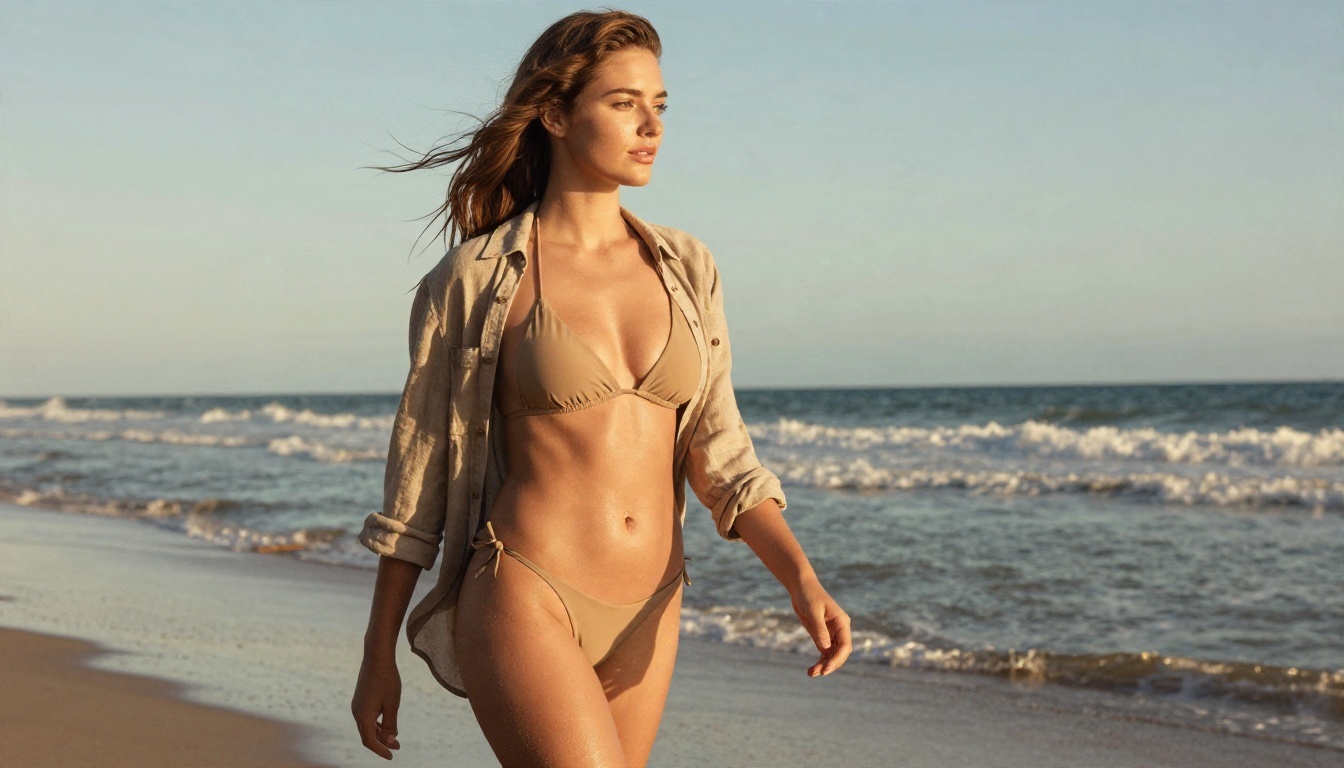
💡 Tip: A good test is a simple one. Ask for "a woman in a bikini walking on a beach at golden hour." If a tool refuses that, it is restrictive. If it returns a clean, natural photo in seconds, you are on the right track.
The Three Types of Tools
| Type | How it works | Typical limit | Best for |
|---|
| Closed mainstream apps | Strict filters, big brands | Frequent refusals | Safe corporate visuals |
| Open weights run locally | Free software on your own PC | Needs a strong GPU | Tinkerers with time |
| Hosted permissive platforms | Browser access, relaxed filters | Credits or daily caps | Most creators |
Hosted platforms are where most people land, because local setups demand a powerful graphics card, hours of installation and constant model updates.
Free Options That Actually Exist
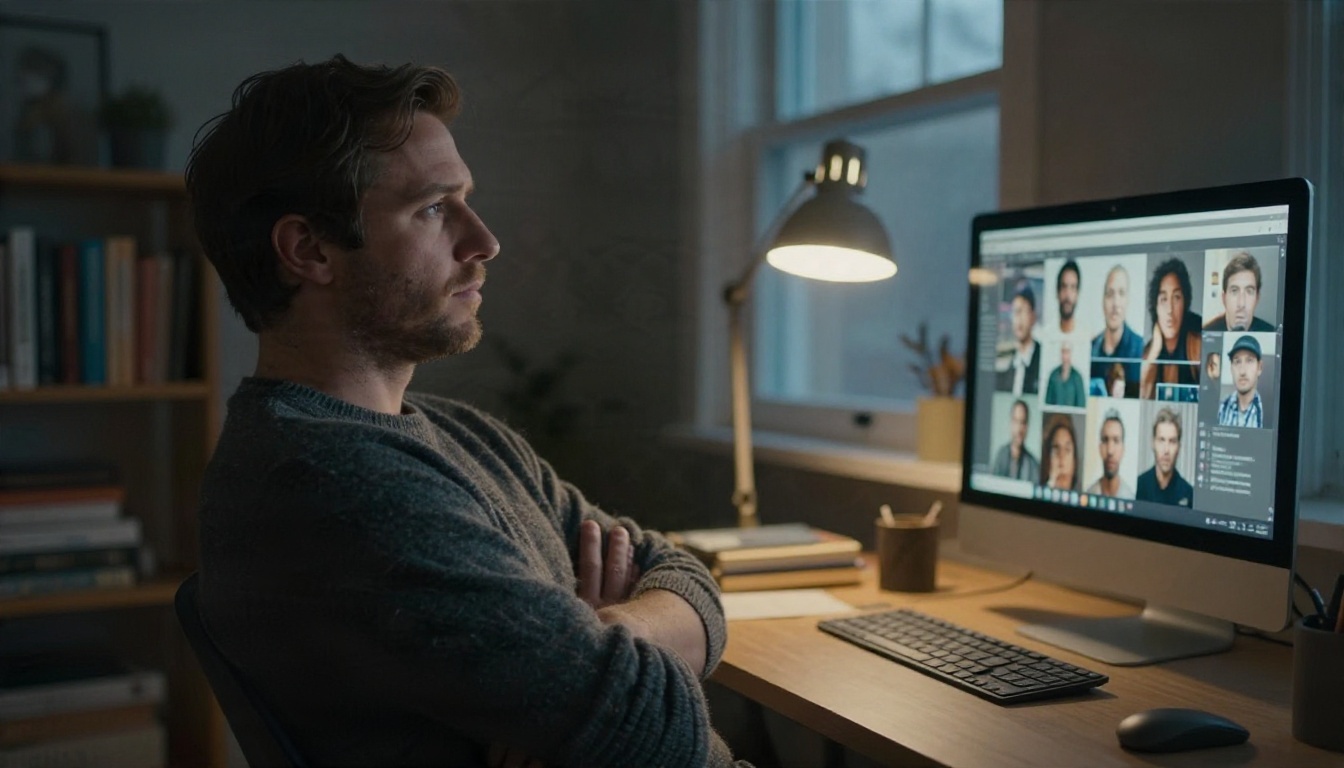
Here is the uncomfortable truth reviewers keep repeating in 2026: nearly every "free uncensored" generator charges you somewhere else. The price shows up as lower resolution, long queues, watermarks, tiny daily quotas, or features locked behind a paid plan.
Daily Caps and Watermarks
Several well-known services offer a taste for free. Venice, for example, has been reported to give around 15 image prompts per day on its free tier, with watermark removal reserved for paying members. Playground AI has offered roughly 10 images every few hours. Mage.space allows adult content within boundaries and advertises commercial use. Grok Imagine has tightened its free limits, and fuller access is tied to an X Premium subscription.
Those numbers shift often, so check each provider's current page before you build a workflow around them.
Local Open Models
Running Stable Diffusion style software at home costs nothing per image. You pay in hardware, electricity and patience. A card with 12 GB of memory or more is a sensible starting point, and every new model release means a new download, new settings and new troubleshooting.
Browser Platforms With Free Credits
This is the middle path. You open a website, type a prompt, get a picture. Some platforms give free credits daily, others give a generous allowance on specific models. PicassoIA sits in this group, and it includes models with unlimited generation, which we cover below.
💡 Watch out: One tester found a "no restrictions" landing page that was nothing more than a credit wall: click generate, receive an error, get asked to pay. If a site asks for a card before it shows any sample, close the tab.
Prompts That Get Real Results
The biggest mistake beginners make is writing a short, vague prompt and then blaming the filter or the model for a flat result. Photorealistic glamour work depends on specific photographic language, not on forbidden keywords.
The Five Part Prompt Formula
Build every prompt from five blocks, in this order:
- Subject and pose: who is in frame and what they are doing.
- Wardrobe: fabric, color and cut. "Sand-colored bikini and open linen shirt" beats "swimwear".
- Environment: the room or location, plus two or three props.
- Light: direction, time of day and quality. "Soft window light from the left" works wonders.
- Camera: focal length, aperture, film stock and angle.
A working example:
A woman in a sand-colored bikini and open linen shirt walking along the waterline at golden hour, wind in her hair, wet sand reflecting the sky, backlit by low sun, 85mm lens at f/1.8 from knee height, visible skin sheen, Kodak Portra 400 film grain.
Words That Help and Words That Hurt
| Use these | Avoid these |
|---|
| Film stock names (Portra 400) | "Ultra HD masterpiece 8K" spam |
| Lens and aperture details | Long strings of random adjectives |
| Skin texture, pores, freckles | "Perfect flawless skin" |
| Light direction and time of day | Contradictory lighting cues |
| Specific fabrics (satin, lace, linen) | Generic words like "sexy outfit" |
Plastic skin and glossy "AI look" come from vague prompts. Asking for pores, flyaway hairs and natural shadows pushes the model toward real photography.
Tasteful Glamour, Not Explicit
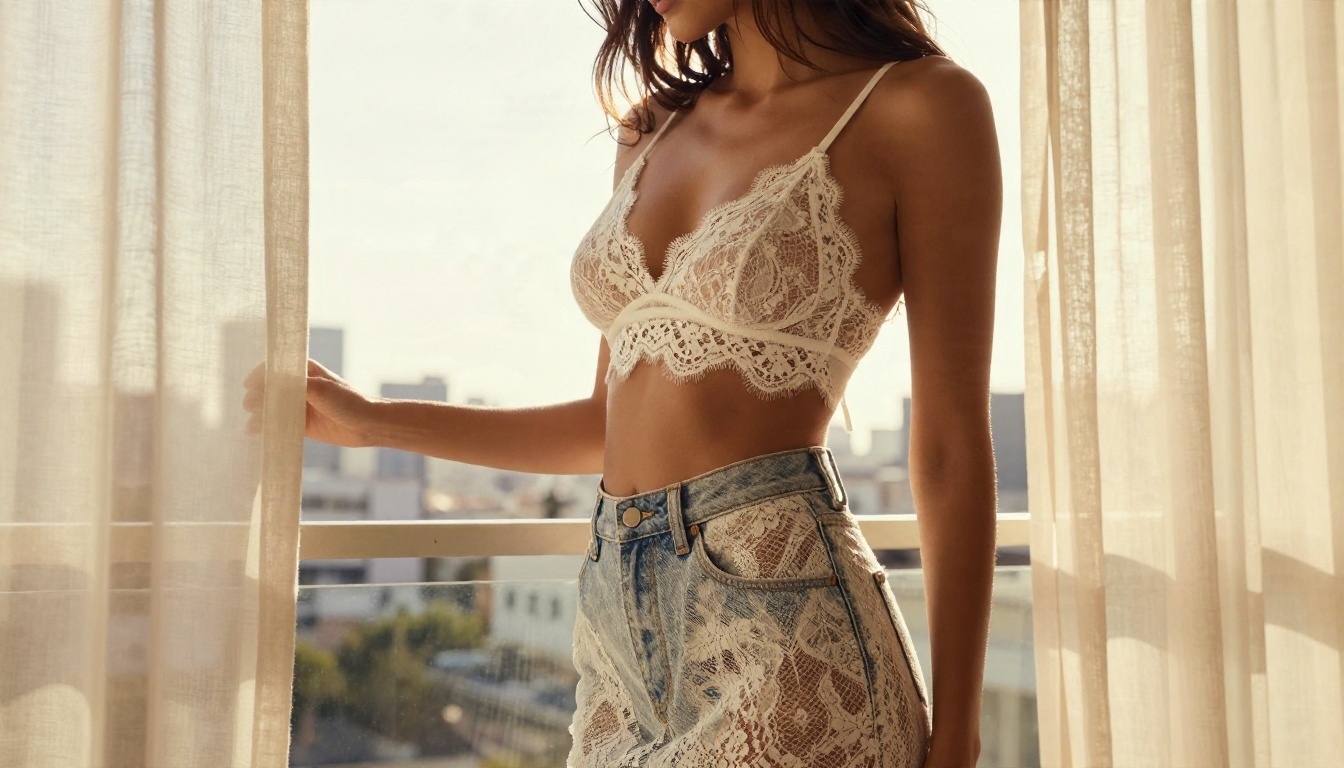
Suggestive does not mean explicit. Beautiful boudoir lighting, swimwear, lace and satin sit comfortably inside what most good platforms allow, and they sell far better in editorial, e-commerce and social content than anything crude.
Best Models for Unrestricted Images
Model choice matters more than any single prompt trick. These are the ones worth trying first on PicassoIA, in the order I would test them.
Seedream 4.5 First
Seedream 4.5 is the strongest starting point for adult glamour and portrait work. It handles skin, fabric and lighting with a convincing photographic feel, supports high resolution output, and follows long prompts closely. If you only test one model, test this one.
PicassoIA Image Editor Pro
PicassoIA Image Editor Pro is the answer to the "free" question. It offers unlimited generations, so you can iterate on a prompt thirty times without watching a credit counter. It also edits existing images, which is handy for changing outfits, backgrounds or lighting on a shot you already like.
Other Models Worth Testing
- Flux 2 Klein 9B Base LoRA: flexible, supports styled looks, and a good option when you want a particular aesthetic.
- Qwen Image 3 Pro: clean, photorealistic output with excellent detail on faces and hands.
- P Image Ideogram: precise results when a scene needs a little text or tight layout control.
- P Image Try On: useful for fashion and swimwear mockups on a model photo.
Quick Comparison
| Model | Strength | Cost feel | Pick it when |
|---|
| Seedream 4.5 | Photoreal skin, fabric, light | Credits | You want the best look |
| Image Editor Pro | Unlimited iteration and edits | Unlimited | You test many variations |
| Flux 2 Klein 9B LoRA | Styled looks | Credits | You want a specific style |
| Qwen Image 3 Pro | Face and hand detail | Credits | Portraits need to be crisp |
How to Use Seedream 4.5
Follow these steps for your first strong result on Seedream 4.5.
Step by Step
- Open the model page and sign in.
- Paste a prompt built with the five part formula above.
- Set the aspect ratio. 16:9 suits banners and wallpapers, 3:4 or 2:3 suits portraits and social posts.
- Choose the highest resolution your plan allows.
- Generate, then compare two or three seeds before you change anything.
- Adjust one variable at a time: light first, then wardrobe, then camera angle.
Parameter Tips
- Keep prompts between 50 and 120 words. Shorter prompts leave too much to chance, and much longer ones start to contradict themselves.
- Describe the light twice if the first result looks flat: once as direction, once as quality, such as "soft window light from the left, gentle shadow on the right cheek".
- Name a lens. An 85mm at f/1.8 gives that flattering shallow depth of field on portraits.
- Lock the seed when you like a composition and only want to alter the outfit.
💡 Pro move: Generate on Seedream 4.5, then send the winner to Image Editor Pro for unlimited retouching, outfit swaps and background changes. You get top quality first and cheap iteration second.
Pricing Without the Surprises
Pricing in this space is confusing because every platform counts differently. Here is how to read it.
Four Pricing Models
| Model | How you pay | Watch for |
|---|
| Free with daily cap | Nothing, but 10 to 20 images a day | Watermarks, low resolution |
| Subscription | Monthly fee for a credit pool | Credits that expire |
| Pay per image | A few cents each, often via API | Costs add up fast |
| Unlimited plan | Flat fee or free on select models | Queue speed, fair use |
Pay per image pricing is easy to understand but dangerous in practice. Some API providers list a high quality model at about 3 cents per image, which sounds tiny until you realize a single finished picture often takes 15 to 30 attempts. That is a dollar or more per keeper.
The Real Cost of Iteration
Most people forget this. You never pay for the one image you keep. You pay for every image you throw away. That is why unlimited generation changes the math more than any headline price. On a credit system, you hesitate before every click. On an unlimited model like Image Editor Pro, you simply experiment.
A sensible budget plan looks like this:
- Draft and test prompts on an unlimited model.
- Move the best two or three concepts to a premium model like Seedream 4.5.
- Spend credits only on the final renders.
Adding Motion With Video
Still images are only half the picture now. Short clips from a single photo perform better on social feeds, and the same freedom question applies.
Free and Unlimited Video
Seedance 2.5 Lite is a free, unlimited video generator that produces clips up to 10 seconds, which makes it a practical way to animate a portrait without watching a meter. For a higher ceiling, Seedance 2.5 reaches 30 seconds, and Wan 3 delivers cinematic motion with natural camera moves.
A Simple Video Prompt
Write motion in chronological order: what the subject does, how the camera moves, and what the light does. For example: "She turns toward the window and smiles, slow push-in on her face, curtains lifting in a soft breeze, warm afternoon light shifting across her shoulders."
💡 Tip: Start every video from a strong still. A sharp, well-lit source image gives the video model far more to work with than text alone.
Mistakes That Waste Credits
Even with the right tool, a few habits drain time and money.
Five Common Errors
- Chasing keywords instead of photography. Cramming in "uncensored" or "no filter" does nothing. Light, lens and fabric do.
- Changing everything at once. If you edit the pose, outfit and background in one go, you cannot tell what helped.
- Ignoring aspect ratio. A portrait generated at 16:9 wastes half the frame.
- Skipping the comparison step. Two or three seeds on the same prompt show you quickly whether the prompt or the luck is the problem.
- Trusting every "free" claim. Open a sample first, check the resolution, and look for watermarks before you commit.
Stay on the Right Side of the Line
Permissive does not mean lawless. Create images of fictional adults or of yourself. Never generate real people without their consent, never create anything involving minors, and respect the rules of any site where you publish. Responsible habits protect you and keep these tools available for everyone.
Start Creating Your Own Images
You now have the full picture. A truly unrestricted generator does not exist, but a permissive, fast and affordable one does, and it comes down to picking the right model for each stage of your workflow.
Here is the short version to act on today:
Pick one scene you have always wanted to see, write a 60 word prompt, and run it right now. Then change only the lighting and run it again. Within ten minutes you will see what a well-built prompt on the right model can do. Browse every available model at picassoia.com/en/all-models and start building your own collection of photorealistic images and clips.


