The world of AI-generated characters has exploded in recent years, and one of the most popular applications is creating personalized AI girlfriend characters. Whether you're an artist looking for character design inspiration, a content creator building visual novels, or simply curious about what's possible with modern AI, this tutorial will show you how to generate stunning AI girlfriend images using PicassoIA's powerful tools.
What Are AI Girlfriends?
AI girlfriends are digitally generated character images created using text-to-image AI models. These characters can range from photorealistic humans to anime-style artwork, each with unique features, personalities (conveyed through visual styling), and aesthetics. The beauty of AI girlfriend generation is the limitless customization possible through well-crafted prompts.
Unlike traditional character art that requires hours of manual illustration, AI generation allows you to create high-quality character images in seconds. The technology has advanced to the point where generated characters can look indistinguishable from professional digital art or photography.
Why Use PicassoIA for AI Girlfriend Generation?
PicassoIA offers several advantages for creating AI girlfriend characters:
Access to cutting-edge models like flux-2-pro and wan-2.2-image that deliver exceptional quality and detail. These models are specifically optimized for character generation with photorealistic rendering capabilities.
No censorship on artistic content means you have creative freedom to generate the characters you envision without restrictive filters. Many other platforms heavily moderate or block certain types of character generation, but PicassoIA provides open-source models that respect artistic expression.
Flexible customization options including aspect ratios, resolutions up to 4MP, and style control through reference images. You can fine-tune every aspect of your character's appearance.
Affordable pricing compared to hiring traditional artists or subscribing to multiple AI platforms. PicassoIA provides professional-grade tools at accessible prices.
Character Styles You Can Create
The versatility of modern text-to-image models means you can generate AI girlfriend characters in virtually any style.
Anime and Manga Style
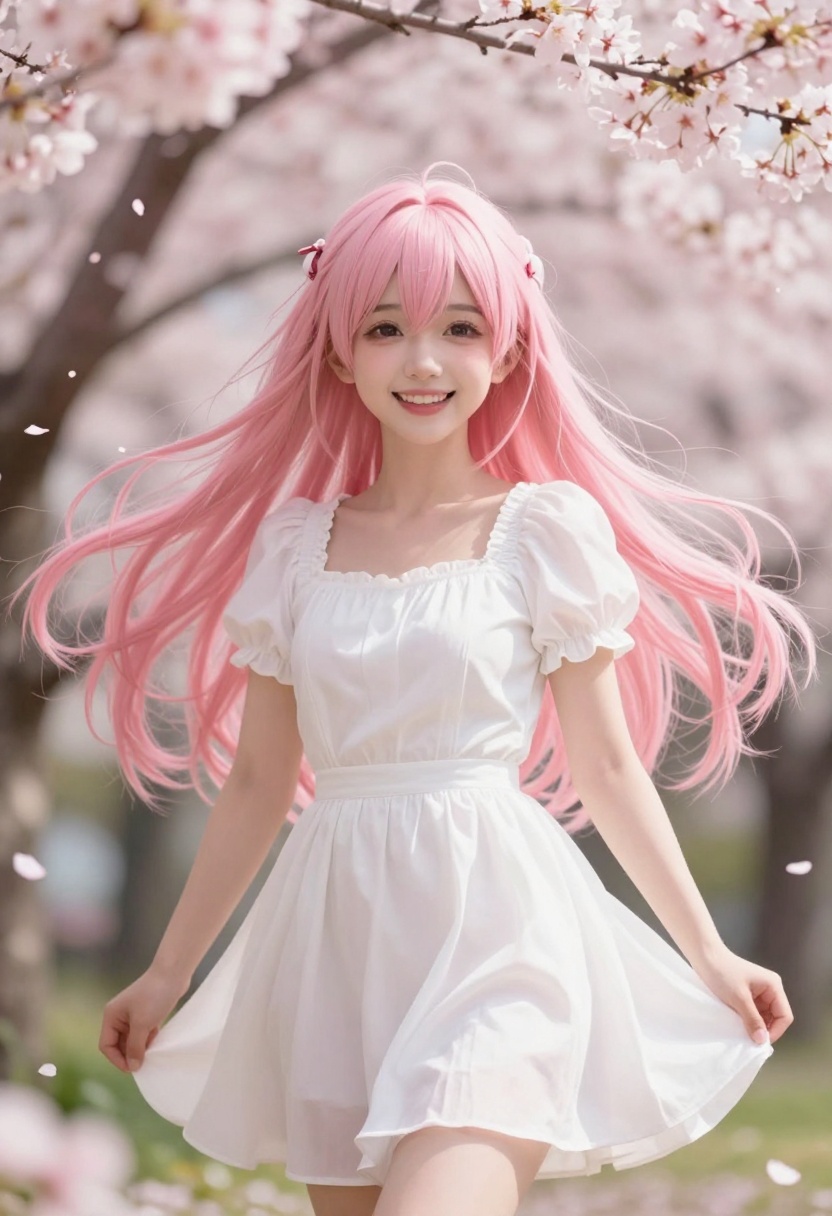
Anime-style characters remain incredibly popular. You can create characters inspired by your favorite anime series, with customizable features like hair color, eye style, clothing, and setting. The key is using descriptive terms like "anime-style," "manga aesthetic," or referencing specific art styles.
Photorealistic Characters
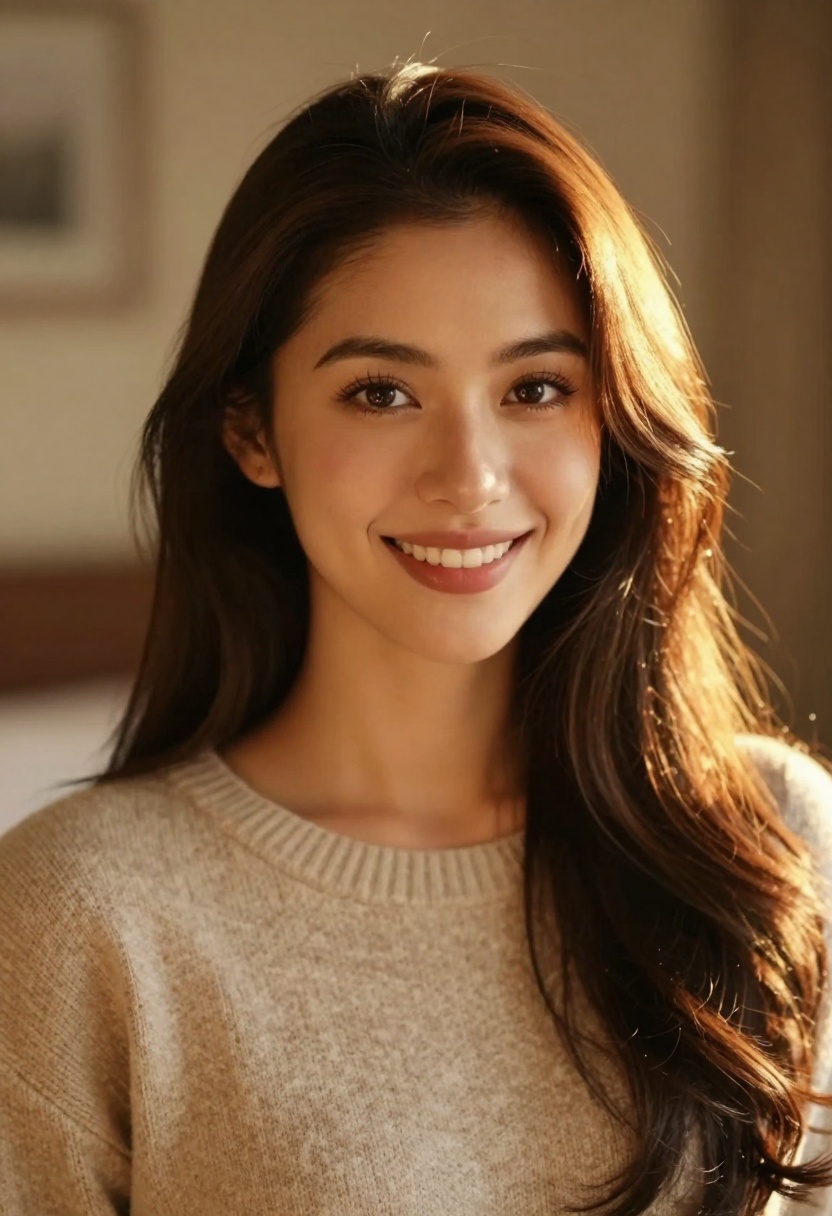
For those seeking ultra-realistic human characters, modern AI models excel at generating photorealistic portraits. These images can look like professional photography, complete with natural lighting, skin texture, and realistic features.
Fantasy and Sci-Fi
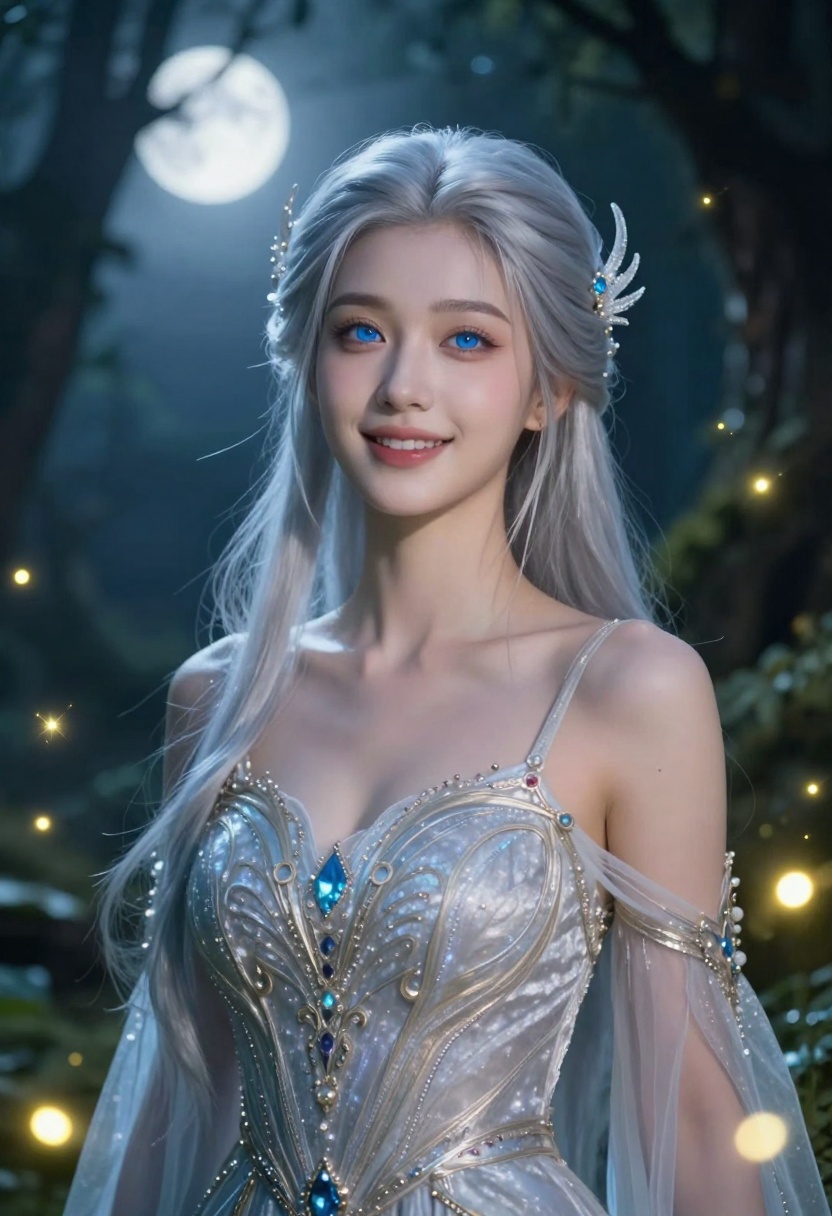
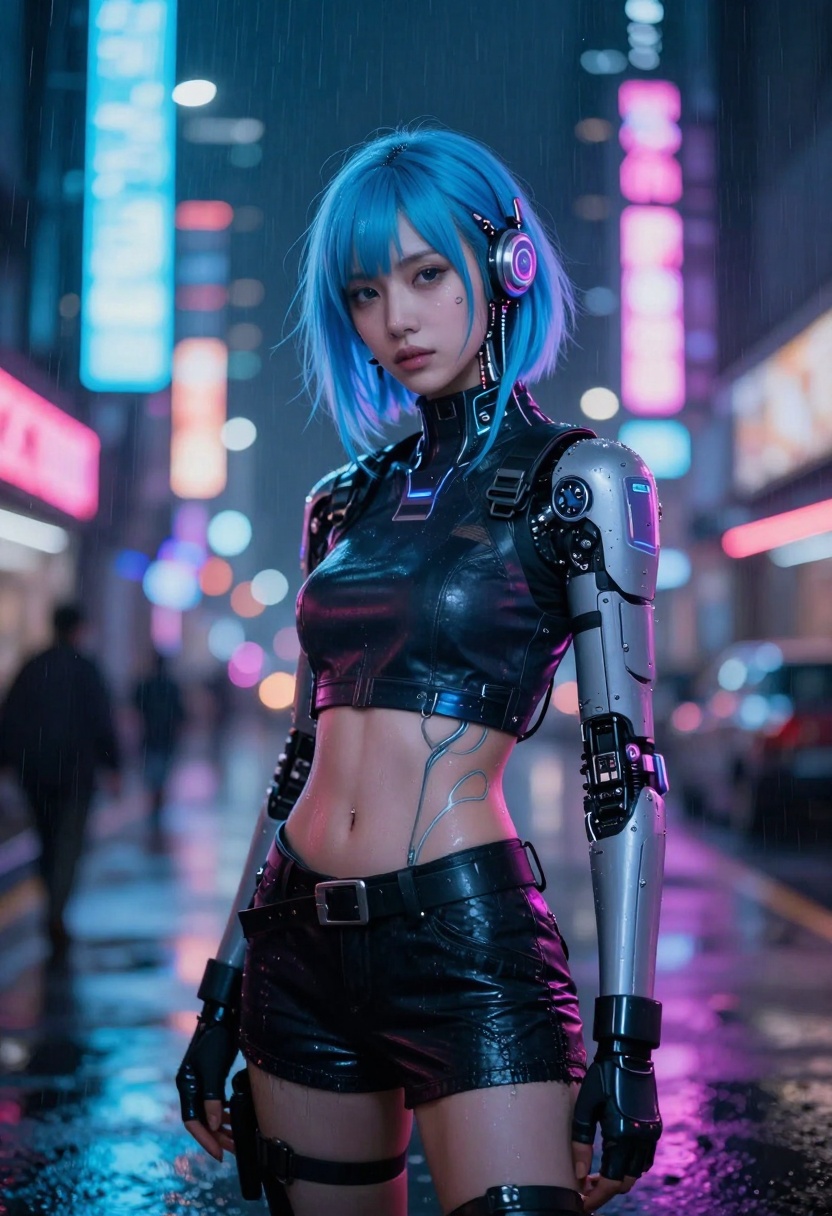
Create mystical elven characters, futuristic cyberpunk personalities, or any fantasy aesthetic you can imagine. The combination of character design and environmental setting opens endless creative possibilities.
Casual and Everyday Styles
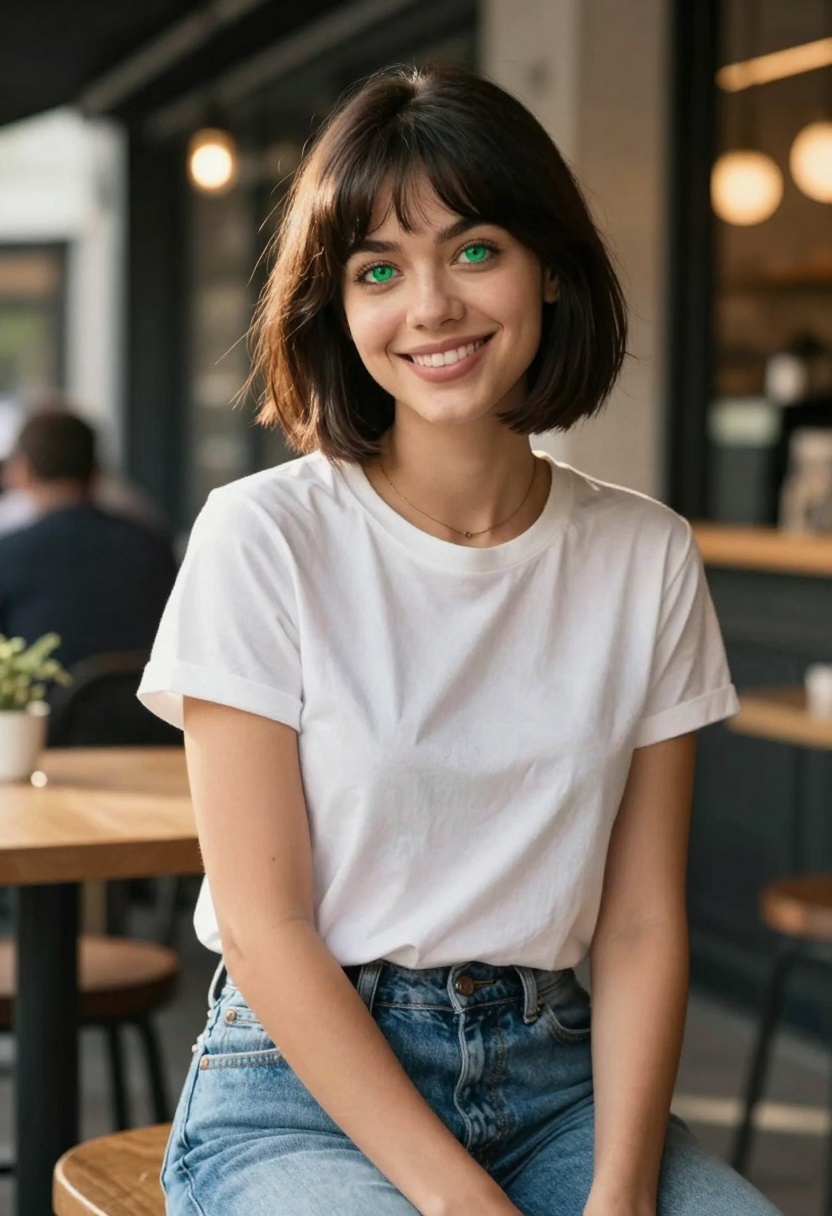
Not every character needs to be fantastical. You can generate characters in casual, everyday settings wearing normal clothing. These work great for visual novels, storytelling, or simply creating relatable character designs.
Writing Effective Prompts
The secret to generating beautiful AI girlfriend characters lies in your prompt structure. A well-written prompt includes several key elements that guide the AI toward your desired result.
Character Description
Start with physical features: hair color and style, eye color, facial features, body type, and distinctive characteristics. Be specific but not overly restrictive. Instead of "pretty girl," try "elegant woman with long auburn hair, bright green eyes, and a gentle smile."
Clothing and Style
Describe what your character is wearing. This can range from casual jeans and a t-shirt to elaborate fantasy armor or elegant evening wear. Clothing helps establish personality and context.
Setting and Background
Where is your character? A cherry blossom garden, modern cafe, futuristic city street, or magical forest? The background adds depth and context to your character image.
Artistic Style and Quality Modifiers
Include terms that enhance image quality and define the artistic approach. Examples include "cinematic lighting," "photorealistic," "8k resolution," "high detail," "vibrant colors," and "professional photography." These modifiers significantly improve output quality.
Example Prompts
Here's a basic prompt: "A woman with blue hair standing outside."
Here's an optimized prompt: "A charming anime-style character with flowing blue hair and sparkling eyes, wearing a white summer dress, standing in a cherry blossom garden with soft pink petals falling around her, photorealistic rendering, cinematic lighting, 8k resolution, high detail, vibrant pastel colors, joyful atmosphere, professional portrait photography."
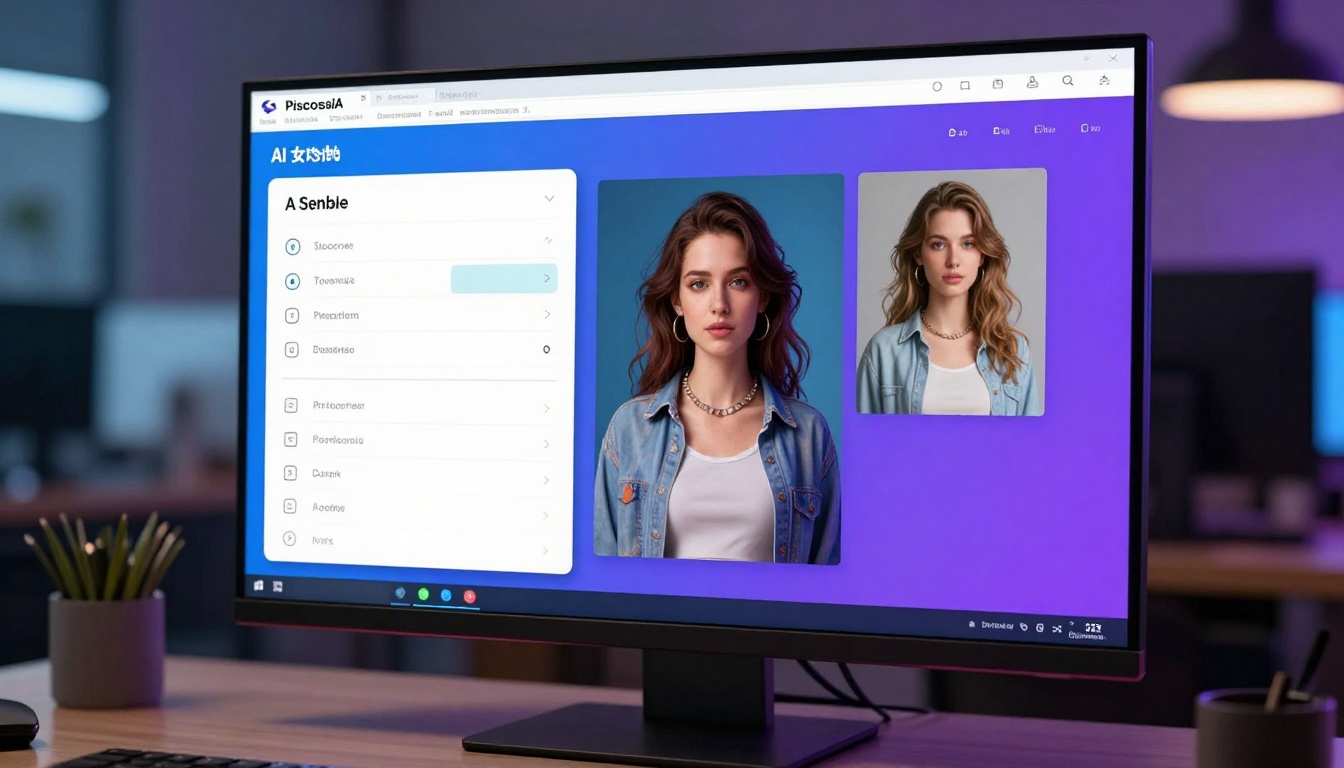
The difference in results between these two prompts is dramatic. The detailed prompt gives the AI much more information to work with, resulting in a higher-quality, more cohesive image.
Advanced Techniques
Once you've mastered basic prompts, you can explore advanced techniques for even better results.
Using Reference Images
Many models on PicassoIA, including flux-2-pro, support using reference images. You can upload up to 8 images that influence the style, composition, or specific features of your generated character. This is perfect for maintaining consistency across multiple character generations or adapting existing artwork.
Negative Prompts
Some models allow negative prompts where you specify what you don't want in the image. This helps avoid common issues like distorted hands, extra fingers, or unwanted objects in the background.
Aspect Ratio Selection
Choose the right aspect ratio for your use case. Portrait orientation (2:3 or 4:5) works best for character portraits, while landscape (16:9) is ideal for characters in environmental settings. Square (1:1) works well for social media avatars.
Seed Values for Consistency
Using the same seed value with similar prompts produces consistent results. This is useful when you want to generate variations of the same character or maintain visual continuity.
Different Art Styles to Explore
Vintage and Retro
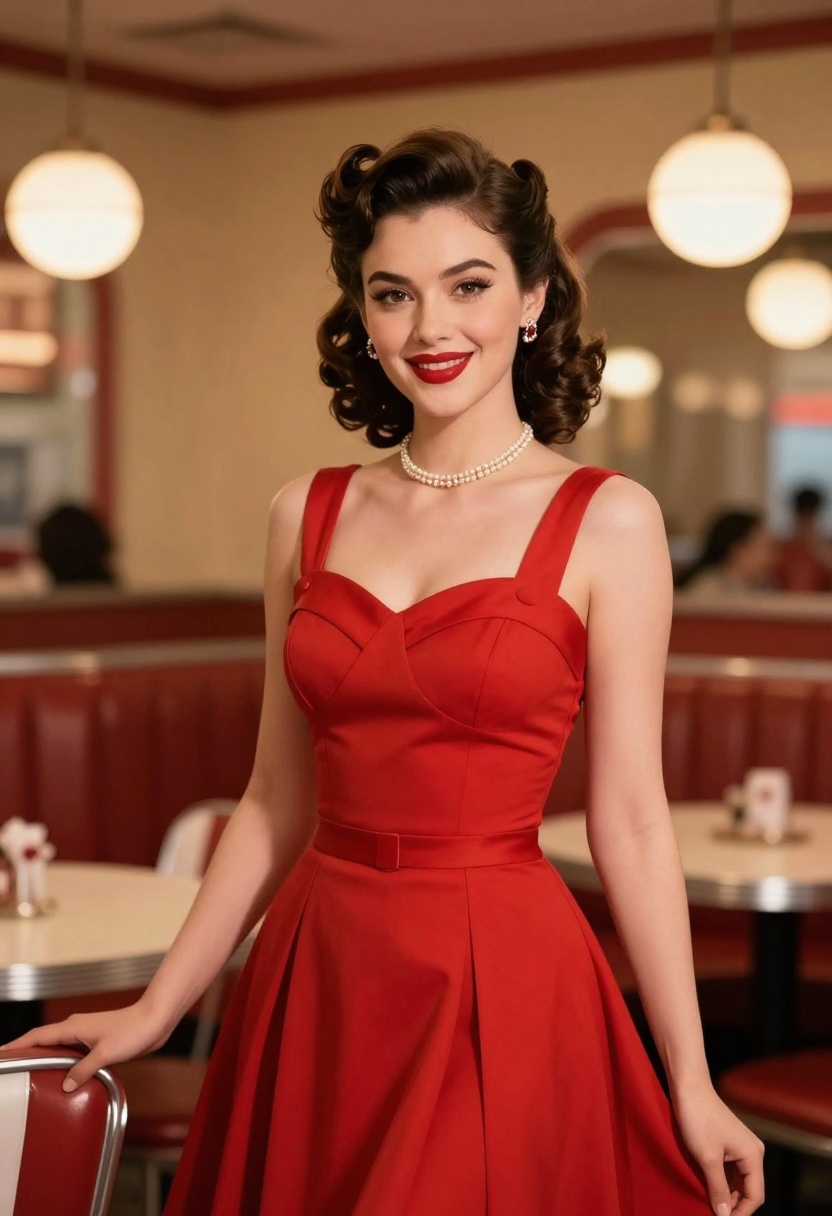
Create characters with 1950s pinup aesthetics, 1980s fashion, or other nostalgic styles. Vintage styling adds unique charm and personality to your characters.
Athletic and Active
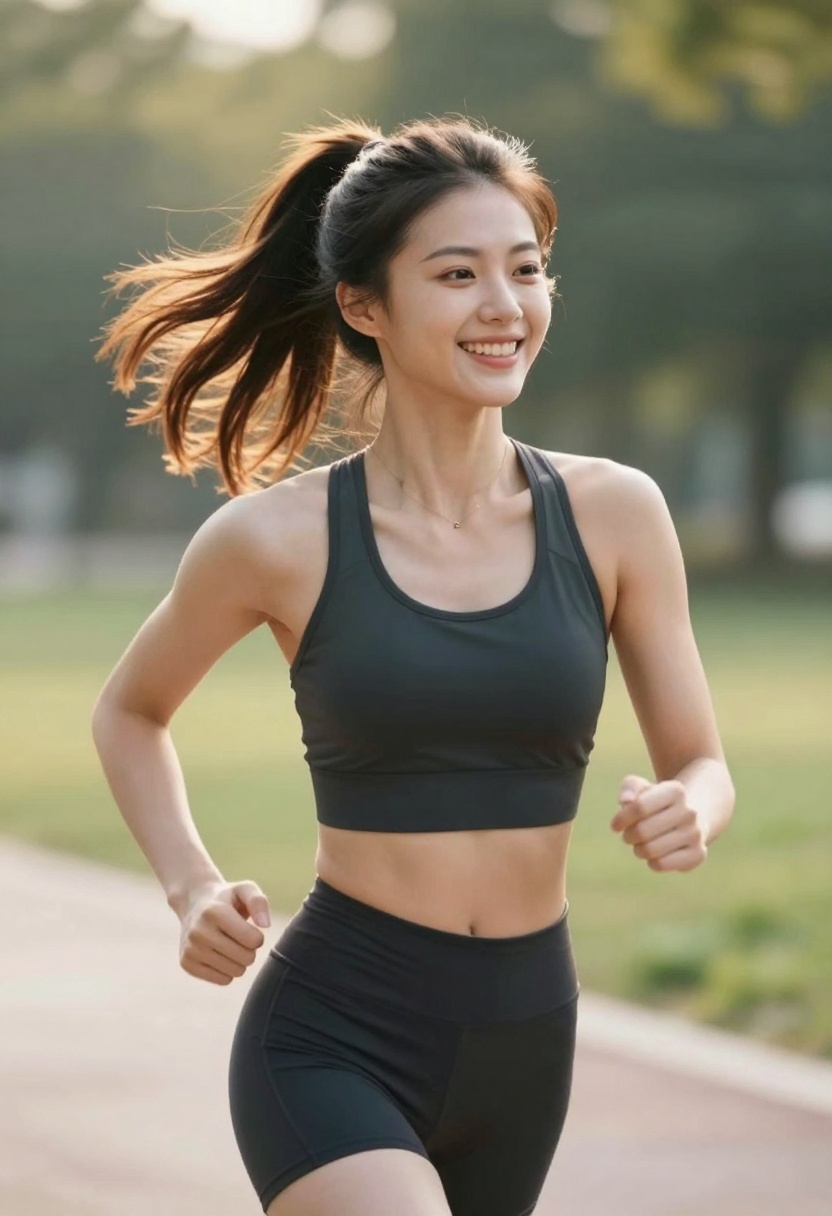
Generate sporty characters in athletic wear, perfect for fitness-related content or dynamic character designs. These images work well for game characters or active lifestyle branding.
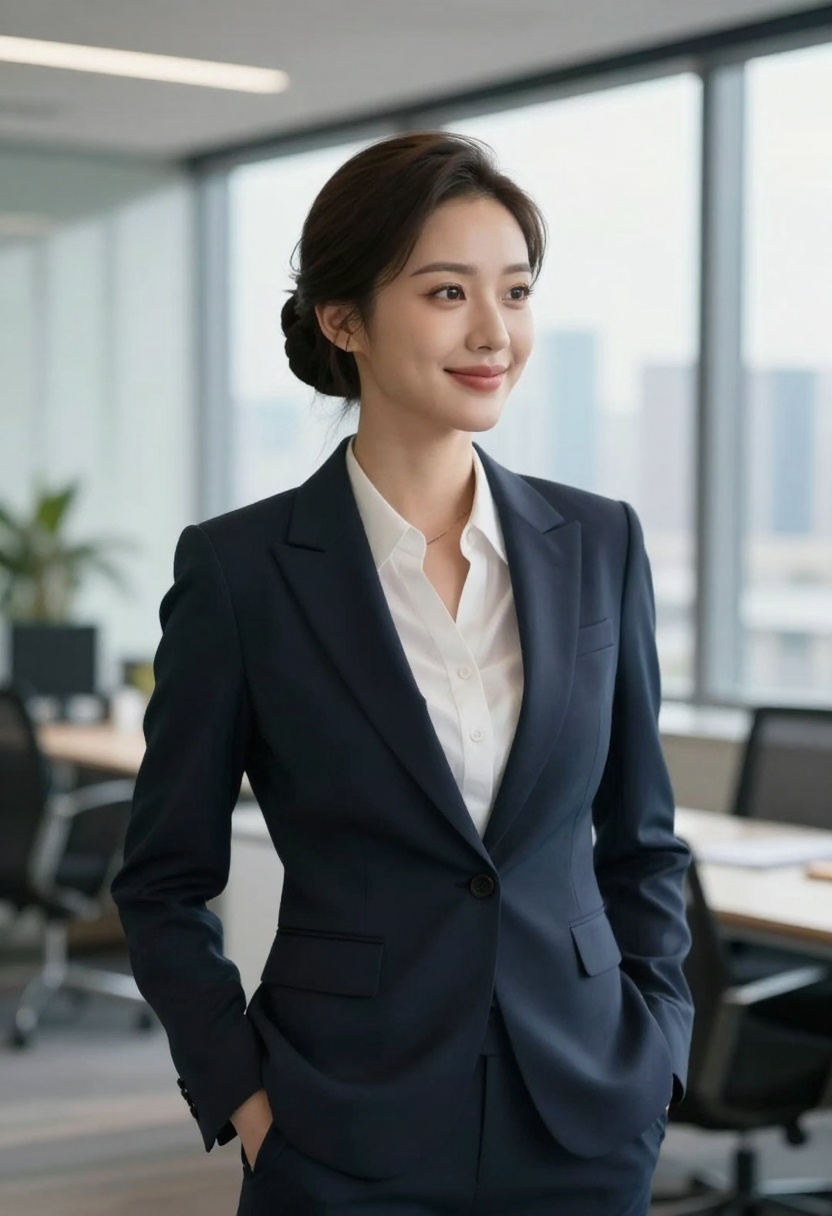
Professional and Business
Create sophisticated characters in business attire for professional contexts. These work great for corporate presentations, professional storytelling, or modern character designs.
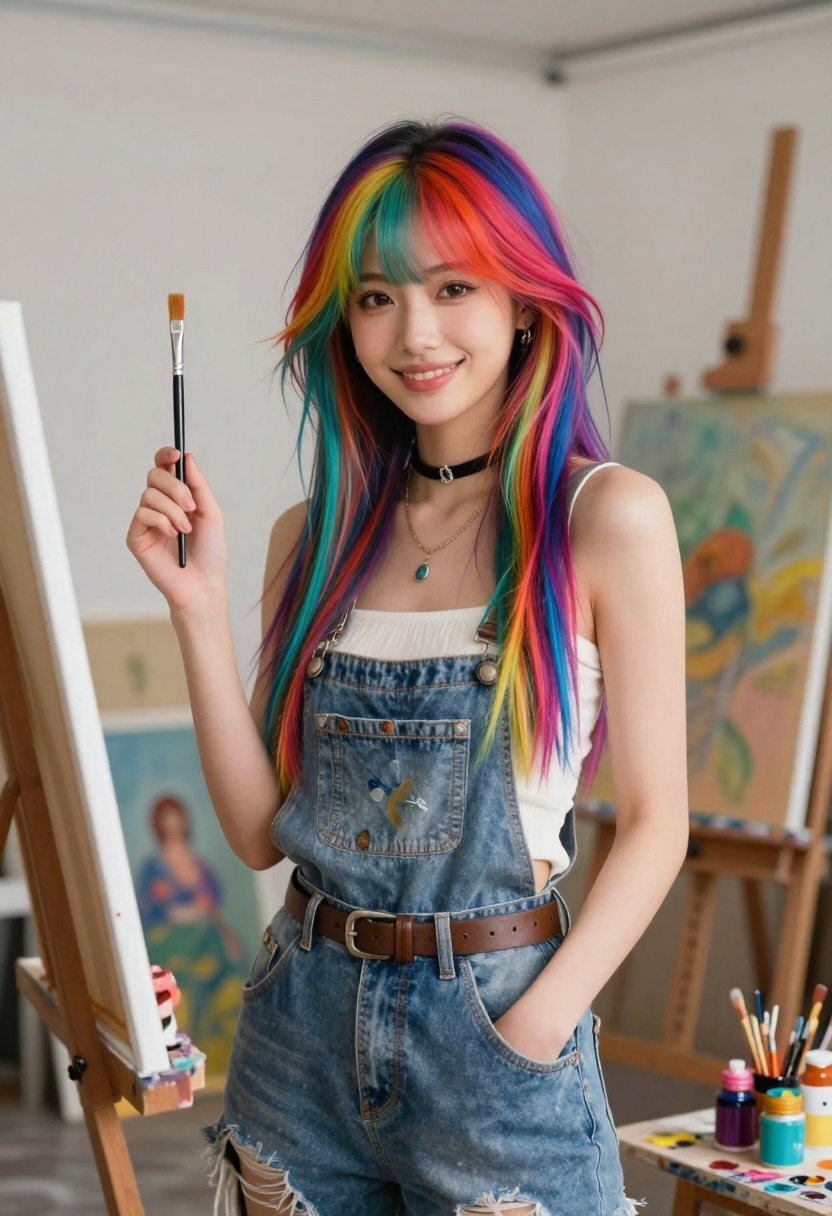
Artistic and Creative
Generate characters that embody artistic personalities, perfect for creative projects or bohemian aesthetics. These characters can include colorful hair, unique fashion, and creative environments.
Common Mistakes to Avoid
When generating AI girlfriend characters, watch out for these common pitfalls:
Vague prompts that don't give the AI enough detail often result in generic, uninspiring images. Always include specific descriptors about features, clothing, setting, and style.
Ignoring lighting and atmosphere can make even well-described characters look flat or unappealing. Include lighting terms like "golden hour," "soft lighting," or "dramatic shadows."
Overcomplicating prompts with too many conflicting elements can confuse the AI. Focus on coherent themes rather than throwing every idea into one prompt.
Not experimenting with settings means missing out on better results. Try different aspect ratios, resolutions, and model settings to find what works best for your specific needs.
Forgetting quality modifiers like "8k," "high detail," and "professional photography" can result in lower-quality outputs. These terms genuinely improve generation quality.
Recommended Models on PicassoIA
Several models on PicassoIA excel at AI girlfriend character generation:
flux-2-pro
This high-quality text-to-image model offers exceptional detail and supports up to 8 reference images. It handles both photorealistic and stylized characters beautifully, with customizable aspect ratios and resolutions up to 4MP.
wan-2.2-image
Excellent for realistic character generation with fast processing times. This model specializes in cinematic, photorealistic renders that look like professional photography.
p-image-edit
While primarily an editing tool, p-image-edit is perfect for refining generated characters or combining multiple character elements. It supports multiple input images and quick processing.
Step-by-Step Tutorial: Creating an AI Girlfriend with flux-2-pro
Let me walk you through creating a stunning AI girlfriend character using flux-2-pro on PicassoIA.
Step 1: Access the Model
Navigate to the flux-2-pro model page on PicassoIA. This is where you'll configure all generation settings and submit your prompt.
Step 2: Write Your Prompt
In the prompt field (required parameter), enter a detailed description of your desired character. Here's an example:
"A beautiful anime-style woman with long flowing purple hair and bright violet eyes, wearing an elegant white dress, standing in a magical garden with glowing butterflies and soft moonlight, photorealistic rendering, cinematic lighting, 8k resolution, high detail, vibrant colors, enchanting atmosphere, professional fantasy photography, shallow depth of field"
Step 3: Configure Basic Settings
Choose your aspect_ratio. For a character portrait, select 2:3 or 4:5. For full-body shots or environmental scenes, try 16:9 or 3:2.
Set your resolution. For most purposes, 1 MP or 2 MP provides excellent quality. Higher resolutions (4 MP) are available for large prints or extremely detailed work.
Select your output_format. WebP offers the best balance of quality and file size. Use PNG for transparency or maximum quality, or JPG for smaller file sizes.
Step 4: Adjust Advanced Options (Optional)
seed: Leave empty for random generation, or enter a specific number to reproduce previous results.
safety_tolerance: Adjust between 1 (most strict) and 5 (most permissive) depending on your content needs.
output_quality: Set between 0-100. The default of 80 works well for most uses.
input_images: Upload reference images if you want to guide the style or composition. You can add up to 8 images.
Step 5: Generate Your Character
Click the generate button and wait for processing to complete. Generation typically takes 10-30 seconds depending on resolution and complexity.
Step 6: Review and Refine
Examine your generated character. If it's not quite right, adjust your prompt with more specific details or try different settings. Common refinements include:
- Adding more descriptive terms about facial features
- Specifying lighting conditions more precisely
- Adjusting the background setting description
- Changing the artistic style keywords
Step 7: Save Your Results
Once you're happy with the result, download the image in your preferred format. You can also save the prompt and settings for future generations of similar characters.
Tips for Consistency
If you're creating multiple AI girlfriend characters for a project (like a visual novel or game), maintaining visual consistency is important.
Use the same model across all generations. Different models have different artistic styles, so sticking with one ensures consistency.
Save successful prompts and modify them slightly for variations. This maintains a cohesive style while allowing for character diversity.
Use seed values when you need to generate variations of the same character in different poses or settings.
Reference images help maintain consistent features like face shape, hair style, and clothing across multiple generations.
Ethical Considerations
When creating AI girlfriend characters, keep these ethical points in mind:
Respect real people by not attempting to recreate the likeness of actual individuals without permission. AI generation should be used for fictional characters, not deepfakes.
Consider your audience and ensure your generated content is appropriate for your intended use case.
Credit the AI when sharing generated images. While you own the output, acknowledging that images were AI-generated is good practice.
Follow platform guidelines about content distribution and usage rights.
Creative Applications
AI girlfriend characters have numerous creative applications beyond personal use:
Visual novels and games can use generated characters for rapid prototyping or as final artwork.
Content creation for social media, storytelling, or educational purposes benefits from quick character generation.
Character design inspiration helps traditional artists explore different looks and styles before committing to manual illustration.
Marketing and branding can leverage character images for product promotion or brand mascots.
Educational materials benefit from diverse, customizable character representations.
Troubleshooting Common Issues
Distorted Features
If hands, faces, or other features appear distorted, try:
- Adding "anatomically correct" to your prompt
- Using negative prompts to exclude "distorted hands" or "extra fingers"
- Generating at higher resolution
- Simplifying complex poses
Inconsistent Style
When the generated image doesn't match your intended style:
- Be more specific with style keywords ("anime," "photorealistic," "oil painting")
- Add reference images that exemplify your desired style
- Use stronger quality modifiers
- Adjust the model settings
Unwanted Elements
If backgrounds or objects appear that you don't want:
- Be more specific about the setting
- Use negative prompts to exclude unwanted elements
- Adjust composition keywords
- Try different seed values
Taking It Further
Once you've mastered basic AI girlfriend character generation, explore these advanced possibilities:
Image-to-video generation using models like Wan 2.2 I2V Fast can bring your characters to life with animations and movements.
Character editing with p-image-edit allows you to modify specific aspects of generated characters without starting from scratch.
Style transfer experiments by using multiple reference images to blend different artistic approaches.
Batch generation by creating variations of successful prompts to build character libraries.
Conclusion
Creating AI girlfriend characters with PicassoIA opens up incredible creative possibilities. Whether you're generating anime waifus, photorealistic portraits, or fantasy characters, the key is mastering prompt writing and understanding model capabilities.
The models available on PicassoIA, particularly flux-2-pro and wan-2.2-image, provide professional-grade quality without restrictive filters. With practice, you'll develop an intuition for what works and be able to generate stunning characters in seconds.
Start experimenting with different prompts, styles, and settings. The more you practice, the better you'll understand how to communicate your vision to the AI. Save your successful prompts, learn from less successful ones, and don't be afraid to try creative combinations.
Ready to create your perfect AI girlfriend character? Head over to PicassoIA and start generating today. With the techniques covered in this tutorial, you'll be creating professional-quality character art in no time.


