Typing "AI girlfriend" into the App Store feels like walking into a casino. Everything is bright, everything promises a perfect companion, and half of it wants your card number before you have sent a single message. If you want an AI girlfriend app for iPhone that is free to try, honest about what it does, and safe with your personal data, you need a filter. This article is that filter.
I will separate the apps that really live on the App Store from the ones that only work in Safari, explain why "uncensored" means something different on iOS, and give you a short checklist you can run in five minutes before you share anything private. Then I will show how to build a companion's look and personality yourself with tools on PicassoIA, which is the one route where you control the rules.
💡 Quick answer: Replika, Kindroid, EVA AI and Paradot are the names that most often show up as real App Store apps. Most truly uncensored platforms run in the browser, not in a native app. Always check the privacy label, the developer name and the real price before subscribing.
What iPhone Users Actually Get

The phrase "AI girlfriend app" covers three very different things, and mixing them up is where most people waste money.
Native apps versus web apps
A native app is something you download from the App Store. It goes through Apple's review, shows a privacy label, and uses Apple's billing. A web app (often called a PWA) runs in Safari, and you can add it to your home screen so it looks like an app. It never touches Apple's review, which means different rules about content and billing.
Reviewers who test these products on iPhone report a split. Replika is a native App Store app. Candy AI is described as a home screen web app. Several other popular names are said to have no App Store presence at all. Because this market changes monthly, treat any list, including this one, as a starting point and verify the current status yourself.
Why Apple's rules shape everything
Apple restricts sexually explicit material in App Store apps. That is why native companion apps tend to be flirty but filtered, while the explicit ones move to the browser. It is also why you will see the same chatbot sold under different names: a filtered version in the store and an unfiltered version on a website.
| Format | Where you get it | Typical content level | Billing |
|---|
| Native app | App Store | Romantic, usually filtered | Apple subscription |
| Home screen web app | Safari | Often much looser | Card on the website |
| Messaging bot | Inside a chat app | Varies widely | Varies widely |
Free Picks Worth Installing
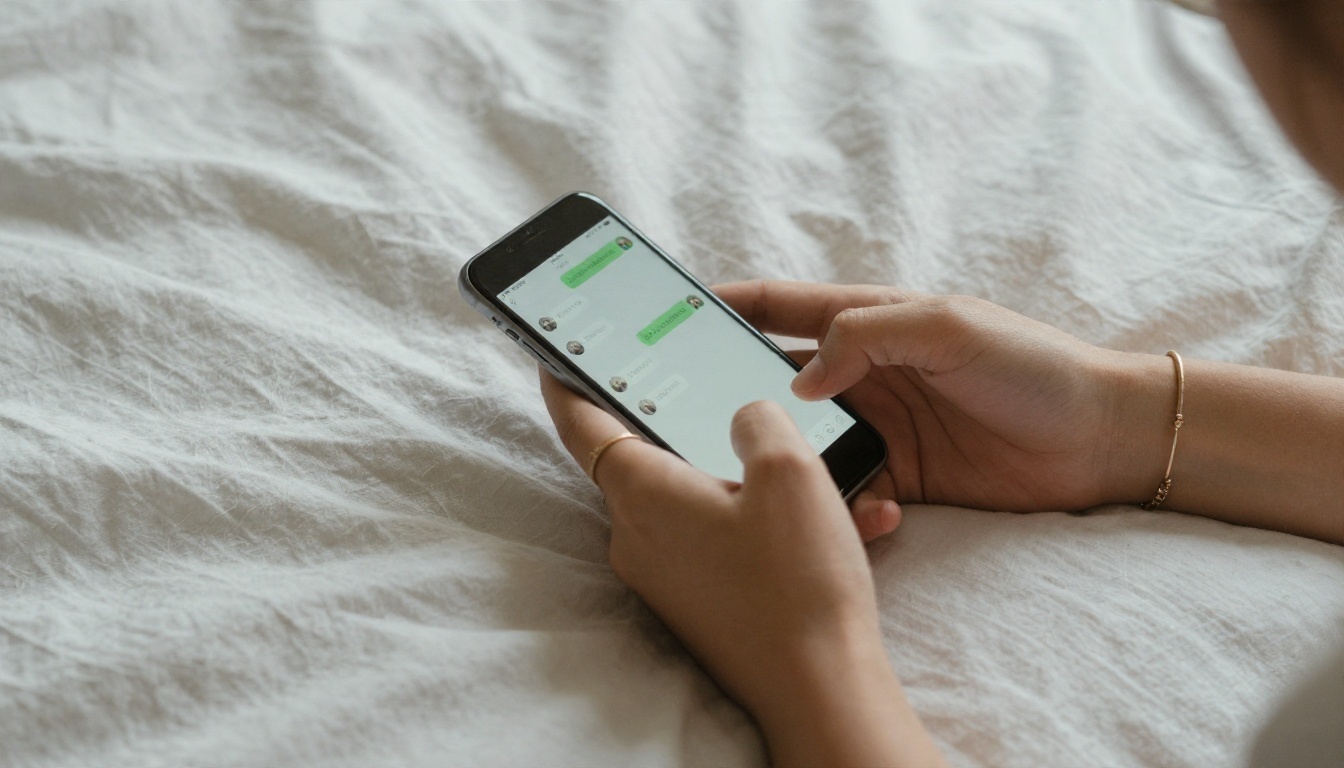
"Free" almost never means unlimited. It means a limited trial of messages, a cut-down personality, or a single companion slot. Here is how the most mentioned options look from the free side.
Replika for a gentle start
Replika is the veteran. It is a native iPhone app, it focuses on friendly conversation and emotional check-ins, and reviewers describe its content as safe for work only. If you want a companion to talk to after a long day without any adult content, it is the least risky place to begin. Some write-ups say its 2026 policy states it does not train on user data, and that its privacy policy was updated in May 2026. Read the current text yourself, because summaries on third-party sites go stale quickly.
Kindroid and EVA AI
Kindroid and EVA AI are the two that tend to appear in reviews that test for safety. One reviewer reports Kindroid at roughly $15.99 a month and EVA AI at roughly $11.99 a month on the App Store. Prices change by region and promotion, so confirm on the subscription screen. EVA AI is also reported to publish child-safety standards, including a commitment to report confirmed abuse material to the proper authorities. That is the kind of detail you want to see from any company that offers romantic chat.
Paradot and Character.AI
Paradot is a native app that one review flags for a mismatch: the app was sold by a different company than the one named in its terms, and it had not been updated since August 2025 at the time of that review. That is not automatically a deal breaker, but it is exactly the type of thing you should check before paying. Character.AI is broader than romance and is better known for role-play characters. It has faced lawsuits in 2024 and 2025 over teen safety, which is a strong reason for parents to look at it closely.
💡 Free tier reality check: if the free version asks for a payment method before your first message, or locks the chat after only a handful of replies, assume the real product is the subscription and decide whether you want it.
What a good free tier looks like
- A visible daily or monthly message allowance, stated before you sign up
- No payment details required for the trial
- A way to delete your chats and your account inside the app
- A clear label that you are talking to AI, not a person
Uncensored Options on iPhone

"Uncensored" is the most searched word in this niche and the most abused. It can mean the chatbot will discuss adult themes, that it never refuses a request, or that there are no filters on generated images. Those are three separate promises, and an app can deliver one while failing the others.
What uncensored really means here
On iPhone, an uncensored experience almost always happens outside the App Store. Some web-based platforms advertise looser chat and image rules. Others are thin wrappers around a cheap language model with a flirty prompt on top. One iPhone-focused review warns that many of these are re-skinned chat wrappers, which matches what you would expect when the barrier to launching one is so low.
That has a practical consequence for safety. A browser product has no App Store privacy label, no Apple billing protection, and no review process. The less filtered the product, the more you should lean on the checklist below.
Browser apps on your home screen
If you go this route, use Safari's "Add to Home Screen" option so the product behaves like an app. Then protect yourself:
- Pay with a virtual card or a payment method that lets you cancel instantly.
- Use a separate email address, not your main one.
- Never share your real name, workplace, address or financial details in a chat.
- Read the cancellation page before you enter a card, not after.
Adults only, no exceptions
Every legitimate adult platform requires users to be 18 or older, and every user should respect that line. Content involving minors is never acceptable, and responsible services report it. If a service seems relaxed about age, leave.
Safety Checks Before You Chat
Your chats with an AI companion are more personal than most things you do on your phone. People share fears, fantasies, and details about their day they would not post anywhere. None of these companies is bound by therapist confidentiality or medical privacy law, which several reviewers point out. Treat everything you type as data that could be stored.
Read the privacy label
On the App Store page, scroll down to App Privacy. It lists the data the app collects and whether it is linked to you. Look for these:
- Contact info and identifiers tied to your account
- User content, which includes your messages and photos
- Usage data and whether it is used for tracking
If the label says the app tracks you across other companies' apps, ask yourself whether a chat companion needs to. Also check the developer name against the name in the terms of service. A mismatch is a red flag.
Payment traps

Companion apps tend to monetize through a weekly or monthly subscription, extra "credits" for photos, and paywalled features that were free in the first week. Before you tap subscribe:
- Check the billing period. Weekly plans look cheap and add up fast.
- Look for a free trial that auto converts, and set a reminder to cancel.
- Note that credits for photos or voice messages are often sold separately from the subscription.
- Remember that you can cancel any App Store subscription from your Apple account settings.
Age and family settings

Parents should know that romantic companion apps are built for adults. On iPhone, Screen Time lets you set content and app age limits, and you can require approval for downloads. If you share a device with a teenager, check which companion apps are installed and talk about why they are not a good fit.
Safety checklist at a glance
| Check | What a good answer looks like |
|---|
| Developer name | Matches the company in the terms |
| Privacy label | Short list of collected data, no cross-app tracking |
| Deleting data | Account and chat deletion inside the app |
| Age gate | Clear 18+ rule with real enforcement |
| Pricing | Stated plainly, cancel from Apple settings |
| Update history | Updated within the last several months |
Build Your Own Companion Visuals

Here is the part most app reviews skip. Every companion app has the same weakness: you get the face and style it gives you. If you want a character that looks the way you imagine, with consistent outfits, settings and mood, the better route is to generate the images yourself and keep the chat on an app you trust.
PicassoIA is built for that. It runs in the browser on your iPhone, and for adult themes it is the place where the model choice matters most.
Start with Seedream 4.5
Seedream 4.5 is the first model I would reach for. It handles skin texture, fabric and lighting with a photographic feel, and it follows long descriptions closely, which matters when you want the same character in different scenes. It works well for glamour, swimwear and lingerie style portraits that stay tasteful rather than explicit.
How to use it on your iPhone:
- Open the Seedream 4.5 page in Safari.
- Describe your character in one paragraph: age (adult), hair, eyes, build, style, and one signature detail such as a freckle pattern or a gold necklace.
- Add the scene: room, time of day, and where the light comes from.
- Name the lens and film feel, for example "85mm lens, shallow depth of field, soft film grain".
- Generate, then reuse the same character paragraph word for word and change only the scene.
💡 Consistency tip: keep a note on your phone with your character paragraph. Pasting the same description each time is the simplest way to keep her face and style steady.
Fine tune with Image Editor Pro

Once you have an image you like, PicassoIA Image Editor Pro lets you edit it with plain language: change the outfit, swap the background, adjust the lighting or fix a small detail. Its big advantage is that generations are unlimited, so you can try ten variations without watching a credit counter. That makes it ideal for building a small photo set of your character in different places, such as a beach terrace, a rainy street or a bedroom at dawn.
Other image models are worth testing for different looks:
PicassoIA keeps images in a non-explicit range: suggestive, glamorous and attractive, but not pornographic. If you want to see everything available, browse picassoia.com/en/all-models.
Write the personality with a language model
A face is only half a companion. The other half is voice and memory, and you can draft both with a language model. Write a short character sheet: name, job, humor, how she talks, what she is curious about, and what topics are off limits. Models such as Claude Sonnet 5, GPT 5.6 Luna and Gemini 3.5 Flash are good at turning those notes into consistent dialogue, backstory and daily routines. If you want a safety layer for your own writing projects, Llama Guard 4 12B is a content moderation model you can use to check text.
Quick Comparison at a Glance
| Option | Free to try | Adult chat | Where it runs | Best for |
|---|
| Replika | Yes, limited | No, SFW | App Store app | Friendly daily talk |
| Kindroid | Limited | Filtered on iOS | App Store app | Deep customization |
| EVA AI | Limited | Filtered on iOS | App Store app | Romantic role-play |
| Paradot | Limited | Filtered | App Store app | Casual chat, check the developer |
| Candy AI style web apps | Limited | Looser | Safari home screen | Adults who accept more risk |
| PicassoIA image tools | Free to start | Suggestive, non-explicit | Browser | Visuals you control |
Treat this table as a snapshot. Plans, filters and prices shift often, and the store page is always the final word.
Keeping It Healthy
An AI companion can be fun, comforting, and a safe place to practice conversation. It can also quietly take over time you used to spend on friends, sleep or hobbies. That is not a moral judgment, just a pattern worth watching.
Signs it is too much
- You skip plans to keep chatting
- You pay more each month than you planned
- You feel anxious when the app is down or the character changes
- You share details with the bot that you would not tell anyone else
If two or more of those sound familiar, set a daily time limit with Screen Time, and consider talking to a friend or a professional. A chatbot is software, and its personality can change overnight with an update or a policy shift.
Set simple rules for yourself
- Pick a daily time window and stick to it.
- Keep one budget line for companion apps and do not exceed it.
- Keep your real name, address and workplace out of every chat.
- Review your subscriptions on the first of each month.
Your Turn to Create
You do not have to accept the face, voice or rules that an app hands you. Start by choosing one trustworthy chat app from the free picks above, run the five minute safety checklist, and set a budget before you tap subscribe. Then open PicassoIA in Safari, write your character paragraph, and generate your first portrait with Seedream 4.5. Edit it with PicassoIA Image Editor Pro until it matches the person you pictured, and keep the whole set in a private album.
Experiment with lighting, outfits and locations, and see how far a few well written sentences can go. When you want to try more styles, browse every model at picassoia.com/en/all-models and build the companion look that is yours alone.


