You open a chat, say good morning, and a minute later your AI companion replies with a photo: she is holding a coffee on a balcony, hair still messy, smiling at the camera. That small moment is why the AI girlfriend app that sends pictures has become one of the most searched categories in consumer AI. Text alone feels flat after a week. A face, a place and an outfit make the character feel like someone with a day of their own.
The catch is that "sends pictures" means very different things from app to app. Some give you a handful of free selfies. Some show a blurred thumbnail until you pay. Some never send photos at all. This article sorts out what is really free, what the examples look like, where the limits hit, and how you can build a photo-sending companion yourself with a chat model and an image generator.
💡 Quick answer: Most apps give you a small free taste (a few selfies or a message cap), then gate the rest behind a subscription or tokens. If you want unlimited pictures, generating them yourself is usually cheaper and gives you more control.
How These Apps Send Pictures
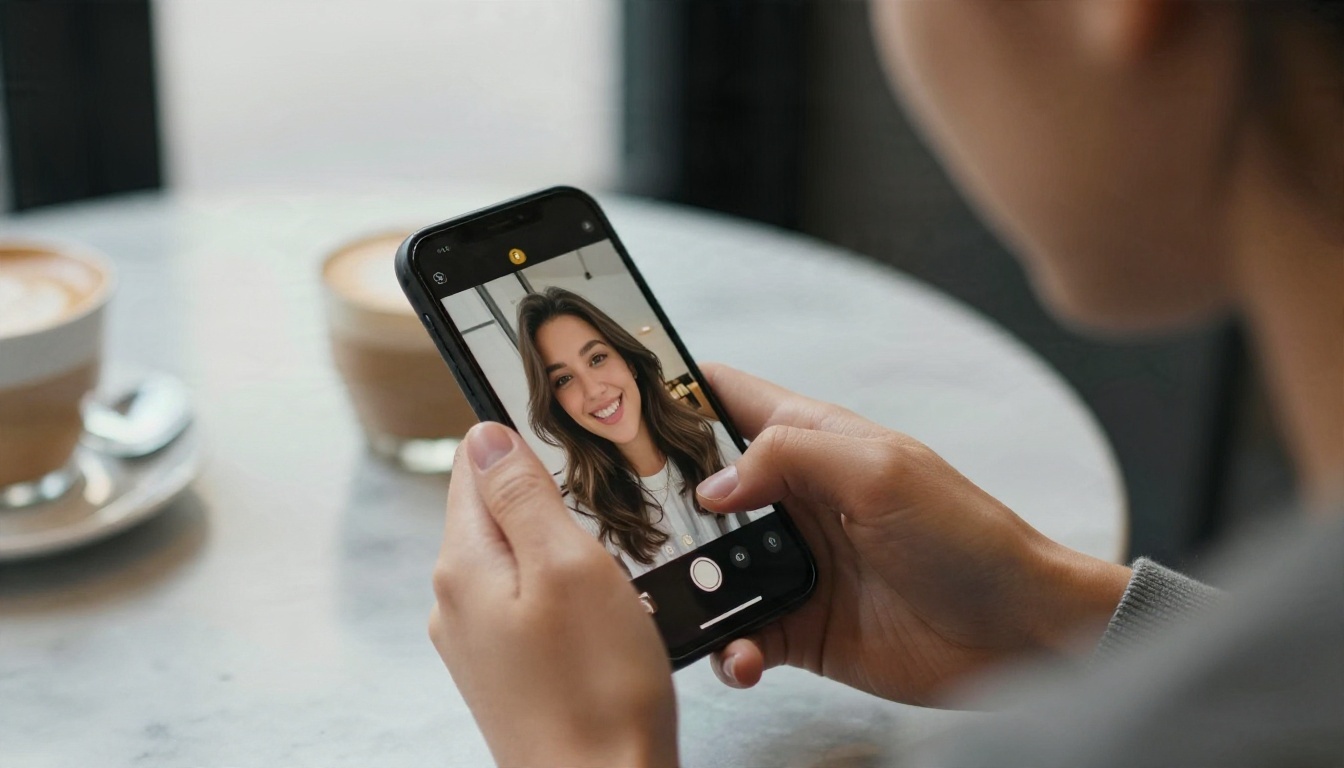
Behind every "selfie" in a companion chat there are two systems talking to each other. A language model writes the replies and decides when a photo makes sense. An image model then produces the picture from a hidden prompt that describes the character and the scene.
The chat side
The text engine keeps a memory of your conversation: her name, her job, the city she supposedly lives in, the joke you told on Tuesday. When you write "send me a pic from your walk", the model turns that into a structured request for the image engine. If you want to test how well a modern chat model holds a persona, try Claude Sonnet 4.6 or Gemini 3.5 Flash with a short character sheet and see how long the personality stays consistent.
The image side
The picture itself comes from a text-to-image model fed with a fixed description of the character (face shape, hair, age, style) plus the scene you asked for. The consistency of the face from one photo to the next is the hardest part. Cheaper apps drift: the hair color shifts, the jawline changes, the freckles vanish. Better ones lock the character with reference images or a trained identity.
Why photos cost more than words
A text reply costs a fraction of a cent to generate. A high quality image costs far more in compute. That single fact explains almost every limit you will meet in these apps: the daily caps, the token packs, the blurred previews and the premium tiers.
Free Options That Really Exist
Free tiers change often, and review sites do not always agree with each other, so treat the numbers below as a snapshot and check each app before you commit. Here is how the main names are generally described.
| App type | What the free tier usually gives | Picture behavior |
|---|
| Nomi | A capped number of messages and a few selfies per day, according to several roundups | Sends selfies on request, with limits on the free plan |
| Candy AI | A short preview with a limited number of replies and a few images | Free images are limited, extras depend on tokens |
| Replika | Free text chat with an SFW focus | Generally listed as not sending AI selfies |
| Generic free chatbots | 10 to 100 messages a day | Often no images, or blurred ones |
| Self-built setup | As much as your tools allow | Unlimited, you set the rules |
Paid plans for the better known apps are commonly reported somewhere between roughly 14 and 16 dollars a month, with cheaper annual options. Prices move, so test the free tier first and never enter a card until you have sent a real photo request.
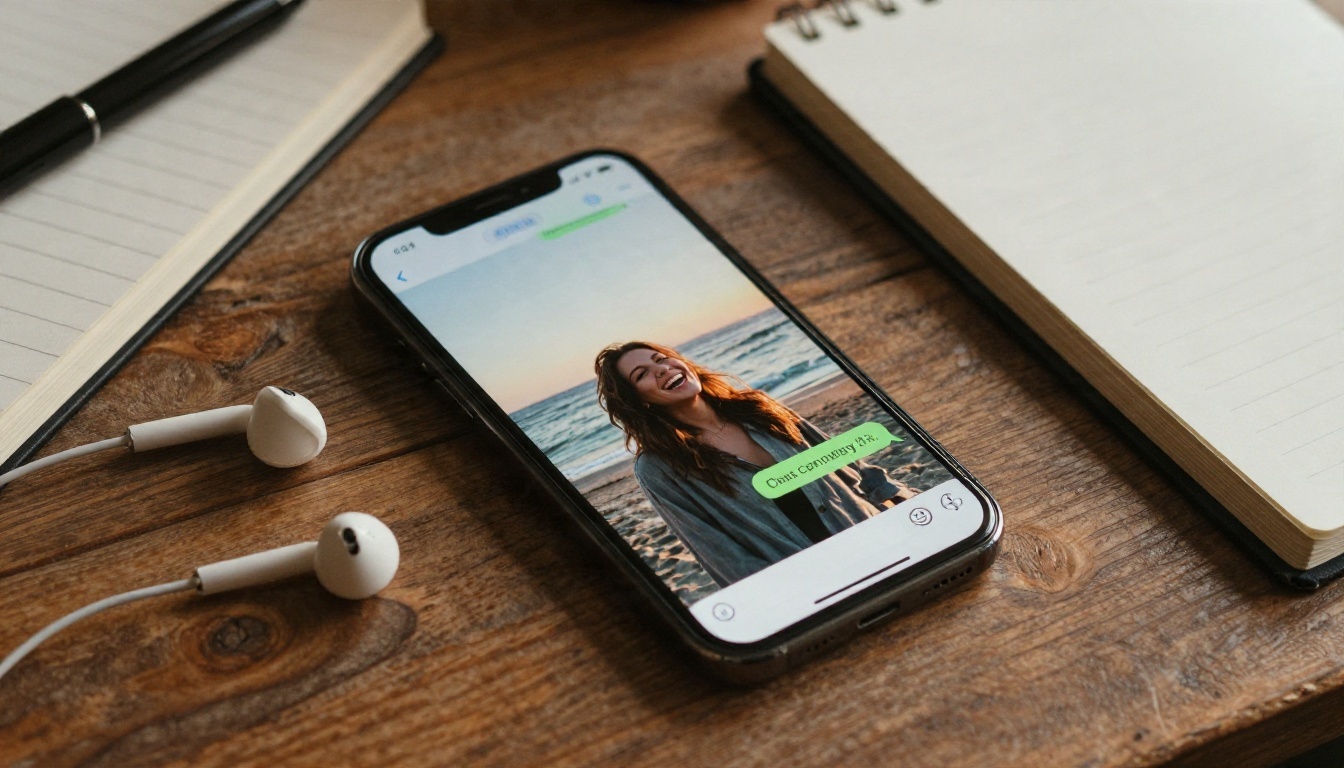
How to test a free tier in ten minutes
- Create a throwaway account and skip any "upgrade" screen.
- Ask directly for a photo in your first three messages. Note how long it takes and whether it is sharp or blurred.
- Ask for a second photo with a different setting (a kitchen, a park, a train). Check if the face is the same.
- Count how many replies you get before a paywall appears.
- Look at the account page for a token balance. If photos spend tokens, the "free" label is only a trial.
💡 If the first image arrives blurred with a lock icon, the app is built to sell you the clear version. That is not a bug, it is the business model.
Examples of What Gets Sent
The pictures in these chats tend to fall into a few repeating categories. Knowing them helps you judge quality quickly.
Everyday selfies
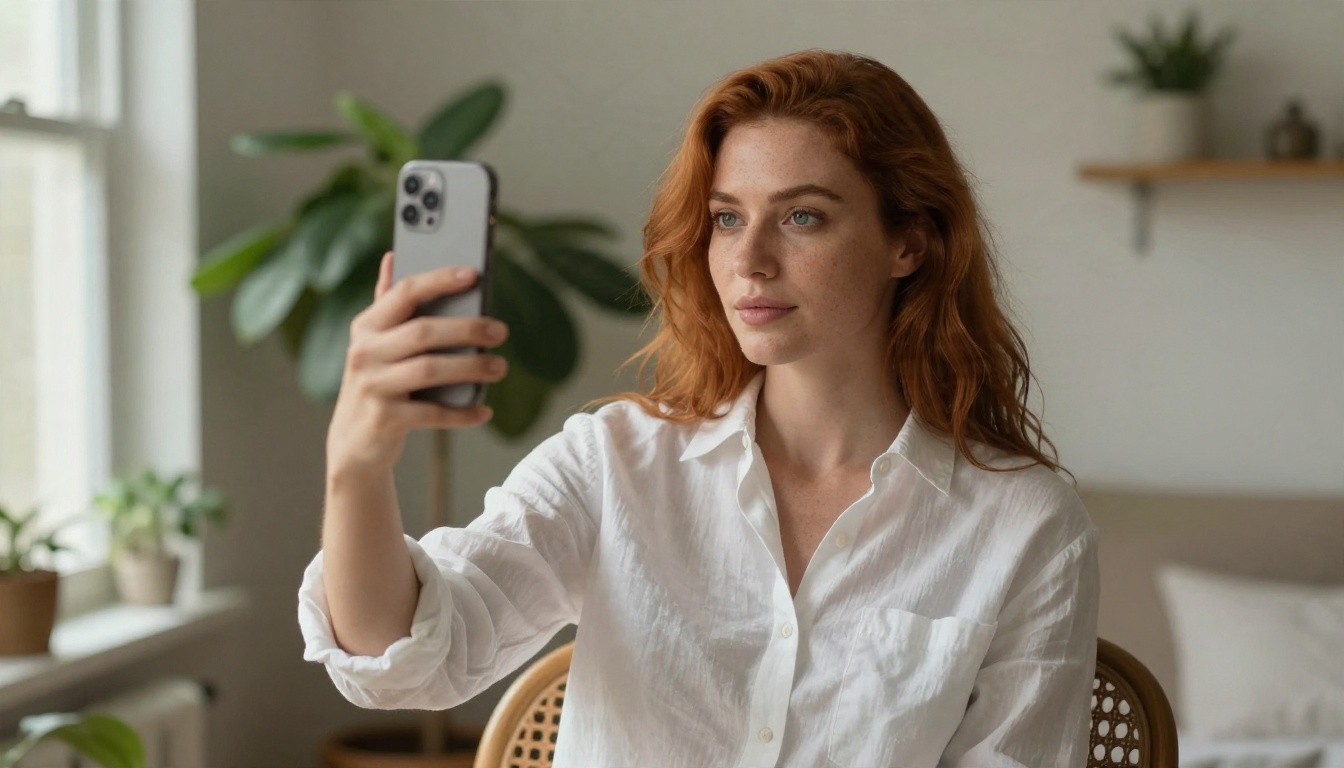
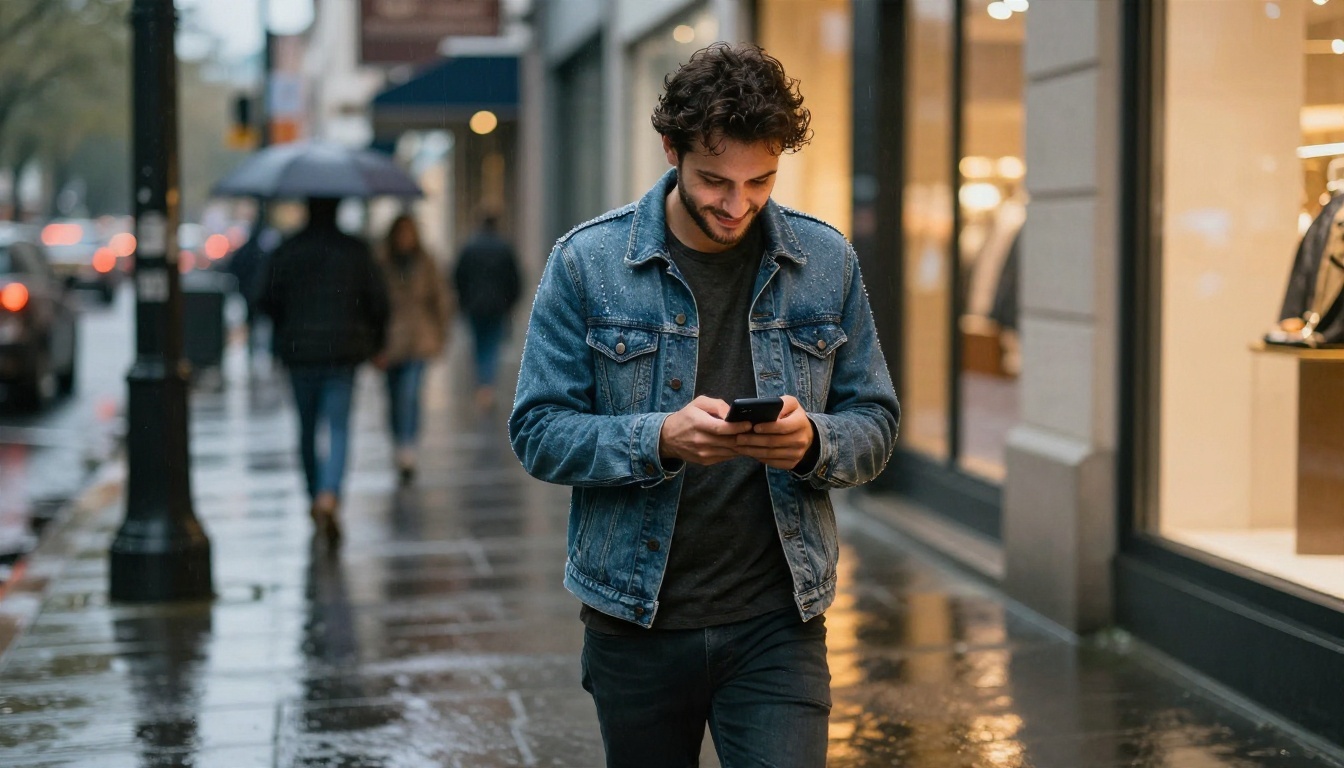
Morning coffee, a mirror shot, a gym bag, a walk in the rain. These are the most convincing because the framing is casual and phone-like. Natural light, slightly imperfect composition, a little skin texture. When this style is done well, it looks like something a friend would text you.
Travel and lifestyle shots
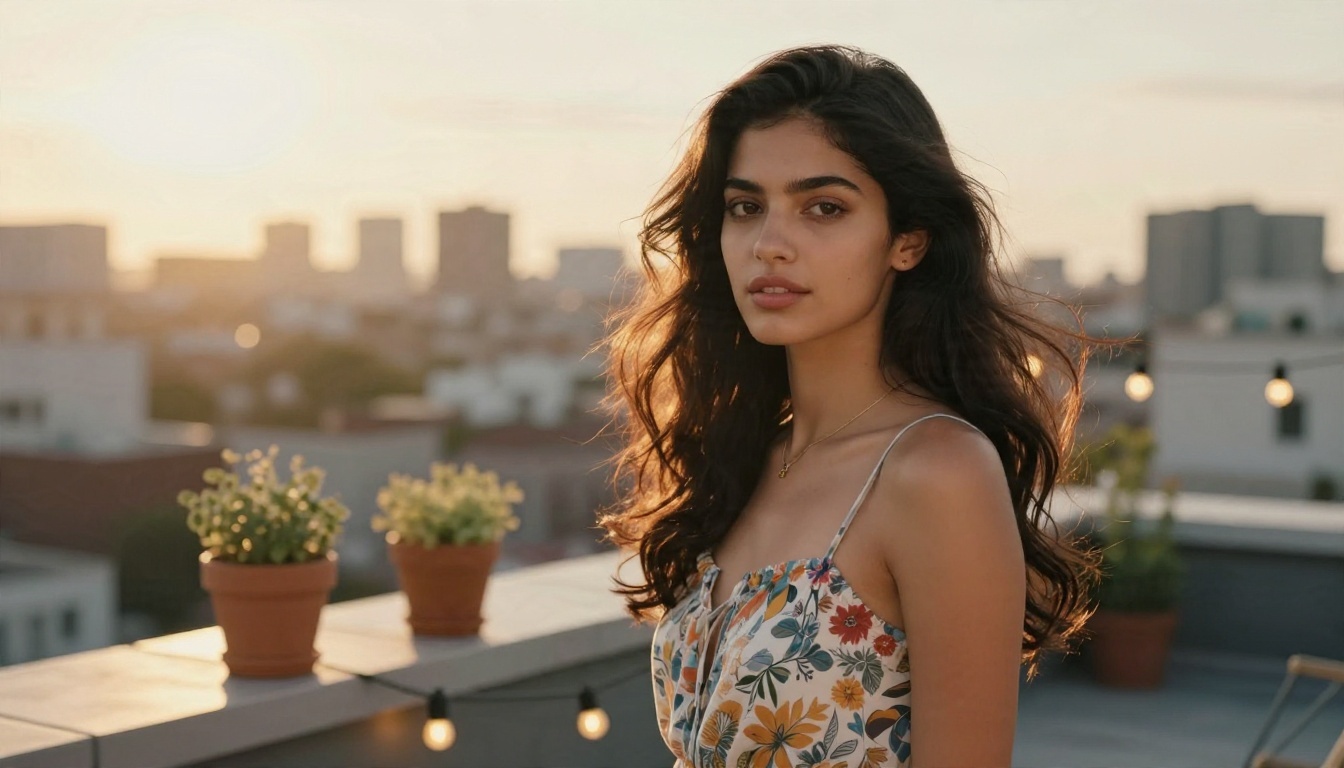
A rooftop at sunset, a beach, a cafe terrace. These show off the image model's lighting and background detail. Weak models produce plastic skin and warped hands here. Strong ones give you real shadows, believable fabric and a soft depth of field.
Outfit and mood photos
"What do you think of this dress?" is a classic prompt for the character to send a styled picture. It keeps the relationship feel without needing anything explicit. Mainstream apps keep most free content in this tasteful range and lock the more suggestive material behind payment and age checks.
The blurred teaser
Not an example of quality, but you will see it often: a heavily blurred photo with a prompt to unlock it. If an app leans on this pattern in the first session, expect the free plan to feel thin.
The Real Limits You Will Hit
Free access is never unlimited, and the limits are surprisingly consistent across apps. Here are the ones that matter most.
Daily message caps
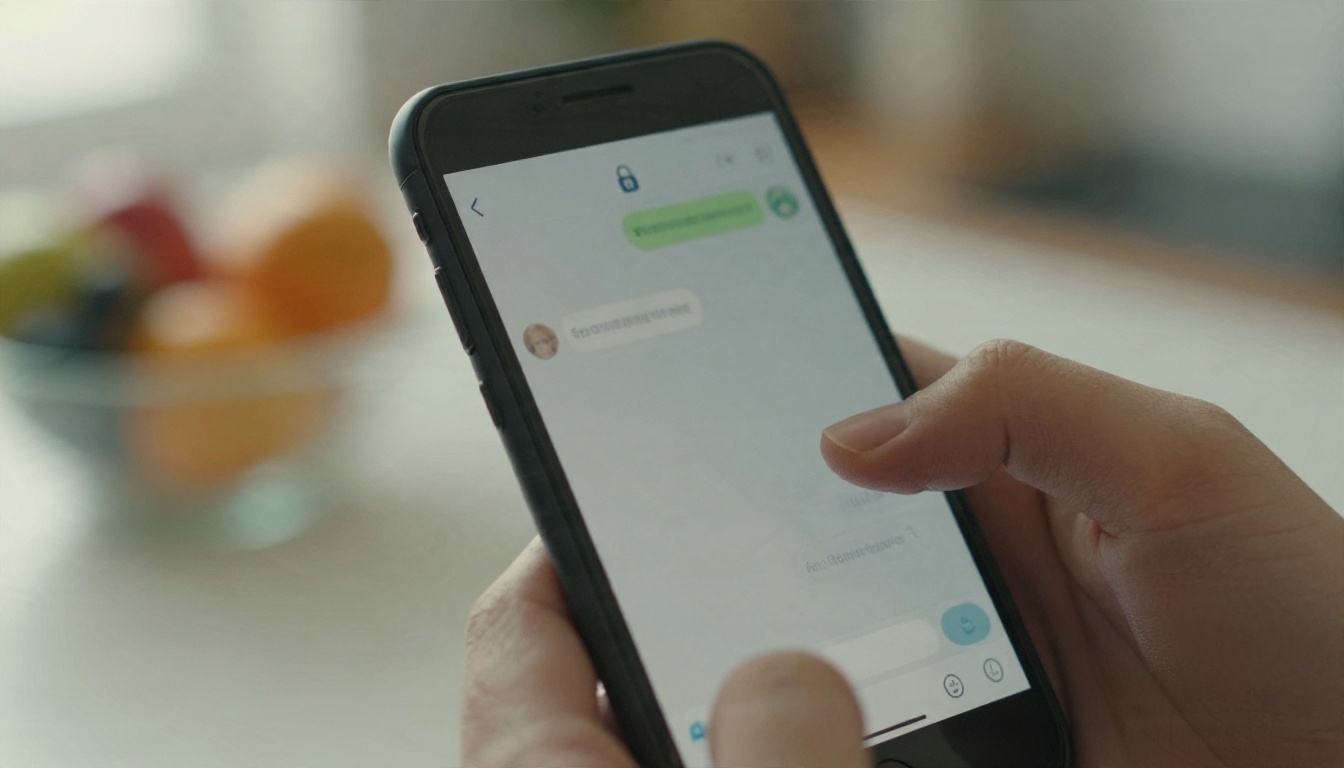
Many free plans cap you at somewhere from 10 to about 100 messages a day. Photos usually count as extra, or they are limited to a handful. Once you hit the cap, the chat locks until the next day.
Token and credit systems
Some apps sell packs of tokens. Each photo spends a few of them, so a casual chat that includes ten pictures can burn through a pack quickly. Always check how many tokens one image costs before buying.
Face drift and repetition
Even paid tiers can show a character whose face changes slightly between photos. Backgrounds also repeat: the same bedroom, the same cafe. This is a technical limit of how the images are generated, not a sign you did something wrong.
Content filters and age gates
Reputable apps verify age and filter what can be sent. Anything explicit is blocked or restricted to adults on paid plans. Keep in mind that your chats and generated images are stored on someone else's servers, so read the privacy page before you share anything personal.
Emotional pull by design
Companion apps are built to keep you talking. Streaks, notifications and "she misses you" prompts are retention tools. Enjoy the experience, but set your own time boundaries.
| Limit | What it looks like | Workaround |
|---|
| Message cap | Chat locks until tomorrow | Spread chats out, or build your own |
| Token cost | Each photo spends credits | Check price per image first |
| Blurred photos | Lock icon on thumbnails | Skip apps that blur by default |
| Face drift | Hair and jaw change | Use a fixed character prompt |
| Privacy | Chats stored on servers | Avoid sharing real personal data |
Build Your Own Photo-Sending Companion
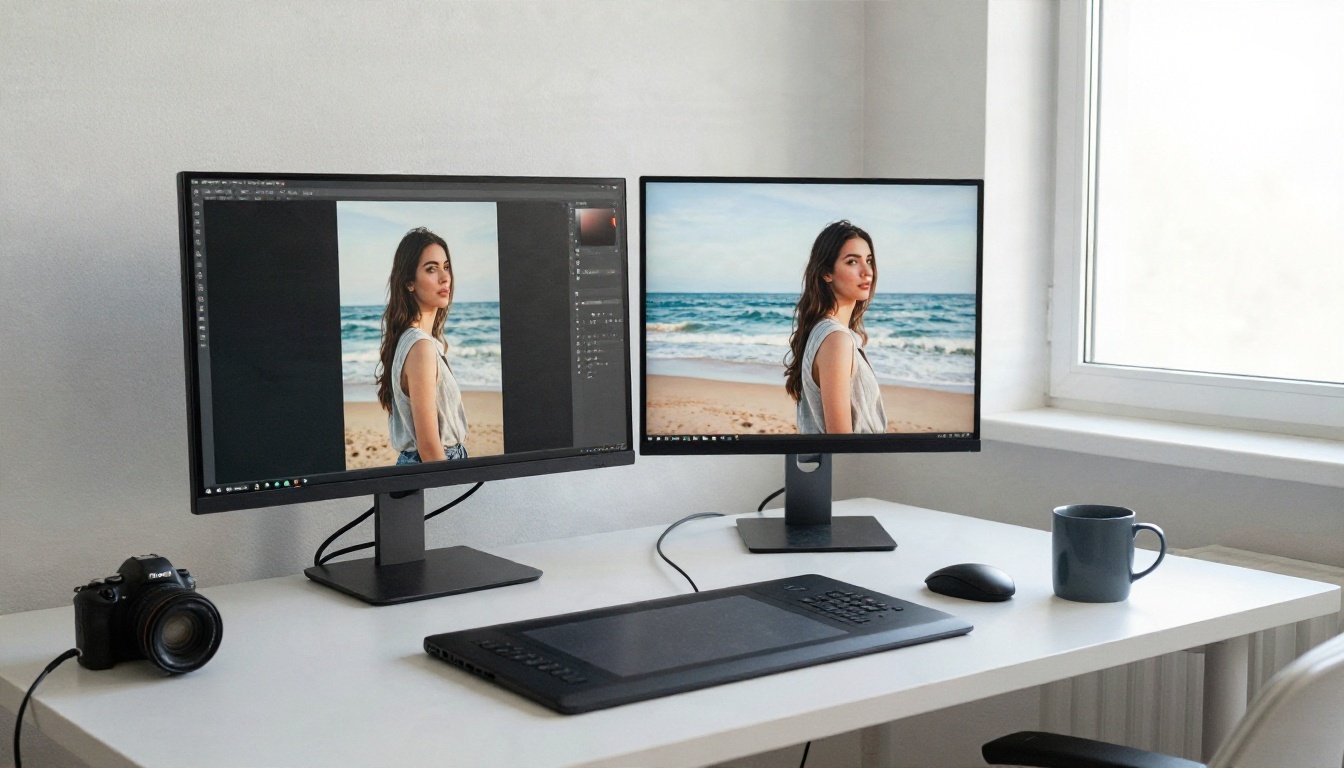
If paywalls annoy you, the alternative is to assemble the same two pieces yourself: a chat model for the personality and an image model for the pictures. You decide the character, the style and how often photos appear.
Step 1: Write a character sheet
Use a chat model to draft a short profile: name, age (adults only), job, hobbies, speaking style, a few memories. Models like GPT 5.6 Luna, Claude Sonnet 5 or Deepseek v3.1 are good at keeping a consistent voice. Paste the sheet at the top of each conversation so the personality stays stable.
Step 2: Lock a visual description
Write one paragraph that never changes: hair color and length, eye color, skin tone, a few distinct traits such as freckles or a small scar. Reuse it word for word in every image prompt. This is the cheapest way to fight face drift.
Step 3: Generate scenes on demand
Whenever the chat reaches a natural photo moment (a walk, a meal, a trip), copy the scene into your image prompt together with the locked description. A good image prompt names the lens, the light direction and the setting, for example "85mm lens, soft morning light from a window on the left, ceramic mug, linen shirt".
Step 4: Edit and refine
If a hand looks odd or the background is wrong, an image editor can fix it without regenerating everything. PicassoIA Image Editor Pro offers unlimited generations, which is useful when you need several tries to get a face you like.
How to Use Seedream 4.5 on PicassoIA
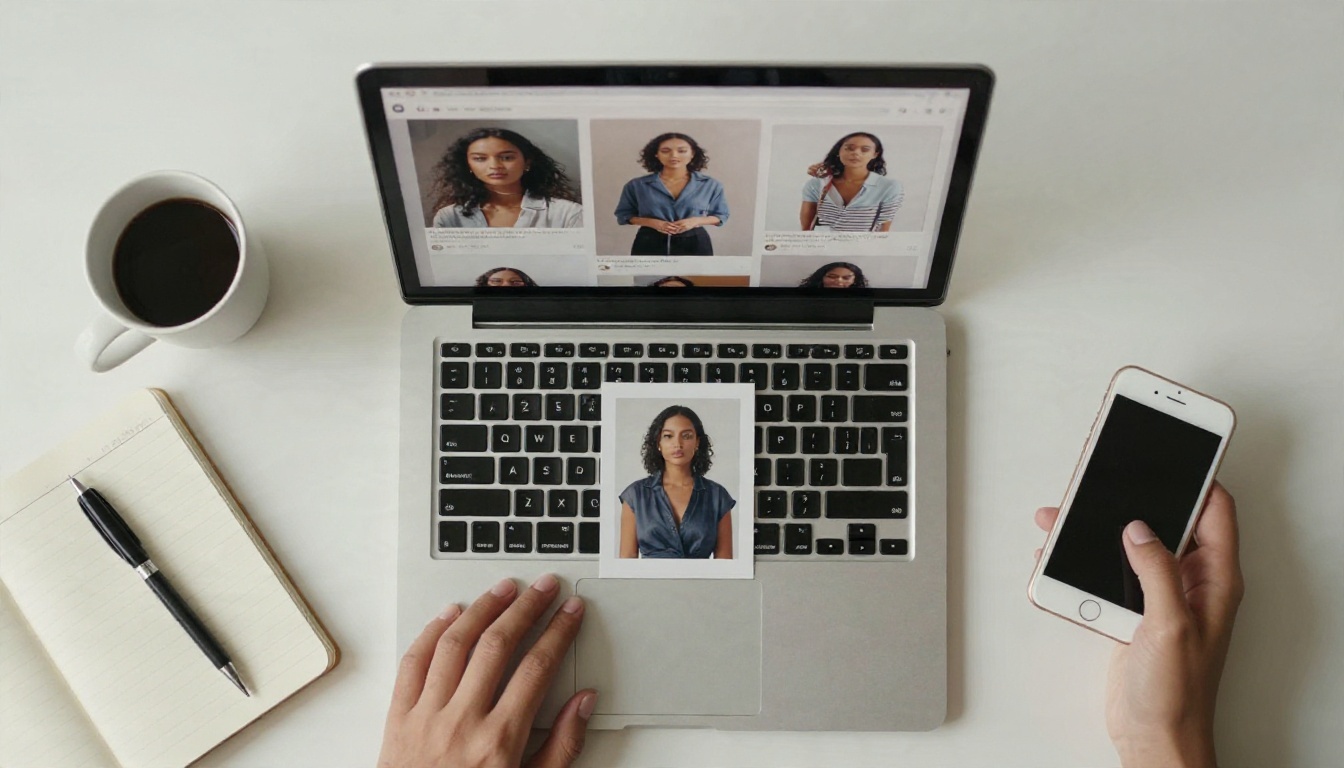
For realistic selfie-style pictures, Seedream 4.5 is the model to start with. It handles skin texture, natural light and believable hands well, and it produces sharp 4K output. Here is a simple workflow.
Open the model page
Go to the Seedream 4.5 page and open the prompt box. No setup or installation is needed.
Write the prompt in layers
Build your prompt in this order so the result stays predictable:
- Subject: your locked character description plus what she is doing.
- Setting: the room, street or terrace, with two or three real objects.
- Light: direction and time of day, such as "golden hour backlight from the right".
- Camera: lens and distance, such as "85mm f/1.8, close portrait".
- Texture: skin pores, fabric creases, film grain.
Pick the right format
Choose a 16:9 ratio for scenery and travel shots, and a vertical ratio for phone-style selfies. Generate a few variations and keep the one where the face matches your earlier pictures.
Fine-tune and repeat
Change only one element per run (the outfit, the background or the time of day). If you need a different style of realism, Qwen Image 3 Pro is a solid second option for photographic results, and PicassoIA Image Editor Pro is the fastest route when you want to adjust a picture instead of starting from zero.
💡 Prompt tip: Add small imperfections such as "a loose strand of hair", "slightly crooked picture frame" or "fingerprint on the phone screen". They push the output toward a real candid photo and away from the glossy AI look.
A note on adult content
Adult-oriented material is a sensitive area. Keep everything between consenting adults, never depict real people without permission, and never create anything involving minors. For tasteful glamour and lifestyle pictures, Seedream 4.5 and Image Editor Pro are the models to lean on, and both are built for speed so you can iterate quickly. You can browse every available model on the PicassoIA models page.
Apps vs Do It Yourself
Both routes have a place. Here is a plain comparison.
| Factor | Companion app | Self-built with PicassoIA |
|---|
| Setup time | Two minutes | About twenty minutes |
| Photo limits | Daily caps, tokens or paywalls | You set your own pace |
| Face consistency | Depends on the app | Controlled by your locked prompt |
| Privacy | Chats stored by the vendor | You choose what to share |
| Cost | Subscription or tokens | Pay for the generation you use |
| Chat memory | Built in | You paste the character sheet |
When an app makes sense
You want a ready-made chat that remembers you, with notifications and voice, and you do not mind a monthly fee. Test the free tier, ask for two photos, and decide based on what arrives, not on the ad.
When building your own wins
You care about image quality, want to avoid blurred teasers, or want a character that looks the same in every picture. You also keep full control over what is stored and shared.
Safety Habits Worth Keeping
A photo-sending AI companion is entertainment and company, not a replacement for real relationships. A few habits keep it healthy.
- Protect your data. Do not share your address, workplace, financial details or real photos you would not want leaked.
- Check the billing page. Cancel trials before they renew, and keep screenshots of what you agreed to.
- Watch the clock. If chats start replacing sleep, meals or friends, shorten your sessions.
- Treat images as fiction. The "person" in the pictures does not exist. Never use a real person's face without consent.
- Stay within the rules. Only create content with adult characters, and follow the terms of each tool you use.
Quick checklist before you pay
- Did the free tier send a sharp, unblurred photo?
- Is the face consistent across at least three images?
- Do you know the exact price per photo or per month?
- Can you delete your chat history and account?
- Does the app state its age rules clearly?
If you can tick all five, the subscription is probably fair. If not, a self-built setup will likely serve you better.
Make Your First Photo Today
You now know what an AI girlfriend app that sends pictures really does: a chat model writes the words, an image model draws the scene, and the business model decides how many pictures you get. Free tiers are a short preview, and the limits (message caps, tokens, blurred previews) show up quickly.
The fastest way to see what is possible without a paywall is to try it yourself. Write a short character sheet with Claude Sonnet 4.6, then generate your first selfie with Seedream 4.5 and polish it in PicassoIA Image Editor Pro. Change the light, the outfit and the place, and watch the same character show up in a new scene each time.
Ready to try? Open the PicassoIA models page, pick an image model, and create your own photos in a few minutes.


