Typing "uncensored AI girlfriend" into a search bar gets you a wall of near-identical apps, each promising a companion with no filters, no limits and no monthly bill. Most of them deliver one of those three at best. This article sorts the noise: what "uncensored" means in practice, which free tiers are worth opening, what you will really pay, and which prompts get better replies out of any chatbot. It also shows how to give your companion a face with image models, because a persona with a consistent portrait feels far more real than text alone.
💡 Adults only. Everything here assumes you are 18 or older, you are talking to a fictional character, and nobody real is being imitated. Keep that in mind and the rest gets easier.
What "Uncensored" Actually Means

The word is a marketing label, not a technical standard. Two apps can both say "uncensored" and behave very differently, because the filtering happens in three separate places.
Filters, Moderation and Memory
Model level: the underlying language model was trained to refuse certain requests. Some companion apps run models with lighter refusal training, which is why they stay in character during romantic or flirty scenes instead of breaking the mood with a lecture.
App level: the company adds its own rules on top, such as blocked words, age checks and content tiers locked behind a paid plan.
Platform level: app stores and payment processors set limits that apps must obey to stay listed. This is why many apps are web only.
So "uncensored" usually means a looser model plus fewer app rules. It rarely means "anything goes", and the good services still block illegal content and anything involving minors.
Where the Line Sits
Reviews published in 2026 describe a split in the market. Candy AI and similar adult-focused platforms allow flirty and mature chat, usually on paid plans. Replika and Nomi lean toward emotional companionship and keep explicit material out or tightly restricted. Character.AI is the most popular free option, but it applies firm content filters, so it suits storytelling more than adult roleplay.
💡 Quick test: before paying, send a mildly flirty message in the free tier. If the character deflects, lectures or resets the scene, the paid plan will not change much.
Why Adults Only Matters
Age gates are not a formality. Pick apps that verify age, state their data policy plainly and let you delete your history. If an app has none of those, skip it, however good the demo clips look.
Free AI Girlfriend Apps Worth Trying

"Free" almost always means a trial with daily caps. The table below summarizes what 2026 reviews report. Treat the details as a snapshot, because these plans change often and sources disagree on some points.
| App | Free tier | Adult chat | Best for |
|---|
| Candy AI | Small starting balance of in-app credits | Mostly on paid plans | Customizable look and voice |
| Replika | Basic chat, some features paywalled | Restricted | Daily emotional check-ins |
| Nomi | Limited daily messages and images | Kept away from explicit content | Long memory, steady personality |
| Character.AI | Generous free chat | Filtered | Story and character roleplay |
| ChatMyGirls | Free tier plus credits | Paid credits | Value seekers |
Candy AI
Candy AI is the name that appears most often in "uncensored" searches. You design the character's appearance and personality, then chat, request images or use voice. Reviews describe a free starter balance that runs out fast, with mature features reserved for paying users.
Replika
Replika was the original mainstream AI companion. It is polished and warm, but its romantic features have been restricted since 2023, so it is the wrong pick if you want an uncensored experience. Reported pricing runs from roughly six to twenty dollars a month depending on the plan.
Nomi
Nomi earns praise for memory. Your companion remembers names, moods and running jokes across weeks. It positions itself toward emotional companionship rather than explicit content, which makes it a good fit if you want continuity over shock value.
Character.AI and ChatMyGirls
Character.AI offers the most generous free chat, with thousands of user-made characters. The filter is firm, so expect fade-to-black. ChatMyGirls is frequently called the best value, with a free tier and credit-based pricing, and one review lists an annual plan near eight dollars a month.
What It Really Costs

Headline prices look small. Add-ons are where the bill grows.
Typical Price Ranges
| Tier | Monthly cost (reported) | What you get |
|---|
| Free | $0 | Capped messages, limited images, no voice |
| Basic | About $5 to $13 | Unlimited text, some images |
| Premium | About $20 to $35 | Voice, video, longer memory, priority speed |
| Credits on top | Varies | Pay per image, clip or voice minute |
Candy AI is reported at about $12.99 for a monthly plan, with top tiers in the $30 to $35 range and a separate coin system for images, video and voice. Replika's range is wide. ChatMyGirls sits at the cheap end.
Hidden Credit Charges
Three habits keep the bill honest:
- Check for auto-renew before entering a card, and set a calendar reminder for day 25.
- Read the credit table for images and voice. A single "free" image can cost several credits.
- Prefer annual only after a month on monthly. If the personality bores you in week three, you will be glad you skipped the discount.
💡 Cheaper route: pairing a general chat model with a separate image generator often costs less than a premium companion plan, and you control both halves. More on that below.
Roleplay Prompts That Work

Whatever app you use, the first message decides how the next fifty go. A vague opener gets a generic character. A specific one gets someone with a voice. These prompts stay non-explicit on purpose, and they work on companion apps and general chat models alike.
The Persona Prompt
"You are Mia, 27, a bookstore owner in Lisbon. You are warm, teasing and a little shy at first. You speak in short, natural sentences, use light humor, and never mention being an AI unless I ask. Stay in character. Ask me one question per reply."
Why it works: name, age, job, temperament, speech style and one rule. The "one question per reply" line stops the character from dumping long monologues.
The Scene Setter
"It is Friday evening. We just got back from dinner and you are kicking off your shoes at my apartment door. Describe the room in two sentences, then say something playful to me."
Scene prompts give the model physical anchors. Replies get more vivid when there is a room, a time and an action to react to.
The Memory Refresher
"Quick recap so you stay consistent: we met at a film festival, you hate cilantro, you call me 'Captain', and last week we planned a trip to Porto. Continue from there."
Most apps forget details after long sessions. Pasting a short recap every few days restores continuity without paying for a bigger memory tier.
Boundary Prompts
"If a topic makes you uncomfortable, say so in character and suggest something else. I will do the same."
Good companions have limits too. Setting this early keeps scenes romantic and avoids the abrupt "I can't continue" refusals that break immersion.
Five Quick Openers
- "Pretend we are meeting for the first time at a rooftop party. You start."
- "Text me good morning like someone who just woke up and is still half asleep."
- "Argue with me playfully about the best pizza topping, and don't give in."
- "Plan a surprise date for me with three clues I have to guess."
- "Tell me about your day as if I were the only person you wanted to tell."
💡 Tip: if a reply feels flat, don't regenerate. Edit the persona prompt with one more concrete detail, such as a hobby or a catchphrase. Specifics beat length.
Build Your Own Companion Chat
If apps feel too restrictive or too expensive, you can assemble your own: a language model for the conversation and an image model for the face. PicassoIA hosts both under one roof.
Pick the Chat Model
Language models on PicassoIA are useful for writing persona sheets, drafting long storylines, keeping a character bible and rehearsing dialogue. Be aware that mainstream models follow their providers' content policies, so they are best for romantic, playful and story-driven roleplay rather than explicit material.
- Claude Sonnet 5 writes natural, emotionally aware dialogue and holds a persona well across long chats.
- GPT 5.6 Luna is built for fast replies, which suits back-and-forth banter.
- Gemini 3.5 Flash is quick and handles images as input, handy when you want your character to react to a photo.
- Kimi K2.6 is a strong pick for long, structured backstories.
A simple workflow: ask one of these to write a one-page persona with voice, quirks, backstory and five sample messages. Paste that sheet into whatever chat app you prefer, and you have a character that sounds consistent from day one.
Give Her a Face

Text alone gets repetitive. A recurring portrait gives the character presence, and photorealistic image models make that easy. PicassoIA's adult-friendly image lineup, in the order we recommend:
- Seedream 4.5 is the lead pick for realistic skin, fabric and lighting, and it handles glamour and swimwear shots well.
- PicassoIA Image Editor Pro offers unlimited generations, so you can iterate on outfits, locations and moods without watching a credit counter.
- Z Image Turbo is the speed option for rapid drafts.
- Flux 2 Klein 9B Base LoRA suits styled looks and consistent character tweaks.
Keep the content tasteful and suggestive rather than explicit, and only create fictional characters, never real people.
Make Her Portraits With Seedream 4.5

This is the fastest way to turn a persona sheet into a recognizable face.
Steps
- Open the Seedream 4.5 page and choose a 16:9 or portrait ratio.
- Write the subject first: age range, hair, eye color, one distinctive detail such as freckles or a small gold pendant.
- Add wardrobe and setting: "champagne silk slip dress, emerald velvet sofa, evening apartment".
- Add light and lens: "warm lamp light from the left, 85mm lens, shallow depth of field".
- Generate four versions and pick the one that feels most like your character.
- Reuse the exact subject sentence in every later prompt so the face stays consistent.
Prompt Tips
- Lock the description. Copy and paste the same first sentence each time. Changing even adjectives shifts the face.
- Name a film look. "Kodak Portra 400 grain" pushes results toward natural color and away from plastic-looking skin.
- Describe texture. "Fine pores, a few flyaway hairs, silk sheen" makes the photo feel shot, not rendered.
- Fix with the editor. If an outfit or background is off, take the image into PicassoIA Image Editor Pro rather than regenerating from scratch.
💡 Sample prompt: "Woman in her mid twenties, long wavy chestnut hair, light freckles, wearing a champagne silk slip dress, curled on an emerald velvet sofa, holding a phone and smiling, warm lamp light from the left, 85mm f/1.8, Kodak Portra 400 film grain, raw photograph."
Privacy and Safety Rules
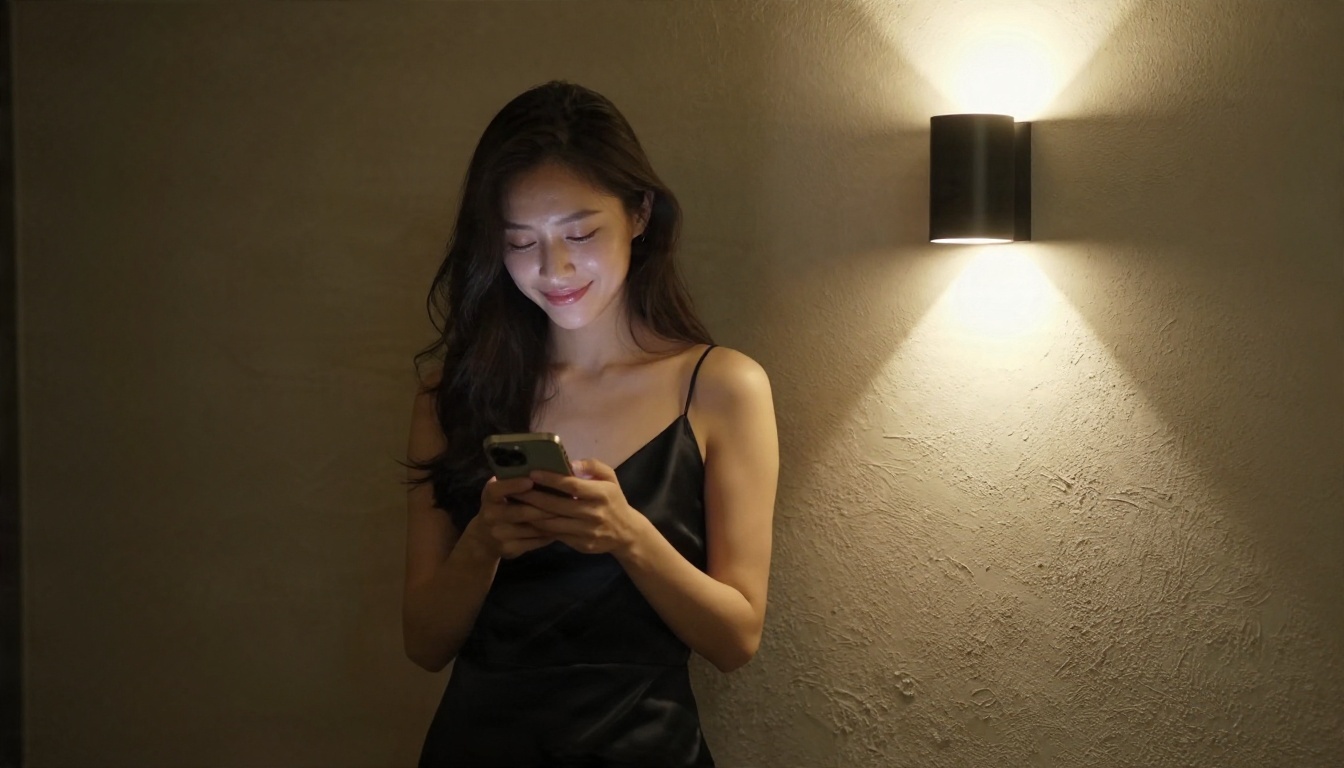
Intimate chats are personal data. Treat them that way.
A Short Privacy Checklist
- Use a throwaway email and skip your real name, workplace and address.
- Read the data policy for two things: whether chats train the model, and whether you can delete them.
- Avoid sending face photos of yourself or anyone you know.
- Pay with a virtual card that you can freeze if billing turns shady.
- Export or delete your history before cancelling.
Keep It in Proportion
A companion bot can be fun, comforting and creative. It can also pull you in. Warning signs: skipping plans to keep chatting, spending beyond your budget on credits, or feeling anxious when the app is down. If that sounds familiar, set a daily time limit and keep human contact in your week. Many apps are tuned to keep you typing, so the discipline has to come from you.
💡 Rule of thumb: if you would be embarrassed by the chat log leaking, don't type it into a service you can't verify.
Alternatives Worth Considering

Not everyone wants a dedicated girlfriend app. A few other routes fit different needs.
| Option | Cost | Best when |
|---|
| Character.AI | Free with paid upgrade | You want story roleplay with no spend |
| Nomi | Free tier, paid plans | You want a stable personality with memory |
| General chat model plus persona sheet | Low | You want control and privacy |
| Open source models run locally | Free but needs hardware | You want zero data leaving your machine |
| Journaling or writing partner chatbots | Low | You want conversation without romance |
The do-it-yourself route stands out for value. A persona sheet written once with Claude Sonnet 5 or GPT 5.6 Luna can be pasted anywhere, so you are never locked into one app's pricing. Pair it with Seedream 4.5 for visuals and you own the whole setup.
Try It Yourself on PicassoIA
You now have the full picture: what "uncensored" means, which free tiers are worth a look, what premium plans cost, and prompts that make characters feel alive. The next step takes about ten minutes.
- Write a one-page persona with a chat model such as Gemini 3.5 Flash or Kimi K2.6.
- Turn the first paragraph into an image prompt and run it in Seedream 4.5.
- Iterate on outfits and locations with unlimited generations in PicassoIA Image Editor Pro.
- Use Z Image Turbo when you want quick drafts.
Pick a character, write the first prompt, and see what you get. Browse every available model at picassoia.com/en/all-models and start creating your own photorealistic portraits today.


