You typed "AI girlfriend generator 18+" into a search bar, and now you are staring at forty near-identical sites that all promise "no filters", "unlimited photos" and "free forever". Most of them break at least one of those promises within ten minutes. The free credits vanish after three pictures, the "uncensored" mode refuses a bikini beach scene, and the face of your character changes every time you press generate.
This article sorts the real options from the marketing. You will see what an AI girlfriend generator actually is, how uncensored tools differ from filtered ones, what free plans usually allow, and which prompts produce glamorous, photorealistic, non-explicit results. Everything here is for adults only, and everything stays on the tasteful side: think swimwear, silk, evening dresses and warm window light.

What an AI Girlfriend Generator Is
The phrase covers two different products that people lump together. Knowing which one you want saves a lot of wasted clicks.
Image generators
An image generator turns a written description into a picture of a fictional woman. You decide the hair, outfit, location, lighting and mood. There is no relationship, no memory and no chat. You get a portrait, you refine the prompt, and you get a better portrait. This is the part where model quality matters most, because skin texture, hands and lighting decide whether the result looks like a photograph or a plastic doll.
Chat companions
A chat companion is a language model wrapped in a persona. She has a name, a backstory, a speaking style and, on good platforms, a memory of earlier conversations. Many of these apps bolt a basic image generator onto the chat, and that is where the quality usually drops.
The hybrid workflow
The strongest results come from splitting the job. Use a language model to write the persona and the prompts, then use a dedicated image model to produce the pictures. You keep full control of both halves, and you are not locked into one app's pricing or its filter.
💡 Quick rule: if you care about how she looks, pick the best image model. If you care about how she talks, pick the best language model. Very few apps are great at both.
What "Uncensored" Really Means
"Uncensored" is the most abused word in this niche. A 2026 round of hands-on tests by reviewers found that plenty of tools sold as uncensored still lecture, refuse or quietly blur the output the moment a prompt turns romantic. So treat the label as a claim, not a fact.
Three levels of filtering
| Level | What it blocks | Typical result |
|---|
| Strict | Swimwear, lingerie, anything suggestive | Clothed, stiff portraits and constant refusals |
| Moderate | Explicit sexual content only | Bikinis, glamour, boudoir and artistic styling allowed |
| Open | Very little beyond the legal limits | Wide freedom, but also the most risk for the platform and the user |
For most adults the moderate level is the sweet spot. You can generate beach shots, satin slip dresses, lingerie-style fashion, bedroom lighting and flirty expressions without fighting a refusal message every other prompt. That is the territory this article works in.
Why filters misfire
Filters read words, not intent. A prompt with "wet hair", "tight dress" and "bedroom" can trip a strict filter even when the picture would be perfectly tame. The fix is rarely a trick. It is better wording: describe the clothing, light and pose in photographer language, and leave out the vague suggestive adjectives that filters flag.
What no tool should do
An honest uncensored tool is still bound by law and common sense. Adults only, fictional characters only, and no real person's face or likeness without their consent. If a platform advertises anything beyond those lines, leave. That is not freedom, it is liability landing on you.
The Best Models for the Job
Here is where I would start, in the order I would actually try them.
Seedream 4.5 for realistic portraits
Seedream 4.5 is the first model to open for this kind of work. It handles skin texture, fabric sheen and natural window light better than most, and it accepts glamour and swimwear prompts without the constant refusals you get elsewhere. It also renders up to 4K, so a portrait still looks sharp when you zoom into the eyes or the weave of a dress. Pair it with a clear photographic prompt and it feels closer to a magazine shoot than to a generator.
PicassoIA Image Editor Pro for unlimited runs
PicassoIA Image Editor Pro is the answer to the "free limits" problem. It offers unlimited generations, so you can iterate on a face, an outfit or a pose twenty times without watching a credit counter. It is quick, and it also edits: change an outfit, fix a hand, swap a background, or soften the light on a picture you already like.
Other models worth a try
| Model | Best for | Link |
|---|
| Seedream 4.5 | Sharp 4K portraits, natural skin | Open |
| PicassoIA Image Editor Pro | Unlimited iterations and edits | Open |
| Flux 2 Klein 9B Base LoRA | Styled looks and LoRA-driven consistency | Open |
| Qwen Image 3 Pro | Photorealistic scenes with detailed backgrounds | Open |
| P Image Trainer | Training a custom character LoRA | Open |
You can browse the full catalog at picassoia.com/en/all-models and test several models against the same prompt. That comparison teaches you more in ten minutes than any review will.
Free Limits: What You Really Get
Free plans in this niche follow a pattern. The first session feels generous, and then the walls go up.
How credits usually work
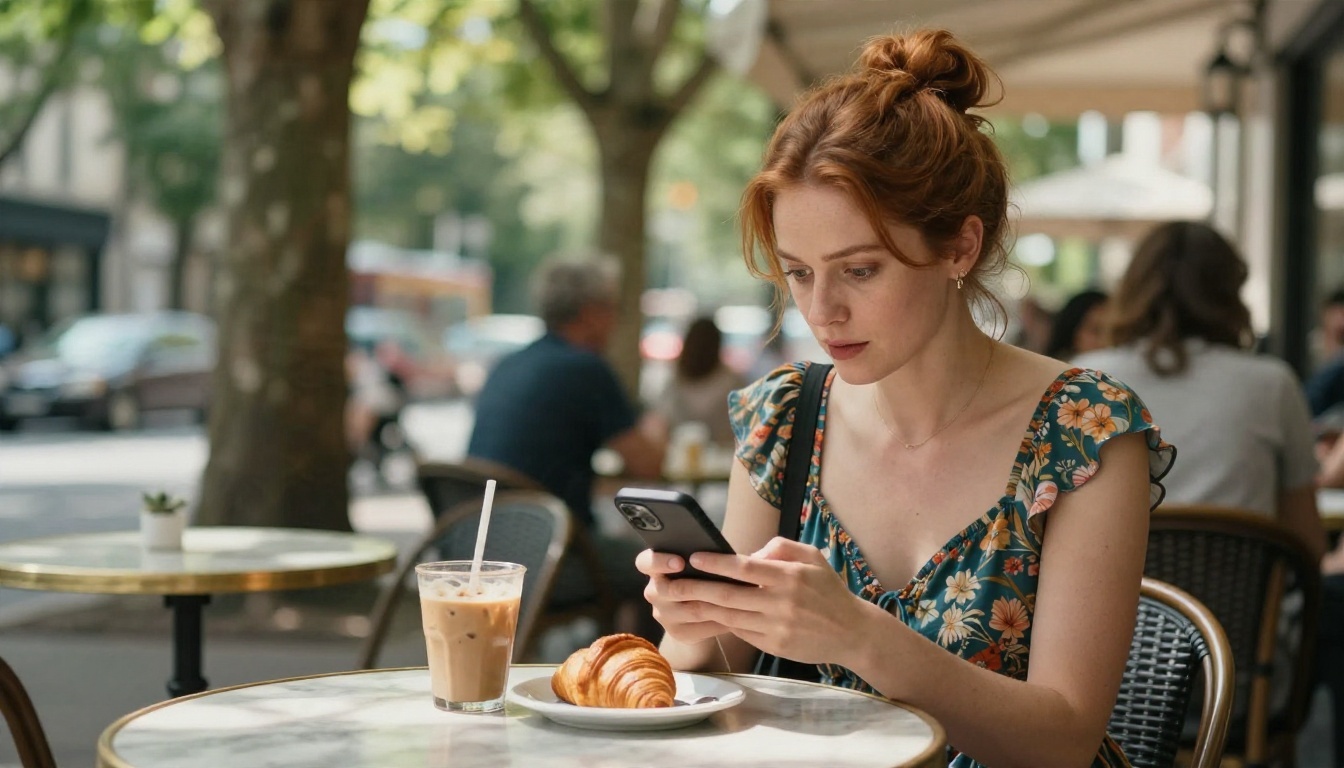
Most apps sell "tokens" or "credits". A free account gives you a small starting balance, often enough for a handful of images or a short chat. Photos cost more than text, so the balance disappears fast. Several roundups of the market point out that truly free, ongoing image generation is rare, and that free limits get hit quickly.
Common free-plan catches
| Catch | What it means for you |
|---|
| Daily cap | A few images, then a countdown timer |
| Watermarks | Your picture carries a logo until you pay |
| Queue speed | Free users wait while paid users jump ahead |
| Locked features | Face consistency, higher resolution or edit tools sit behind a subscription |
| Conflicting claims | A tool says "unlimited" on its homepage and shows a monthly price in its pricing table |
That last one is real: some tools describe themselves as unlimited while their own listings show a paid tier, so always read the pricing page before you invest time in a character.
Stretching your free usage
Write one strong prompt instead of ten weak ones. Use a language model to draft it first, generate once, then edit the picture rather than regenerate from scratch. And when you want to iterate without counting, use a tool built for it, like the unlimited Image Editor Pro mentioned above.
💡 Budget habit: keep a text file of prompts that worked. Re-using a good prompt costs nothing, while rewriting from memory costs credits.
Prompts That Actually Work
A good prompt reads like a photographer's shot list. It names the subject, the clothing, the setting, the light, the lens and the film look. Vague prompts give generic faces. Specific prompts give people.
The five-part formula
- Subject: age range (always an adult), hair, eyes, expression
- Clothing: fabric and cut, such as "white string bikini" or "black satin slip dress"
- Setting: place, props, time of day
- Light: direction and quality, such as "golden backlight from the left"
- Camera: lens, depth of field and film look, such as "85mm f/1.8, Kodak Portra 400 grain"
Ready-to-use examples
Beach glamour
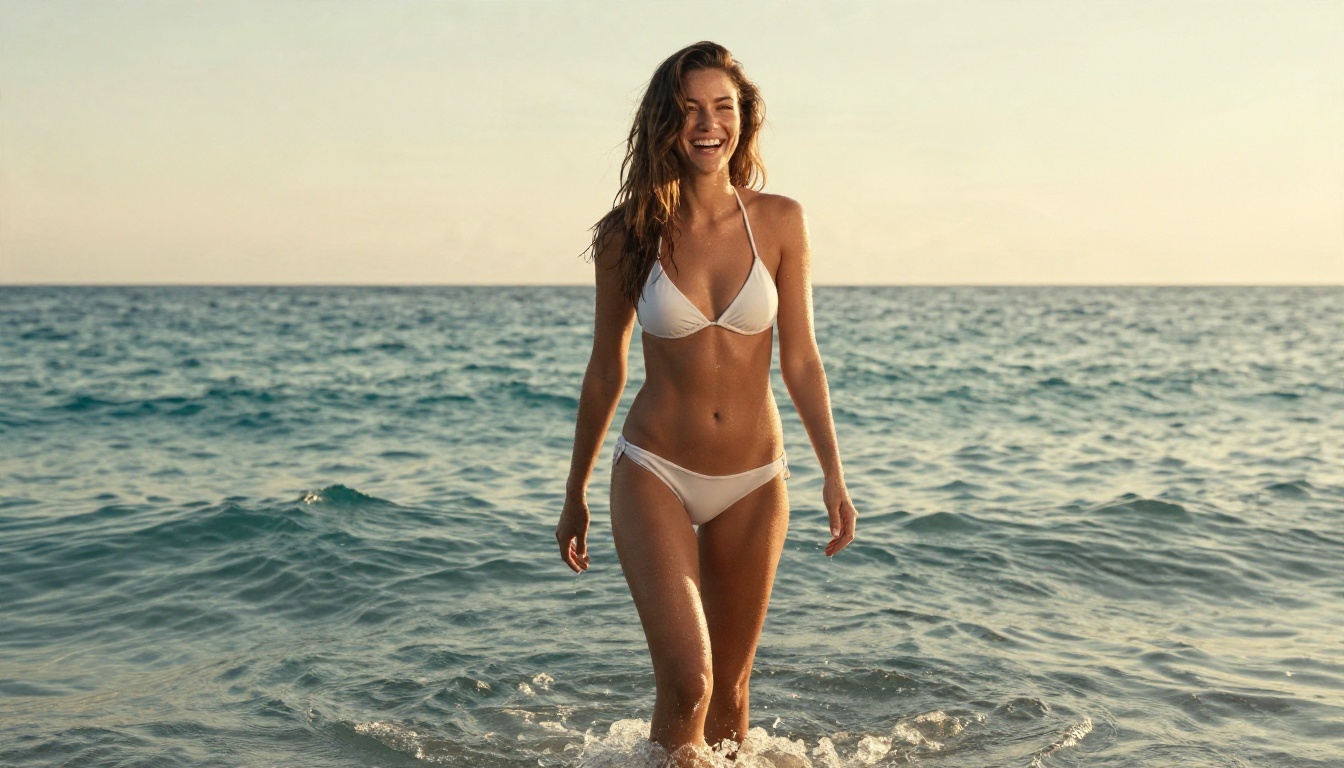
Adult woman in her mid twenties with long tousled brown hair, white string bikini, ankle deep in turquoise surf at golden hour, laughing over her shoulder, warm backlight, water droplets on tanned skin, 35mm f/2, film grain, raw photo
Hotel evening
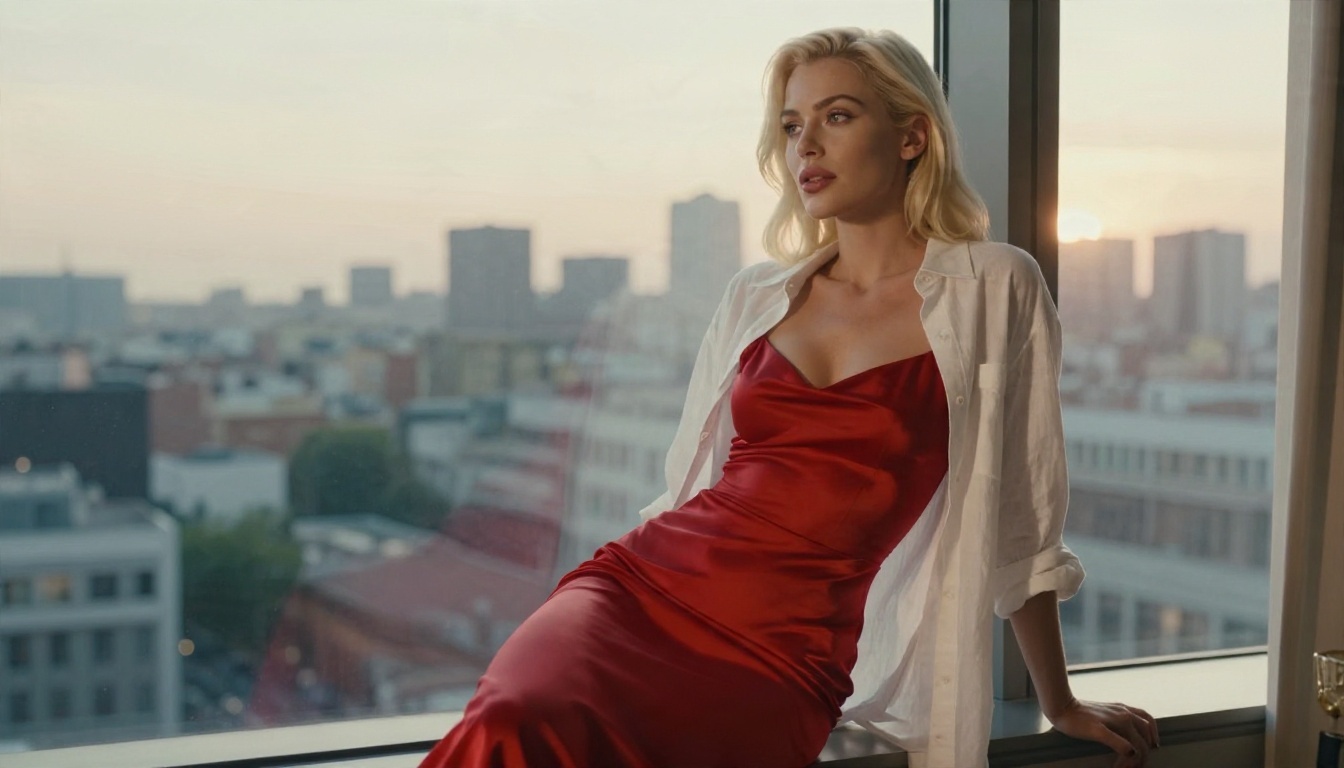
Adult woman with sleek platinum hair, fitted red satin dress with a plunging neckline, leaning on a tall hotel window, low-angle shot, late sun rim light, city rooftops blurred, 35mm f/2, realistic skin texture
Quiet morning
Adult woman in a black satin slip dress on a cream linen sofa, loft apartment, golden morning light from a steel-framed window on the left, 85mm f/1.8, visible pores, soft film grain
Words that help and words that hurt
| Use | Avoid |
|---|
| "satin", "silk", "lace trim", "slip dress" | Vague terms like "sexy" repeated five times |
| "golden hour backlight", "window light" | "Perfect", "flawless", "ultra HD" stacked together |
| "visible pores", "film grain" | "Airbrushed", which gives the plastic look |
| "three-quarter shot", "low angle" | No camera information at all |
Keeping her face the same
Face drift is the biggest complaint with every generator. Three fixes help. First, reuse the exact same physical description in every prompt: hair colour, eye colour, freckles, a distinctive earring. Second, keep one seed and change only the outfit and setting. Third, if you want real consistency across dozens of pictures, train a small custom LoRA with P Image Trainer on your own generated images and run it through a model such as Flux 2 Klein 9B Base LoRA.
How to Use Seedream 4.5 on PicassoIA
Here is the exact workflow I use for a glamour portrait.
Step by step
- Open the Seedream 4.5 page and sign in.
- Paste your prompt into the text box. Start with the five-part formula above.
- Set the aspect ratio. Use 16:9 for scenic shots with a lot of background and 3:4 or 2:3 for portraits.
- Pick the highest resolution your plan allows when you want a final image, and a lower one for quick drafts.
- Press generate, then review the eyes, hands and fabric edges.
- Adjust one thing at a time: lighting first, then clothing, then pose. Changing everything at once makes it impossible to tell what helped.
Parameter tips
| Setting | Recommendation |
|---|
| Prompt length | 50 to 80 words works best, specific rather than long |
| Aspect ratio | 3:4 for faces, 16:9 for locations |
| Seed | Fix it when you want to compare small edits |
| Lighting words | Name a direction, not just "good lighting" |
| Skin words | "Natural skin texture, visible pores" beats "perfect skin" |
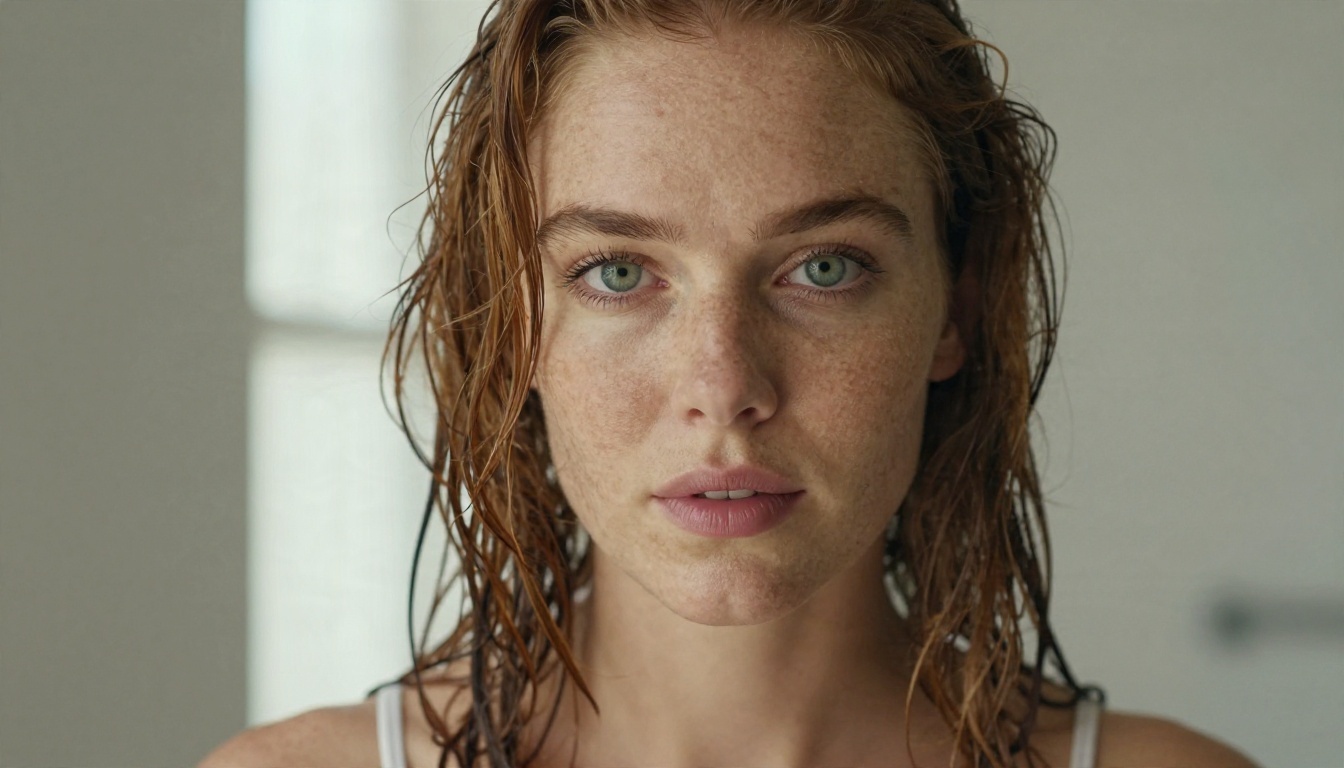
Polishing with Image Editor Pro
Once Seedream gives you a portrait you like, open it in PicassoIA Image Editor Pro. Ask for small changes in plain language: "change the dress to champagne satin", "make the light warmer", "replace the background with a bright bedroom". Because runs are unlimited, you can try fifteen variations and keep the best two.
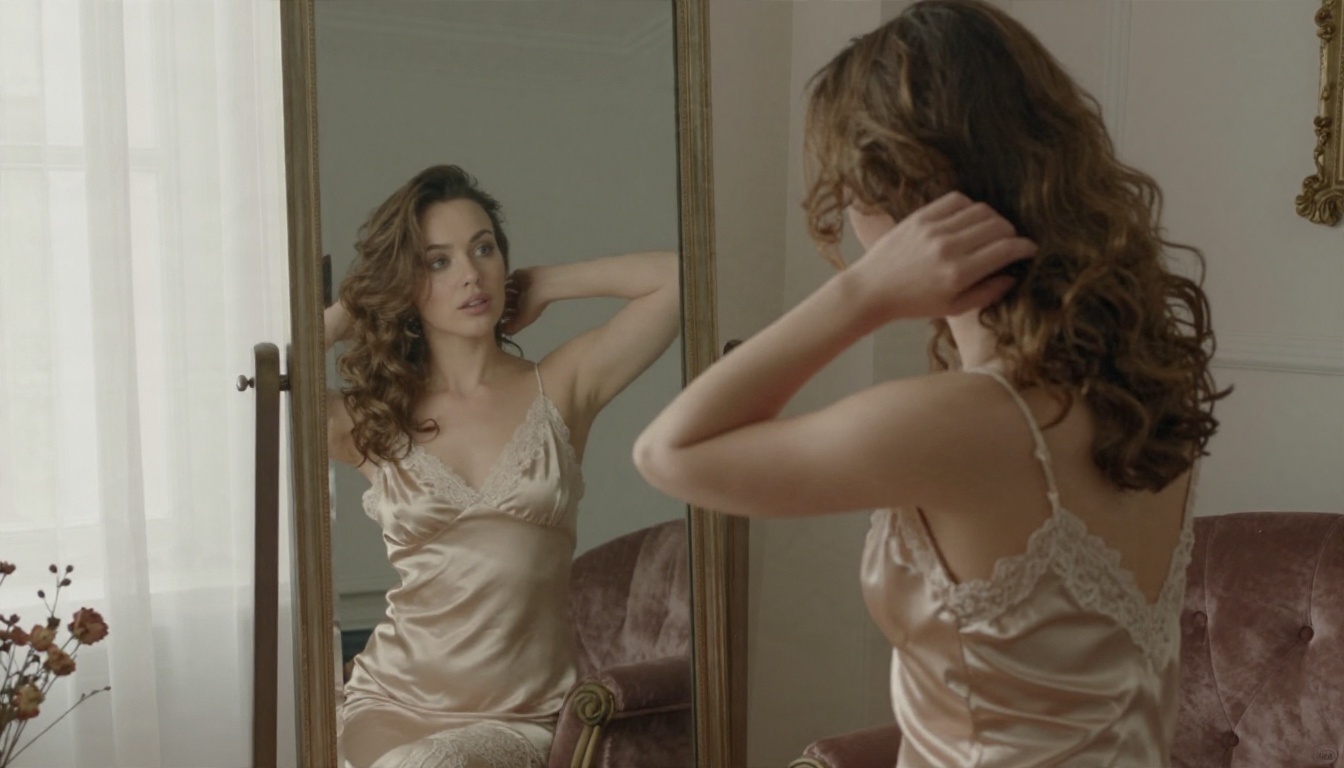
💡 Editing beats rerolling. A fresh generation changes the face. An edit keeps the face and changes only what you ask for.
Give Her a Personality With an LLM
Pictures are half the experience. A convincing character also needs a voice, a history and habits. That is where a language model earns its place.
Write the persona first
Ask a model such as Deepseek V3.1, Kimi K2.6 or Gemini 3.5 Flash for a short character sheet: name, age (adult), job, humour, favourite places, how she texts. Two paragraphs are enough. Paste that sheet at the top of every chat so the voice stays steady.
Let the LLM write your image prompts
This is the biggest time saver. Describe a scene in plain words ("rainy evening, she just got home, warm lamp, wearing an oversized shirt") and ask the model to rewrite it as a 60-word photographic prompt with lens, light and fabric details. Then paste the result into Seedream 4.5.
Know the limits of mainstream LLMs
Mainstream assistants keep their own safety rules. They are excellent for persona writing, backstories, light flirting, plot ideas and prompt drafting. They will not follow you into explicit roleplay, and pretending otherwise just wastes your time. Use them for what they do well and let the image model handle the visuals.
Safety Rules for Adult Creators
This corner of AI attracts bad actors and bad advice, so a few firm rules protect you.
Adults only, always
Every character you create must be an adult, and the prompt should say so. Never write an age under 18, never use words that imply youth, and never keep an image that looks younger than intended. Delete it and rewrite the prompt.
Fictional faces only
Do not use a real person's photo, a celebrity's name or an ex's face as a reference. Generating sexualised images of real people without consent is harmful, and in a growing number of places it is also illegal. Invented characters have no such problem.
Protect your own data
Chat companions store your conversations. Before you share personal details, read the privacy policy and check whether chats are used for training. Use a separate email for sign-ups, skip the real name, and avoid uploading identifying photos. Several 2026 reviews flagged unclear data handling across this niche, so caution is justified.
Be realistic about the relationship
An AI girlfriend is a creative tool and a bit of company, not a replacement for people. If you notice you are spending money you cannot spare or skipping real plans, step back. Set a monthly budget and a daily time limit, and stick to them.
Pick Your Setup and Start Creating
If you want the shortest path to good results, here it is. Draft a character sheet with an LLM. Turn your first scene into a 60-word photographic prompt. Generate it with Seedream 4.5. Then move the best image into PicassoIA Image Editor Pro and change outfits, light and backgrounds as often as you like, since generations there are unlimited.
You do not need a monthly subscription to a chat app just to get a decent picture, and you do not need to accept a filter that refuses a bikini. Try the same prompt on two or three models, keep the one that matches your taste, and save the prompts that worked.
Ready to build your own character? Open PicassoIA, paste one of the prompts above, and see what comes back in a few seconds. For the full list of image and language models, visit picassoia.com/en/all-models and start experimenting today.


