The AI companion space exploded in 2026. What started as a novelty has turned into a full creative industry, with millions of people using AI girlfriend image generators to create personalized, hyper-realistic virtual companions. Whether you're an artist building characters for a story, someone exploring creative portraiture, or simply curious about what today's AI can do, the quality of output from modern text-to-image models is nothing short of jaw-dropping.
The best part? You don't need to be a programmer or an artist. You need the right tool, the right model, and a solid prompt.
This article breaks down the top AI girlfriend image generators available in 2027, ranked by output quality, ease of use, and model variety. We also walk through exactly how to use these tools on Picasso IA to get stunning results from your very first generation.
The AI Girlfriend Generator Boom

The rise of AI girlfriend image generators isn't just a tech trend, it's a cultural shift. Platforms offering AI companion creation have seen user growth in the hundreds of millions. The demand is driven by several converging factors: better diffusion models, faster generation speeds, and platforms making these tools accessible without any coding.
Why People Actually Use These Tools
The use cases are broader than most people assume:
- Character artists and game designers creating fictional companions for visual novels, games, and comics
- Content creators building themed photo series for platforms
- Writers and storytellers visualizing characters for their narratives
- Curious users experimenting with AI capabilities and prompt crafting
- Developers building AI companion apps and testing visual outputs
The technology enabling all of this comes down to one thing: text-to-image AI models. You type a description, the model generates an image. Simple on the surface, enormously complex underneath.
How the Technology Works
Text-to-image models are trained on billions of image-text pairs. When you write a prompt like "beautiful woman with auburn hair sitting in a sunlit cafe", the model interprets your words and generates pixels that match that description. The latest models in 2027 can produce results that are genuinely indistinguishable from photographs.
The variables that determine output quality:
| Variable | What It Controls |
|---|
| Model architecture | Base quality ceiling and style range |
| Prompt specificity | How accurately the image matches intent |
| Sampling steps | Detail refinement vs. generation speed |
| CFG Scale | How strictly the model follows your prompt |
| Seed | Reproducibility of results |
The gap between a mediocre AI girlfriend generator and a great one comes down almost entirely to which models it gives you access to and how much control you have over these parameters.
Best Models for Photorealistic Results
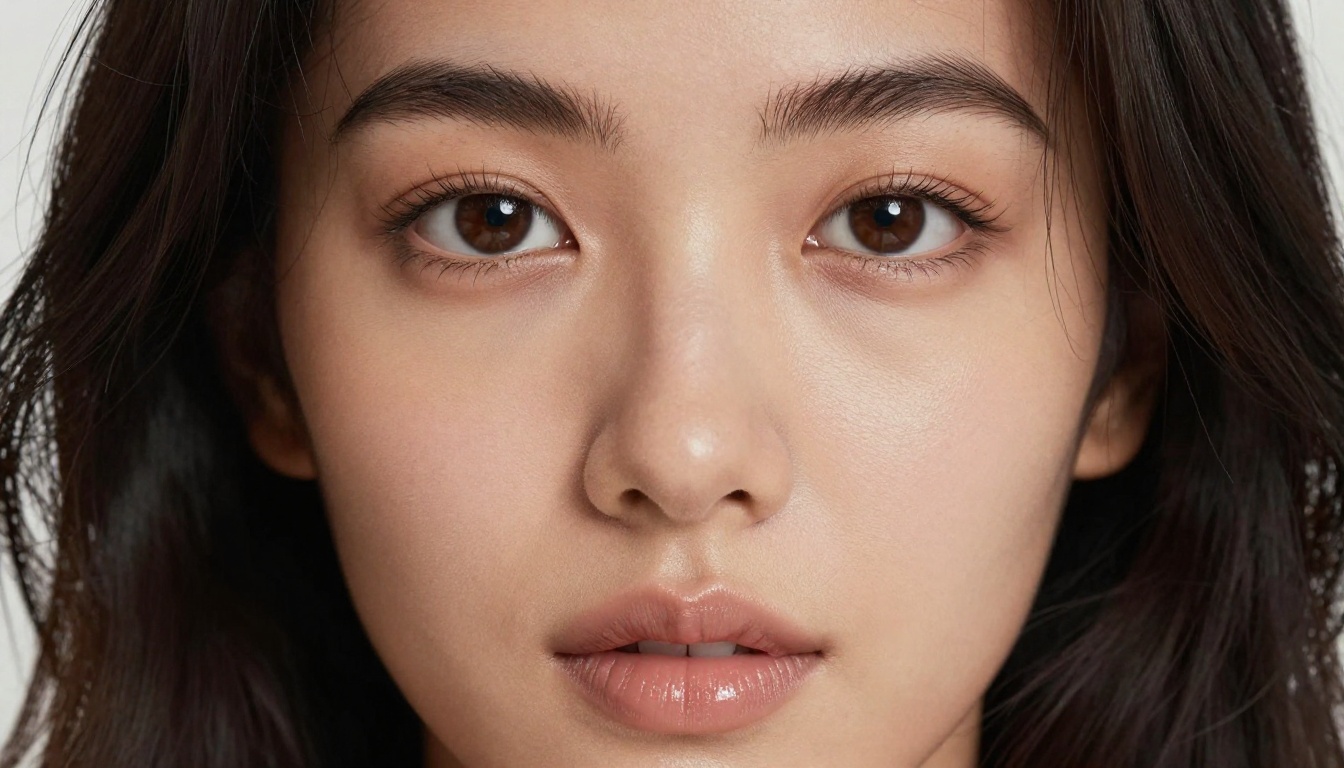
If photorealism is your goal, model choice is everything. These are the models that consistently produce the most convincing, detailed human portraits in 2027.
Flux 1.1 Pro Ultra Is the Top Pick
Flux 1.1 Pro Ultra sits at the top of the realism ladder for most use cases. Built by Black Forest Labs, this model handles skin texture, hair detail, and lighting with an accuracy that previous models couldn't approach. Pores are visible. Individual hairs render distinctly. Lighting from a window hits the skin the way real light does.
For AI girlfriend image generation specifically, Flux 1.1 Pro Ultra performs best when you:
- Specify the exact light source and direction (e.g., "soft afternoon light from the left")
- Describe the camera lens and aperture (e.g., "85mm f/1.4 shallow depth of field")
- Include film stock references (e.g., "Kodak Portra 400 film grain")
💡 Pro tip: Mentioning "RAW photography" and "8K" in your prompt consistently pushes Flux 1.1 Pro Ultra toward photographic realism and away from stylized outputs.
Flux 2 Pro and Flux Dev
Flux 2 Pro is the 2026 iteration of Black Forest Labs' flagship model. Compared to the 1.1 series, it shows improved handling of complex poses, hands, and body proportions, areas where older models would frequently hallucinate distorted fingers or awkward anatomy.
Flux Dev offers a slightly more creative interpretation of prompts. It's less constrained than the Pro versions, which means it sometimes takes artistic liberties with your descriptions. For portrait work requiring strict accuracy, stick with the Pro tier.
Realistic Vision v5.1
Realistic Vision v5.1 remains one of the most reliable models for human portrait generation. It was purpose-built for photorealistic people, and it shows. What Realistic Vision v5.1 does best:
- Facial symmetry: Consistent, natural-looking facial proportions
- Eye detail: Sharp iris textures, natural catchlights
- Skin tone accuracy: Wide range of skin tones rendered faithfully
RealVisXL v3.0 Turbo is the faster sibling, offering 90% of the realism at significantly higher generation speed. When you're iterating on prompt variations, RealVisXL Turbo is the better choice.
GPT Image 1.5
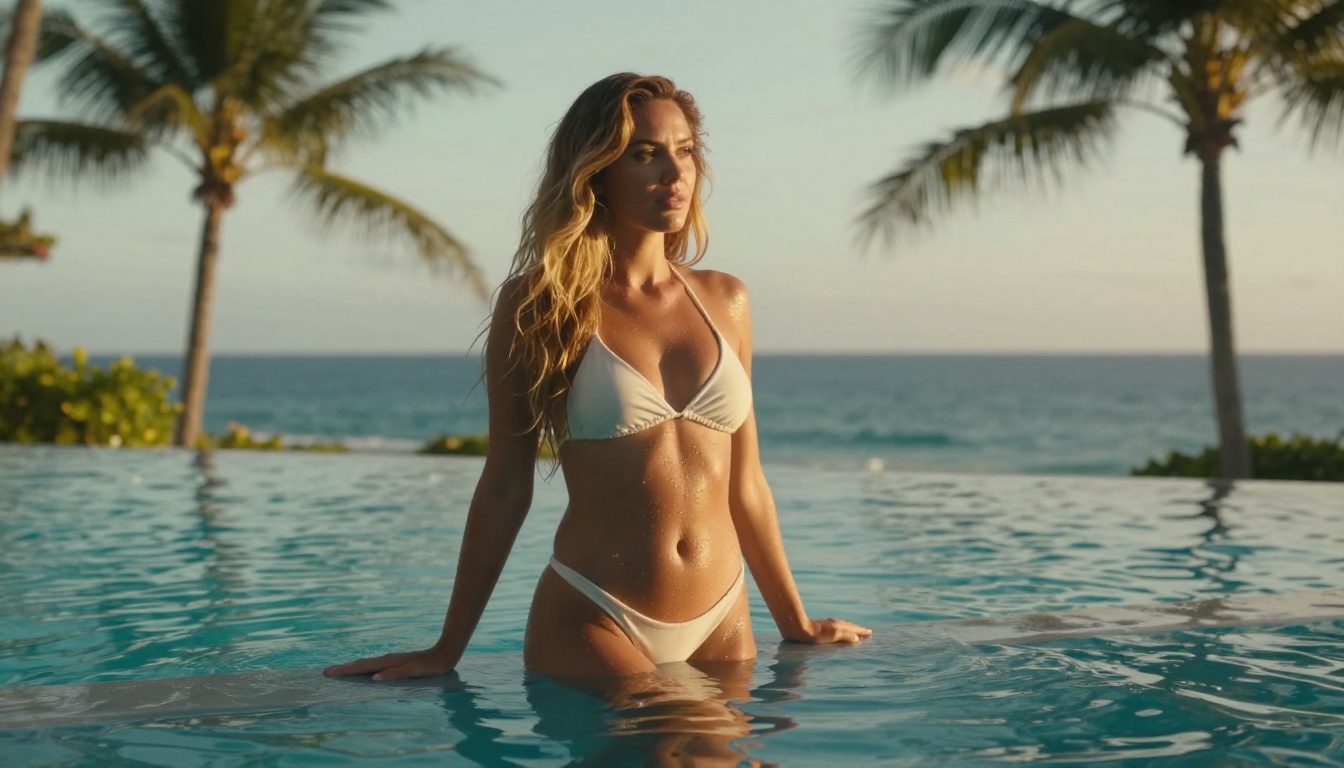
GPT Image 1.5 from OpenAI brings a different approach to portrait generation. Its handling of nuanced textual descriptions is exceptional, meaning it processes complex, multi-detail prompts better than most models. Describe a specific mood, a memory, an emotion, and GPT Image 1.5 will capture it in a way that feels intentional rather than accidental.
Stable Diffusion 3.5 Large
Stable Diffusion 3.5 Large maintains its position as a workhorse model for character generation. The open architecture integrates well with ControlNet workflows, letting you control pose, composition, and structure with precision before the model fills in the details. For those building consistent AI girlfriend characters across multiple images, SD 3.5 Large with ControlNet is the most controllable setup available.
Best Models for Anime and Illustrated Styles
Not every AI girlfriend image needs to be photorealistic. Anime-style virtual companions have a massive, dedicated following, and the models serving this niche have reached remarkable quality levels.
Proteus v0.3
Proteus v0.3 is the standout model for anime-style character generation. It captures the distinctive features of anime aesthetics, large expressive eyes, fine line work, vibrant hair colors, clean skin tones, while maintaining enough dimensional quality that the images feel polished rather than flat.
What Proteus v0.3 does best:
- Handles exotic hair colors (silver, pink, deep violet) naturally
- Renders anime clothing and accessories with accuracy
- Maintains consistent character features across multiple generations with the same seed
DreamShaper XL Turbo
DreamShaper XL Turbo sits in an interesting middle ground between photorealistic and illustrated styles. It produces images that feel slightly painterly, with heightened contrast and saturation compared to raw photography-style models. For AI girlfriend images that need to feel like high-quality digital portraits rather than photographs, DreamShaper XL Turbo hits a sweet spot.
💡 Style tip: Combine DreamShaper XL Turbo with prompts that include "cinematic lighting" and "vibrant colors" for results that look like professional character art.
SDXL and the Lightning Variants
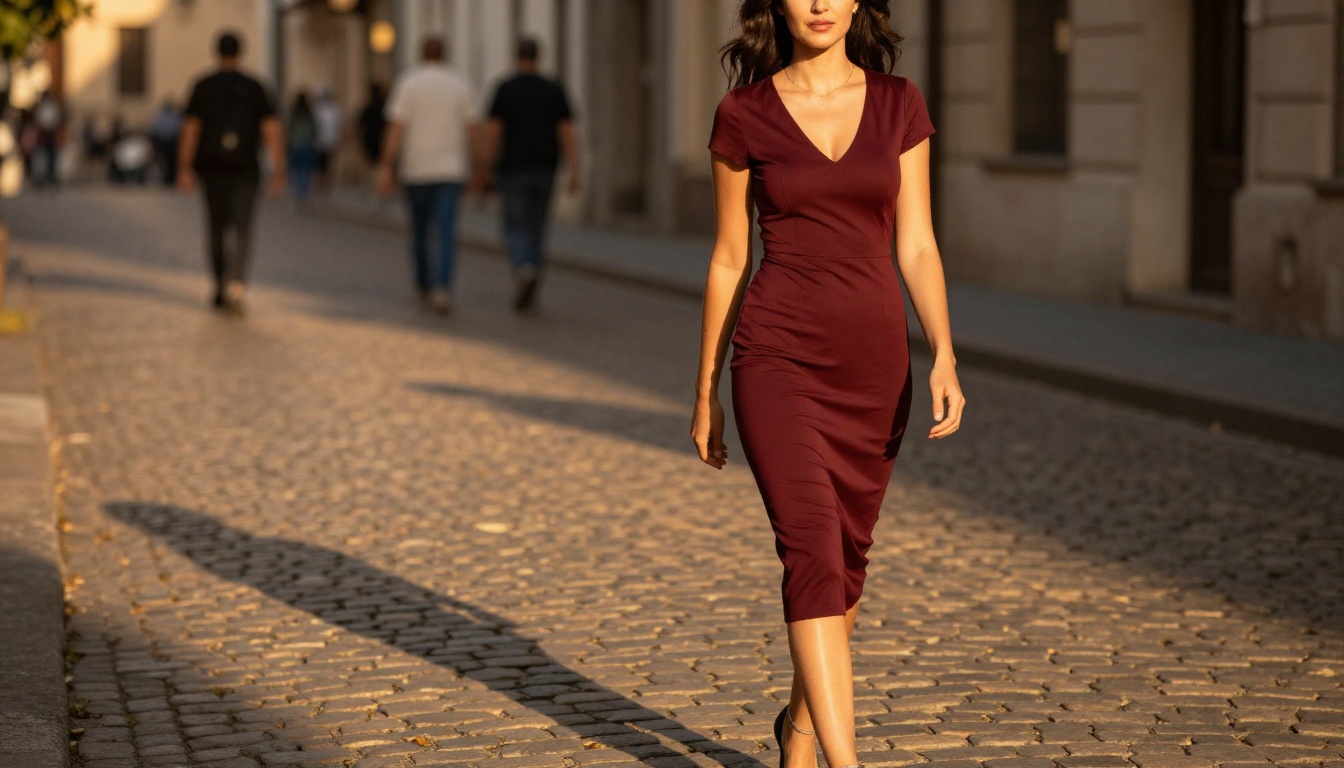
For rapid iteration on anime concepts, SDXL and its Lightning variants generate full-resolution outputs in seconds. The quality ceiling is lower than Proteus v0.3, but when you're testing dozens of prompt variations to nail a character concept, speed matters more than perfection at that stage.
How to Create Your AI Girlfriend on Picasso IA
Picasso IA aggregates over 91 text-to-image models in one place, so you're not locked into a single platform's style or quality ceiling. Here's exactly how to get the best results.
Step 1: Pick the Right Model for Your Style
Before writing a single word of your prompt, decide what you want the final image to look like:
Step 2: Write a Prompt That Actually Works
The difference between a generic output and a stunning one is almost entirely in the prompt. Here's a framework:
[Subject + Physical Description] + [Outfit/Styling] + [Setting/Environment] + [Lighting] + [Camera Angle and Lens] + [Film/Quality Modifiers]
Weak prompt:
beautiful girl, smiling, city background
Strong prompt:
A 25-year-old woman with long natural dark hair and warm brown eyes, wearing a fitted ivory blouse, standing on a rain-wet Parisian street at dusk, warm amber streetlights reflected in puddles behind her, slight smile directed at camera, 85mm f/1.4 lens bokeh background, Kodak Portra 400 film grain, photorealistic RAW 8K
The second prompt gives the model specific information at every level. Physical traits, styling, environment, time of day, light color, camera specs, and quality modifiers. Every element guides the output toward what you actually want.
Step 3: Use Seed Values for Consistency
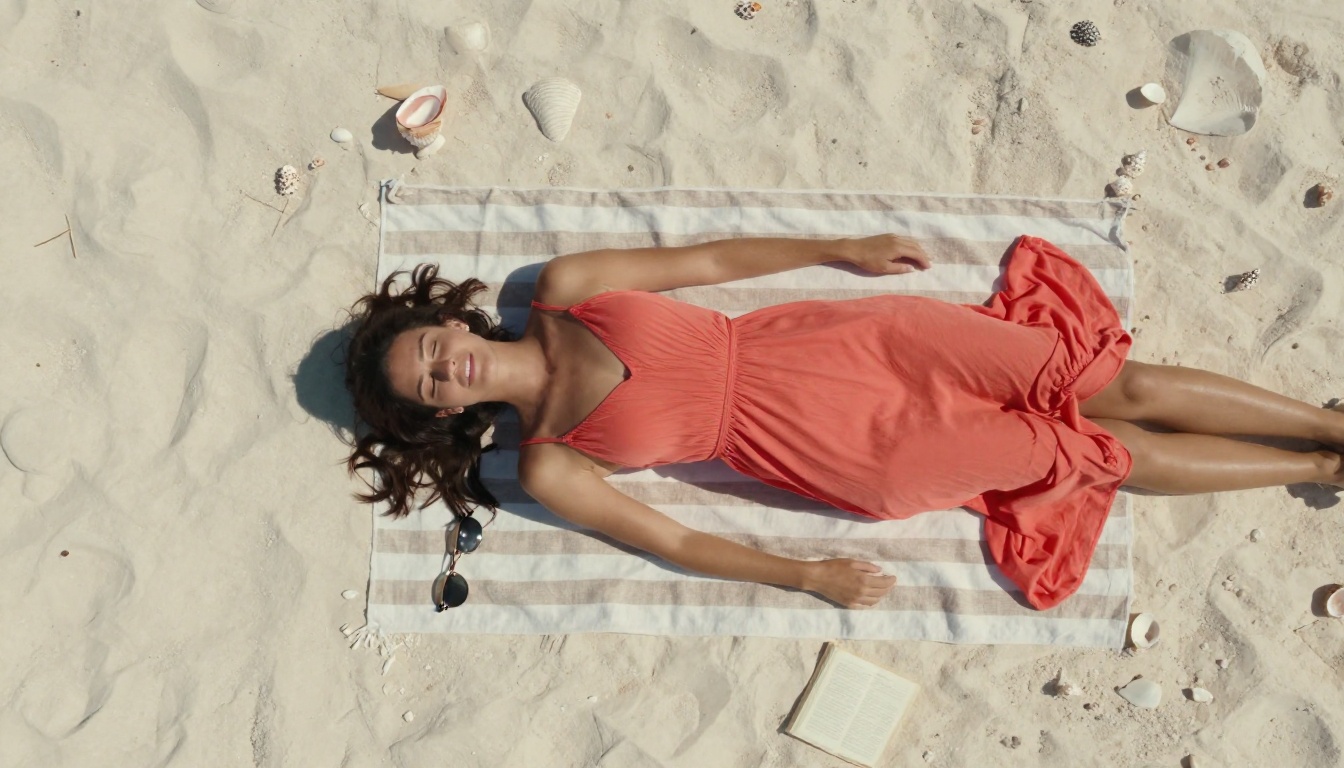
When you find a generation you like, record the seed number. Reusing the same seed with slight prompt variations will keep the character's core appearance consistent across multiple images. This is how content creators build a consistent AI girlfriend character across a full photo series.
💡 Consistency tip: Fix the seed, then change only one element per generation (outfit, background, lighting). You'll maintain the same face while building a diverse image set.
Step 4: Refine with Flux Kontext Pro
Once you have a base image you love, Flux Kontext Pro lets you edit specific elements through text instructions without regenerating the whole image. Change the hair color, swap the outfit, adjust the background, all while keeping the face and pose intact. This is the most efficient way to build variations from a hero image.
Prompting Tips That Separate Good from Great
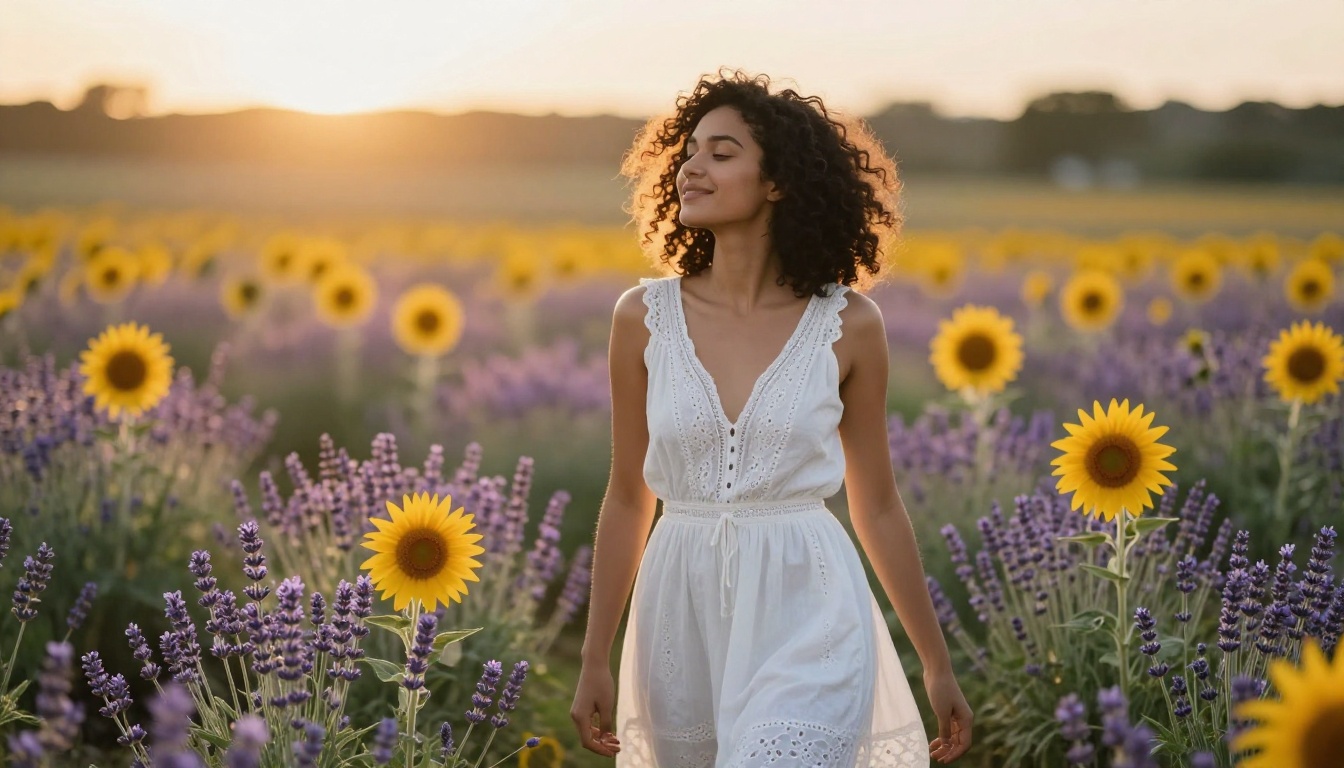
These are the methods that consistently produce better outputs across all major models.
Describe Lighting Like a Cinematographer
Lighting is the single most impactful element in portrait photography, and the same applies to AI-generated portraits. Instead of just saying "good lighting," describe:
- Direction: "Soft directional light from the upper left"
- Color temperature: "Warm golden hour amber" vs. "cool blue overcast light"
- Quality: "Diffused soft box light" vs. "harsh midday sun with sharp shadows"
- Source: "Candlelight glow," "neon window reflection," "morning sun through curtains"
Models trained on photographic data respond to these cinematography terms because they appear in the training captions of professional photography.
Control Texture and Skin Detail
For realistic AI girlfriend images specifically, skin rendering is where many prompts fall short. Force the model's attention to texture by including:
- "Visible skin pores and natural texture"
- "Natural skin imperfections, freckles"
- "Subsurface scattering on skin in sunlight"
Paradoxically, asking for imperfections often produces more convincing realism than asking for "perfect skin," which models tend to interpret as heavily smoothed and artificial-looking.
Camera Lens Specs Are Not Optional
Every professional photographer knows that the lens shapes the image as much as the light does. In AI prompting:
- 85mm f/1.4: Classic portrait compression, beautiful background blur
- 35mm f/2.8: Environmental portrait, more background context
- 105mm macro f/2.8: Extreme face close-up, skin detail focus
- 24mm wide: Full body in environment, slight edge distortion
Including these specs consistently pushes outputs toward photographic realism across Flux 1.1 Pro Ultra, Realistic Vision v5.1, and Seedream 4.
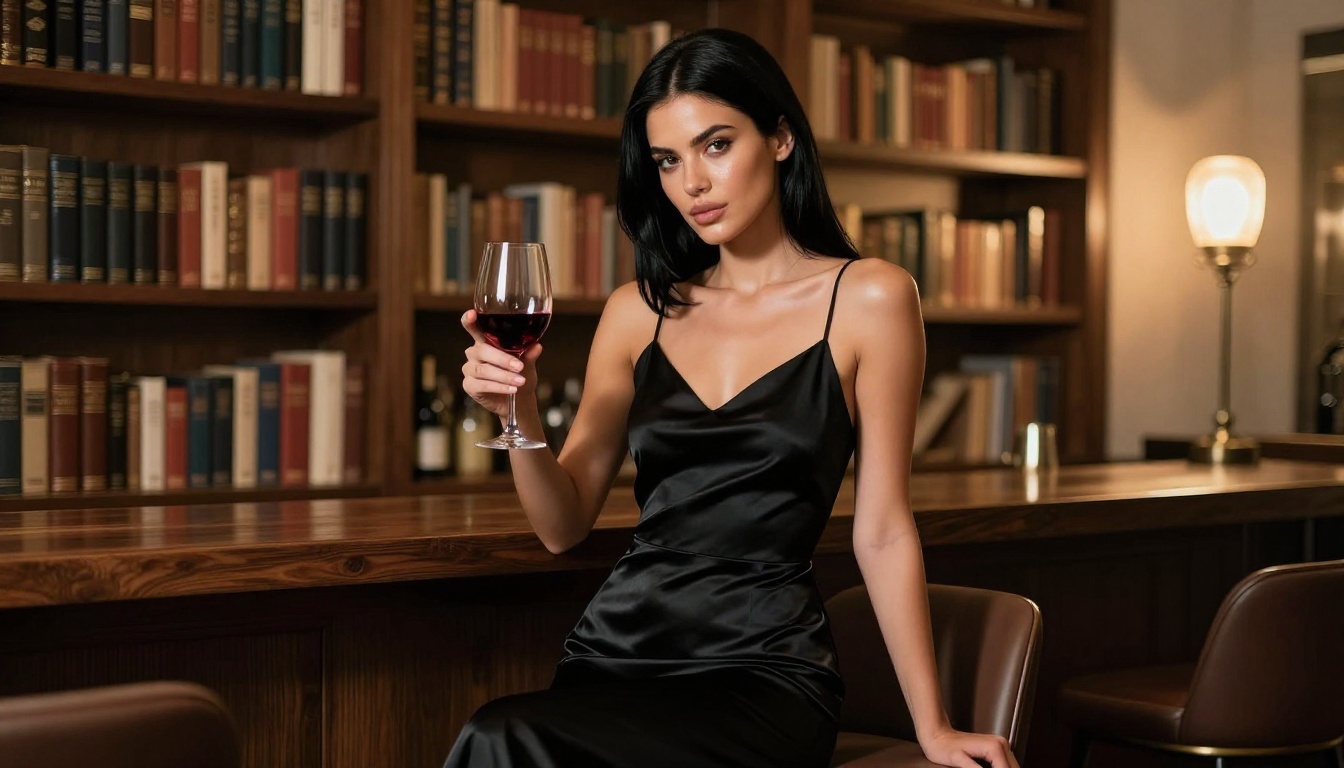
Not all AI girlfriend image generators are equal. Here's what separates good platforms from great ones:
| Feature | Why It Matters |
|---|
| Model variety | Different models produce different styles and quality levels |
| No watermarks | Usable output for real projects |
| High resolution output | 1024px+ for print or full-screen use |
| ControlNet support | Pose and composition control |
| Fast generation | Iteration speed for finding the right output |
| Privacy policy | Where your generations are stored |
Platforms that give you access to multiple state-of-the-art models in a single interface save significant time compared to jumping between different apps for different styles.
The Model Breadth Advantage
A platform with 91 text-to-image models isn't just showing off numbers. It means you can use Flux Schnell for rapid concept iteration, switch to Flux 1.1 Pro Ultra for your final high-quality renders, then use Flux Kontext Pro for post-generation editing, all without leaving a single interface.
Single-model apps lock you into one aesthetic ceiling. Multi-model platforms let you match the tool to the goal.
Privacy: What You Need to Know
This is the section most AI girlfriend image generator articles skip. It matters.
Where Your Prompts and Images Go
Different platforms have very different policies on what happens to your generations:
- Cloud-stored generations: Many platforms keep copies of your images. Check the terms of service.
- Prompt logging: Some platforms use your prompts to improve models. Others don't.
- Account-linked data: Generations tied to your account may be visible to platform moderators.
The safest approach: Read the privacy policy of any platform before generating sensitive or personal content. Local-inference options (running models on your own hardware) offer maximum privacy, but require significant technical setup and hardware investment.
Platform Rules on Content
NSFW generation policies vary across platforms. Some block it entirely at the prompt level. Others require age verification and restrict explicit content behind additional gates. Picasso IA operates within defined content guidelines, allowing artistic and suggestive content while maintaining clear boundaries around explicitly prohibited material.
Always verify the current content policy of any platform you use, as these policies update frequently in response to regulatory and community pressures.
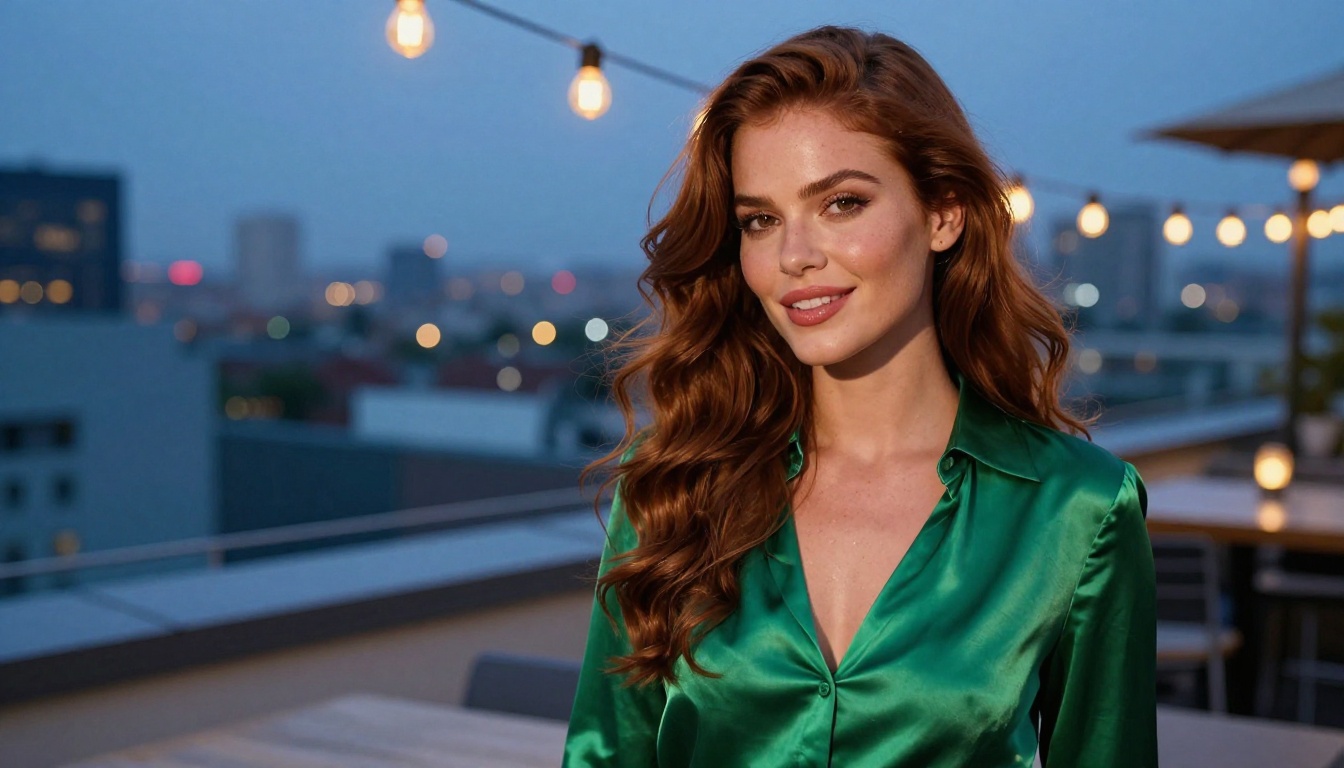
The "best" AI girlfriend image generator depends entirely on what you're building. Here's a simplified decision framework:
You want stunning photorealistic portraits: Use Flux 1.1 Pro Ultra or Realistic Vision v5.1 on a platform that gives you full parameter control.
You want anime-style companions: Proteus v0.3 is the current benchmark. DreamShaper XL Turbo for a slightly more polished illustrated look.
You want to iterate fast: Flux Schnell or RealVisXL v3.0 Turbo for speed without sacrificing too much quality.
You want editorial-quality output: GPT Image 1.5 or Imagen 4 for intelligent prompt interpretation and high-fidelity output.
You want consistent characters across a series: Stable Diffusion 3.5 Large with ControlNet for pose control plus seed locking for character consistency.
💡 Reality check: No single model wins every category. The creators producing the best AI girlfriend images in 2027 use multiple models strategically, not sticking to one.
Start Generating Your Own
The only way to get good at AI girlfriend image generation is to generate a lot of images. Theory helps, but the intuition for what prompts produce what results only comes from hands-on experimentation.
Picasso IA gives you access to over 91 text-to-image models, including every major model covered in this article, in one place. Try Flux 1.1 Pro Ultra for your first photorealistic attempt. Use Proteus v0.3 when you want to go anime. Switch to Flux Kontext Pro to edit results without starting over.
Start with a clear character description, pick a model that matches your target style, and iterate. The gap between your first generation and your tenth is enormous in this craft. Every prompt teaches you something about how these models interpret language, and that knowledge compounds fast.
Your first AI girlfriend image is one prompt away.


