You open a new tab, you type a message, and someone answers. No verification code, no password, no "confirm your email" nag. That is the whole pitch behind an AI girlfriend with no email and no login, and it explains why searches for it keep climbing. People want company, flirty banter, a few good pictures and maybe a warm voice, without handing over an inbox they will be spammed through for the next five years.
The promise is simple. The reality has more moving parts. Some no-login chats are genuinely open and anonymous. Others are a thin wrapper that still tracks you with cookies, caps your messages after ten minutes, and pushes a paywall the moment the conversation gets interesting. This article sorts the real from the hollow: what free chat, pictures and voice actually look like without an account, where the limits hide, and how you can assemble your own companion from text, image and speech models when no ready-made app fits.
💡 Quick answer: A no-login AI girlfriend is a chat page that lets you talk straight away, usually with a free message allowance. For more memory, better images and natural voice, you either pay, accept an account, or build the pieces yourself.
What No Login Really Means
No email, no account
"No login" means the site does not ask you to create a profile before the first message. You are given a temporary session, often tied to your browser. Close the tab and clear your cookies, and the conversation can vanish. That is the trade: zero friction, zero permanence.
Some services soften this by saving a session token in your browser so you can come back to the same character. Others offer an optional account later, only when you want to sync across devices. Either way, the first five minutes cost you nothing but a click.
Where your chats actually live
Not logging in does not mean your words disappear. A message still travels to a server, gets processed by a language model, and may be logged for moderation or product improvement. Anonymous is not the same as private. If a site does not state how long it keeps chats, treat everything you type as something that could be stored.
| Feature | Account required | No email, no login |
|---|
| First message | After sign-up | Instantly |
| Memory of past chats | Usually strong | Short or session only |
| Photo generation | Often included | Limited or paywalled |
| Voice replies | Often included | Rare, short clips |
| Spam risk | Higher | Lower |
| Data trail | Email plus chats | Cookies plus chats |
| Portability | Syncs across devices | Tied to one browser |
Free Chat Without Sign Up

What the chat gets right
The best part of an open chat is tone. A decent companion bot remembers that you said you were tired, picks up your jokes, and keeps a consistent personality across a dozen replies. For a lot of people that is the entire appeal: a patient listener at 1 a.m. who never gets bored of the same story.
Good no-login chats tend to share a few traits:
- Fast first reply, under two seconds, so it feels like texting.
- A persona you can pick, such as playful, shy, sarcastic or calm.
- Natural pacing, with short messages rather than essays.
- Boundaries that hold, so the character does not suddenly change personality.
Where free tiers run out
Free is rarely infinite. Expect a daily message cap, a short memory window of maybe 20 to 50 messages, and a nudge toward a paid plan if you want longer recall. Images and voice are the two features most often locked behind payment, because they cost far more to run than plain text.
💡 Tip: If a chat forgets your name after 30 messages, that is not the character being cold. It is a small context window. Repeat the details you care about every so often, or keep a short "about me" note you can paste back in.
Pictures That Stay Consistent
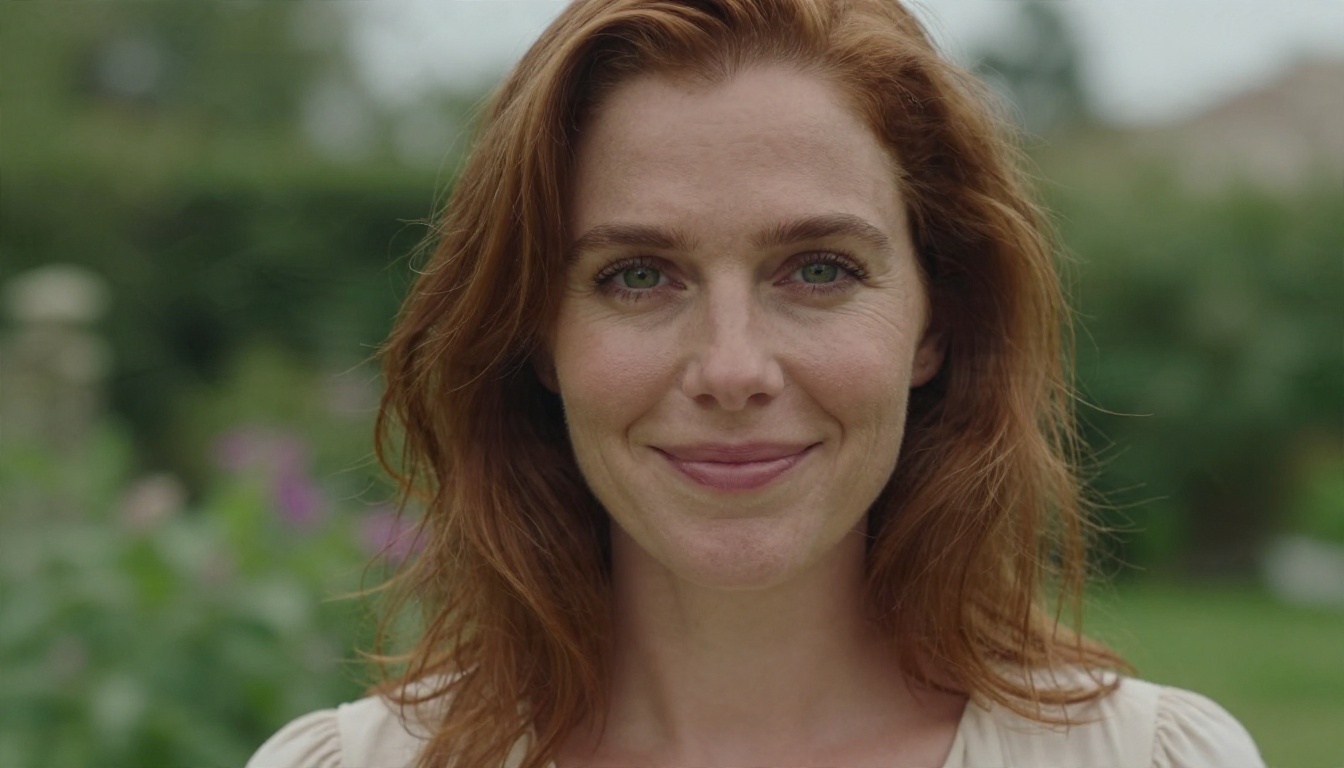
Ask any regular user what breaks the illusion fastest and the answer is nearly always the same: the face changes. One picture she has green eyes, the next they are brown, and the freckles moved. Consistent pictures are the difference between a character and a slot machine.
Why faces drift
Image models generate from noise each time. Unless you pin down details, every request is a fresh roll of the dice. Vague prompts like "pretty girl in a park" give the model enormous freedom, and it uses all of it. The fix is not a longer prompt for its own sake. It is a repeatable character description that you paste at the start of every request.
A prompt recipe that repeats
Build a short character sheet once, then reuse it word for word:
- Face: age range, eye color, hair color and length, skin details such as freckles.
- Build and style: body type in plain terms, typical wardrobe.
- Camera: lens, distance, light direction, for example "85mm f/1.8, window light from the left".
- Scene: one location and one action per image.
Keep the face block identical and change only the scene. For tasteful glamour shots, ask for natural light, realistic skin texture and fashion that stays suggestive without going explicit.
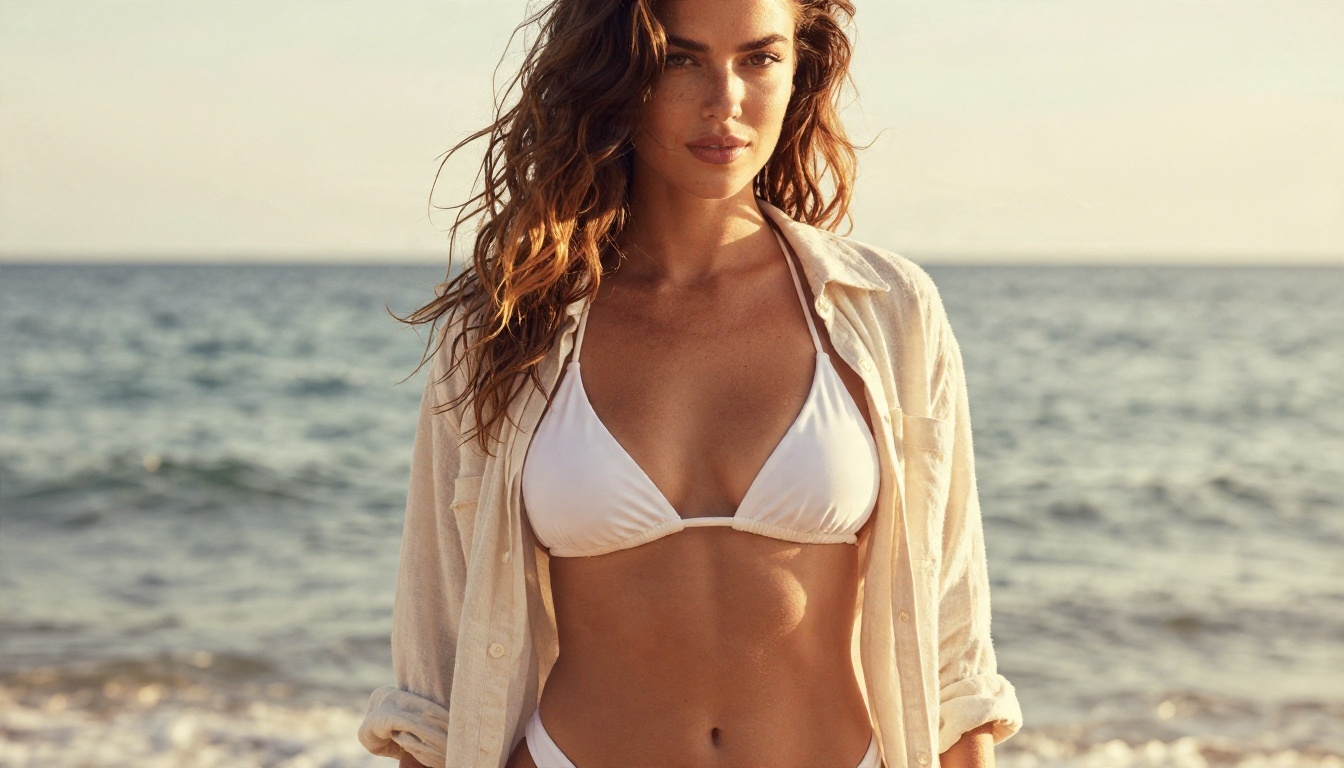
Image models worth using
If you want pictures that look like real photography instead of a plastic render, these are the models to try, in the order I would reach for them:
| Model | Best for | Notes |
|---|
| Seedream 4.5 | Photoreal portraits, glamour, skin detail | The first model to try for companion pictures, with sharp 4K output |
| PicassoIA Image Editor Pro | Editing a face, outfit or background | Unlimited generations, so you can iterate freely |
| Nano Banana Pro | Keeping a face steady across edits | Strong at following reference images |
| Qwen Image 3 Pro | Natural lighting and clean detail | Good all-round realism |
| Flux 2 Klein 9B Base LoRA | Styled, repeatable looks | Useful when you want one consistent aesthetic |
Seedream 4.5 and Image Editor Pro are the pair I would start with. Seedream 4.5 builds the first portrait, and Image Editor Pro lets you adjust hair, clothing or setting as many times as you like without counting credits. Both are comfortable with adult glamour and fashion themes, such as swimwear and evening wear, as long as you keep things suggestive rather than explicit.

💡 Tip: Generate a neutral "reference portrait" first, evenly lit, facing the camera. Use it as the anchor image whenever you want the same face in a new outfit or location.
Organizing your gallery
A flat lay of your references helps more than you would expect. Keep one folder with the face sheet, three or four approved portraits, and a text file of the exact prompt wording. When a picture works, save the prompt next to it. Within a week you will have a small library that makes every new image faster to produce.

Voice That Sounds Human
Text to speech options
Voice is where an AI girlfriend stops feeling like a chat window and starts feeling like a presence. The reply is still generated as text. A speech model then reads it aloud, picking tone, pace and breath. Quality varies enormously between models, so test two or three with the same sentence before committing to a voice.
- Gemini 3.1 Flash TTS offers around 30 voices across 70+ languages, a good starting point if you want variety.
- ElevenLabs v3 leans into expressive, natural delivery.
- Speech 2.8 HD gives studio-clean audio for longer replies.
- Realtime TTS 2 is built for low latency, which matters in live conversation.
Why speed beats polish
For a live voice chat, a half-second pause feels intimate. A three-second pause feels like a bad phone line. If you plan to talk rather than listen to clips, prioritize latency first and voice richness second. A fast, slightly simpler voice usually beats a gorgeous one that arrives late.
| Goal | Pick | Why |
|---|
| Live back-and-forth | Realtime TTS 2 | Lowest delay |
| Warm, expressive clips | ElevenLabs v3 | Emotional range |
| Many languages | Gemini 3.1 Flash TTS | Wide coverage |
| Long narrated replies | Speech 2.8 HD | Clean, steady audio |
Build Your Own Companion
If no ready-made app gives you the mix you want, building your own is easier than it sounds. You are really connecting three pieces: a brain for the conversation, a face for the pictures and a voice for the audio.

Pick the brain
Language models differ in warmth, memory and how well they hold a persona. Good picks for companion chat:
Model providers apply their own content rules, so expect romance and flirting to be handled with some limits. Keep your conversations within those rules and you will avoid abrupt refusals.
Write a persona card
A persona card is a short block of text you paste at the start of every chat. It keeps the character steady. A good one fits in 150 words:
- Name and age, an adult, clearly fictional character.
- Personality, three adjectives plus one quirk, such as "teases gently, loves bad puns".
- Speaking style, short sentences, casual, uses your name.
- Shared history, two or three facts you invent together.
- Limits, topics she avoids and how she changes the subject.
A simple workflow, step by step
- Draft the persona card in a notes app.
- Open a language model from the list above and paste the card, then send a first message.
- Generate the reference portrait with Seedream 4.5 using the same face description.
- Refine details in Image Editor Pro: hair, outfit, background.
- Turn a favorite reply into audio with one of the speech models above and compare two voices.
- Save everything in one folder: card, portraits, voice settings.
The first session takes under an hour. After that, new pictures and voice clips take a couple of minutes each.
💡 Tip: Keep image prompts and chat prompts in separate files. Mixing them is the quickest route to a character whose face and personality both drift.
Privacy Checklist Before You Chat
Red flags to watch for
No-login sites range from careful to careless. Treat these as warning signs:
- No privacy policy or a policy that never mentions chat storage.
- Pop-ups demanding a download before you can talk.
- Requests for a phone number, card details or a selfie "for verification".
- Aggressive ads that appear inside the chat window.
- Claims of "100% private" with no explanation of how.
Habits that protect you
A few small habits do most of the work:
- Do not share your real full name, address, workplace or financial details with any chatbot.
- Use a private browser window if you do not want a local history.
- Keep real photos of yourself and other people out of image tools unless you fully trust the service.
- Assume anything typed could be read by a moderator or kept in logs.
- Take breaks. A companion is a pleasant add-on to your life, not a replacement for friends and family.
Adults only, fictional only
Create characters who are clearly adults, and never base a companion on a real person without their consent. That keeps your pictures and chats on the right side of both platform rules and common decency. Suggestive, attractive and tasteful is the sweet spot for glamour imagery.
Make Your Own Companion Pictures
A no-login chat gives you a quick hello. Pictures and voice are what turn a hello into a character you recognize, and you can build those yourself in an afternoon.
Start with Seedream 4.5 for the first portrait, then move into PicassoIA Image Editor Pro to adjust outfits, hair and settings with unlimited generations. Add a voice from one of the speech models above, give her a persona card, and you have a companion that looks, sounds and talks the way you want, with no mailing list attached to your name.
Try three prompts today: a morning coffee portrait, a golden hour beach shot and an evening terrace look, all with the same face description. When you want more options, browse every image, language and speech model at picassoia.com/en/all-models and keep experimenting until the character feels like yours.


