You download an app that promises an AI girlfriend with no filter, free chat and a gallery of pictures. Ten minutes later you hit a message cap, a blurred photo with a lock icon, and a pop-up asking for a card. Sound familiar? That gap between the promise and the free tier is the whole story of this category, and it is exactly what this article breaks down.
Below you will find what "no filter" really means, how much free chat you can expect, why pictures are the first thing locked away, what privacy trade-offs come with intimate conversations, and a practical way to create your own realistic images when an app's limits get in the way. Everything here is for adults, 18 and over.
What "No Filter" Actually Means
The phrase gets thrown around like a single feature, but it bundles several different things. Some apps mean the bot will not lecture you. Others mean romantic or flirty roleplay is allowed. A few mean almost nothing is blocked at all. These are very different products, and the marketing rarely tells you which one you are getting.
Filters you can often loosen
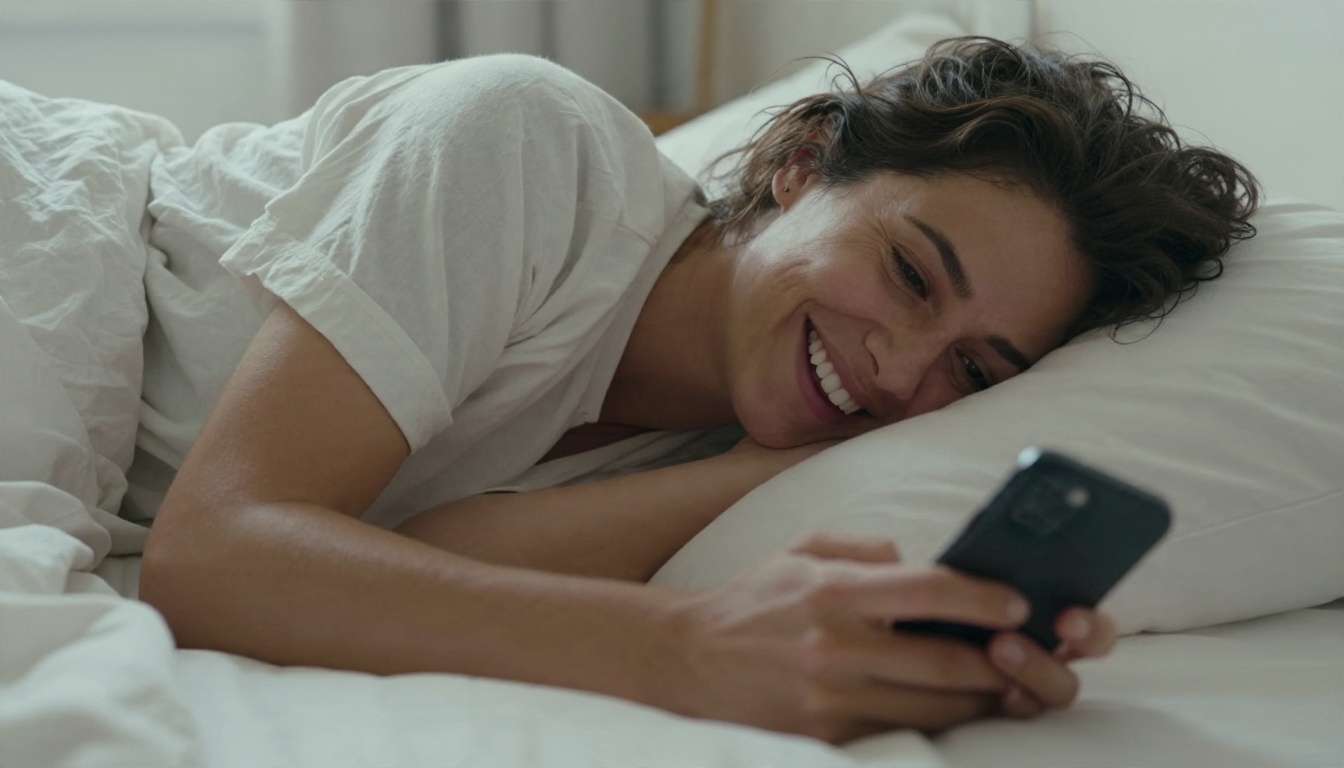
Most companion apps run a language model with a system prompt that sets tone and boundaries. On many platforms, the "no filter" tier simply relaxes the tone rules: the character can flirt, show jealousy, tease, use slang, and stay in persona instead of reminding you that it is an AI every third message. That is the part that tends to work as advertised.
Typical things that loosen up:
- Personality: the character stays moody, playful or sarcastic instead of defaulting to polite assistant mode.
- Romantic roleplay: flirting, pet names and relationship storylines are allowed.
- Topics: darker fiction, mature humor and blunt opinions are less likely to trigger a refusal.
- Persona memory: the bot is allowed to "remember" a backstory you wrote and refer to it.
Filters that stay in place
Even the most permissive apps keep some rules, and that is not a bad thing. Payment processors, app stores and hosting providers all enforce limits, so a platform that ignored everything would lose its ability to take payments within weeks. Expect hard blocks around minors, non-consensual scenarios, real people's likenesses and illegal content. If an app claims to have zero rules, treat that as a warning sign about how it handles your data, not as a perk.
💡 Quick rule of thumb: "no filter" is a spectrum. Before you invest time in a character, send one test message that sits at the edge of what you want. How the bot responds in the first five minutes tells you more than any landing page.
Free Chat: What You Really Get
Free chat is where most people start, and it is where the freemium model is easiest to see. Reviews and comparison pages disagree with each other, and numbers change often, so treat any figure as a snapshot rather than a promise. Still, the pattern is consistent across the category.

Daily message caps
Reported free allowances range from as few as 10 messages a day on stingy apps to somewhere between 20 and 100 on typical ones. A handful of platforms advertise unlimited free text, usually with trade-offs like queues at peak hours. A cap of 50 sounds generous until you realize a single flirty back-and-forth burns through 20 messages in a quarter of an hour.
| Free tier style | What it usually looks like | Catch |
|---|
| Hard daily cap | 10 to 100 messages, resets every 24 hours | Chat stops mid-conversation |
| "Unlimited" text | No count, but slower replies at busy times | Queues, ads, weaker model |
| Credit system | Messages cost tokens, you get a small starter pack | Credits run out fast |
| Trial period | Full features for a few days | Everything locks afterward |
Ads, queues and rerolls
Another thing testers keep reporting: free tiers tend to shrink over time. An app launches with a generous allowance to build a daily habit, then gradually adds mid-chat ads, limits on how many times you can regenerate a reply, and wait times. If you rely on a free plan, assume the terms you see today may not last.
Memory resets and drifting personalities
Free users often get a smaller context window. The practical result: the character forgets the name of your dog, your job, or the argument you had yesterday. Some apps keep a short "memory" list, but only on paid plans. If long-term continuity matters to you, keep your own notes (more on that below).
Pictures: The First Thing Behind a Paywall
If chat is the appetizer, images are the main course, and the part most likely to be locked. Generating a picture costs real compute money every single time, so image features are among the first to be restricted.
Why images cost extra
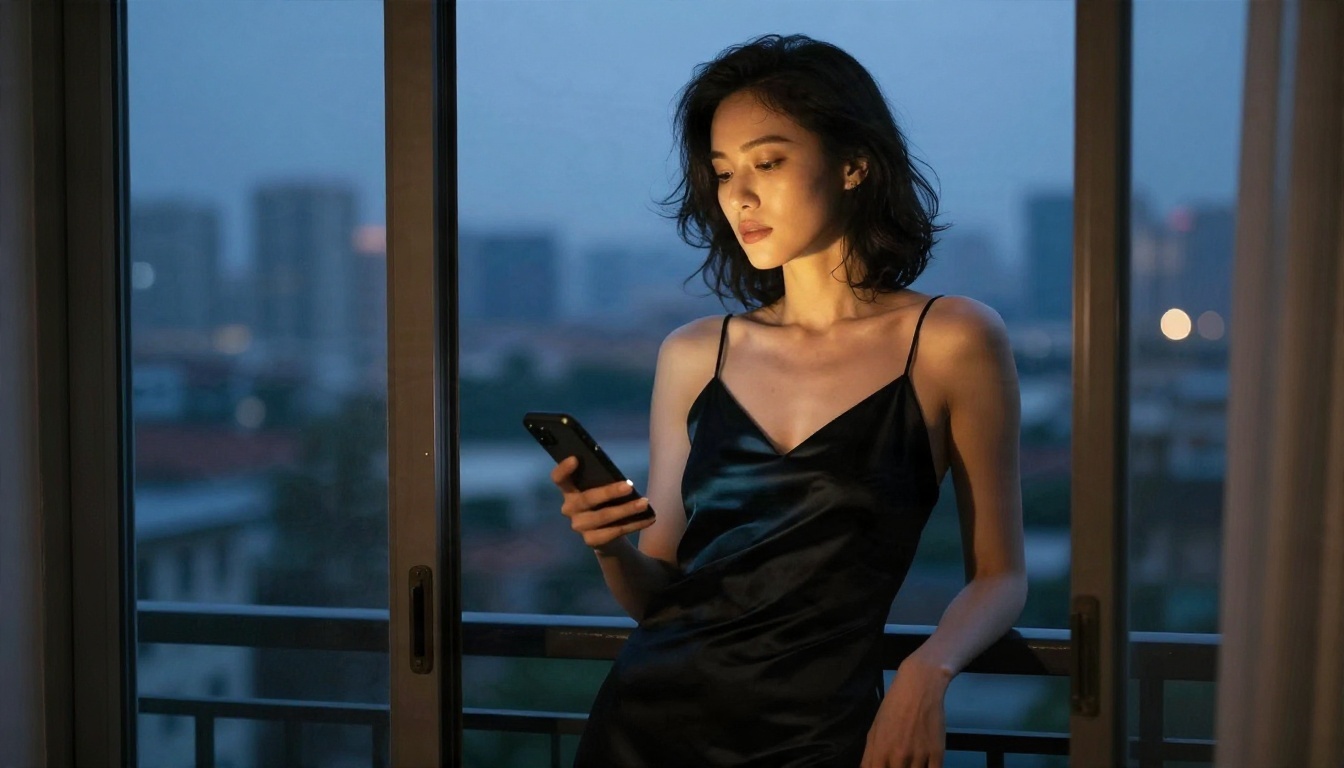
A text reply is cheap. A high-resolution portrait is not. That is why comparison pages generally list image generation as a paid feature, with entry prices that commonly start at a few dollars a month. I found no reliable evidence of generous free image quotas from the major apps, so assume free users get either none, a few watermarked previews, or blurred results.
What you typically see on a free plan:
- A teaser image that is blurred until you subscribe.
- A small number of credits that cover two or three pictures.
- Lower resolution output with visible compression.
- A queue that makes you wait while paid users go first.
Face consistency is the hard part
Even paid image generators struggle to keep the same face from picture to picture. The hair color shifts, the age seems to wobble, jewelry appears and vanishes. The better apps solve this with a saved character reference, but you are locked into their model and their rules. That is one reason many people end up generating pictures separately, with a tool they control.

💡 Tip: If an app lets you describe your character in writing, save that description in a note on your phone. The same text works as a prompt for any image generator, so you are never stuck with one platform.
Limits to Expect Before You Sign Up
Limits are not only about message counts. Here is a realistic checklist of what tends to constrain these apps, whatever the marketing says.

| Limit | What to expect | How to handle it |
|---|
| Message caps | 10 to 100 per day on free plans | Plan long chats, avoid one-word replies |
| Image access | Mostly paid, sometimes blurred previews | Generate images elsewhere |
| Memory | Short on free tiers | Keep a character sheet and paste it in |
| Content rules | Softer tone, still hard blocks on illegal topics | Test the boundary early |
| Pricing changes | Free tiers shrink, prices rise | Avoid annual plans until you have tested for a month |
| Account deletion | Often hidden in settings, sometimes email only | Check the policy before you share anything |
Privacy and data
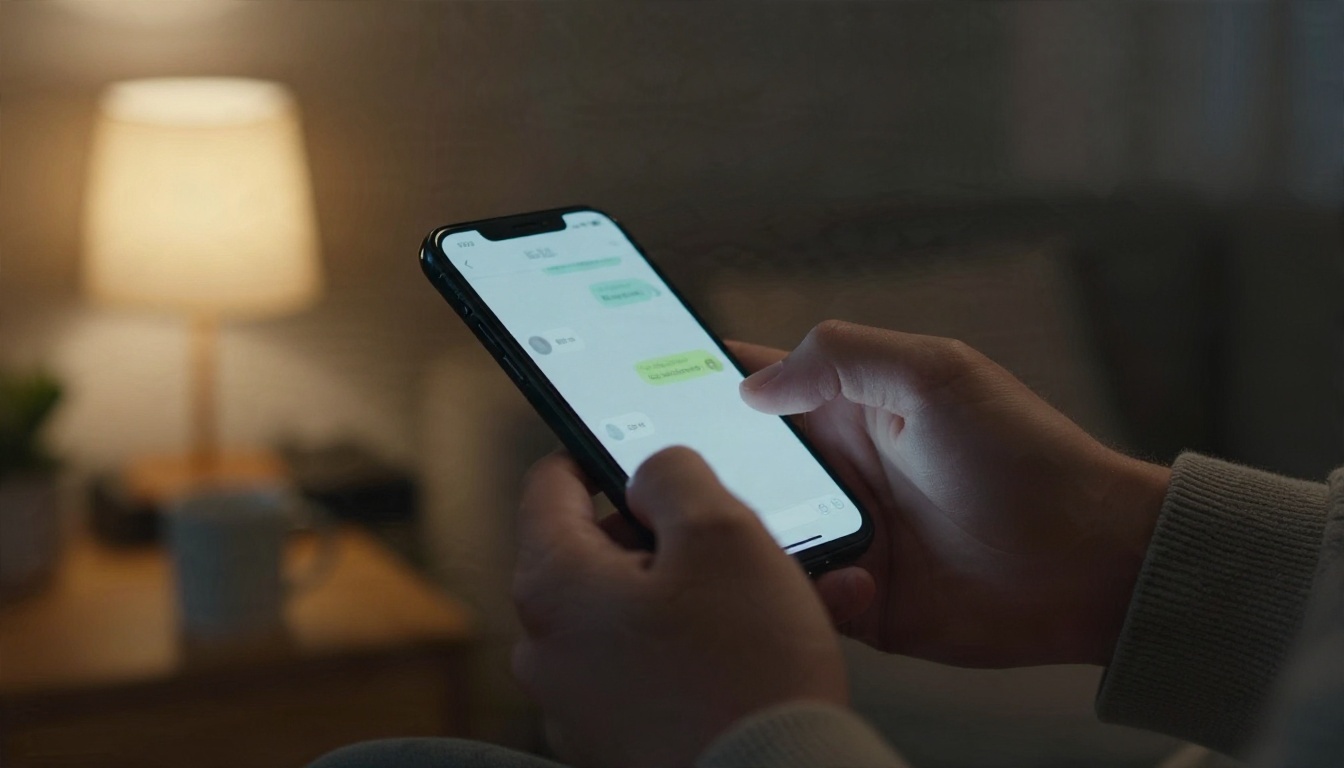
This is the limit people think about least and should think about most. You are sharing fantasies, feelings, photos and sometimes real names with a company you probably know nothing about. Several writeups of the companion app category have raised concerns about weak security practices, including claims about exposed credentials in some apps. I could not confirm those claims independently, so treat them as a reason to be careful, not as proof against any specific app.
Sensible habits:
- Use a throwaway email and never your main address.
- Skip your real name, employer, address and any photos of your face.
- Read what happens to chat logs. Are they used to train models? Can you delete them?
- Avoid linking social accounts or contacts.
- Pay with a virtual card if you subscribe, so cancellation is under your control.
Emotional dependence
An AI companion that is always available, always agreeable and never tired can feel wonderful, and it can also crowd out real contact. There is nothing wrong with enjoying it as entertainment or as a low-pressure place to practice conversation. Just keep an eye on your own patterns: if you are skipping friends, sleep or work to keep chatting, that is your cue to scale back.
Age and consent rules
Every legitimate platform requires adult users, and so should you when making images. Never create or request content depicting minors, and never generate sexual or deceptive images of real people. Those are lines that responsible tools hold, and they hold them for good reasons.
Make Your Own Pictures Instead
If the main thing you want from a no filter AI girlfriend is attractive, realistic pictures without a daily credit counter, there is a simpler route: generate them yourself with an image model, then pair them with whichever chat app you prefer. You control the character description, you keep the files, and you are not tied to one app's pricing.

Start with Seedream 4.5
For realistic glamour and lifestyle portraits, Seedream 4.5 is the first model to try. It handles skin texture, fabric, lighting and hands well, and it produces sharp 4K-class output from a text description. For adult glamour (swimwear, lingerie-style fashion, boudoir lighting), it is a strong fit, and you can keep the results tasteful and non-explicit while still getting that polished, attractive look.
How to get good results:
- Describe the person once, in detail. Age (adult), hair, eyes, skin, build, style. Save that paragraph.
- Add a scene. Location, time of day, outfit and mood.
- Name the light. "Golden hour from the left" or "soft window light" is far more useful than "nice lighting."
- Name the camera. Phrases like "85mm lens, shallow depth of field, natural film grain" push the output toward real photography instead of a plastic AI look.
- Reuse the character paragraph in every prompt to keep a consistent face and styling.
💡 Prompt shape that works: [Character paragraph] + [pose and action] + [setting] + [light direction] + [lens and film look]. Keep it to two or three sentences. Longer prompts often add contradictions.
Refine with Image Editor Pro
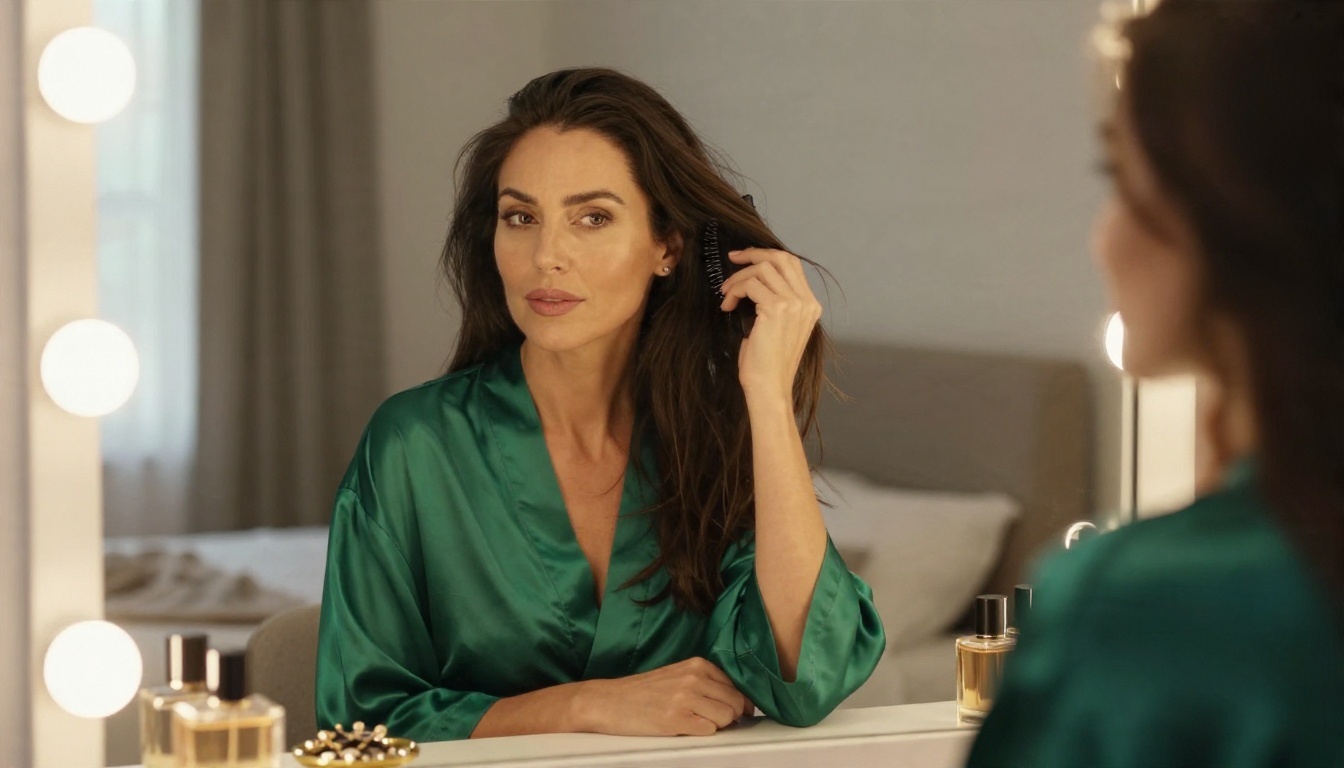
Once you have a picture you like, PicassoIA Image Editor Pro is where you fix and adjust. It offers unlimited generations, which matters when you are iterating: changing an outfit, a background, a hairstyle or a lighting mood without watching a credit counter. This is the biggest practical difference from companion apps that charge per image. You can try ten versions of the same scene and keep the one that looks right.
Good edits to try:
- Swap the background from a bedroom to a beach or a city street.
- Change the outfit color while keeping the face the same.
- Adjust lighting from harsh midday to a warm sunset glow.
- Fix small flaws like a stray artifact on a hand or jewelry.
Other models worth trying
Different models have different strengths, so a small rotation helps:
A practical routine: draft quickly with Z Image Turbo, pick the best composition, then rebuild it in Seedream 4.5 for the final polish, and use Image Editor Pro for the last tweaks.
Build a Better Chat Companion
Pictures are half of it. The conversation matters too, and you do not have to accept a short memory or a locked personality. Mainstream language models have their own safety rules, so they are not "no filter" in the way companion apps advertise, but they are excellent for the supporting work: writing a rich character profile, drafting backstory, and keeping a running memory sheet.

Write the persona
A model like Gemini 3.5 Flash or GPT 5.6 Luna can turn a vague idea into a detailed character sheet: speech habits, favorite foods, a hometown, quirks, a running joke. For longer, more careful writing, Claude Sonnet 5 is a good choice. Ask for a one-page profile, then paste it at the top of any new chat so a forgetful app has something to work from.
Keep memory notes
Every few sessions, ask a model to summarize the important facts from your chat into ten short bullet points. Paste that summary at the start of the next session. It costs you thirty seconds and fixes the memory reset problem on any free tier. The same profile doubles as the character paragraph for your image prompts, so your text companion and your pictures stay consistent.
A Quick Checklist Before You Pay
Subscriptions are where most people regret their choices. Run through these questions first:
- Did you test the free tier for at least three days? If you hit the wall every night, you know what paying means.
- Is the price per month clear, and is cancellation one click?
- Does the app say what it does with your chats and images?
- Can you export or delete your data?
- Do the pictures look good without a paywall teaser? If not, you can make better ones yourself.
- Would you still want it if the price doubled? Free tiers shrink, and prices tend to rise.
Many people end up in a hybrid setup: a free or cheap chat app for conversation, plus their own image workflow for pictures. It costs less, it gives you more control, and it keeps the best part (the pictures) out of anyone else's paywall.
Try It Yourself
You do not need a subscription to find out whether realistic AI portraits suit you. Open Seedream 4.5 on Picasso IA, write a three-sentence character description, add a location and a light direction, and generate your first picture. Then take it into PicassoIA Image Editor Pro and change the outfit, the background or the mood a few times. Because generations are unlimited there, experimenting costs you nothing but time.
If you want to see what else is available, from fast drafts to detailed 4K models, browse the full catalog at picassoia.com/en/all-models and pick the one that fits your style. Keep it adult, keep it consensual, and keep your own character sheet. Then your companion, and your pictures, are yours to shape.


