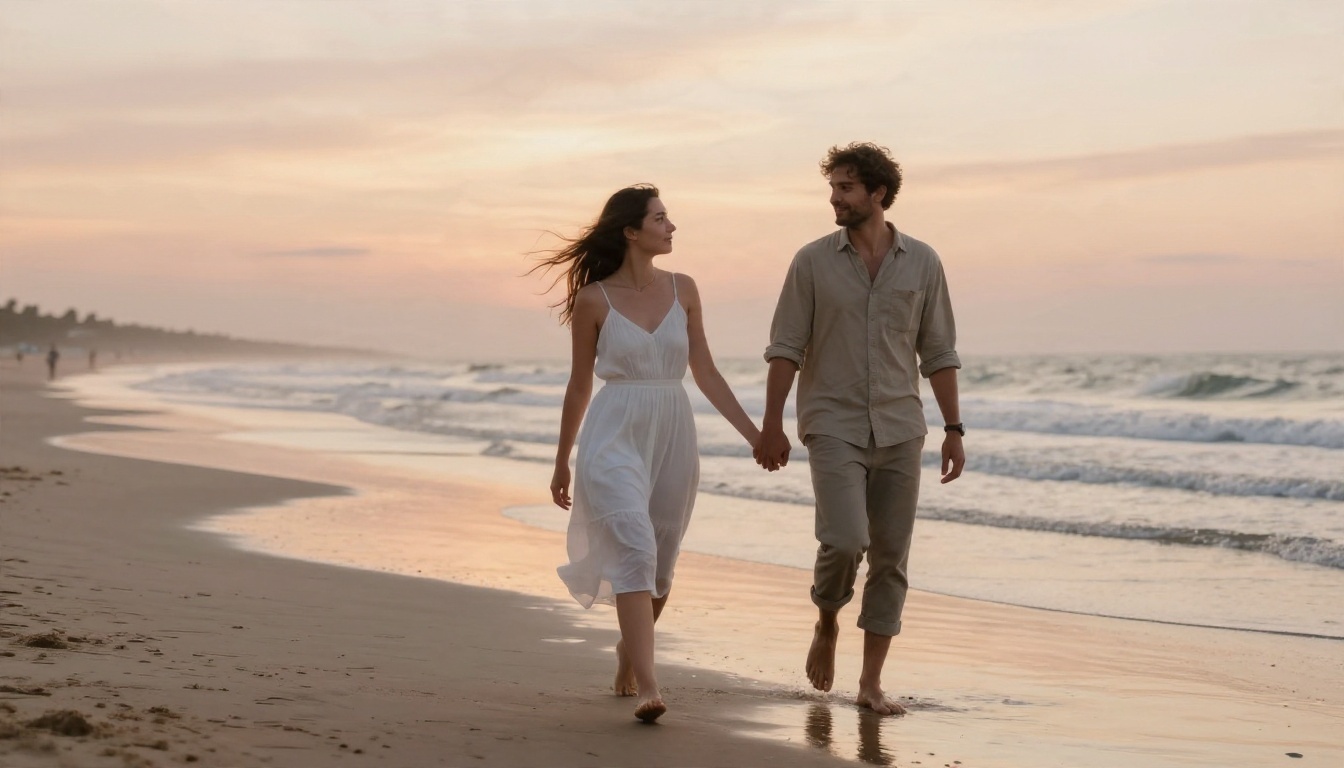
You open your camera roll and every photo is a solo shot: you at a desk, you at a cafe, you at the beach, always alone. So you type "AI girlfriend photo with me" into a search bar and hope for the best. Most results are either locked behind a subscription or look like a wax figure standing next to a stranger. This article fixes that. You will see which free makers produce believable couple pictures, how to pick a reference photo that keeps your face looking like your face, and which prompts you can paste, tweak and reuse. Everything here is built around one goal: a photo that looks like a real afternoon, not a filter.
What an AI Girlfriend Photo Means
Two Things People Search For
When someone looks for an "AI girlfriend photo with me", they usually want one of two things. The first is a fictional partner generated from a text description, placed next to a real photo of yourself. The second is a styled portrait of a virtual companion that matches a character they already use in a chat app. Both come down to the same skill: describing a person, a place and a light source clearly enough that the model has nothing to guess.
If you want the first option, a reference photo of yourself matters a lot. If you want the second, your prompt carries almost all the weight. The sections below cover both.
Why Realism Matters
A photo that looks fake breaks the illusion in half a second. The giveaways are always the same: plastic skin, mismatched lighting between two people, hands with the wrong number of fingers and eyes that stare past the lens. The best current models handle all of these when you feed them concrete photographic language instead of vague mood words.
💡 Tip: Write prompts like a photographer's shot note. Lens, light direction, time of day and location beat words like "beautiful" or "perfect" every time.
Free Maker Options That Work
You do not need five separate apps. A handful of models on PicassoIA handle text to image, reference based editing and fast tweaks. Here is how they compare for couple photos.
Seedream 4.5 for Realistic Couples
Seedream 4.5 is the first model to try. It renders skin with visible pores, handles two people in the same frame without blending their faces, and respects lighting instructions such as "golden hour backlight from the left". It also accepts a reference image, so you can upload your selfie and ask it to place you in a new scene next to a described partner.
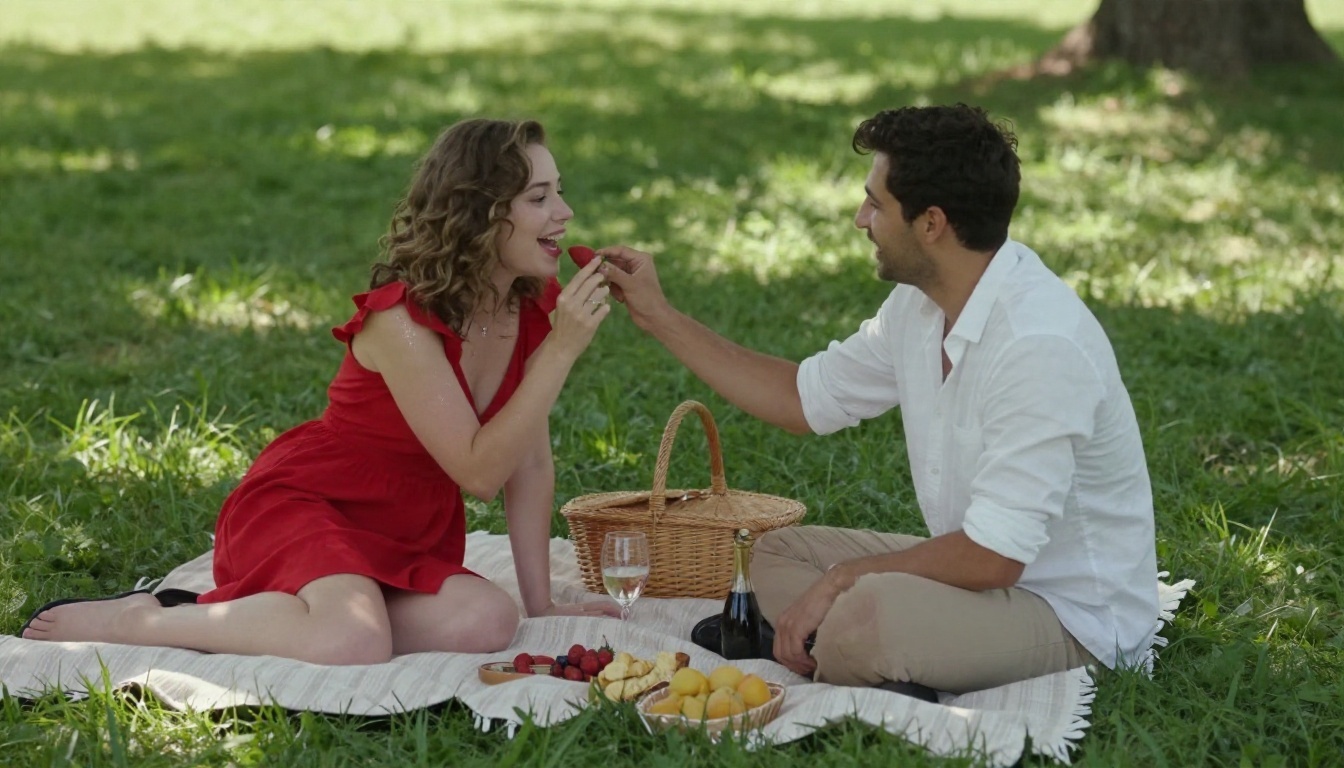
It is also a flexible choice for glamour and romantic themes, as long as you keep the content tasteful. Think beach sunsets, summer dresses, evening wear and candid affection rather than anything explicit.
Image Editor Pro for Unlimited Edits
PicassoIA Image Editor Pro is the one to keep open in a second tab. Its main value is unlimited generations, which matters because couple photos rarely land on the first try. You change the outfit, nudge the light, swap the background, and run it again without counting credits.
Use it for the polishing stage: fix a stray expression, brighten a face that landed too dark, or turn a daytime shot into a dusk version.
Nano Banana Pro for Face Consistency
When your goal is the same face across five or six different scenes, Nano Banana Pro is a strong pick. Upload your reference photo, describe the new scene and tell it to keep the identity unchanged. For lighter edits, the standard Nano Banana is quicker.
Reference Photo Tips That Work
The reference photo decides how much the final image looks like you. A weak one gives you a stranger with your hair color. A strong one gives you a believable result in two or three tries.
Pick the Right Selfie
Choose a photo that meets these conditions:
- Face fills a good part of the frame, shoulders included.
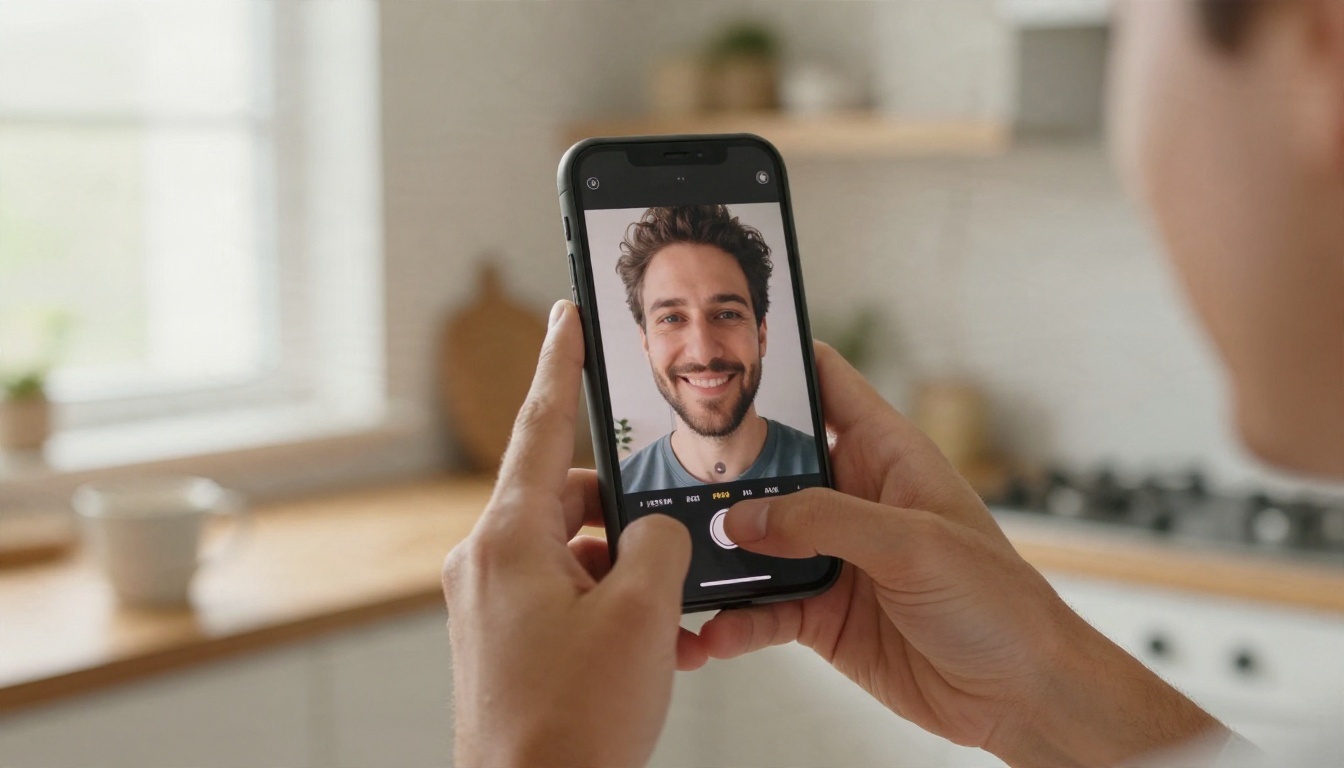
- Even daylight, ideally from a window, with no harsh shadow across one cheek.
- Neutral or soft smile, so the model can adapt the expression to the scene.
- No sunglasses, no hat brim over the eyes, no heavy filters.
- Sharp focus on the eyes, not on the background.
- One person only. Cropping a group photo leaves edges that confuse the model.
A plain phone selfie taken near a window at mid morning beats a stylish but dark nightclub shot nearly every time.
Lighting and Angle Rules
Match the light in your reference to the light in the scene you want. If your selfie has soft frontal light and your prompt asks for hard sunset backlight, the model has to invent how your face looks in that light and often drifts. Pick a reference with neutral lighting and let the prompt add the drama.
Angle matters too. A front or slight three quarter view gives the most reliable likeness. Extreme high angle selfies stretch the forehead and shrink the chin, and the model will copy those proportions into every image.
What to Avoid
⚠️ Common mistake: Uploading a heavily retouched selfie. Beauty filters smooth out the exact details that the model uses to hold your identity, so the result looks generic.
Avoid low resolution screenshots, photos taken through glass and pictures with strong color casts. If your only reference is blurry, run it through a super resolution tool first.
Prompts You Can Copy
A good couple prompt has five parts: who, what they are doing, where, what the light is doing and which camera look. Paste the templates below and swap the details. Add "photorealistic, natural skin texture, film grain" at the end of any of them.
The Rooftop Golden Hour Template
A young woman with long wavy chestnut hair leaning her head on my shoulder on a rooftop terrace, both laughing, golden hour backlight from the left, warm blurred city skyline behind, cream linen sundress, 85mm f/1.8 lens, shallow depth of field, Kodak Portra 400 look.
This is the style used for the cover image of this article. The recipe works because it sets a clear emotional beat (laughing), a clear light direction and a lens that blurs the background.
The Rainy Cafe Template
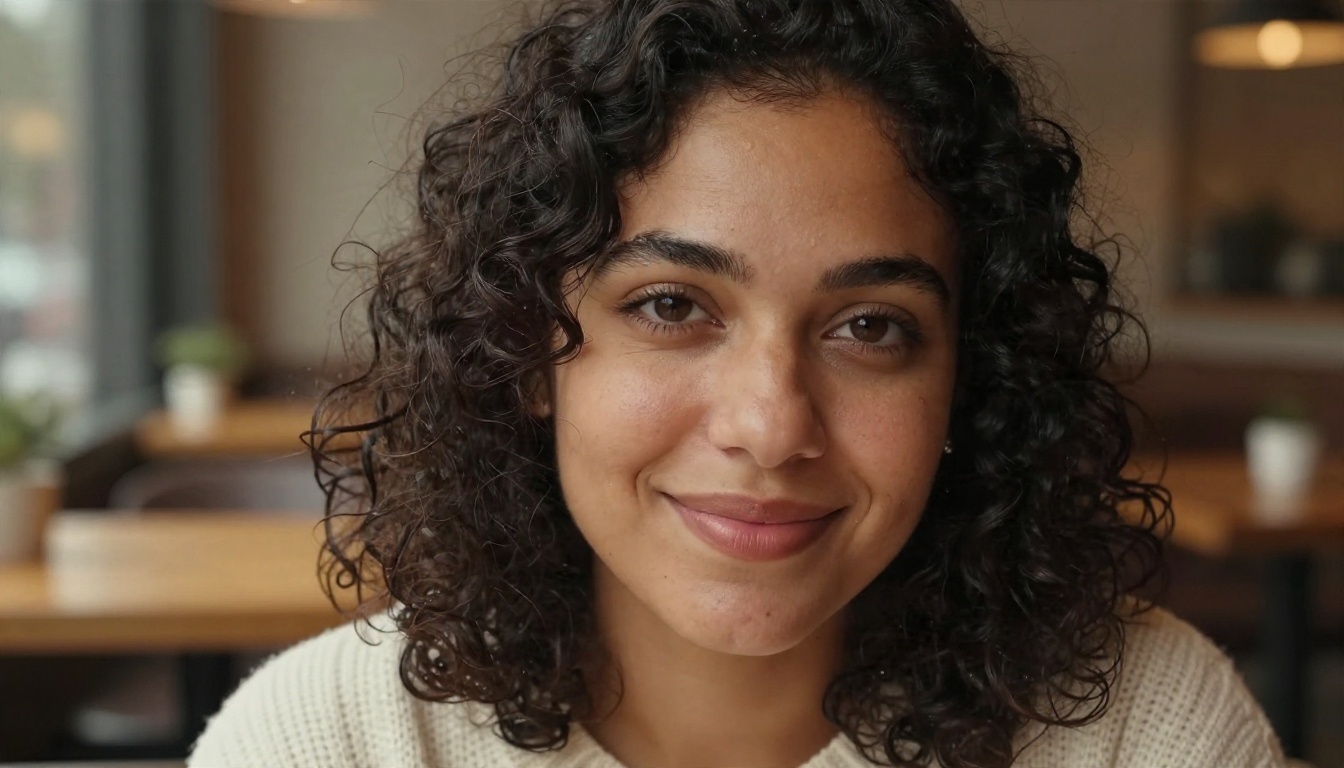
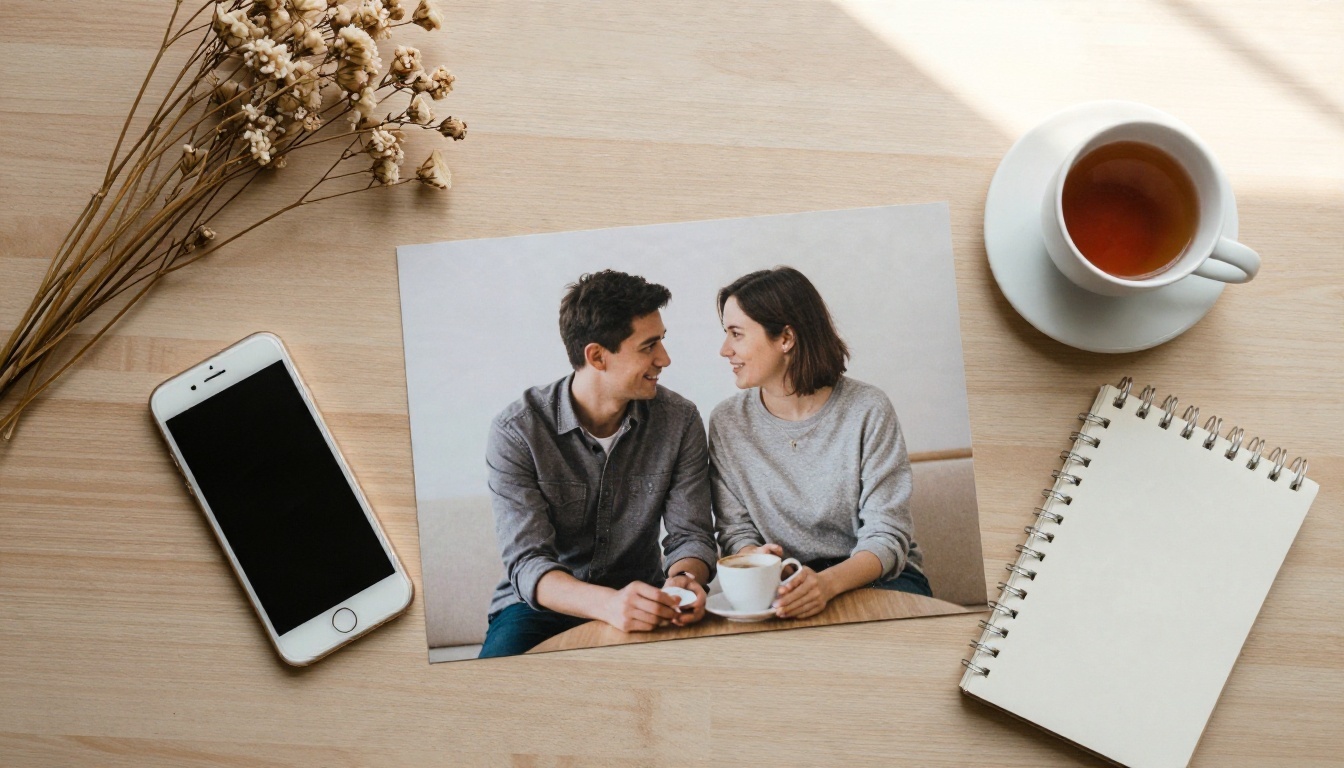
A woman with dark curly hair sitting across from me at a wooden cafe table, soft window light from the right on a rainy afternoon, two cups of coffee between us, she smiles at the camera, 50mm f/1.4 lens, cozy muted tones.
The Night Market Template
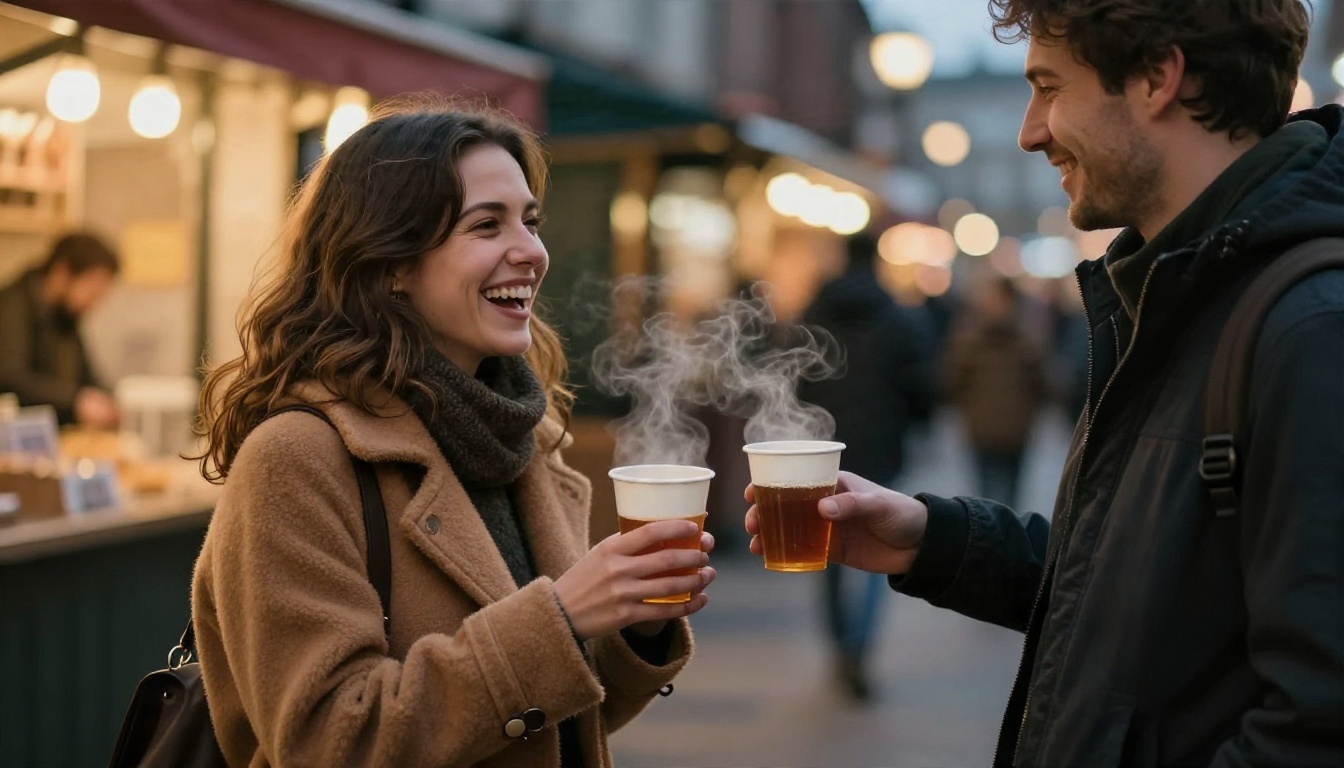
A couple at an autumn night market, she wears a camel wool coat and laughs as I hand her a paper cup of hot cider, warm tungsten stall lights behind us, steam rising from the cup, 50mm f/1.4 lens, candid, film grain.
The Evening Balcony Template
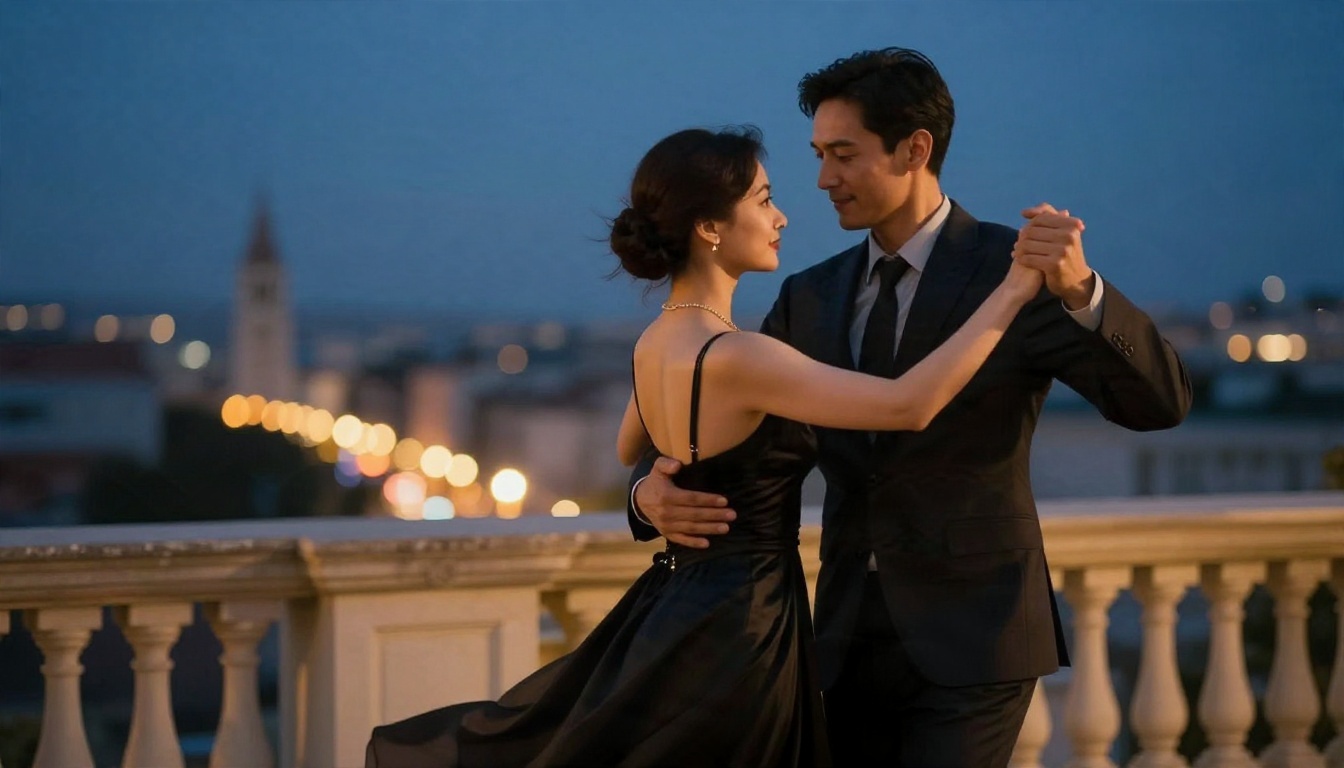
A woman in an elegant black evening dress dancing slowly with me on a balcony at dusk, city lights softly blurred behind, warm lamp light from the left, shot from the side, 50mm f/1.8 lens, elegant and romantic.
Words That Improve Realism
| Add this | Why it helps |
|---|
| "visible skin pores, light freckles" | Stops the smooth plastic look |
| "candid, mid laugh" | Replaces stiff posed smiles |
| "85mm f/1.8, shallow depth of field" | Gives a natural portrait blur |
| "window light from the left" | Locks one clear light source |
| "Kodak Portra 400, fine film grain" | Adds warm, believable color |
| "hands resting naturally" | Reduces finger errors |
Words That Hurt Realism
Skip "perfect", "flawless", "ultra HD masterpiece" and long stacks of quality tags. They push the model toward a glossy, overprocessed look. Short, concrete descriptions win.
How to Use Seedream 4.5 on PicassoIA
Here is the simplest workflow to get a believable photo of you and a fictional partner.
- Open the model page. Go to Seedream 4.5 on PicassoIA.
- Upload your reference photo. Use the selfie that meets the checklist above: even light, sharp eyes, neutral expression.
- Write the scene prompt. Start with the partner, then the action, the place, the light and the lens. Use one of the templates from the previous section.
- Tell it to keep your identity. Add a line such as "keep my face, hair and skin tone exactly as in the reference photo".
- Pick a wide ratio. 16:9 suits scenic couple photos. Use 4:5 or 3:4 if you plan to post on a portrait feed.
- Generate and compare. Create at least four versions. Check eyes, hands and how the two faces sit in the same light.
- Polish in the editor. Open the best one in PicassoIA Image Editor Pro and fix details such as expression, brightness or background.
Parameter Tips
- Prompt length: 40 to 80 words works best. Longer prompts tend to ignore their last sentences.
- One scene per image. Do not ask for a beach, a cafe and a rooftop in the same generation.
- Seeds: When you like a result, keep the seed and change only one detail at a time.
- Resolution: Generate at the highest setting for faces, since small faces lose likeness fast.
Fix Common Problems
Face Drift Between Images
If your face looks slightly different in each image, the reference is the usual culprit. Use a sharper selfie, repeat the identity instruction in every prompt and avoid extreme lighting that the model has to reinvent. When one image is almost right, do not regenerate from scratch. Send it to Nano Banana Pro or P Image Edit and ask for a single small change.
Hands and Proportions
Hands are still the weakest spot in every image model. Reduce the risk with a few habits:
- Describe hands doing something simple, such as holding a cup or resting on a shoulder.
- Avoid interlaced fingers and complicated poses.
- Place hands partly out of frame when a scene allows it.
- Fix leftovers with a targeted edit, not a full regeneration.
Mismatched Lighting
When you and your partner look like they were photographed in different rooms, the light direction is unclear. Name exactly one source ("window light from the right") and repeat it for the background. For a changed scene, Generate Background can help swap a messy backdrop while keeping the subjects.
Hair and Styling Experiments
Want to test how a different cut looks on your reference before building a scene? Change Haircut lets you try styles on a single photo.
Privacy and Consent Rules
A believable AI photo is only fun if it stays respectful. Follow these ground rules.
- Only use your own face as the reference. Never upload someone else's photo to create a "couple" image without their clear permission.
- Do not imitate real people, including celebrities, coworkers or exes.
- Do not present AI photos as real events to deceive friends, family or dating contacts. A picture is fine for a private mood board, a creative project or a fictional story. It is not fine when used to mislead.
- Keep content tasteful. Romantic, stylish and glamorous is the goal. Explicit content is not.
- Store reference photos carefully and remove them from shared folders once you have finished.
💡 Tip: If a photo is for social media, a short caption such as "AI generated scene" keeps things honest and avoids awkward questions later.
Make Your Own Photos Today
The route from "I have no couple photos" to a believable set of images is short. Take one clean selfie near a window. Write a prompt like a photographer: person, action, place, light, lens. Run it in Seedream 4.5, then polish the best result in PicassoIA Image Editor Pro, where generations are unlimited and fast. If you need to hold your face steady across several scenes, bring in Nano Banana Pro.
Start with one template from this article, change a single detail, and compare the results. After three or four rounds you will know exactly which light, lens and setting suit your face. Open Picasso IA now, upload your reference photo and generate your first scene. When you want to try more engines, browse the full list at picassoia.com/en/all-models.