An AI girlfriend with pictures is no longer a chatbot that only types back. The better ones remember your name, text you good morning, and send a photo of "herself" on a beach, in a café, or curled up on a sofa. The catch is that most of those pictures sit behind a paywall, and the free versions are often more limited than the ads suggest.
This article lays out what is actually free, how the popular apps differ, what real example chats look like, and how to build your own companion with a language model and an image model when you want full control. No hype, just the practical details.

What an AI Girlfriend With Pictures Is
Think of it as two systems stitched together: a chat model that plays a character, and an image model that draws that character on request. When the two work well, the conversation feels continuous. She mentions the rooftop dinner, and a few messages later the "photo" shows her on a rooftop.
Text chat plus image generation
The text side is a large language model given a persona: age, personality, hobbies, how she talks, what she remembers about you. The image side is a text-to-image model that receives a short description, usually written by the chat model itself, and returns a picture.
Apps hide this plumbing behind a single chat window. You type "send me a selfie," the app builds an image prompt from the character sheet and the current scene, and the picture appears as a chat bubble.
Two ways photos get made
| Method | How it works | Typical result |
|---|
| Preset gallery | The app picks from pre-made photos of the character | Fast, consistent, but repetitive |
| Live generation | An image model draws a new photo from the chat context | Unique pictures, but quality and consistency vary |
Live generation is what most people mean by "AI girlfriend with pictures," and it is also what costs money, because every image uses real GPU time.
💡 Quick test: ask for the same outfit twice in a row. If the face, hair, and clothes stay consistent, the app handles character memory well. If she looks like a different person each time, expect frustration.
Free Options That Actually Work
Free is the most searched word around this topic, and also the most misleading. Plans change often, so check each app's current pricing page before you commit, but the patterns below show up again and again.

What free tiers usually give
Most free plans let you chat with a limited number of messages per day or per trial. Photo features are the first thing to be locked. Review sites disagree on the details, which tells you the offers shift often. Some apps give a handful of free images when you sign up, others give none at all and sell credits instead.
Companion apps such as Replika and Nomi have long offered free text chat with paid upgrades for extra features. Platforms such as Candy.ai, DreamGF, and FantasyGF lean harder on image generation and tend to reserve most pictures for paying users. CrushOn AI and Character.AI are closer to character chat sites, where text is the main product.
Credits, caps, and watermarks
Watch for these three limits:
- Daily message caps: the chat stops after a fixed number of messages until tomorrow.
- Image credits: each picture costs tokens, and free users receive a tiny starter pack.
- Blurred or locked photos: the image is generated but hidden until you pay.
Free trial traps
A "free trial" that asks for a card and renews at a monthly rate is not free. Set a calendar reminder the day you sign up, and use a payment method you can cancel easily. If an app will not show its price before sign-up, treat that as a warning sign.
💡 Reality check: a genuinely free, unlimited, high-quality picture feature inside a chat app is rare. The most generous free route is usually building your own pipeline, which this article covers below.
Apps Compared Side by Side
The table below summarizes how the popular names are generally positioned. Treat it as a starting point, because features and prices move quickly.
| App | Main strength | Pictures | Free access |
|---|
| Candy.ai | Photoreal image generation | Core feature, mostly paid | Very limited trial |
| DreamGF | Character creation studio | Strong, token based | Reviews conflict |
| FantasyGF | Fantasy characters | Premium feature | Basic chat |
| Replika | Long-term companionship | Avatar based, selfies in some plans | Free text chat |
| Nomi | Memory and personality | Limited image options | Free text chat |
| CrushOn AI | Roleplay variety | Credits for images | Free tier exists |
| Character.AI | Huge character library | Mostly text focused | Free chat |
Companion apps
Companion apps build one long relationship. They remember your birthday, your job, and the story of your week. Their pictures, when they exist, are secondary to the conversation. If you want emotional continuity more than glamour shots, this category fits.
Character-based chat sites
These sites give you thousands of characters made by other users. They are excellent for variety and roleplay, but photos are rarely their strength, and you cannot always keep one character's look consistent across many images.
Example Chats With Photo Requests
Here is what a good photo-enabled conversation looks like. These examples are written to show how the pattern works, not copied from any one app.
A casual morning chat
You: Morning. Did you sleep okay?
Her: Barely. I stayed up reading and now my coffee is doing all the work. How about you?
You: Long day ahead. Send me something to smile about.
Her: Here, I just made a mess of the kitchen trying to be fancy. (sends a photo of a sunlit kitchen counter with a mug and a half-eaten croissant)
The photo works because it matches the conversation. A good system reads the last few messages and writes the image prompt from that context.
Asking for a photo the right way
Vague requests give vague pictures. Specific requests, written like a short scene, give much better results.
| Weak request | Strong request |
|---|
| "Send a pic" | "Send a photo from your walk, golden light, you in the white dress" |
| "Show me you" | "Show me you at the café window with your laptop" |
| "Something pretty" | "A portrait on your balcony at sunset, hair down, relaxed smile" |
Keeping the character consistent
Consistency comes from a short, fixed character sheet that gets sent with every image request. A good one fits in a few lines:
- Look: auburn curls, green eyes, light freckles, mid twenties
- Style: linen shirts, vintage denim, simple gold jewelry
- Mood: warm, teasing, a little shy at first
If your app lets you edit the character sheet, put these details there. If it does not, repeat them in your own photo requests.
Why the Pictures Look Real (or Not)
Photo quality depends almost entirely on the image model and the prompt, not on the chat app's branding. Many apps use mid-tier models to keep costs down, which is why faces can look waxy or hands look off.

Prompts that give photographic results
Photoreal output comes from describing a real photograph, not an idea. Include the lens, the light direction, and one or two texture details. A prompt like "adult woman in a white linen dress on a quiet beach, golden hour backlight, 70mm lens, natural skin texture, soft film grain" will beat "pretty girl on a beach" every time.
The same logic applies to any scene: say where the light comes from, mention the lens feel, and describe small real-world details such as wet sand, windblown hair, or fabric folds.
Tasteful glamour without going explicit
Swimwear, evening dresses, and glamour poses are popular with this audience, and image models handle them well when the prompt stays focused on fashion and atmosphere. Keep the camera angle flattering, the light soft, and the pose relaxed.
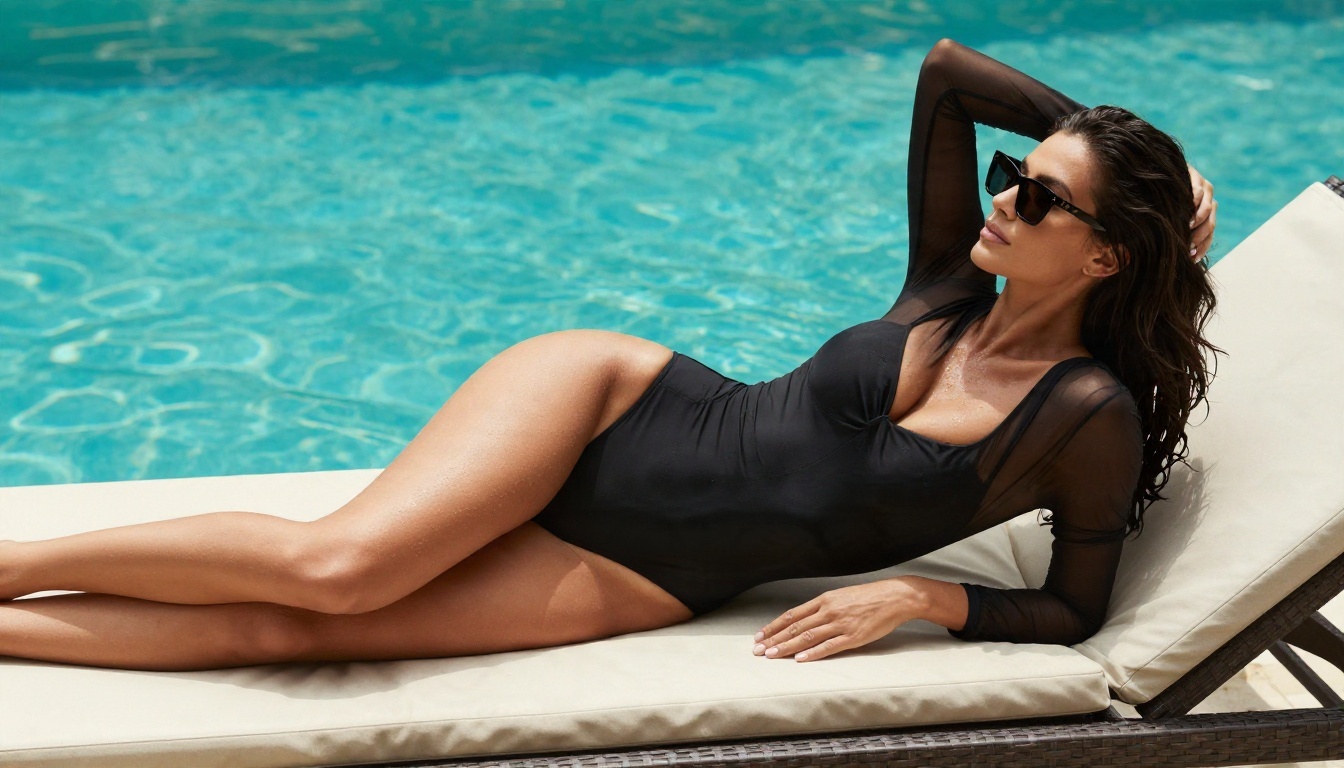
Models with fewer content restrictions give more freedom here, which matters if you want suggestive but tasteful portraits. Seedream 4.5 is a strong starting point for sharp, realistic people, and PicassoIA Image Editor Pro offers unlimited generations, so you can iterate without watching a credit counter.
Build Your Own Companion
If paid apps feel limited, the do-it-yourself route gives you the character, the look, and the privacy on your own terms. It takes three steps.
Step 1: Write the persona with an LLM
Start with a chat model to draft the character. Ask for a one-paragraph personality, a speaking style, five backstory facts, and a fixed appearance description of about 40 words. Good options on PicassoIA include GPT 5.6 Luna for fast replies, Claude Sonnet 5 for natural conversational tone, Gemini 3.5 Flash for speed, and DeepSeek V3.1 as another capable chat option.
A prompt that works well:
"Write a character sheet for a friendly, witty woman in her mid twenties who works as a florist. Include her speaking style, three hobbies, and a 40 word physical description I can reuse in image prompts."
Step 2: Generate her pictures
Paste the physical description into an image model and add the scene. Here is a reusable template:
- Subject: your 40 word appearance description
- Scene: where she is and what she is doing
- Light: direction and time of day
- Camera: lens and distance
- Texture: skin, fabric, and surface details
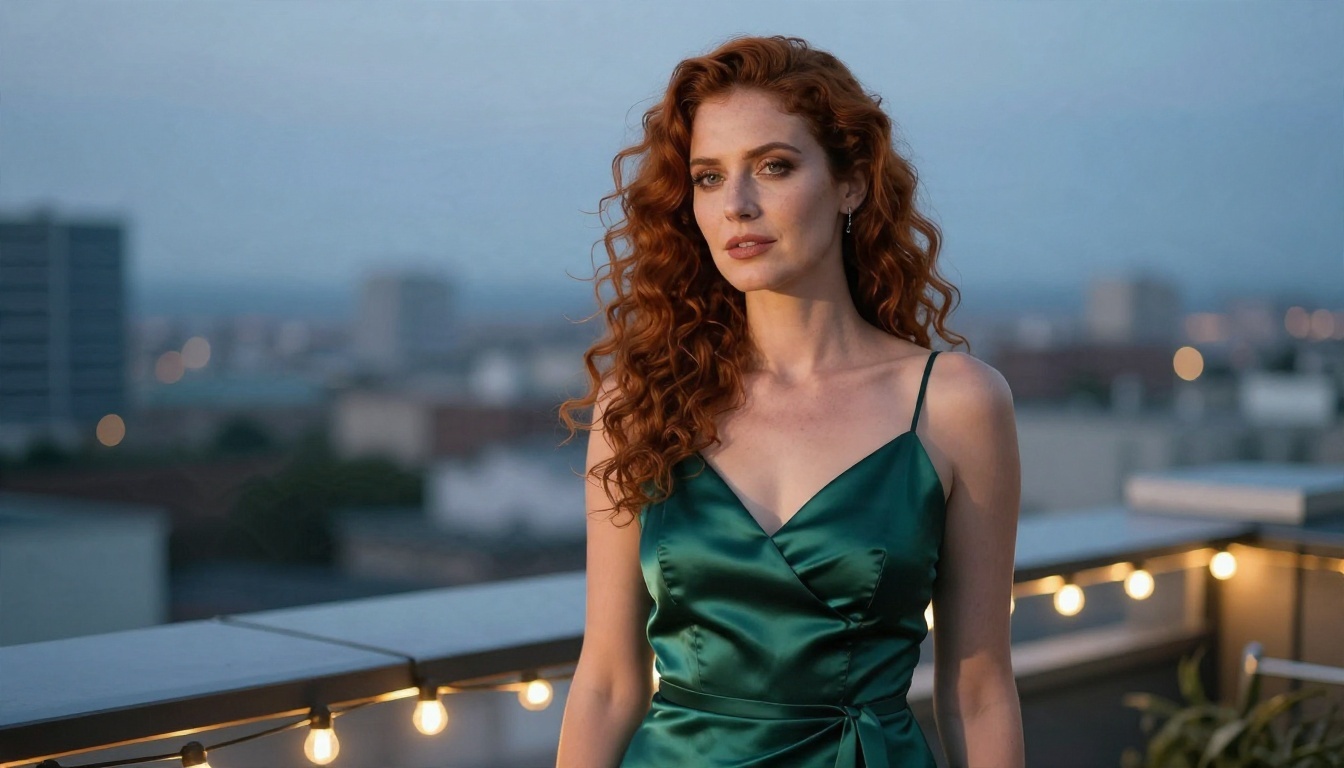
Run the first image on Seedream 4.5, then try the same prompt on Qwen Image 3 Pro or Nano Banana Pro to compare faces and skin tone. For stylized looks, Flux 2 Klein 9B Base LoRA is worth testing. If you want her face to stay identical across dozens of images, P Image Trainer lets you train a custom LoRA from your best results.
Step 3: Refine in Image Editor Pro
No first render is perfect. Open the best one in PicassoIA Image Editor Pro and ask for specific changes: a different outfit, softer lighting, a new background, or a corrected hand. Because generations are unlimited, you can run ten small edits instead of accepting a compromise.
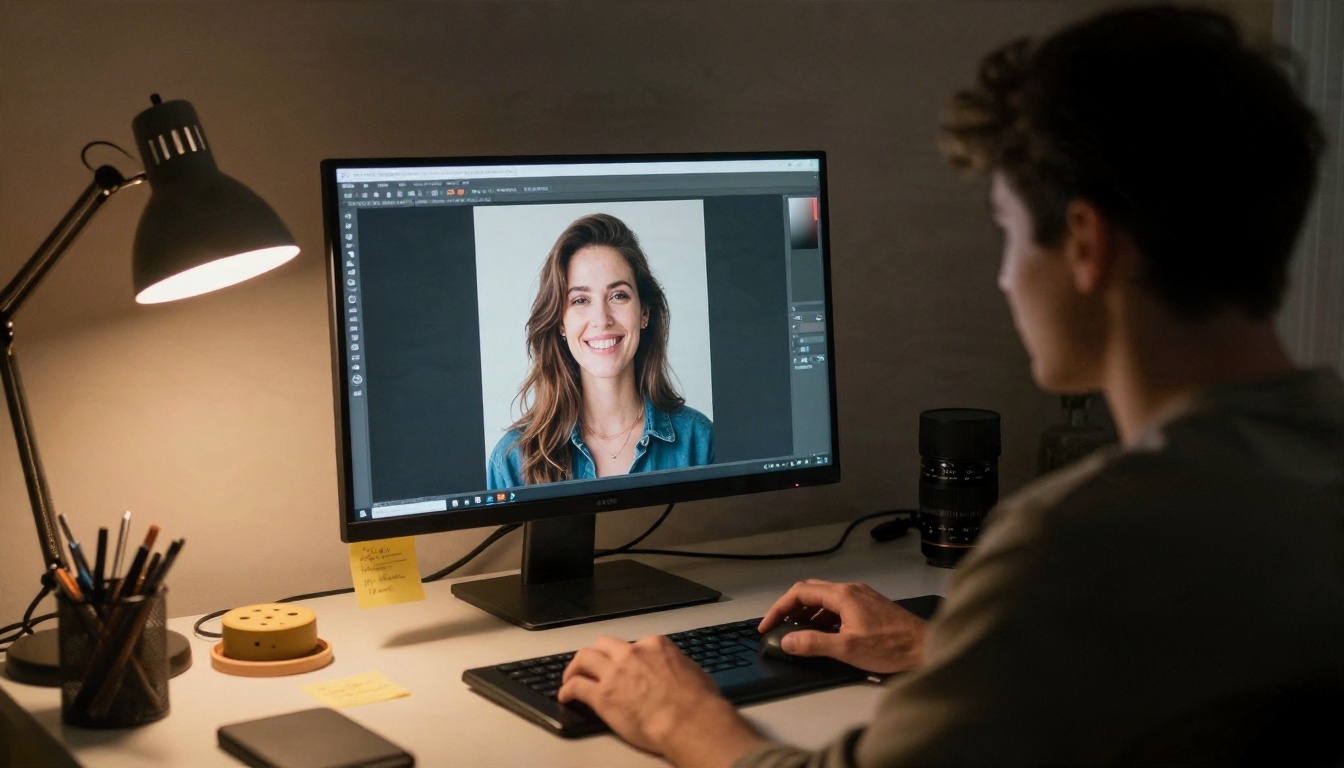
Here is a quick reference for the full workflow:
| Stage | Tool type | What to do |
|---|
| Persona | LLM | Write character sheet and speaking style |
| First image | Text-to-image | Use the fixed appearance paragraph |
| Variations | Text-to-image | Change scene, keep appearance text |
| Polish | Image editor | Fix hands, outfit, light, background |
| Consistency | LoRA training | Lock the face across many images |
💡 Tip: keep a text file with your best prompts. Reusing the same appearance paragraph is the single biggest factor in keeping a character recognisable.
Privacy and Limits to Respect
An AI companion can be fun and comforting, but it helps to go in with clear boundaries.
- Your chats are data. Companion apps store messages. Read the privacy policy, avoid sharing real addresses, financial details, or anything you would not want leaked.
- Never use real people's faces. Do not generate pictures that imitate a real person without their consent. Invent your own character.
- Keep it adult and consensual. Characters must be clearly adult, and the content should stay tasteful. Anything involving minors or real individuals is off limits.
- Watch your spending. Subscription plus token packs can climb quickly. Set a monthly limit before you start.
- Stay connected to people. An AI companion can be a pleasant addition to life, not a replacement for friends and family. If chatting begins to crowd out real relationships or sleep, take a break.
💡 Rule of thumb: treat an AI girlfriend like a good novel or a game. Enjoy it, set a budget, and keep one foot in the real world.
Make Your First Pictures Today
The fastest way to see what is possible is to build one character and generate a handful of photos. Write a short persona with an LLM, paste her appearance into Seedream 4.5, and polish the best result in PicassoIA Image Editor Pro, where unlimited generations mean you can keep experimenting until the picture feels right.
Try a beach scene, a café window, a rooftop at dusk, and a cozy evening sofa. Compare how each model handles skin, light, and fabric, and keep the one that suits your taste. When you want to see every option side by side, browse the full catalog at picassoia.com/en/all-models and pick the model that fits your style.


