You download an AI girlfriend app, type a few messages, and it feels fine. Then you hear a voice say your name, and suddenly the whole thing feels different. That jump from text to speech is why searches for an AI girlfriend with voice keep climbing, and it is also where most apps put up a paywall. Free voice calls exist, but they are rare, limited, or hidden behind a trial.
This article sorts it out in plain terms. You will see what free plans really give you, how voice calls work under the hood, where the pictures come from, what the paid plans cost in late 2026, and how to build your own voice companion with tools that have no monthly lock-in.
💡 Quick answer: Free text chat is everywhere. Free voice calls are not. Character.AI is the main app with free live calls, while Replika, Nomi and Candy.ai put voice behind paid tiers. Prices range from about $10 to $20 a month.
What an AI Girlfriend With Voice Does
An AI girlfriend is a chatbot with a personality, a memory and, usually, a face. Voice adds a fourth layer: the character speaks back instead of only typing. How well that works depends on three separate systems running together, a language model that writes the reply, a text to speech engine that turns it into audio, and a speech to text engine that hears you.

Text Chat, Voice Notes, Live Calls
Not every "voice" feature is the same thing, and apps use the word loosely. There are three levels:
- Voice notes: the character sends short audio clips after you type. Cheap for the app to run, so it often appears on lower plans.
- Push to talk: you hold a button, speak, and wait a couple of seconds for a spoken reply.
- Live calls: you talk naturally, you can interrupt, and the reply starts almost at once. This is the expensive one, and it is the feature most paywalls protect.
Why Voice Feels Different
Text lets you imagine whatever tone you like. A voice removes that room. Pauses, laughter, a softer pitch on a late evening call: these small cues make a character feel present. That is the appeal, and it is also the reason to pick an app with care. A flat, robotic voice breaks the effect faster than bad writing does.
Free Options That Actually Work
Almost every app calls itself free. What matters is what the free tier lets you do after the first day.

What Free Plans Usually Include
Most free tiers give you unlimited or generous text chat with one character, a handful of daily messages with extra features, and a few generated images. Voice, long memory, and multiple characters tend to be locked.
| App | Free text chat | Free voice calls | Free pictures | Paid starts around |
|---|
| Character.AI | Yes | Yes, live calls | Limited | $9.99 a month |
| Replika | Yes, basic | Reported as paid only | Very limited | Around $19.99 monthly, about $70 yearly |
| Nomi | Limited daily messages | Paid only | A few per day | $15.99 monthly |
| Candy.ai | Trial credits | Paid only | Trial credits | Roughly $13 to $14 monthly |
💡 Reviews of these apps disagree with each other on exact prices and on what sits behind each tier, and plans change often. Check the app's own store listing before you pay.
Where Free Voice Calls Exist
Character.AI is the clearest case: its live character calls are open to free users, and its catalog of user-made characters is huge. The trade-off is that it is a general character platform, not a dedicated girlfriend app, so the relationship features, memory depth and romantic tone depend on which character you pick.
Replika has long been the best known name for emotional support style companionship. Voice there sits on the paid side according to most reviews, though some sources describe a free tier with basic text only. Treat any claim of "free calls" on a review site with suspicion, because many of those pages are affiliate driven.
The Catch With Free Tiers
Free plans are built to let you get attached, then ask you to pay. Watch for message caps that reset daily, characters that forget your name after a week, voice samples that last thirty seconds, and images that arrive blurred until you upgrade. None of this is shady on its own, but you should know it before you invest an evening building a relationship with a character.
Voice Calls: What to Expect
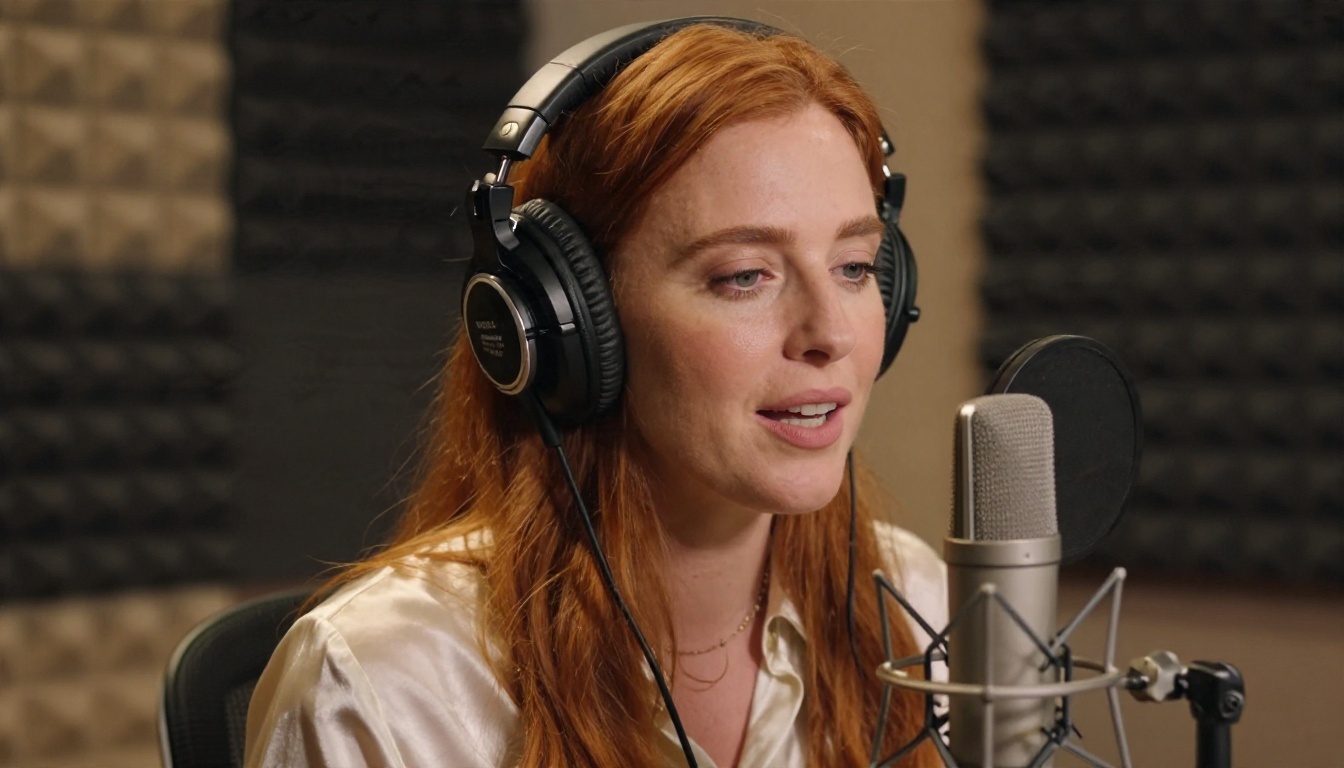
A good call needs three things: quick replies, a natural voice, and a character that stays in character. Apps differ more on the first two than you would expect.
Speed and Interruptions
Real conversation tolerates a gap of roughly a quarter of a second. Anything above a second feels like talking through a satellite link. Modern streaming voice engines now start speaking in well under 200 milliseconds, which is why newer apps feel so much smoother than the ones from two years ago. Look for an app that lets you interrupt mid sentence. If you have to wait for the voice to finish, it is a voice note system dressed up as a call.
Voice Quality and Accents
Voices fall into rough tiers. Basic engines sound clear but flat. Studio grade voices add breath, emphasis and emotion. A few apps let you choose pitch, accent and speaking pace, and some let you describe the voice in a sentence. If you speak another language, check that the voice is native to it, not an English voice reading translated text.

Calls on the Go
Many people use these apps while walking, driving or cooking. Check whether the app keeps the call alive with the screen locked, whether it handles background noise, and whether it drains your data. A call that drops every time you switch apps is not worth a subscription.
Pictures: Selfies, Looks and Limits
Pictures are the second paywall after voice. Inside an app, you usually get a fixed art style and a daily quota. Outside the app, you can generate as many as you like with an image model and keep the same character look.

In App Photos and Their Quirks
Built in selfies are quick, but they come with limits. The face can drift between pictures, the background is generic, and anything suggestive is filtered or locked behind credits. Some apps also keep your generated images on their servers, which matters if you care about privacy.
Make Your Own With Seedream 4.5
If you want full control over looks, Seedream 4.5 is the first model to try. It produces sharp, photographic portraits with natural skin, believable fabric and clean lighting, and it handles glamour, swimwear and boudoir style scenes without the heavy refusals you get from most app filters. Describe your character once, with hair, eyes, build and style, and reuse that block of text in every prompt so the face stays recognisable.

A prompt pattern that works:
- Start with the subject: age range, hair colour and length, eye colour, skin detail.
- Add the outfit and the pose, for example a casual selfie angle or a seated three quarter view.
- Describe the place and the light: golden hour, window light, lamp glow.
- Finish with camera language: lens length, depth of field, film grain.
Keep it suggestive and tasteful. Beautiful and attractive works better than explicit, and it produces cleaner results.
Edit and Refine With Image Editor Pro
Once you have a base picture, PicassoIA Image Editor Pro lets you change outfits, backgrounds and small details without starting from scratch. It offers unlimited generations, so you can iterate on a look ten or fifty times without watching a credit counter. That is the biggest practical difference from an app that charges per image.

Pricing Without the Surprises
Subscription prices look small until you add them up. A $15 plan is $180 a year, and many apps add paid credits for pictures on top.

Typical Plan Costs in 2026
| Plan type | Monthly | Yearly (per month) | What you usually get |
|---|
| Free | $0 | $0 | Text chat, small daily limits |
| Entry paid | $10 | About $6 to $8 | More messages, some voice, more images |
| Standard | $13 to $16 | About $6 to $8 | Voice calls, memory, several characters |
| Top tier | $20 and up | About $6 | Everything above plus priority speed |
Annual plans are often 50 percent cheaper per month than monthly billing, but they lock you in. If you are testing an app, start with one month.
Hidden Costs to Watch
- Credits: pictures or special voice features may cost extra even on a paid plan.
- Auto renewal: many apps renew at the full monthly price after an intro offer.
- Character slots: a second companion may need a higher plan.
- Price drift: the number on a review site may be months old.
Is Paying Worth It?
If you only want to chat now and then, a free plan with text is enough. If voice is the reason you are here, paying for one app for a month makes sense. If you care about pictures, a separate image tool is usually cheaper and better than in app credits.
Build Your Own Voice Companion
You do not need a subscription app to get a talking character. You can put the pieces together yourself, and each piece can be swapped when something better arrives.
Pick the Brain
The language model decides how your character thinks and writes. For warm, natural replies with a stable personality, try Claude Sonnet 5 or GPT 5.6 Luna, which is tuned for fast short replies. Gemini 3.5 Flash is another quick option for casual conversation. Write a short character sheet with name, age, speaking style, interests and how she addresses you, and paste it at the start of the chat.
Pick the Voice
Text to speech turns the reply into audio. Good picks:
Try the same sentence in three voices and keep the one that sounds like the person you pictured.
Give Her a Face That Talks
Pair your Seedream portrait with P Video Avatar to make a talking avatar clip from a still image and an audio file. For dubbing an existing clip, Lipsync Precision matches mouth movement to new audio.
Privacy and Safety Basics
Companion apps collect intimate conversations, and that data has value. Spend five minutes on this before you share anything personal.

Protect Your Data
- Use a separate email and avoid your real surname, address and workplace.
- Check whether voice recordings are stored, and whether you can delete them.
- Read how the app handles generated images and chat history.
- Never share bank details or passwords with a character, no matter how convincing it sounds.
Keep It Healthy
A companion can be comforting, but it should sit beside your real friendships, not replace them. Set a time limit if you notice you are skipping sleep or plans to keep chatting. If an app pushes guilt, urgency or constant paid upsells to keep a "relationship" going, that is a design choice made to earn money, not a sign of care.
Make Your Companion's Face Today
Talking to an AI girlfriend is easy to try and easy to overpay for. Start with a free text or call plan, decide whether voice matters to you, and then pick between a subscription and a build it yourself setup. If you want unlimited, flexible pictures, open Seedream 4.5 for a first portrait, then refine it in PicassoIA Image Editor Pro with no per image fees. Add a voice from the table above and you have a character that looks and sounds like yours.
Ready to try? Browse every image, voice and language model at picassoia.com/en/all-models, write your character sheet, and generate your first picture in a couple of minutes.


