AI Hairstyle Changer Prompt: Examples for Haircut and Color Changes
Copy and paste AI hairstyle changer prompts for bobs, bangs, pixie cuts, fades, copper reds, platinum blondes and balayage. See how to word each edit so your face stays the same and only the hair changes.
You have a photo, a vague idea that you might look good with a bob or copper hair, and an AI editor waiting for instructions. What you type next decides everything. Write "give me a new haircut" and you will get a random stranger's face wearing someone else's hair. Write a precise prompt and you get your own face, your own lighting, and a haircut that looks like it was cut yesterday.
This article is a bank of AI hairstyle changer prompts you can copy, adjust and reuse. You will find the formula behind every good prompt, ready made examples for haircuts and hair color, a step by step walkthrough on PicassoIA, and a list of mistakes that ruin otherwise good edits.
💡 Quick answer: A strong hairstyle prompt names the cut, the length, the color, the texture, and then tells the model to keep the face, skin tone, pose and background unchanged. That last sentence is what most people forget.
Why Prompt Wording Matters
Hair is one of the hardest things for an image model to edit. It touches the forehead, wraps around the ears, overlaps the neck and shoulders, and reacts to light in a way skin never does. A model that is told only "short hair" has dozens of ways to interpret the request, and it will often pick the one that changes more than you wanted.
Editing a Photo vs Generating One
There are two very different jobs hiding behind the phrase "hairstyle changer."
Editing mode: You upload your own photo and ask for a new cut or color. The model must preserve identity.
Generating mode: You describe a person from scratch with a specific hairstyle, useful for mood boards and reference pictures.
Editing prompts need preservation language. Generation prompts need description language. Mixing them up is the number one reason results look off.
What the Model Reads First
Most image editors weigh the beginning of a prompt more heavily than the end. Put the action first ("Change the hairstyle to..."), then the details, then the preservation rules. A prompt that opens with a long scene description often buries the one thing you actually wanted changed.
The Basic Prompt Formula
Every example in this article follows the same skeleton. Once you see it, you can write your own in under a minute.
The Five Building Blocks
Block
What it does
Example wording
Action
Tells the model this is an edit
"Change her hairstyle to..."
Cut and length
Defines the shape
"chin length blunt bob with a straight fringe"
Color and finish
Sets shade and shine
"glossy jet black, natural highlights"
Texture
Controls movement
"smooth, slightly wavy ends"
Preservation
Protects everything else
"Keep the face, skin tone, expression, clothing and background exactly the same."
Stack those five blocks in order and you have a working prompt.
The Master Template
Copy this and replace the brackets:
Change the hairstyle to [cut + length], in [color], with [texture and finish]. Keep the face, skin tone, expression, pose, clothing, lighting and background exactly the same. Natural, photorealistic result.
Lock the Face Every Time
Adding "keep the face exactly the same" feels repetitive, but it works. Without it, models tend to slim the jaw, change the eye shape or smooth the skin as a side effect of redrawing the hair. If your edit still drifts, name the features you want protected: "same eyes, same nose, same freckles, same lip shape."
Haircut Prompt Examples
These prompts assume you are uploading a portrait and editing it. Each one is written to be pasted directly.
Blunt Bob With Fringe
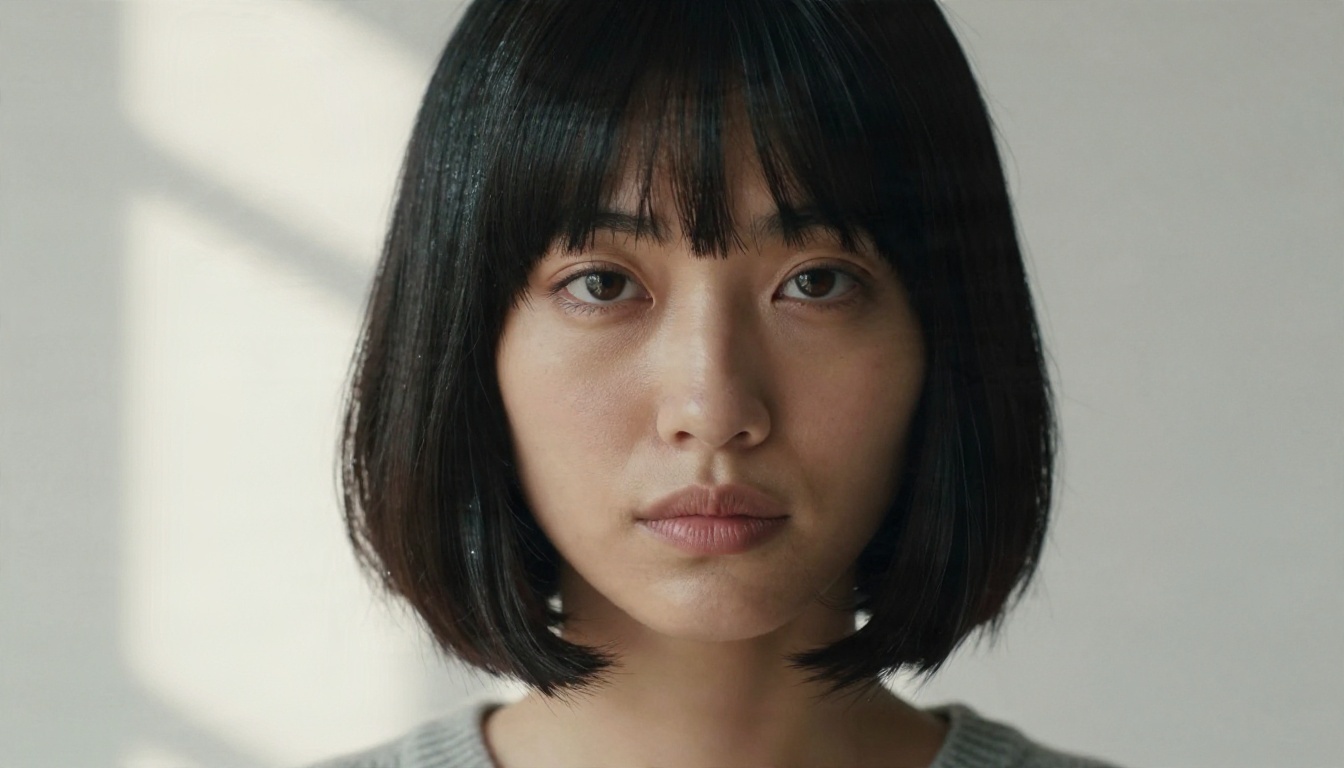
A bob is the classic test of a hairstyle changer because the edge of the hair sits right at the jaw, where models love to blur.
Change the hairstyle to a sharp chin length blunt bob with a straight, full fringe, glossy jet black hair. Clean edges at the jawline, hair tucked behind nothing. Keep the face, skin tone, expression, clothing and background exactly the same. Photorealistic.
Why it works: "clean edges at the jawline" tells the model to define the hair boundary instead of feathering it into the neck.
Long Layers and Soft Waves
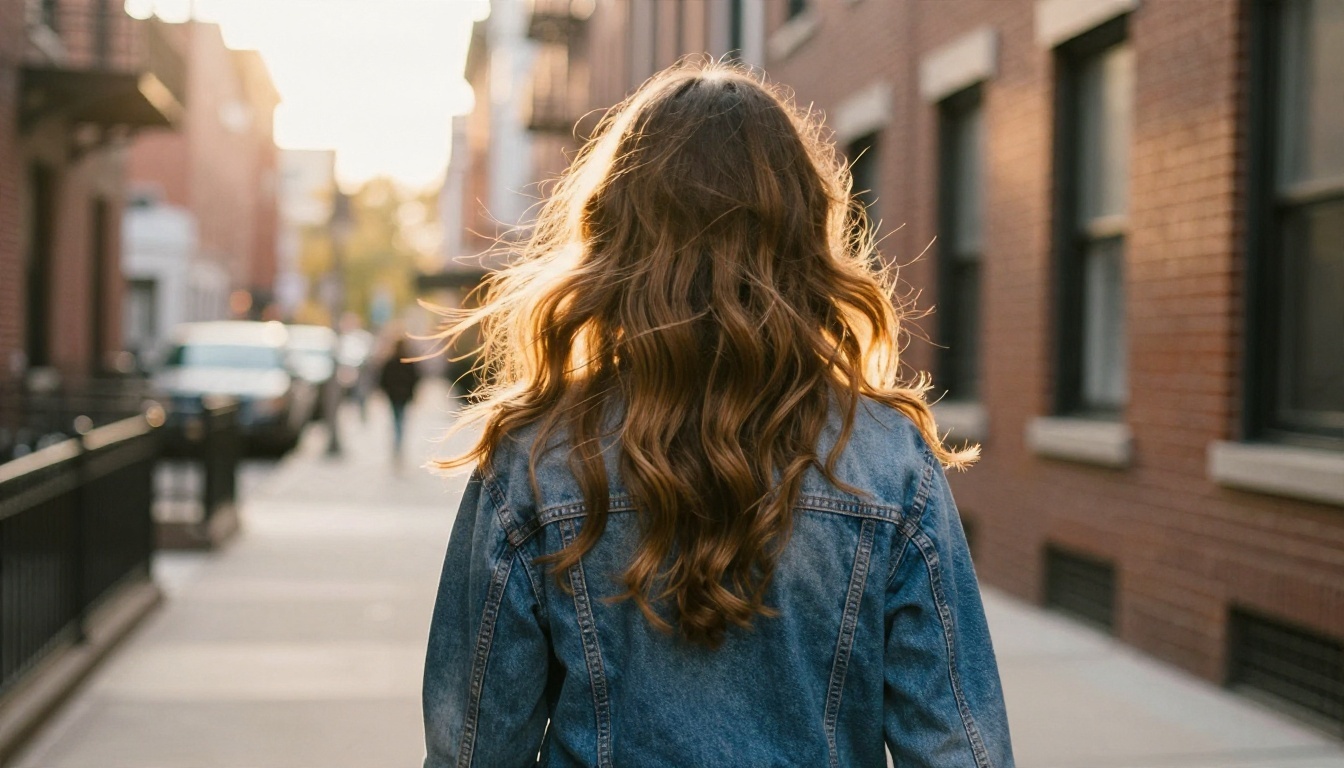
Long hair adds volume, and volume needs light direction to look believable.
Change the hairstyle to long layered hair past the shoulders with soft loose waves and face framing layers, honey brown with natural light highlights. Hair moves slightly as if in a light breeze. Keep the face, pose, outfit and background unchanged. Match the existing lighting direction.
Why it works: "match the existing lighting direction" stops the model from adding a second, mismatched light source on the hair.
Curtain Bangs
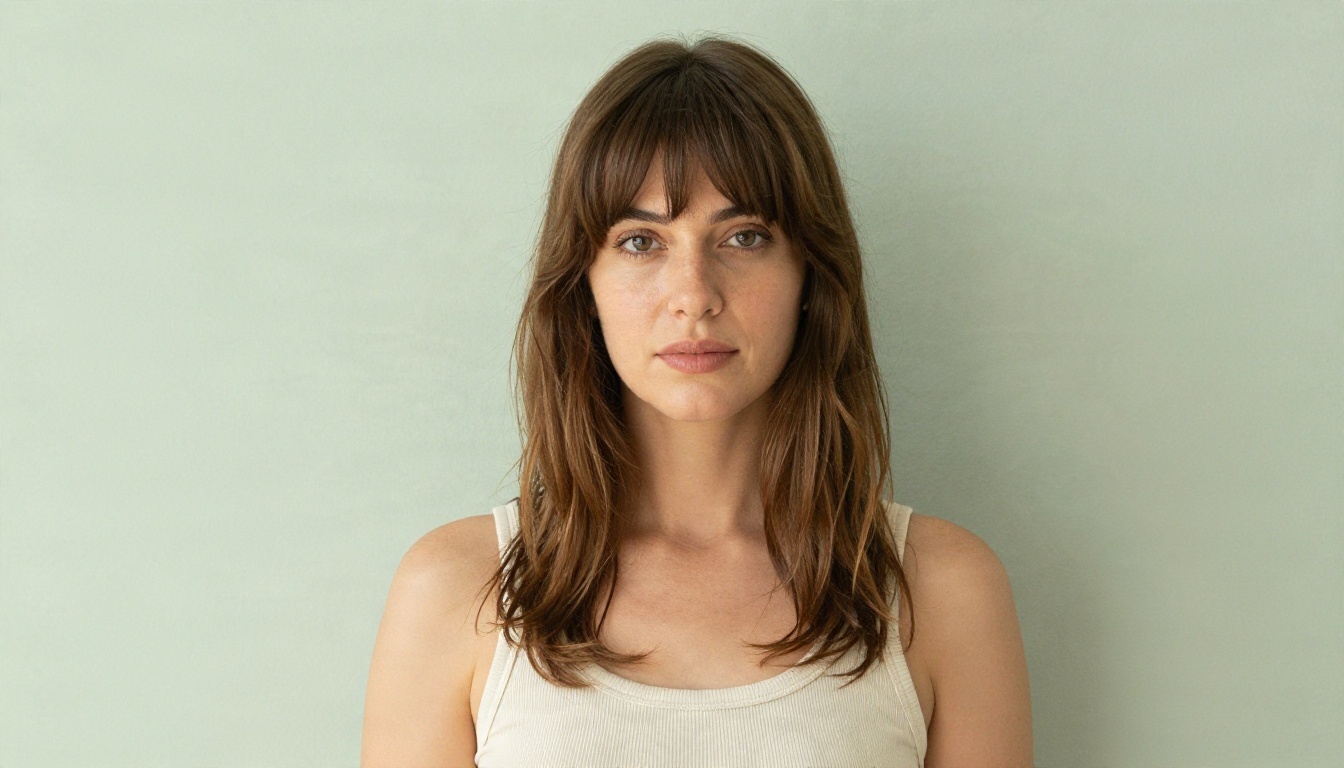
Bangs are risky because they sit on the forehead, which is exactly where the model might alter skin.
Add soft curtain bangs parted in the middle that sweep to each side of the forehead, blending into long caramel hair. Keep the forehead skin, eyebrows, eyes and face shape identical. Natural flyaway strands, no heavy styling product look.
Textured Pixie Cut
Going short reveals the neck, ears and hairline. These are areas the original photo may not show, so the model has to invent them carefully.
Change the hairstyle to a short textured pixie cut in ash blonde, longer on top with tousled layers, short tapered sides that show the ears and neckline. Keep the face, skin tone, jewelry and background the same. Realistic hair strands, no wig look.
Why it works: "no wig look" is a blunt but effective instruction against the stiff, helmet like hair that short cuts can produce.
Men's Mid Fade
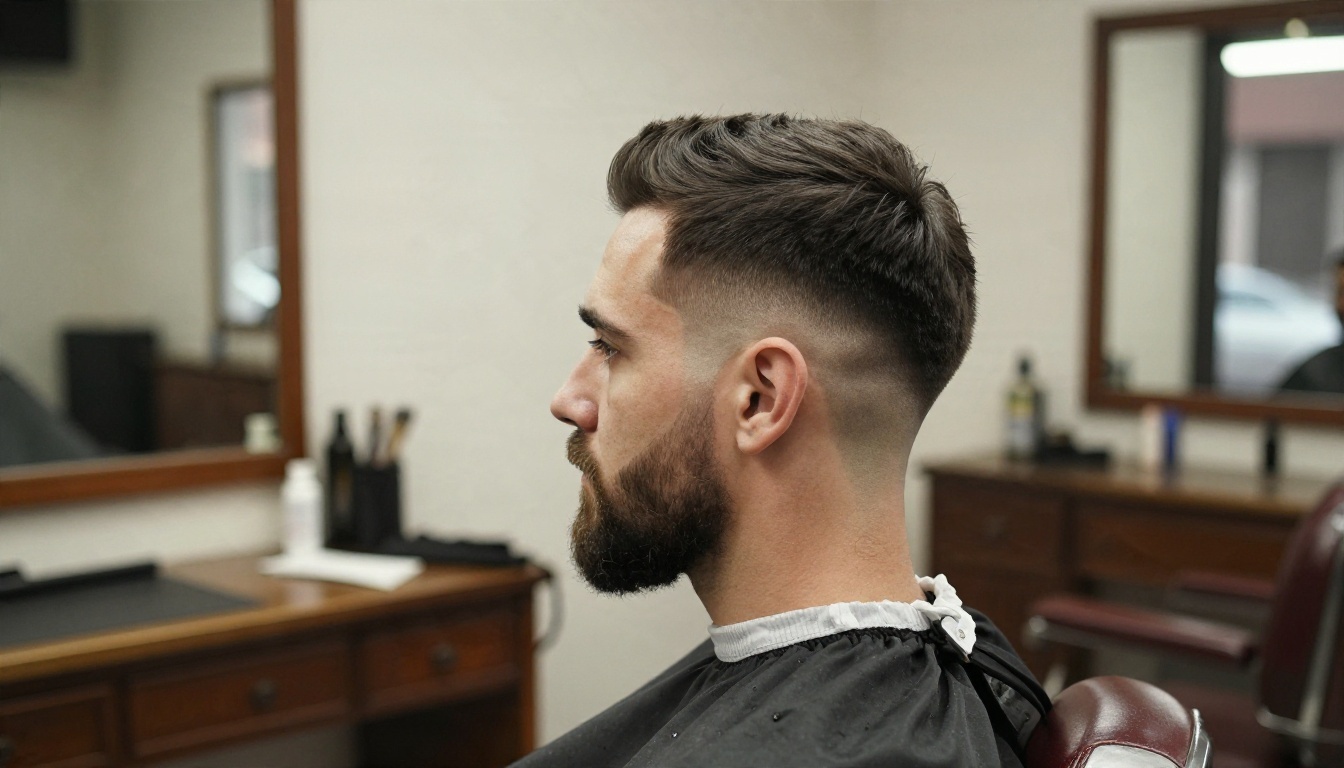
For short men's cuts, the transition from skin to hair is the whole story.
Change the hairstyle to a mid taper fade with a textured quiff on top, short natural hair on the sides blending smoothly into the skin, dark brown color. Keep the beard, face, expression, shirt and background exactly the same.
💡 Tip: If the beard changes when you only wanted a haircut, add "keep the beard identical, same length and shape" as its own sentence.
Hair Color Prompt Examples
Color edits are easier than cut changes, because the shape of the hair stays put. The trick is controlling which parts change.
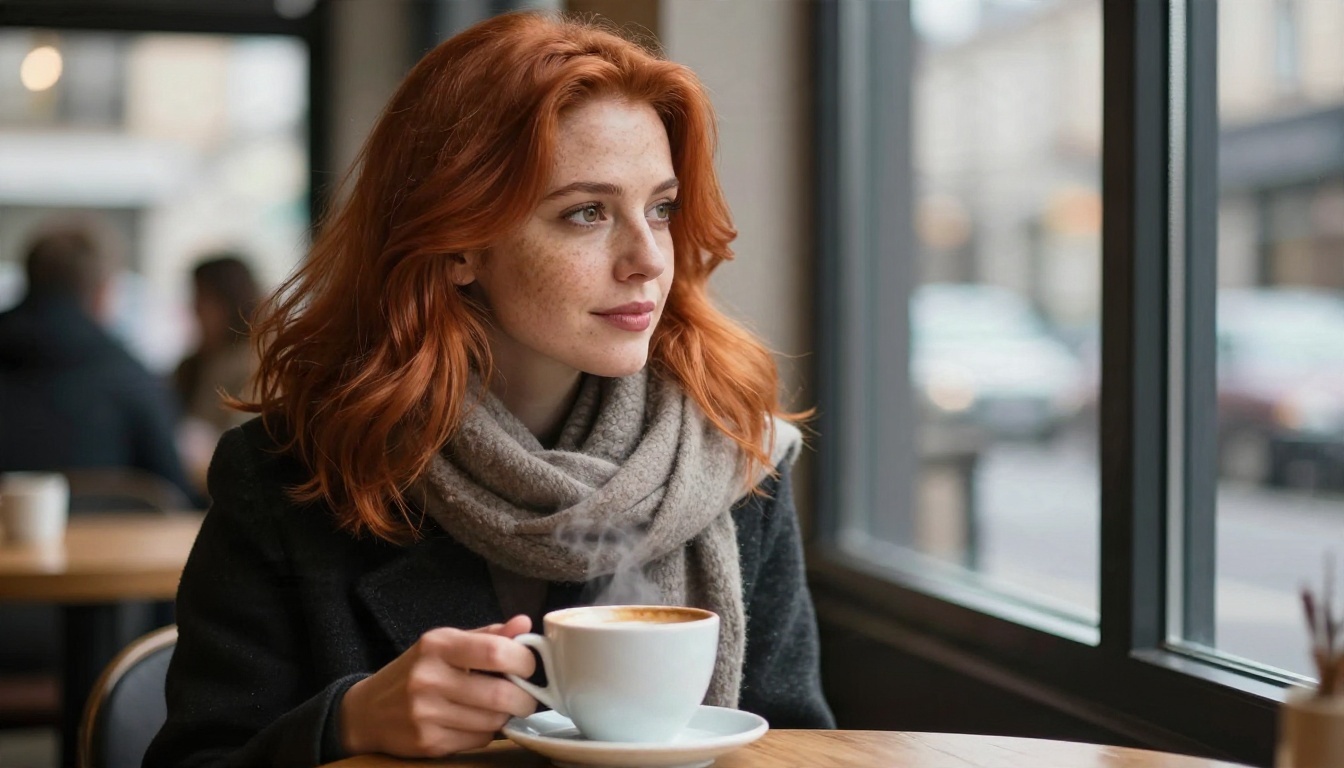
Rich Copper Red
Reds are tricky because the model can push them toward neon orange. Anchor the shade with real world references.
Change the hair color to a rich natural copper red, like warm auburn with golden undertones. Keep the exact same haircut, length and styling. Add realistic shine and slight tonal variation from roots to ends. Skin tone, freckles, face and background unchanged.
Why it works: "like warm auburn" and "tonal variation" prevent the flat, painted look that single color prompts create.
Icy Platinum Blonde
Going from dark to platinum is the biggest color jump in hair, and models can lose the hair's texture when lightening a lot.
Change the hair color to icy platinum blonde with a slightly lived in root, soft silver white tones. Keep the exact same haircut and strand texture so it looks bleached, not painted. Eyebrows stay their natural color. Face and background unchanged.
Why it works: "eyebrows stay their natural color" is a small detail that makes the result believable, since real platinum hair almost always comes with darker brows.
Dark Roots With Caramel Balayage
Balayage needs a gradient, and gradients need direction.
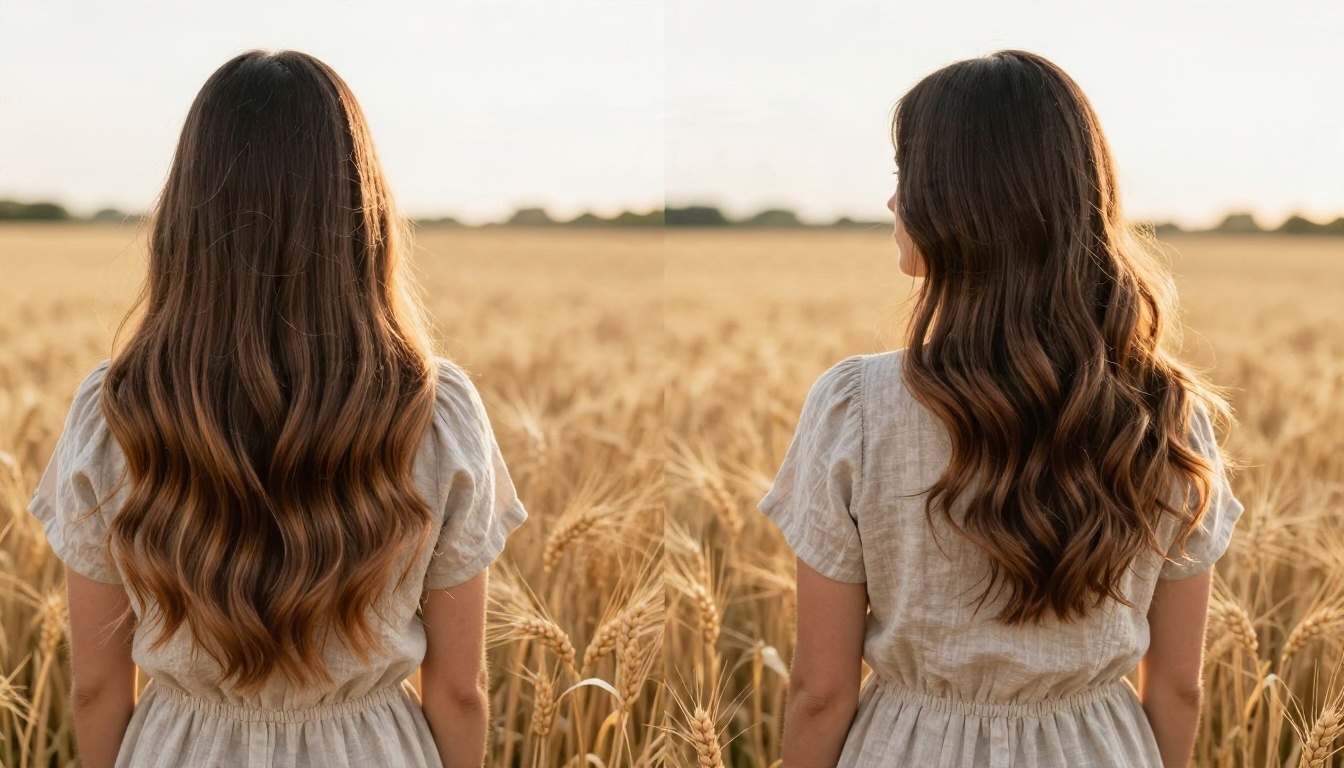
Change the hair color to a balayage: deep chocolate brown at the roots blending smoothly into soft caramel and honey tones from mid length to the ends. Hand painted, sun lightened look. Keep the haircut, face and background exactly the same.
A Quick Color Vocabulary
Vague color words produce vague results. Swap them for these:
Instead of
Try
"red"
copper, auburn, burgundy, cherry cola
"blonde"
honey, champagne, ash, platinum, strawberry
"brown"
espresso, chestnut, mocha, chocolate, mushroom
"black"
jet black, soft black, blue black
"highlights"
face framing money piece, babylights, ribbon highlights
How to Use Nano Banana on PicassoIA
For photo edits where the face must survive untouched, Nano Banana is a strong first pick. It handles instruction style editing, so the prompts above work almost word for word.
Step by Step
Open the model page on PicassoIA and choose Nano Banana.
Upload your portrait. A front facing or three quarter photo with visible hair edges gives the best result. Avoid hats, heavy shadows across the hairline and extreme filters.
Paste your prompt. Start from the master template and swap in your cut and color.
Generate and compare. Look at the hairline, the ears and the edges of the hair first. Those are where errors hide.
Refine in small steps. If the cut is right but the shade is off, run a second edit that only mentions color.
Parameter Tips
One change per run. Cut first, color second. Combined edits work, but separate edits give you more control.
Keep the source image sharp. A blurry upload creates blurry hair.
Save your winning wording. Once a prompt works on your photo, reuse it with only the color or length swapped.
Use a second pass for polish. If a result is good but slightly soft, send it through an upscaler.
💡 Tip: Before you generate, write down the exact swatch you want in a notebook. Choosing "caramel" or "copper" in advance saves five rounds of trial and error.
Other Models Worth Trying
Different editors have different strengths. If one gives you a stiff result, switch rather than rewriting the prompt for the tenth time.
Run the same prompt on two models with the same photo. Compare three things: how clean the hairline is, whether the face stayed identical, and whether the hair has believable strand detail. Whichever model wins on your particular photo becomes your default for that look.
When to Generate Instead of Edit
Sometimes you do not need your own face at all. Planning a salon visit, building a mood board, or writing for a hair brand all call for generated references. In that case, Seedream 4.5 works well with prompts such as:
Photorealistic portrait of a woman in her thirties with a shoulder length copper bob and soft curtain bangs, natural daylight from a window on the left, visible skin texture, 85mm lens, shallow depth of field, Kodak Portra 400 film look.
Common Mistakes and Fixes
Most failed edits fall into the same few patterns. Fixing them rarely needs a new prompt, only a sharper sentence.
The Face Changes Too
Symptom: Different nose, smoother skin, altered eyes.
Fix: Add a dedicated preservation sentence and name the features. Example: "Do not alter the eyes, nose, lips, skin texture or face shape. Only the hair changes." If it still drifts, try a different model from the table above.
The Hair Looks Like a Wig
Symptom: Stiff, plastic, perfectly uniform strands with a hard edge at the forehead.
Fix: Ask for realism directly. Phrases that help: "natural flyaway strands," "soft hairline," "slightly uneven texture," "no wig look." Also request that the hair matches the lighting of the original photo.
The Color Comes Out Wrong
Symptom: You asked for copper and got orange, or you asked for ash and got gray.
Fix: Swap general words for specific ones, add a comparison ("like dark chocolate, not black"), and mention undertones: warm, cool, golden, ash, neutral.
Quick Troubleshooting Table
Problem
Likely cause
Prompt fix
Hairline looks cut out
No edge instruction
"soft natural hairline, fine baby hairs"
Ears vanish or double
Short cut over hidden ears
"ears visible, natural size"
Beard or brows change
Color applied too broadly
"only the scalp hair changes"
Flat, painted hair
Single color word
"tonal variation, natural highlights, shine"
Background shifts
No preservation line
"background unchanged, same framing"
Hair length ignores you
Ambiguous length
"ends at the collarbone" or "grazes the jaw"
Match the Photo to the Plan
A rear view or a heavily side lit photo can still be edited, but the model has less information about the hairline. If you plan to test a fringe, a pixie or any cut that shows the forehead and ears, start with a front facing photo in even daylight.
Prompt Habits That Save Time
A few habits turn a hit and miss process into a routine.
Describe length with a body landmark. "Grazes the jaw," "brushes the collarbone," "mid back."
Name the parting. Middle, side, or no visible parting.
Mention the finish. Glossy, matte, silky, tousled, or textured.
Use a short blacklist. "No wig, no helmet hair, no heavy filter, no change to the face."
Change one variable per run. When something looks off, you will know which sentence caused it.
Build a Personal Prompt Library
Keep a note with five or six prompts that gave you good results. Label them by cut and by color. Next time you want to try a new look, you only swap one line, not the entire prompt. After a few weeks you will have a reliable toolkit that works on your own photos.
Check Before You Visit a Stylist
An AI preview is a starting point for a conversation, not a promise. Hair density, curl pattern and growth direction all affect what a real cut will look like. Bring two or three of your generated images to your stylist and ask what is realistic for your hair type.
Try Your Own Hair Changes Today
Pick one cut and one color from the examples above, upload a clear photo of yourself, and paste the prompt into Nano Banana on PicassoIA. Run it once, look at the hairline and the eyes, then adjust a single sentence and run it again. Within a few attempts you will know whether that bob, that fringe or that copper shade belongs on you.
If you want to test many looks quickly, try P Image Edit for rapid iterations, then move your favorite to Nano Banana Pro for a sharper final image. And when you want fresh reference portraits for a mood board, Seedream 4.5 will build them from a short description.
Every model mentioned here, and many more, is available at picassoia.com/en/all-models. Open it, choose an editor, and give your next haircut a test run before anyone picks up the scissors.