You need a professional photo by Friday, and a studio session costs more than your monthly phone bill. So you type "AI headshot generator" into a search bar and get fifty near-identical tools, each promising a "studio-quality" portrait from a handful of selfies. Some deliver. Many hand back a plastic-skinned stranger who vaguely resembles you after a bad night. These AI headshot generator reviews focus on three things buyers actually care about: how realistic the results look, what you really pay, and whether a free option can get you to a photo you would be happy to put on LinkedIn.
💡 Quick answer: Dedicated headshot apps usually cost between roughly $15 and $80 for a batch of photos, and the best of them give believable results from 10 to 20 clear selfies. Free routes exist, but they work best when you control the process yourself with a strong general image model and good reference photos.
Before comparing tools, it helps to know what is happening under the hood, because it explains almost every strength and weakness you will see in reviews.
Two Main Approaches
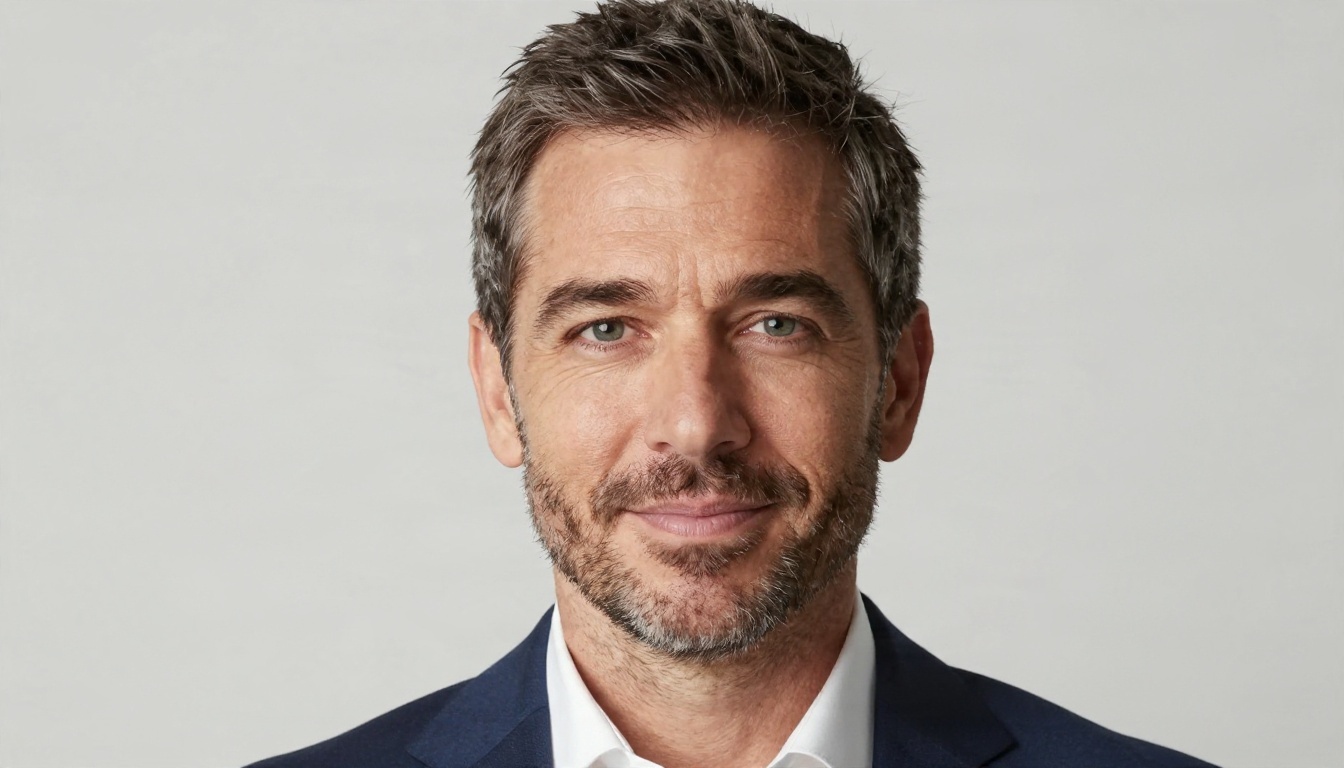
Most dedicated headshot services follow the same recipe. You upload 10 to 20 selfies, the service trains a small custom model on your face (often called a LoRA or a fine-tune), and then it generates dozens of portraits in different outfits and backdrops. The wait is typically 20 minutes to a couple of hours.
The second approach skips training. A reference-based image model takes one or a few photos of you and produces a new portrait straight away, keeping your face while changing clothes, background and lighting. This is faster and cheaper, and with modern models it has become surprisingly good.
Why Results Vary So Much
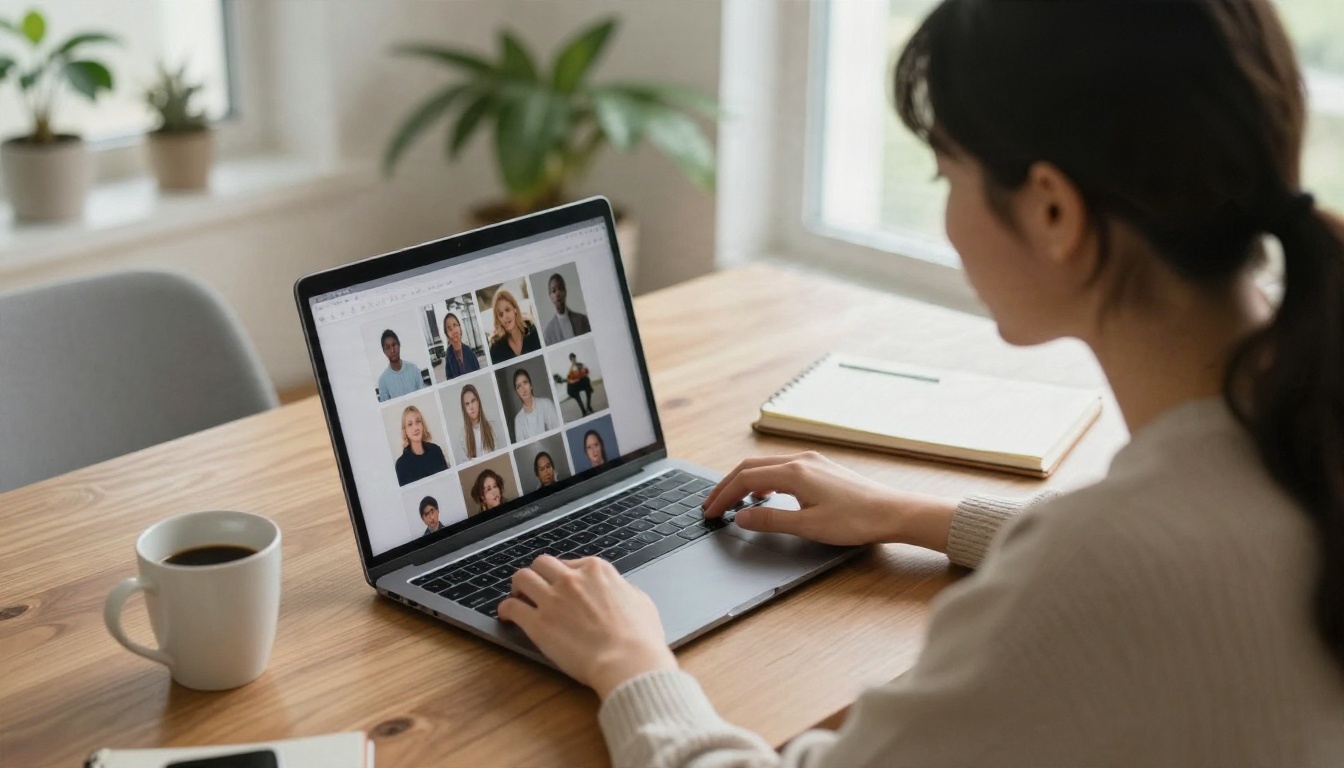
Two people can use the same tool and get opposite outcomes. The cause is almost always the input. Blurry, filtered, group or heavily angled selfies teach the model the wrong face. Consistent, sharp, varied photos teach it the right one. Reviewers who complain about "someone else's face" are often describing a bad upload set, though some tools genuinely hold likeness better than others.
Realistic Results: What to Expect
A fair review has to be specific about realism. "Looks great" tells you nothing. Here is what to inspect.
Skin and Texture
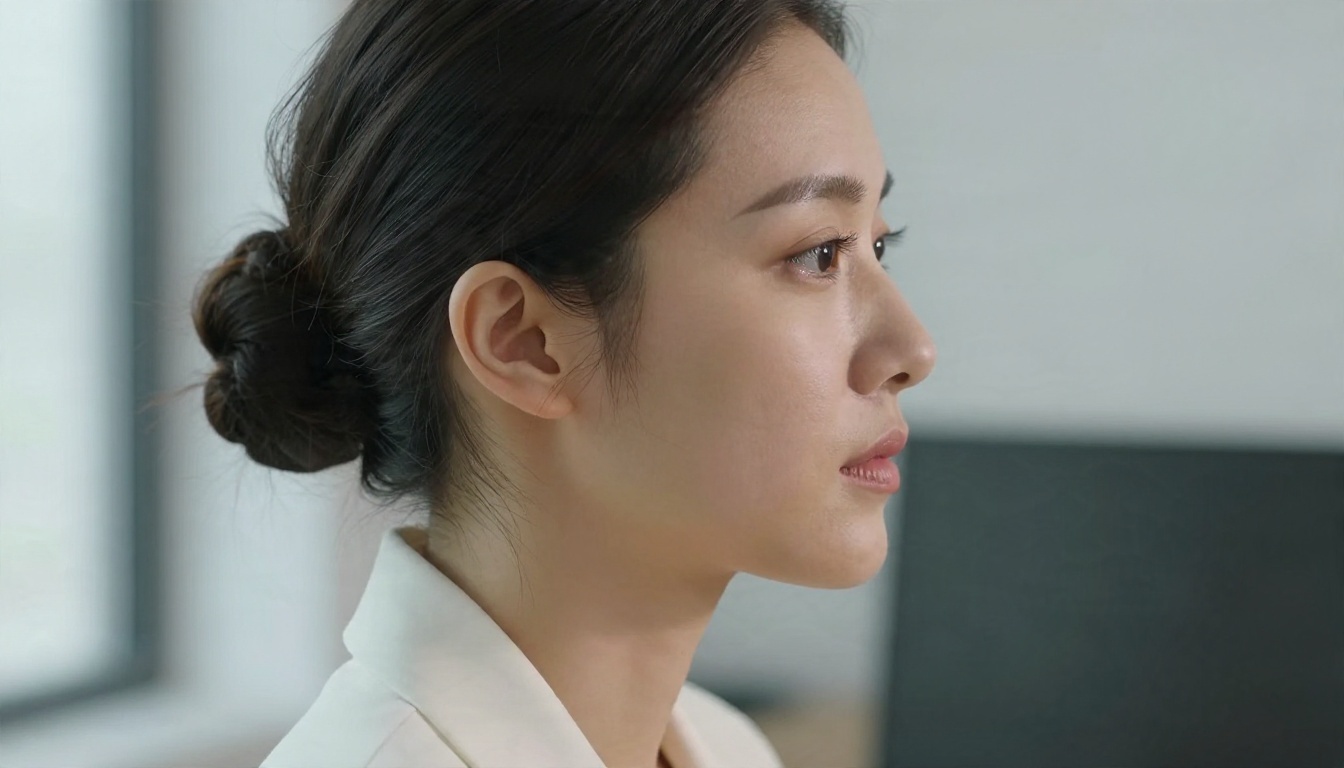
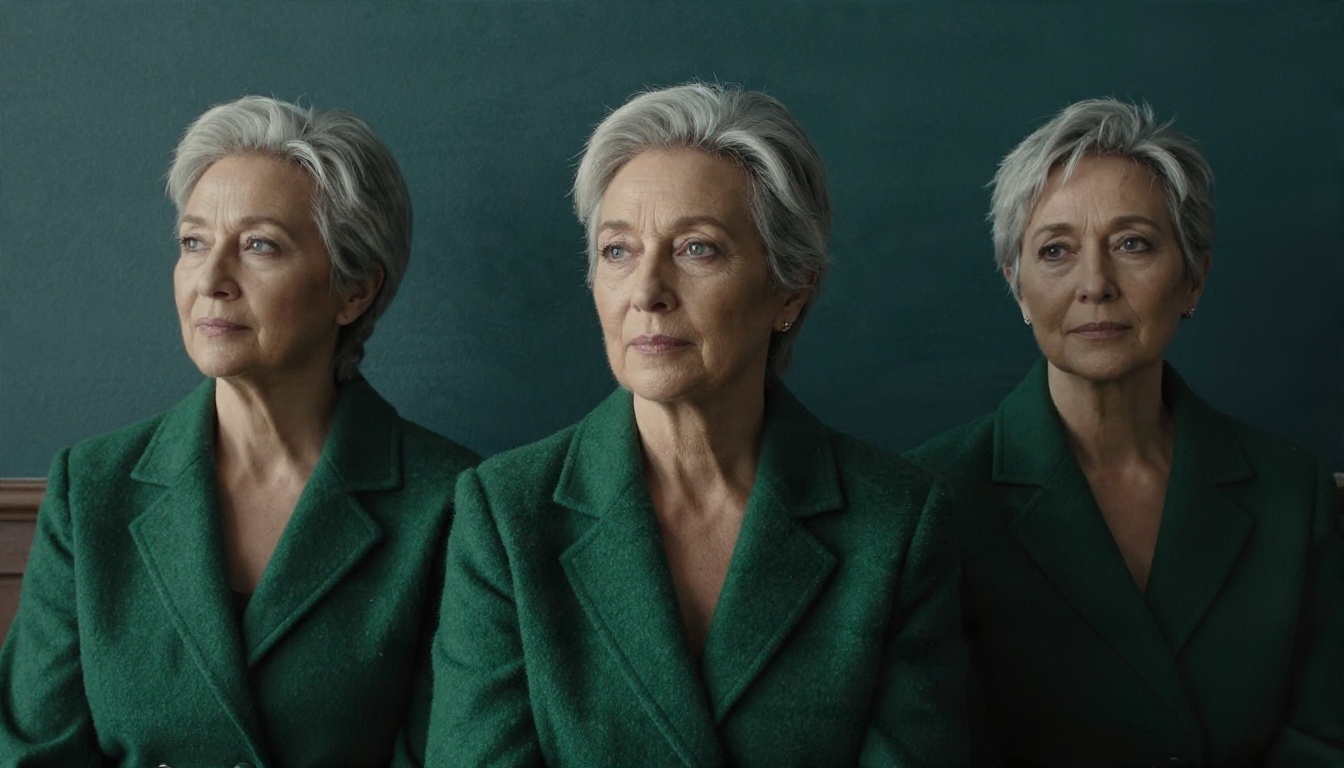
The biggest giveaway of a weak generator is over-smoothed skin. Real faces have pores, tiny asymmetries, faint lines and uneven tone. Older tools erased all of that and left a waxy finish. Current top-tier models keep fine texture, small freckles and even a little stubble shadow. Zoom to 100% before you judge: if the cheeks look airbrushed, the image will read as fake on a high-resolution monitor.
Lighting Tells
Believable headshots follow one logical light source. Check the catchlights in the eyes, the direction of shadows under the chin, and whether the light on your face matches the background. Mismatched lighting, such as a bright face against a dim room, is the second most common flaw after waxy skin.
Likeness Drift
Likeness is the hardest part to judge on your own, because you stare at your own face every day. Show the results to two friends and two colleagues without telling them which photo is AI. If they hesitate, the tool has drifted. The usual culprits are eye shape, nose width, hairline and age. Some tools quietly make you five years younger, which looks flattering until you walk into the interview.
| Realism check | Weak result | Strong result |
|---|
| Skin | Smooth, waxy, no pores | Visible pores, natural tone variation |
| Eyes | Glassy, mismatched catchlights | Consistent catchlights, natural gaze |
| Hair | Helmet-like, melted edges | Individual strands, soft flyaways |
| Hands and collar | Warped seams, odd fingers | Clean fabric folds, correct anatomy |
| Likeness | Looks like a cousin | Friends recognise you instantly |
The Real Cost of Headshots
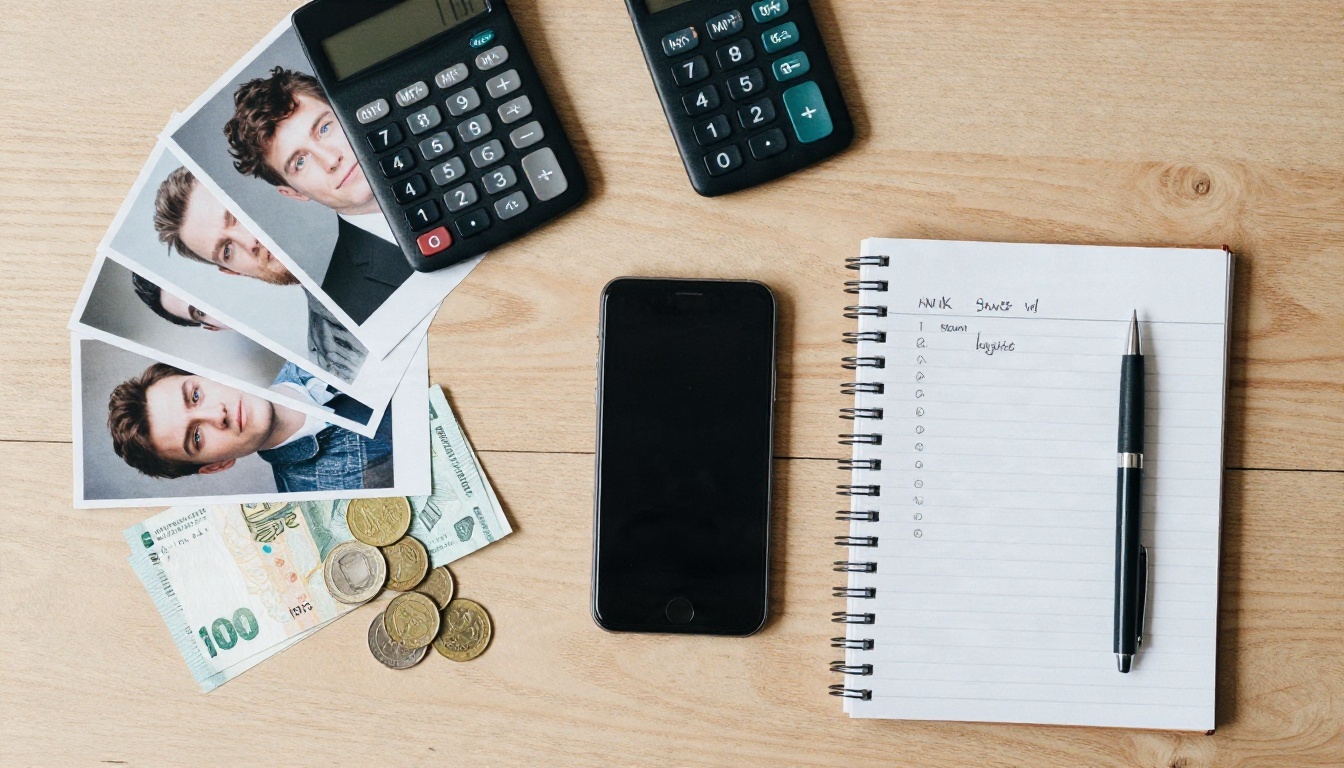
Pricing in this category changes constantly, and roundups published this year disagree with each other, so treat every number below as a ballpark and check the vendor page before paying. Here is the typical landscape based on recent 2026 comparisons from SaaS CRM Review, Proshoot and Morphed.
Pay Per Batch
The most common model is a one-time payment per batch. Entry plans from well-known services start around $29 to $35 for a set of roughly 40 photos, while larger packages with more outfits and backgrounds climb toward $60 to $80. Budget tools advertise sessions from about $12 to $25. Expect the cheaper tiers to include fewer styles and slower turnaround.
Subscriptions
A few apps charge monthly, with plans starting near $8 a month. Those lean toward casual profile pictures rather than formal business portraits. A subscription makes sense if you refresh your photos often. For a single LinkedIn update it is usually poor value, and many people forget to cancel.
Hidden Costs
Watch for three things that inflate the price:
- Upsells for extra outfits or backgrounds after you have paid the base fee.
- Refund policy gaps. Some services offer a 7-day money-back guarantee; others state plainly that all sales are final.
- Time. Your hour spent choosing selfies and sorting 100 outputs has a cost too.
| Option | Typical cost | Turnaround | Best for |
|---|
| Traditional photographer | $150 to $500+ | Days | Executives, actors |
| Dedicated headshot app | $15 to $80 | 20 min to 2 hours | Job seekers, freelancers |
| Team plan | From about $29 to $45 per person | Hours | Companies with remote staff |
| General image model on PicassoIA | Free credits to start | Seconds | Tinkerers, creators, budgets near zero |
Free Options That Actually Work
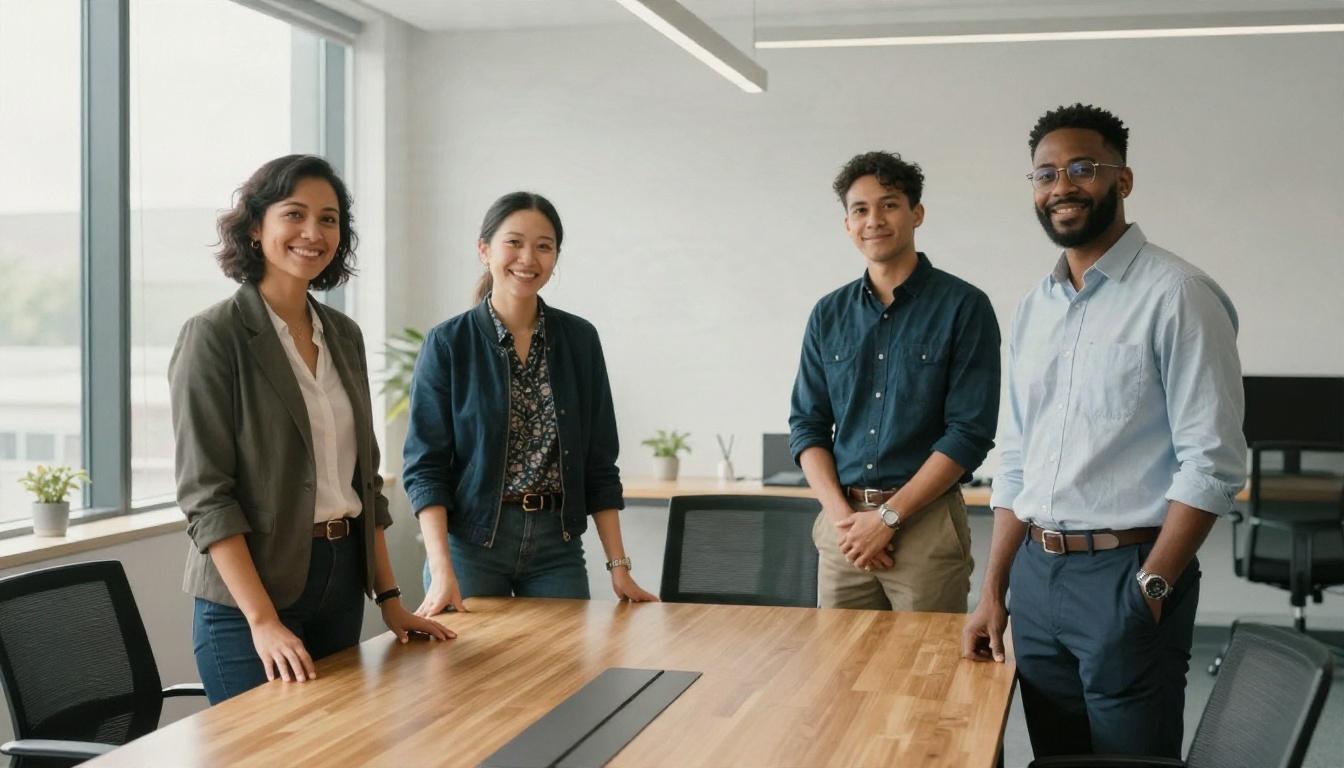
"Free AI headshot generator" is one of the most misleading phrases on the internet. Many free tools give you a low-resolution preview, then ask for payment to download the clean file. Here is how to separate real free options from bait.
Free Tiers and Trials
Genuine free tiers exist, but expect limits: a watermark, a small number of generations, or a resolution too low for a printed badge. They are useful for testing whether a tool captures your face before you spend money. Never upload your photos to a service that does not state how long it keeps them or whether it uses them for training.
Build Your Own
The strongest free route today is to skip the single-purpose app and use a good general image model with your own reference photos. You control the outfit, background, lighting and crop, and you can generate as many options as you need. On PicassoIA, several models are suited to this job:
- Nano Banana Pro handles reference photos well and produces sharp, high-resolution portraits.
- Seedream 4.5 gives detailed 4K output with convincing skin and fabric texture.
- Imagen 4 and Qwen Image 3 are strong when you want a fully text-described portrait with realistic photography feel.
- Flux Kontext Fast is built for editing an existing photo, handy for swapping a hoodie for a blazer.
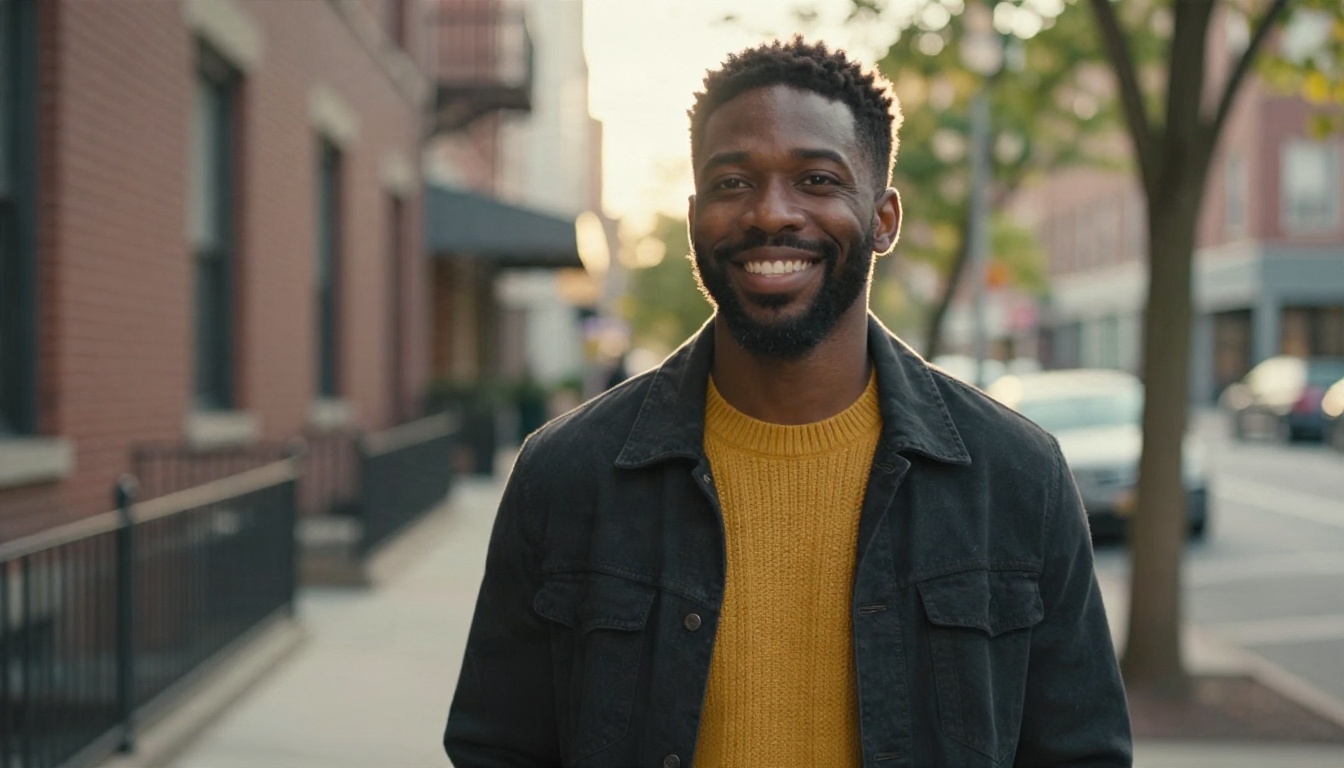
💡 Tip: Outdoor golden-hour portraits are among the hardest to fake and the easiest to get wrong. If your AI result has a sunlit glow on the hair but flat shadows on the face, regenerate with a prompt that names the light direction.
How to Use Nano Banana Pro on PicassoIA
This workflow turns a few good selfies into a professional portrait without paying for a one-purpose headshot app. Settings can differ slightly by model version, so follow what you see on the model page.
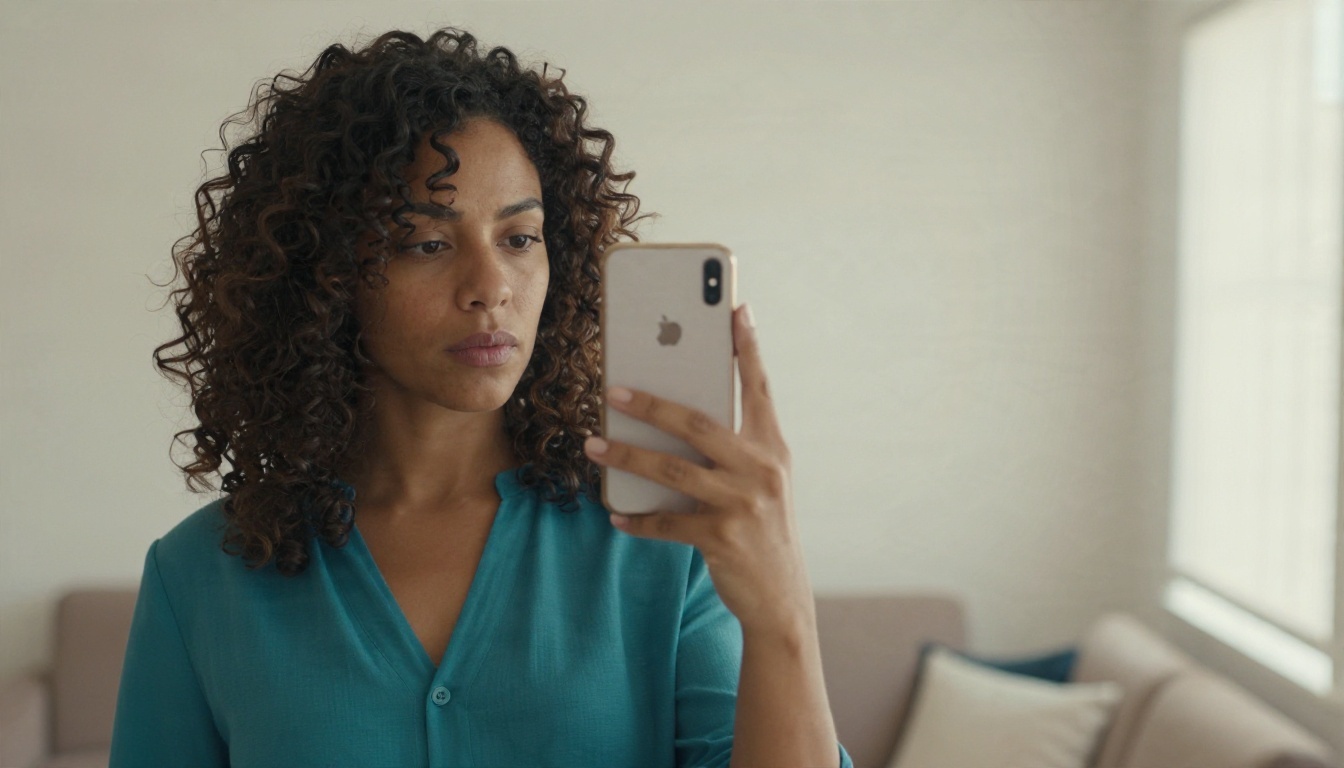
- Shoot clean reference photos. Stand facing a window in daylight, with a plain wall behind you. Take one straight-on photo, one slightly turned left and one slightly turned right. No filters, no sunglasses, no hat.
- Open the model. Go to the Nano Banana Pro page and choose the option to add an input image.
- Upload your best reference. Pick the sharpest, most neutral expression.
- Write a specific prompt. Describe the outfit, background, light and lens. For example: "Professional headshot of the person in the photo, charcoal blazer, cream blouse, soft grey studio background, window light from the left, 85mm lens, natural skin texture, subtle film grain."
- Set a landscape or portrait ratio that fits your destination. LinkedIn works well with a square crop, so leave room around the head.
- Generate several versions. Run the prompt four to six times and compare. Small prompt changes (different jacket color, warmer light) produce very different outcomes.
- Pick by likeness first. Choose the image your friends recognise as you, then check texture and lighting.
- Polish the final. If you need more resolution, run the winner through Real ESRGAN for a 4x upscale. To try a different background, use Generate Background, and to test a new hairstyle before a cut, try Change Haircut.
💡 Prompt tip: Name the imperfections you want to keep. Phrases such as "visible pores, faint laugh lines, natural flyaway hair" push the model away from the airbrushed look.
If you plan to produce a large, consistent set for a whole portfolio, P Image Trainer lets you train a custom LoRA on your own photos, which mirrors what paid headshot apps do behind the scenes.
Brand names change faster than categories, so here is a review by type of tool, with the trade-offs I would weigh before spending anything.
Dedicated Headshot Apps
Strengths: Zero prompt writing, polished presets for corporate, creative and casual looks, and a reliable process. Several consistently score well in 2026 roundups for likeness and outdoor lighting.
Weaknesses: Waiting time, limited control, and fixed backgrounds. Refund terms vary, and one popular option is reported to have a no-refund policy.
Verdict: Worth it if you value convenience and your time is tight. Choose one with a money-back guarantee.
General Image Models
Strengths: Total creative control, near-instant results, no per-batch fee, and the ability to edit one detail at a time. Output quality from current top models is excellent.
Weaknesses: You write the prompts, and you judge the likeness yourself. There is a small curve at first.
Verdict: The best value for anyone willing to spend 30 minutes experimenting.
Photographer Plus AI Retouching
Strengths: The highest trust factor, with real light on a real face, and AI can then handle background swaps and cleanup.
Weaknesses: Cost and scheduling.
Verdict: Still the right call for executives, public speakers and anyone whose face is the product.
Mistakes That Ruin Headshots
Even excellent tools can produce bad pictures when you trip over the same few problems. Avoid these:
- Uploading only selfies from one angle. The tool guesses your profile and gets it wrong.
- Wearing the same top in every photo. Some models then bake that clothing into every output.
- Accepting the first result. Generate in batches and choose with fresh eyes the next day.
- Ignoring the eyes. If the gaze looks off or the catchlights disagree, the whole photo feels uncanny.
- Over-retouching. Pushing smoothing sliders until your skin looks like porcelain destroys the credibility you are paying for.
- Skipping the disclosure question. Some employers, platforms and professional bodies expect profile photos to be a true likeness. A lightly polished, accurate image is safer than a glamorised one.
💡 Privacy note: Read the data policy before uploading your face. Look for clear deletion timelines and a statement about whether your images train other models.
Try Your Own Headshots Today
The honest summary of every review above is simple. Paid headshot apps are convenient and mostly good, free trials are fine for testing, and a strong general image model gives you the best mix of realism, control and cost. You do not need to spend $80 to find out whether AI can produce a believable portrait of you.
Open PicassoIA, pick Nano Banana Pro or Seedream 4.5, upload a clean reference photo and run your first prompt. Generate six versions, compare them against the realism table above, and keep the one your friends recognise at a glance. If you want more models to try, browse the full catalog at picassoia.com/en/all-models and see how far your own portraits can go.


