Type a few lines of text, wait a few seconds, and a finished anime illustration appears on your screen: big expressive eyes, clean line work, glossy hair highlights, a mood you described in plain English. That is what an AI hentai generator does, and it has gone from a niche curiosity to one of the most searched creative tools online. People also type it as "ai henrai generator", and the intent behind both spellings is the same: they want free, fast, online, uncensored anime art without fighting a filter that rejects every second prompt.
This article walks through how these generators work, what "free" and "uncensored" really mean in practice, which prompts produce sharp results, and which models on PicassoIA are worth your time. Everything here stays on the tasteful, suggestive side of adult anime art: glamour, romance, fashion, fantasy outfits and mood. No explicit instructions, just the workflow that gets you good images.
What an AI Hentai Generator Does
At its simplest, the tool is a text-to-image model pointed at anime aesthetics. You describe a character, an outfit, a place and a light, and the model draws it. Hentai as a genre label covers a wide range of adult-oriented anime and manga styles, from soft romantic glamour to far more mature material. A good generator lets you work in that visual language without constantly hitting a wall.
How the models read your prompt
Image models do not "read" like people. They turn your words into numbers, then use those numbers to steer a noisy canvas toward a picture. Words near the start of the prompt usually carry more weight, and specific nouns beat vague adjectives. "Silver hair in twin tails, red satin jacket, rooftop at sunset" gives the model three clear anchors. "Beautiful hot anime girl" gives it almost nothing to hold.
Newer models also understand full sentences, which means you can write like a person briefing a photographer. Older tag-based models wanted comma-separated labels. Both styles still work, and mixing them is fine.
Why "uncensored" matters to artists
Many mainstream tools refuse anything beyond the mildest romance. A swimsuit, a lace robe or a slightly flirty pose can trigger a block, and the result is wasted time. An uncensored anime art generator simply gives adult creators room to work: glamour, bikinis, boudoir lighting, fantasy armor, cosplay styling. You still decide where to stop. The value is not shock, it is control and fewer refusals.
💡 Quick tip: If a tool blocks a harmless prompt, the filter is too aggressive for adult art work. Switch to a model with a lighter touch rather than rewriting the same prompt ten times.
Free and Online: What to Expect
"Free" in this space comes in several flavors, and it helps to know which one you are signing up for before you spend an evening on it.
Free tiers and their limits
Most online generators give you a small daily or monthly allowance, then ask for payment. Some add watermarks, some cap resolution, and some slow free users to the back of a queue. A few platforms offer genuinely unlimited generation on specific models, which is where the real value sits for anyone who iterates a lot. Anime art usually takes five to fifteen attempts to get right, so a tiny free quota disappears fast.
| What you want | What to look for | Watch out for |
|---|
| Casual experiments | Daily free credits | Watermarks, low resolution |
| Serious iteration | Unlimited runs on one model | Slow queues at peak hours |
| High resolution | 2K or 4K output | Credits burned per image |
| Fewer refusals | Lighter content filters | Vague or missing policies |
Speed versus quality
Fast models return an image in two to five seconds, which makes them ideal for testing ideas. Slower, larger models take longer but handle faces, hands and fabric better. The smart move is to draft on a fast model, pick the best composition, then refine it on a stronger one or upscale it.
Prompts That Actually Work
Prompts are where most people lose quality. The model is capable, the instruction is thin. A little structure fixes that.
The five-part prompt formula
Build every prompt from five blocks, in this order:
- Subject: who is in the picture. Always state an adult character, for example "a 26-year-old woman with long teal hair".
- Outfit and pose: "fitted black jacket, thigh-high stockings, leaning against a wall, glancing over her shoulder".
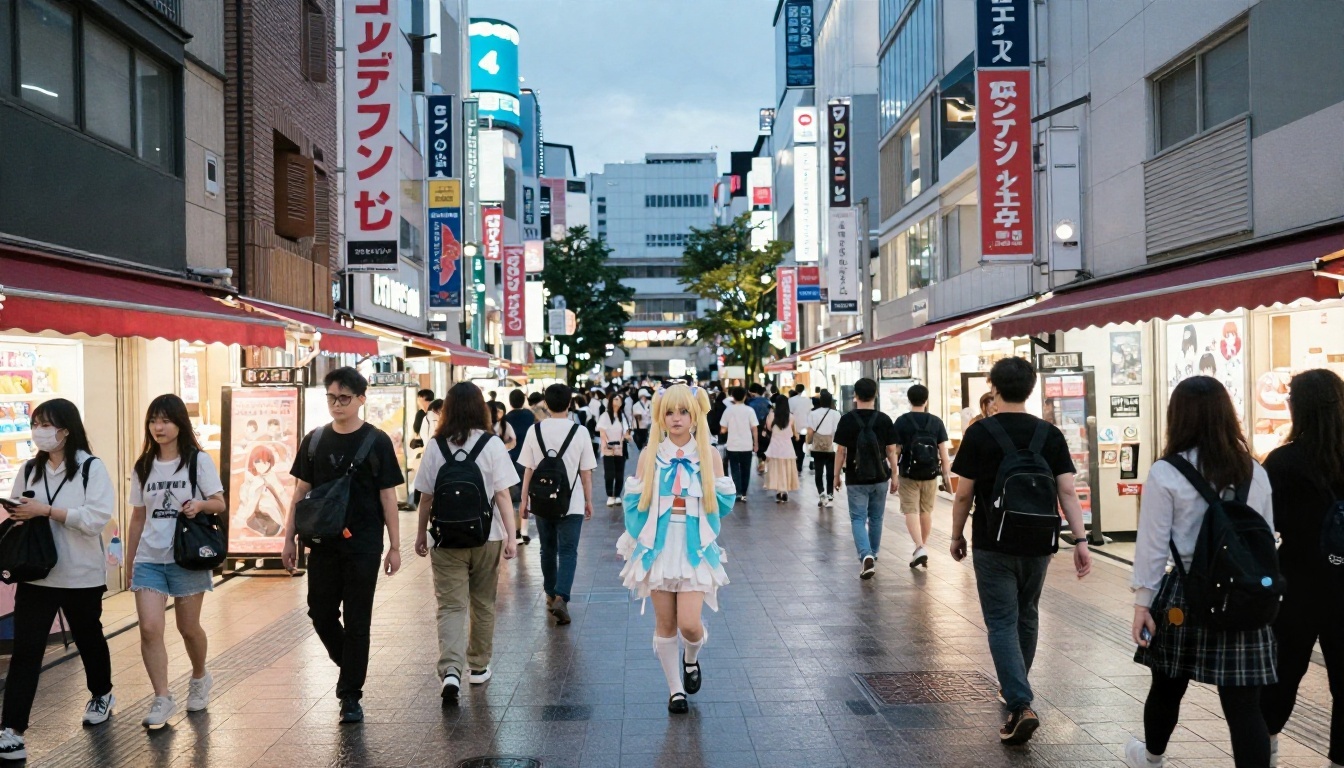
- Setting: "narrow Tokyo alley, vending machines, wet pavement".
- Lighting and mood: "golden hour backlight, warm rim light on hair, relaxed confident mood".
- Style: "anime key frame, clean line art, soft cel shading, detailed eyes, high resolution".
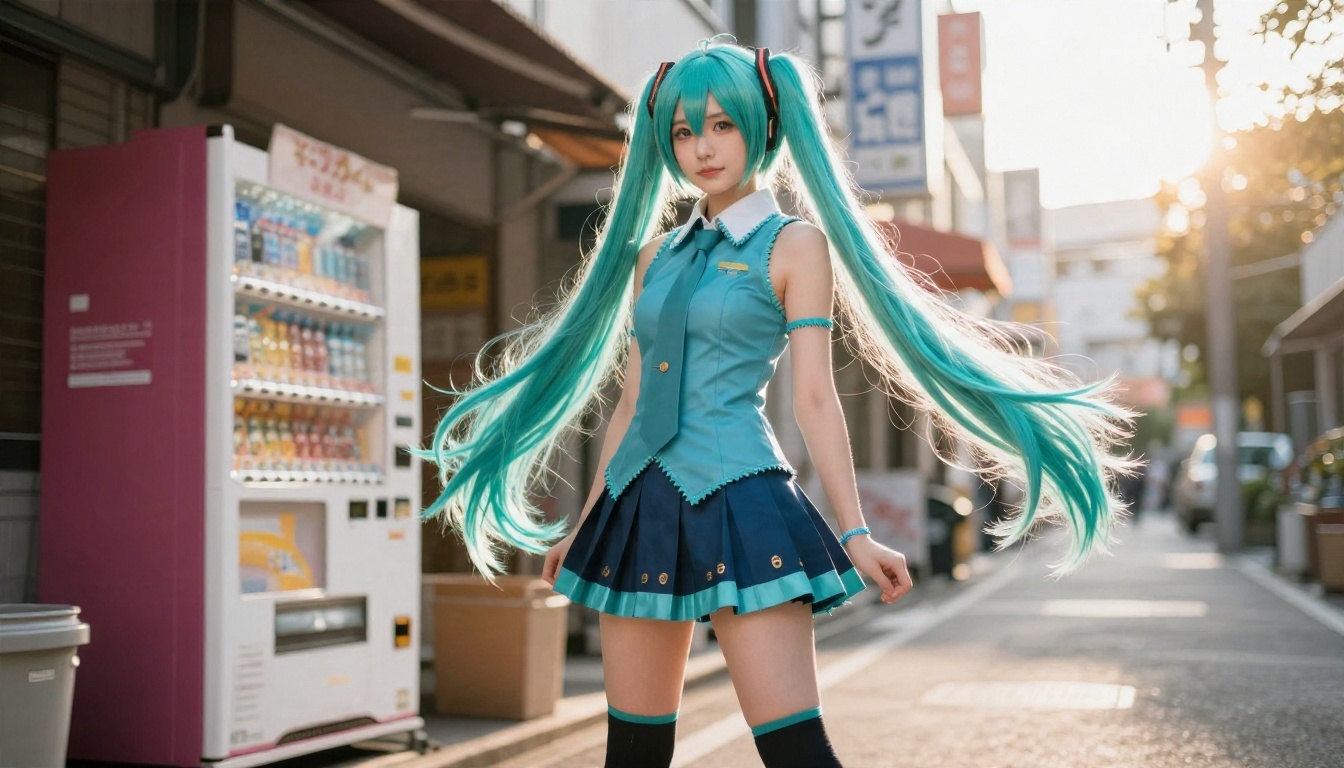
A full example: "A 26-year-old anime woman with long teal hair in twin tails, fitted school-inspired jacket and knee socks, glancing over her shoulder in a narrow Tokyo alley with vending machines, golden hour backlight, warm rim light, clean line art, soft cel shading, detailed eyes, 4K."
Style and lighting terms
Style words steer the whole look. These are reliable starting points:
| Look you want | Terms to try |
|---|
| Classic anime | cel shading, clean line art, flat colors, 90s anime still |
| Soft and romantic | pastel palette, soft bloom, dreamy haze, shallow depth of field |
| Glossy modern | high gloss skin, sharp highlights, detailed hair strands, studio lighting |
| Painterly | watercolor wash, visible brush texture, muted tones |
| Dramatic | rim light, strong contrast, low angle, cinematic framing |
Lighting does more for mood than any other word group. "Candlelight," "window light from the left," "sunset backlight" and "soft lamp glow" each change the whole image.
Negative prompts and what to skip
Where the model supports it, a negative prompt removes things you do not want: "extra fingers, blurry, distorted hands, cropped head, watermark, low quality". Keep it short. Long negative lists can flatten the image and make everything look sterile. On models without a negative field, put the fix into the positive prompt instead: "five fingers on each hand, sharp focus".
💡 Quick tip: Keep a notebook or a text file of prompts that worked. Swapping only the outfit or the setting in a proven prompt gives consistent results far faster than starting from zero.
Best Models on PicassoIA
Not every model suits anime glamour equally. These are the ones worth opening first, in the order I would try them.
Seedream 4.5 first
Seedream 4.5 is the strongest starting point for this kind of work. It follows long, detailed prompts closely, renders skin, hair and fabric with clean detail, and outputs up to 4K. It handles adult glamour themes without the constant refusals that frustrate artists on stricter platforms. For anime art, it keeps eyes symmetrical and hair strands defined, which is where weaker models usually slip.
Image Editor Pro for unlimited runs
PicassoIA Image Editor Pro is the best answer to the "free and online" part of the search. It offers unlimited generations, so you can iterate as many times as the idea needs without watching a credit counter. It also edits: upload an image, describe the change, and it adjusts outfit, hair color, background or lighting while leaving the rest alone. That makes it ideal for polishing an almost perfect result.
Flux 2 Klein LoRA for styles
Flux 2 Klein 9B Base LoRA is a good third option when you want a specific look. LoRA support means the model can be nudged toward a particular style, which helps when you want a whole series with a consistent palette and line weight.
How to Use Seedream 4.5 on PicassoIA
The whole process takes about two minutes the first time.
Step by step
- Open the Seedream 4.5 page on PicassoIA.
- Paste your five-part prompt into the text box. Write in full sentences if you can.
- Choose the 16:9 ratio for wide scenes, or a portrait ratio for single characters.
- Pick the highest resolution offered if you plan to print or post the image.
- Press generate, then review the result at full size, checking eyes, hands and fabric edges.
- If something is off, change one thing in the prompt and run it again.
Parameter tips
- Aspect ratio: Use 16:9 for environmental scenes, 3:4 or 2:3 for character portraits.
- Prompt length: Aim for 40 to 80 words. Shorter leaves too much to chance, longer can dilute the main subject.
- Seed: If you like a composition, reuse the seed and edit the prompt slightly to keep the layout stable.
- Batch of drafts: Generate several quick versions, choose a favorite, then polish only that one.
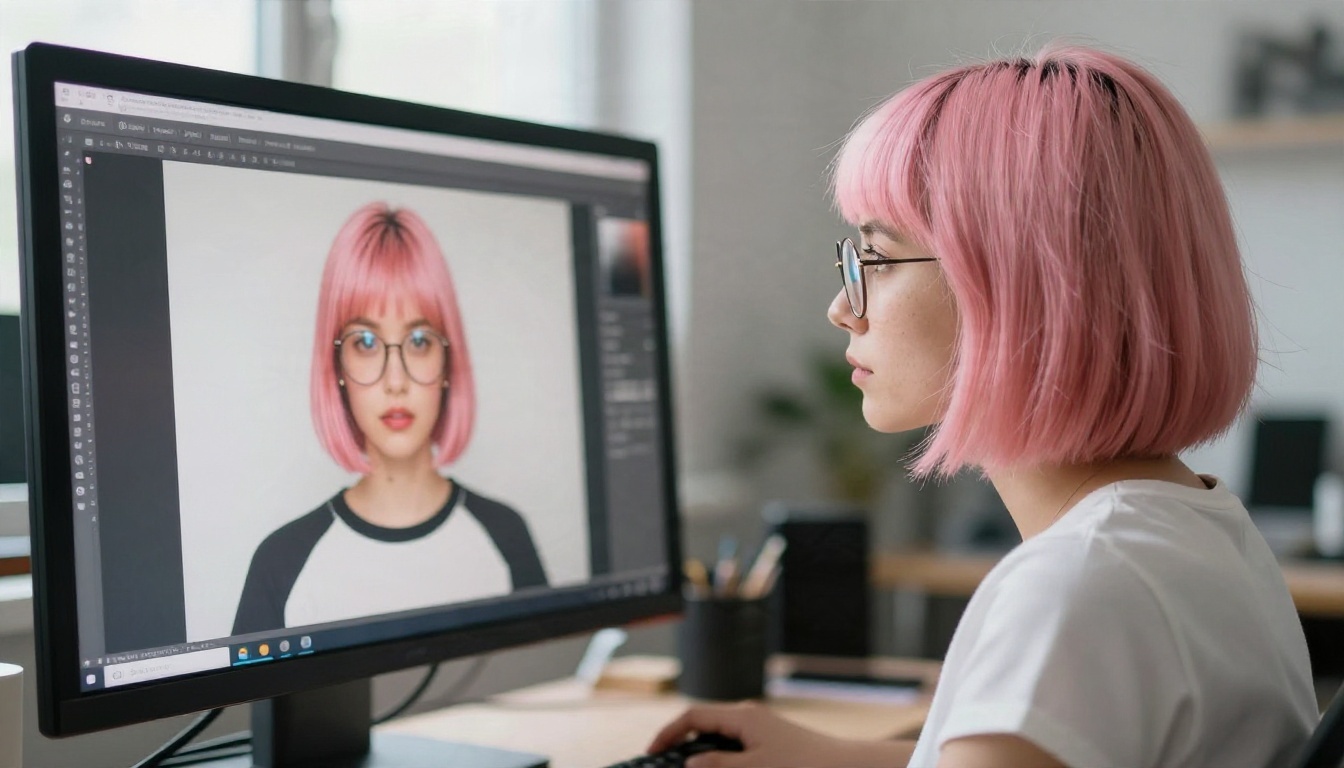
💡 Quick tip: Finish a favorite draft in Image Editor Pro. Because runs are unlimited, you can fix a sleeve, a hairstyle or a background without worrying about burning credits.
Fixing Common Problems
Even strong models slip now and then. Most issues have quick fixes.
Hands and anatomy glitches
Hands are the classic weak spot. Hide them if the pose allows: pockets, hair, a cup, behind the back. When hands must show, name them in the prompt: "relaxed hands with five fingers, natural proportions". If one result is almost perfect except for a hand, edit that region rather than regenerating the whole picture.
Inconsistent characters
A character that changes hair length and eye color between images is a common complaint. Fix it by writing a short "character card" and pasting it at the start of every prompt: age, hair color and style, eye color, signature accessory, and one outfit detail. A LoRA-capable model such as Flux 2 Klein 9B Base LoRA makes this even steadier across a series.
Muddy or flat color
If the palette looks gray, add a color direction: "warm amber highlights, deep teal shadows, rich saturated reds". If lighting looks flat, name a light source and its direction. Both changes take ten seconds and usually fix the problem.
Ideas for Glamour and Fantasy Scenes
Once the basics work, themes keep a series fresh. A few directions that suit tasteful adult anime art:
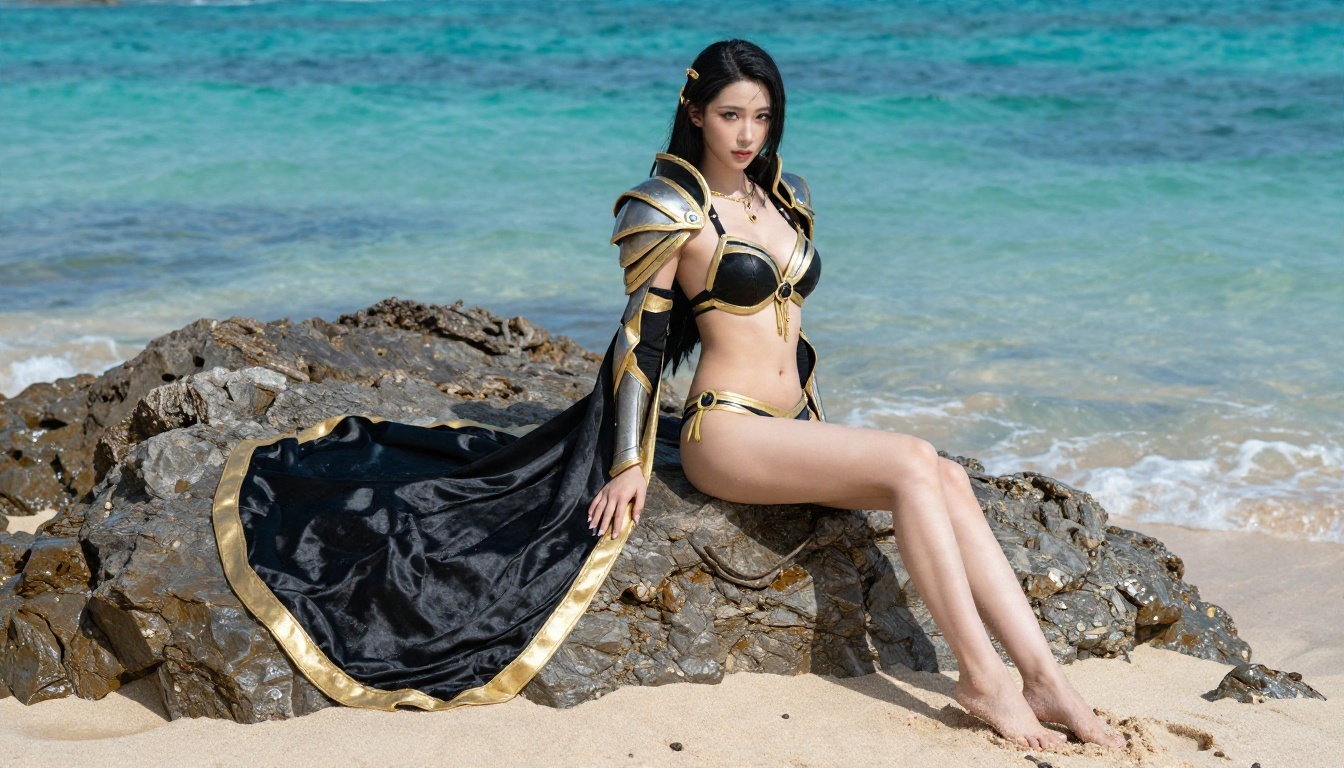
- Beach fantasy: warrior outfits with capes, sunlit rocks, turquoise water, metallic armor shine.
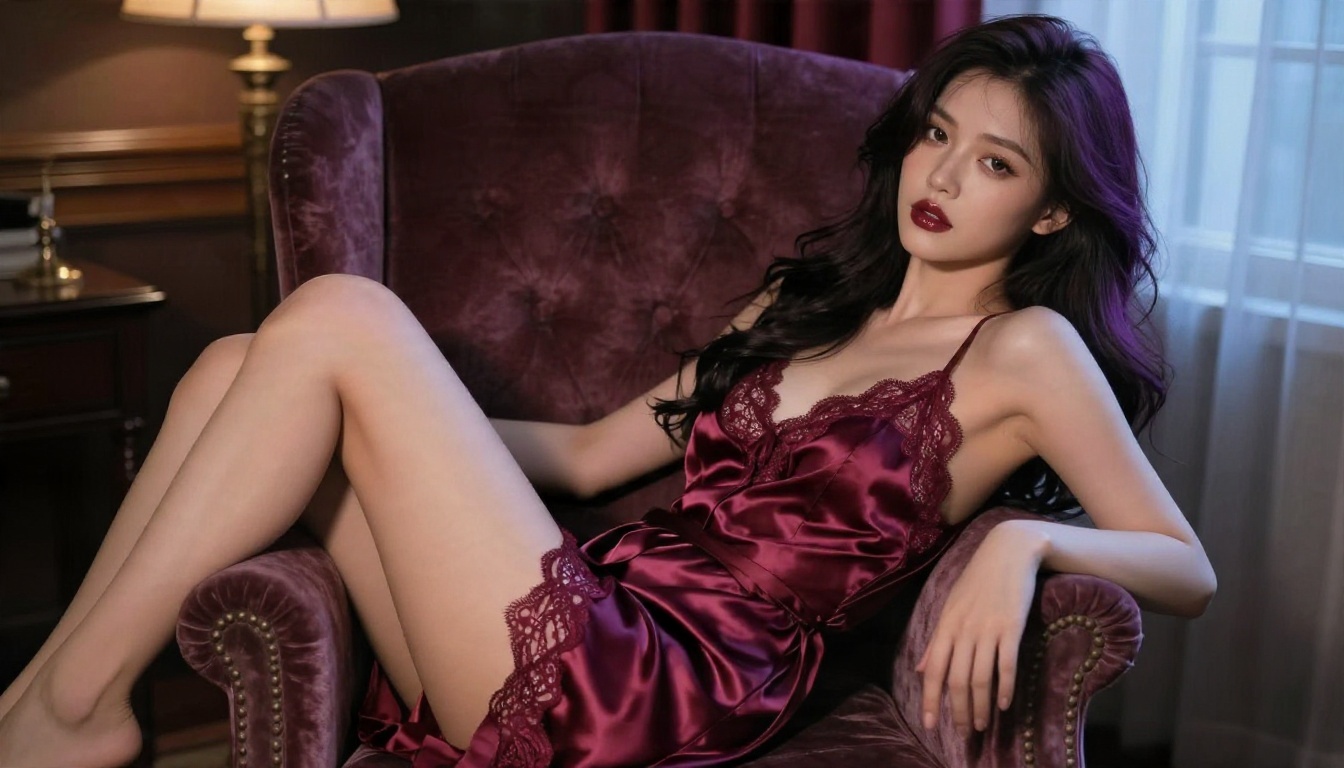
- Boudoir mood: satin robes, lace trim, candlelight, velvet chairs, soft shadows.
- City nights: vending machine glow, rain on pavement, layered jackets, reflections.
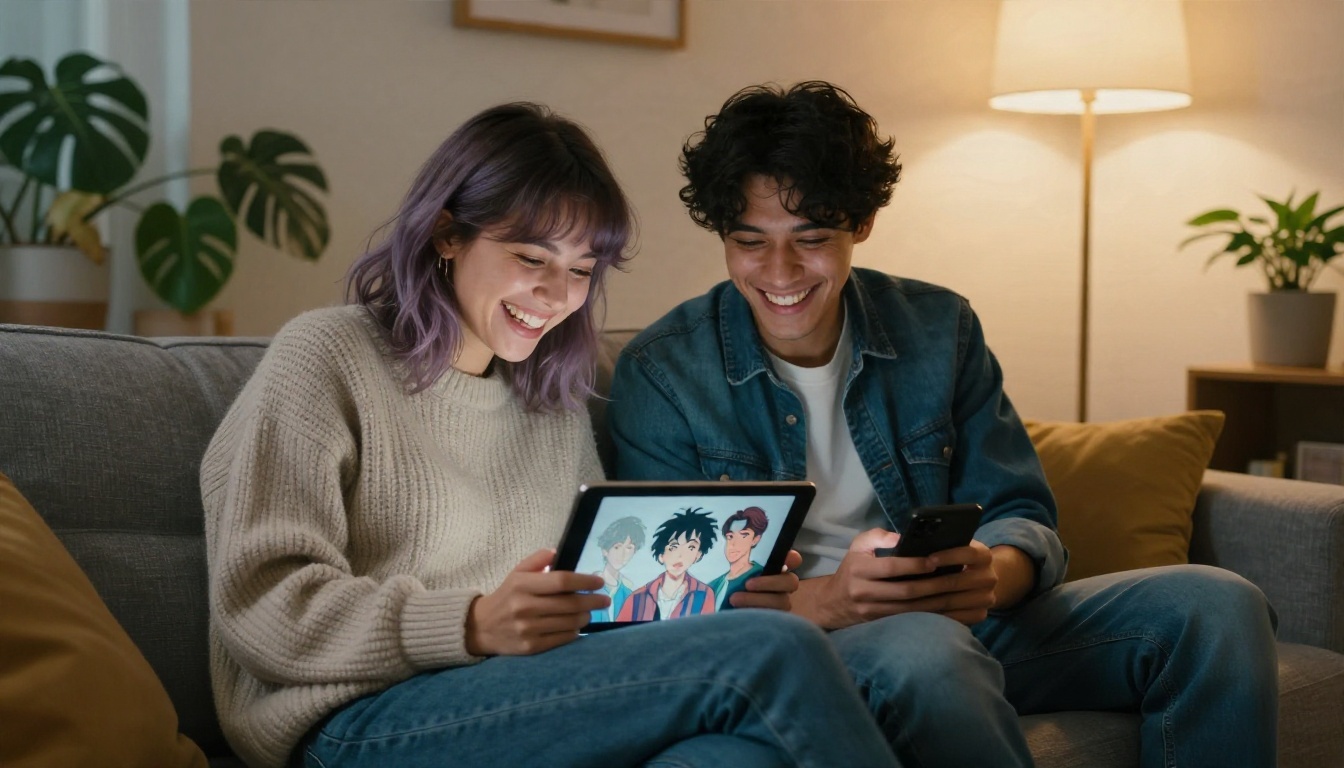
- Cozy creators: oversized sweaters, tablets, tea, plants, warm lamplight.
- Festival days: yukata, paper lanterns, summer evening haze.
Share your drafts with friends who like the same genre. Comparing outputs is a quick way to pick up new terms and settings you had not thought of.
Keep It Adult and Safe
A few rules keep your work on solid ground, whichever tool you use.
- Adult characters only. Always state an adult age in the prompt and never create characters who look like minors. This is non-negotiable.
- No real people. Do not use a real person's name or photo to make adult-themed art. Invented characters are the safe path.
- Respect platform rules. If you share work publicly, check where adult content is allowed and label it properly.
- Keep it tasteful if you plan to monetize. Suggestive glamour travels further than anything explicit and gets you fewer takedowns.
💡 Quick tip: Treat "uncensored" as freedom to work, not as a reason to skip judgment. The best adult anime art is stylish and deliberate, not shocking.
Start Creating Your Own Art
You now have the pieces: a clear five-part prompt, a short list of style and lighting terms, and the right models for each stage. Open Seedream 4.5, write your first character card, and generate a handful of drafts. Then move your favorite into PicassoIA Image Editor Pro and polish it with unlimited runs until the eyes, hair and light are exactly right.
Try one small experiment today: take a single prompt and change only the lighting three times. Golden hour, candlelight, window light. You will see right away how much mood lives in a few words. When you want more styles and tools to play with, browse the full catalog at picassoia.com/en/all-models and build your own anime series, one prompt at a time.


