You type a sentence, wait a few seconds, and an adult anime-style character appears exactly the way you pictured her. That is the promise of an AI hentai creator, and in 2027 it is no longer a niche trick for people with a monster GPU. It runs in a browser tab. The catch is that the market is crowded with apps that hide credit walls behind a "free" button, blur your results, or quietly filter half your prompts.
This article sorts the noise. You will see how an online AI hentai app actually works, which prompt formulas give clean results, what "free limits" usually mean in practice, and which tools on PicassoIA make sense when you want uncensored, fast, non-explicit glamour and anime-inspired imagery.
💡 Quick answer: Start with Seedream 4.5 for the first draft, then refine with PicassoIA Image Editor Pro, which offers unlimited generations. Keep every character clearly adult.
What an AI Hentai Creator Does
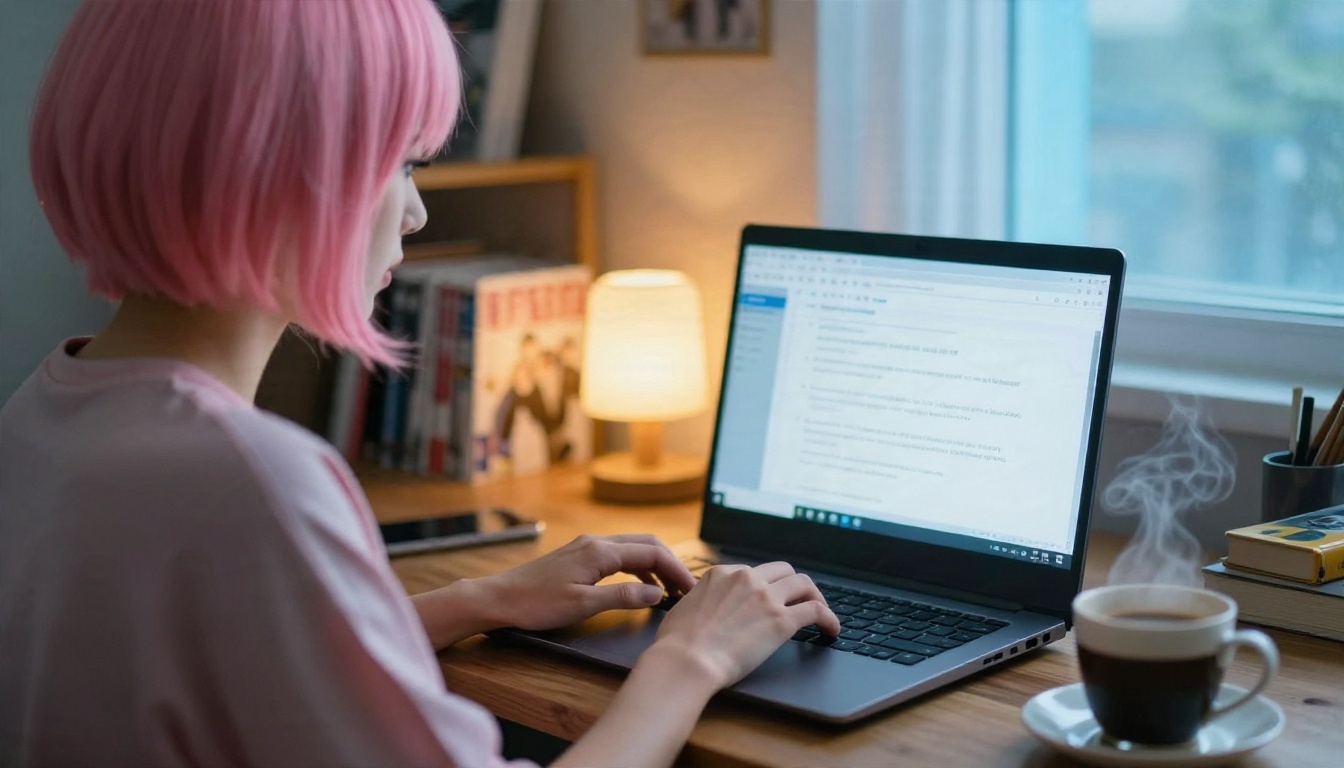
An AI hentai creator is a text-to-image or image-to-image system tuned, prompted or filtered to produce adult-oriented anime and manga style art. Under the hood it is the same diffusion technology that makes photographs, concept art and product mockups. What changes is the vocabulary you feed it and how strict the platform is about what it will return.
Text to image, the basic loop
You describe a subject, pose, outfit, setting and lighting. The model returns a handful of candidates. You pick the strongest, adjust the wording, and run it again. Most people land on a result they like in five to fifteen attempts.
Image to image and editing
The second loop matters more than most beginners think. Instead of starting from nothing, you upload a base picture and ask the model to restyle it, change the outfit, swap the background or fix a hand. This is where an editor beats a plain generator, because you keep what works and only change what does not.
Where "hentai" ends and "glamour" begins
Strictly speaking, hentai is explicit by definition. On PicassoIA the focus is non-explicit work: suggestive, attractive, fashion-forward imagery of adult characters, from cosplay glamour to anime-inspired portraits. If you want the look and mood of the genre without crossing into pornography, that is the lane to stay in, and it is also the lane that produces the cleanest, most shareable results.
Online App or Local Install?
Two routes exist, and they suit different people.
| Factor | Online app | Local install |
|---|
| Setup time | Under a minute | Hours, often a full weekend |
| Hardware | Any phone or laptop | A strong GPU with plenty of VRAM |
| Speed | Seconds per image | Depends on your card |
| Updates | Automatic | Manual, sometimes broken by updates |
| Privacy | Depends on the platform | Stays on your machine |
| Cost | Free tier or subscription | Electricity and hardware |
Why most people pick online
Hardware is the dealbreaker. A decent local setup needs a graphics card most people do not own, plus patience for installers, model files and driver quirks. An online app skips all of that. You sign in, type, and generate.
When local still makes sense
If you need total offline privacy or you want to train a custom character on your own machine, local tools win. For everything else, a browser is faster and less fragile.
💡 Tip: Whichever route you choose, never train or prompt a model to imitate a real person without their consent. Fictional adult characters only.
Prompts That Actually Work
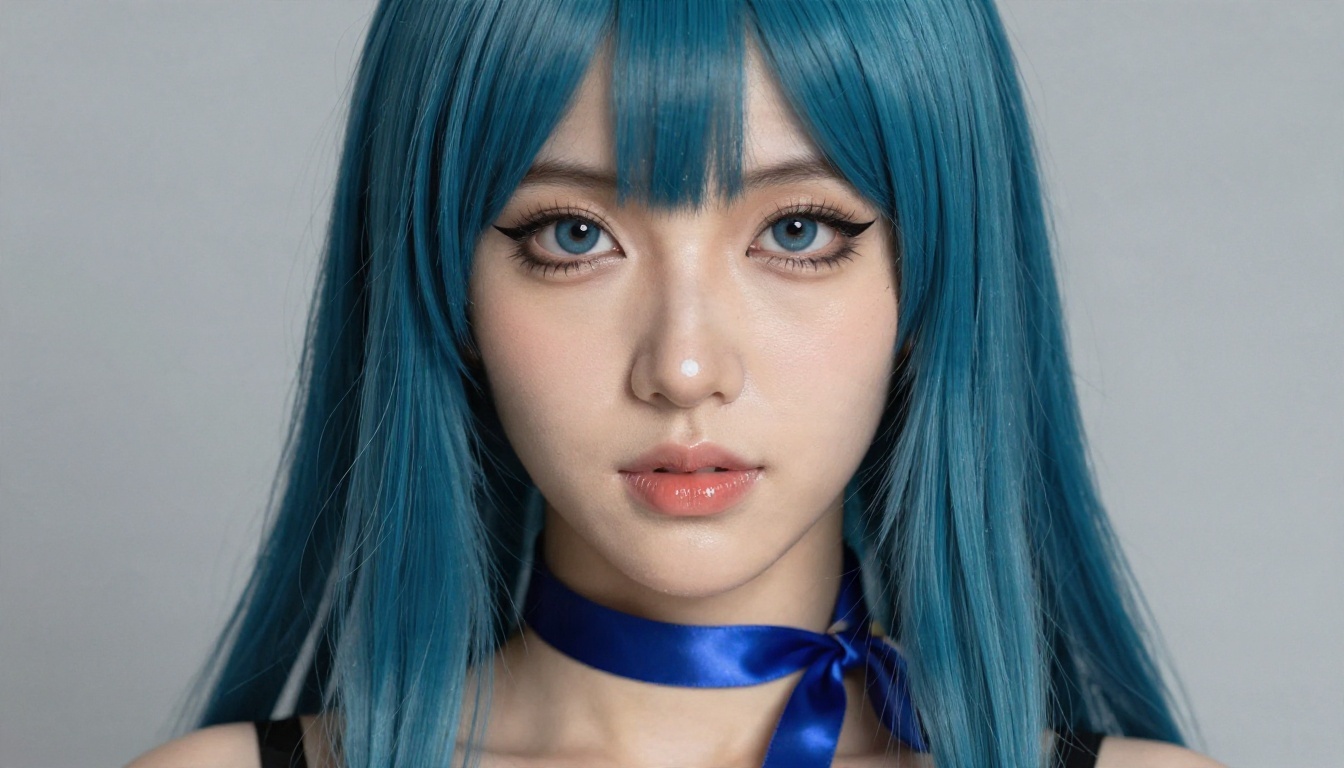
Bad prompts are short and vague. Good prompts are structured. Think of a prompt as a shot list for a photographer or an illustrator: who is in frame, what they wear, where they are, how the light falls, and how the picture is framed.
The five-part formula
- Subject: adult woman, hair color and style, expression
- Outfit: specific garment, fabric, color accents
- Setting: room, street, rooftop, studio
- Lighting: soft window light, golden hour, warm lamp glow
- Framing: close-up, waist-up, low angle, 85mm portrait
Put together, a solid starter looks like this:
Adult woman with long silver-lilac hair in twin tails, fitted off-shoulder top and pleated skirt, sitting in a bright loft studio, soft window light from the left, waist-up portrait, shallow depth of field, detailed fabric texture.
Words that raise quality
Specific material words help: satin, lace trim, stitched seams, glossy lips, fine skin texture. Lighting words help even more: rim light, softbox, overcast dusk, golden hour backlight. Models respond to photography language because so much of their training data came with it.
Words that cause problems
Stacking twenty adjectives confuses the model. So do contradictory instructions such as "dark moody" and "bright sunny" in the same line. Keep one mood per prompt.
A word on age
Always write adult in the prompt and design characters who read as adults. Any tool worth using will reject prompts that suggest otherwise, and you should never try to work around that. It is the one non-negotiable rule of this whole category.
Negative wording
Some models accept a separate negative prompt, others do not. When they do not, phrase what you want positively. Instead of "no extra fingers", write "natural hands with five fingers, relaxed pose".
Free Limits, Explained
"Free AI hentai generator" is one of the most misleading phrases on the web. Free can mean five very different things.
| What the app calls "free" | What it really means |
|---|
| Daily credits | A small number of generations that reset every 24 hours |
| Signup bonus | A one-time pool that runs out fast |
| Watermarked output | Free images, but branded or blurred until you pay |
| Slow queue | Unlimited in theory, minutes of waiting in practice |
| Free preview | You see a low-resolution result, the sharp one costs credits |
The hidden costs
The biggest trap is resolution. A free tier that caps you at small images is useless if you plan to print, post or edit the result. The second trap is the filter: some platforms advertise "uncensored" and then block ordinary glamour prompts, so you burn credits on refusals.
How to judge a free tier in ten minutes
- Run the same prompt three times and note the speed
- Check whether the output has a watermark
- Test one tasteful swimwear or lingerie-style prompt to see if the filter overreacts
- Look at the maximum resolution before you commit
- Confirm what happens when credits hit zero
💡 Tip: On PicassoIA, PicassoIA Image Editor Pro is built for unlimited generations, which removes the credit anxiety that ruins experimentation. When you can iterate freely, your prompts get better much faster.
Style Choices That Matter
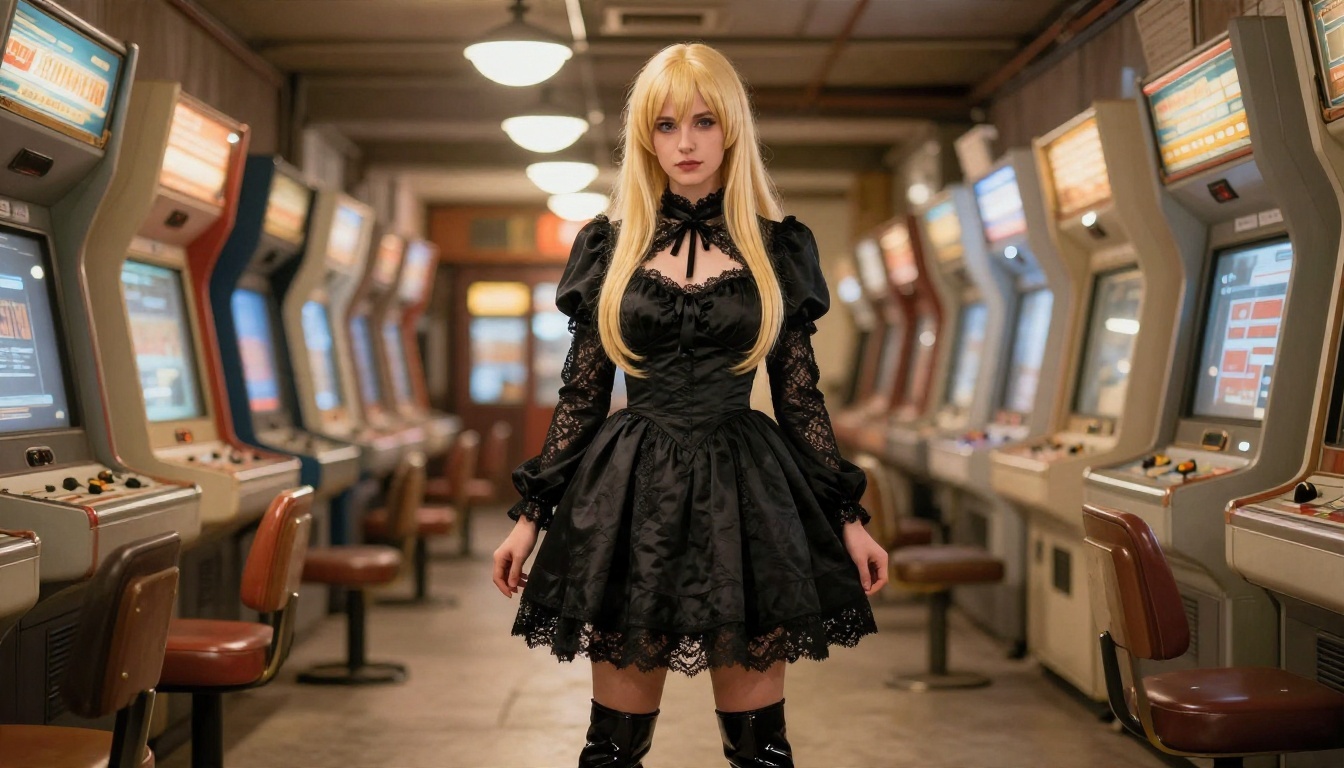
Not every project needs flat cel-shaded anime. Most users end up moving between three looks.
Classic anime and manga
Clean line work, flat color, big expressive eyes. This is the traditional style. Models built for painterly or anime output, such as Krea 2 Medium and Proteus v0.3, handle it well.
Semi-realistic anime
A softer, more painted look with believable skin and fabric. It sits between illustration and photography and is popular for character portraits and book covers.
Photoreal cosplay glamour
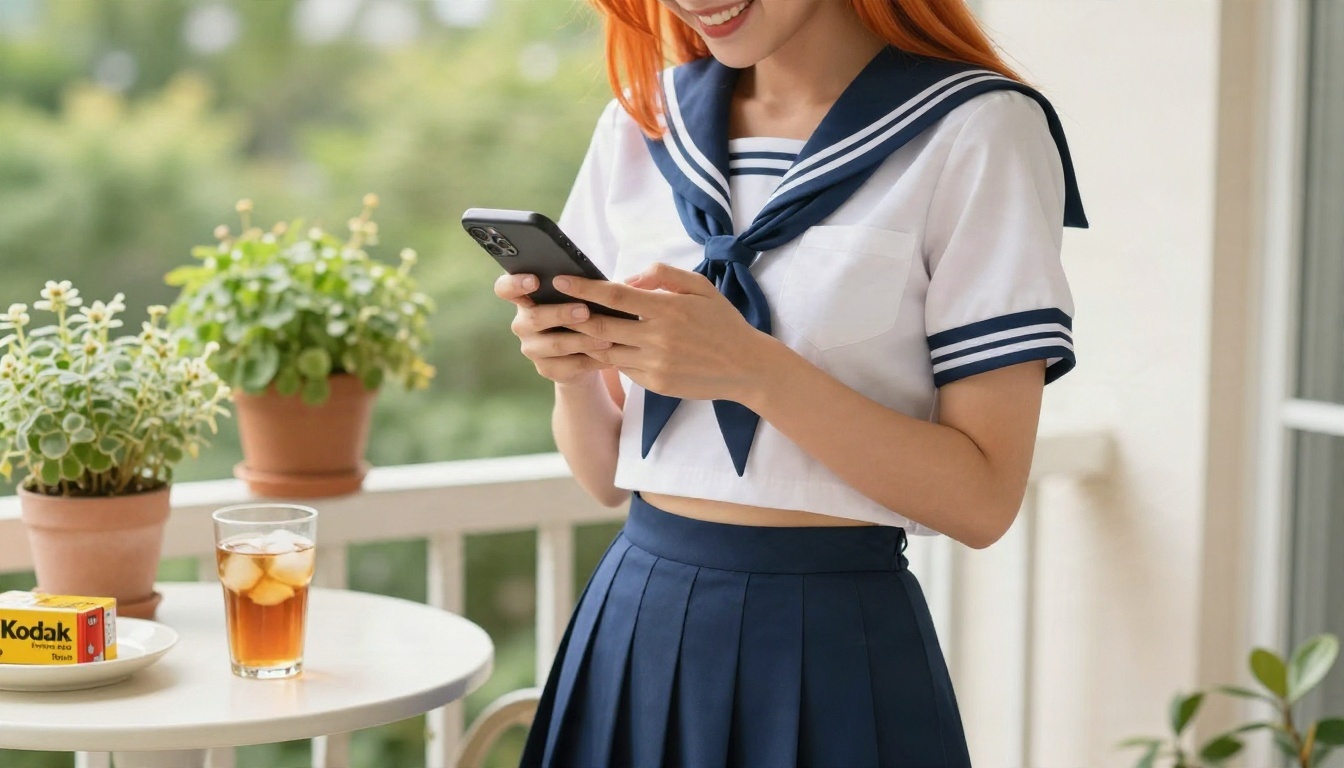
This is the look you see in every picture on this page: an adult model in a stylish anime-inspired costume, shot like a magazine editorial. It is the safest, most polished option, and it is where modern photoreal models shine. The same character idea can live in either world, and you can even convert between them with Qwen Image Edit Plus LoRA Photo To Anime, which restyles a photo into an anime look.
| Style | Best for | Effort |
|---|
| Classic anime | Character sheets, stickers, avatars | Low |
| Semi-realistic anime | Portraits, cover art | Medium |
| Photoreal cosplay | Editorial, glamour, mood boards | Medium |
Seedream 4.5 on PicassoIA
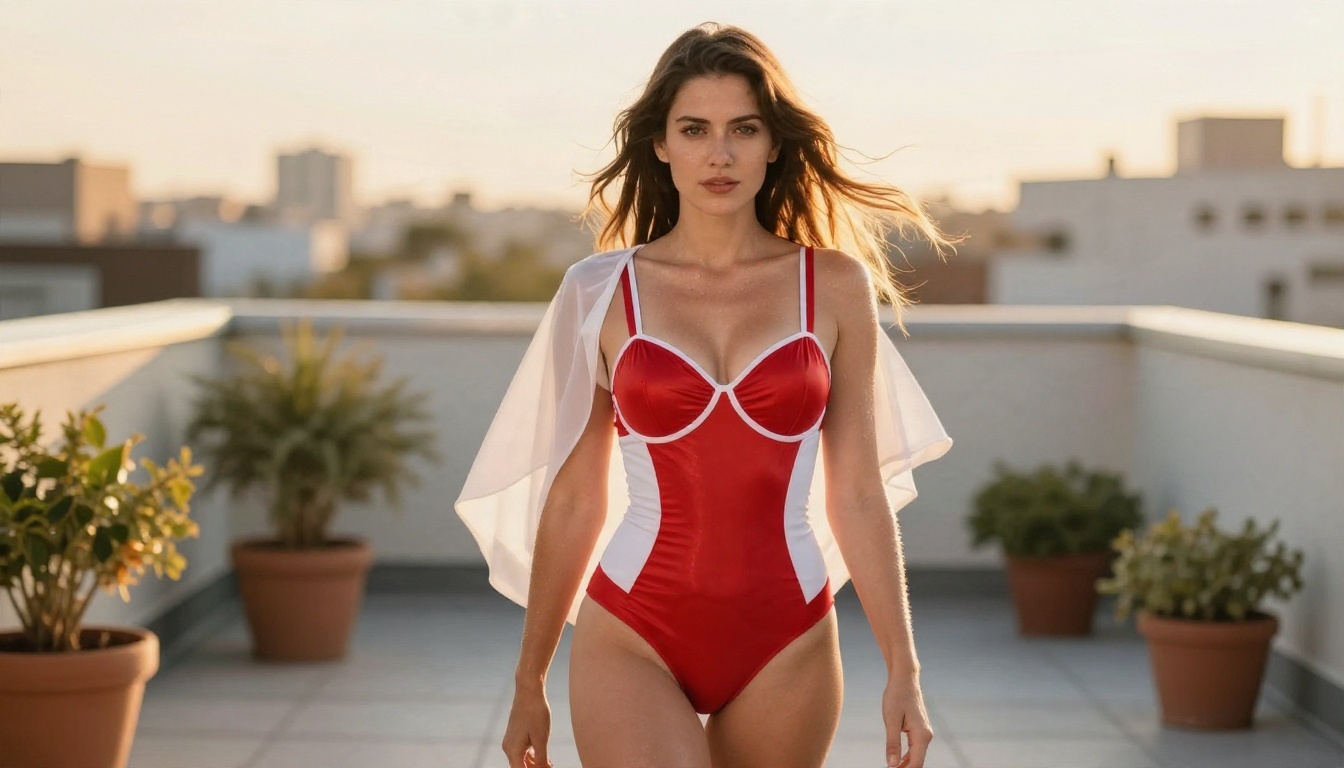
If you only try one model for this kind of work, make it Seedream 4.5. It follows long, detailed prompts closely, renders fabric and skin convincingly, and produces sharp results up to 4K. For glamour and anime-inspired subjects, that prompt fidelity is the difference between "close" and "exactly what I asked for".
Why it leads the pack
- Prompt obedience: outfits, hair, poses and lighting land where you put them
- Texture quality: satin, lace, hair strands and skin look believable
- Resolution: high-resolution output suits printing and cropping
- Consistency: easy to repeat a character idea across several images
How to Use Seedream 4.5 on PicassoIA
- Open the Seedream 4.5 page on PicassoIA.
- Paste a prompt built with the five-part formula above.
- Choose a 16:9 or portrait ratio depending on where the image will be used.
- Pick the highest resolution offered for your final render. Use a lower one while drafting.
- Generate, compare, and keep the strongest candidate.
- Change one variable at a time, such as hair color or lighting, and run it again.
- Send the winner to the editor for polish (see the next section).
💡 Tip: Write lighting and lens in every prompt, even for anime-inspired work. A phrase like "soft window light from the left, 85mm portrait" gives the model a stable visual anchor and cuts down on odd shading.
Parameter tips
| Setting | Recommendation |
|---|
| Aspect ratio | 16:9 for scenes, 3:4 or 2:3 for full-body portraits |
| Prompt length | 40 to 90 words works best |
| Seed | Reuse the seed when you like a composition and only want small edits |
| Iterations | Run 4 to 8 variations before judging a prompt |
Polish With Image Editor Pro
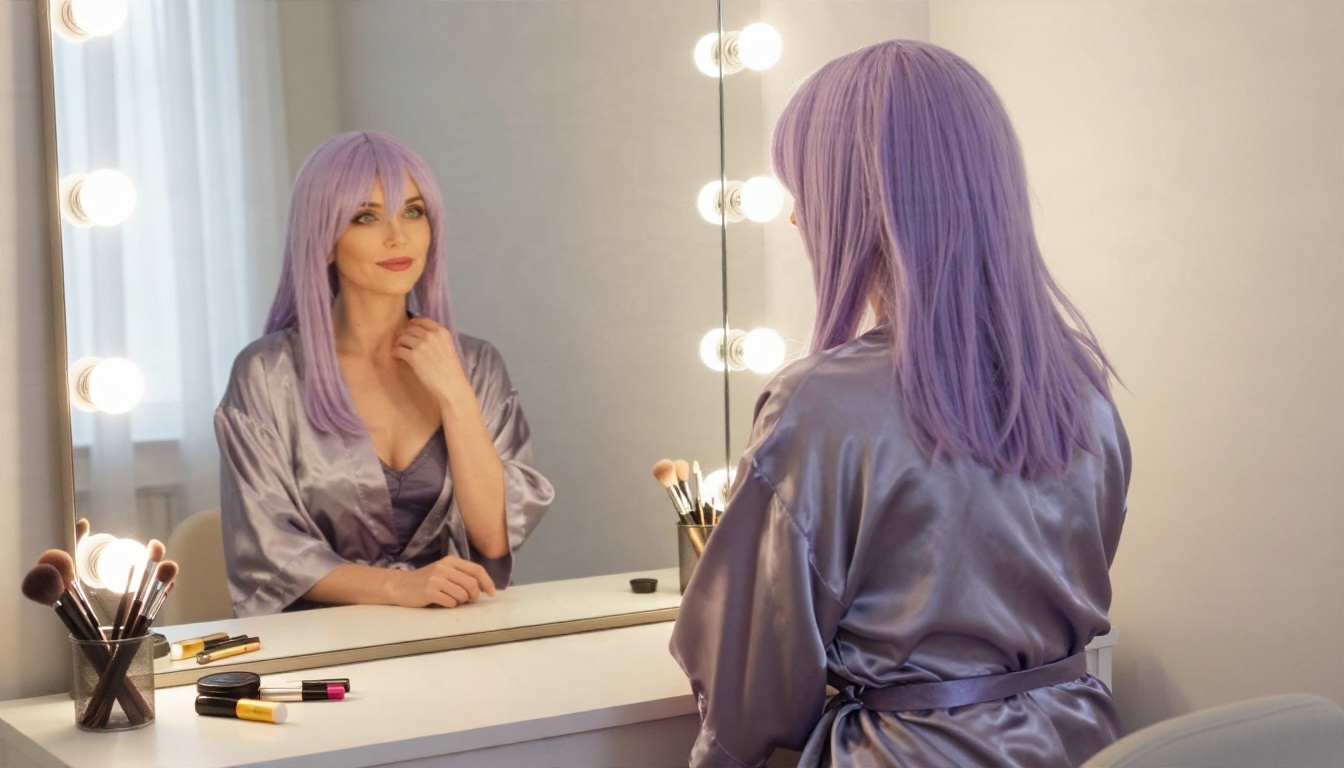
Generators give you a draft. Editors give you a finished picture. PicassoIA Image Editor Pro is where the second half of the job happens, and because it offers unlimited generations, you can keep refining without watching a credit counter.
What you can fix
- Change an outfit color or swap a garment
- Replace a cluttered background with a clean studio or rooftop
- Repair hands, hair edges and fabric folds
- Adjust lighting mood from cool morning to warm evening
- Restyle a photo toward anime, or an illustration toward photography
A simple two-step workflow
- Generate the base image with Seedream 4.5 for maximum prompt accuracy.
- Load it into Image Editor Pro and describe the change in plain language: "same woman, change the skirt to deep burgundy, warm lamp light".
This pairing is faster than regenerating from scratch, because the character, pose and framing stay stable while you tweak the details.
Upscaling the final pick
Once you have a favorite, upscale it. Super resolution tools on PicassoIA can push an image to a larger size without the mushy look of basic resizing, which matters if you plan to print or crop tightly.
Other Models Worth Testing
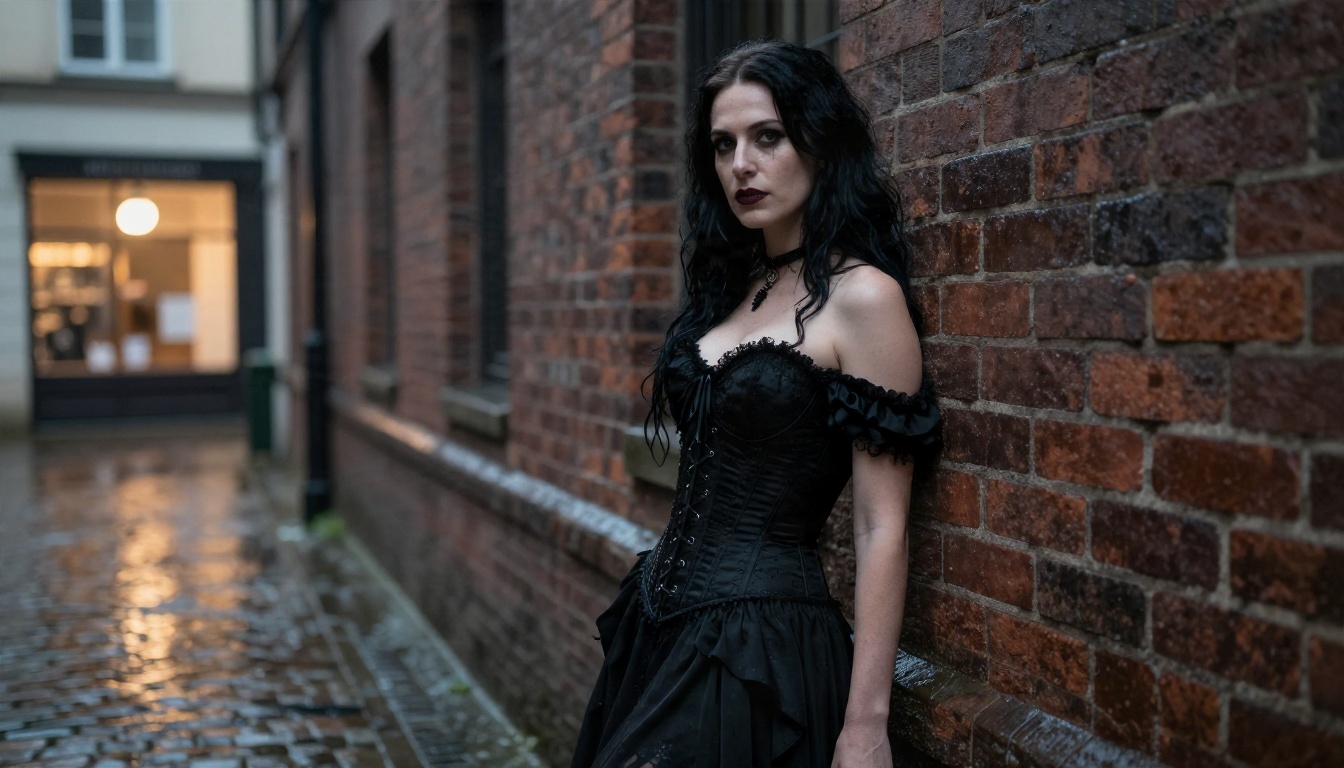
No single model is best at everything. After Seedream 4.5 and Image Editor Pro, these are worth keeping in your rotation. Each link goes straight to the model page.
| Model | Strength | Best use |
|---|
| Seedream 4 | Reliable 4K output, strong detail | Solid fallback and quick drafts |
| Nano Banana Pro | Sharp results and strong editing | Photo edits and polished portraits |
| Nano Banana | Fast generation and editing | Quick outfit and background swaps |
| Z Image Turbo | Very fast, sharp images | Rapid prompt testing |
| Krea 2 Medium | Anime and painterly looks | Classic anime and stylized art |
| Proteus v0.3 | Anime character art | Character portraits and avatars |
| Qwen Image 3 Pro | Photorealistic output | Editorial cosplay shots |
Matching the model to the job
- Need speed? Use Z Image Turbo to test five prompt ideas in a minute.
- Need pure anime? Start with Krea 2 Medium or Proteus v0.3.
- Need photoreal glamour? Seedream 4.5 or Qwen Image 3 Pro.
- Need to edit an existing picture? Image Editor Pro or the Nano Banana models.
What about other AI hentai sites?
Plenty of dedicated sites exist, and many are fine for casual use. The usual trade-offs are credit systems that run out quickly, watermarks on free output, and filters that behave unpredictably. A general platform with many models gives you more choice: when one model struggles with a pose or a texture, you switch to another instead of switching websites.
Rules for Safe, Clean Results
This category attracts bad habits, so the ground rules are worth stating plainly.
Non-negotiables
- Adults only. Every character must be clearly an adult in the prompt and in the result. No exceptions, no workarounds.
- No real people without consent. Do not generate suggestive images of a real person, whether a celebrity, a classmate or an ex.
- No explicit content. Keep the work suggestive and artistic. That is both the safer path and the better-looking one.
- Respect where you post. Many social networks restrict adult content, so check the rules before you share anything.
Practical habits
- Keep your best prompts in a notebook or notes app
- Save seeds when a composition works
- Label files so you remember which model made which image
- Store your favorites in a private folder, not a shared one
💡 Tip: The cleanest, most shareable images usually come from tasteful framing, good lighting and strong fabric detail, not from pushing a model toward extremes. Editorial restraint looks better and avoids filter trouble.
Common mistakes
- Overloaded prompts. Twenty adjectives, one confused model.
- Ignoring lighting. Flat light makes even great designs look cheap.
- Regenerating instead of editing. If the image is 90 percent right, edit it.
- Judging a model on one try. Run at least four variations first.
- Skipping upscaling. A sharp final export separates polished work from drafts.
Build Your Workflow Today
Here is a routine you can run in an afternoon.
Step by step
- Sketch the idea in words. One character, one outfit, one setting, one mood.
- Draft in Seedream 4.5. Generate four to eight variations from a five-part prompt.
- Pick the best and refine. Open it in Image Editor Pro and fix details with plain language.
- Try a second model. Run the same idea through Krea 2 Medium for anime or Nano Banana Pro for photo-style editing.
- Upscale and save. Export the winner at the highest resolution.
What to expect
After a few sessions you will have a personal prompt library, a short list of favorite models, and a sense of what each one does best. That library is worth more than any single clever prompt, because it lets you start every project at 80 percent instead of zero.
Ready to try it?
An AI hentai creator is only as good as the model behind it and the freedom you have to iterate. PicassoIA gives you both: uncensored, fast generation with a lineup of strong models, and an editor with unlimited generations so you can keep experimenting without counting credits.
Open Seedream 4.5, paste the starter prompt from this article, and see what comes back in a few seconds. Then take your favorite result into PicassoIA Image Editor Pro and push it further. When you want to compare more options, browse the full catalog at picassoia.com/en/all-models and build your own set of go-to tools.


