Typing a sentence and getting a polished anime frame back in seconds still feels a little unreal. That is exactly what an AI hentai maker does: it reads your text (or a reference photo), then builds a stylized, adult-oriented character image that would have taken an illustrator hours. The catch is that most "free" tools bury you in watermarks, queues and daily caps, and half of them produce the same stiff face every time.
This article shows what actually works. You will see which models to start with, how to write prompts that follow your idea instead of fighting it, ten prompt examples you can paste right now, and a repeatable workflow from first draft to final upscale. Everything here is 18+ and non-explicit in presentation: we focus on glamour, costume, mood and craft, not graphic content.
💡 Quick answer: For the best mix of speed, detail and freedom, start with Seedream 4.5, then refine with PicassoIA Image Editor Pro, which offers unlimited generations.
What an AI Hentai Maker Does
An AI hentai maker is an image generator tuned, or prompted, toward anime and manga aesthetics with adult themes: glamorous characters, fantasy costumes, romantic lighting, suggestive poses. Under the hood it is the same diffusion technology behind every modern text to image model. The difference lies in the model you choose and the words you feed it.
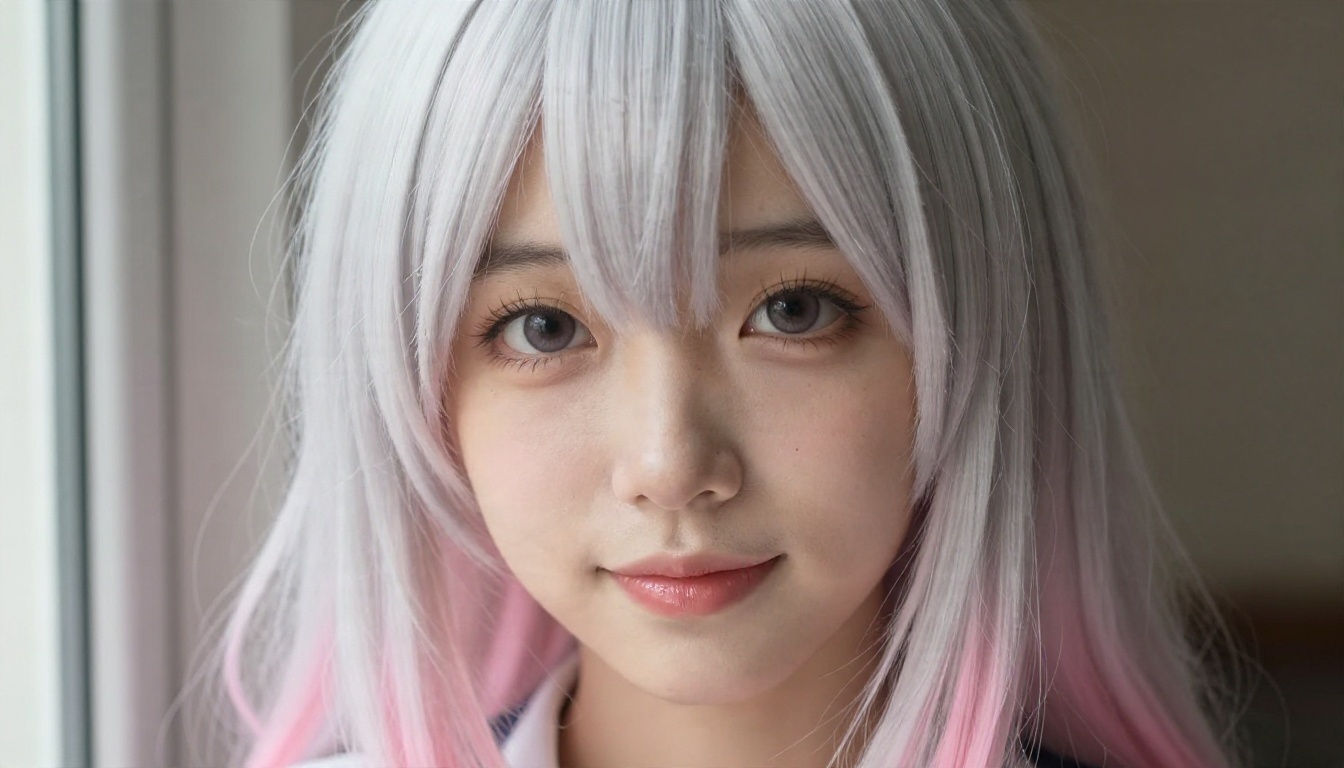
From Text to Anime Frame
You describe a character, a setting and a mood. The model turns that into pixels through repeated denoising steps. Good tools give you three levers:
- Text to image: a prompt becomes a brand new picture.
- Image to image: a photo or sketch guides the pose and composition.
- Editing: you change one detail (hair color, outfit, background) without redrawing everything.
That third lever matters more than most beginners expect. A first draft is rarely perfect, and an editor that keeps the face while swapping a costume saves you dozens of re-rolls.
Why Free Tools Hit Limits
Free generators usually make money in one of three ways: watermarks, credit systems that run dry after a handful of images, or content filters so strict that a simple bikini prompt gets blocked. For adult-oriented creative work, that last point is the real frustration.
| Common Limit | What It Costs You | What To Look For Instead |
|---|
| Daily credit cap | Stops you mid-project | Unlimited or generous generation |
| Heavy watermark | Unusable images | Clean exports |
| Aggressive filters | Blocked, wasted prompts | Models with relaxed policies for adult glamour |
| Slow queues | Minutes per image | Seconds per image |
| Fixed style | Every output looks alike | Several models to switch between |
Picking the Right Model
Not every model suits this job. Some excel at photorealism, some at flat anime shading, some at following long, detailed prompts. Here is how the options stack up on PicassoIA.
Seedream 4.5 First
Seedream 4.5 is the model to open first. It handles long prompts well, renders skin, fabric and hair with convincing detail, and delivers images quickly. For glamour-focused adult themes it gives you far more room than most mainstream generators, which means fewer blocked prompts and less time rewording.
Best for: polished character portraits, costume shots, cinematic lighting, high resolution output.
Image Editor Pro for Unlimited Edits
PicassoIA Image Editor Pro is the workhorse for iteration. You upload a draft, describe the change ("same woman, red kimono instead of white dress, warmer light"), and it rebuilds the picture. The big selling point is unlimited generations, so you can try thirty variations without watching a counter tick down.
Best for: outfit swaps, background changes, fixing small flaws, building a consistent character across several scenes.
Anime-Specific Alternatives
If you want flat cel shading and manga line work instead of photoreal rendering, these models lean that way:
Other general-purpose picks worth keeping handy are Qwen Image 3 for photorealistic detail, Z Image Turbo for fast drafts, Nano Banana Pro for sharp 4K output, and Flux 2 Klein 9B Base LoRA when you want a styled look.
💡 For the full catalog of image models, browse picassoia.com/en/all-models and test two or three side by side with the same prompt.
Prompts That Work
A prompt is a brief to a very literal assistant. Vague input gives vague output. Specific input gives you something you can actually use.
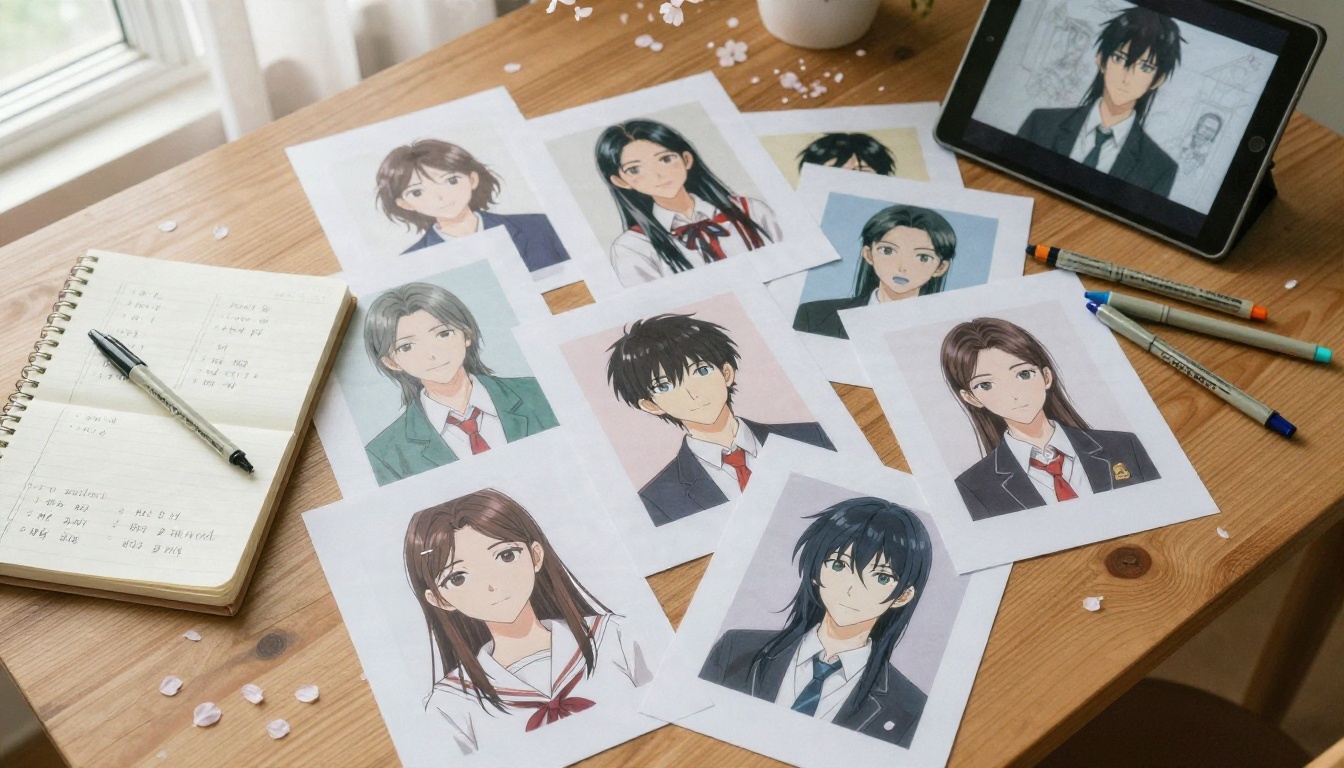
Anatomy of a Strong Prompt
Build every prompt from five blocks, in this order:
- Subject: who she is, her age (always an adult), hair, eyes, expression.
- Outfit: fabric, color, cut, accessories.
- Pose and framing: close-up, waist-up, full body, over-the-shoulder.
- Setting: room, street, forest, cafe, with two or three concrete props.
- Light and style: direction of light, time of day, lens feel, art style.
Skipping the last block is the most common reason results look flat. Light sets mood more than anything else in the sentence.
Ten Prompt Examples
Copy these into Seedream 4.5 and change one element at a time.
1. Sailor-style classic
Adult anime heroine, long black ponytail, pink and white sailor-style top, pleated skirt, ribbon choker, sitting on a wooden desk by a bright window, warm morning light, soft shading, detailed eyes, glamour portrait
2. Silver-haired fantasy beauty
Adult woman with silver-white hair and pastel pink tips, large violet eyes, glossy lips, gentle smile, close-up portrait, afternoon sunlight from the right, delicate lace collar, crisp detail
3. Maid cafe glamour
Adult character in a black and red maid-style outfit with lace trim and garter stockings, standing in a vintage Japanese cafe with paper lanterns, hand on hip, warm tungsten light, low angle
4. Forest elf
Adult elf character with wavy lavender hair, emerald corset top, sheer cape, misty forest clearing at sunrise, golden backlight, dew on moss, cinematic wide shot
5. Summer rooftop
Adult woman with a short teal bob, bikini top and high-waisted shorts, anime hair clip, laughing on a sunny rooftop terrace, city skyline behind, golden hour sun, side profile
6. Kimono calm
Adult woman in a red satin kimono-inspired robe loosely tied, sitting on tatami in a room with sliding shoji doors, holding a folding fan, soft window light, silk sheen
7. Rainy street heroine
Adult anime heroine with long black hair, fitted leather jacket and mini skirt, standing under a shop awning in light rain, warm storefront glow, reflections on wet pavement, night
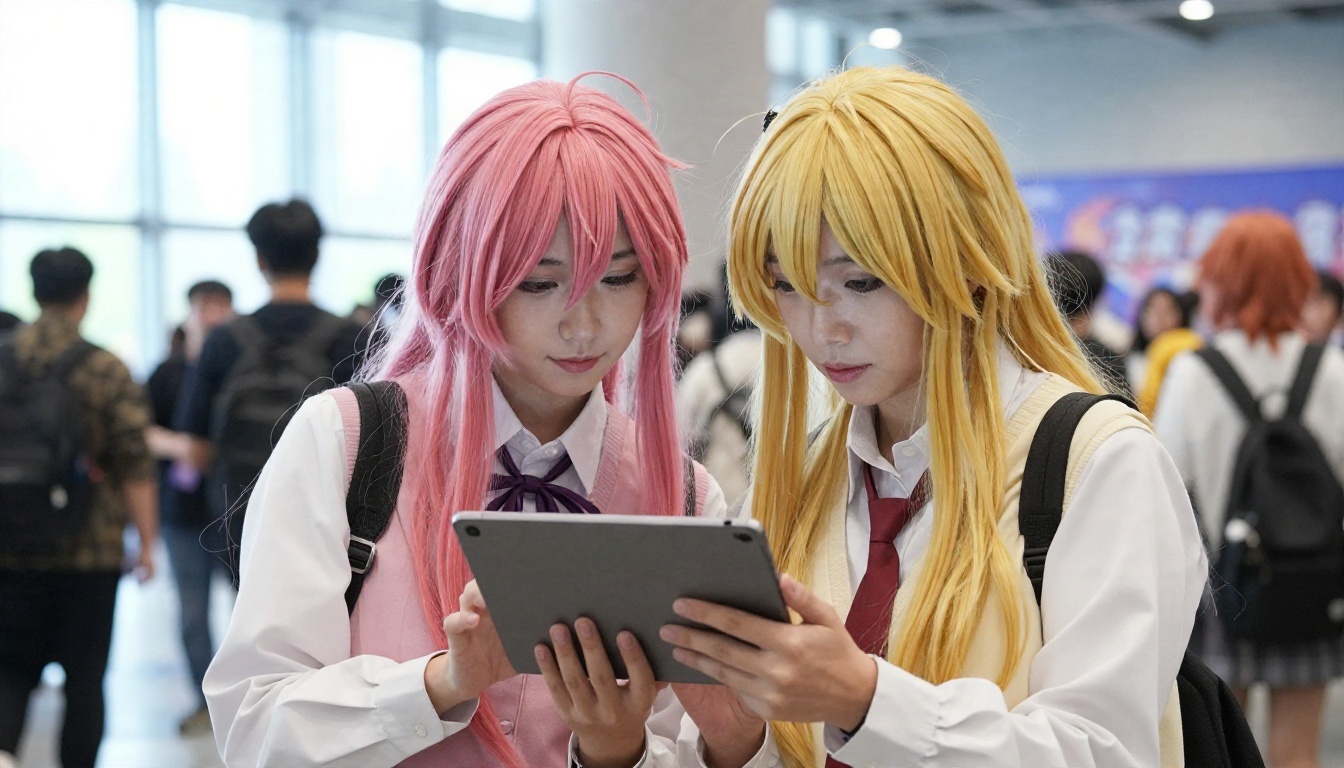
8. Cosplay convention pair
Two adult friends in colorful anime cosplay, laughing at a tablet, convention hall, bright mixed lighting, candid medium shot
9. Moonlit balcony
Adult woman with long wavy auburn hair in a silk slip dress, leaning on a stone balcony railing, moonlight from behind, soft breeze in the curtains, romantic mood
10. Library witch
Adult witch character with dark curls, fitted velvet dress, pointed hat tilted back, reading in a tall old library, warm lamp glow, dust in the light beams
Negative Cues and Fixes
Some models support a negative prompt. When yours does, add: blurry, extra fingers, distorted hands, duplicate limbs, text, watermark, low resolution, cropped face. When it does not, solve the same problems inside the main prompt: write "natural hands, five fingers, sharp focus, clean background".
💡 Always state an adult age or role ("adult woman", "late twenties"). It keeps outputs consistent and keeps your work on the right side of every platform's rules.
Example Results and Looks
Seeing what each prompt style produces saves hours of guessing. The photographs below show a photoreal, anime-inspired look: the same costumes, hair colors and moods you would describe in an anime prompt, rendered as if captured on a real camera. Many creators prefer this look because it feels intimate and cinematic.
Costume and Character Looks
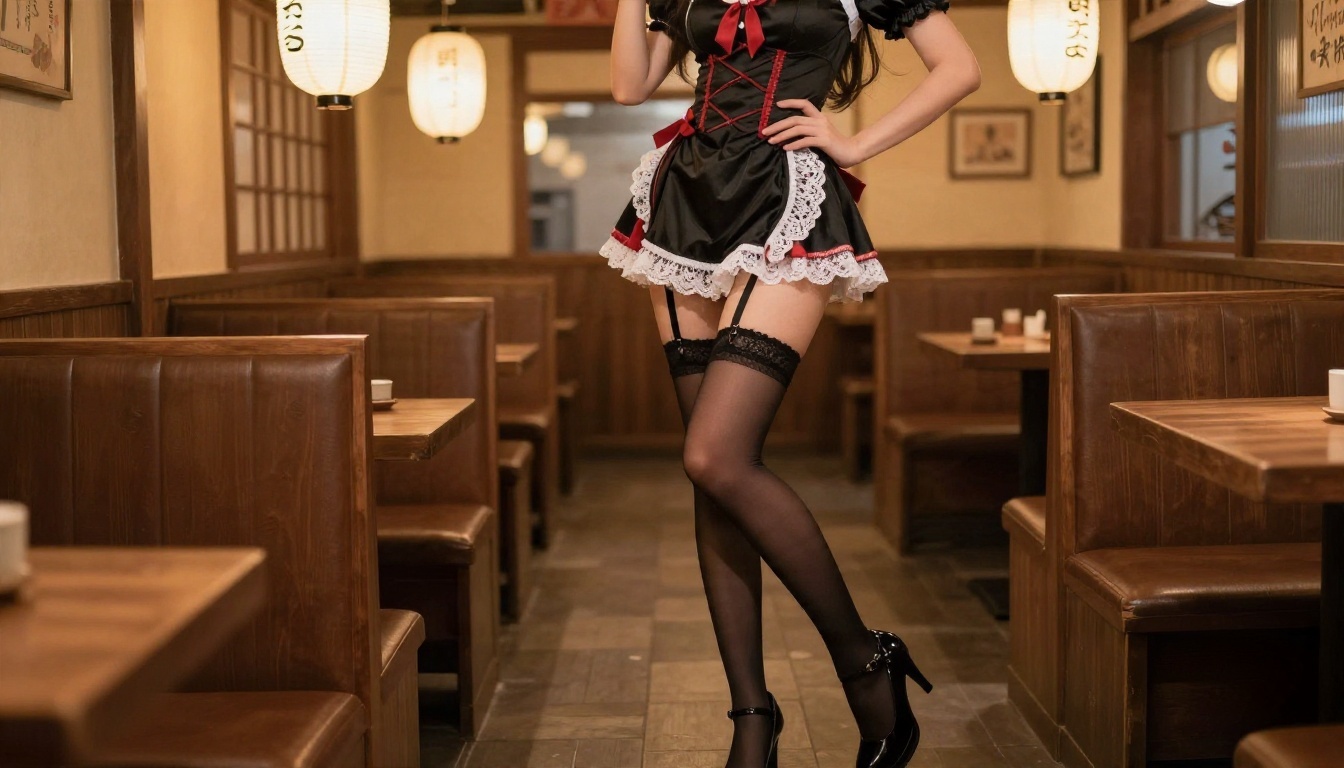
Costume does the heavy lifting. A maid-style outfit, a sailor top, an elf corset: each one arrives with a built-in story, so the model has less guessing to do. Name the fabric (satin, lace, velvet, leather) and the result gains texture instantly.
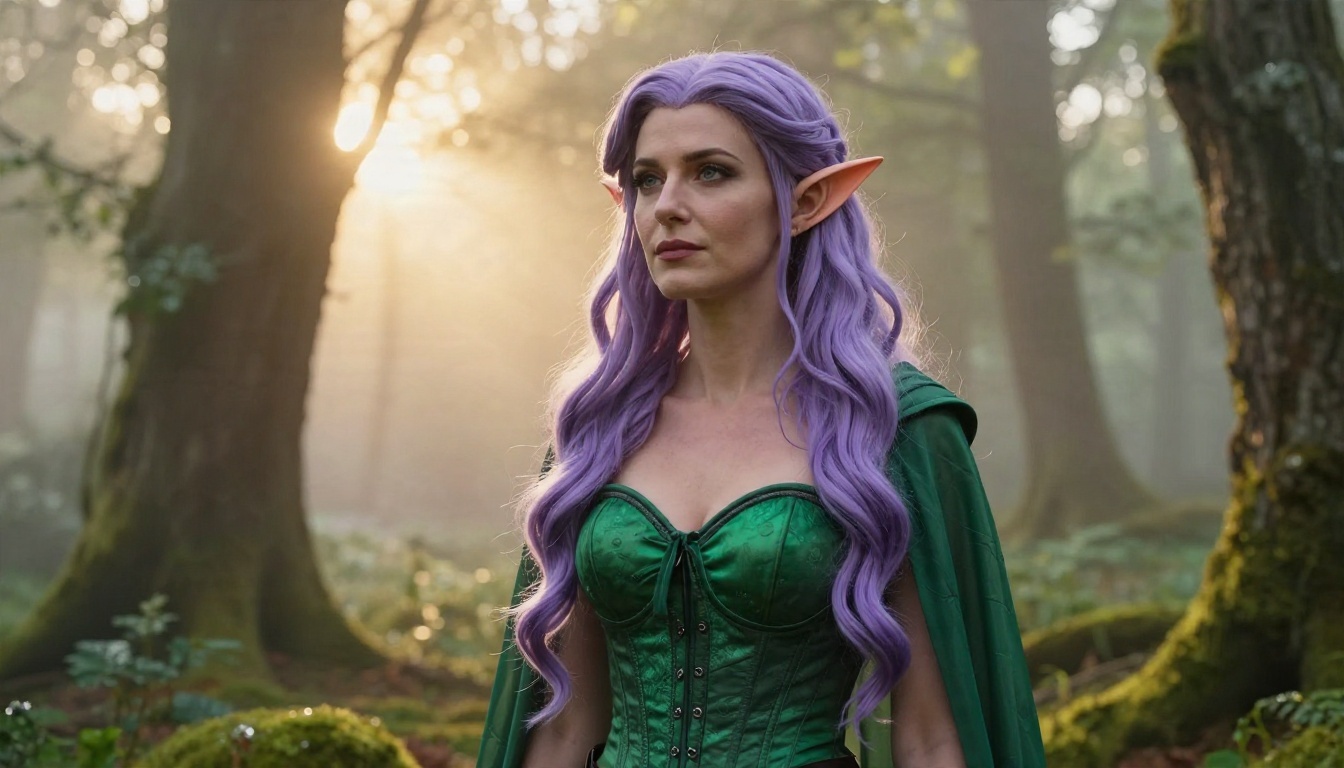
Fantasy settings work especially well. Mist, backlight and moss give the model strong visual anchors, and the character stands out cleanly against them.
Lighting and Mood
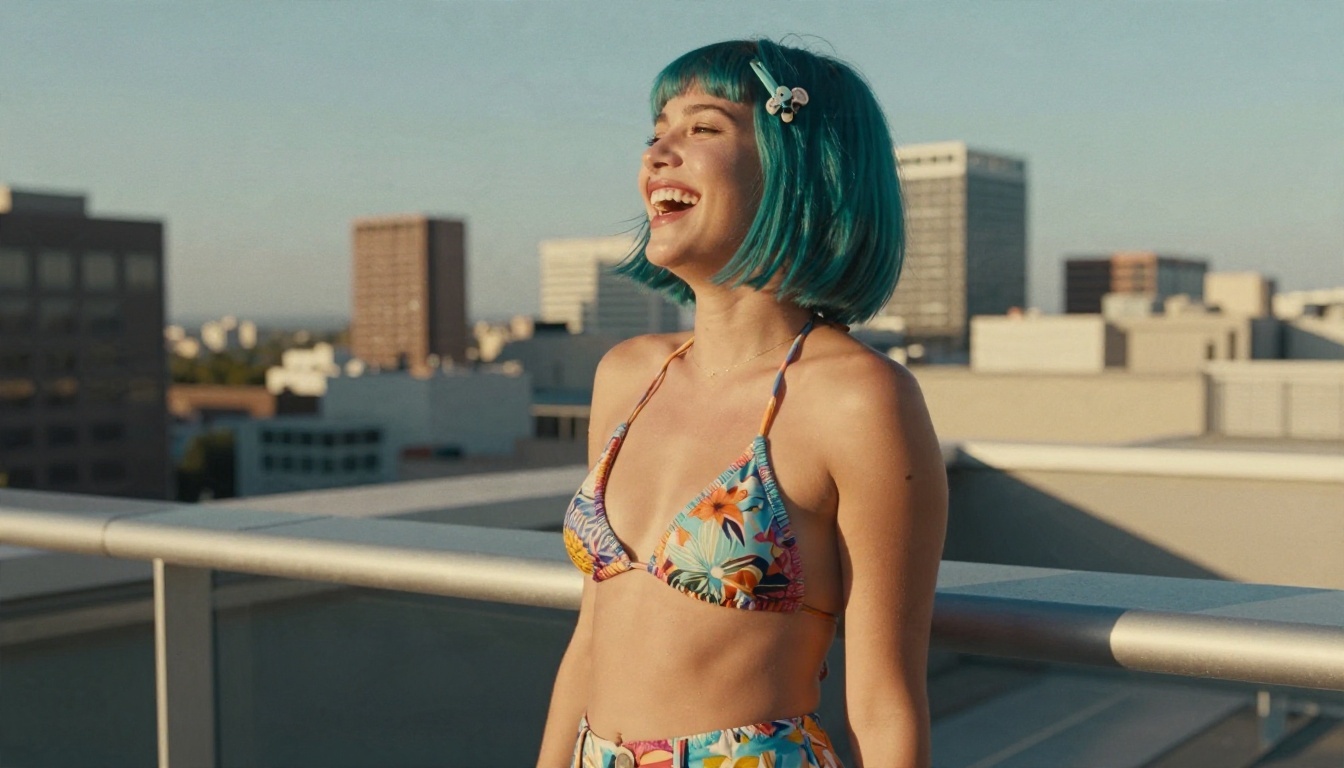
Golden hour is the safest bet for warm, flattering skin. For drama, switch to night rain and warm shop lights.
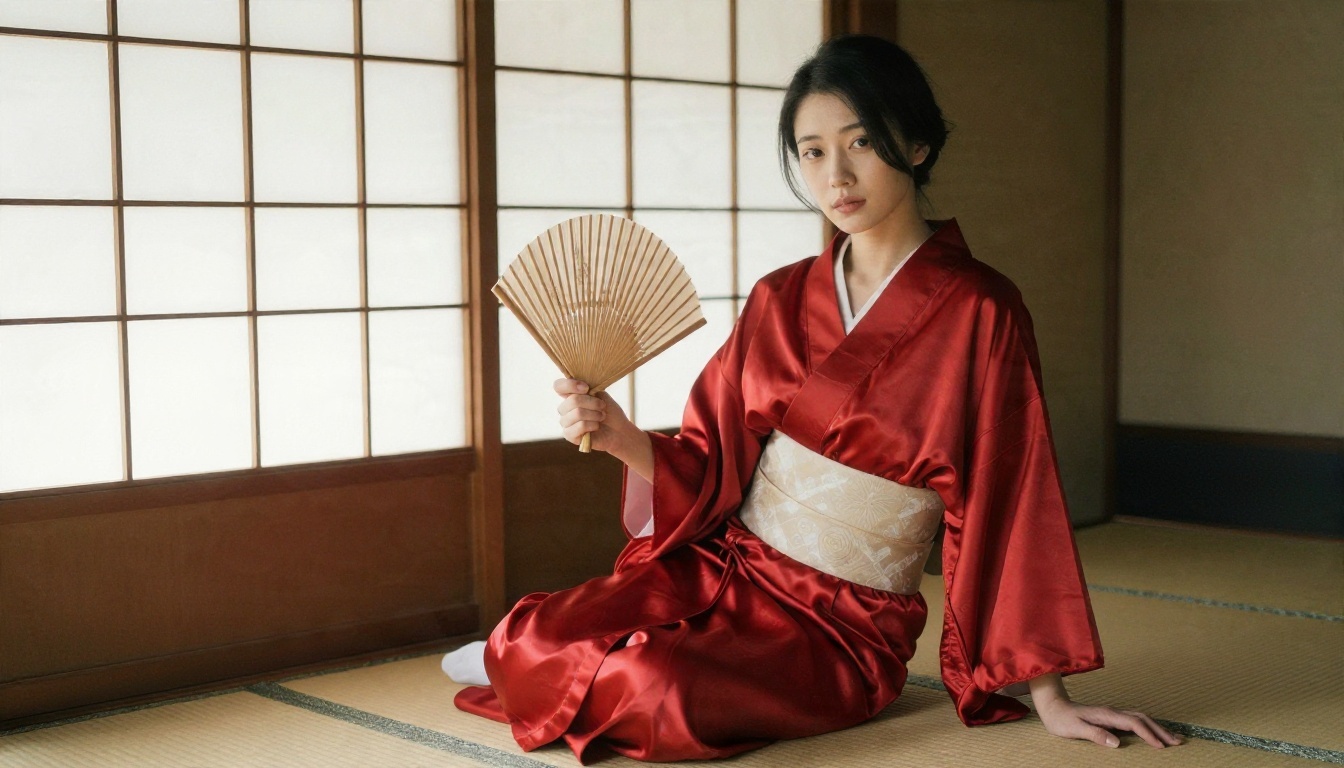
Soft window light, like in the kimono scene, produces gentle shadows and a calm, elegant mood. Use it when you want sensual without being loud.
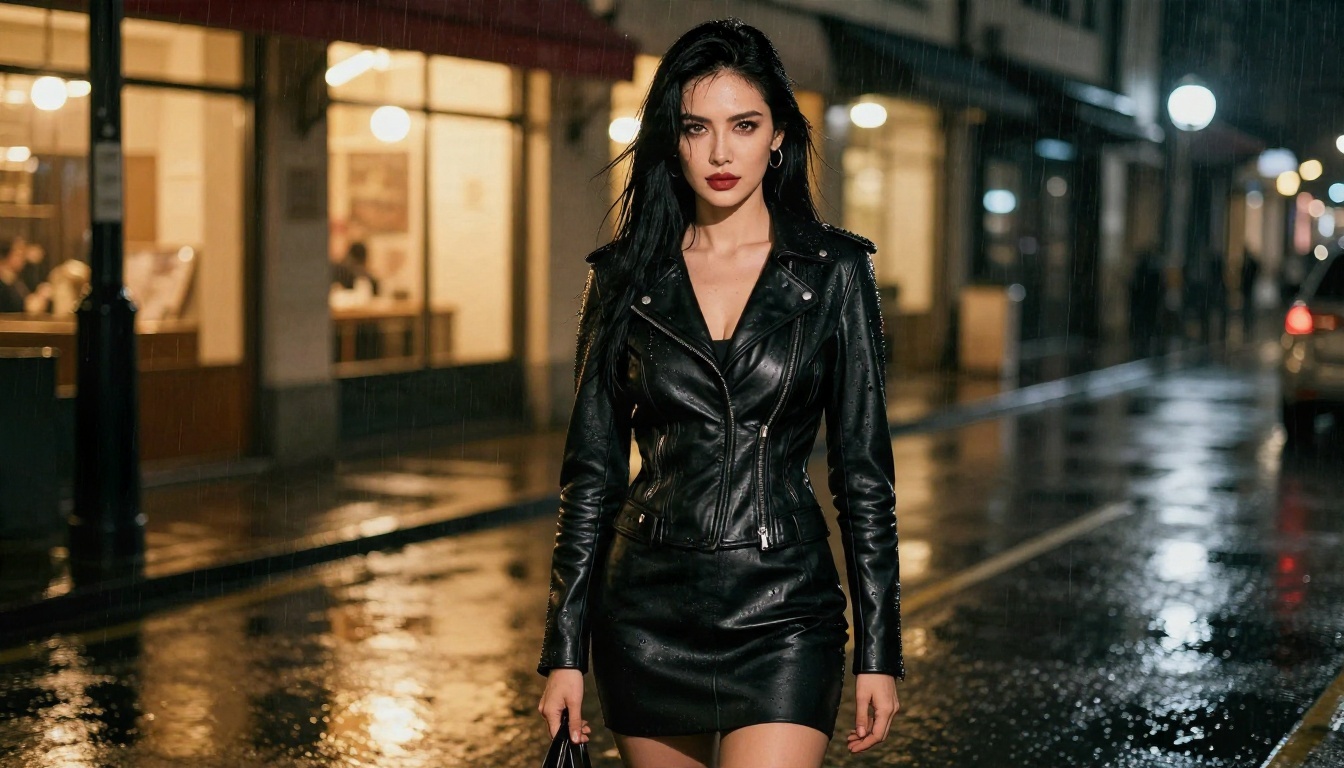
| Lighting Phrase | Mood It Creates | Works Best With |
|---|
| Golden hour sun | Warm, playful | Rooftops, beaches, streets |
| Soft window light | Calm, intimate | Bedrooms, tatami rooms |
| Tungsten glow | Cozy, nostalgic | Cafes, bars |
| Moonlight from behind | Romantic, quiet | Balconies, gardens |
| Rain with storefront glow | Moody, cinematic | City streets at night |
Step by Step Workflow
Treat the first image as a sketch, not a final. This sequence keeps results sharp and saves time.
Generate Four Drafts
Open Seedream 4.5, paste one of the prompts above and run it four times. Look at faces, hands and composition. Pick the one with the best bones, even if the outfit is wrong.
Parameter tips:
- Use a 16:9 ratio for wide scenes and 2:3 for full-body character portraits.
- Keep prompts between 40 and 90 words. Shorter is vague, longer starts to contradict itself.
- Change only one variable between runs so you know what caused the difference.
Refine in Image Editor Pro
Upload your favorite draft to PicassoIA Image Editor Pro. Describe a single change per round: "keep the same face and pose, change the dress to deep red satin". Because generations are unlimited, you can iterate until the picture looks right instead of settling.
Pick a Style Direction
Once the composition is locked, decide the final look. Want it to read as a photograph? Stay with Seedream 4.5 and Image Editor Pro. Want flat anime shading? Run the same reference through Qwen Image Edit Plus LoRA Photo To Anime or recreate the prompt in Krea 2 Medium.
Upscale and Save
Finish with a super resolution pass if you plan to print or post in high resolution. PicassoIA also offers dedicated upscalers in its super resolution category, so you do not need a separate app.
Mistakes to Avoid
Most weak results trace back to the same handful of habits.
- Stacking too many styles. "Anime, photoreal, watercolor, oil painting" confuses the model. Pick one.
- Forgetting the light. No lighting words means flat, averaged shading.
- Over-long prompts. Past 100 words, later details get ignored.
- Changing everything at once. You never learn what worked.
- Skipping hands and eyes. Zoom in before you call an image finished. Fix small flaws with an editor pass rather than re-rolling the whole scene.
- Chasing the explicit. Suggestive framing, strong costume and good lighting read as more attractive than anything graphic, and they keep your images shareable on more platforms.
💡 Keep a plain text file of prompts that worked. After ten or twenty entries you will have a personal library you can remix in seconds.
Rules, Consent and Adult Use
This part is short but matters.
- Adults only. Every character you create must be clearly an adult. State it in the prompt and check the result. Anything that looks like a minor is off limits, full stop.
- No real people without consent. Never generate adult imagery that uses a real person's face or likeness unless they have agreed. That includes celebrities, classmates, coworkers and exes.
- Respect platform rules. Where you post decides what is allowed. Many sites ban adult imagery altogether, others require labeling. Read the policy before uploading.
- Keep it private if you need to. Generating images for personal use is different from publishing them. You choose where your work goes.
- Credit and license. Check the terms of any model you use if you plan to sell prints or use images commercially.
Staying inside those lines is what keeps this a creative hobby instead of a problem.
Try Your Own Images Today
You now have the full picture: a short list of models, a five-block prompt formula, ten examples to copy and a workflow that moves from draft to final without wasted runs. The fastest way to improve is to start generating.
Open Seedream 4.5 on Picasso IA, paste the sailor-style prompt, and run four drafts. Then move your favorite into PicassoIA Image Editor Pro and push it through a few rounds of unlimited edits: new outfit, new light, new setting. When you want to test other styles, the full model list lives at picassoia.com/en/all-models.
Pick a character, write five lines, and see what comes back. Your first strong image is probably one or two prompts away.


