AI Hug Video Prompt: Copy-Paste Examples and Settings That Work
Ready to paste AI hug video prompts for reunions, couples, families and pets, plus the settings that stop melted arms and strange hands. Includes a prompt formula, a settings table, fixes for common glitches and model picks.
Hugs are the hardest thing you can ask an AI video model to do. Two bodies overlap, four arms have to land in believable places, hands wrap around fabric, and faces tilt into each other. Get one detail wrong and you get a stranger with three elbows. The good news is that a well built AI hug video prompt fixes most of these problems before you press generate. Below you will find copy-paste examples, a simple formula behind them, and the settings that keep the embrace looking human.
💡 Quick answer: Describe who is hugging, how the hug starts, what the arms and hands do, how the camera moves, and what the light looks like. Keep it to one action, one camera move, and a 5 to 8 second clip.
Why Hug Videos Go Wrong
Before the prompts, it helps to know what breaks. Most failed hug clips share the same three causes.
Overlapping Bodies Confuse the Model
A hug is a contact scene. The model has to decide which arm is in front, which is behind, and where a hand disappears into a jacket. When your prompt only says "two people hugging," the model fills in every missing detail on its own, and that is where extra fingers and merged torsos come from.
Vague Motion Creates Drift
A prompt like "a beautiful emotional hug" gives the model nothing to animate. Without a clear sequence, faces slowly morph and bodies slide through each other. Concrete verbs such as steps forward, wraps, rests, and exhales give the clip a timeline to follow.
Too Much Camera Movement
Fast orbits and whip pans multiply the problem. Every time the camera angle changes, the model has to re-invent the geometry of two bodies in contact. A slow push-in is far safer than a 180 degree orbit.
The 5 Part Prompt Formula
Every prompt in this article follows the same order. Once you see it, you can write your own in under a minute.
Part
What to write
Example
1. Subjects
Age, clothing, relationship
"an elderly woman in a cream cardigan and her adult son"
2. Start pose
Where they stand before the hug
"standing a meter apart in a doorway"
3. Motion
Verbs in chronological order
"he steps forward, she lifts her arms, they embrace"
4. Camera
One slow move only
"slow dolly-in at eye level"
5. Light and mood
Source, direction, color
"warm morning light from the left, soft film grain"
💡 Tip: Name the hand placement. "Her hands rest flat on his back" is one of the single most useful phrases you can add. It stops the model from inventing finger poses.
Body anchors: hands on back, chin on shoulder, cheek against chest, arms around neck
Pace words: slowly, gently, a long pause, holds the embrace
Words That Hurt
"Passionate," "intense," and "dramatic" push the model toward exaggerated, rubbery motion.
"Multiple people hugging in a group" without positions often creates merged bodies.
Long lists of adjectives about beauty. The model reads them as style noise, not action.
Copy-Paste Hug Prompts That Work
Each prompt below is ready to paste. Swap the clothing, setting or ages to match your project.
Emotional Reunion Hug
An elderly woman with silver hair in a cream knit cardigan stands in a farmhouse doorway. Her adult son, in a navy linen shirt, steps toward her from the left and sets a leather bag on the floor. She opens her arms, he wraps both arms around her shoulders, and her hands rest flat on his back. She closes her eyes and smiles. He rests his chin gently on her head. Slow dolly-in at eye level, shallow depth of field, warm golden morning light from the left window, natural skin texture, soft film grain.
This one works because the sequence is clear: step, open, wrap, rest. The hands have a destination, and the camera only moves in one direction.
Airport Arrival Hug
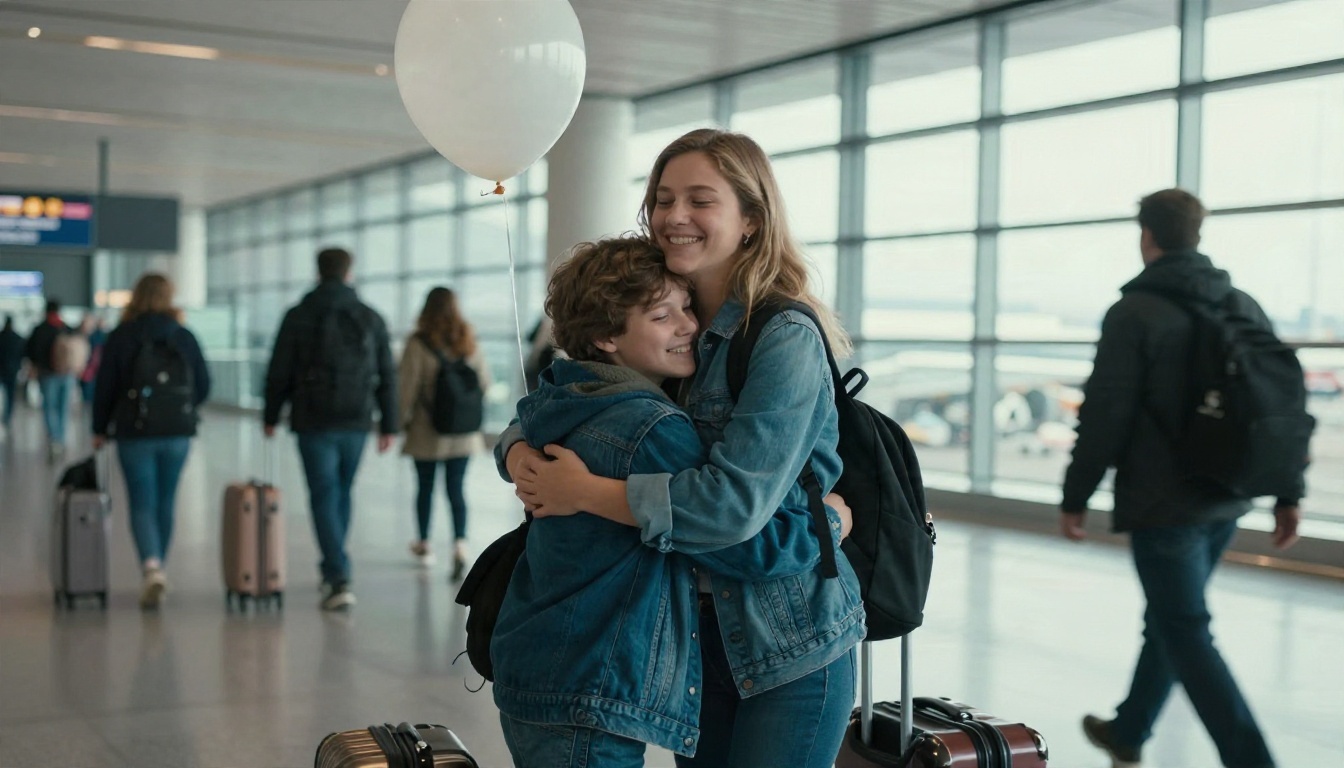
A teenage boy holding a small balloon waits at an airport arrivals gate. His older sister, pulling a small suitcase, spots him and lets go of the handle. She walks quickly toward him, he laughs, and they hug tightly with both arms around each other's shoulders. Travelers walk past softly blurred in the background. Static camera at chest height, 28mm lens, cool daylight from the large windows on the right, realistic denim and cotton textures.
💡 Tip: Crowded backgrounds are fine if you tell the model they are blurred. A busy but out-of-focus background keeps the model's attention on the two subjects.
Couple Hug on an Autumn Street
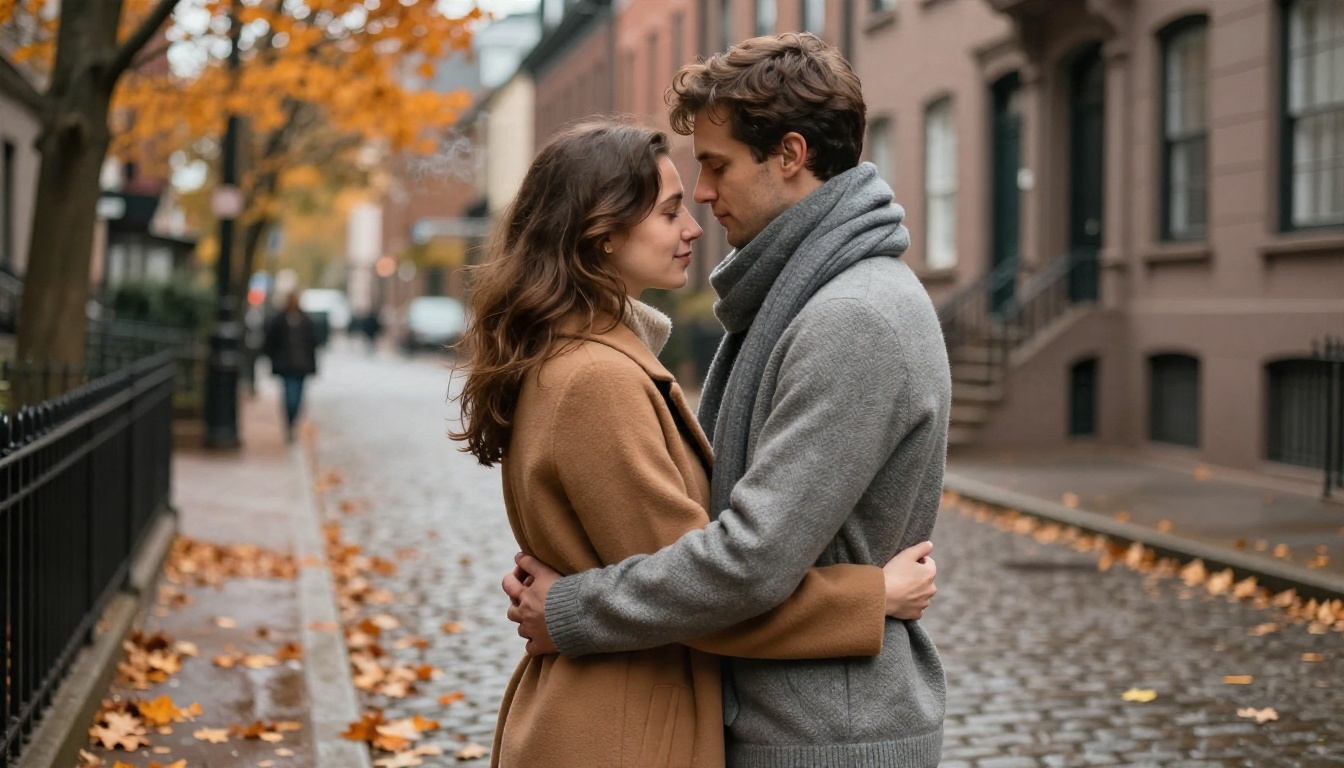
A woman in a camel wool coat and a man in a gray scarf stand facing each other on a quiet cobblestone street covered in orange leaves. He pulls her in slowly, she rests her cheek against his chest, and his hand rests on the back of her head. They sway gently side by side. Medium side-profile shot, slow push-in, breath faintly visible in the cold air, soft overcast light from the left, shallow depth of field, fine film grain.
Father and Daughter Bear Hug
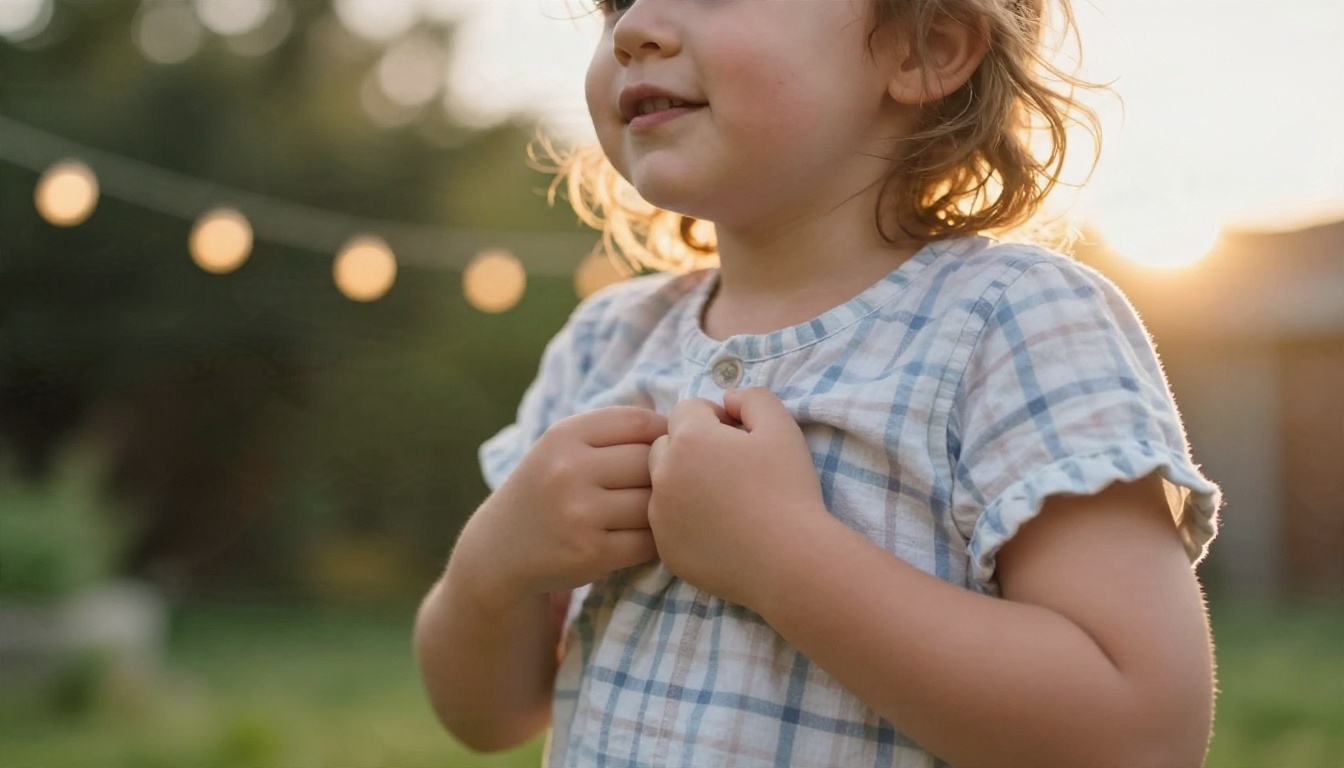
A father in a checkered shirt crouches in a backyard garden as his young daughter runs into his arms. He stands up, lifting her, and she wraps her arms around his neck with her small hands gripping his collar. He spins once, slowly, and they laugh. Over-the-shoulder shot, camera drifts gently to the right, golden hour backlight, string lights softly blurred, 85mm lens.
Lifting and spinning add risk, so keep the spin to a single slow turn. If the model struggles, remove the lift and let the child hug from the ground.
Hug With a Dog
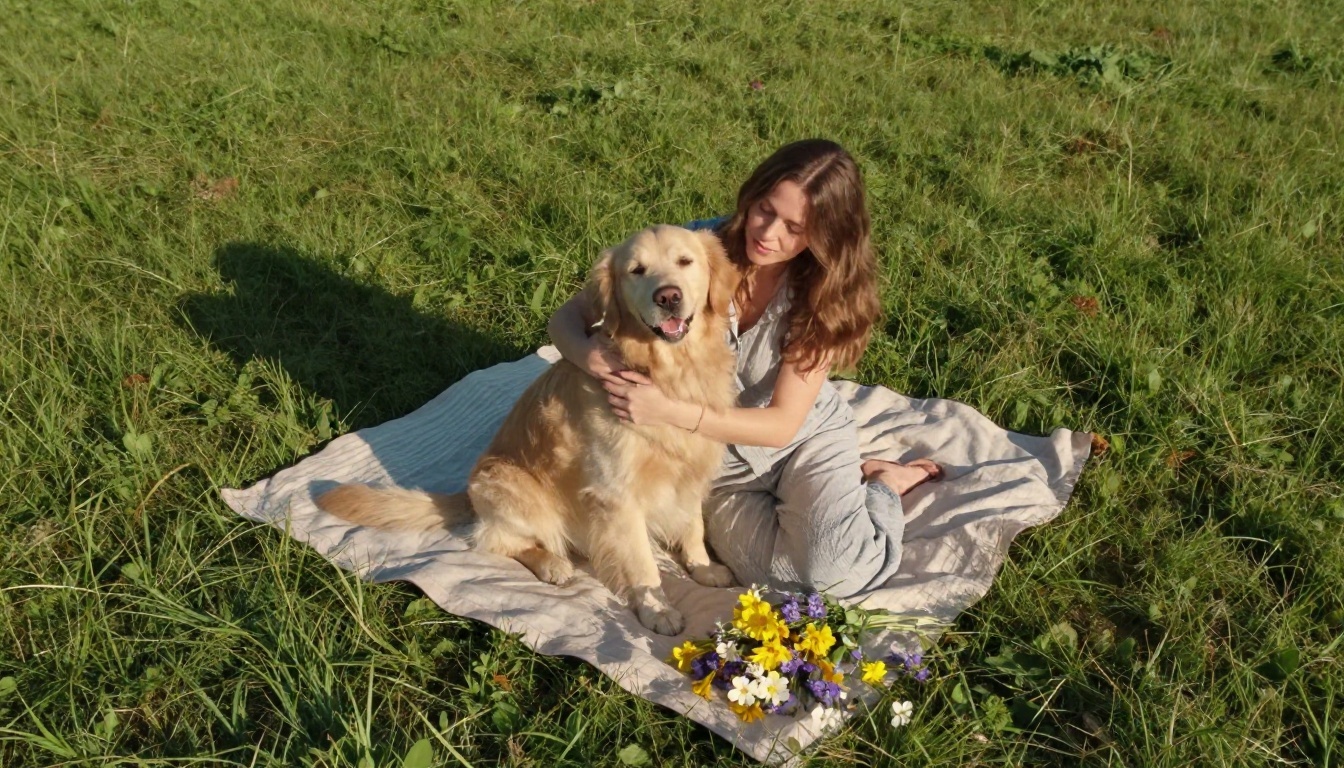
A woman in a white shirt sits on a picnic blanket in a green meadow beside her golden retriever. She leans in and wraps both arms around the dog's neck, resting her cheek against its fur. The dog turns its head and gently licks her chin, tail wagging in the grass. High angle wide shot, slow descent toward the pair, long soft shadows from late afternoon sun, realistic fur texture.
💡 Tip: Pet hugs work best when you describe the animal's reaction. A tail wag or head turn gives the clip life and keeps the pet from freezing like a statue.
Graduation Hug
A graduate in a black gown holds her mortarboard as her mother in a floral dress rushes across a university lawn. They embrace, the mother's hands pressing on the graduate's back, and the graduate lifts her cap in one hand behind her mother's shoulder. Dappled sunlight through oak leaves, over-the-shoulder shot, slow push-in, 50mm lens, bright natural color, fine grain.
Old Friends on a Dock
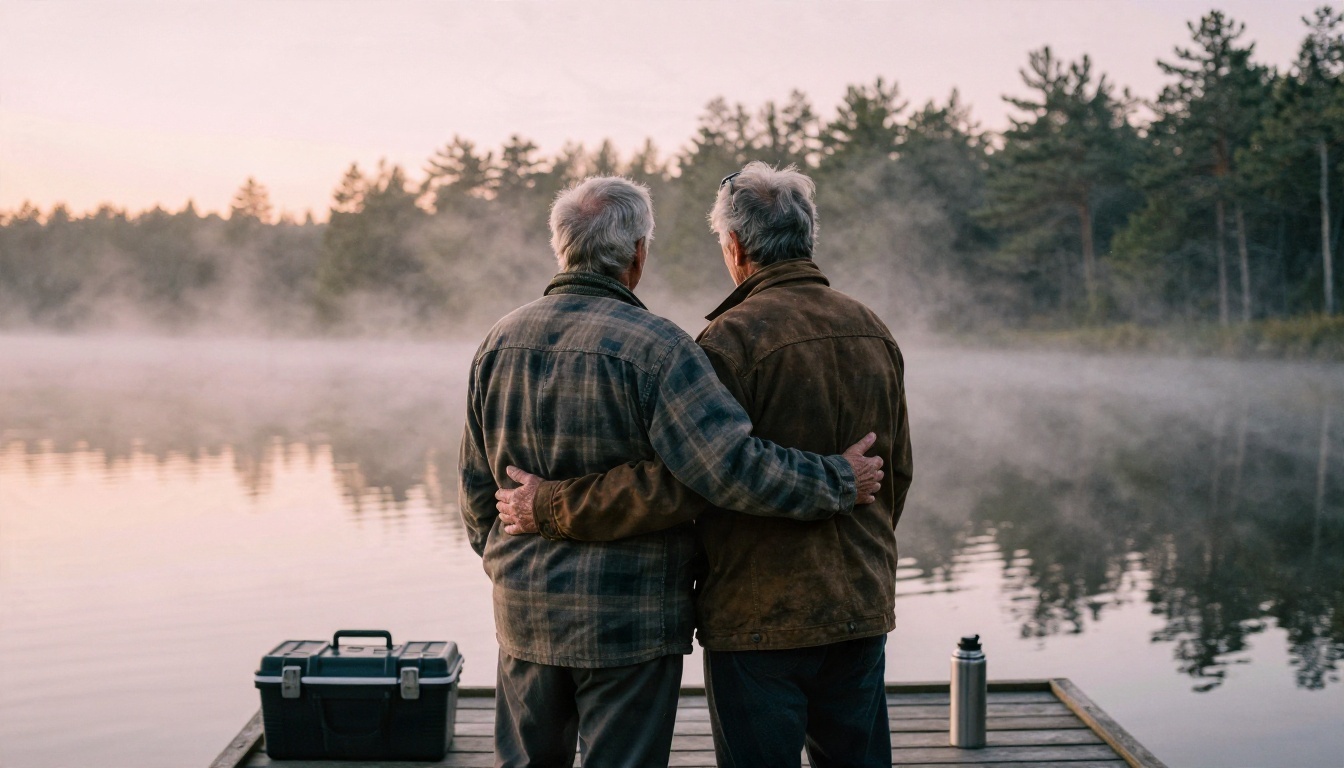
Two older men in flannel and waxed cotton jackets meet on a wooden fishing dock at dawn. They step toward each other, share a firm hug, and pat each other on the back twice. Mist hangs over the lake behind them. Shot from behind, slow lateral drift, soft pink and gold sunrise light, weathered fabric textures, calm pace.
The Settings That Matter
Prompt wording gets you most of the way. The settings do the rest. Exact options vary by model, but these ranges hold up across most of them.
Setting
Recommended
Why
Duration
5 to 8 seconds
Longer clips give faces more time to drift
Resolution
720p for tests, 1080p for finals
Test cheap, then render the best take once
Aspect ratio
16:9 for scenes, 9:16 for social
Match the platform before you generate
Camera
Static, slow push-in, or gentle drift
Avoid orbits and whip pans
Start image
Use one when you have it
Locks faces, clothes and setting
Audio
Add ambient sound cues if supported
Footsteps, fabric rustle and soft laughter add realism
Duration and Pacing
A hug is a slow action. A 5 second clip fits the whole beat of approach, contact and hold. If you ask for 10 seconds and give the model only one sentence of action, it will fill the gap with sway, weird head turns, and sometimes a second, unplanned hug.
Start Frames Beat Pure Text
If your platform offers image-to-video, generate a clean still first. A still where both people already face each other, with arms partly raised, is a perfect first frame. The model only has to animate the closing of the gap, which is much easier than inventing two people from scratch.
Camera Moves Ranked
Static: safest, ideal for wide shots and crowded scenes
Slow push-in: adds emotion with almost no risk
Gentle lateral drift: good for side-profile couple hugs
Slow descent or rise: works for high angle shots
Orbit: risky, use only with a start image and a short clip
Fixing Common Glitches
Even with a good prompt, you will sometimes get a bad take. Here is how to repair the usual suspects.
Extra Hands or Fingers
Add a hand anchor to the prompt: "hands rest flat on his back, fingers relaxed." Then reduce motion by shortening the clip. If the problem persists, switch to a start image where the hands are already placed correctly.
Faces Melting or Swapping
This happens when the faces turn away from the camera and the model loses track of identity. Keep the faces visible for most of the shot, or choose a side-profile composition where one face is partly hidden by the other person's shoulder. That is a natural hug pose and it hides the most difficult overlap.
Bodies Merging
Describe the layering. "Her left arm goes over his shoulder, his right arm goes under her arm." It sounds fussy, but it removes the guesswork that causes merged torsos. A chin-on-shoulder pose is easier than a cheek-to-cheek pose for the same reason.
Robotic Stiffness
If the hug looks stiff, add micro-movements: "she exhales and her shoulders drop," "he squeezes once, then relaxes," "they sway slightly." Small, human movement makes the hold feel real.
Which Model Fits Which Hug
Different video models have different strengths. These are the ones worth testing on PicassoIA for contact scenes.
Start with a free or fast model to check that your wording produces the right sequence. Once the motion looks right, run the same prompt on a stronger model for the final render. The wording that works on one model usually carries over with only small changes.
How to Make a Hug Video on PicassoIA
The steps are the same for most models in the text-to-video category. Here is the quickest route using Kling v3 Video.
Step by Step
Open the model page. Go to the Kling v3 Video page and open the generator.
Choose your input. Use text only, or upload a start image if the model offers it. A start image with both people facing each other works best.
Paste your prompt. Use one of the examples above and edit the subjects, clothing and setting.
Set duration and ratio. Pick 5 seconds and 16:9 for a first test, or 9:16 if the clip is for a vertical feed.
Generate and review. Watch the hands and faces first. If one detail fails, change only that part of the prompt.
Render the final. Once the take works, raise the resolution and generate the version you will publish.
💡 Tip: Change one thing per attempt. If you rewrite the whole prompt after every failed take, you will never learn which phrase caused the problem.
Build a Start Image First
For tough scenes such as lifts, spins or group hugs, create a still with a text-to-image model, then animate it. Your first frame fixes faces, clothing and light, and the video model only has to handle the movement. Use the same lighting words in both prompts so the clip feels consistent.
Prompt Variations You Can Reuse
Once the formula clicks, you can swap parts to build dozens of clips from the same skeleton.
Swap the Relationship
Siblings: "a teenage brother and his older sister, laughing as they hug"
Grandparent and child: "a grandfather kneels as a small boy runs into his arms"
Teammates: "two soccer players hug on the pitch after the final whistle, mud on their jerseys"
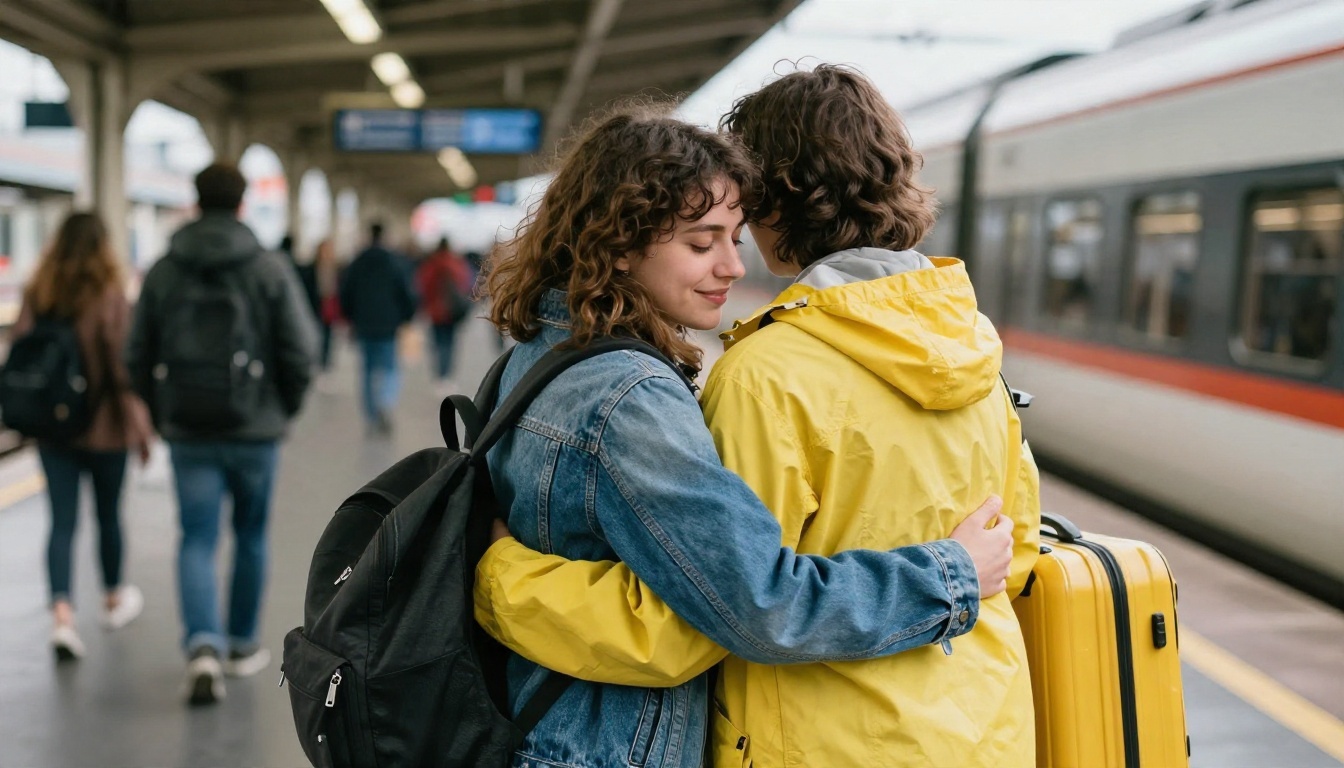
Friends: "two friends hug at a train platform, one carrying a backpack"
Swap the Mood
Mood
Add to the prompt
Joyful
"laughing, quick squeeze, a small hop"
Tender
"slow, eyes closed, long hold"
Relieved
"deep exhale, shoulders drop, hand over mouth"
Playful
"one lifts the other, a short spin, both smiling"
Swap the Light
Warm morning light suits family scenes. Cool overcast light fits airports and city streets. Golden hour backlight is the classic choice for outdoor reunions. Whatever you pick, name the direction of the light, such as "from the left window," because direction gives the model a consistent shadow pattern to follow.
Quick Checklist Before You Generate
One action, one camera move, one location
Hand placement stated clearly
Clothing and ages described
Light direction named
Clip length between 5 and 8 seconds
Faces visible for most of the shot
No orbit or whip pan unless you have a start image
Try Your Own Hug Video
You now have the formula, the prompts and the settings. The fastest way to get better is to run a few tests. Pick one prompt from this article, change the people and the place, and generate a short clip on Picasso IA. Start with a quick model, tune the wording, then render your best version in higher quality. Within a handful of attempts you will have a feel for how much detail each model needs, and your hug videos will start to look like real footage instead of a puzzle of arms.