You type a perfectly normal prompt for a swimwear shoot, a boudoir portrait or a fashion editorial, and the generator answers with a warning banner. Sound familiar? That frustration is exactly why people search for an AI image generator with no censorship. They are not asking for anything shady. They want a tool that treats adults like adults and renders glamour, skin, swimwear and artistic mood without a lecture.
This article sorts the hype from the reality. You will see what "no censorship" actually means in practice, which free options hold up, how to write prompts that produce stunning photorealistic results, and where the limits sit no matter which tool you pick.
💡 Quick answer: Free and unrestricted rarely come together. Local open models give you freedom but demand hardware. Hosted tools give you speed but add daily caps. The sweet spot is a platform with adult-friendly models and unlimited editing, which is where PicassoIA fits.
What "No Censorship" Really Means

The phrase gets thrown around loosely. Some sites use it to mean "we allow bikinis." Others mean "anything goes." Those are very different promises, and mixing them up is how people end up disappointed or in trouble.
Filters Come in Three Layers
Most image generators stack three separate checks:
- Prompt filters scan your words and block certain terms before generation starts.
- Model training shapes what the model is willing or able to draw. A model trained on cleaned data simply produces vague or distorted results for some subjects.
- Output filters inspect the finished image and blur or reject it if it trips a classifier.
An AI image generator with no censorship usually relaxes layers one and three, and sometimes two. That is why the same prompt can work on one platform and fail on another.
Where the Line Stays Fixed
Even the most permissive tool has hard boundaries, and any reputable one enforces them:
- No minors, ever, in any context.
- No real people used for explicit or humiliating content, which includes celebrity lookalikes and face swaps without consent.
- No explicit pornography on mainstream platforms. Suggestive, artistic and glamour content is a different category from explicit material.
That last point matters for this article. Everything shown here is non-explicit: swimwear, satin, silk, boudoir mood, tasteful glamour. That is also the zone where the best photorealistic models perform most reliably.
Free Options That Actually Work
Free is the hardest word in this topic. Generating images costs real GPU time, so somebody always pays. Here is how the three main free routes compare.
| Route | Cost | Daily limit | Setup effort | Filter strictness |
|---|
| Local open models (FLUX, Stable Diffusion) | Free software, you pay for hardware | None | High | None unless you add one |
| Hosted free tiers | Free with sign-up | Often around 15 prompts a day | Low | Medium to strict |
| Unlimited editors and generators | Free or low cost | Little to none | Low | Adult-friendly for non-explicit |
Local Open Models
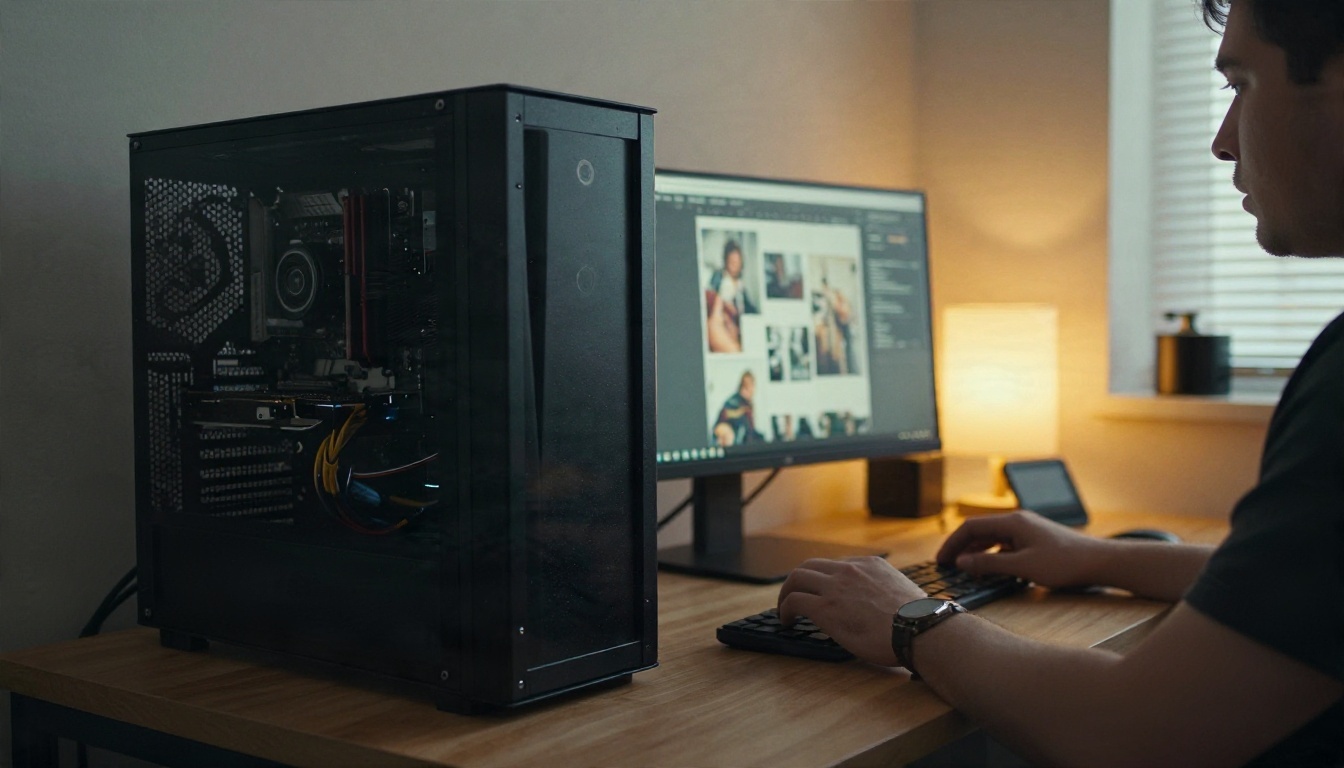
Running FLUX or Stable Diffusion on your own machine is the purest form of unrestricted generation. No account, no daily cap, no server-side filter. The trade-offs are real, though:
- You need a decent graphics card with plenty of VRAM.
- Installing interfaces, checkpoints and extensions takes an afternoon, sometimes a weekend.
- You are responsible for each model's license and for local law.
If you enjoy tinkering, this route is rewarding. If you just want a good portrait tonight, it is overkill.
Hosted Tools With Daily Caps
Many hosted generators advertise a free tier that sounds generous and turns out to be roughly 15 prompts per day. Mature-content options often sit behind a paid plan, with monthly prices around the price of a streaming subscription. Some tools also advertise "no credits" modes, but free-tier terms change often, so check the current pricing page before you build a routine around one.
💡 Tip: Treat any "unlimited and unrestricted and free" headline with suspicion. Pick two of the three and you will rarely be wrong.
Unlimited Editors
A third path is a platform where the model catalog is broad and one tool has no generation cap. That is the idea behind PicassoIA Image Editor Pro, which is built for unlimited AI photo editing and generation. When you iterate ten or twenty times on a single portrait, an unlimited tool changes the economics completely.
Best Models on PicassoIA
PicassoIA hosts dozens of text to image models, and not all of them behave the same way with glamour and adult-friendly subjects. For this kind of work, this is the order I would try them in.
Seedream 4.5 First
Seedream 4.5 is the first model to open for suggestive, photorealistic work. It renders skin with believable texture, handles fabric like satin and knit convincingly, and outputs at up to 4K. Lighting direction in your prompt is respected, which matters when you want a soft window glow rather than flat studio light.
Where it shines:
- Swimwear and beach scenes with natural sunlight
- Boudoir portraits with silk, linen and soft shadows
- Fashion editorials with realistic poses and hands
Image Editor Pro for Unlimited Runs
PicassoIA Image Editor Pro is the workhorse. Because generations are unlimited, you can run a prompt twenty times, nudge the lighting, swap an outfit, fix a hand and try again without watching a counter. It is also a strong editor for tweaking an image you already have.
Other Models Worth Trying
Once you have a feel for the first two, these round out the toolkit:
💡 Note: Not every model accepts every subject. Seedream 5 Lite, for instance, blocks adult content, so keep it for general-purpose images and use Seedream 4.5 for glamour work.
How to Use Seedream 4.5
Here is a simple routine that works on Seedream 4.5 from the first try.
- Open the model page and sign in. A free account is enough to begin.
- Write a subject line first. Who is in the frame, what they wear, what they are doing.
- Add the setting. Pool, beach, loft, bedroom, city alley. One location only.
- Name the light. "Soft window light from the left" or "golden hour backlight" beats "good lighting" every time.
- Add camera language. An 85mm lens at f/1.8 gives portrait compression and background blur. A 35mm lens gives a wider, more candid feel.
- Pick a 16:9 or 3:2 ratio for scenic shots and 3:4 or 2:3 for full-body portraits.
- Generate, review, adjust one thing. Change light or pose, not everything at once.
- Send the best result to Image Editor Pro for unlimited touch-ups.
Parameter tips:
- Keep prompts between 40 and 90 words. Shorter prompts leave the model guessing, longer ones start to contradict themselves.
- Put the most important detail in the first sentence.
- Use positive language. Describe what you want, not what you want to avoid.
Prompts That Actually Work
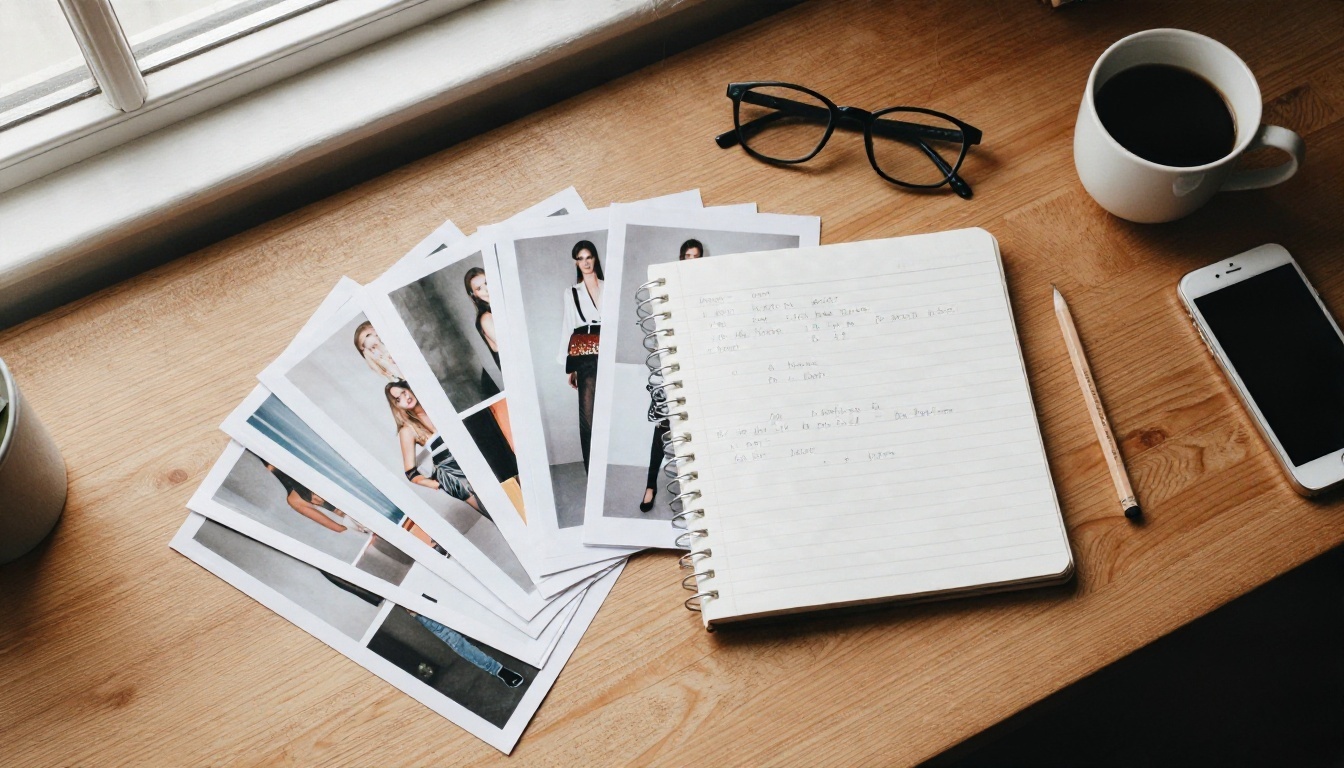
Prompts are where most of the quality is won or lost. Better wording gives you a better image on any generator, and it also reduces false positives from blunt filters.
Anatomy of a Strong Prompt
Think of it as five blocks, in this order:
- Subject and pose: "A woman in a white crochet bikini top walks along the shoreline, glancing back over her shoulder"
- Environment: "quiet Mediterranean beach, sea foam around her ankles"
- Lighting: "golden hour sun from behind, warm rim light on her hair"
- Camera: "35mm lens, f/2, slightly low angle"
- Texture and finish: "visible skin pores, water droplets, fine film grain, Kodak Portra 400 tones"
The texture block is the secret of photorealism. Words like pores, peach fuzz, fabric weave and film grain push the model away from the plastic, over-smoothed look.
Five Prompt Templates to Copy
1. Beach glamour
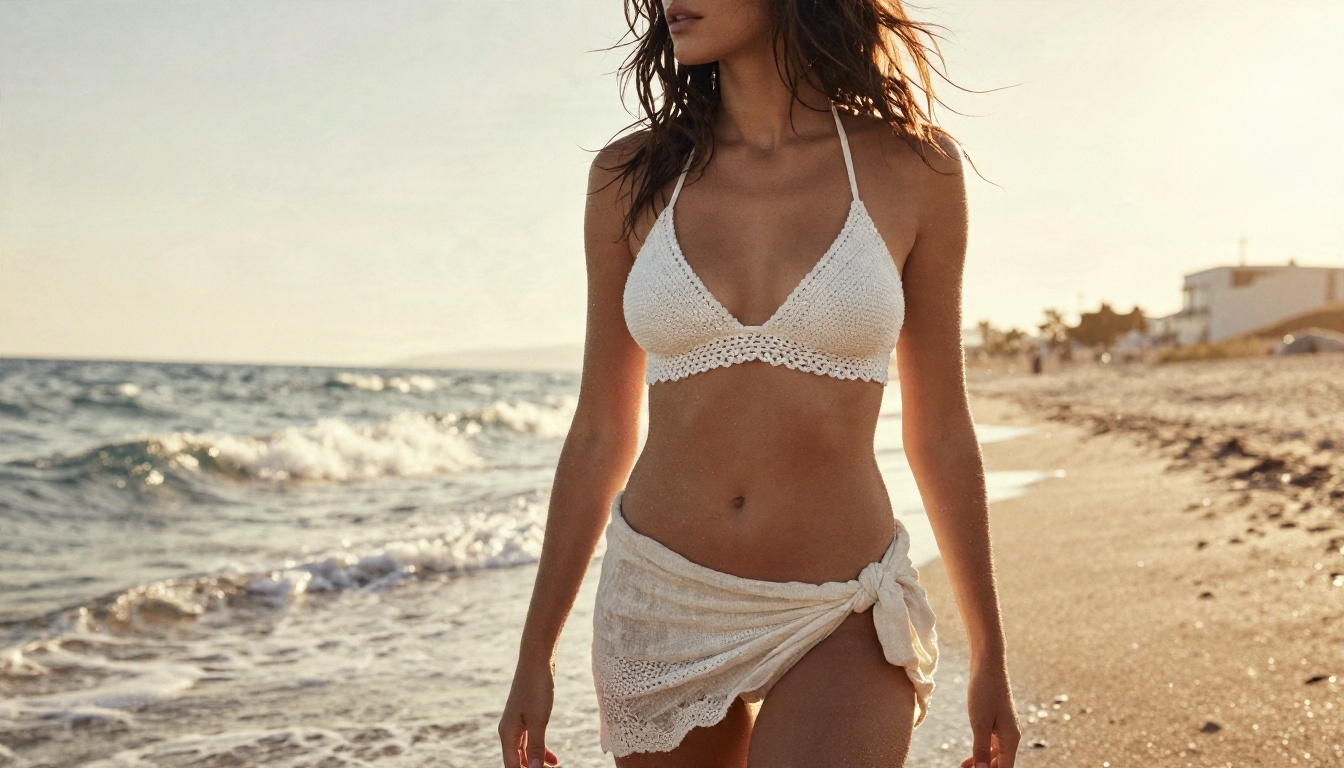
Woman in a white bikini top and linen wrap skirt on an empty beach at golden hour, wind in her hair, backlit, 35mm f/2, sand grain on her skin, Kodak Portra 400 grain.
2. Boudoir mood
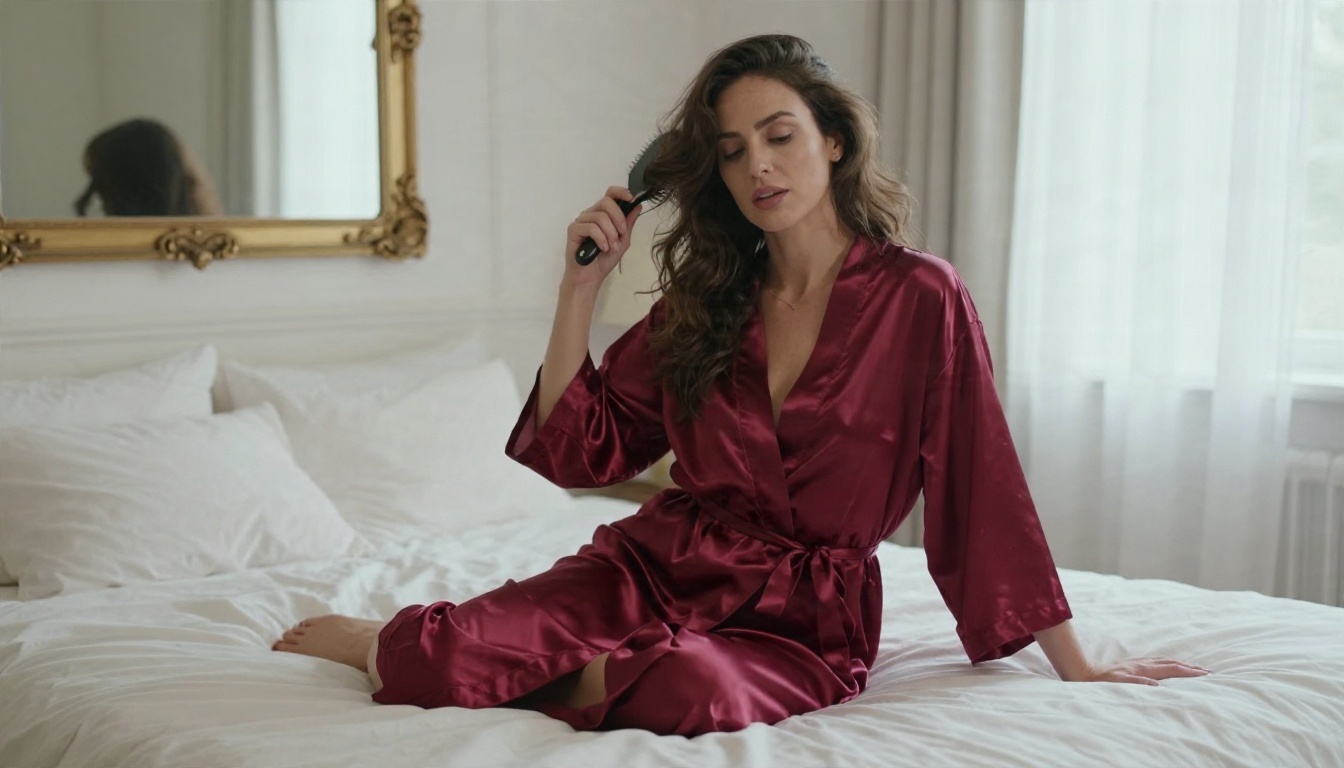
Woman in a deep red satin robe on the edge of an unmade bed, brushing her hair, diffused daylight through a sheer curtain, 85mm f/1.8, satin sheen, linen wrinkles.
3. Poolside editorial
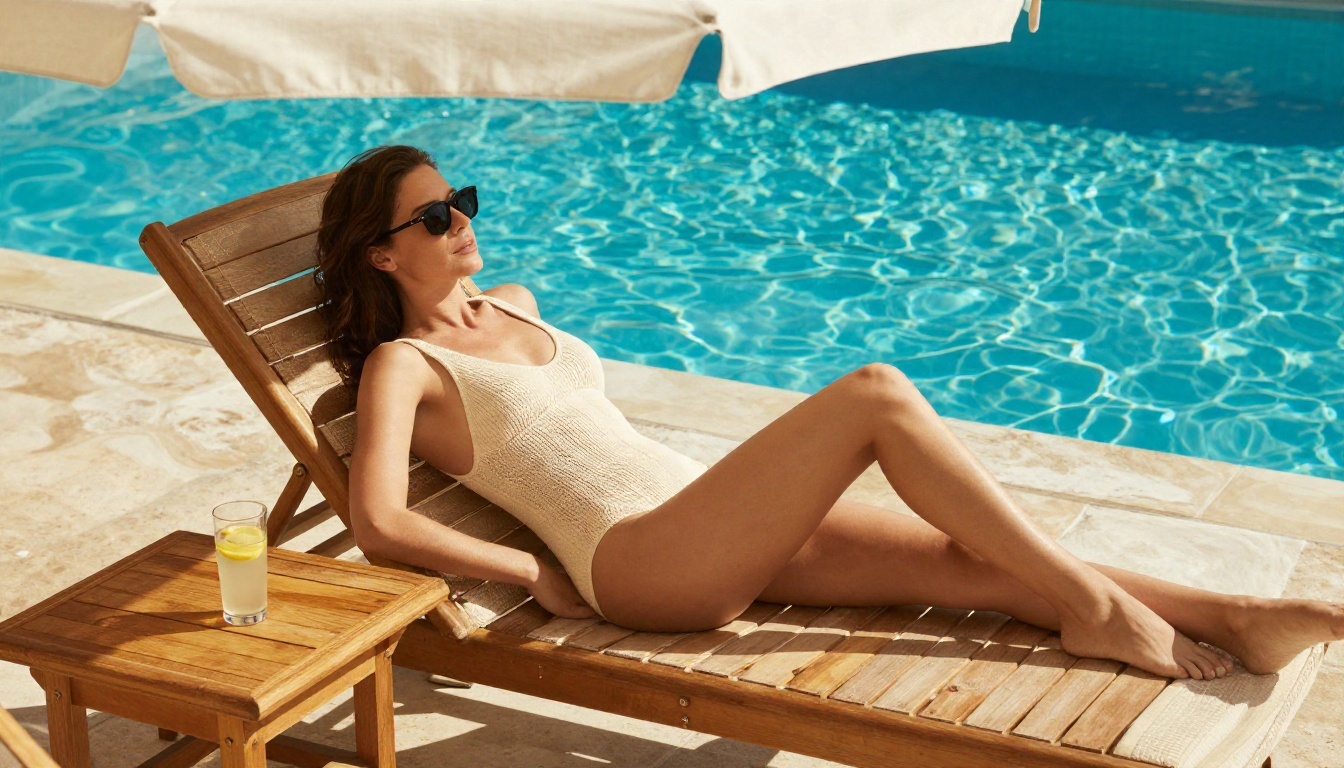
Woman in a cream knit swimsuit on a teak lounger beside a villa pool, sunglasses in her hair, midday sun with soft umbrella shade, 70mm f/2.5, water ripples.
4. Street fashion
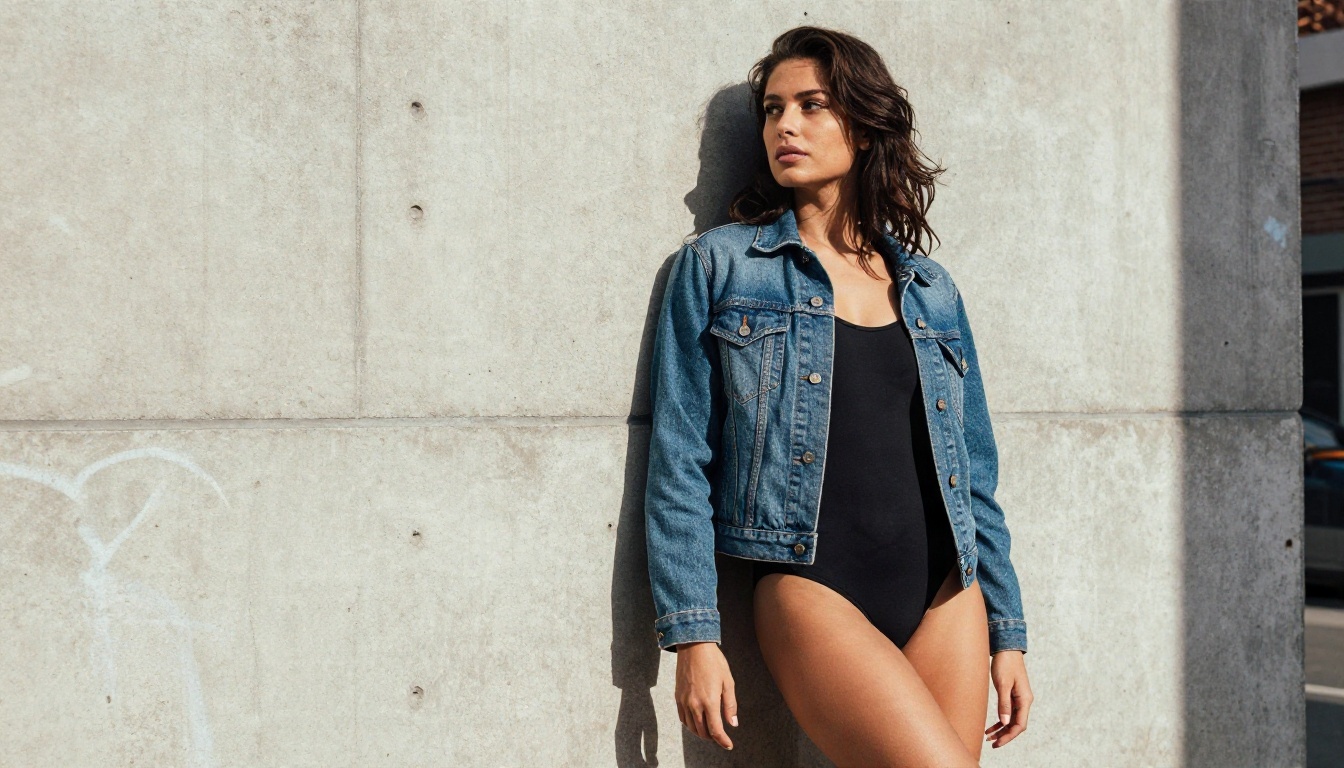
Woman in a black bodysuit and open denim jacket against a concrete wall, late afternoon hard light from the right, 50mm f/2, slightly low angle.
5. Skin detail portrait
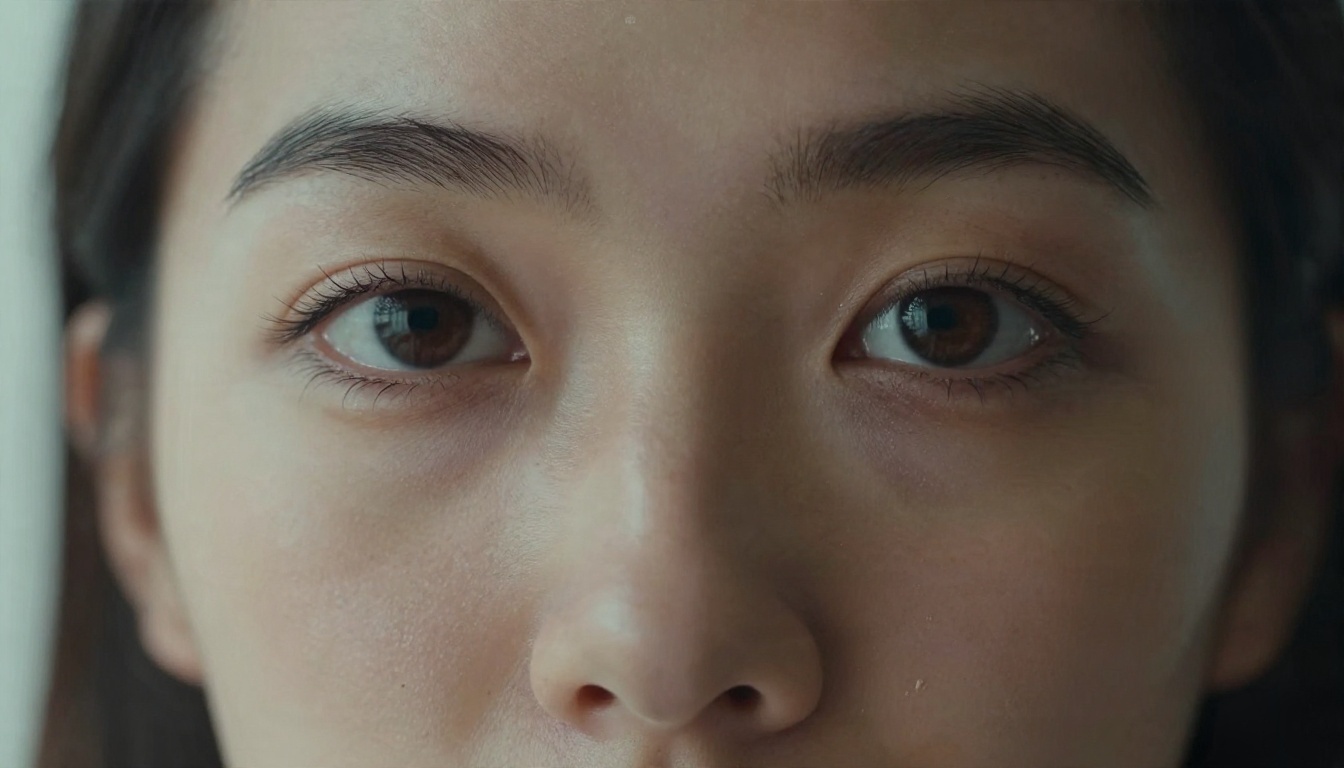
Extreme close-up of a face half in shadow, window light from the left, 100mm macro, visible eyelashes, pores and iris catchlight.
Why Some Words Trigger Blocks
Filters are blunt. A prompt can be harmless and still get flagged because one word sits near a restricted category. You can often fix it by being more specific about what you actually want:
| Flagged style | Better phrasing |
|---|
| Vague body-focused terms | Name the outfit, fabric and pose |
| "Sexy" | "Confident, glamorous, editorial" |
| Raw descriptors of nudity | Implied, tasteful framing: robe, sheet, shadow |
This is not about tricking a system. It is about writing a clearer prompt, and clearer prompts produce better pictures.
💡 Pro tip: Describe the mood and the photography, not only the body. "Intimate morning light, relaxed expression, linen sheets" does more work than any anatomy word.
The Real Limits
A generator with fewer filters is not a generator without limits. Four of them matter.
Free Tier Caps
Free plans exist to make you upgrade. Expect daily prompt limits, queue times, watermarks or lower resolution. Unlimited tools like Image Editor Pro remove the counter, which is the single biggest relief when you iterate.
Quality Limits
Even the best model struggles with:
- Hands and fingers in complex poses
- Text on signs, shirts or screens, which often comes out garbled
- Group scenes where each person needs consistent features
- Jewelry and fine patterns, which can melt into the skin or fabric
The fix is usually a simpler composition. One subject, one location, one light source.
Legal Limits
Removing a platform's filter does not change what is legal where you live. Rules about minors, consent, likeness and distribution apply to every image, whether a person drew it, photographed it or generated it. Using a real person's face without their permission can have serious consequences, even if the tool lets you try. Keep your projects to fictional adults and your own likeness.
Platform Rules
Each service sets its own terms about what it hosts, and those terms can change. A model that accepted a prompt last month may behave differently today. Check the model page and the terms before you plan a big project around a specific tool.
Common Mistakes to Avoid
Chasing "Unrestricted" Over Quality
A site that promises no rules can still produce poor images. Quality comes from the model, not the marketing. Judge a tool by its sample photos and test with a prompt you know well.
Rewriting Everything at Once
When an image almost works, change one variable. If you swap pose, light, outfit and lens together, you lose track of what helped. Treat each run like a lab note.
Skipping the Edit Pass
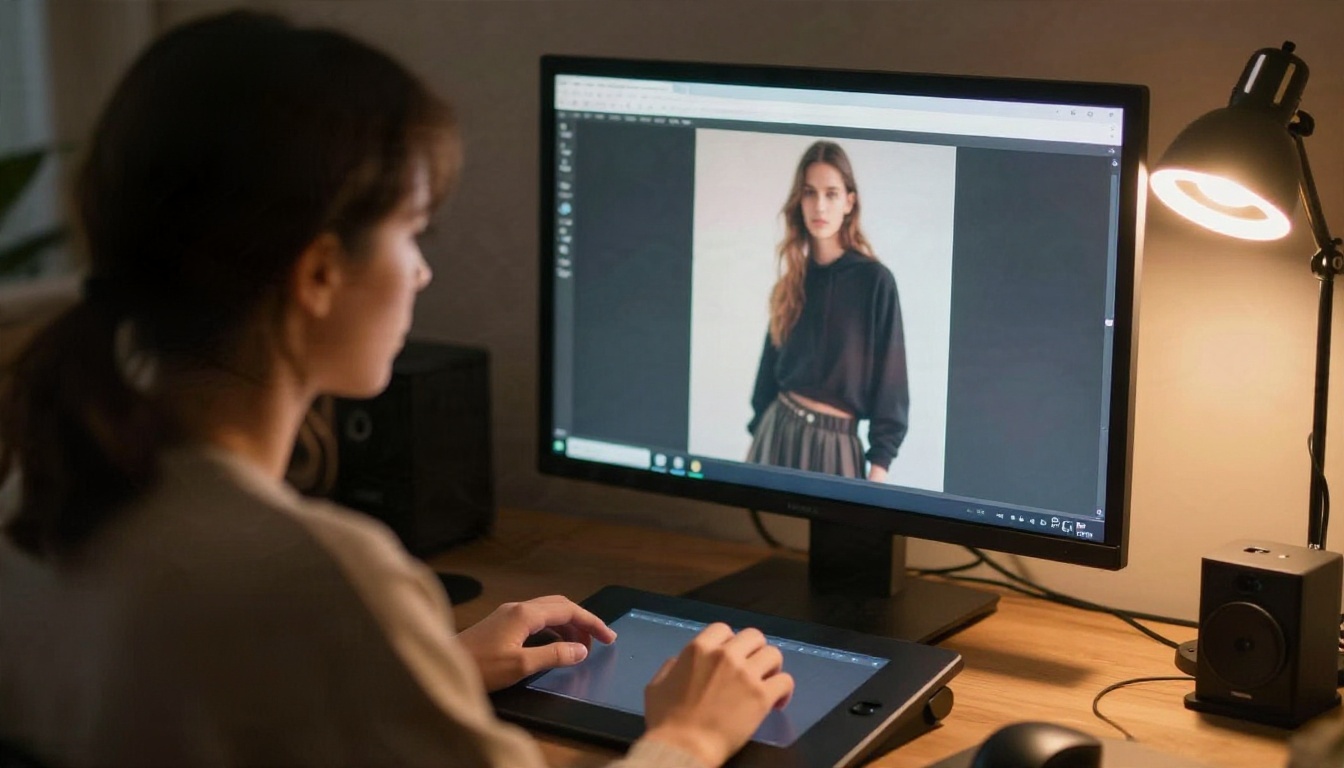
A good generation is rarely a finished one. A quick pass in Image Editor Pro can fix a stray finger, soften a harsh highlight or swap an outfit color. Pair it with Nano Banana Pro when you want precise edits on an existing image.
Make Your Own Images Today
You now know what an AI image generator with no censorship really offers, what free costs you, and which prompts produce believable glamour. The fastest way to test it is to try it.
Open Seedream 4.5, paste one of the five templates above, and generate a first draft. Move the best result into PicassoIA Image Editor Pro and iterate as many times as you like. When you want more variety, try Z Image Turbo for speed, Flux Dev for detail, or Realistic Vision v5.1 for a classic photographic look.
Want to see every option in one place? Browse the full catalog at picassoia.com/en/all-models and pick the model that matches your next shoot.


