Type a prompt, press generate, and get a polite refusal. If you have used a mainstream image generator for more than a week, you know that feeling. A beach portrait gets flagged. A fashion shoot gets blocked. A harmless anatomy sketch is rejected because one word looked suspicious. That frustration is why searches for AI image no restrictions keep climbing, and why people hunt for free generators, better prompts, honest limits and apps that simply let them work.
Here is the catch: "no restrictions" is a marketing phrase, not a technical fact. Every hosted service has rules, and the ones that claim otherwise usually trade something away, such as speed, resolution, daily volume or reliability. This article sorts the real options from the hype, shows which free tiers hold up, gives you prompts that avoid false refusals, and explains where PicassoIA fits when you want glamour, swimwear and artistic portraits without constant blocking.
💡 Quick answer: For the fewest arbitrary refusals with a polished result, start with Seedream 4.5 and the unlimited PicassoIA Image Editor Pro. For total control, run an open model locally on your own PC.
What "No Restrictions" Really Means
When someone says a generator has no restrictions, they usually mean one of three different things. Mixing them up is the fastest way to waste an afternoon on the wrong tool.
Filters Are Not One Thing
Most services stack several layers of control, and each one can refuse you for a different reason:
- Prompt filters scan your text for flagged words before any image is made.
- Model training teaches the model to avoid certain subjects, so even a clean prompt returns a blurry or covered-up result.
- Output filters inspect the finished picture and replace it with a warning if it looks risky.
- Account rules limit what a free profile can request compared with a paid one.
A tool with "light moderation" might only use the first layer. A tool with "heavy moderation" uses all four, which is why a simple swimsuit prompt can fail on one platform and work instantly on another.
Rules That Never Go Away
Removing a filter does not remove the law. Content involving minors is off limits everywhere, no exceptions. Realistic images of real people without their consent can cause real harm and legal trouble, and responsible platforms block them. Explicit pornography is outside what PicassoIA publishes. What most people actually want is something far more ordinary: bikinis, boudoir lighting, fashion glamour, artistic figure studies and edgy but non-explicit storytelling without being treated like a suspect.
💡 Rule of thumb: If a site promises "zero rules," be suspicious. Nobody can promise that and also keep the servers online, pay for GPUs and stay legal.
Free Generators That Actually Work
Free and unrestricted rarely arrive together. Reports from the last few months agree on one thing: free tiers change without warning, and many "uncensored" offers are unreliable. Treat any number you read online, including the ones below, as a starting point and confirm it on the tool's own pricing page before you build a workflow around it.
Cloud Tools With Free Tiers
Browser generators are the easiest entry. You type a prompt, wait a few seconds, and download a file. Perchance and Craiyon are often named as tools with no strict daily cap, though quality and resolution are modest. Leonardo.ai has long offered a daily free allowance, but reported amounts vary between sources and moderation is firmer than on lighter tools. Grok's image feature gets mentioned a lot, and so do its limits.
On PicassoIA, fast open models such as Z Image Turbo, Flux Schnell and SDXL Lightning 4Step give you quick drafts, so you can test ideas cheaply before switching to a heavier model for the final render.
Local Setups on Your PC
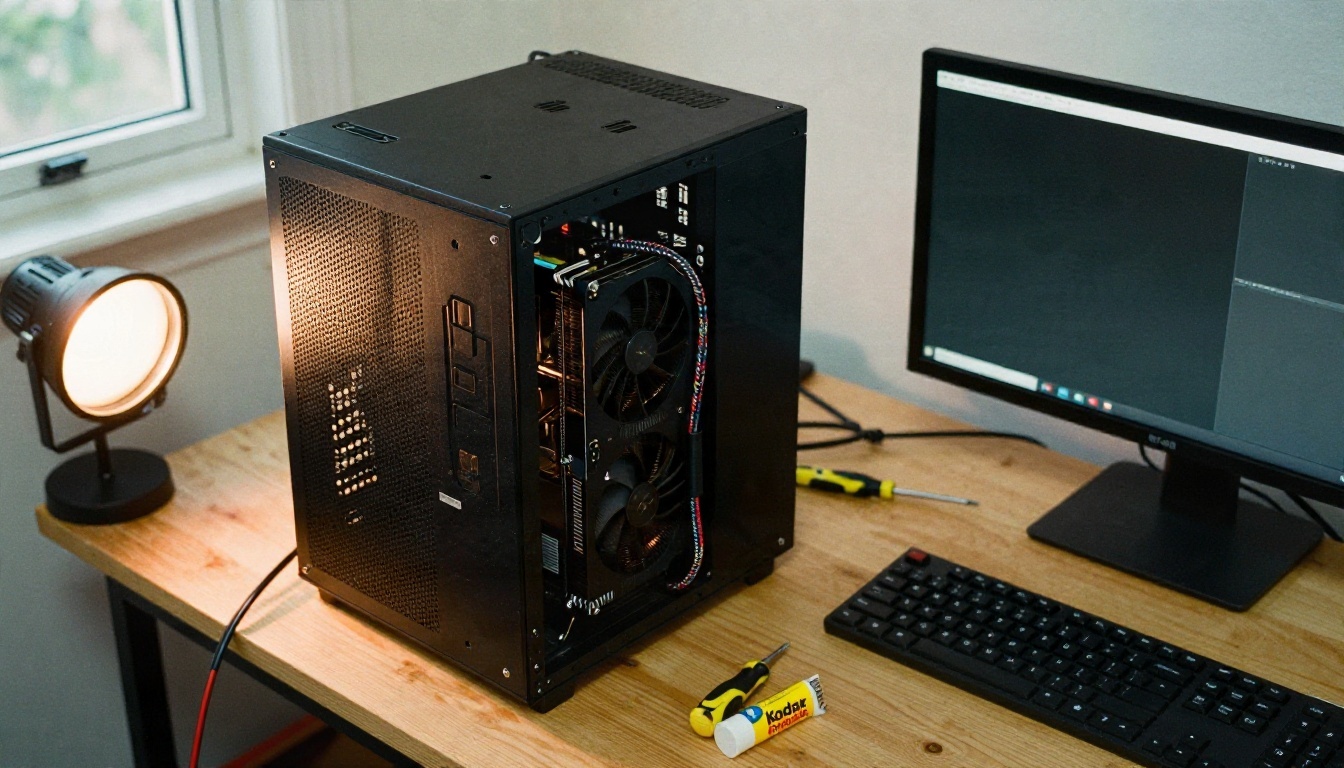
If you want zero platform rules, run an open-weight model on your own machine through a tool like ComfyUI. Nobody reviews your prompts, nobody caps your volume, and the only limits are your graphics card and your patience. The price is setup time: installing drivers, downloading multi-gigabyte model files, tuning samplers, and fixing errors when an update breaks a workflow.
A realistic minimum is a recent NVIDIA card with 8 GB of video memory for older models, and 12 to 16 GB if you want newer, larger ones to run comfortably. Laptops without a dedicated card will be painfully slow.
Side by Side Comparison
| Option | Restrictions | Free limits | Quality | Setup effort |
|---|
| Basic free web tools | Light to medium | Often generous, but low resolution | Fair | None |
| Big brand chatbots | Strict | Small daily quota | Very good | None |
| Local open models | Whatever you choose | Unlimited | Excellent with tuning | High |
| PicassoIA models | Fewer arbitrary refusals for glamour and artistic work | Image Editor Pro has unlimited generations | Excellent | None |
Prompts That Avoid False Refusals
Most blocked prompts are not actually risky. They are vague, loaded with trigger words, or written in a way that a filter reads as a worst case. Clear, professional language fixes a surprising number of them.
Anatomy of a Strong Prompt
Write prompts in the same order a photographer would plan a shoot:
- Subject and action: who or what, doing what.
- Setting: place, time of day, background details.
- Lighting: direction, softness, color.
- Camera: lens, angle, distance, depth of field.
- Texture and mood: skin, fabric, grain, atmosphere.
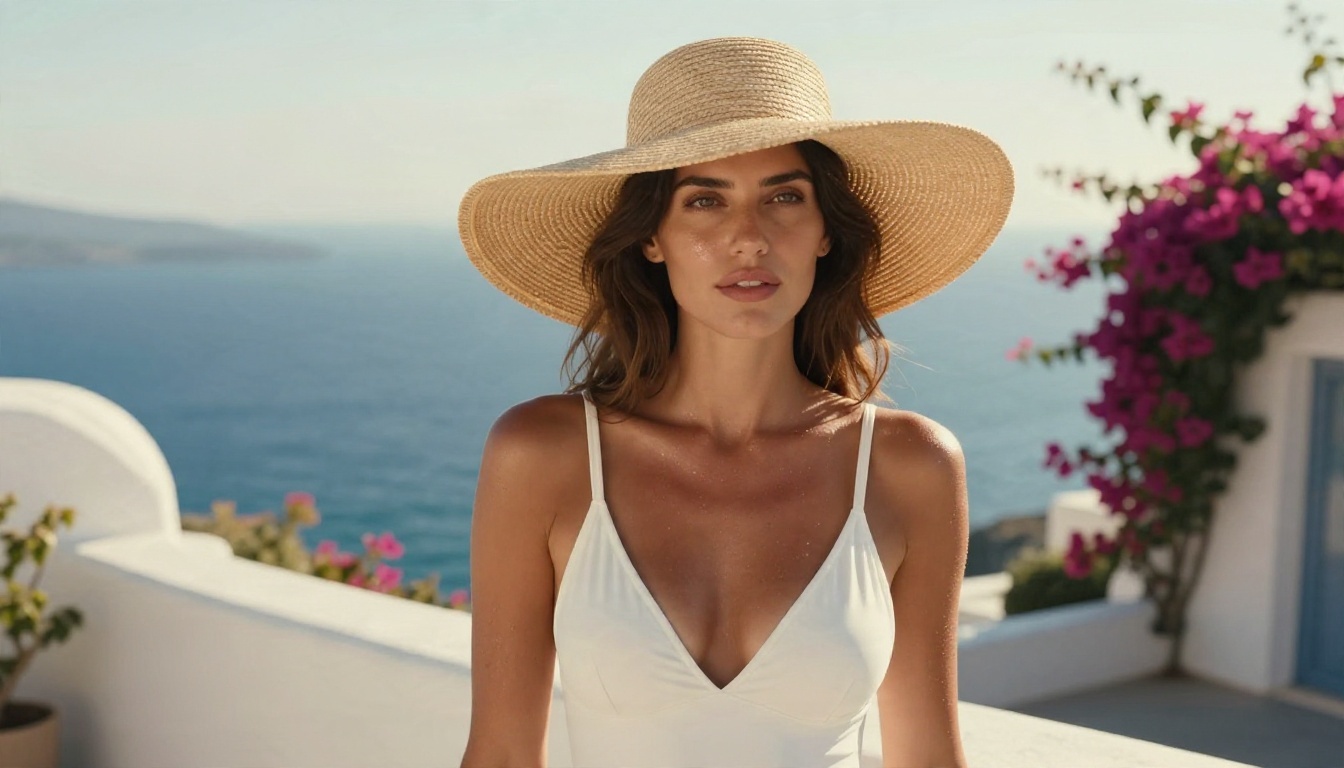
A prompt like "sexy girl" gives the model nothing to work with and sounds suspicious. A prompt describing a tanned woman in a white one-piece swimsuit on a Mediterranean terrace at golden hour reads as photography, and it produces a better picture too.
Lighting and Camera Words
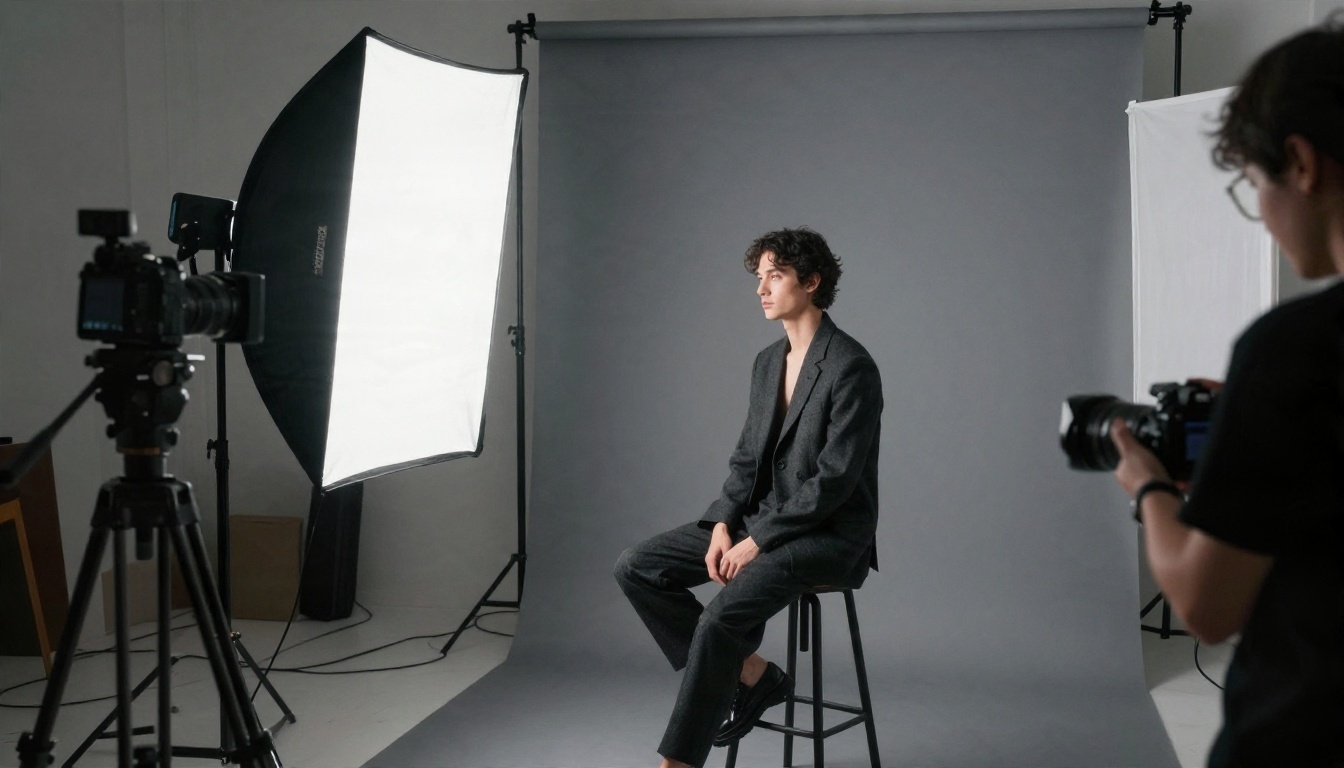
Photography vocabulary does two jobs: it improves realism and it signals an artistic intent. These phrases work well across most models:
- Lighting: "soft window light from the left," "golden hour backlight," "large softbox with white reflector," "overcast daylight."
- Lens and angle: "85mm f/1.8," "35mm documentary framing," "low angle," "overhead shot."
- Texture: "visible skin pores," "silk sheen," "linen weave," "fine film grain."
- Film feel: "Kodak Portra 400 look," "natural color grading," "gentle halation."
💡 Tip: Avoid piling on words such as "ultra," "extreme," "masterpiece" and "8K" ten times. One or two quality cues are enough, and repeated hype words often make results look plastic.
Example Prompts to Copy
Here are three prompt patterns you can adapt. Each stays tasteful and non-explicit while still delivering attractive, glamorous results.
Terrace glamour: A tanned woman in an elegant white one-piece swimsuit and wide straw hat on a sunlit Mediterranean villa terrace, white stucco walls with bougainvillea, golden hour backlight from the left, 85mm f/1.8 lens at a slightly low angle, natural skin texture, Kodak Portra 400 grain.
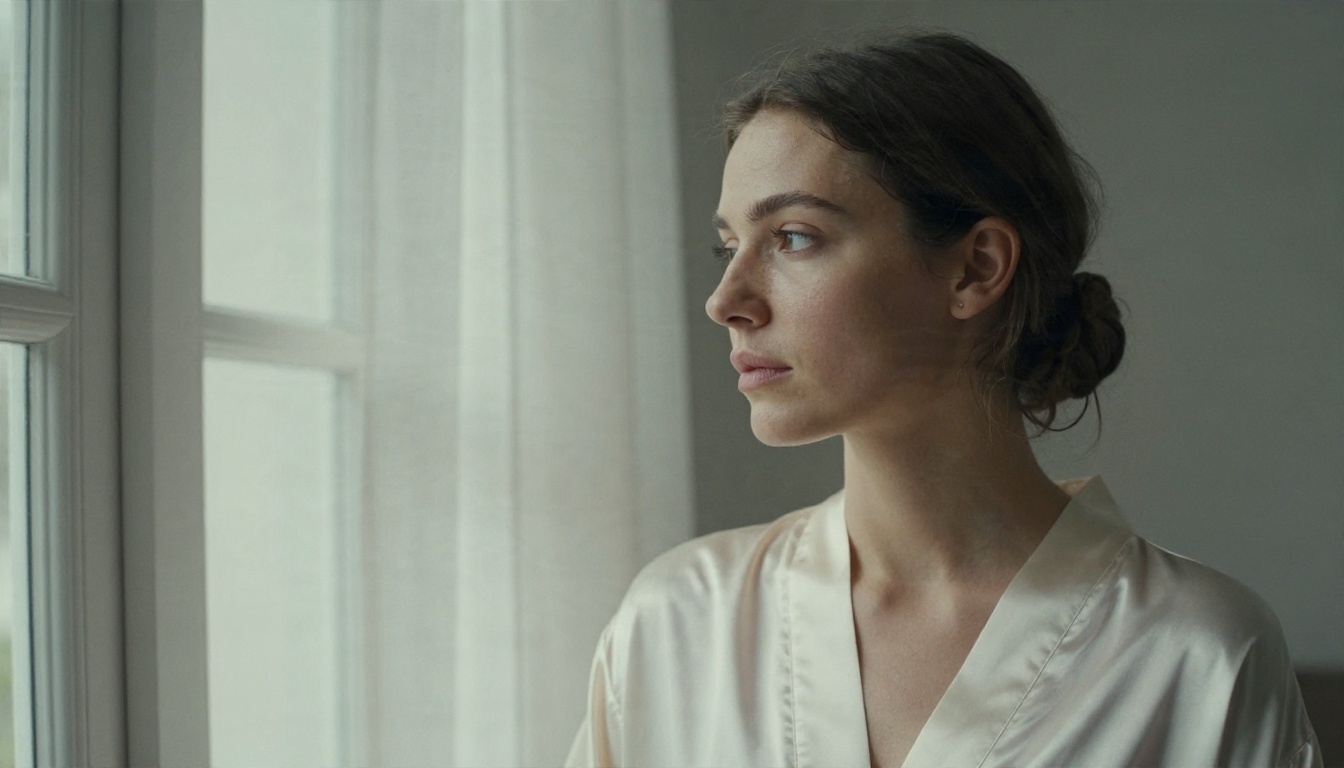
Boudoir window light: A woman in an ivory silk robe beside a tall window in a minimalist bedroom, soft overcast daylight from the left, close-up from the chest up, 85mm f/1.6, visible skin pores, silk folds, linen curtains blurred behind.
Studio portrait: A model in a charcoal blazer on a stool, large softbox from camera left, gray seamless backdrop, side angle at 70mm f/2.8, wool weave visible, calm professional atmosphere.
The Real Limits of Free Plans
Free is never limitless in the cloud. Knowing which limit hits first helps you pick the right tool before you waste a week.
Daily Caps and Credits

Free plans usually fall into one of three models:
- Daily reset: a fixed number of generations that refills every 24 hours.
- Monthly credits: a pool that drains faster when you pick larger sizes or heavier models, and some services now attach expiry dates to it.
- Soft caps: no stated limit, but throttling once you generate a lot.
Credit systems are worth watching closely because the same prompt can cost three times more at a higher resolution or on a premium model.
Queues, Resolution and Watermarks
Even when the count is generous, free users often wait behind paying customers, get capped at lower resolutions, or receive watermarked downloads. A 768 by 1024 output may look fine on a phone, but it falls apart when printed or posted on a large display.
If a good image is stuck at low resolution, upscale it instead of regenerating it. Clarity Pro Upscaler adds fine photographic detail, and it is a smarter use of your time than rolling the dice again.
Best Apps for Phone and Desktop

Mobile Apps
The App Store and Google Play enforce their own content policies, which means apps that appear there tend to be more restricted than the same tool in a browser. Many "uncensored" apps in those stores either fail to deliver or lock everything behind a subscription after two generations. A browser-based workflow on your phone usually gives you better results than a store app, because the platform's content review does not apply to it.
Check three things before you pay for any mobile app: the cancel policy, whether the free tier includes a usable number of images, and whether results are saved to your device without a watermark.
Browser Tools
A browser tool works on any device, needs no install, and updates itself. For image creation, a good setup is simple:
- Draft with a fast model to settle composition.
- Render the winner with a high quality model.
- Upscale or edit the final image.
- Download without watermark and keep the prompt in a notes file.
That loop works whether you are on a laptop at home or a phone on the train.
Where PicassoIA Fits In
For people who want glamour, swimwear, lingerie style photography and artistic figure work without constant refusals, PicassoIA is built around models that handle those subjects with fewer arbitrary blocks. The lineup below is ordered by how well it serves that audience.
Seedream 4.5 First
Seedream 4.5 is the model to open first. It produces sharp, photographic skin, convincing fabric and natural lighting at up to 4K, and it follows long, detailed prompts closely. For tasteful adult-themed work such as beachwear, boudoir and fashion editorials, it gives the most dependable results of the group.
How to use it well:
- Open the model page and paste a prompt that follows the five-part structure above.
- Pick a 16:9 or 4:5 ratio depending on whether the image is for a banner or a social feed.
- Describe lighting direction and lens explicitly.
- Generate a few variations, then keep the best one and refine only the details that bother you.
Image Editor Pro for Volume
If your biggest frustration is running out of credits halfway through a session, PicassoIA Image Editor Pro answers it directly: it offers unlimited generations. That changes how you work. You can test ten wardrobe ideas, five lighting setups and three backgrounds without counting. It is also an editor, so you can alter outfits, backgrounds and small details on an existing image instead of starting over.
Other Models Worth Trying
Once those two are part of your routine, a few other models help with specific jobs:
The full catalog is at picassoia.com/en/all-models.
Safety Habits That Save Headaches
Freedom works best with a few habits attached. None of them slow you down, and all of them protect you.
- Use fictional or consenting subjects. Do not generate realistic images of real people who have not agreed to it.
- Keep it adult. Every subject must be clearly adult. This is a hard rule with no gray area.
- Check commercial terms. If you plan to sell prints or use images in ads, read the license of the model and the platform.
- Protect your accounts. Skip sketchy "unlimited uncensored" sites that ask for card details on a signup page. Many are scams or data harvesters.
- Save your prompts. A saved prompt library is worth more than any single image, and it lets you reproduce a style months later.
- Label AI work when it matters. Posting realistic synthetic photos without saying so can mislead people, and some platforms now require disclosure.
💡 Reality check: A tool that asks you to disable antivirus, download an unknown installer, or pay in gift cards is not a generator. It is a trap.
Make Your First Images Today
You do not need a gaming PC, a pile of subscriptions or a hunt through shady sites to produce attractive, realistic images without constant blocking. Pick one idea, write it in the five-part prompt format, and test it.
Here is a simple plan for the next hour:
- Open Seedream 4.5 and generate your best terrace, studio or window light concept.
- Move the strongest result into PicassoIA Image Editor Pro and change wardrobe, background or mood as many times as you like.
- Upscale the final pick with Clarity Pro Upscaler and save the prompt.
Then share the results with friends, compare prompts, and keep refining. Open PicassoIA, type your first prompt, and see how far a clear idea and a good model can go.


