You have a bare room, a phone, and a vague idea that the walls should be greener. Hiring a designer costs a few hundred dollars before a single sofa gets picked, so you type "free AI interior design" into a search bar and hope for the best. What you get back is a messy pile of tools. Some ask for an email before showing anything. Some give you three renders and then ask for a card. A few really do let you upload a photo and see a redesigned room within a minute.
This article sorts that pile out. You will see which free tools work without an account, what the limits look like in practice, which alternatives give you more control, and what realistic room examples look like when the result is good.
💡 Quick note on accuracy: free plans change constantly. Daily allowances, watermark rules and sign-up requirements below reflect what was published in 2026, and mostly by the tools themselves. Check the current terms before you plan a whole renovation around one of them.
What "Free" Really Means Here
The word "free" covers at least four different deals in this category. Knowing which deal you are getting saves you from wasting an evening on a tool that will lock your best result behind a paywall.

Daily Caps and Credits
Most no-account tools work on an allowance. You get a handful of generations per day, per visitor, and the counter resets later. Others hand you a small pile of credits once and never refill them. The first model suits people who redesign one room slowly. The second suits nobody, because six credits disappear after a few experiments with styles.
Watermarks and Resolution
A free render that carries a logo across the corner is fine for a mood board and useless for sharing with a contractor. Some tools give clean output at full resolution on the free tier. Others cap the file at a small size, which looks sharp on a phone and blurry on a monitor. If you plan to print the result or show it to family, check the output size first.
Sign-Up Walls
"No sign up" can mean two things. It can mean you land on the page, drop in a photo, and get an answer. Or it can mean you can try one render anonymously, and the second one pushes you into an account. Both are honest descriptions of the same marketing line, so test with a throwaway photo before you upload your real living room.
These are the tools that, according to their own pages and a handful of 2026 roundups, let you try a redesign without creating an account. Treat the list as a starting point rather than a ranking.
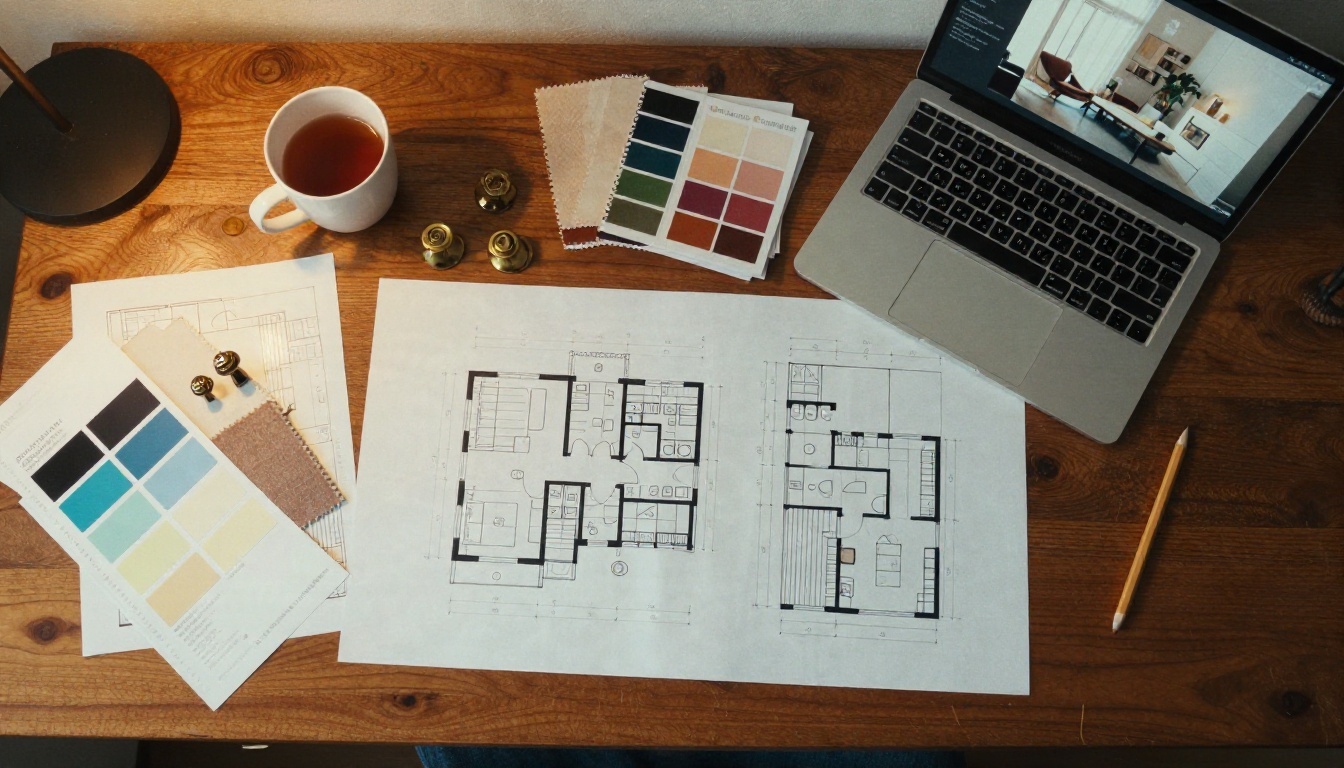
Upsampler
Upsampler offers a free room redesign that needs no account and adds no watermark. You pick from six interior styles, upload a photo, and drag a before and after slider to compare. The limit is a daily allowance per visitor. Connecting a free Hugging Face account reportedly raises that cap, which is a gentle form of sign up, so it is worth knowing about if you run out.
It works best for a quick style check. Want to know whether Japandi suits your hallway? Run it. Need to swap one specific armchair? A preset style picker will not take instructions that precise.
VisualGPT and RoomGPT
VisualGPT describes its free room design as available online without registration, with full resolution output on the free tier and paid features reserved for premium accounts. RoomGPT is usually listed as free with no sign up and positioned as inspiration rather than a full project tool.
Both follow the same pattern: upload, pick a room type and style, wait, and get a restyled version of the same space. The geometry usually stays close to your original photo, which is the main reason people like this format. The details such as handles, rugs and small decor items tend to drift between runs.
Homestyler
Homestyler gets mentioned as the most generous free option, with unlimited 1K renders on its Basic plan. The published comparisons do not say clearly whether you need an account, and a tool with that much free output usually does ask for one. Include it in your tests, but do not count it as a no sign up option until you see the landing page yourself.
Some of the better-known names expect an account, and the free tier is still worth a look if you do not mind an email address.
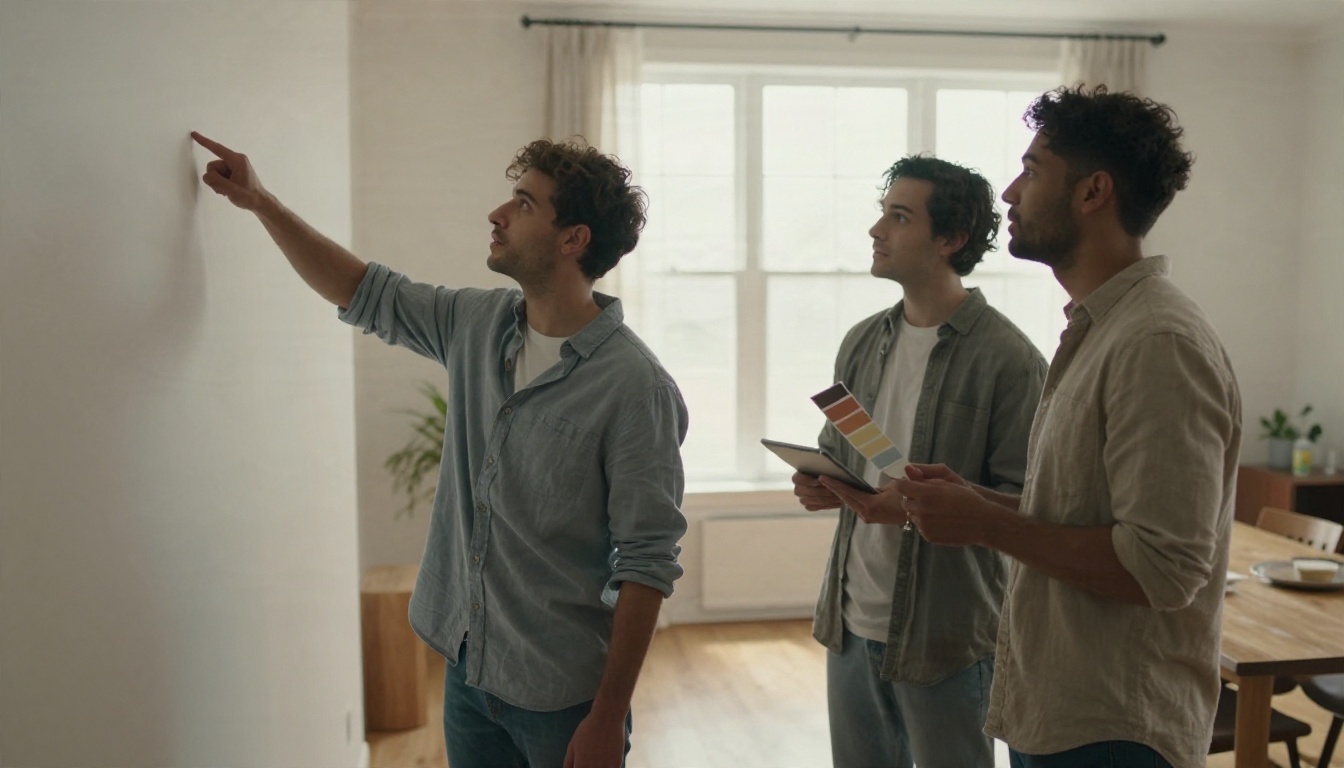
GenRoom gives new free accounts six credits and puts a small watermark on free results. That works for a short test and nothing more. Remodel AI offers three free designs with no card and no watermark, though the published information does not state whether an account is required.
The trade is simple. An account usually buys you saved history, so you can return to a design a week later and compare. A no-account tool forgets everything the moment you close the tab, so take screenshots of anything you like.
Limits You Will Hit Fast
Every free tier has walls. The table shows the most common ones and what they mean for a real project.
| Limit | What it looks like | Practical effect |
|---|
| Daily generation cap | 3 to 10 renders per visitor per day | Enough for one room, not for a house |
| One-time credits | A handful at sign up, no refill | Test and leave |
| Watermarks | Logo in a corner on free output | Fine for mood boards, poor for sharing |
| Resolution cap | Around 1K output | Looks fine on a phone, soft when printed |
| Preset styles only | Six to twelve fixed looks | No control over exact furniture or colors |
| No saved history | Results vanish on refresh | Screenshot everything |
| Geometry drift | Windows or doors shift slightly | Do not use renders as measured plans |
💡 Plan around the drift. AI redesign tools produce pictures, not floor plans. A window can move ten centimeters between runs, and a radiator can disappear. Use the render for mood and color, then measure the actual room before you order anything.
The Real Cost of Free
Free costs you time. Anonymous tools make you re-upload the same photo each day, and presets mean you will run the same room six times to get one usable result. If you value your evening, a free tool with real prompting control beats a free tool with six buttons.
Alternatives on PicassoIA
When a preset tool stops being useful, you want prompting freedom: the ability to say "keep the window, replace the sofa with a rust velvet loveseat, paint the wall sage green" in plain words. PicassoIA has several image models that do this, and each one fits a different stage of a redesign.
Nano Banana Pro for Room Edits
Nano Banana Pro handles reference photos well, so you can upload a picture of your room and describe the change in a sentence. It tends to keep the layout stable, which is exactly what interior work needs. The lighter Nano Banana 2 Lite is quicker and good for rapid style tests, and the original Nano Banana remains a solid choice for simple edits.
Flux Kontext Fast for Targeted Changes
Flux Kontext Fast is built for instruction-based editing. Tell it to change the cabinet color or swap the flooring and it leaves the rest of the picture alone. That matters when you like 90 percent of a render and only want to fix one thing. Two companion tools help with cleanup: Text Removal clears stray lettering from a generated or reference image, and Depth of Field adds a soft background blur to make a render look like a photo.
Seedream 4.5 for Fresh Concepts
When you do not have a photo yet, or you want to explore a room that does not exist, Seedream 4.5 turns a written description into a detailed image up to 4K. Qwen Image 3 is another strong option for photorealistic interiors, and it handles material descriptions like "limewashed plaster" and "ribbed oak" with care.
Real ESRGAN for Sharper Output
Free tools that cap output size leave you with soft images. Run the result through Real ESRGAN to upscale it up to 4x, which gives you a render sharp enough for a printed mood board or a shared project folder.
| Task | Model on PicassoIA | Why it fits |
|---|
| Restyle a photographed room | Nano Banana Pro | Reference photo plus plain-language edit |
| Change one item only | Flux Kontext Fast | Instruction edits that leave the rest alone |
| Invent a room from text | Seedream 4.5 | High detail, up to 4K |
| Photorealistic materials | Qwen Image 3 | Handles textures and finishes well |
| Sharpen a small render | Real ESRGAN | 4x upscale |
Room by Room Examples
Prompts and results look different from room to room. These examples show the kind of detail that makes a generated interior believable, and the choices behind each one.
A Bedroom That Feels Calm
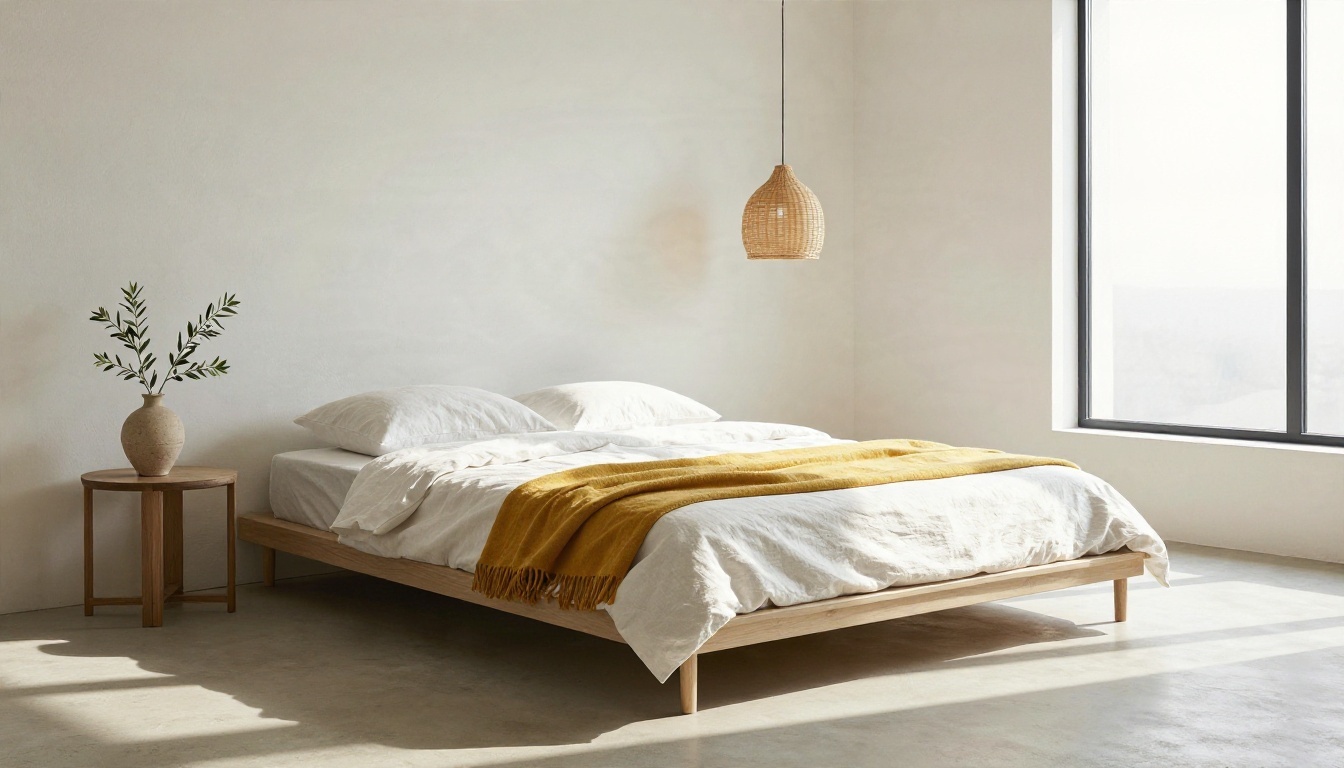
A low platform bed, crisp white linen, a mustard wool throw and a single olive branch. The trick is restraint: two accent materials, one accent color, and plenty of empty floor. Describe the light direction in your prompt, such as "soft morning light from the right window", and the render picks up long, gentle shadows that make the room feel real.
A Kitchen With Warmth
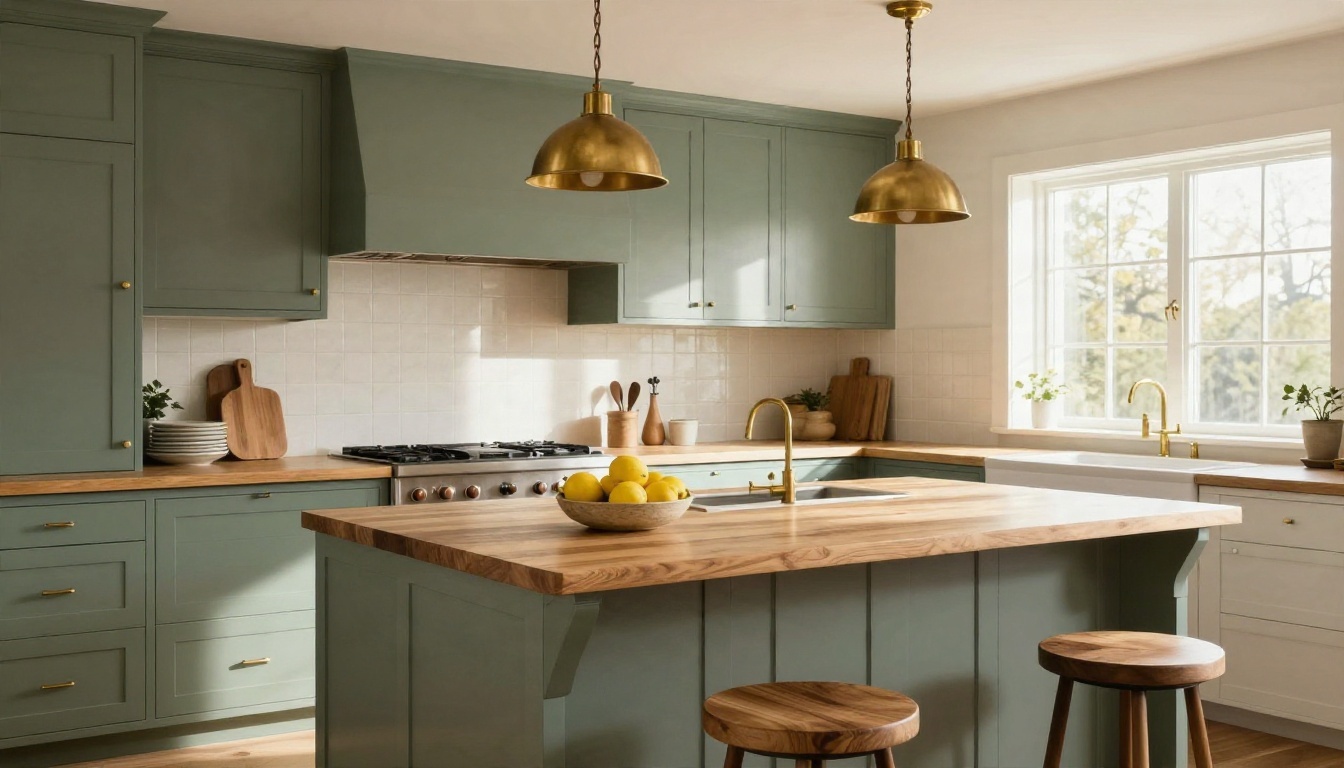
Sage green cabinetry, a butcher block counter, brass pendants and a bowl of lemons. Kitchens are where preset tools struggle most, because cabinet runs and appliances sit in exact positions. If you upload your own kitchen photo and ask for a color and hardware change only, an editing model keeps the layout and swaps the finish, which is the part you actually wanted to see.
A Bathroom With Real Texture
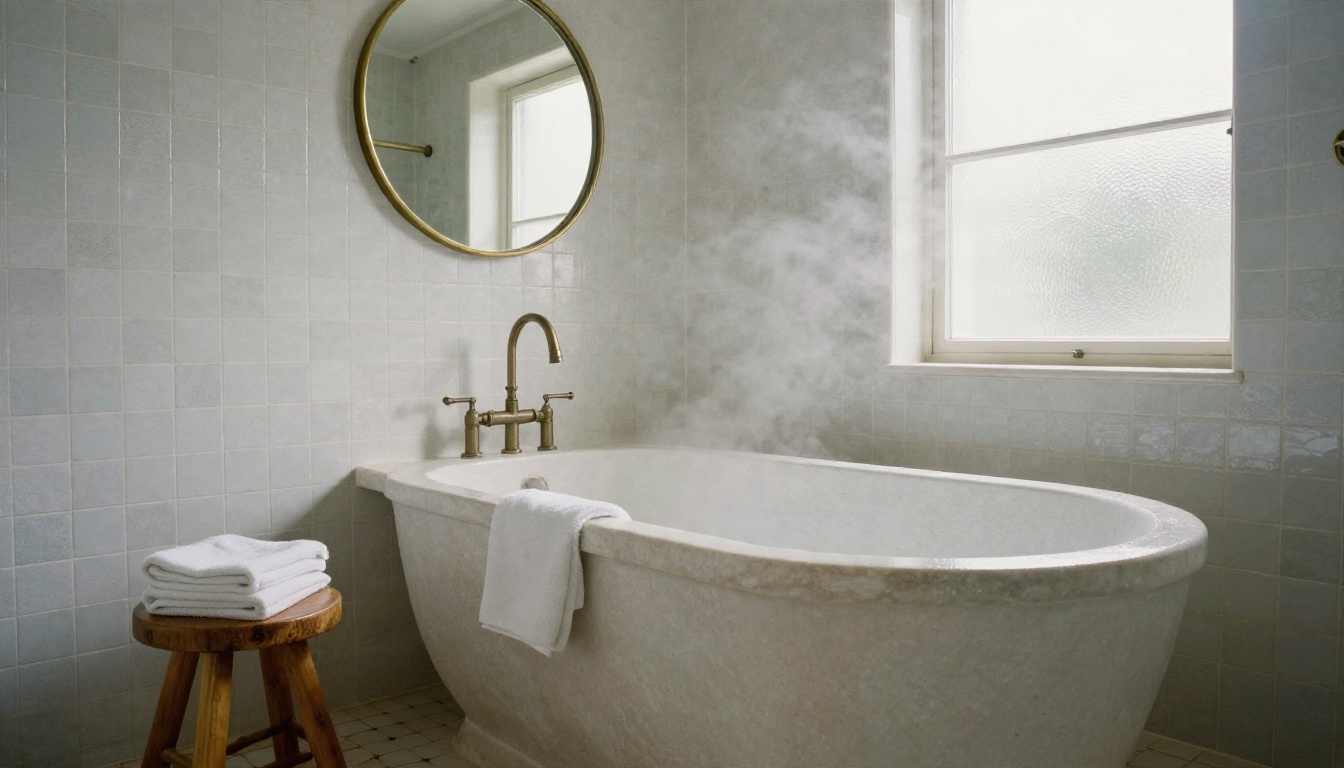
Tile is the test. Handmade zellige in soft white shows glaze variation, and a stone tub shows wet and dry areas. When a render gets those small irregularities right, you can judge the material choice. When every tile looks identical, the model is guessing and you should write the finish into the prompt more precisely.
A Home Office That Works
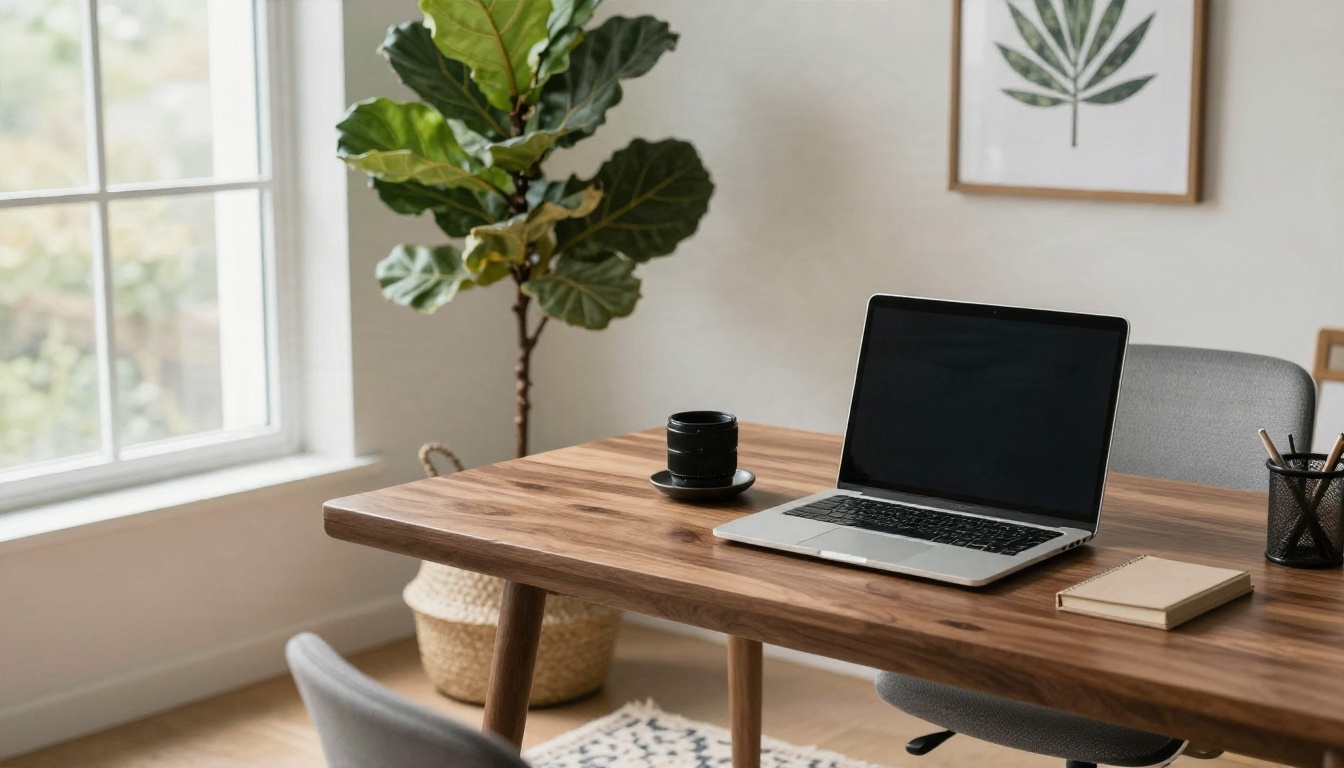
A walnut desk, a plant in a woven basket, a patterned wool rug and window light from the left. For work spaces, ask for the desk to face the light at a slight angle rather than directly, so you avoid screen glare. AI will not warn you about that unless you put it in the prompt.
A Small Studio That Still Breathes
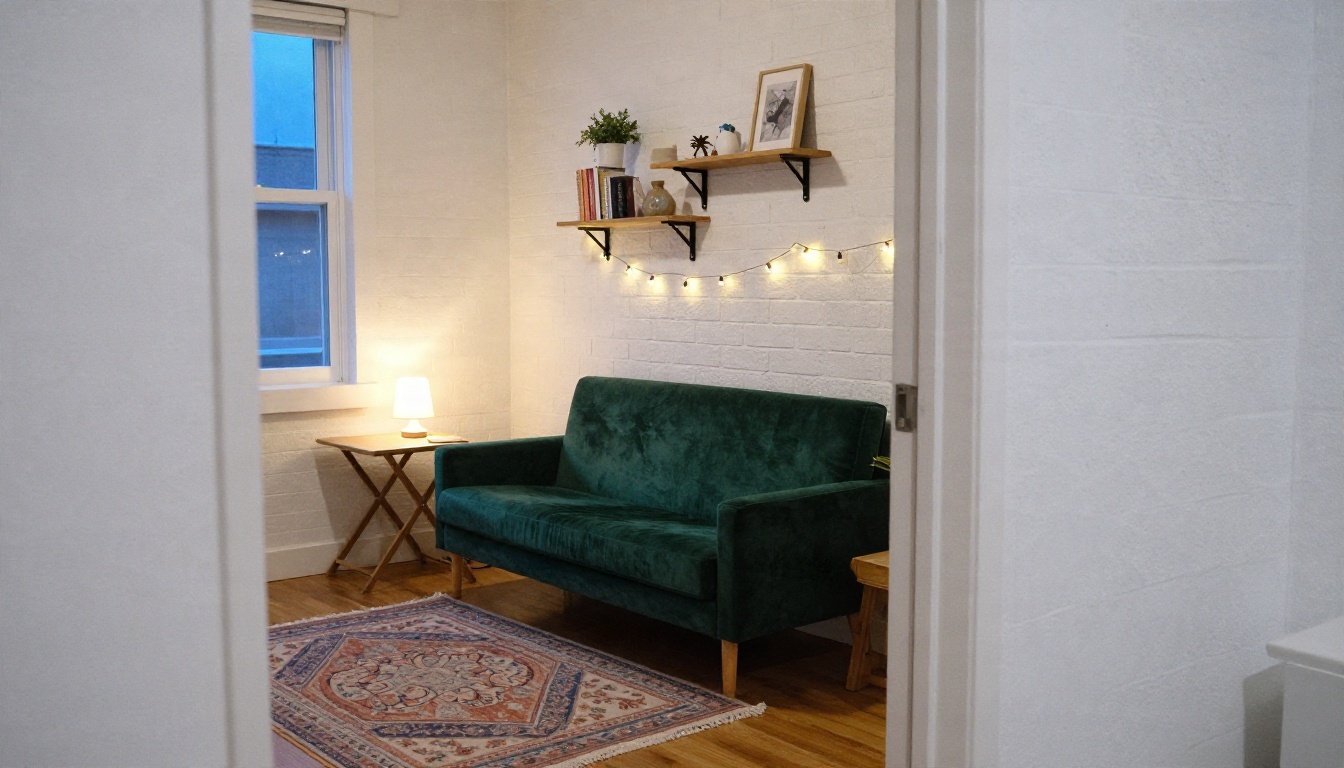
Small spaces reward bold choices in one place. An emerald velvet loveseat, white painted brick, wall-mounted shelves and a layered rug make a studio feel designed instead of crowded. Free tools tend to fill small rooms with too much furniture, so add "leave floor space open" to your prompt.
Prompts That Work Better
A better prompt will beat a better tool, and this holds for both free presets and full image models.
💡 Use this formula: room type + style + two materials + one accent color + light direction + what must stay unchanged.
Here are four habits that produce more usable results:
- Name what stays. "Keep the window, the door and the ceiling beam" protects the geometry.
- Name materials, not moods. "Ribbed oak, limewashed plaster, bouclé" works better than "cozy and elegant".
- Give light a direction. "Warm afternoon light from the left" adds realism to any image.
- Limit the palette. Three colors read as a design. Six read as a yard sale.
Test With a Cheap First Pass
Run your first prompt at low cost on a lighter model such as Nano Banana 2 Lite. When the layout and palette look right, rerun the strongest version on Seedream 4.5 or Nano Banana Pro for final detail.
A Simple Workflow
- Photograph the room in daylight from a corner, holding the phone level.
- Try one anonymous free tool for a quick style check.
- Move to an editing model for exact changes.
- Upscale the best result.
- Measure the real room before buying anything.
Mistakes That Waste Your Free Renders
Most wasted generations come from the same four errors.
- Uploading a dark, tilted photo. Bad input gives bad geometry. Turn on the lights, open the curtains and stand straight.
- Changing everything at once. Swap walls, floor, sofa and lighting in one request and you cannot tell which change caused the weird result.
- Trusting the scale. A render may show a sofa that would not fit through your door. Check dimensions.
- Skipping the screenshot. Anonymous tools forget your work as soon as the tab closes.
Try Your Own Room Redesign
Free no sign up tools are a good place to start for a quick style check, and their limits are real but manageable if you treat them as a sketchpad. When you want to say exactly what should change, an image model gives you that control.
Pick a room in your home, take one photo in good daylight, and write a prompt using the formula above. Try it on Nano Banana Pro for a reference-based edit, then compare it with a text-only concept from Seedream 4.5. Sharpen your favorite with Real ESRGAN. The whole process takes less time than choosing a paint color in a hardware store, and every result is one more idea before you spend real money. Browse every image model at picassoia.com/en/all-models and start designing your own room today.


