You have a business name, a tagline you like, and about fifteen seconds to make someone remember both. That is the job of a jingle, and for decades it meant hiring a composer, a singer and a studio. Today an AI jingle generator can produce a short brand song with lyrics, a lead vocal and a finished mix in the time it takes to drink a coffee. The catch: the tool only gets you as far as your brief. Write a vague prompt and you get vague music. Write a tight one and you get something your customers hum on the way to work.
This article walks through the whole process. You will see how a jingle is built, how to write lyrics that stick, how to generate the track, how to add a clean spoken or sung voice, and which free tools are worth your time. Everything here can be done on PicassoIA with models you can open right now.
What Makes a Good Jingle
A jingle is not a song in the usual sense. It is a memory device wrapped in a melody. Most of the best ones follow the same short recipe, and once you see it you cannot unsee it.
The 15-Second Rule
Most jingles live between 10 and 30 seconds. Radio spots, social video intros, podcast sponsor reads and in-store speakers all reward brevity. If your idea needs a verse, a bridge and a second chorus, it is a song, not a jingle. Aim for one hook, repeated once.
💡 Tip: Write for 15 seconds first. A short version can always be extended into a 30 second cut by repeating the hook, but a long version rarely shrinks without losing its punch.
Hook, Name, Promise
Every effective jingle carries three things in this order:
- A hook: a rhythm or melodic phrase that is easy to repeat.
- The name: said clearly, ideally twice.
- A promise: one benefit, in plain words.
"Fresh bread by sunrise, Maple Street Bakery" does all three. It is short, it sounds good out loud, and it tells you what you get.
How an AI Jingle Generator Works
Behind most tools there are really three layers, even when the interface hides them behind one button. Knowing which layer does what lets you fix problems faster.
The Lyrics Layer
Some tools write lyrics for you from a short description. Others expect you to bring your own words. On PicassoIA you can draft lines with a language model from the large language models category, then paste the final text into a music model. Writing the words yourself, even roughly, usually gives a more on-brand result.
The Music Layer
This is the part that composes the instrumental and, in many models, the sung vocal. You describe the genre, tempo and mood, supply lyrics, and the model returns a finished audio clip. Models such as Music 2.6, Music 2.5 and Music 01 take lyrics and return a song with vocals. Google's Lyria 3 and Lyria 3 Pro are strong choices when you want polished, original-sounding music from a text description.
The Voice Layer
If you prefer a spoken tagline over a sung one, a text-to-speech model handles it. This is also how you add a clear "Call today" ending after the melody fades. More on that below.
How to Use Music 2.6 on PicassoIA
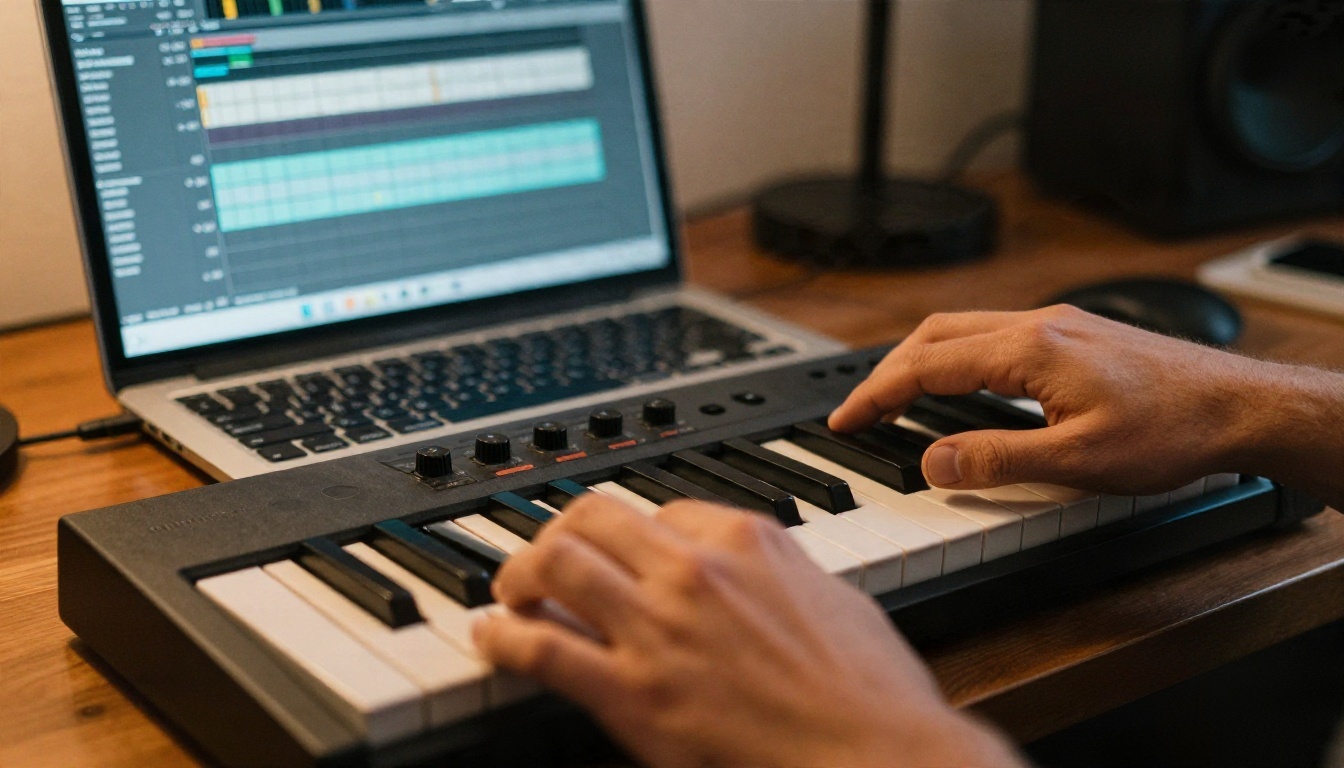
The quickest route from an empty page to a usable jingle is Music 2.6. It takes a style description plus lyrics, which suits a short brand song well. Interface fields can change as models are updated, so treat the labels below as a map rather than a script.
Step by Step
- Open the Music 2.6 page on PicassoIA.
- In the style or prompt field, describe the sound in one sentence: genre, tempo, mood, and what instruments you want.
- In the lyrics field, paste your 4 to 8 short lines. Keep the brand name clearly spelled.
- Run the generation and listen on headphones, not laptop speakers.
- If the result is close but not right, change one thing in the prompt (tempo, genre or vocal mood) and generate again.
- Download the version you like and trim it to length in any audio editor.
Parameter Tips
| Setting | What to try | Why it helps |
|---|
| Genre | One genre only, such as "upbeat acoustic pop" | Mixed genres produce muddy results |
| Tempo | "Medium tempo, around 100 BPM" | Easy to sing along to, easy to edit |
| Mood | "Warm, friendly, confident" | Guides the vocal delivery |
| Instruments | Name two or three | Keeps the arrangement clean |
| Length | Short lyrics, short song | Prevents the model from padding |
💡 Tip: If you only want an instrumental bed to put under your own voice, say "instrumental, no vocals" in the style field. Then add speech with a text-to-speech model.
A sample prompt for a bakery: "Upbeat acoustic pop, handclaps and ukulele, warm female vocal, medium tempo, cheerful morning feeling, short and catchy."

Write Lyrics That Stick
Lyrics for a jingle are closer to a slogan than a poem. Every word has to earn its place, because there are only about 30 to 40 of them.
A Simple Template
Try this four-line frame:
- Line 1: The situation ("Morning in the city")
- Line 2: The promise ("Fresh bread, warm and slow")
- Line 3: The name ("Maple Street Bakery")
- Line 4: The name again, with a call to action ("Maple Street, come on in")
Rhyme the second and fourth lines. Put the stress on the brand name. Avoid long words that are hard to sing, and say the lines out loud before you paste them anywhere.
Sample Lyrics You Can Adapt
Sunrise on the corner, oven's glowing bright,
Fresh bread, warm and golden, baked just right.
Maple Street Bakery, that's where we go,
Maple Street Bakery, come say hello.
That is 30 words, and it fits comfortably in 15 to 20 seconds at a medium tempo.
💡 Tip: Spell unusual brand names the way they sound if the model mispronounces them. "Zyra" might need to be written "Zeer-ah" in the lyrics field. Rename it back in your visuals afterward.
Add a Voice Without a Studio
Some brands want a sung jingle. Others want a short melody followed by a clean voice reading the tagline. Both are possible without booking a recording room.
Pick a Text-to-Speech Voice
PicassoIA has a long list of voice models. A few that suit brand work:
If you want a consistent brand voice across every ad, Voice Cloning lets you build a custom voice from a recording. Only clone a voice you own or have written permission to use.
Spoken Tag Lines That Land
Most radio-style jingles end with a spoken line. Keep it to six words or fewer, such as "Maple Street Bakery. Open at six." Then:
- Generate the line with a text-to-speech model.
- Drop it on the end of your music track in any free audio editor.
- Add a half-second of silence before it so the voice has room.
A quiet drum hit or a short chord ending before the voice helps the line feel intentional rather than glued on.
You can build a decent jingle for little or nothing, but it helps to know where the edges are.
What Free Gets You
- Draft generations: perfect for testing five or six styles before you commit.
- Short clips: ideal for social posts, intros and sponsor reads.
- Audio editing: free editors such as Audacity handle trimming, fades and volume matching.
- Lyrics help: a language model can suggest rhymes and shorter phrasings.
Free plans on any platform usually come with limits on volume, quality or usage rights. Check the current terms for the model you choose before you rely on a track in paid advertising.

Licensing and Originality Check
Before a jingle goes on air or on a storefront speaker:
- Read the commercial terms for the generator you used.
- Avoid prompts that name living artists or famous songs. You want something original, not a sound-alike.
- Listen for accidental similarity to popular melodies. If you hear one, regenerate.
- Keep a record of the prompt, lyrics and date, in case anyone asks later.
Related tools like ElevenLabs Music and Stable Audio 2.5 are worth testing when you want an instrumental bed with a different character. Each has its own terms, so read them separately.
Jingle Ideas by Business Type
The same workflow adapts to nearly any small business. The genre and voice change, the structure does not.
Cafes and Bakeries
Go warm and acoustic. Ukulele, soft guitar, handclaps and a friendly female or male vocal work well. Lyrics focus on mornings, aroma and the neighborhood. These jingles are perfect for in-store speakers and short social videos.
Shops and Local Services
Plumbers, florists and mechanics benefit from a phone number or a short name repeated twice. Keep the music simple, a steady beat and one melodic line, so the name is easy to hear. Add a spoken closing line such as "Call us today" with a text-to-speech model.
Creators and Podcasts
For a channel intro or podcast sting, aim for 5 to 8 seconds. A tight, rhythmic loop with a vocal chop or a one-line sung hook is plenty. Reuse it at the start of every episode and it becomes your audio signature.

Agencies and Teams
Marketing teams often need five or six candidate jingles for a client. Generate several styles, play them in a short meeting, and pick the one people start humming afterward. That reaction is your best test.
Common Mistakes to Avoid
| Mistake | Fix |
|---|
| Lyrics too long | Cut to 4 lines, 30 words or fewer |
| Brand name buried | Place it on a strong beat, twice |
| Genre overload | Choose one genre per generation |
| Voice does not match the brand | Test two or three voices before you decide |
| Sound-alike of a famous tune | Regenerate with a different melody prompt |
| Volume mismatch with ads or videos | Normalize loudness in an audio editor |
Start Making Your Own Jingle
You do not need a studio, a composer or a big budget to give your brand a sound. You need four lines of lyrics, a clear style prompt and a few patient rounds of listening. Open Music 2.6 on PicassoIA, paste in your first draft, and generate three versions in different moods. Then add a spoken tagline with a voice model like Speech 2.8 HD.
When you want to try other sounds, browse everything available at picassoia.com/en/all-models. Your first version will probably not be your best one, and that is fine. Keep the one that makes you tap the desk, and put it to work.


