You have three seconds. That is all a jingle, a DJ drop or a radio tag gets before a listener decides whether your station, show or shop sounds like a pro or like a hobby. A short burst of punchy audio with a voice that says the name right, a hook that sticks and a clean ending is what makes people remember you. Until recently that meant hiring a voice actor, a composer and an engineer. Now an AI jingle maker can handle all three jobs in one afternoon, and you can start without paying anything.
This article shows exactly how to build DJ drops, radio tags and voice drops with AI. You will get the vocabulary, a repeatable workflow, a pile of prompt examples you can paste today, a model comparison table and the mistakes that ruin otherwise good audio.
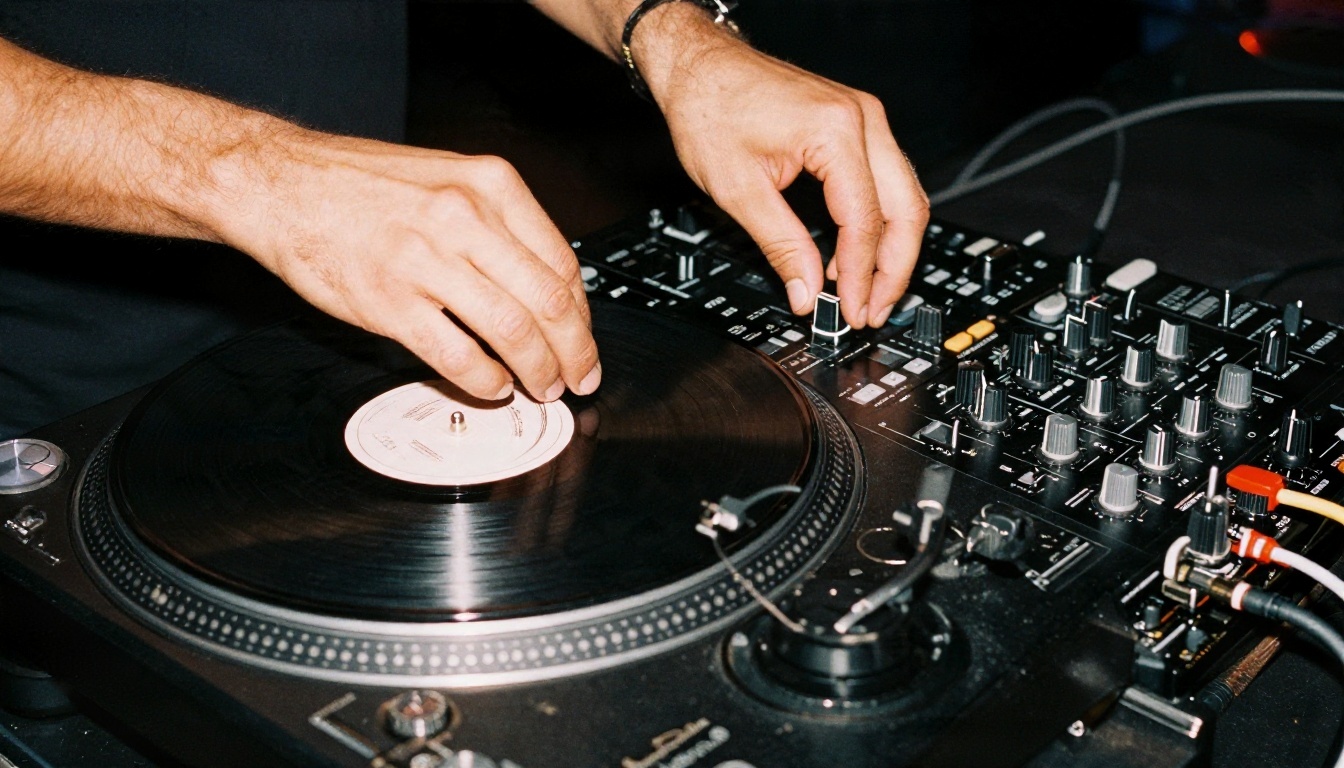
People use these words loosely, and that causes bad prompts. Each format has a different length, job and structure, so name the one you want before you write anything.
DJ Drops
A DJ drop is a short, energetic audio clip played between songs or inside a mix. It usually contains a name ("Coming at you with DJ Marlow"), a catchphrase or a sound effect, and it often has a bassy hit or a riser underneath. Length: 2 to 8 seconds. Club DJs, mixtape makers and streamers use them as an audible signature.
Radio Tags
A radio tag (also called a station ID or a sweeper) is a very short line that names the station and its frequency or slogan. "Ninety-Four Point Five, The Coast." That is it. Tags often sit on top of a few bars of music and are repeated all day. The point is recall, so the wording must be short and easy to say.
Voice Drops
A voice drop is the spoken piece by itself, or with a light music bed. It might be a podcast intro line, a transition ("You're listening to Late Shift Radio"), a sponsor mention or a hype line for a stream. The voice carries the whole identity here, so the choice of text to speech model matters more than the music.
Full Jingles
A jingle is the bigger sibling. It is a sung or chanted musical phrase, 10 to 30 seconds long, built around a brand name and a melody. It is the format you hear in ads.
💡 Quick rule: if it is under 8 seconds and says a name, it is a drop or a tag. If it has a melody you can hum, it is a jingle.
| Format | Typical length | Main ingredient | Where it gets used |
|---|
| DJ drop | 2 to 8 sec | Voice plus hit or riser | Mixes, livestreams, clubs |
| Radio tag | 2 to 5 sec | Name plus slogan | Stations, podcasts, playlists |
| Voice drop | 3 to 10 sec | Spoken line, light bed | Intros, transitions, sponsors |
| Jingle | 10 to 30 sec | Melody plus lyrics | Ads, shops, branded content |
How an AI Jingle Maker Works
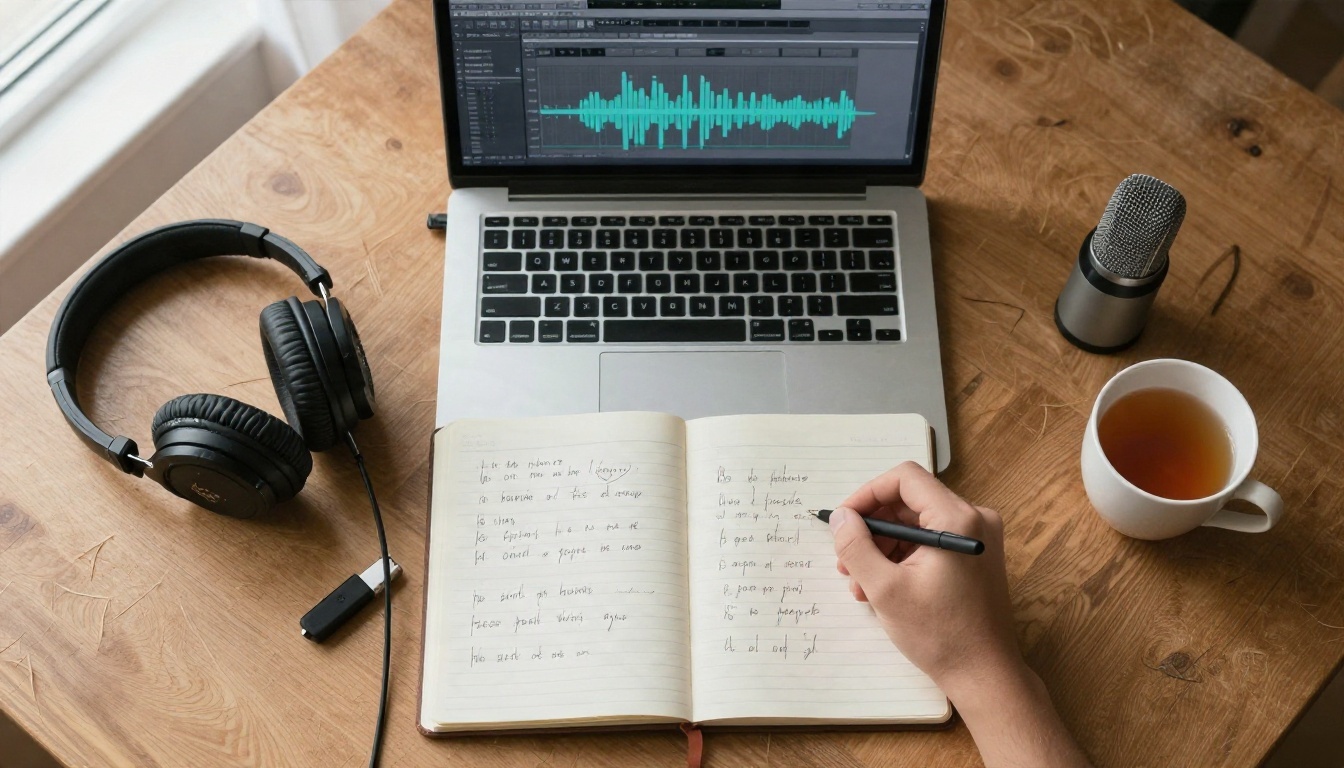
Most people picture one button that spits out a finished drop. In practice, the best results come from two models working in sequence: one for the music bed and one for the voice.
The Music Half
A text-to-music model takes a written description of genre, tempo, mood and instruments and generates audio. Some can also add sung vocals from lyrics you supply. On PicassoIA you can use Music 2.6 for full songs with vocals, Lyria 3 or Lyria 3 Pro for polished instrumental beds, Stable Audio 2.5 for short, controllable clips and ElevenLabs Music for prompt-driven tracks.
The Voice Half
A text-to-speech model reads your line with a chosen voice, pace and emotion. Models such as Speech 2.8 HD, ElevenLabs V3 and Gemini 3.1 Flash TTS can produce a convincing announcer voice that sounds like it came from a real studio.
Why Short Audio Is Tricky
A 4 second clip leaves no room for mistakes. A long song can hide a weak intro. A drop cannot. The first beat has to land, the voice must be clear over the music, and the clip needs a clean tail so it does not end on a random note. That is why the prompt wording matters so much and why you should generate several versions, then pick the best one.
💡 Tip: generate 4 to 6 takes of each element. Treat the AI like a session musician. You rarely keep the first take.
How to Use Music 2.6 on PicassoIA
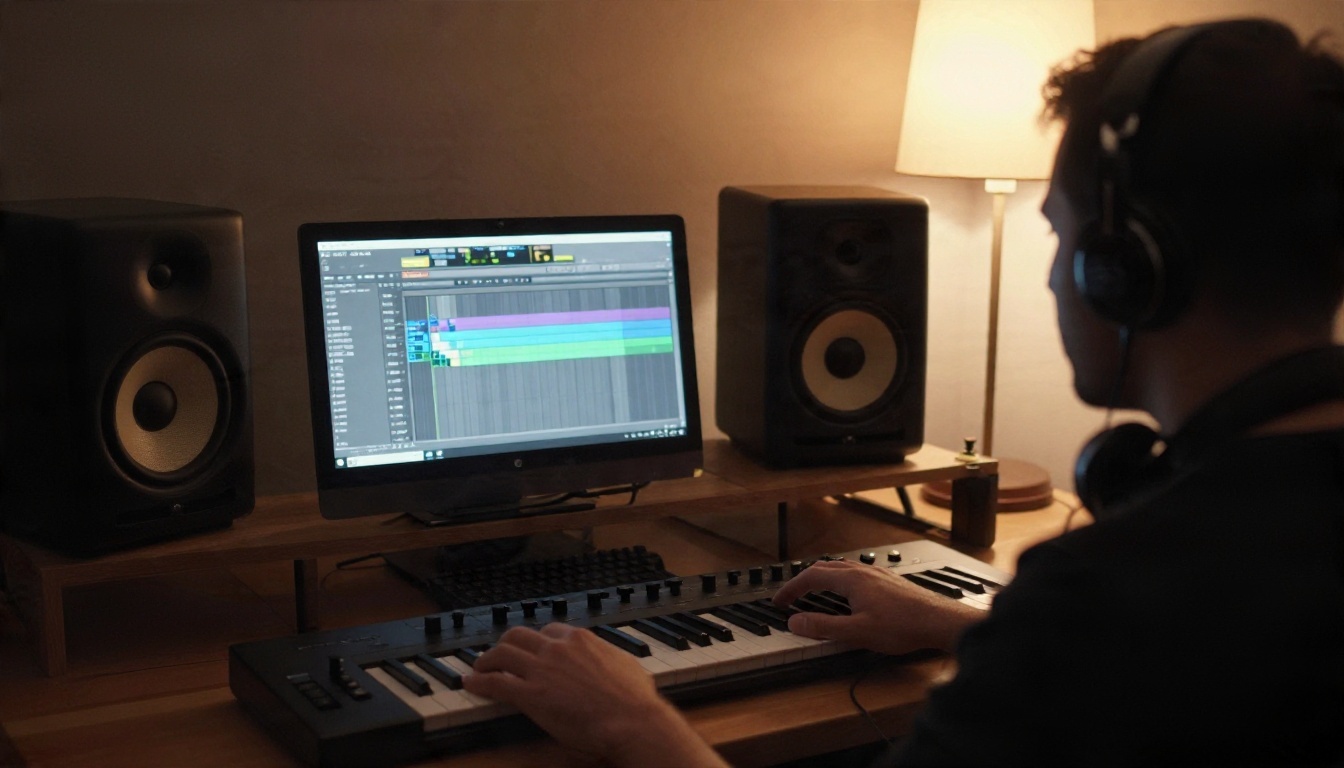
Music 2.6 is a solid starting point when you want a jingle with sung lyrics, because it handles vocals and structure in one pass. Here is the workflow, step by step.
Step 1: Open the Model Page
Go to the Music 2.6 page on PicassoIA and open the generator. You will see a prompt field and, depending on the model version, a lyrics field.
Step 2: Write a Style Prompt
Describe the sound in one sentence: genre, tempo, mood, main instruments and length. Keep it concrete. "Upbeat pop, 120 BPM, bright synth stabs, clapping, short 15 second jingle" works far better than "something happy."
Step 3: Add Short Lyrics
Write two to four lines at most. Repeat the brand name at least twice. Short, rhythmic lines give the model a clear pattern to follow. Example:
"Sunrise Coffee, fresh and fast. Sunrise Coffee, made to last."
Step 4: Generate Several Versions
Run the generator three to five times. Listen on headphones and on a phone speaker. Pick the take with the strongest first second.
Step 5: Add the Voice Layer
If you want a spoken tag over the music, open a TTS model like Speech 2.8 Turbo for a quick read or Speech 2.8 HD for a richer one. Paste your line, choose a voice and generate.
Step 6: Combine and Trim
Drop both files into any audio editor, line up the voice with the beat, trim the tail and export. That is a finished jingle.
💡 Parameter tip: ask for "ends on a clean stop" or "short tail, no fade" in your music prompt. It saves editing time later.
Prompt Examples You Can Copy
Here is where the real value sits. These are tested prompt structures. Swap in your own names, genres and slogans.
DJ Drop Music Prompts
Use these with a music model such as Stable Audio 2.5 or Lyria 3.
- Club house drop: "4 second house music sting, punchy kick, filtered bass sweep, one bright chord stab, ends on a hard stop, no vocals."
- Hip hop scratch drop: "5 second hip hop transition, dusty drum break, vinyl scratch on beat three, deep 808 hit at the end, no vocals."
- Drum and bass riser: "6 second drum and bass build, rising snare roll, tight sub bass, sudden silence on the last beat, no melody."
- Reggaeton shout bed: "5 second reggaeton loop, dembow rhythm, soft brass hit, space left in the middle for a spoken name."
- Lo-fi stream intro: "7 second lo-fi chill sting, warm electric piano, soft vinyl crackle, gentle fade at the end."
The phrase "space left in the middle for a spoken name" is gold. It tells the model to avoid a busy melody where your voice will sit.
Radio Tag Scripts
Pair these lines with a short music bed and a TTS voice. The best tags use rhythm and rhyme, and they say the frequency as words, not digits, so the voice reads them naturally.
| Station style | Script example |
|---|
| Pop hits | "Ninety-Four Five, The Coast. All the hits, all day." |
| Classic rock | "Rock Eleven Hundred. Turn it up." |
| Talk and news | "News Radio Seven, the voice of the valley." |
| Late night | "Moonlight FM. You're not alone out there." |
| Community | "Maple Street Radio. Local voices, local music." |
Voice Drop Prompts for TTS
When you use a TTS model, the delivery instructions count as much as the words. Many models respond to cues like "energetic," "low and smooth" or "whispered."
- Hype announcer: "Deep, confident male announcer, fast pace, big energy: 'This is Night Shift Radio. Don't touch that dial.'"
- Friendly host: "Warm female voice, smiling tone, medium speed: 'You're tuned to Morning Brew. Let's get your day started.'"
- Smooth late night: "Low, slow, relaxed voice, slight pause after the name: 'Moonlight FM... the night is yours.'"
- Sponsor read: "Clear, neutral and upbeat: 'This episode is brought to you by Harbor Coffee. Fresh roasted, locally owned.'"
- Stream transition: "Excited young voice, quick delivery: 'Be right back. Don't go anywhere.'"
ElevenLabs V3 is good at expressive reads and emotional cues, while Gemini 3.1 Flash TTS gives you a large choice of voices and languages if your drops need to run in Spanish, French or beyond.
Podcast and YouTube Stingers
Short stingers work for intros, chapter breaks and sign-offs. Try:
- "3 second podcast intro sting, warm acoustic guitar pluck, soft shaker, friendly and open, ends with a gentle chime."
- "4 second tech show sting, clean synth arpeggio rising, crisp snare, confident and modern."
- "5 second true crime sting, low cello drone, subtle heartbeat pulse, tension that cuts off sharply."
Business Jingle Prompts With Lyrics
For a sung jingle, give the model both a style line and lyrics. Example for a coffee shop:
- Style: "Upbeat acoustic pop, 110 BPM, handclaps, ukulele, female vocal, cheerful, 12 seconds, ends on a final strum."
- Lyrics: "Sunrise Coffee, fresh and fast. Sunrise Coffee, made to last."
Another for a local garage:
- Style: "Retro 60s surf rock, twangy guitar, tambourine, male chorus, 10 seconds."
- Lyrics: "Dave's Auto, we fix it right. Dave's Auto, open day and night."

💡 Tip for lyrics: say the brand name out loud before you generate. If it is hard to sing, it will be hard for the model too. Respell tricky names phonetically in the lyrics field.
Pick the Right Model
Different jobs need different tools. This table sums up where each model fits best for jingle work.
| Model | Best for | Strength | Weak spot |
|---|
| Music 2.6 | Sung jingles | Vocals and structure in one pass | Needs short lyrics |
| Lyria 3 | Instrumental beds | Clean, polished sound | Less suited to spoken-word gaps |
| Lyria 3 Pro | Longer branded tracks | Fuller arrangements | Overkill for a 3 second tag |
| Stable Audio 2.5 | DJ drops and stings | Short, controllable clips | Fewer vocal options |
| ElevenLabs Music | Prompt-led songs | Flexible genre control | Test several takes |
| Speech 2.8 HD | Announcer voice | Studio-quality tone | Slower than turbo |
| Speech 2.8 Turbo | Fast drafts | Quick reads | Less depth in tone |
| ElevenLabs V3 | Expressive voice drops | Emotion and delivery | Needs clear cues |
| Flash v2.5 | Rapid iteration | Very fast turnaround | Simpler delivery |
| Chatterbox Turbo | Quick, lively reads | Speed | Fewer style options |

A Simple Pairing Strategy
If you are not sure where to begin, try this pairing:
- Club or festival DJ drop: Stable Audio 2.5 for the sting plus ElevenLabs V3 for a hyped voice.
- Radio station tag: Lyria 3 for a polished bed plus Speech 2.8 HD for a steady announcer.
- Small business jingle: Music 2.6 with lyrics, done in one pass.
- Quick draft to test a slogan: Flash v2.5, then upgrade the voice once the wording is locked.
Finishing Touches That Sell It
Raw AI output is a good first draft. A few small edits turn it into something that sounds broadcast-ready.
Timing the Voice
Place the first syllable of the voice on or just before a strong beat. If the voice arrives late, the drop feels sloppy. If it lands exactly on the downbeat, it feels intentional. Nudge the clip a few milliseconds until it clicks.
Ducking and Levels
Lower the music by a few decibels while the voice speaks, then let it come back up on the tail. Most editors have an automatic "ducking" option. Keep the voice clearly louder than the bed. A listener should never have to strain to hear your station name.
Layering Sound Effects
A tiny whoosh before the name or a hit after it adds polish. Keep it subtle. One effect is a flavor, three effects is noise.
Testing in Real Conditions
Play your drop in a car, on a phone speaker and on earbuds. Radio and streaming audio get played in messy places, so a drop that sounds great on studio monitors but vanishes on a phone has a problem. This is also the moment to check that the first second grabs attention.
💡 Reality check: a drop that sounds a little too loud and simple in the editor usually sounds just right on air.
Common Mistakes to Avoid
Most weak AI jingles fail for the same handful of reasons.
Writing Too Much Text
A tag with 20 words is not a tag. Cut it to the shortest version that still says who you are. Ten words is a ceiling, five is better.
Vague Style Prompts
"Cool and catchy" tells the model nothing. Name a genre, a tempo and two instruments. The more concrete the prompt, the less random the result.
Ignoring Space for the Voice
If the music bed is busy in the same frequency range as a human voice, the name gets buried. Ask for "space in the middle" or "sparse arrangement" and build the voice into the plan from the start.
Keeping the First Take
The first output is a sketch. Generate several versions and choose the one with the best opening beat and the cleanest ending.
Forgetting Rights and Voices
Use voices and music in line with the terms of the model you generate with, and be careful about cloning a real person's voice without permission. If you plan to run a drop commercially, check the usage terms before you publish.
Skipping the Tail
An ending that fades into silence for two seconds wastes airtime. Ask for a hard stop or a short tail and trim anything left over.
Make Your First Jingle Today
You do not need a studio, a budget or a music degree to put a professional sound on your station, stream or shop. Pick one format from this article, copy a prompt, swap in your own name and generate five versions. Pair a music model with a voice model, line them up, trim the tail and you have something you can play tonight.
Start on PicassoIA with Music 2.6 for a sung jingle or Stable Audio 2.5 for a quick DJ drop, add a voice from ElevenLabs V3 or Speech 2.8 HD, and keep experimenting with different genres, tempos and scripts. The best drop in your library will probably be take number six. To see every music, voice and image model in one place, browse picassoia.com/en/all-models and build your own sound.


