Three seconds. That is how long a listener gives your podcast intro or radio spot before deciding to stay or skip. A good jingle wins those three seconds with a hook people hum on the bus, and until recently getting one meant hiring a composer, a singer and a studio for a week. Now an AI jingle maker can turn a two-line brief into a polished 20 second tune in the time it takes to finish a coffee. Below you will find the free options worth trying, prompts you can paste right now, worked examples for ads and podcasts, and the mixing fixes that make the output sound professional.
What an AI Jingle Maker Actually Does

An AI jingle maker is a music generation model that reads a text description (genre, mood, tempo, instruments, sometimes lyrics) and returns a finished audio clip. You do not need to read notation or own an instrument. You describe the sound, listen, adjust the wording, and generate again.
The best results come from treating the model like a session musician. Give it a clear brief and it plays what you asked for. Give it a vague one and you get background music that could belong to any brand on earth.
Jingle vs. Full Song
A jingle is short, repetitive on purpose and built around one memorable phrase. A song wanders. That difference matters for your prompts, because most music models default to song structure: intro, verse, chorus, bridge. For a jingle you want the chorus first, and you want it to end cleanly.
| Format | Typical length | Main job | Prompt focus |
|---|
| Audio logo (sting) | 2 to 5 seconds | Instant brand recognition | One instrument, one motif |
| Podcast intro | 10 to 20 seconds | Set the tone of the show | Mood, tempo, short loop |
| Radio or social ad jingle | 15 to 30 seconds | Sell and stick in memory | Hook line, vocal or rhythm |
| Background bed | 30 to 90 seconds | Sit under a voiceover | Low energy, no lead melody |
Where Jingles Work Best
Jingles earn their keep anywhere audio repeats: local radio spots, YouTube pre-roll, Instagram Reels, in-store speakers, hold music, podcast openers and sponsor reads. Small businesses benefit most, since a recognizable tune is the cheapest way to sound bigger than you are.
💡 Quick rule: if the audio will play more than ten times for the same listener, it deserves a custom jingle instead of stock music.
Free Options Worth Trying

"Free" in AI music usually means one of three things: a free tier with limited generations, a trial credit, or a model you can run without paying per clip. Allowances change often, so check the current limits on each model page before you plan a campaign. What stays constant is which model suits which kind of jingle.
PicassoIA hosts several music generators in one place, which saves you from juggling accounts. Here is how I would match them to common jingle jobs.
Music 2.6 for Sung Jingles
Music 2.6 generates full songs and handles vocals, which makes it the first stop when you want a sung tagline like "Fresh bread, warm hearts, Maple Street Bakery." Its older sibling Music 2.5 also produces songs with vocals and is a good second opinion when one model keeps mangling a word. If you prefer to write the lyrics yourself and let the model build the song around them, Music 01 was designed around exactly that workflow.
Lyria 3 for Instrumental Stings
For purely instrumental work (podcast intros, audio logos, background beds) try Lyria 3. It responds well to descriptive prompts about instrumentation and mood. When you need something longer, such as a full ad bed or a theme with several sections, Lyria 3 Pro generates full-length tracks that you can trim down later. Lyria 2 is still there if you like its sound for simple loops.
Stable Audio 2.5 for Beds
Stable Audio 2.5 composes music from text and shines on atmospheric textures and rhythmic loops, the type of material you slip under a voiceover. It is less about catchy lyrics and more about a dependable groove. ElevenLabs Music is another text-to-song option worth running side by side, since each model has its own taste in chord choices and drum feel.
How to Make a Jingle on PicassoIA
The process is the same whichever model you pick. I will use Music 2.6 as the example, since it handles both vocals and instrumentals.
Write the Brief First
Before touching any tool, answer four questions on paper:
- Who is the listener? Commuters, parents, gamers, small business owners.
- What should they feel? Trust, energy, nostalgia, calm.
- What is the one phrase to remember? Your brand name, a slogan, a show title.
- How long? Pick 15, 20 or 30 seconds and stick to it.
Those answers become your prompt almost word for word.
Pick the Model and Paste
Open the model page, paste your prompt, and add lyrics if the model offers a lyrics field. If you want an instrumental, say so explicitly in the prompt ("instrumental, no vocals"), because some models add singing by default.
Generate and Compare
Run at least three generations of the same prompt. Music models are non-deterministic, so the third version is often the one with the better hook. Save the winners, and name the files by version so you can compare them later.
Refine One Variable at a Time
Change tempo, or instrument, or mood. Never all three. If the track feels too sleepy, add "upbeat, 120 BPM". If it feels cluttered, add "sparse arrangement, space between notes".
💡 Tip: keep a running note of the exact phrases that worked. Those phrases become your personal prompt library and cut your next project from an hour to ten minutes.
Prompts You Can Copy Today
A strong jingle prompt has five ingredients: genre, mood, tempo, instruments, and structure. Skip any one and the model fills the gap with a generic guess. Replace the bracketed parts with your own details.
Prompts for Ads
Local radio spot, upbeat:
"20 second upbeat acoustic pop jingle, handclaps, ukulele and light drums, 118 BPM, cheerful and friendly, catchy sung hook in the first 5 seconds, ends on a clean final chord."
Premium product, calm:
"15 second modern minimal jingle, soft piano, warm synth pad and a subtle pulse, 90 BPM, confident and elegant, no vocals, ends with a single resonant note."
Retail sale event, high energy:
"30 second funk pop jingle with brass stabs, slap bass and tight drums, 124 BPM, playful and loud, group chant hook, finishes with a short horn hit."
Prompts for Podcast Intros
Conversational interview show:
"12 second warm lo-fi hip hop intro, mellow Rhodes chords, vinyl crackle, soft boom bap drums, 85 BPM, relaxed and curious, instrumental, fade-friendly ending."
True crime or storytelling:
"15 second cinematic tension intro, low cello drone, sparse piano notes, subtle heartbeat percussion, 70 BPM, mysterious and serious, instrumental, slow build and abrupt stop."
Comedy or morning show:
"10 second bouncy indie pop intro, glockenspiel, claps, upright bass, 126 BPM, silly and bright, instrumental, ends with a playful pizzicato flick."
Prompts With Lyrics
When a model accepts lyrics, keep them tiny. Two lines beat eight.
Example lyric field for a bakery:
Warm from the oven, fresh every day,
Maple Street Bakery, come on your way.
Pair it with this style prompt: "bright acoustic folk pop, female vocal, clear diction, 112 BPM, repeating chorus hook, 20 seconds."
💡 Diction trick: spell tricky brand names phonetically in the lyrics field (for example "Kay-roh" instead of "Kairo"), then keep the correct spelling everywhere else.
Real Examples by Use Case
Theory is fine, but seeing the brief and the outcome side by side is what sticks. These three scenarios mirror how real creators use a jingle maker.
The Neighborhood Bakery Spot
A bakery owner needs a 20 second radio ad for the morning commute. The brief: friendly, warm, a hook that repeats the shop name twice. The first generation used a full band and buried the voiceover, so the second prompt added "sparse arrangement, leave space for a spoken voice in the middle" and swapped the drums for handclaps. That version worked, because the sung tagline opened the spot and the instrumental section sat quietly under the spoken offer.
The Food Truck Loop
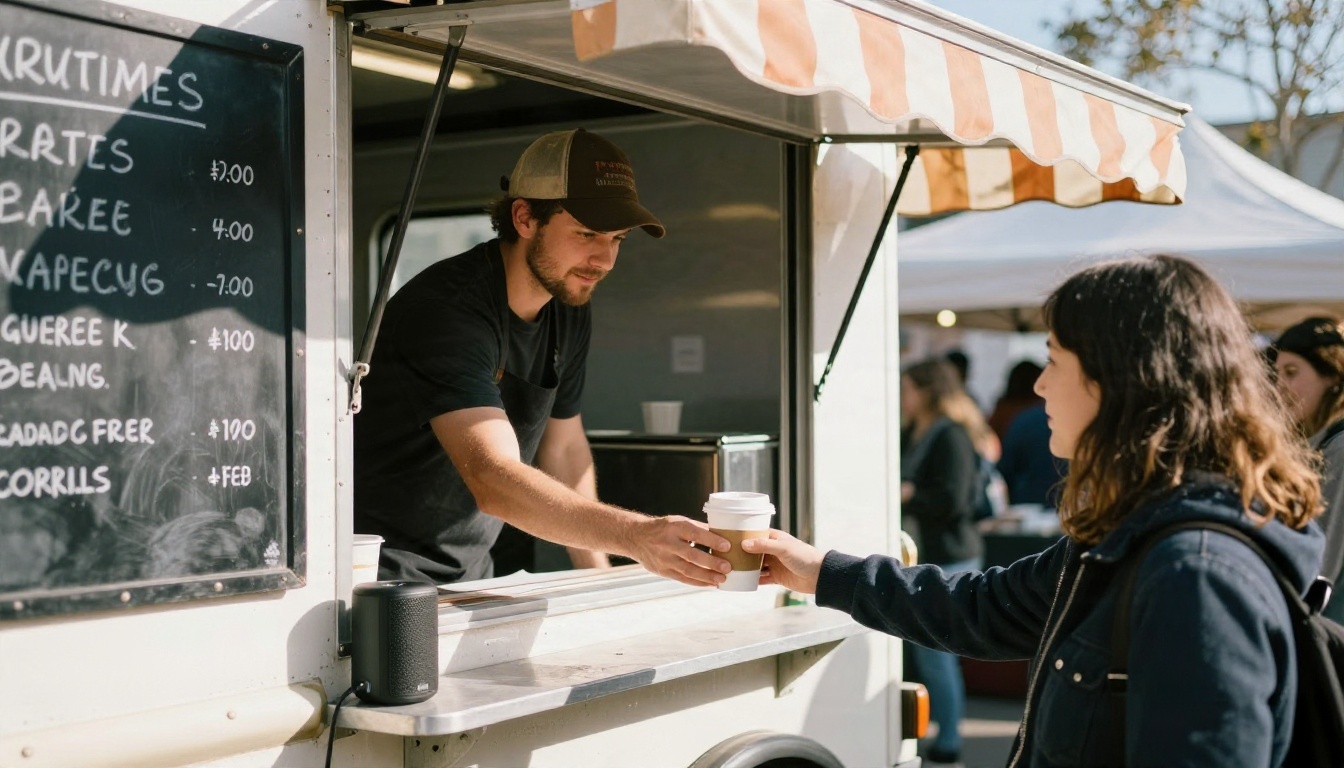
A food truck plays a short loop from a speaker at markets. It has to sound good on a tiny speaker and avoid wearing on the vendor, who hears it all day. The prompt asked for a "mellow tropical groove, steel drum and marimba, 100 BPM, no vocals, seamless loop feeling". Instrumental, mid-range heavy, nothing piercing. It reads well on cheap speakers because the melody lives in the middle of the frequency range, where small drivers perform best.
The Podcast Opener
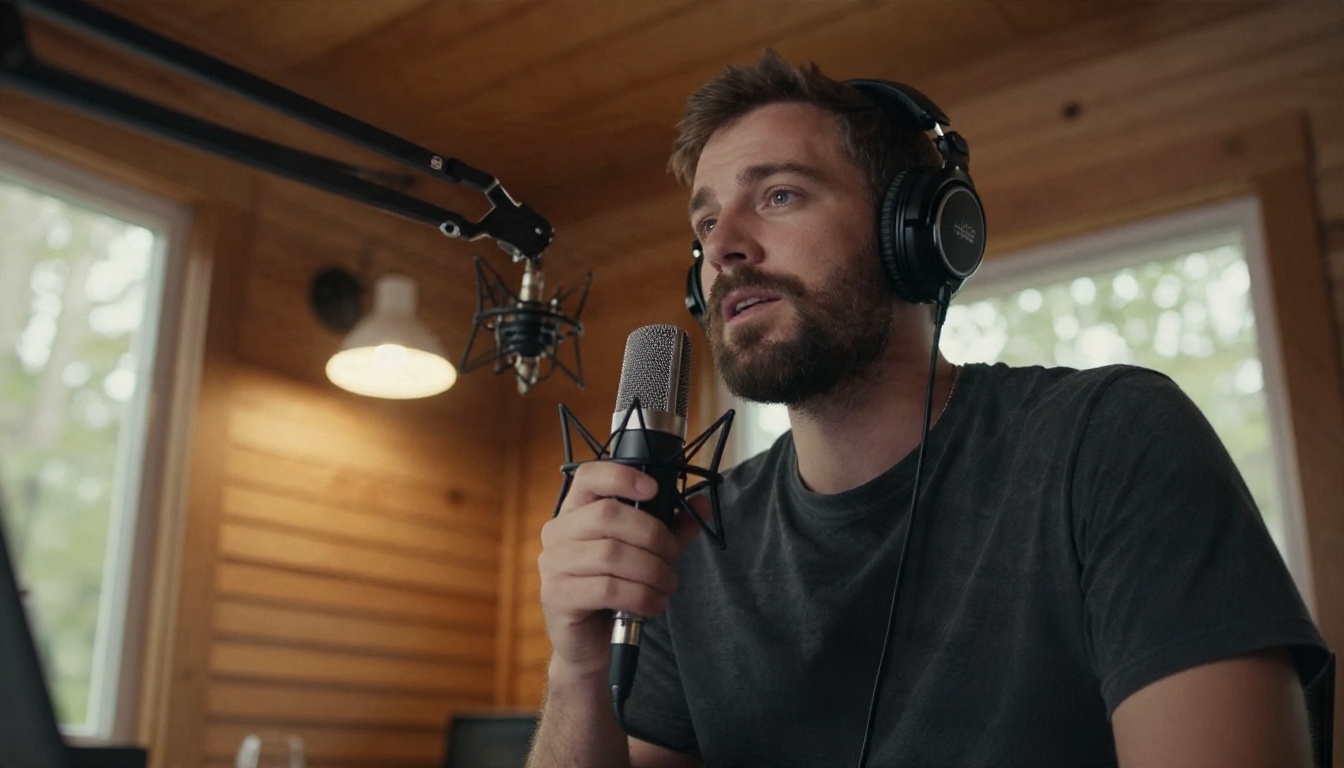
A two-host business podcast wanted an intro that felt trustworthy but not corporate. The winning prompt: "12 second warm indie folk intro, fingerpicked guitar, soft brushed drums, upright bass, 96 BPM, optimistic, instrumental, ends on a gentle open chord". Over a month of episodes, listeners started mentioning the tune in reviews, which is the exact signal you want from audio branding.
Mixing the Final Track

Raw model output is a good draft, not a finished product. A few minutes of polish separates a jingle that sounds amateur from one that sounds like it came from an agency.
Add a Voice Layer
Many ads need a spoken line over or after the jingle. Generate it separately so you can control timing. Realtime TTS 2 produces natural voiceovers from plain text, and v2 Multilingual is handy when the same ad needs to run in several languages. If you only need a quick scratch voice to test pacing, Realtime TTS 1.5 Mini responds fast.
Place the jingle first, let it breathe for one bar, then bring the voice in. Lower the music by 6 to 10 dB while the voice speaks.
Check the Lyrics by Transcribing
Sung lyrics sometimes drift from what you typed. Run the generated clip through a transcription model such as GPT 4o Transcribe and compare the output to your intended words. If the transcript is wrong, listeners will mishear the brand name too, so regenerate with phonetic spelling. GPT 4o Mini Transcribe works for quick checks, and Gemini 3 Pro is another option when the audio is messy.
Fix Length and Loudness
Trim the clip to your target length in any free audio editor, add a 100 to 300 millisecond fade at the end, and normalize loudness so it matches the rest of your content. Podcast platforms and ad networks have different loudness targets, so check what your destination expects before exporting.
| Check | What to listen for | Quick fix |
|---|
| Hook timing | Does the memorable phrase land in 5 seconds? | Trim the intro |
| Ending | Does it stop cleanly? | Fade or cut on the beat |
| Voice clarity | Can you hear every word over the music? | Lower the music 6 to 10 dB |
| Small speaker test | Does it still sound good on a phone? | Boost mids, reduce deep bass |
Mistakes That Ruin a Jingle
After enough generations, the same errors show up again and again.
1. Prompting for a "song" when you need a jingle. Without a length and a hook instruction, the model builds a verse that never reaches the chorus before your 20 seconds are up.
2. Stuffing the prompt with ten genres. "Rock, jazz, EDM, orchestral and reggae" produces mud. Pick one primary genre and one flavor.
3. Writing long lyrics. Eight lines will not fit in 20 seconds. Two short lines will, and listeners will actually remember them.
4. Ignoring where it plays. A jingle for car radio, a phone speaker and a noisy store need different mixes. Test on the worst speaker you own.
5. Skipping the replay test. Listen to the jingle ten times in a row. If it grates by the fifth listen, your audience will feel the same after a week.
6. Forgetting rights and terms. Read the usage terms on each model page before you use a track in a paid campaign, and keep a record of the prompt and generation date for your files.
💡 Pro habit: name each export with the model, prompt version and date, such as "lyria3_podcast_intro_v3". Six months from now, you will thank yourself when you need to recreate it.
Make Your First Jingle Today
Pick one use case, write a four-line brief, and run it through Music 2.6 for a sung tagline or Lyria 3 for an instrumental sting. Generate three versions, keep the one with the strongest hook, then add a voiceover and trim it to length. The whole loop takes under an hour, and you will have a sound that belongs to your brand alone.
Everything above lives in one place on PicassoIA, from music generation to voiceovers and transcription. Open the catalog at picassoia.com/en/all-models, test a few prompts from this article, and tweak them until your jingle sounds exactly like you. Experiment freely: the cost of trying another version is a few seconds, and the payoff is a tune your listeners remember.


