A still photo of two people leaning toward each other holds a moment that never finishes. An AI kiss video maker finishes it: you upload the picture, describe the motion, and a few minutes later the couple closes the distance, hair moves in the breeze, and the background breathes. The result is a short clip you can send to a partner, use in a wedding slideshow, or post as a keepsake.
The tools behind this are image to video models, and they are not all equal. Some keep faces stable and some melt them. Some follow a prompt closely and some ignore it. This article shows which models work, which settings matter, what to write in the prompt, and where most people go wrong.
💡 Quick answer: Use a sharp, well lit photo where both faces are visible, write a short prompt that describes a slow kiss and a gentle camera move, pick 5 seconds at 720p for testing, then raise the resolution once the motion looks right.
What an AI Kiss Video Maker Does
An AI kiss video maker takes one image as the first frame and predicts what happens next. The model reads the faces, the pose, the light and the scene, then generates a sequence of frames in which the two people move closer and kiss. Nothing is filmed. Everything after frame one is invented by the model, guided by your text prompt.
From still photo to moving clip
The workflow has three inputs: the source image, the motion prompt and a few output settings such as duration and resolution. The model returns a short MP4. Most clips run between 5 and 10 seconds, which is plenty for a single kiss.
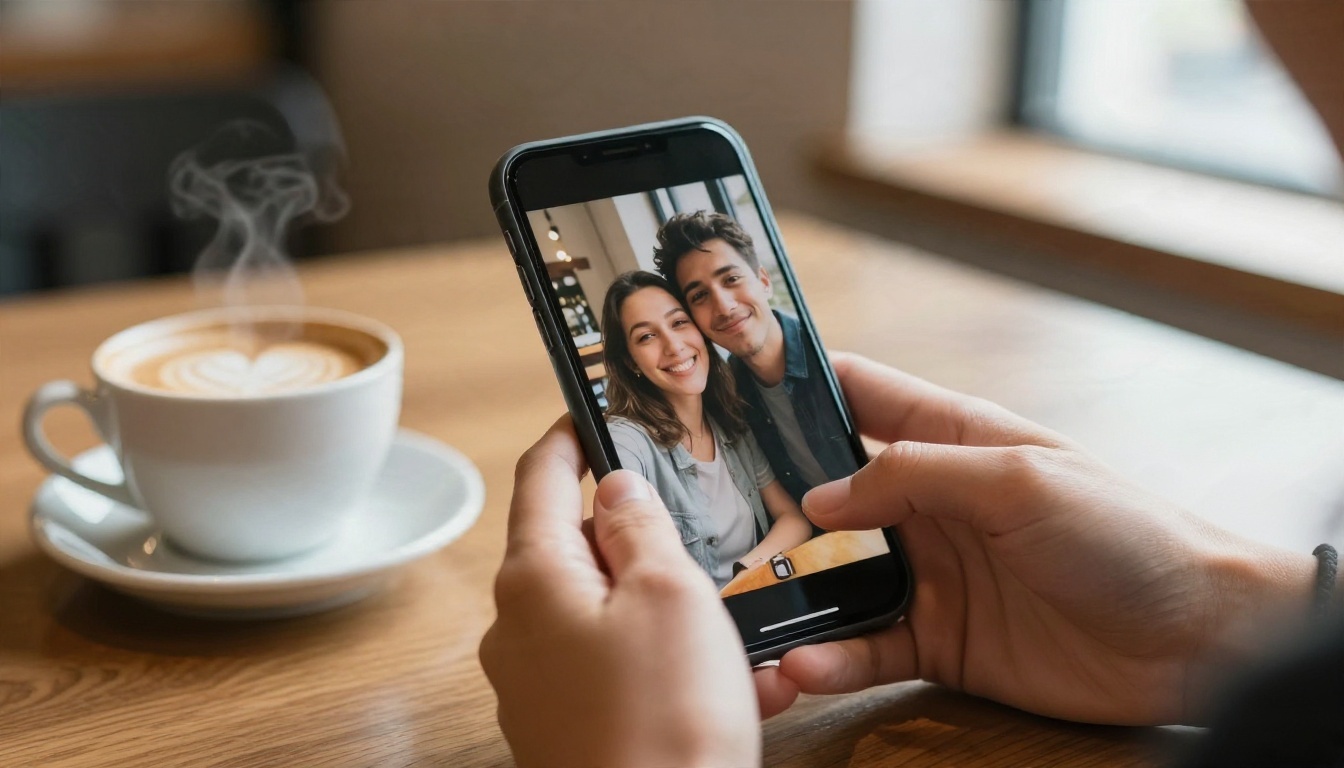
Why people make these videos
The use cases are more wholesome than the name suggests:
- Anniversary gifts built from an old film photo of grandparents
- Wedding slideshows where the first kiss photo comes alive
- Long distance couples who want a moving memory of the last visit
- Social posts that need a soft, romantic loop
- Memorial tributes that bring a treasured photo to life gently
Because the output is only a few seconds, the clip works best as an emotional beat, not a story. Think of it as a living photograph.
Best Models for Kiss Videos
Kiss motion is hard for AI. Two faces overlap, occlude each other, and change angle. Models with good identity retention and physical motion handle it best. These are the options available on PicassoIA that accept a starting image.
My practical advice: run the same photo and prompt through two or three models. Faces behave differently in each one, and the best result is often not the one you expected. Start with Seedance 2.5 Lite since testing is free, then move to Kling v3 Video for the final render.
Prepare the Photo First
The source image decides about 70% of the outcome. A weak photo cannot be rescued by a perfect prompt.
Pick the right source image
Choose a photo where both people are close together, ideally already in a pre-kiss pose: foreheads touching, faces turned toward each other, eyes soft or closed. The model has less distance to invent, so the kiss looks natural instead of forced.
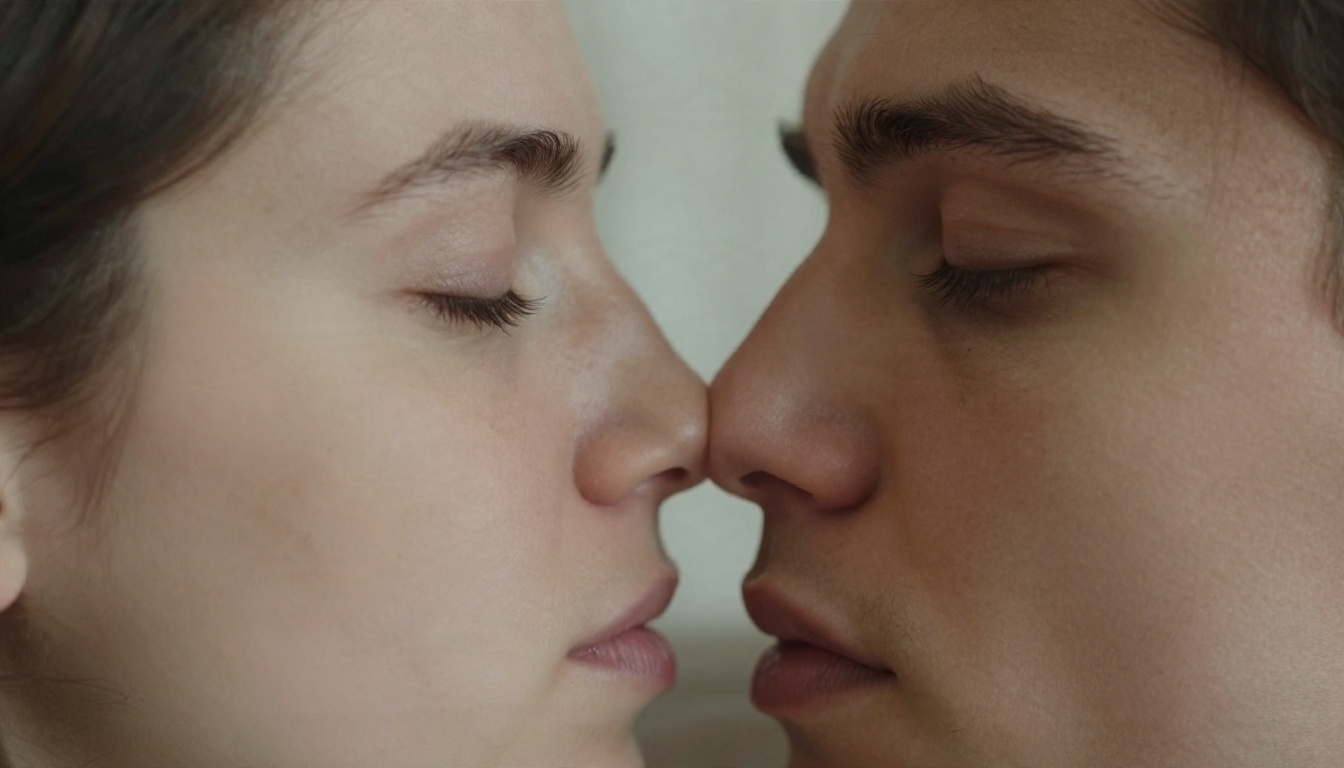
Lighting and face angle
Look for soft, directional light and faces in profile or three-quarter view. Harsh flash, heavy shadows across the eyes, and sunglasses all confuse identity tracking. Straight-on faces looking at the camera are the hardest to turn into a kiss because the model must rotate both heads.
Single portraits and two people
If you only have a photo of one person, you can still make a clip: a single person can blow a kiss, smile, or kiss a hand. For two people, make sure both faces are fully visible and not cropped at the edge of the frame. Group photos with four or more faces rarely work well.
Fix the image before you animate
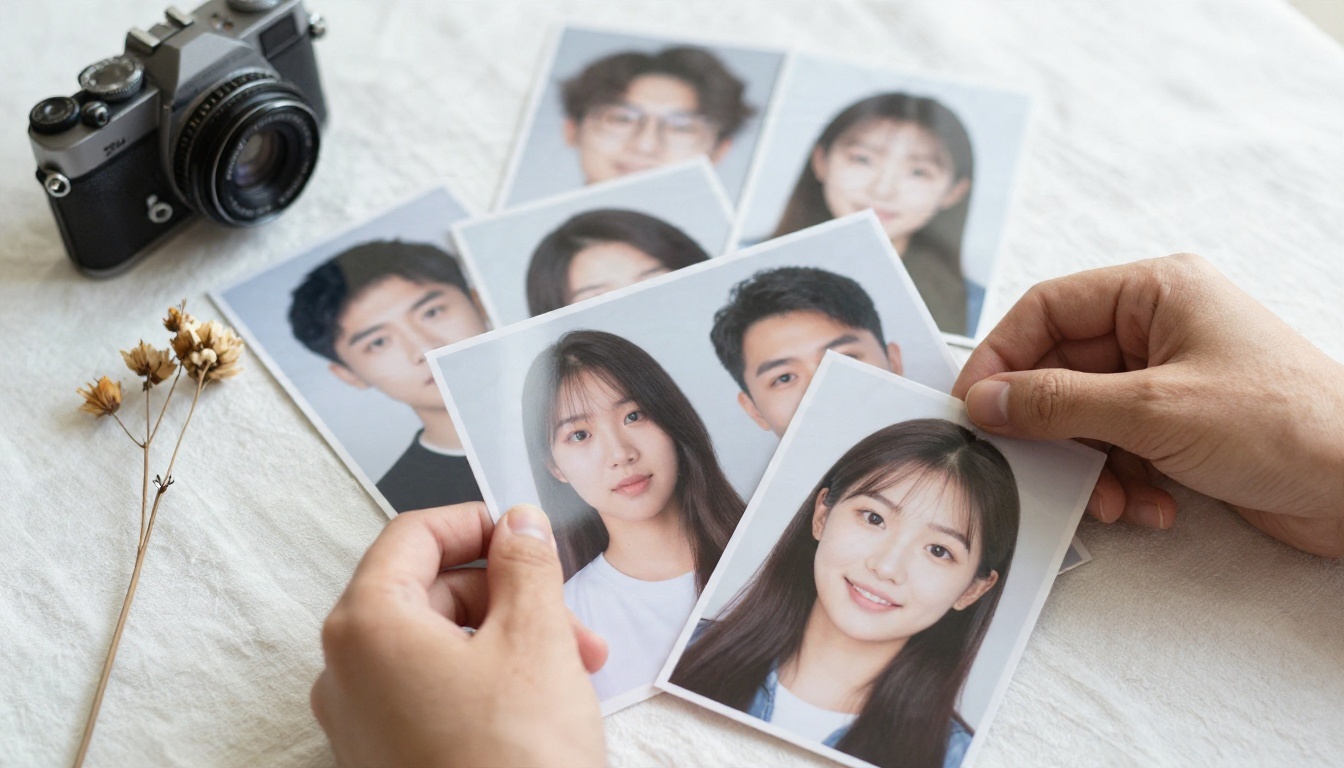
Low resolution is the silent killer. A blurry 400 pixel photo produces blurry, wobbling video. Run it through a super resolution tool first, or generate a clean starting frame with Seedream 4.5 if you want a fictional couple for a short film or a story.
Settings That Change the Result
Every model shows slightly different controls, but the same four decisions appear almost everywhere.
Duration
5 seconds is the sweet spot for a single kiss. The first second is the approach, the middle is the kiss, and the final beat is a soft separation or a smile. Going to 10 seconds tempts the model to invent extra actions, and faces drift. Use longer durations only when your prompt describes a slower scene, such as a walk and then a kiss.
Resolution
Test at 720p. It is faster, cheaper, and shows you whether motion and faces are working. Once you have a good take, render the final version at 1080p if the model supports it. Rendering at high resolution before you have confirmed the motion wastes credits.
| Stage | Resolution | Purpose |
|---|
| Draft | 480p to 720p | Check face stability and motion |
| Review | 720p | Compare two or three prompt versions |
| Final | 1080p | Share, post or print on a screen |
Camera movement
The camera instruction shapes the mood more than most people expect. A slow push in feels intimate. A gentle orbit feels cinematic. A locked tripod shot is safest when the faces are fragile, because the model only has to animate the people, not the whole scene.
💡 When the faces keep warping, switch the camera instruction to "static camera, no movement." It is the single most reliable fix.
Audio
Models such as Veo 3.1 Fast and Seedance 2.5 can add synchronized sound. For a kiss clip, ask for soft ambient audio: wind, distant city, gentle waves. Skip speech and music in the prompt, then add a track afterwards with an AI music generator if you want one.
Prompts That Work
Good prompts are short, chronological and physical. Describe what moves, in what order, and how the camera behaves. Avoid abstract words like "passionate" or "epic". The model responds to actions.
A prompt formula you can reuse
[Who they are and where] + [slow action in order] + [camera move] + [light and atmosphere]
Example 1: rooftop couple
"A couple on a rooftop at golden hour lean in slowly, eyes closing, and share a gentle kiss. Her hand rests on his jaw. Hair moves slightly in the breeze. Slow push in, shallow depth of field, warm backlight, soft ambient city sound."
Example 2: bridge at dusk
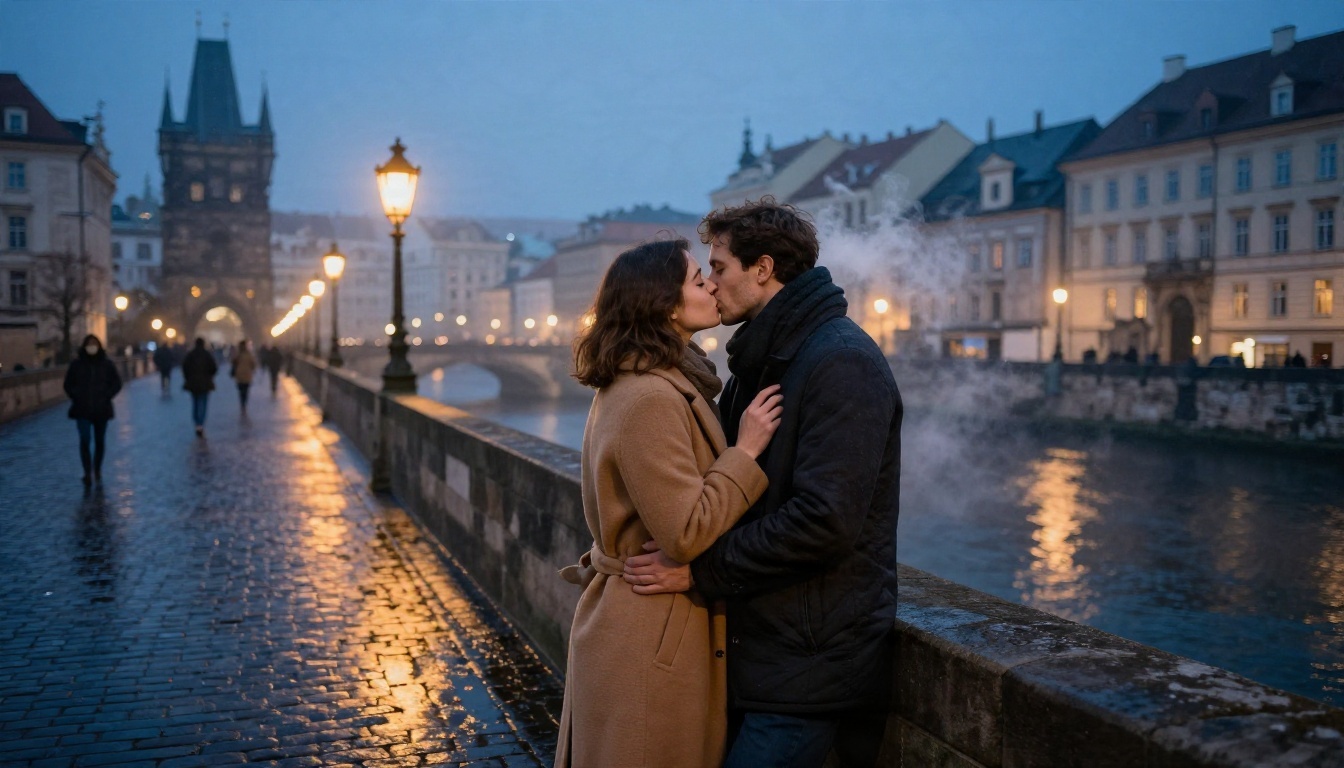
"Two people in winter coats stand close on a stone bridge. He tucks her hair behind her ear, they kiss softly, breath visible in the cold air. Static camera, amber streetlamps, light mist."
Words to include and avoid
| Use these | Skip these |
|---|
| slowly, gently, softly | quickly, suddenly |
| eyes close, hand rests | spins, jumps, dances |
| static camera, slow push in | fast zoom, shaky handheld |
| soft light, warm tones | dramatic, explosive |
Keep the prompt under about 60 words. Long prompts give the model more chances to add details that were never in your photo.
How to Use Kling v3 Video on PicassoIA
Kling v3 Video is a dependable first choice for realistic couples. Here is the workflow.
- Open the model page on PicassoIA and choose the image to video option.
- Upload your source photo. Use the highest quality version you have, with both faces visible.
- Paste your prompt. Start with the formula above and keep the action slow.
- Set the duration to 5 seconds and the resolution to 720p for the first test.
- Generate and watch twice. The first viewing is for the overall feel. The second is to check the faces during the closest moment.
- Adjust one thing at a time. Change the camera line, then the action line. Changing both makes it impossible to see what helped.
- Render the final at a higher resolution once the take is good.
If you prefer a free workflow for the test stage, run the same photo through Seedance 2.5 Lite and compare. For another option that animates any image closely, try Wan 2.7 I2V.

Examples by Occasion
Different photos call for different treatments. These are setups that suit the most common requests.
Wedding first kiss
The ceremony photo already has movement in it: petals, guests, bright light. Ask for subtle motion: petals drifting, veil moving, a slow kiss. Keep the camera static so the dress lace and faces stay sharp.
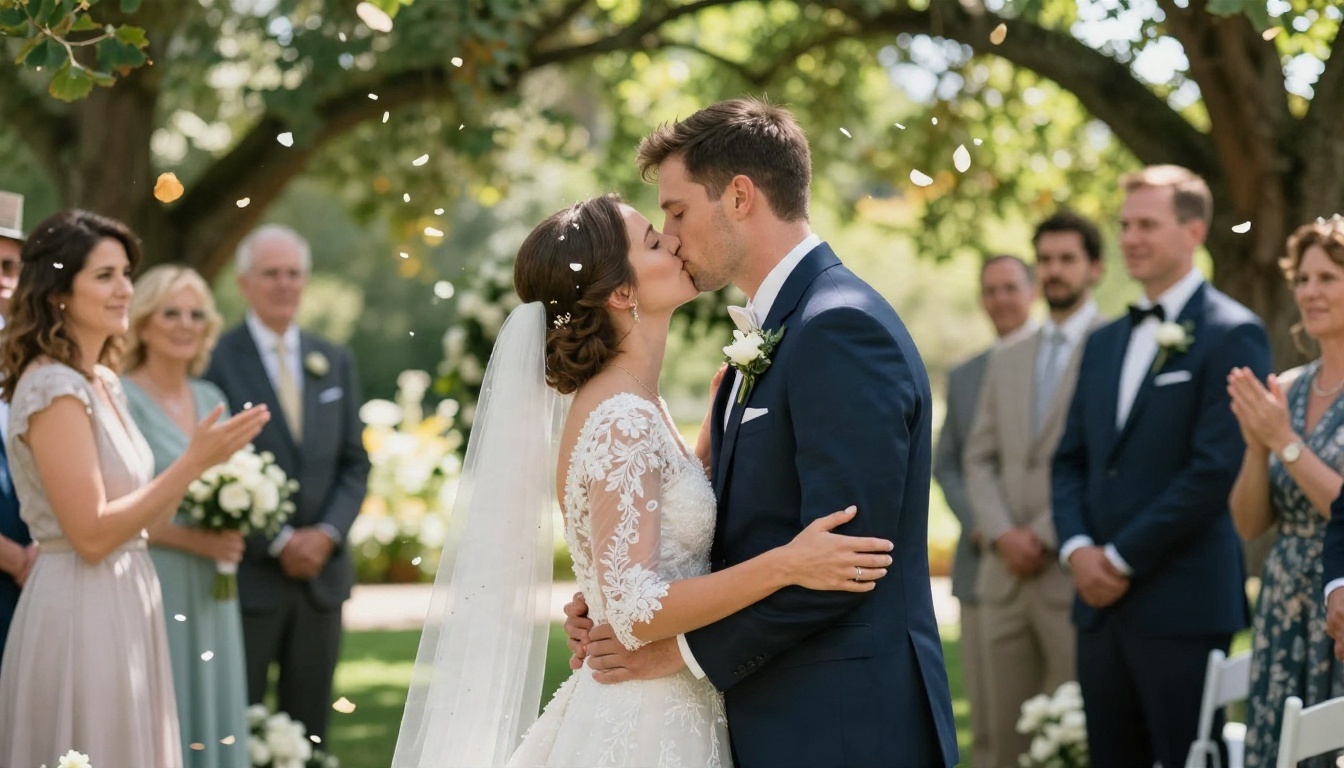
Prompt idea: "Bride and groom share a short first kiss in a garden, petals drift down, guests blurred behind, static camera, dappled sunlight."
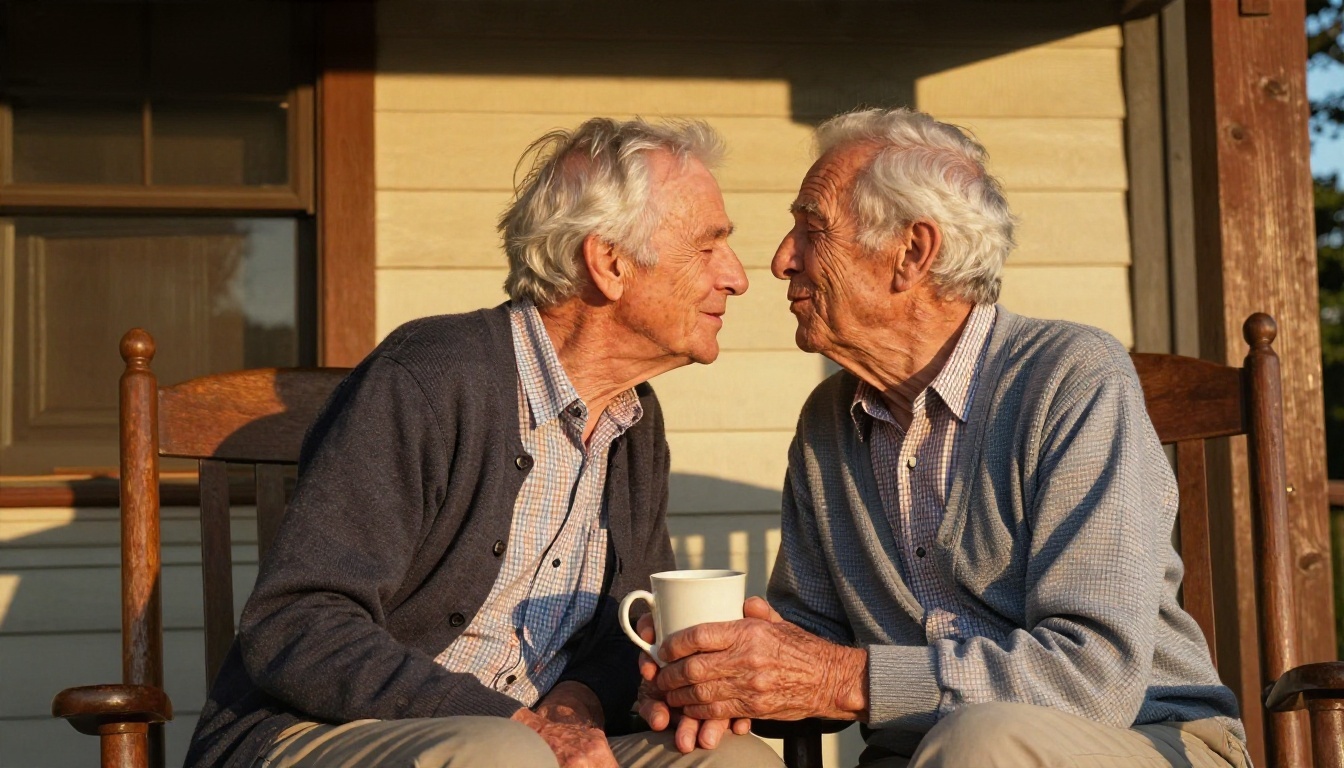
Anniversary and older couples
Older faces have fine detail, such as wrinkles and silver hair, that some models smooth out. Kling v3 Video and Wan 2.7 I2V tend to hold texture better. Keep the action tender: a kiss on the lips or the forehead, a smile afterwards.
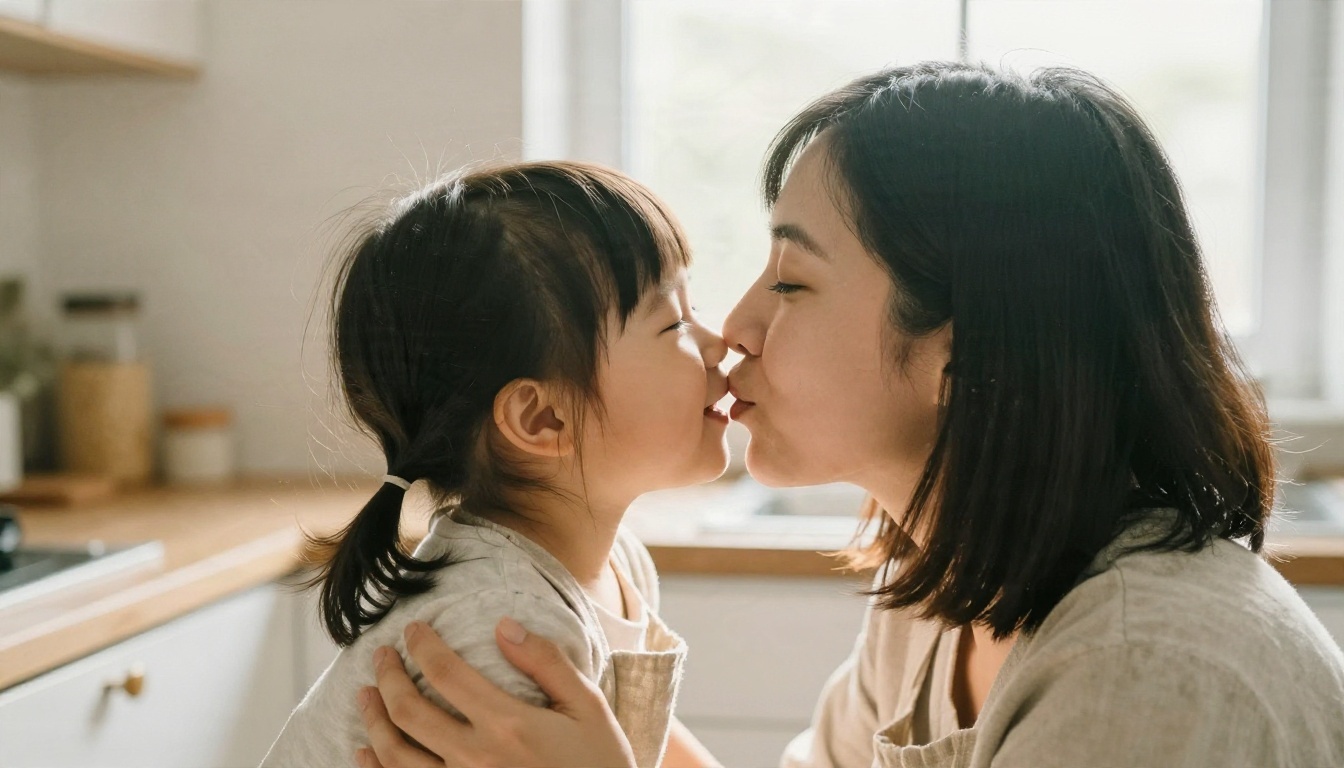
Family and cheek kisses
Not every kiss video is romantic. A parent kissing a child on the cheek, a grandmother kissing a hand, a pet greeting: these make lovely family clips. Use the same workflow, but only with photos where everyone shown is happy for the picture to be animated, and where the people pictured can consent or a parent or guardian approves.
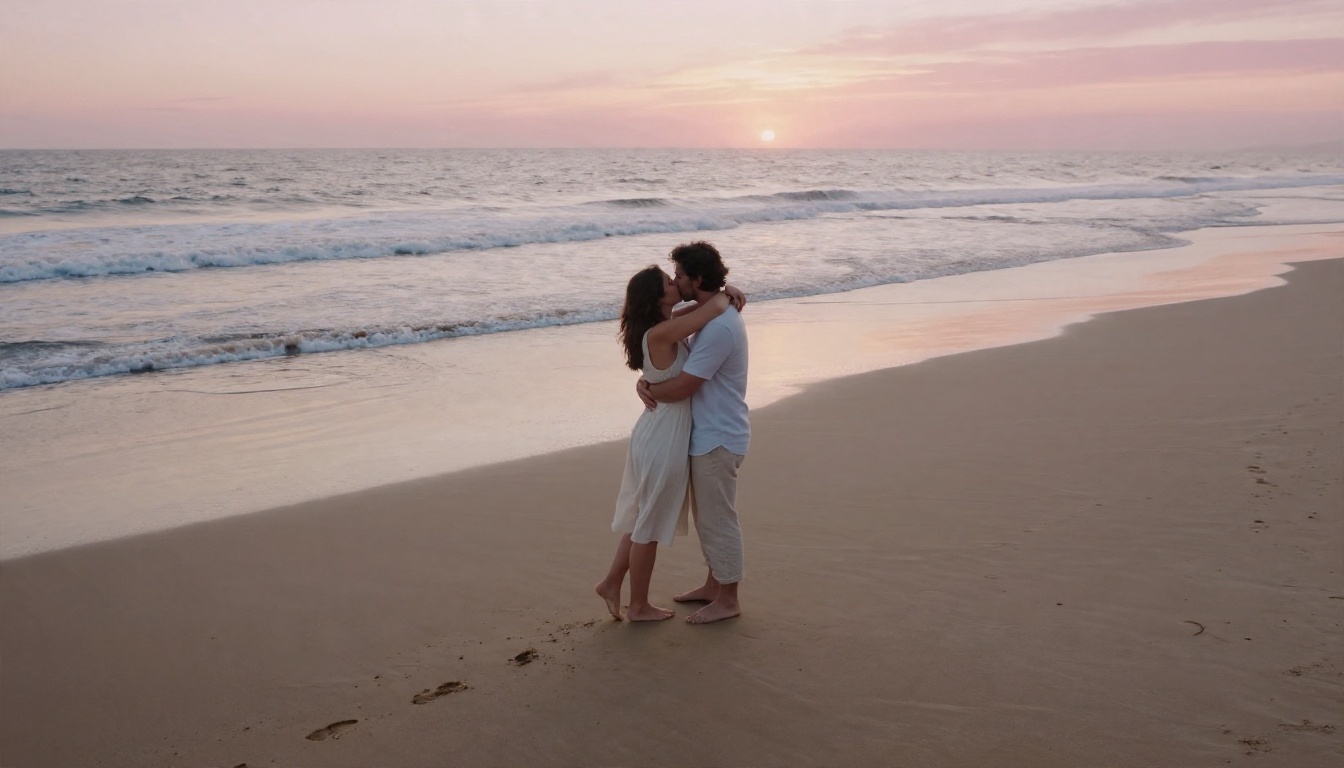
Long distance couples
Pick a photo from the last time you were together and animate a quiet moment: a hug that turns into a kiss on a beach at sunrise. Pair the clip with a voice note and it becomes a small, personal message.
Common Mistakes and Fixes
Most failed clips share the same causes. Check this list before you spend more credits.
Faces melt or swap
Cause: the faces are small in the frame, or the camera moves too much. Fix: crop closer to the couple, use a static camera, and shorten the clip to 5 seconds.
The kiss never happens
Cause: the faces are too far apart or looking at the camera. Fix: pick a pre-kiss photo, and write the action in order: "leans in, eyes close, lips meet softly."
Extra hands, extra people
Cause: busy backgrounds and long prompts. Fix: simplify the scene and cut the prompt down. Name only the two people and the setting.
Skin looks plastic
Cause: a low resolution source or heavy retouching in the original. Fix: start from a sharp photo with natural texture. Mention "natural skin texture, soft film grain" in the prompt if the model supports style hints.
Flicker and jitter
Cause: the model struggled with a complex lighting setup. Fix: try a different model. Hailuo 2.3 Fast or Wan 2.5 I2V may handle your specific photo differently.
Consent and Fair Use
This part is not optional. A kiss video made from someone's photo without their agreement can hurt them, and it can break platform rules and local law.
- Only animate photos of people who agree. That means you, your partner, or someone who has said yes.
- Never make kiss videos of classmates, coworkers, exes, celebrities or strangers.
- Never use photos of minors in romantic scenes. Family cheek kisses are fine only with a parent's or guardian's approval.
- Label AI videos when you post them, so viewers know the clip was generated.
- Keep it tasteful. A kiss is a kiss. Anything beyond that is outside what this article recommends.
Used this way, the technology is a sweet, harmless way to give a photograph a heartbeat.
Make Your First Kiss Video Today
You now have the full picture: a clean source photo, a short physical prompt, 5 seconds at 720p for testing, and a static or slow camera. That setup produces a believable clip on the first or second try for most photos.
Open PicassoIA, pick a model from the table above, and upload a favorite photo of you and someone who would love the result. Start with Seedance 2.5 Lite for free drafts, then render the best take with Kling v3 Video or Veo 3.1 Fast. Try three prompt variations, compare the faces during the closest moment, and keep the one that feels like the memory. To compare more options, browse every model at picassoia.com/en/all-models.


