Most AI kiss videos fail in the same three seconds. The faces drift toward each other, the lips smear into one shape, and the camera lurches like someone dropped it. The model is rarely the problem. The prompt is. A kiss is the hardest thing you can ask a video generator to do, because two faces have to overlap, move, and stay recognizable the whole time. This article gives you a prompt formula, the camera settings that hide the hard parts, nine copy-and-paste examples, and a short list of free tools that handle romantic motion well.
💡 Quick answer: describe the approach more than the kiss itself. Slow movement, a stable camera, soft light, and a clear first frame produce better clips than any exotic keyword.
What Makes a Kiss Prompt Work
A kiss prompt is a tiny screenplay. You are telling the model who is in the frame, what they do over five seconds, and how the camera watches them. If you leave out any of those three, the model fills the gap with a guess, and the guess usually looks like a stock footage cliché.
Start With the Approach
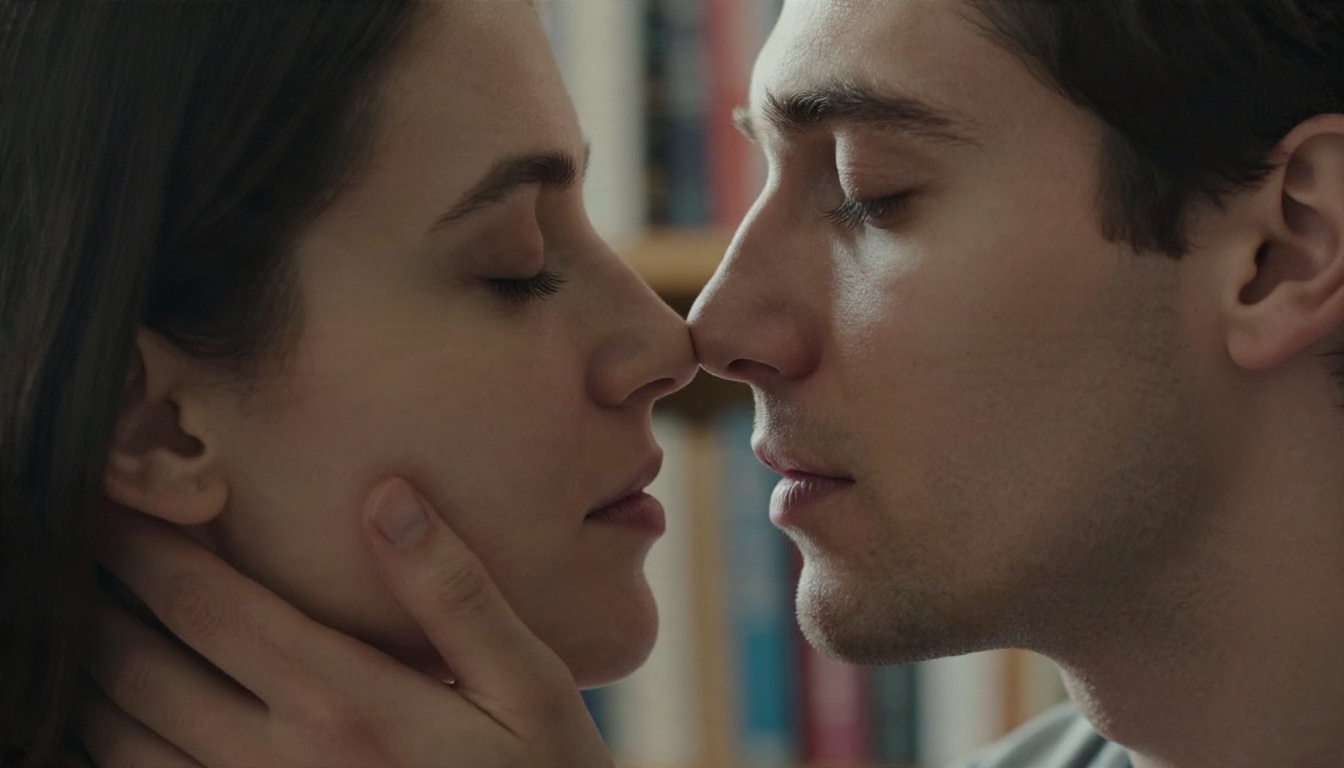
The moment before the kiss is where the emotion lives, and it is also where video models are most reliable. Faces tilt, eyes close, foreheads touch. Those are slow, low-risk movements. The contact itself is brief and can be soft, which keeps the faces from melting into each other.
Write the sequence in order: eyes meet, heads tilt, noses brush, lips meet gently, pause. Models follow chronological language far better than a single phrase like "couple kissing passionately."
Describe Faces, Not Just Lips
Give the model anchors for each person: hair color and length, clothing, skin details, and who is leaning toward whom. When both people are described as "a couple," the model often swaps features mid-clip. Naming one person as "the woman in the cream knit sweater" and the other as "the man in the charcoal linen shirt" keeps identities stable.
Keep It Tasteful and Consensual
The goal here is romantic and cinematic, not explicit. Stay with tender, film style kisses. Never build a clip from a real person's photo without their permission, and never place a recognizable face into a scene they did not agree to. Fictional characters or your own photos with a partner's consent are the safe path, and they also tend to produce better results because you control the reference.
You do not need a long paragraph. You need the right five pieces in the right order.
The Five Part Structure
| Part | What to write | Example |
|---|
| Subjects | Two people, one distinguishing detail each | "a woman with wavy chestnut hair and a man in a linen shirt" |
| Action | A slow, ordered sequence | "lean in, noses brush, a soft kiss, then a quiet smile" |
| Camera | Shot size plus one movement | "medium close-up, slow dolly in" |
| Light | Direction and quality | "warm low sun from camera left, soft rim light" |
| Mood and texture | Film stock, atmosphere, details | "35mm film grain, gentle breeze, natural skin texture" |
Put them in that order. The model reads the start of a prompt more heavily than the end, so the people and their action should come first.
Prompt Length That Works
Between 40 and 90 words is the sweet spot for most video models. Shorter prompts leave too much to chance. Longer ones start to contradict themselves, for example asking for "slow motion" and "fast whip pan" in the same breath.
💡 Tip: Pick one camera move and one subject action. Two moves in a five second clip almost always cause drift.
Camera Settings That Sell the Moment
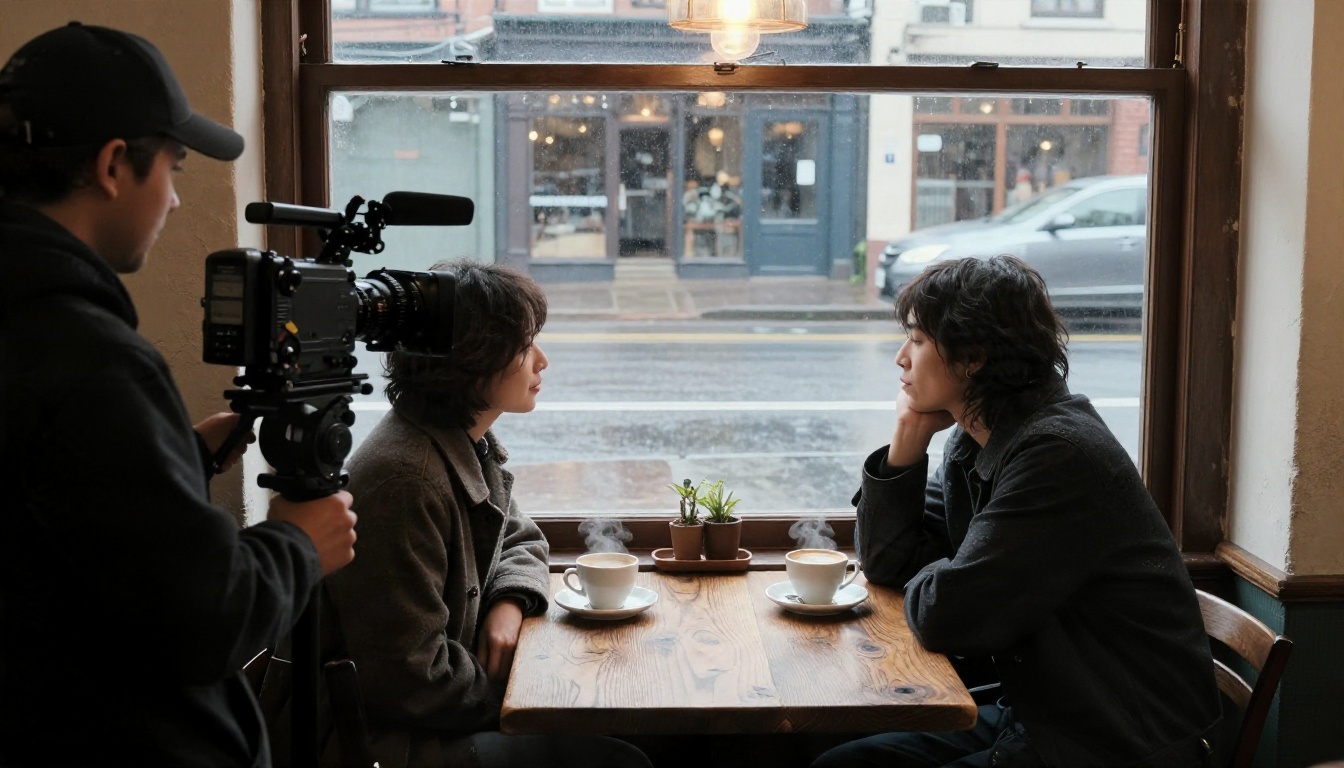
Camera language is the cheapest way to make an AI clip look like it was shot on a set. It also hides weaknesses. A slow push-in on two faces looks intentional. A fast handheld spin around them looks like a glitch.
Shot Size
| Shot size | Best for | Risk level |
|---|
| Wide shot | Setting, silhouettes, rooftop or beach scenes | Low |
| Medium shot | Body language, embraces, walking in | Low |
| Medium close-up | The classic kiss frame, faces and shoulders | Medium |
| Extreme close-up | Foreheads touching, eyes, a hand on a cheek | High |
Wide and medium shots are forgiving because the faces are small and the model has fewer pixels to get wrong. Extreme close-ups look stunning when they work, so save them for the moment before the kiss rather than the contact itself.
Camera Movement
- Slow dolly in: Draws the viewer into the moment. The safest option for almost every kiss prompt.
- Slow orbit (arc): Circles the couple at a gentle pace. Works well in open spaces like meadows and rooftops.
- Static locked shot: Lets the performance carry the scene. Ideal for rain and night scenes.
- Crane up or drone pull back: Ends the clip on a wide reveal of the setting.
- Handheld (subtle): Adds realism, but write "very subtle" or the model will shake the frame.
Lens and Depth of Field
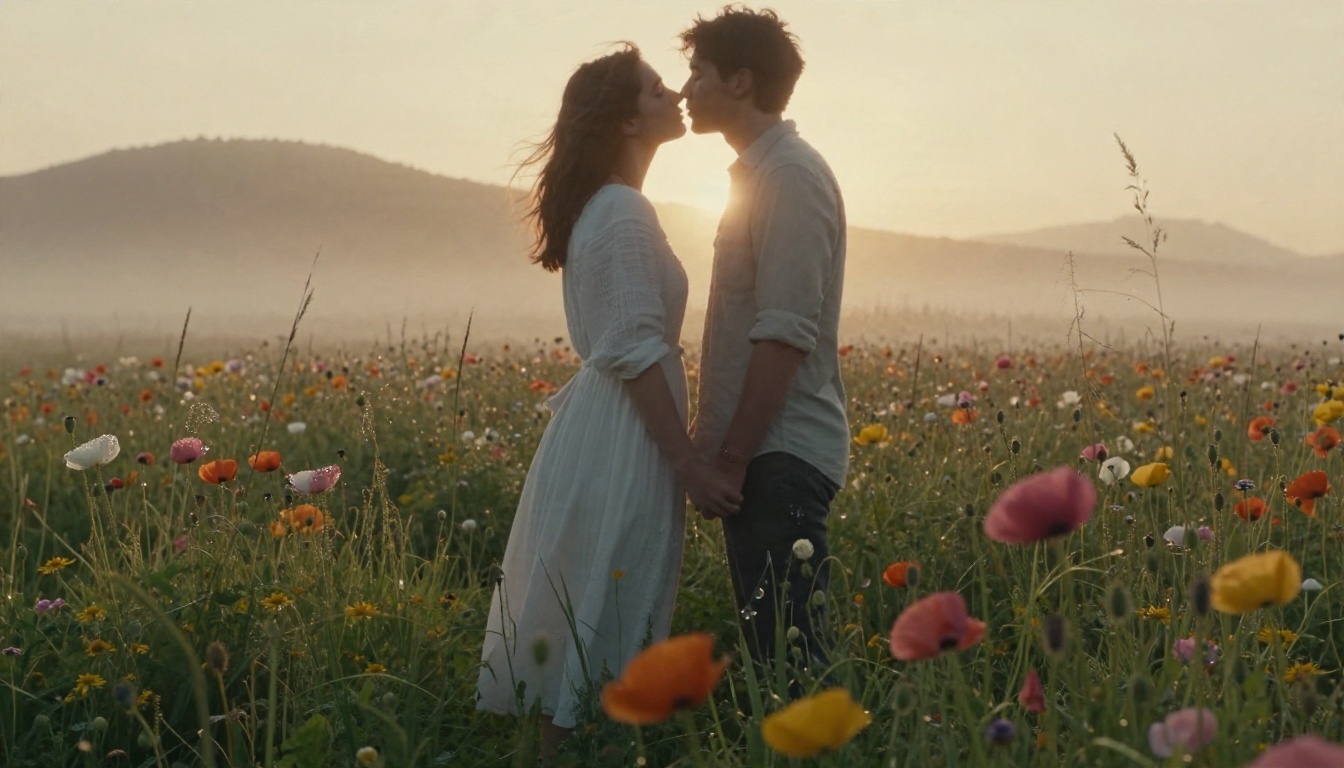
Name a real focal length. 85mm f/1.8 gives the creamy portrait look that makes faces feel close and private. 35mm f/2.8 gives a wider, documentary feeling with more of the room visible. A 135mm telephoto look compresses the background and is perfect for station platforms and city streets.
Shallow depth of field also helps the model. A blurred background means fewer details to keep consistent, so the faces get more of the generator's attention.
Lighting
Light direction is what separates a flat clip from a cinematic one. Try these phrases:
- "Warm low sun from camera left, soft rim light on hair" for golden hour.
- "Diffused window light, soft shadows on the face" for indoor intimacy.
- "Warm shop window glow on wet cobblestones" for evening rain.
- "Blue hour with warm lamp light overhead" for night and travel scenes.
Nine Prompts You Can Copy
Each prompt below follows the five part structure. Swap the clothing, hair, and setting to match your own first frame.
Rooftop at Golden Hour
"A woman with wavy chestnut hair in a cream knit sweater and a man in a charcoal linen shirt stand close on a terracotta rooftop terrace. Her hair lifts in a soft breeze. They tilt their heads, noses brush, and they share a gentle kiss, then pause with eyes closed. Slow dolly in, medium close-up, 85mm f/1.8, warm low sun from camera left, blurred city skyline, 35mm film grain, natural skin texture."
Rainy Street Under an Umbrella
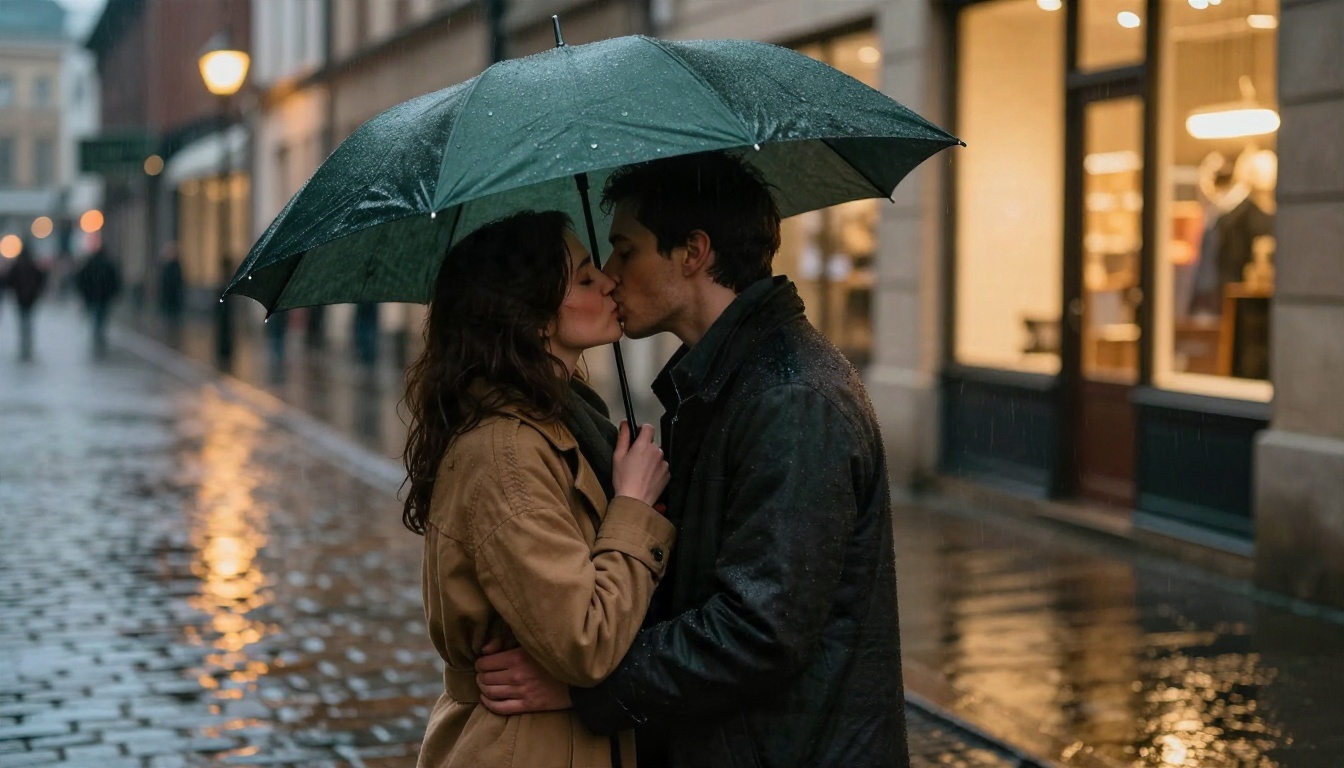
"A couple shares a dark green umbrella on a wet cobblestone street at dusk. Raindrops bead and roll off the canopy. The man lowers his head and kisses her softly. Static locked camera at eye level, 85mm, warm shop window light from the right, blurred street lamps, light rain, quiet city ambience."
Rain gives you free motion in the background, which means the couple can stay almost still without the clip feeling frozen. It is one of the most reliable romantic settings.
Wedding First Kiss
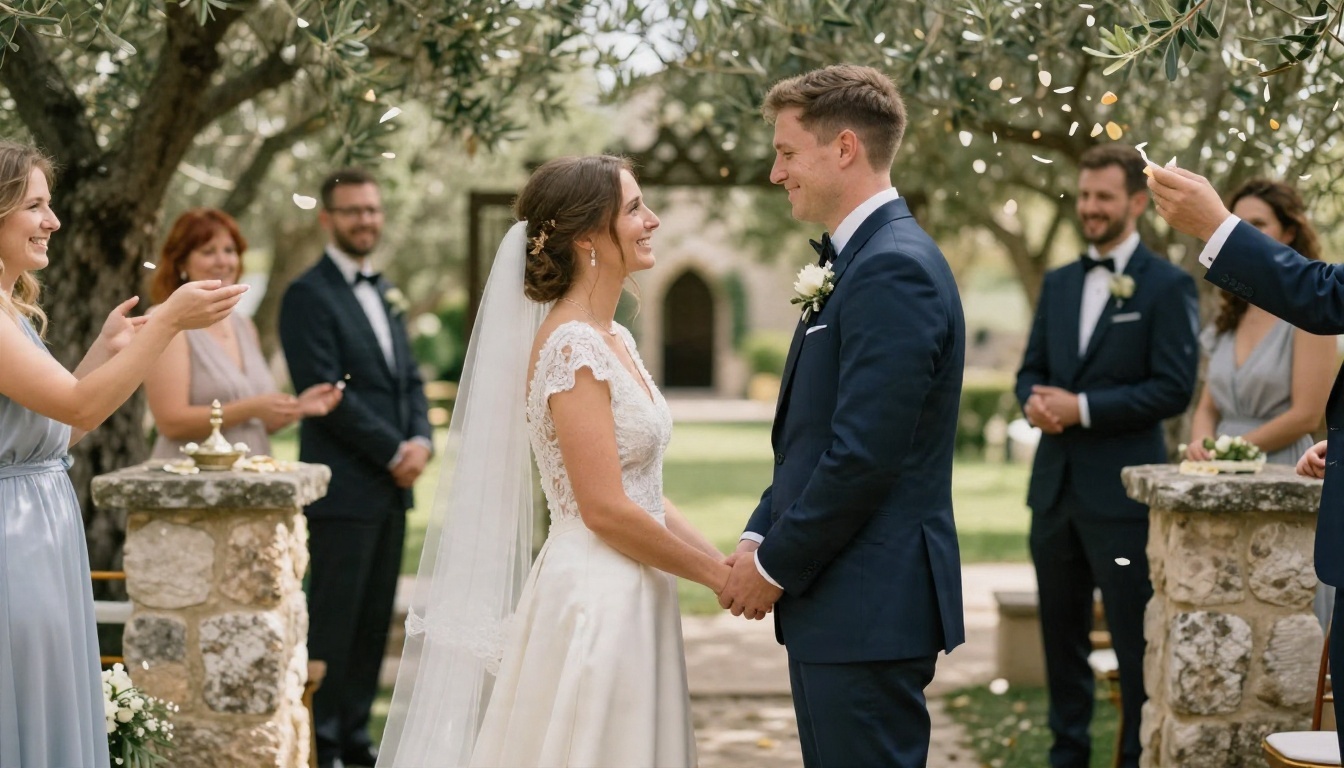
"A bride in an ivory silk gown and a groom in a navy suit stand at a stone chapel entrance. Guests behind them toss petals. The couple kisses, then laughs with foreheads touching. Slow push in, slightly low angle, 70mm f/2, dappled afternoon sun through olive trees, petals drifting through the air, joyful candid mood."
Train Station Reunion
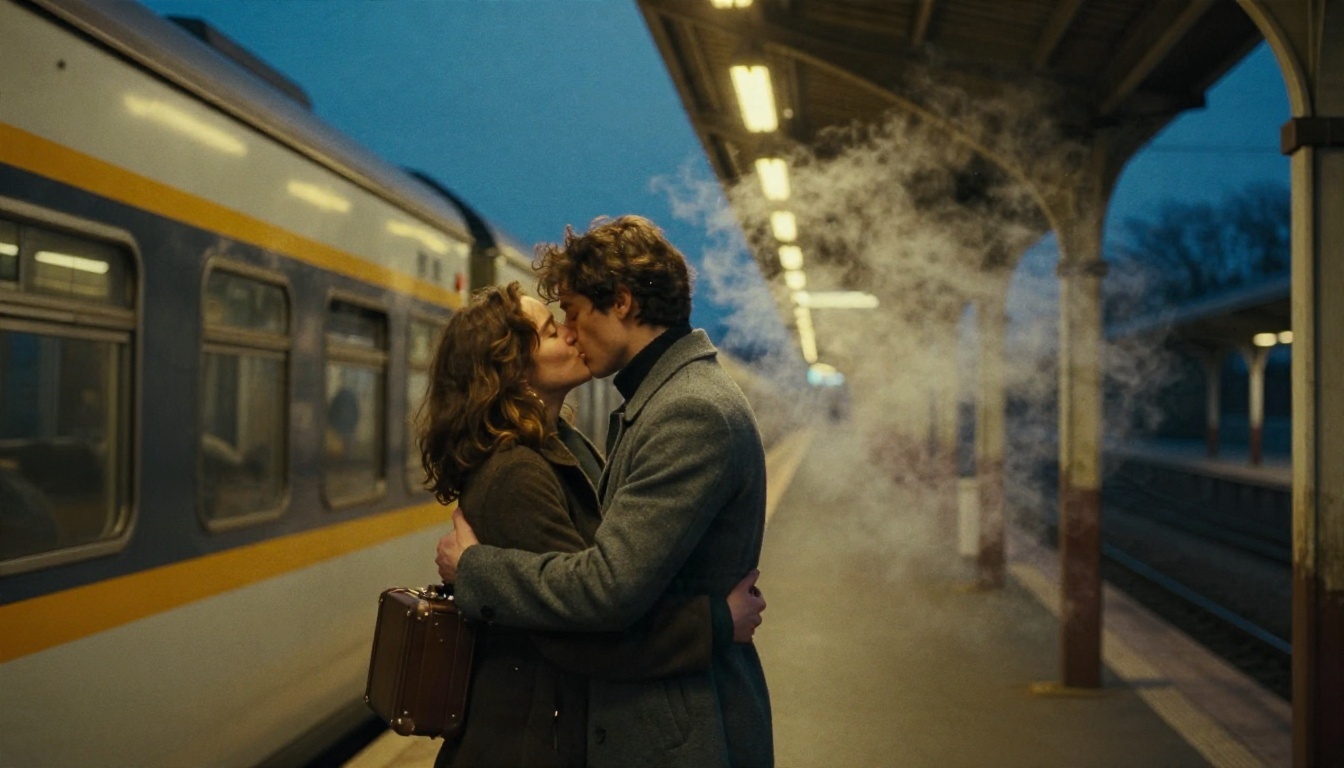
"A woman with a small suitcase runs into the arms of a man in a gray overcoat on a train platform at blue hour. He lifts her slightly, they kiss, steam drifts behind them. Long lens compression, 135mm, slow dolly in, warm overhead platform lamps, visible breath in cold air, cinematic film grain."
Kitchen Morning, Over the Shoulder
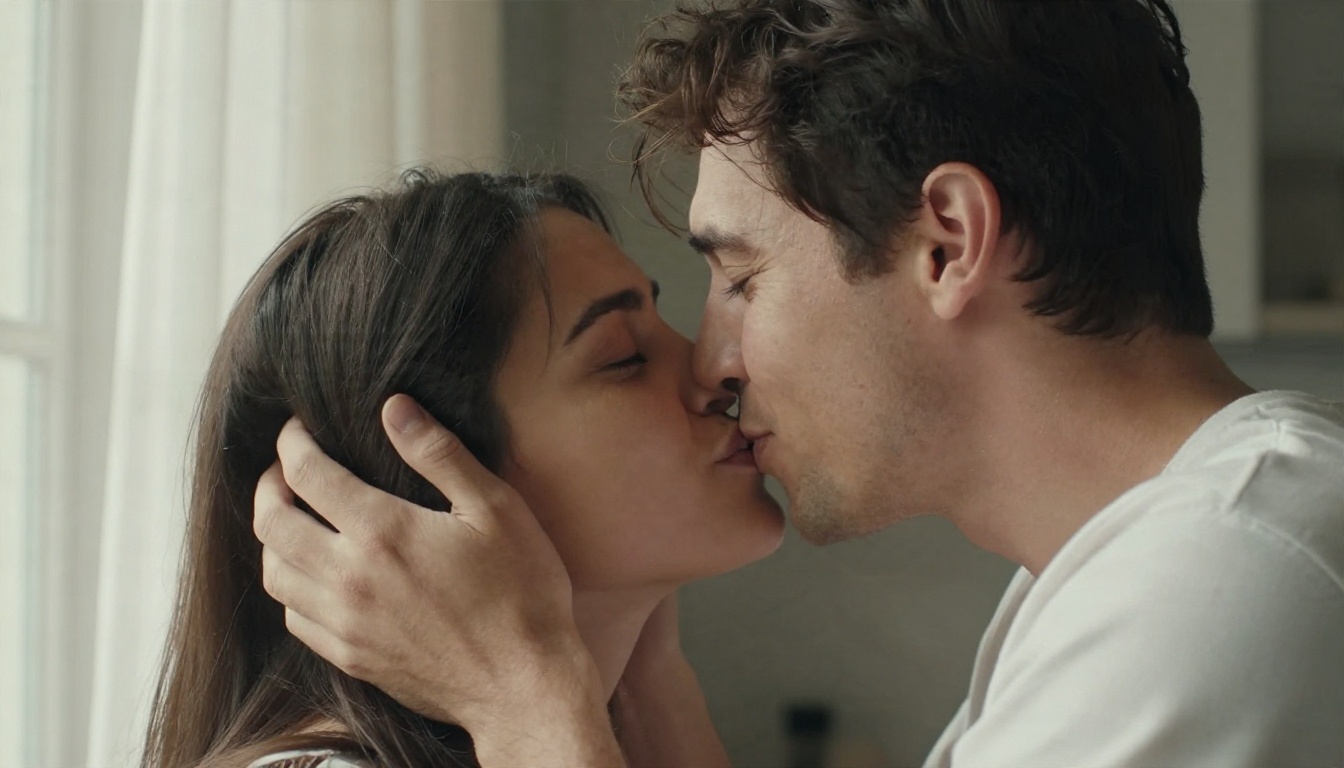
"Over the shoulder shot in a sunlit kitchen. A man brushes a strand of hair behind a woman's ear, she smiles, leans in, and kisses him softly. Rack focus from his hand to her face, 85mm f/1.4, diffused window light from the left, linen curtains, calm morning mood."
Small hand gestures such as a brush of hair or a hand on a jaw give the model a believable path to the kiss. They also draw attention away from the contact itself.
Beach Picnic From Above
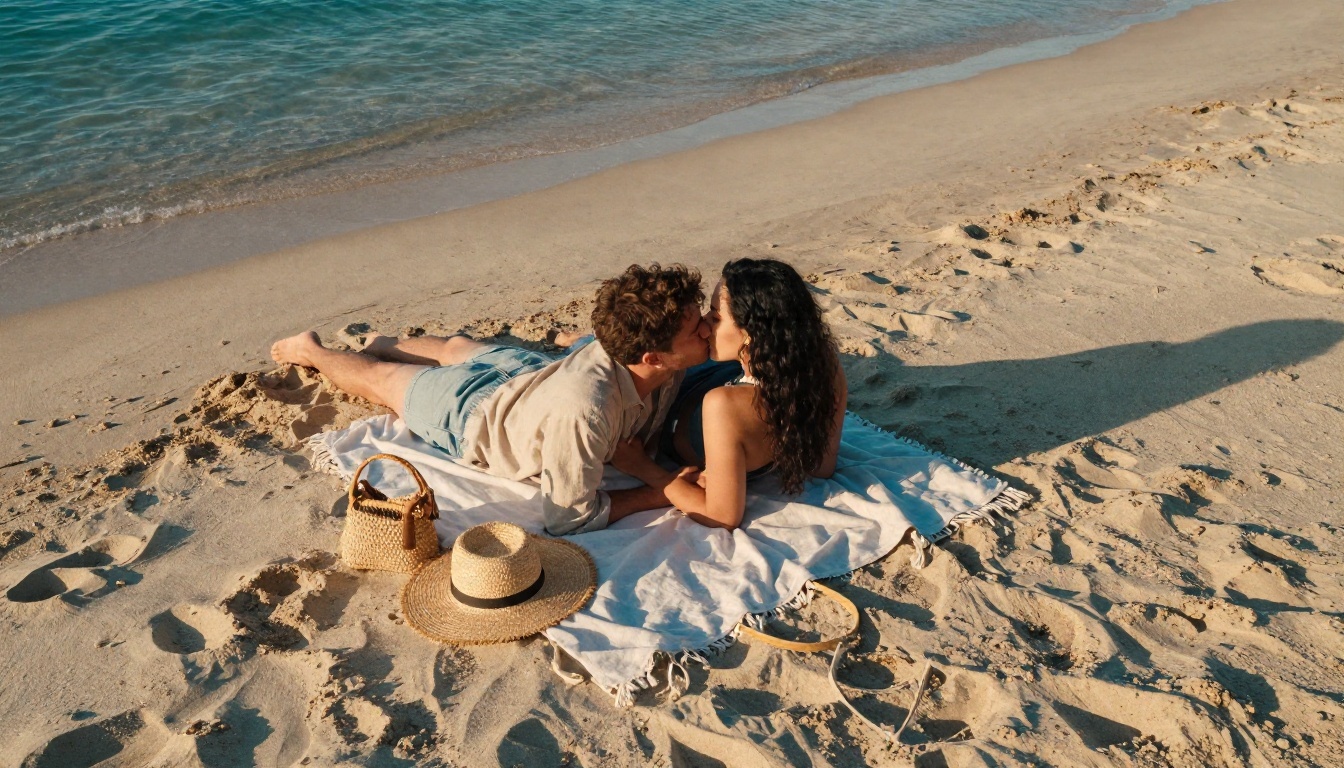
"Top-down aerial view of a couple on a picnic blanket at the edge of a turquoise beach. They lean together and kiss softly while gentle waves reach the sand. Drone slowly rises and rotates a few degrees, 24mm, warm side light from the right, long soft shadows, relaxed summer mood."
An overhead shot is a smart trick. From above, faces are small and partially hidden, which gives the model less to distort while still delivering a clear, romantic image.
Three Fast Variations
- Forehead touch: "Extreme close-up, foreheads touching, eyes closed, a slow exhale, subtle push in, soft window light."
- Silhouette at sunset: "Wide shot, two silhouettes against an orange sky, they kiss, slow tilt up to the clouds."
- Cheek kiss: "Medium shot, a woman kisses her partner's cheek, he smiles and turns toward her, handheld, very subtle."
You do not need a paid subscription to get started with romantic clips. Picasso IA hosts several video models, and at least one is built for free, unlimited use. The best workflow is two steps: make a strong first frame image, then animate it. This is called image-to-video, and it keeps faces far more stable than text alone.
Pick the Right Model
| Model | Best for | Notes |
|---|
| Seedance 2.5 Lite | Free, unlimited tests up to 10 seconds | Great for trying many prompt variations |
| Seedance 2.5 | Longer, polished scenes | Best when a prompt is already dialed in |
| Kling v3 Video | Smooth, cinematic camera moves | Strong with orbits and dolly shots |
| Veo 3.1 Fast | Realistic faces and ambient audio | Good for rain, streets, and cafes |
| Wan 2.5 I2V Fast | Quick image-to-video drafts | Fast iteration from a single photo |
| Hailuo 2.3 Fast | Natural body motion from photos | Handy for hugs and embraces |
| LTX 2.5 Fast | High resolution, quick turnaround | Good for final polish tests |
Build the First Frame
A clean first frame is half the job. Seedream 4.5 creates sharp photorealistic stills, so you can lock in the couple, the wardrobe, and the light before you add a single second of motion. Write the still prompt the same way you would write a photo brief: lens, light direction, texture, and a near-kiss pose with faces close but not touching.
Add Sound Afterward
If your video model does not generate audio, Video To SFX v1.5 can add matching ambience such as rain, breeze, or footsteps. Soft room tone makes a silent clip feel finished.
How to Use Seedance 2.5 Lite on PicassoIA
Here is the quickest route from idea to clip using the free Seedance 2.5 Lite model.
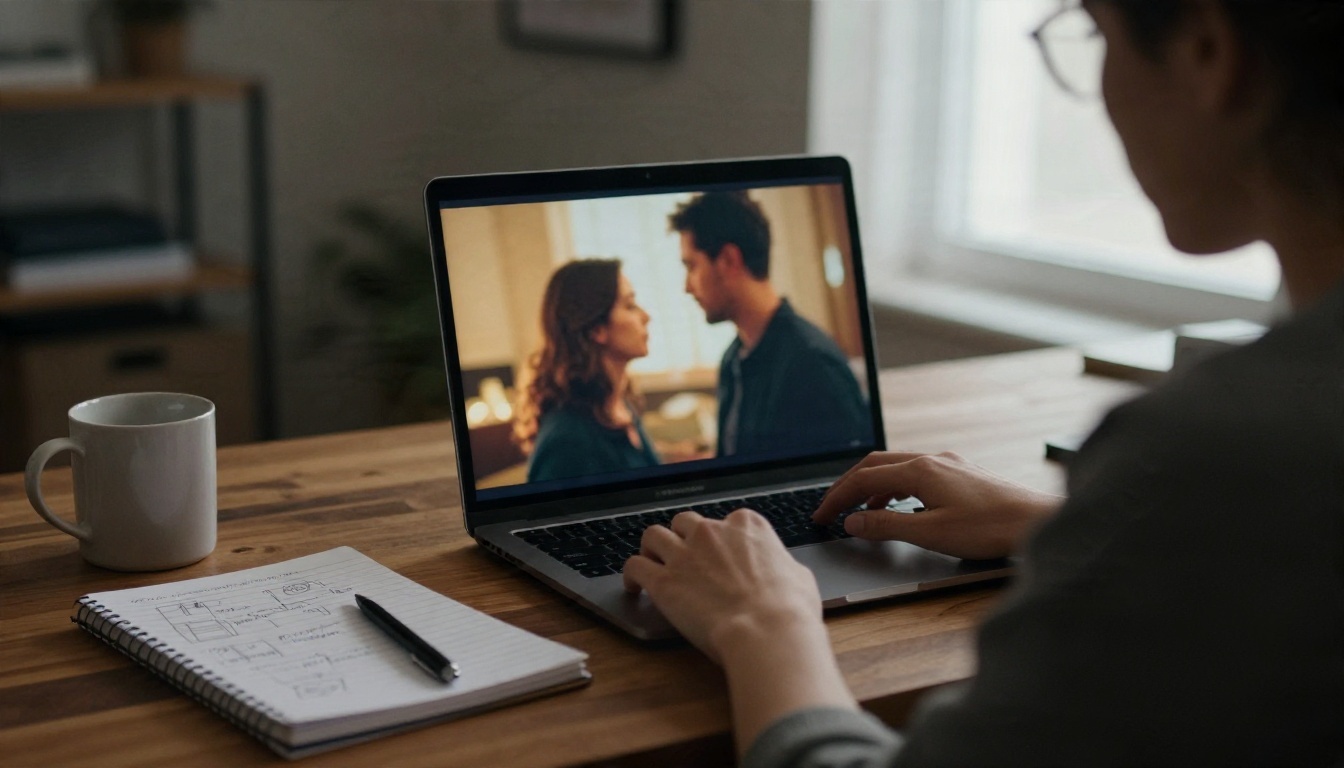
Step by Step
- Open the model page and choose image-to-video if you have a first frame, or text-to-video if you are starting from words.
- Upload your first frame (a still from Seedream 4.5 works well). Pick a near-kiss pose with both faces clearly visible.
- Paste your prompt. Use the five part structure and keep it between 40 and 90 words.
- Set the duration. Start at 5 seconds. A kiss rarely needs more, and shorter clips drift less.
- Generate and review. Watch for face drift at the moment of contact and for sudden camera speed changes.
- Adjust one thing at a time. Change the camera move, then the light, then the action. Changing everything at once hides what worked.
Parameter Tips
- Duration: 5 seconds for first drafts, 8 to 10 seconds once the motion looks stable.
- Aspect ratio: Match your first frame so the model does not crop the faces.
- Seed: If a clip is close, reuse the seed and edit only one phrase.
- Negative phrasing: Instead of listing what you do not want, write what you do, such as "faces stay stable and consistent."
💡 Workflow hack: Generate three versions of the same prompt with different camera moves, such as dolly in, orbit, and static. Pick the best one, then spend your higher quality model credits on that single winner.
Mistakes That Ruin Kiss Clips
Most failed kiss videos come down to a handful of repeated errors. Fix these and your hit rate climbs fast.
Asking for Too Much Motion
"Spinning camera, fast kiss, wind blowing, dancing, confetti" is a recipe for visual chaos. Keep one camera move and one main action. Let the environment (rain, petals, steam) supply the extra movement.
Skipping the Pause
A real kiss has a beat of stillness. Add "then pause with eyes closed" or "a quiet smile" at the end of the action sequence. It gives the model somewhere to land, and it makes the clip feel human instead of mechanical.
Vague Identities
If both subjects are just "a couple," features can swap mid-clip. Use clothing, hair, and position to separate them: "the taller man on the left," "the woman in the cream sweater on the right."
Ignoring the First Frame
A messy source image produces a messy video. If the faces are blurry, cropped, or at extreme angles, the model will struggle no matter how good your wording is. Start with a clear three-quarter or profile view with both faces in focus.
Forgetting Consent and Context
Use your own photos with permission, fictional characters, or generated people. Do not animate a stranger's photo, a coworker, or a public figure into a romantic scene. It is unfair to them, and many platforms will remove it anyway.
Make Your Own Kiss Scene
You now have the prompt formula, the camera vocabulary, and nine examples to adapt. The fastest way to improve is to run small experiments: take one still, write three prompts with different camera moves, and compare the clips side by side. Within an hour you will have a feel for which movements your favorite model handles best.
Open Seedream 4.5 to build a first frame, then animate it with Seedance 2.5 Lite or push the winning prompt through Kling v3 Video for a more polished result. If you want to see every option in one place, browse the full catalog at picassoia.com/en/all-models and start creating your own romantic scene on Picasso IA today.


