A leg is the biggest canvas most people ever consider, and it is also the one that punishes bad planning the hardest. A thigh piece can run 30 centimeters long. A calf piece has to survive every step you take. A shin piece sits on one of the thinnest layers of skin on your body. An AI leg tattoo generator lets you test all of that on screen first: the placement, the scale, the flow of the lines, the amount of black. You type a prompt, you get a photorealistic preview of ink on a leg, and you walk into the studio with a clear idea instead of a vague Pinterest folder.
This article shows how to do it properly. You will see which ideas work on each part of the leg, which prompts produce believable results, which models on PicassoIA give the best skin and ink detail, and how to turn a generated preview into something your tattoo artist can actually work from.
What an AI Leg Tattoo Generator Does
An AI leg tattoo generator is a text to image model pointed at one very specific job: drawing a tattoo design on a human leg, at a believable size, with believable skin. You describe the subject, the style, the body part and the light. The model returns a photo style image of that tattoo already "healed" on skin.
That is different from a flat sticker style design. A flat design tells you what the artwork looks like. A leg preview tells you what the artwork looks like wrapped around a curved, muscled, hairy, freckled limb, and that is where most tattoo regrets begin.

Who Uses It
- First timers who want to see whether a large piece suits their body before committing.
- Collectors planning a sleeve style leg composition across thigh, knee, calf and shin.
- Tattoo artists who want a fast mood board to show a client.
- Designers building flash sheets and placement mockups.
What It Does Not Do
It does not replace your artist. The preview is a reference, not a stencil. A good artist will redraw, resize and adjust the design to your leg, your muscle shape and your skin tone. Treat the output as a conversation starter that happens to look like a photograph.
💡 Tip: Save three or four generated variations, not one. Showing an artist a small set of images communicates style, density and mood far better than a single "perfect" result.
Why Legs Are Different From Arms
Anyone who has seen a flat design stretched around a calf knows the problem. Legs have more curvature changes than almost any other area. The thigh is wide and relatively flat on the front. The calf bulges at the back and tapers toward the ankle. The shin is a narrow, bony strip with very little padding.
| Area | Skin and shape | Best design types | Pain tendency |
|---|
| Front thigh | Wide, smooth, flat, lots of room | Large portraits, florals, geometric, realism | Low to moderate |
| Outer thigh | Long, gently curved | Vertical compositions, snakes, vines, dotwork | Low to moderate |
| Inner thigh | Soft, sensitive | Small to medium delicate pieces | High |
| Calf | Rounded muscle, good ink retention | Wraparound pieces, animals, koi, portraits | Moderate |
| Shin | Thin skin over bone, narrow | Vertical line work, minimal pieces, botanicals | High |
| Behind the knee | Folds and moves | Small symmetrical pieces, simple motifs | High |
A generator that understands anatomy will already bend the design along these shapes. That is why the body part belongs in every prompt, not as an afterthought but as a main ingredient.
Skin Tone and Contrast
Ink reads differently on different skin tones. Fine line black work looks crisp on lighter skin and needs more density on deeper skin tones. Color pieces shift too: yellows and light blues fade into pale skin, while saturated reds and deep greens hold well. Mention the skin tone in your prompt when it matters, and generate the same design twice with different contrast levels.
Thigh Tattoo Ideas That Work
The thigh is where ambitious projects live. It is long, it is wide, and it heals comfortably compared with ribs or feet. Four directions consistently produce strong previews.
Botanical and Floral
Peonies, magnolias, wild roses and eucalyptus vines follow the natural line of the leg. They also forgive small proportion errors, which is useful when you are iterating with AI. Fine line botanicals look especially good on the outer thigh, running from hip to knee.
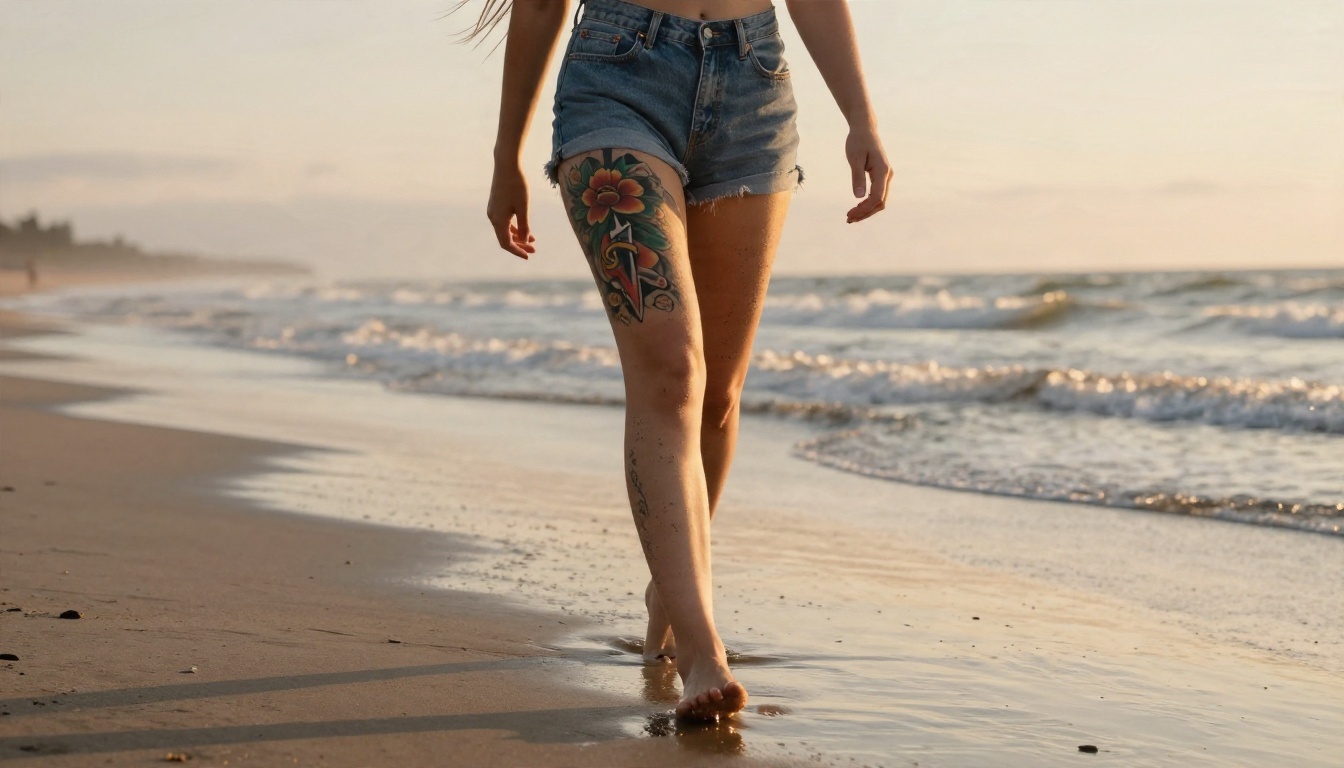
Neo Traditional Statement Pieces
Bold outlines, saturated color and classic symbols such as daggers, snakes and roses suit the broad front thigh. These designs hold up well over decades because the thick lines resist blur.
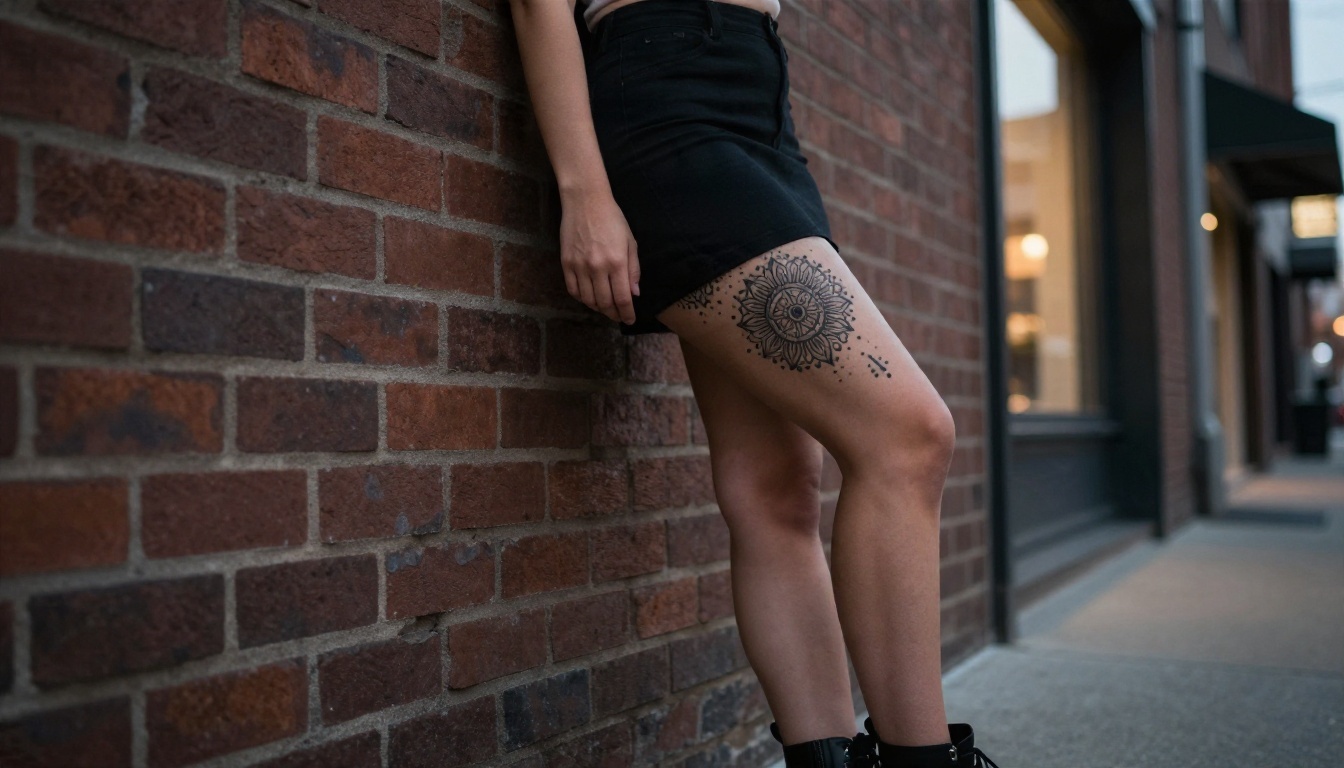
Dotwork and Sacred Geometry
Mandalas, geometric patterns and ornamental bands are ideal for generating long vertical compositions. The repeating structure gives the AI clear rules to follow, so results tend to be symmetrical and clean.
Realism and Portraits
Black and grey realism needs a model with excellent skin and shading control. This is where the higher quality models on PicassoIA make the biggest difference, and I cover them in the model section below.
💡 Tip: For thigh prompts, always include the direction of the design. "Running vertically from hip to knee" gives a very different image from "centered on the front of the thigh."
Calf Tattoo Ideas With Movement
The calf is the best place for a tattoo that wraps. Because the muscle bulges and then tapers, designs with natural flow, such as water, smoke, vines and scales, look alive when the leg moves.
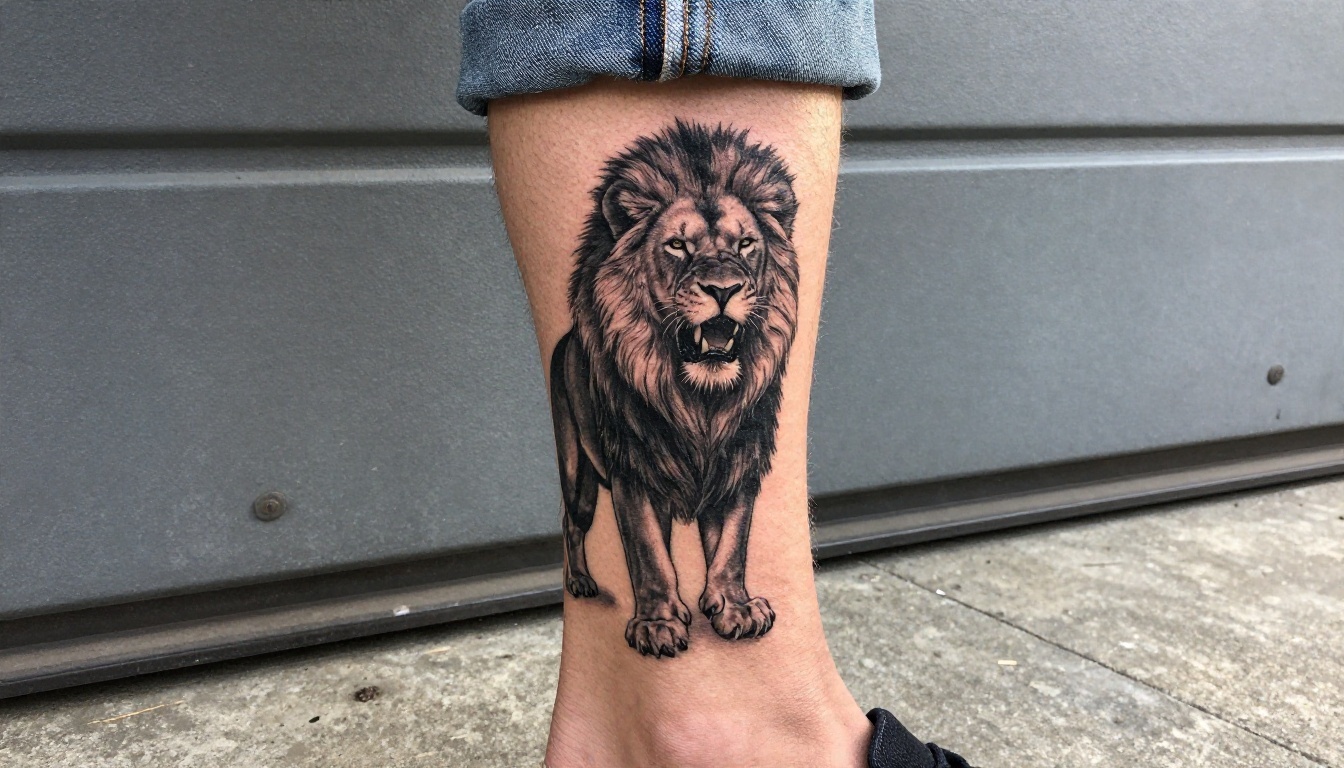
Animals and Black and Grey Realism
Lions, wolves, eagles and owls are classic calf subjects. The muscle gives the shading a natural three dimensional base. Prompts for these should specify lighting direction, because hard side light brings out the contrast the tattoo artist would aim for.
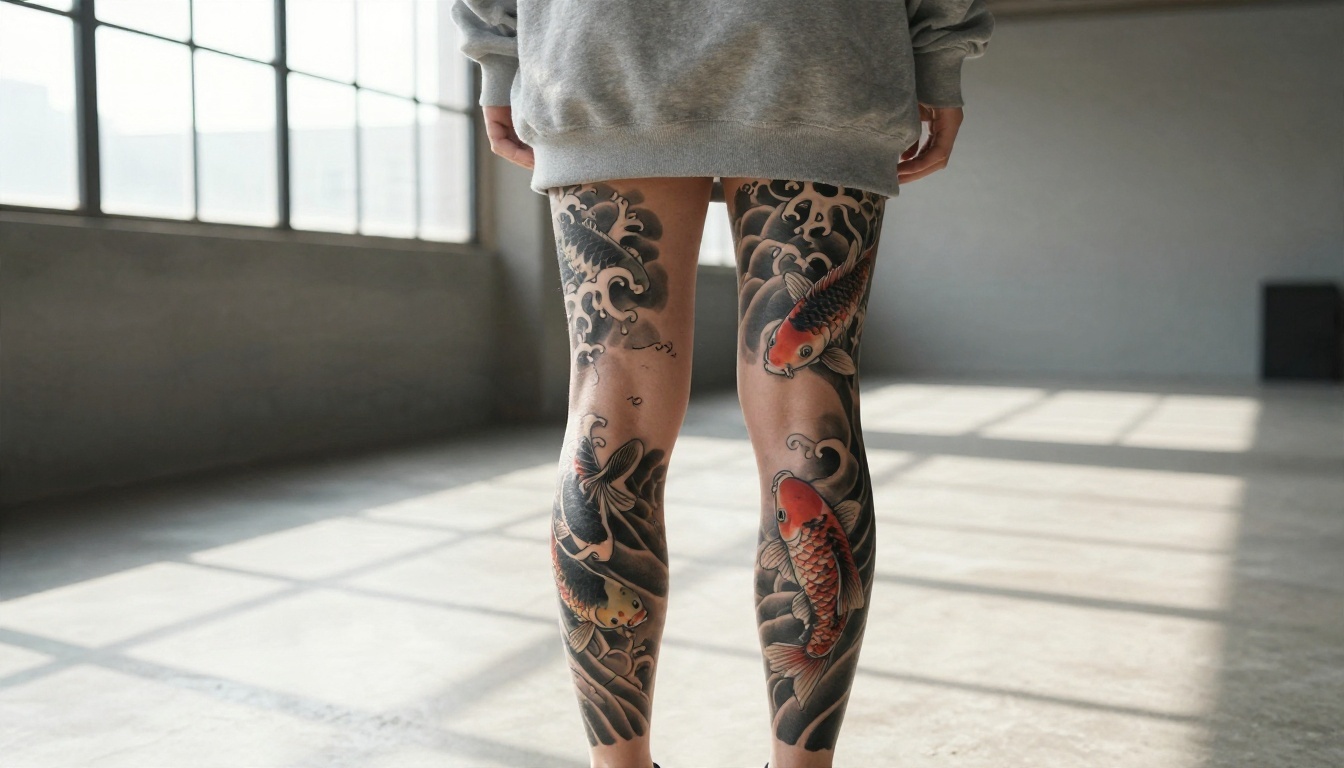
Koi, Waves and Japanese Style
Irezumi inspired compositions were practically built for the calf. Koi swim upward, waves wrap around the leg, and the back of the knee becomes a natural endpoint. A wraparound design is also one of the hardest things to judge from a flat sketch, which makes AI previews especially useful here.
Pop Culture and Illustrative Pieces
Characters, album art and movie references fit the calf because the area is easy to show off and easy to hide. Be careful with copyrighted characters in your prompts. Describe a mood and a style rather than a specific protected design, and let your artist build an original take.
Shin Tattoo Ideas for Clean Lines
The shin is narrow and bony. That sounds like a limitation, but it works in favor of tall, elegant, vertical designs.
Fine Line Botanicals and Snakes
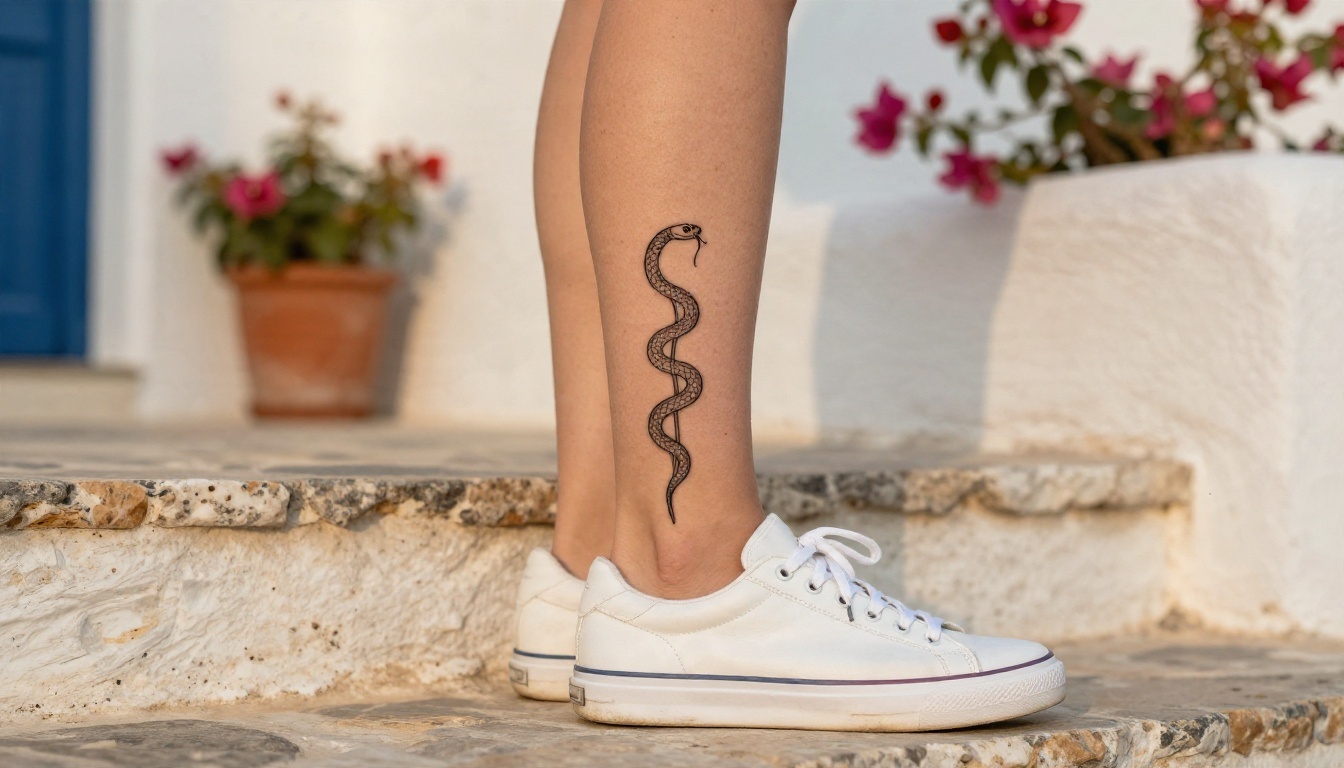
A snake coiled around a lotus stem, a single long branch of olive leaves, a spine of wildflowers: these use the shin's natural vertical axis. Fine line work looks delicate here, though it also means the artist needs to be careful on thin skin.
Minimal Symbols
Small mountain ranges, moons, constellations and single word designs are popular for first tattoos. Because they are small, you can generate dozens of variations in a few minutes and compare spacing, line weight and placement on the shin.

Text and Script
AI models still stumble on long text. If you want a quote on your shin, generate the visual style and spacing with a one or two word placeholder, then ask your artist to set the real lettering in a proper font or hand lettering.
💡 Tip: Text inside generated images is the most common failure point. Keep any visible text to one or two short English words, and treat the rest as a placement mockup.
Prompts You Can Copy Today
Good prompts for leg tattoos follow a simple recipe: subject, style, body part, placement direction, skin detail, lighting, camera. Replace the bracketed parts and paste.
| Goal | Prompt |
|---|
| Thigh floral | Photorealistic close up of a fine line peony and eucalyptus tattoo running vertically along the outer thigh, healed ink on natural skin, soft window light from the left, 85mm lens, shallow depth of field |
| Calf animal | Black and grey realism lion tattoo on a man's calf, detailed mane shading, hard side light from the right, visible skin pores and fine hair, 100mm macro lens |
| Calf wraparound | Japanese koi and wave tattoo wrapping around the entire calf and behind the knee, black ink with soft grey wash and small red accents, back view, natural daylight |
| Shin line work | Fine line snake coiled around a lotus stem tattoo on the front of the shin, vertical composition, golden hour light, 50mm lens, natural freckled skin |
| Shin minimal | Tiny minimalist mountain range line tattoo on the shin, thin black line, plenty of empty skin around it, soft overcast light |
| Thigh geometric | Dotwork sacred geometry and mandala band tattoo from hip to knee on the outer thigh, symmetrical pattern, crisp black dots, natural skin texture |
Words That Improve Results
- "Healed ink" pushes the model toward realistic settled black instead of glossy fresh black.
- "Natural skin texture, visible pores" reduces the plastic, airbrushed look.
- "Vertical" or "wraparound" controls composition.
- Lens and lighting terms like "85mm," "side light" and "overcast" add photographic realism.
Words That Hurt Results
- Vague words like "cool tattoo" or "awesome design."
- Stacking five different styles in one prompt.
- Asking for long sentences of text.
- Contradicting yourself: "tiny" and "full leg" in the same line.
Best Models for Leg Tattoo Previews
Not every model draws skin and ink equally well. These are the ones worth testing on PicassoIA.
| Model | Best for | Why it works |
|---|
| Seedream 4.5 | Detailed color and realism pieces | Sharp 4K output, strong skin texture and fine line stability |
| Nano Banana Pro | Placement mockups and consistent edits | Follows detailed instructions closely, good with composition |
| Imagen 4 | Photographic realism | Natural lighting and believable skin |
| Qwen Image 3 Pro | Clean compositions with short text | Handles small text better than many models |
| Flux 2 Klein 4B Base | Fast iterations | Quick generations when you want to test many ideas |
| PicassoIA Image Editor Pro | Editing a leg photo | Unlimited edits, so you can adjust and retry freely |
If you want a deeper look at skin and shading, Imagen 4 Ultra is a strong option for high detail black and grey work.
Preview Ink on Your Own Leg
The most useful trick is to start from a real photo of your own leg. Upload it to PicassoIA Image Editor Pro or Nano Banana and describe the tattoo you want added. Because the base photo is yours, the tattoo inherits your skin tone, your muscle shape and your lighting. This is the closest thing to a real placement test without a stencil.
Good source photos share a few traits: even daylight, no heavy filters, the leg straight and relaxed, and the whole area visible from hip to ankle or knee to foot.
How to Generate Your Design in 5 Steps
This workflow uses Seedream 4.5, but the same steps apply to the other models in the table.
- Open the model page. Pick Seedream 4.5 from the text to image collection.
- Write the prompt. Use the recipe: subject, style, body part, direction, skin, light, lens. Start from one of the prompts above.
- Set a wide frame. A 16:9 ratio lets you show the full thigh or both calf and shin in a single image.
- Generate four variations. Change only one element per variation, such as line weight, density or placement. That is how you learn what the model responds to.
- Upscale the winner. Run your favorite image through Clarity Pro Upscaler so line detail stays crisp when you print or send it to your artist.
Parameter Tips
- Keep the prompt under about 120 words. Beyond that, models begin to drop details.
- Use one main subject. Two competing focal points create muddy results.
- Repeat the body part twice in different words, for example "outer thigh" and "from hip to knee."
- If skin looks too smooth, add "fine peach fuzz, subtle freckles, natural pores."
From AI Preview to Real Ink
A generated image becomes useful the moment a human artist can work from it. Here is how to bridge the two.
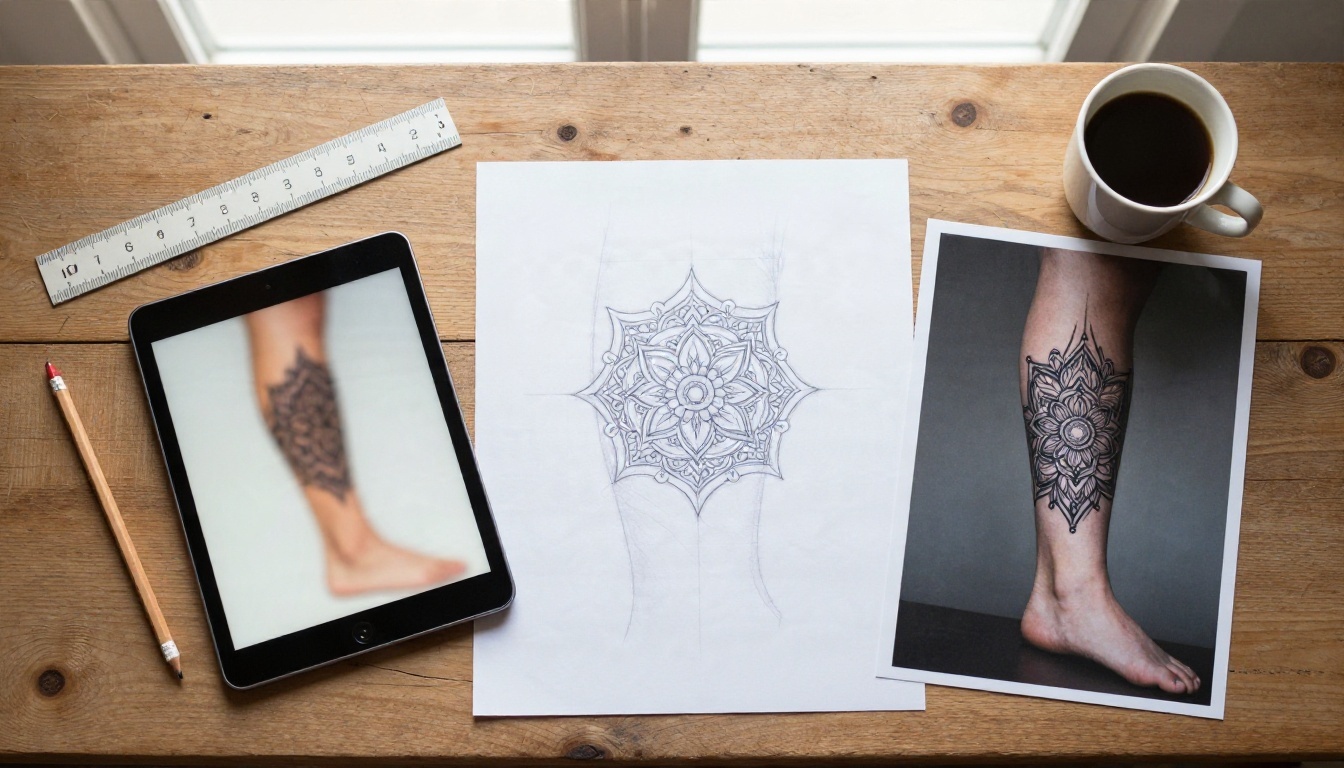
Build a Reference Set
Bring three to five images: your favorite full preview, one close up for line weight, one for color or shading, and one photo of your actual leg with the planned area marked. Add a short note on size in centimeters and the exact placement.
Expect Changes
Artists will simplify fine details that would blur in five years, adjust proportions to your anatomy and redraw anything that looks impossible to tattoo. That is a good sign. It means they are protecting the final result.
Stencil Day
Before any ink goes in, the artist applies a stencil to your leg. This is your last chance to move, resize or rotate the design. Stand up, walk around and look in a mirror. A thigh design that looks centered when you are lying down can sit differently when you stand.
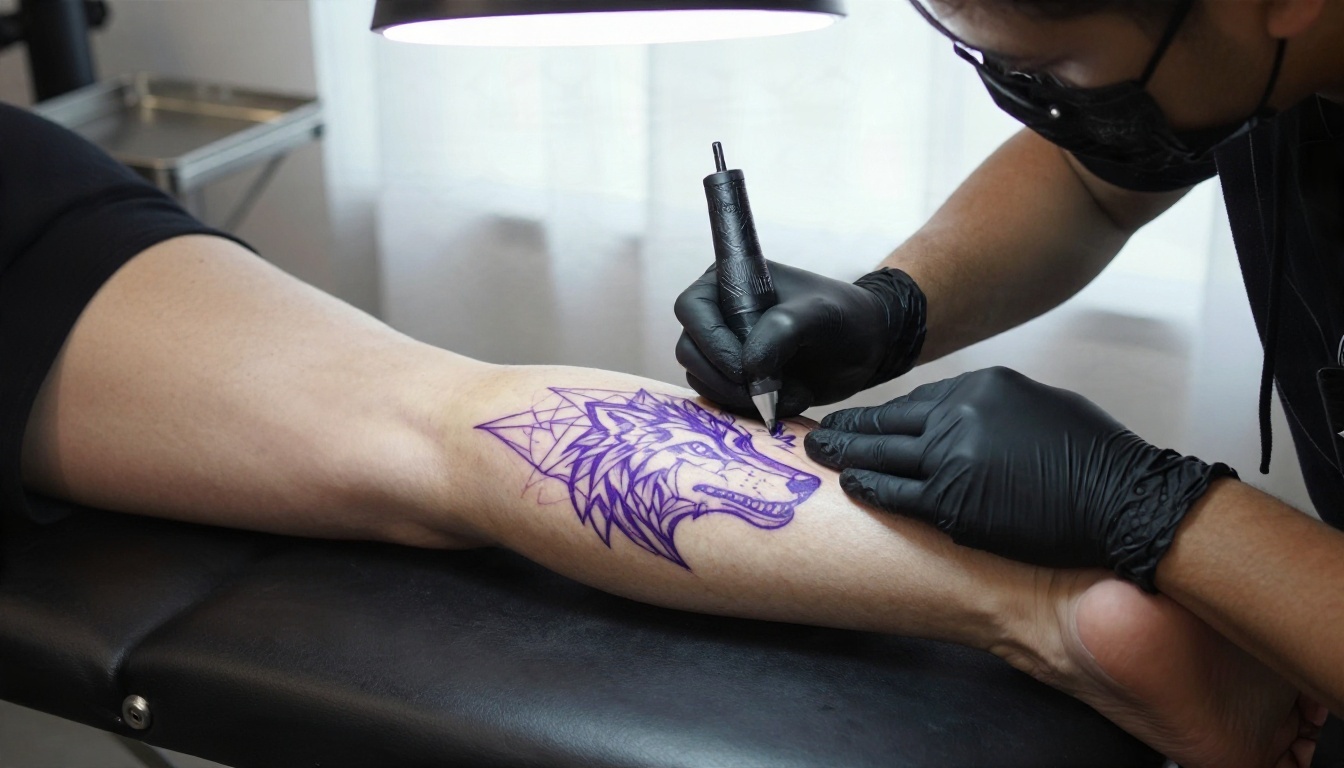
💡 Tip: Compare the AI preview to the stencil side by side on a phone. If the proportions feel different, trust the stencil, because it is drawn for your actual leg.
Aftercare and Healing Notes
Your generated preview shows a healed tattoo. The real one goes through a few stages first, and leg tattoos have their own challenges because of friction, swelling and sun exposure.
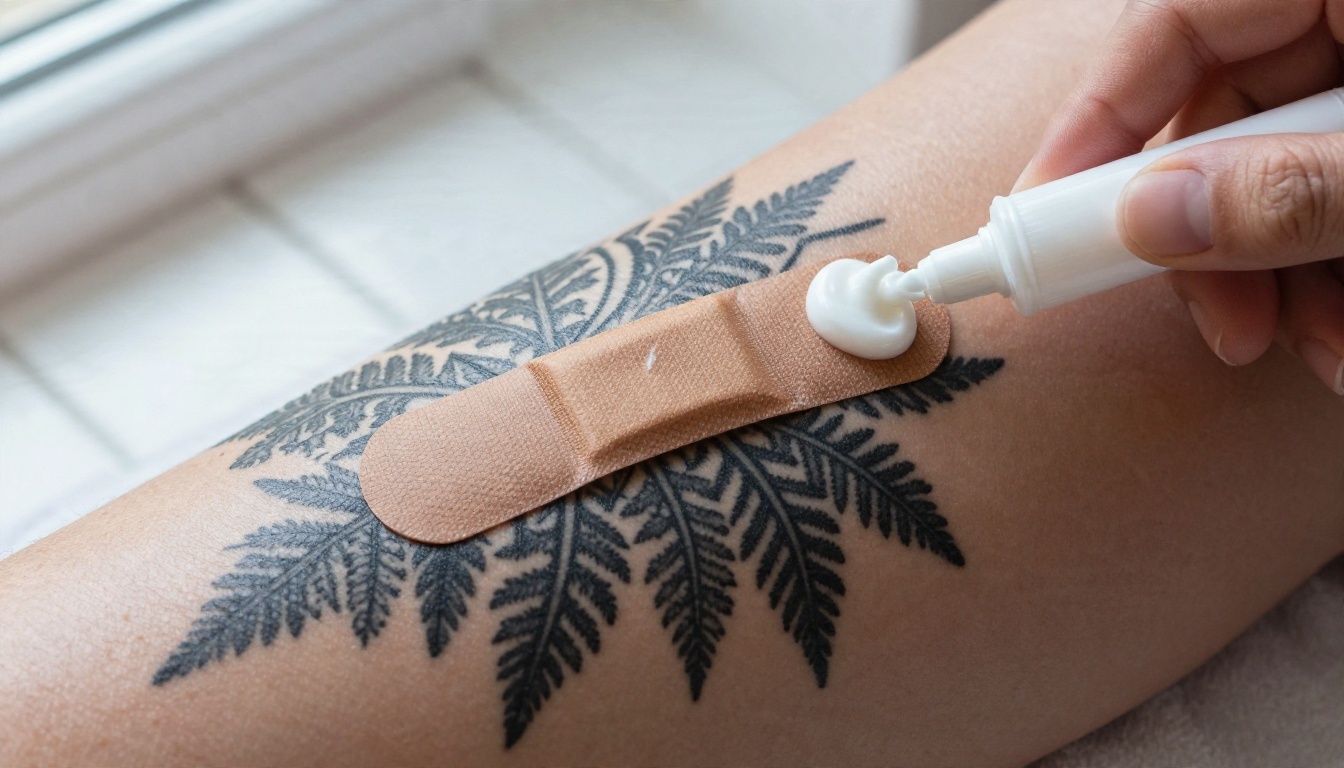
First Two Weeks
- Keep the film bandage or wrap on for as long as your artist recommends.
- Wash gently with fragrance free soap, pat dry and apply a thin layer of recommended ointment.
- Wear loose clothing. Tight jeans rub the thigh and shin, and that friction irritates healing skin.
- Avoid swimming pools, hot tubs and long baths.
Calf and Shin Swelling
Legs swell when you stand for long stretches. Elevating them when you rest helps with calf and shin tattoos. If swelling is severe, or if the area feels hot, looks very red or shows signs of infection, contact your artist or a medical professional.
Sun Protection
Once fully healed, use sunscreen on exposed leg tattoos. Shorts and summer dresses put thigh and calf ink in direct light for months, and UV is the fastest way to soften line work.
Common Mistakes to Avoid
A few errors show up again and again when people use AI previews to plan leg tattoos.
- Trusting the size. The model decides how big the tattoo looks. Always state the size in your head and tell your artist the real dimensions.
- Ignoring movement. Walk, squat and bend your knee in front of a mirror. Designs near the knee crease change shape.
- Copying a living artist's style too closely. Use previews to describe a style direction, then let your artist create something original.
- Over detailed designs. Fine texture that looks stunning at 4K can blur once healed. Ask for simpler shading if the preview looks crowded.
- Skipping the skin test. Generate the same idea in at least two contrast levels to see how it works on your skin tone.
Try Your Own Leg Tattoo Designs
You do not need an art degree or a stack of reference books to plan a leg tattoo any more. You need a clear idea, a good prompt and a few minutes. Pick a spot on your leg, choose one of the prompts above, and generate your first preview with Seedream 4.5 or Nano Banana Pro. Then try the same design on your own leg photo in PicassoIA Image Editor Pro and see how it sits.
Change one detail at a time: line weight, size, direction, style. Within an hour you will have a shortlist that says exactly what you want, and your artist will thank you for it.
Browse every image model, upscaler and editor at picassoia.com/en/all-models and start designing your next piece on PicassoIA today.


