You hum a melody into your phone at midnight, mumble half a verse, and by morning you can't remember a single word. Or you have an MP3 of a song you love and the lyrics are nowhere online. This is exactly the problem an AI lyrics generator from audio solves: you upload a recording, the model listens, and a few minutes later you hold a written version of what was sung.
The catch is that "lyrics from audio" is really two jobs wearing one name. One is transcription, turning sung or spoken words into text. The other is generation, writing new lyrics and even new music based on what you captured. Free online tools handle the first job reasonably well and the second one very differently, so it pays to know which is which before you upload anything.
This article walks through how the technology works, where it breaks on real songs, which free routes are worth your time, and how to turn a rough transcript into something you can actually sing.
How Audio Becomes Lyrics
Behind every "upload MP3, get lyrics" button sits a pipeline. Knowing the steps makes it much easier to spot why a result came out wrong.
Step one: hearing the voice
A song is a crowded mix. Drums, bass, guitar, reverb and several vocal layers all share the same file. Speech models were trained mostly on people talking clearly, so the cleaner the voice is in your upload, the better the text. A voice memo recorded close to the mouth is easy. A full studio master with a wall of guitars is hard.
Step two: recognizing words
The model converts sound into likely words using patterns it picked up from enormous amounts of audio. Modern systems such as the ones from OpenAI and Google look at long stretches of context at once, so a blurry word gets resolved by the sentence around it. That is why newer models beat older dictation tools on messy material.
Step three: cleanup and structure
Raw output is one long block of text. Good tools or a quick follow-up prompt split it into lines, mark verses and choruses, and fix punctuation. This step is where a large language model earns its place, and it is the step most people skip.
💡 Tip: Treat the first transcript as a draft. Plan on one cleanup pass, even with the best model.
Free Online Options Compared
There are roughly four ways to get lyrics out of audio without paying. None is perfect, and the right pick depends on how clean your recording is.
| Method | Best for | Weak spot | Effort |
|---|
| Browser speech-to-text model | Voice memos, acapella, demos | Struggles with dense mixes | Low |
| Phone dictation while playing audio | Quick rough notes | Picks up room noise, no timing | Low |
| Multimodal chat model with audio input | Long files, messy audio, cleanup in one go | Needs a good prompt | Medium |
| Manual listening with slowed playback | Tricky slang, final polish | Slow | High |
Browser transcription models
This is the cleanest route for most people. You upload a file, pick a language, and get text back. On PicassoIA, GPT 4o Transcribe accepts MP3, MP4, WAV, M4A, OGG and WebM files, so you rarely need to convert anything first. The lighter GPT 4o Mini Transcribe is a sensible choice when you are processing many short clips and speed matters more than the last few percent of accuracy.
Multimodal chat models
A model like Gemini 3 Pro takes audio plus a written instruction in the same request. That means you can say "transcribe the lyrics, label the chorus, and mark anything you are unsure about" and get a structured answer in one pass. It also accepts long audio, up to 8.4 hours in a single file, which makes it handy for live recordings or full rehearsal sessions.
Phone dictation
Playing a song through a speaker while a dictation app listens is the lowest-effort trick, and it works for a chorus or two. It does not work for a whole album. Room echo ruins accuracy and you get no line breaks.
Slow manual listening
Still the most reliable for a single stubborn line. Slow the track to 70 percent speed, loop four bars, and type. Use it only to patch the spots the AI marked as uncertain.
Why Sung Lyrics Break Transcribers
Here is the honest part that most tool pages skip. Speech models are built for speech. Singing bends vowels, stretches syllables, and layers voices on top of each other. Expect errors, and expect them in predictable places.
Reverb and backing vocals
Reverb smears the end of every word into the next one. Harmonies add extra voices singing different notes, and the model may merge them into nonsense or drop them. If you have a stem or an acapella version, upload that instead of the full mix.
Held vowels and slang
A word like "home" held for four beats may come out as "hoooome" or vanish. Slang, invented words and non-standard spellings are guessed from context, and the guess is often a common word that sounds close. Set the language manually when the tool allows it, because auto-detect sometimes picks the wrong language on accented singing.
Fast rap and double-time delivery
Dense, rapid verses push the limits of any model. Results improve if you transcribe in shorter chunks of 30 to 60 seconds, so a single misheard word does not derail the lines after it.
⚠️ Heads up: No free tool is 100 percent accurate on sung vocals. Plan to proofread every line against the audio.
How to Use GPT 4o Transcribe on PicassoIA
This is the fastest route when you have an MP3 and want text. The model page is here: GPT 4o Transcribe on PicassoIA.
Step 1: Prepare your file
Trim the audio to the section you need. Shorter clips give you cleaner line breaks and easier proofreading. If you can, export the vocal track alone. MP3, M4A, WAV, OGG, WebM and a few other formats are accepted as they are.
Step 2: Upload and set the language
Use the Audio File field to add your recording. In the Language field, enter the two-letter ISO-639-1 code, for example en for English or es for Spanish. Supplying it improves accuracy and speeds up processing, and it matters most for accented or multilingual singers.
Step 3: Add a short style prompt
The optional Prompt field accepts a sentence or two. It is useful for nudging spelling and tone. Write it in the same language as the audio. Something like "Song lyrics, informal English, lines in short phrases" works. You can also paste the previous lines of a long song here so the model continues smoothly into the next segment.
Step 4: Keep temperature low
The Temperature setting runs from 0 to 1 and defaults to 0. For lyrics, leave it at 0 or close to it. Higher values add variety, which is the opposite of what you want when you are trying to capture what was actually sung.
Step 5: Run it and proofread
Generate, then read the output while the song plays. Mark every line you doubt. Those are the ones to fix by ear or with a second model.
| Setting | Recommended value for lyrics |
|---|
| Audio File | Vocal-forward MP3 or WAV, under a few minutes |
| Language | ISO-639-1 code of the sung language |
| Prompt | One short line describing the style |
| Temperature | 0 to 0.2 |
Gemini 3 Pro for Messy Recordings
When a plain transcriber gives you a jumble, a multimodal model is the next thing to try. Gemini 3 Pro listens to the audio and follows written instructions at the same time, so you can shape the result in the request itself. Its model page lists it as free to try online.
Prompt it like an editor
Do not just write "transcribe this". Tell it what you want back. A good request has four parts: the task, the format, the handling of doubt, and the language. For example:
- Transcribe the sung lyrics from this audio.
- Put each line on its own row and label Verse, Chorus and Bridge.
- Put [unclear] where you cannot hear a word instead of guessing.
- Do not add any words that were not sung.
That third instruction is the most useful one. Without it, language models happily invent plausible words to fill gaps, which looks fine until you compare it with the recording.
Use the system instruction field
The System Instruction field lets you set a standing role, such as "You are a careful lyric transcriber who never invents words." Combine it with a low Temperature to keep the output faithful. Set Thinking Level to high for a dense or multilingual track and low for a quick demo.
Split long songs
Even though the model accepts very long audio, a full song in a single pass can drift. Run the verses and chorus as separate requests, then merge them. You will spend a few more minutes but catch more errors.
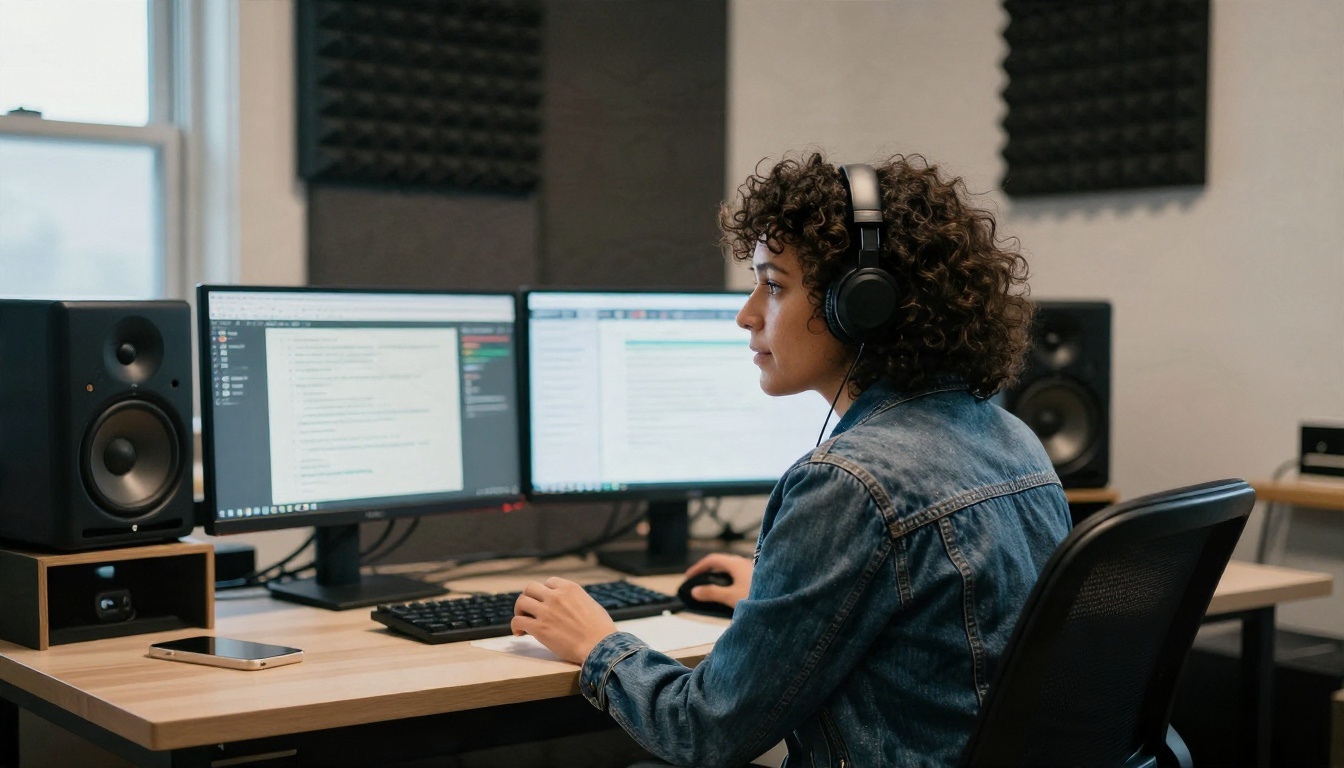
From Transcript to Finished Song
Transcription gives you words. A song needs shape. This is where the "generator" half of an AI lyrics generator comes in.
Clean the structure first
Paste your transcript into a language model and ask it to tighten the lines, fix repeated phrases, and keep the original meaning. Tell it explicitly to preserve your rhymes and your imagery. You are editing, not replacing. If you want to compare several chat models, PicassoIA keeps them together in one place, so you can run the same prompt on a few and keep the best lines.
Keep your voice
A common mistake is accepting the model's polished version without reading it aloud. Polished text often loses the odd, specific detail that made your original memo worth saving. Read each line out loud and put back anything that sounds too generic.
Turn lyrics into new music
Once the words are right, you can feed them into a music generator and hear them as a full track with vocals. Music 2.6 generates complete songs from a text description and lyrics. Lyria 3 Pro is built for full-length songs, and Music 01 is designed around the idea of writing lyrics and getting a song back. For instrumental beds or background music with no vocals, Stable Audio 2.5 composes from a text prompt.

Real Situations Where This Helps
The same workflow solves very different problems. Here are the ones that come up most often.
The midnight voice memo
You sang a half-finished verse into your phone. Upload the memo, transcribe with the language set, and you have a written starting point in the time it takes to make tea. Because the recording is close and dry, accuracy is usually the best you will get.
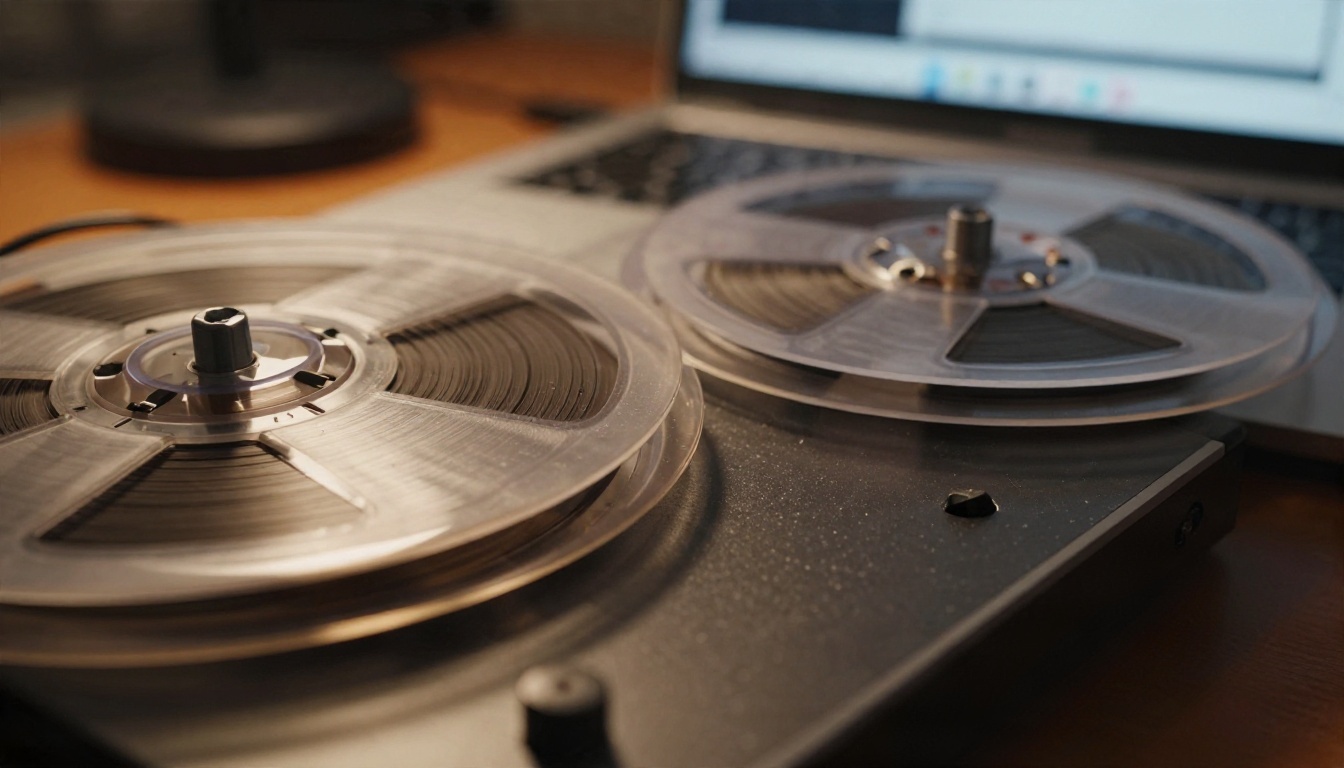
The old tape or rehearsal recording
Band rehearsals, cassette demos and live sets rarely have lyrics written down. Hiss and room noise lower accuracy, but a multimodal model with a clear prompt can still recover a lot of the words. Expect more [unclear] marks and plan to fill them in by ear.
The song stuck in your head
You heard a track on a train and want the words. Be careful here: transcribing a copyrighted song for private reference is a different matter from publishing the result. More on that below.
Subtitles and captions
Singers who post clips need on-screen lyrics. A transcript is the fastest first draft for captions. You still need to check timing, but you save the typing.
💡 Tip: Keep a plain text file of your corrected lyrics next to every audio file. Next time you reuse a song, you skip the transcription step entirely.
Rights and Privacy Basics
Two practical points deserve a moment before you upload anything.
Whose song is it?
If the recording is yours, you are free to do what you like with the text. If it belongs to someone else, lyrics are protected by copyright just like the music. Transcribing for your own study or practice is one thing. Posting the full text on a website, or using it in a new release, needs permission from the rights holder. When in doubt, use the transcript only as a reference and write your own words.
What gets uploaded
Unreleased demos are valuable. Check the terms of any online tool before you upload a track you have not published, and keep an offline copy of your original file. Remove personal details such as names and addresses from voice memos before you share transcripts with collaborators.
A Practical Workflow You Can Reuse
Here is a routine that pulls everything above into five moves:
- Prepare the audio. Trim the clip, isolate the vocal if you can, and save it as MP3 or WAV.
- Transcribe with a speech model. Set the language and keep temperature near zero.
- Fix the gaps with a multimodal model. Ask it to mark unclear words rather than guess.
- Proofread against the recording. Read each line out loud while the song plays.
- Build on it. Rewrite weak lines, then try a music generator to hear the lyrics as a full song.
A few small habits make a big difference:
- Work in chunks of under a minute for fast or crowded material.
- Save every version, because the first draft often has a line you will want back later.
- Compare two models on the same clip. When they disagree on a word, that word is the one to check by ear.
- Use the Prompt field to supply names, places and slang that the model is unlikely to guess.
Try It on Your Own Track
The fastest way to find out how well this works is to feed it something you care about. Pick a voice memo, a rehearsal take or one of your own finished songs. Run it through GPT 4o Transcribe, ask Gemini 3 Pro to tidy the structure, and then hear the cleaned-up words as a fresh arrangement in Music 2.6 or Lyria 3 Pro.
You will not get perfect text on the first try, and that is fine. What you get is a draft you can edit in ten minutes instead of typing from scratch for an hour. Once the lyrics are done, PicassoIA also lets you build the visual side of a release, such as album art and short promo clips, from the same account.
Browse every transcription, music, image and video model at picassoia.com/en/all-models, pick one, and start experimenting with your own audio today.


