You open a "free" meme maker, spend ten minutes building the perfect joke, hit download, and there it is: a giant logo stamped across the bottom corner. Or worse, the site wants a subscription before it will hand over a clean file. That is the story with most meme tools, and it is the main reason people search for an AI meme generator free option with no watermark in the first place.
The good news is that AI image models changed the game. Instead of hunting for the same ten stock templates everyone has already seen, you can describe the exact scene you want, get a brand new photo in seconds, and add your own caption. This article walks through how that works, what to look for in a no-watermark generator, which models fit which joke, and a long list of prompts to try right now.

What an AI Meme Generator Does
An AI meme generator creates the image part of a meme from a text description, and sometimes the caption part too. You type something like "a golden retriever in tiny glasses pretending to work from home," and the model produces an original photo. You then add a punchline, and you have a meme nobody else has posted.
Template tools vs prompt tools
Classic meme makers are template tools. You pick a famous photo, type top text and bottom text, and export. It is fast, but the result is recycled by nature.
Prompt tools work the other way around. The image comes from your idea, so the joke can be as specific as you want: your office, your cat, your group chat, your city. Specific humor travels further because people recognize themselves in it.
| Feature | Template meme maker | AI prompt generator |
|---|
| Image source | Fixed library | Generated from your text |
| Originality | Low, everyone uses the same ones | High, unique every time |
| Custom scenes | Not possible | Any scene you can describe |
| Text on image | Built in | Added by you or rendered by the model |
| Watermark risk | Very common on free plans | Depends on the platform |
| Best for | Quick reaction memes | Niche, personal, original jokes |
Why watermarks show up
Free tiers use watermarks as advertising. Every image you share becomes a billboard for the tool. Some platforms also use them to push you toward a paid plan. It is a business decision, not a technical limit, which means a platform can simply choose not to do it.
💡 Quick test: before you invest time in a meme maker, generate one throwaway image and open the export or download screen. If a watermark appears or a paywall blocks the file, move on.
How to Get Memes With No Watermark
You do not need a trick. You need to pick the right workflow. Here is what actually works.
Check the export screen first
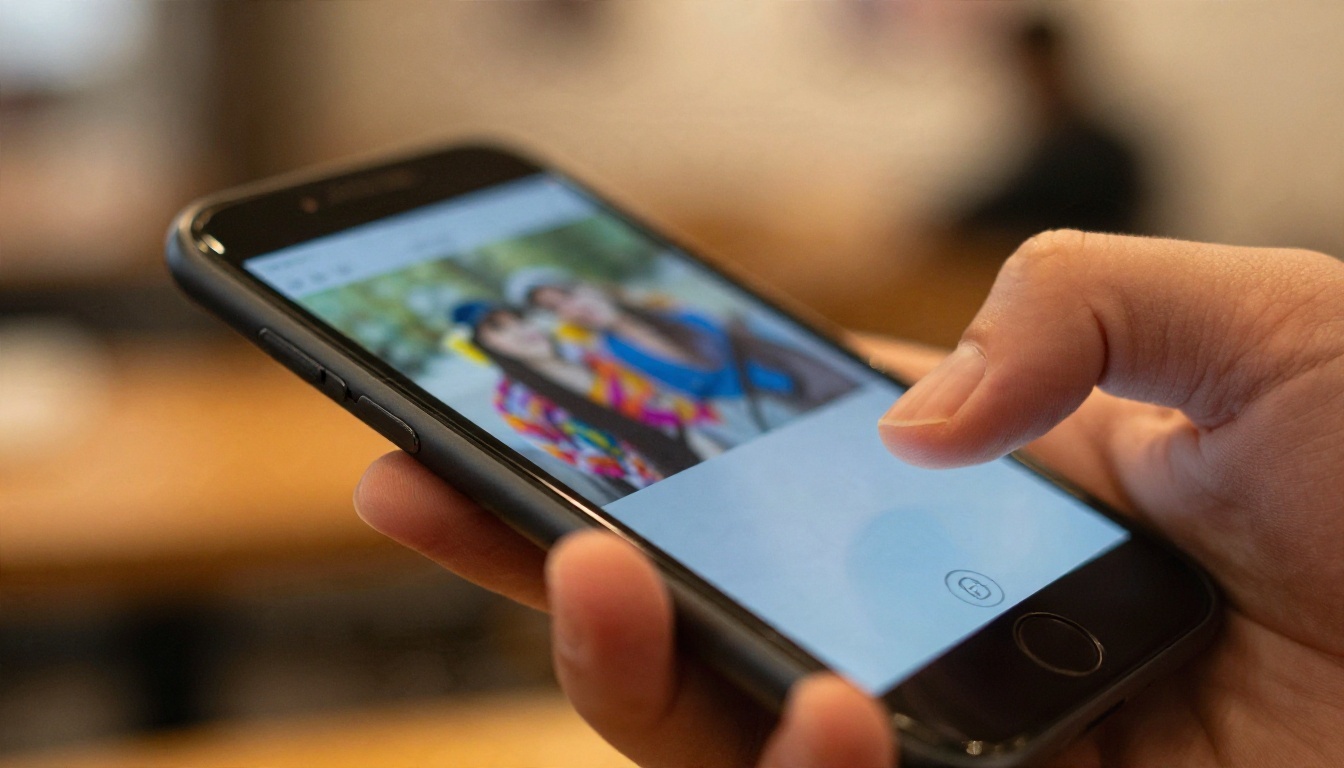
Many sites show you a clean preview and only add the logo during export. Always test the download before you commit to a long editing session. Save a single image, zoom into the corners, and look for faint text or semi-transparent marks.
Use a generator, not a template site
Template sites usually own the templates, so they brand every export. A text-to-image generator produces an original file, and platforms that focus on image generation rarely stamp the output. You get a plain image you can drop into any phone editor, add text to, and post.
Add the text yourself
Here is the workflow most meme creators settle on:
- Generate the base photo with an AI model, with no text in the prompt.
- Pick your best result and download it.
- Add the caption in a basic editor, using bold white text with a thin black outline.
- Post it without any logo in the corner.
This separates the visual from the caption, which gives you total control over wording. It also avoids a classic problem: some image models misspell words or warp letters when asked to draw long sentences. A few models handle short text very well, and we will get to those in a moment.
💡 Pro move: generate the image at a wide ratio like 16:9 for X and Facebook, and at 1:1 or 4:5 for Instagram. Decide the format before you write the prompt so the subject is framed correctly.
Best Prompts to Try
The prompts below are written to produce photorealistic base images. Photoreal memes feel funnier because the contrast between a serious-looking photo and an absurd situation does the work for you. Swap the details to fit your own life.
Relatable office prompts
Workplace humor is the evergreen category. Everyone has a Monday, a cold coffee, and a meeting that should have been an email.
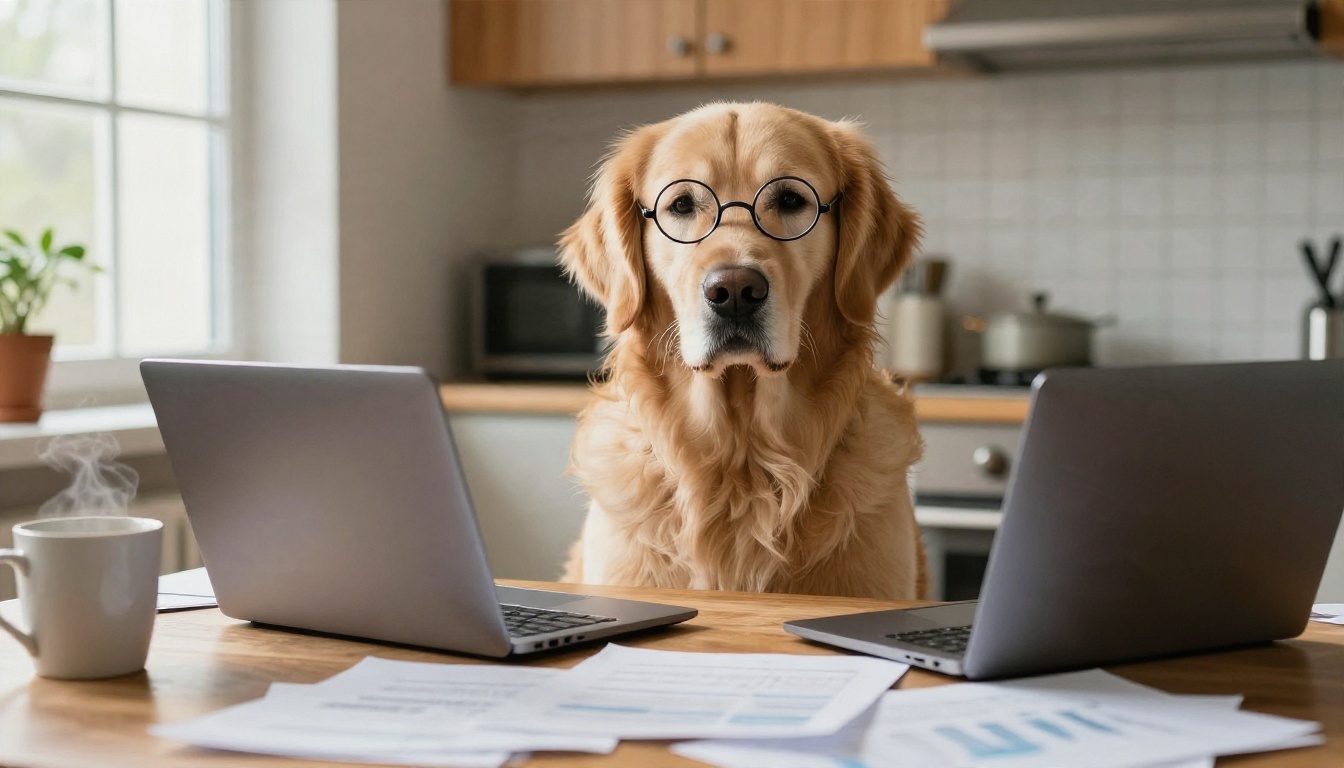
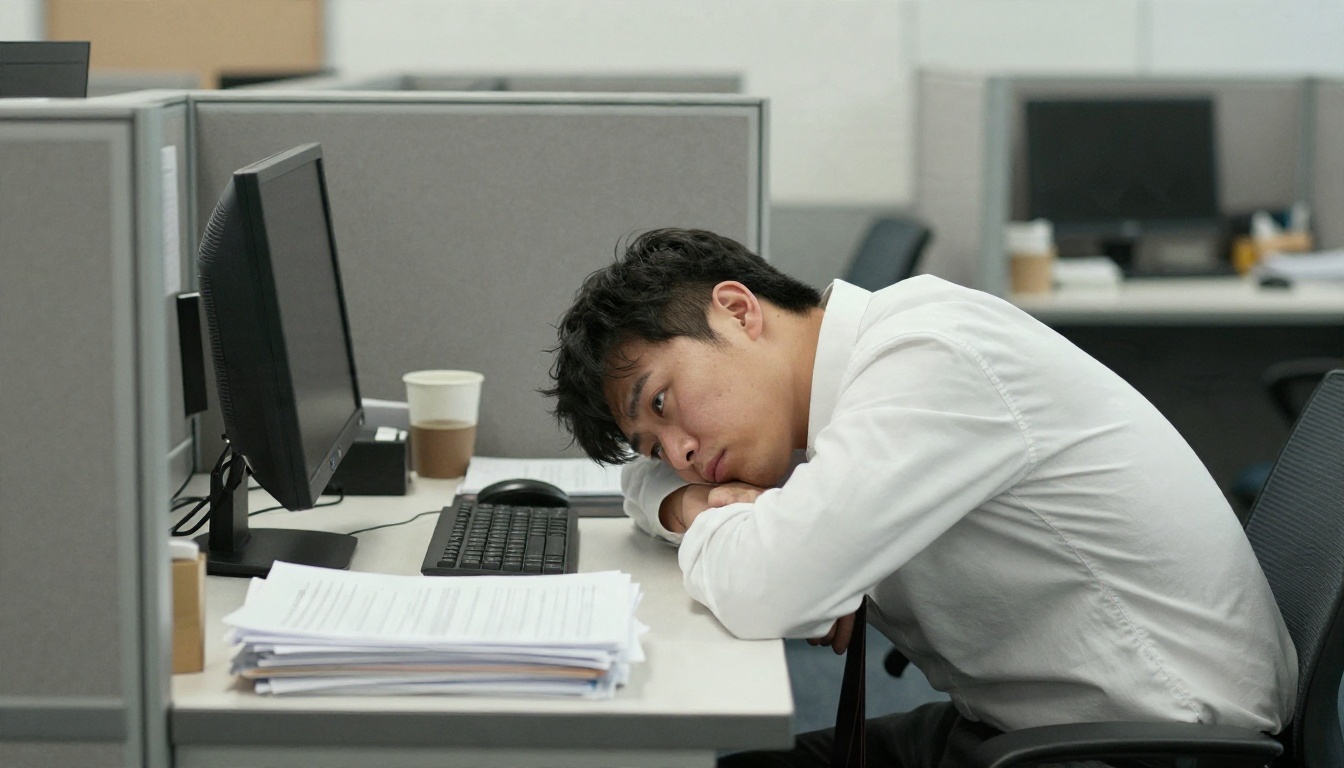
- A tired office worker in a white shirt slumped at a cubicle desk under fluorescent light, staring blankly at a monitor, stack of paperwork, cold coffee, muted colors, 50mm lens.
- A golden retriever wearing tiny round glasses sitting at a kitchen table behind an open laptop, serious expression, morning window light.
- A man in a suit calmly holding a mug while a stack of sticky notes covers his entire monitor, shallow depth of field, documentary style.
- Two coworkers in a glass meeting room both looking at their phones while a presenter points at an empty slide, wide angle, flat office lighting.
- A woman at a standing desk eating cereal at 4 pm, completely calm, surrounded by unopened emails on a second screen.
Pet prompts
Animals with human expressions are the most reliable meme fuel on the internet. The trick is giving the model a clear emotion to work with.
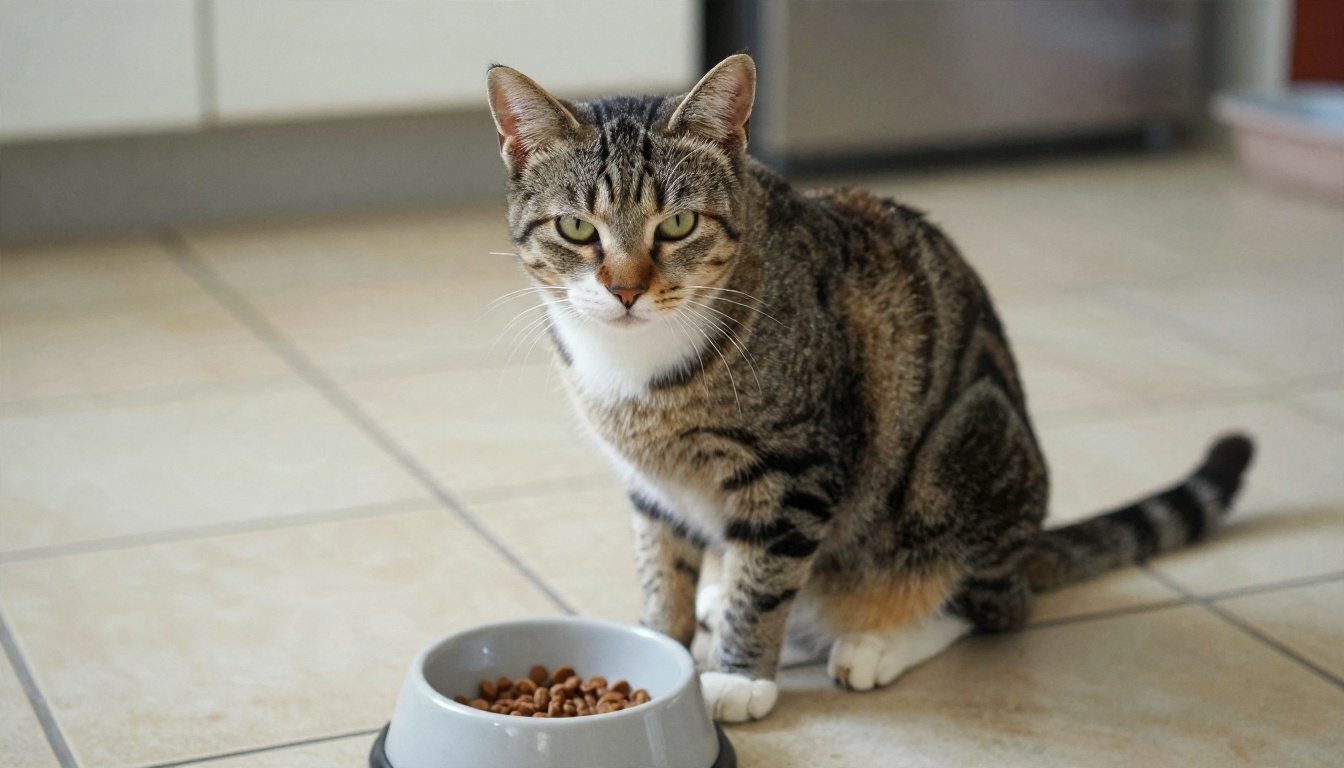
- A tabby cat with a dramatically unimpressed stare sitting next to an empty food bowl on a tile floor, side window light, 85mm lens.
- A corgi sitting upright in the driver seat of a parked car, paws on the steering wheel, looking directly into the camera.
- A sleepy pug wrapped in a blanket on a couch, one eye open, suspicious, soft lamp light.
- A large orange cat sitting on a laptop keyboard, staring at the screen as if it is in charge of the project.
- A raccoon at a backyard table with a plate of leftover pasta, caught in a flash, wide-eyed.
Reaction face prompts
Reaction memes are made for replying in group chats. Focus on one clear emotion and a simple background so the face reads instantly.
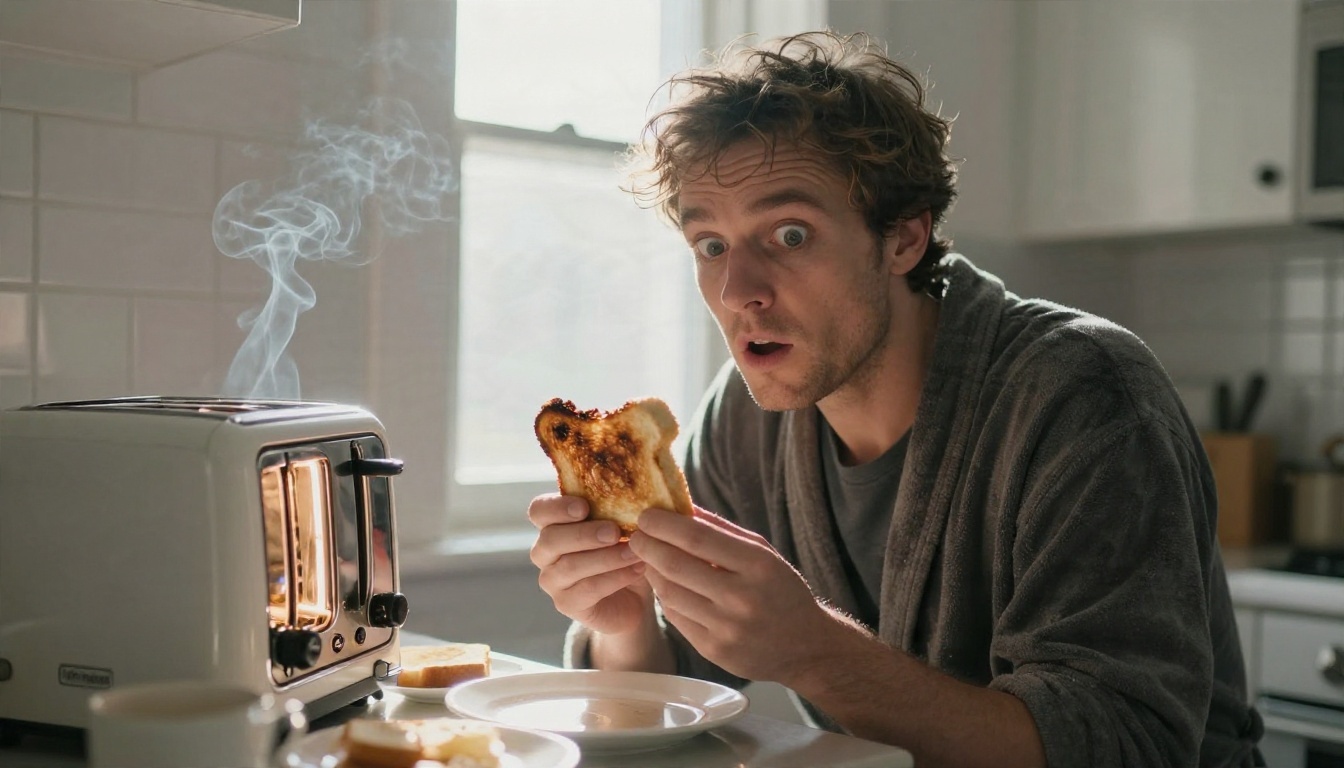
- A startled man in a bathrobe in a kitchen holding a piece of burnt toast, eyes wide, looking at the camera, soft morning backlight.
- Three friends crowded around one smartphone on a rooftop at golden hour, all bursting into laughter, warm backlight.
- A woman in a coffee shop slowly lowering her sunglasses to look at something off camera, shallow focus.
- A man squinting at a restaurant bill with a calculator, visibly doing the math, warm tungsten lighting.
- A teenager in a hoodie rolling their eyes at a family photo album, living room, natural window light.
Absurd everyday prompts
Absurd humor works when the scene looks completely normal except for one strange detail. Keep the lighting and framing boring and let the odd element speak.
- A man in a business suit waiting at a bus stop with a full-size houseplant sitting beside him on the bench, overcast light.
- A grocery store aisle where every shopper holds exactly one banana, wide shot, fluorescent lighting.
- A family dinner table where everyone is looking at their phones except a seagull sitting on a chair, warm indoor light.
- A quiet library where a person is solemnly eating a whole rotisserie chicken, eye-level shot.
- A man standing in a rainy parking lot holding an umbrella over a shopping cart, serious expression.
💡 Prompt formula that keeps working: [subject with clear emotion] + [ordinary location] + [one odd detail] + [light direction] + [lens]. Leave out any text request at first, then add it back once you like the image.
How to Use Ideogram v4 Quality on PicassoIA
If you want the caption inside the image, you need a model that renders text cleanly. Ideogram v4 Quality is one of the strongest options on PicassoIA for short, readable lettering, and it also produces photorealistic scenes, which suits meme bases well.

Step by step
- Open the model page. Go to the Ideogram v4 Quality page on PicassoIA.
- Write your scene first. Describe the subject, location, lighting, and camera. For example: A tabby cat sitting beside an empty bowl on a tile floor, side window light, 85mm lens, shallow depth of field.
- Add the caption in quotes. Put the exact words you want inside quotation marks and describe where they sit: with the text "MONDAY AGAIN" in bold white letters at the top of the frame.
- Choose your ratio. Pick 1:1 for Instagram, 16:9 for X and YouTube thumbnails, or a vertical ratio for Stories and Reels.
- Generate and compare. Run the prompt a few times. Small wording changes make a visible difference.
- Download the file. Save the clean image and share it, or open it in an editor for final touches.
Parameter tips that matter
- Keep text short. One to five words is the sweet spot. Long sentences are where any image model starts to slip.
- Use capital letters for a classic meme look, and say "bold white sans-serif letters with a thin black outline" if you want the old-school style.
- Name the position. "Top of the image" or "bottom center" prevents the text from landing on the subject's face.
- Lock the spelling. If a word comes out wrong, regenerate instead of rewording. Spelling errors are random, not a sign your prompt was bad.
- Try the faster sibling. Ideogram v4 Balanced is a quicker option when you want to test many caption ideas before settling on one.
Which Model Fits Your Meme
Different jokes need different strengths. A reaction photo needs a believable face. A text-heavy meme needs clean lettering. A quick draft needs speed.
| Model | Best for | Why it works |
|---|
| Ideogram v4 Quality | Memes with text built into the image | Clean, readable lettering with photoreal scenes |
| P Image Ideogram | Quick text-in-image drafts | Fast and precise for short captions |
| GPT Image 2 | Complex scenes with several elements | Follows long, detailed instructions well |
| Nano Banana | Editing an existing photo into a joke | Strong at changing parts of an image while keeping the rest |
| Nano Banana Pro | High-resolution results | Sharp output for posters and large prints |
| Seedream 4.5 | Realistic people and faces | Natural skin texture and lighting |
| Flux 2 Klein 4B Base | Fast experiments | Quick iterations when you test many ideas |
A simple way to choose
If the meme needs words inside the picture, start with Ideogram. If the meme is a photo plus a caption you add later, pick Seedream 4.5 for people or Nano Banana when you want to change a detail of a photo you already have. If you are brainstorming twenty ideas before lunch, a fast model keeps the process moving.
💡 Editing trick: upload a real photo of your friend, pet, or desk into Nano Banana and ask it to change one thing, like adding a tiny crown or swapping the background to a beach. Personal memes land harder than generic ones. Only use photos of people who are fine with being in your joke.
Caption Writing That Lands
A great image with a weak caption goes nowhere. The joke lives in the words, and the good news is that meme captions follow patterns.
The rule of one joke
Every meme should carry exactly one idea. If you need a second sentence to explain the first, cut it. Read the caption out loud. If it takes more than three seconds, it is too long.
Weak: "When you wake up on Monday and realize that you still have so many things to do this week and you are not ready."
Strong: "Monday, again."
Placement and style
- Top text sets the scene. Bottom text delivers the punchline.
- Use contrast. White text with a dark outline stays readable on any background.
- Keep the face clear. Never place text over the eyes or mouth of your subject, because that is where the emotion is.
- Match the tone to the photo. A serious, cinematic photo with a petty caption is funnier than a silly photo with a silly caption.
Three caption formulas that work
- Expectation vs reality. Two images or one image split in half, with a short label on each.
- Me when. A reaction photo with a relatable trigger: "Me when the meeting runs over."
- Deadpan description. State the absurd image in the calmest possible language: "Everything is fine."
Mistakes That Kill the Joke
Even good prompts can produce flat memes. These are the most common problems, and each has a quick fix.
| Mistake | What happens | Fix |
|---|
| Asking for too much text | Letters warp or misspell | Keep captions to a few words, or add them in an editor |
| Busy backgrounds | The subject gets lost | Ask for a simple, uncluttered setting |
| Vague emotion | The face looks neutral | Name the exact feeling: smug, startled, exhausted |
| Stacking three jokes | Nobody knows where to look | One subject, one odd detail, one caption |
| Ignoring the platform ratio | Important parts get cropped | Choose 1:1, 4:5, or 16:9 before generating |
| Using real public figures | Legal and reputation risk | Use fictional characters or your own consenting friends |
Watch out for realistic fakes
Photorealistic output is powerful, and it can be misused. Keep memes obviously humorous, and avoid scenes that could pass as news or put words in a real person's mouth. A joke should never leave someone wondering whether it actually happened.
Respect trademarks and likenesses
Recreating a famous character or celebrity can lead to takedowns on social platforms. Original scenes avoid that issue entirely, which is one more reason prompt-based memes beat template-based ones.
Make Your First Meme Today
You do not need a design background, a paid plan, or a template library. You need one idea, one clear prompt, and a model that fits the joke. Pick any prompt from the lists above, change one detail to match your own life, and generate a few versions. Choose the one that makes you laugh first, because that reaction is usually the same one your audience will have.
Start with Ideogram v4 Quality if you want the caption baked into the picture, try Nano Banana when you want to edit your own photos into jokes, and keep Seedream 4.5 handy for faces that look natural. Open PicassoIA, paste a prompt, and see what you get. Your group chat is waiting.


