You have a photo of your dog with a face that deserves its own sitcom. You have a screenshot of your friend mid-sneeze. You have a blurry picture of a pigeon that looks like it is judging you. Until recently, turning any of those into a clip people actually share meant opening an editing app, learning keyframes and losing an entire evening. Now a free AI meme video generator does the heavy lifting in a few minutes: you upload the photo, type one sentence describing the joke, and the model returns a short vertical video with motion, expressions and even sound.
This article walks through how that works, which tools are worth your time, how to write prompts that produce actual laughs, and how to shape the result so it fits TikTok instead of looking like a tech demo.
What an AI Meme Video Generator Does
A meme video generator takes a still image and predicts how the scene would move over a few seconds. The model reads the face, the pose, the background and your text instruction, then produces frames that stay faithful to the original photo while adding motion. This is called image to video, and it is the engine behind most of the funny clips you see in your feed right now.
For meme creators, three abilities matter more than anything else:
- Identity stability: the face in frame 120 should still look like the face in frame 1.
- Motion that reads instantly: a head turn, a gasp, a dramatic stare, a dance move.
- Native audio: a short laugh, a gasp or a line of dialogue makes a clip feel finished.
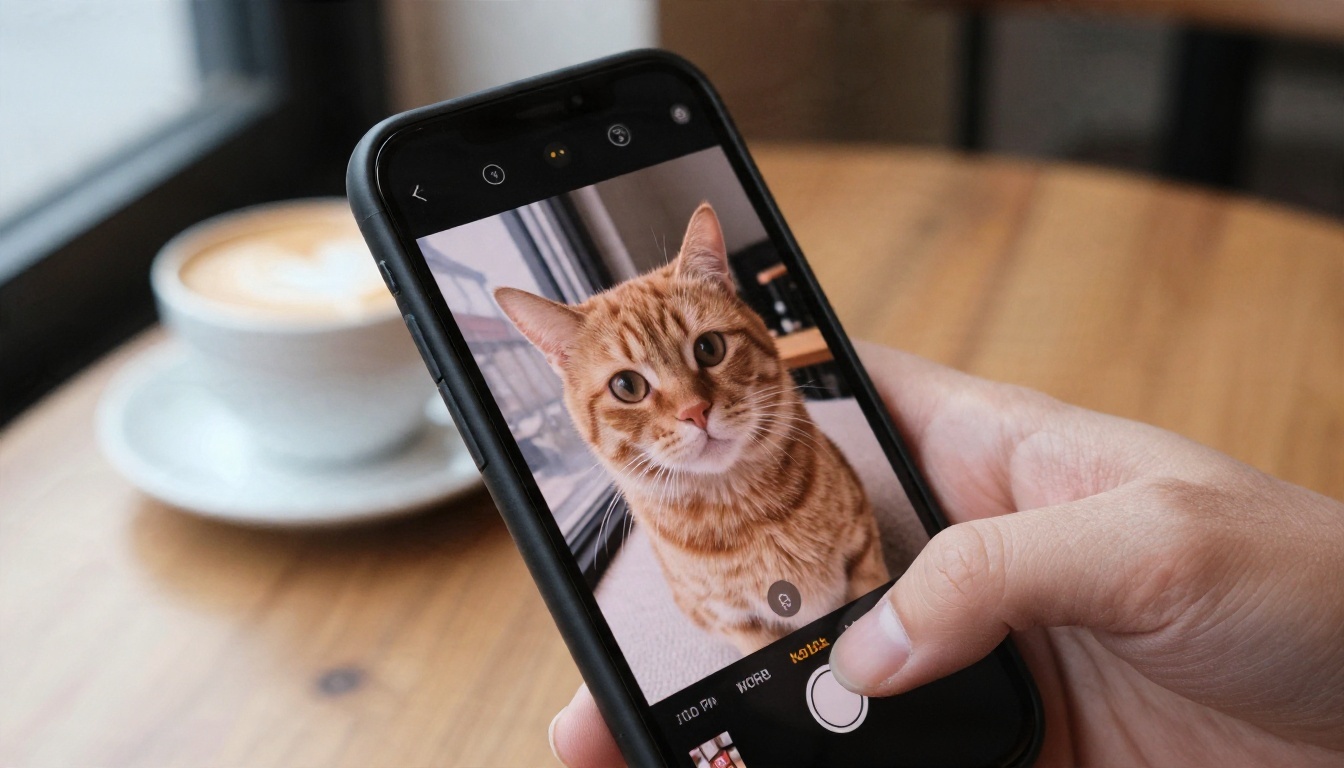
Image to Video vs Text to Video
Text to video invents everything from scratch. Image to video starts from your picture, so the joke is already anchored: it is your cat, your friend, your awkward holiday photo. For memes, that anchoring is the whole point. A meme works because the viewer recognizes the subject and the situation, and then the motion twists it.
Why Photos Make Better Meme Material
Photos with a clear face, a strong expression and a simple background give the model less to guess. A cat staring directly at the lens will animate far better than a group shot taken from across the street. Think of the photo as the punchline setup and the prompt as the delivery.
💡 Tip: The funniest source photos usually have an expression that is already slightly wrong for the moment: a serious face at a party, a startled pet, a deadpan stare at food.
Why TikTok Loves These Clips
TikTok rewards short, repeatable, instantly readable content. A five second clip of a golden retriever delivering a dramatic monologue fits that format perfectly. People watch it twice to catch the details, send it to a friend and then try a version with their own pet. That loop of watch, share and remix is what makes meme formats spread.
The practical requirements are simple:
| Element | Best Practice for TikTok |
|---|
| Aspect ratio | Vertical 9:16 so it fills the phone screen |
| Length | 5 to 10 seconds for a loopable gag |
| First second | The face or the action must appear immediately |
| Sound | Short natural audio or a trending sound added in the app |
| Subject | One clear subject with one clear emotion |
The Loop Effect
A clip that ends where it started tends to get replayed without the viewer noticing. When you write your prompt, think about a motion that returns to the starting pose: a head tilt and back, a blink and a stare, a gasp and a freeze.
Short Beats Polished
Memes are not film school projects. A slightly chaotic, five second clip with one strong reaction will beat a perfectly lit thirty second video that takes too long to get to the joke. Aim for one gag per clip.
Free Models Worth Trying First
PicassoIA hosts a large catalog of video models, and several of them are well suited to meme work. Here is a quick comparison of the ones I would test first.
| Model | Best For | Notes |
|---|
| Seedance 2.5 Lite | Free, unlimited experiments up to 10 seconds | Great for testing many joke ideas |
| PicassoIA Video | Free unlimited clips from text or image | Quick first drafts of a meme |
| Wan 2.5 I2V | Animating a single photo faithfully | Strong face consistency |
| Wan 2.5 I2V Fast | Rapid iterations | Lower wait between versions |
| Hailuo 2.3 Fast | Animating photos with expressive motion | Good for faces and reactions |
| Grok Imagine Video 1.5 | Image to video with audio | Fun for talking gags |
| Veo 3.1 Fast | Polished clips with sound | Useful when you want a cinematic parody |
| Kling v3 Video | Realistic motion and detail | Best for higher quality final versions |
Start With the Free Unlimited Options
When you are hunting for a joke, you will probably generate ten bad versions before you get one great one. That is why the free and unlimited options matter. Seedance 2.5 Lite lets you iterate without watching a credit counter, which changes how bold you are with prompts. You try the absurd idea, and sometimes it is the one that lands.
Move to Quality Models for the Keeper
Once you find a version that makes you laugh, rerun the same photo and prompt on a higher quality model such as Kling v3 Video or Veo 3.1 Fast. The idea is proven, so the extra render is only polish.
💡 Workflow rule: Test cheap, publish premium. Use free models to find the joke, then upgrade only the winner.
How to Make a Meme Clip on PicassoIA
This is a simple workflow that works with almost any image to video model on the platform. The example below uses Seedance 2.5 Lite, but the steps are the same for Wan 2.5 I2V and others.
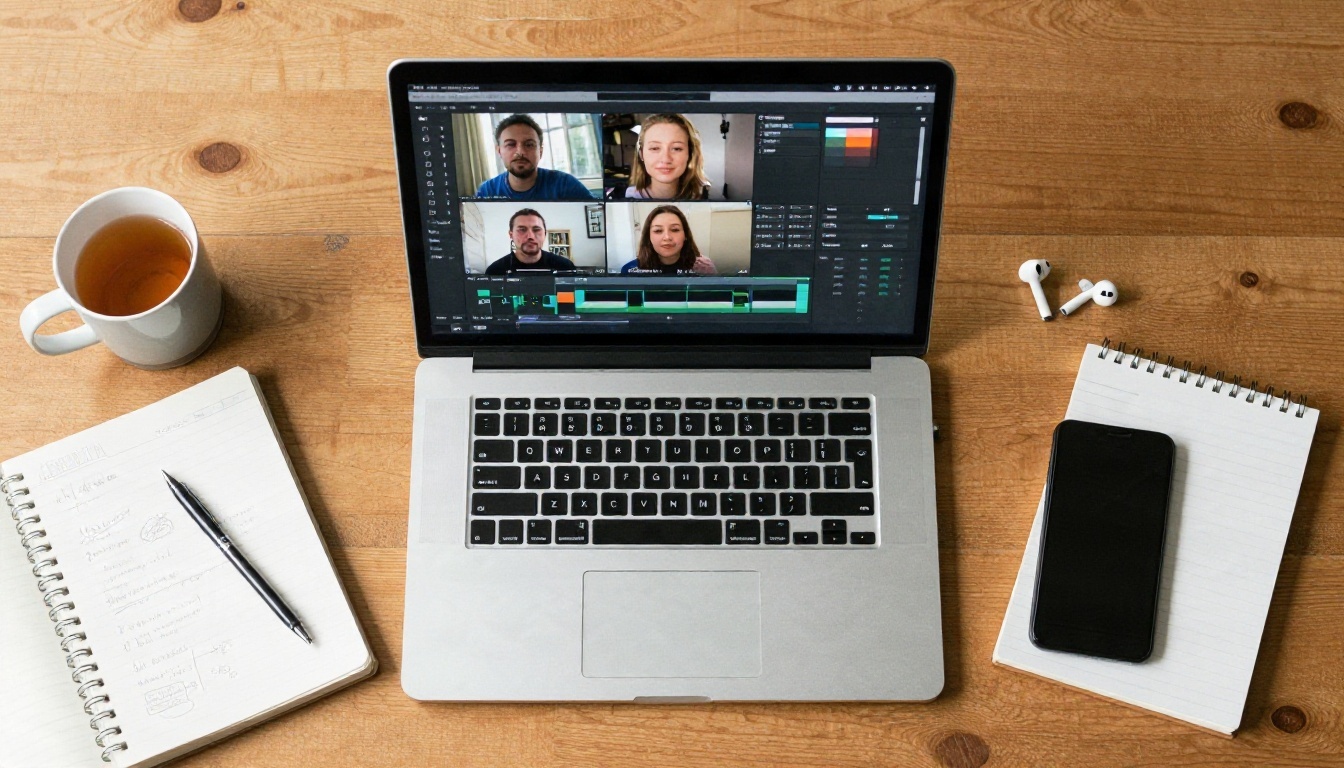
Step 1: Pick the Right Photo
Choose a picture where the subject is large in the frame and the face is visible. Avoid heavy filters, sunglasses on faces you want to animate and photos with several overlapping people. If the photo is small or soft, run it through a super resolution model first so the face has clean detail to work with.
Step 2: Open the Model and Upload
Open the model page, choose the image to video mode and upload your photo. Pick a vertical format so the output is ready for TikTok without cropping.
Step 3: Write a One Sentence Joke Prompt
Describe what happens, in order. Keep it to a single action and a single emotion. For example:
- "The orange cat slowly turns to the camera, narrows its eyes in disbelief, and says 'Excuse me?' in a deadpan voice."
- "The man at the kitchen table freezes, then dramatically drops his fork and gasps."
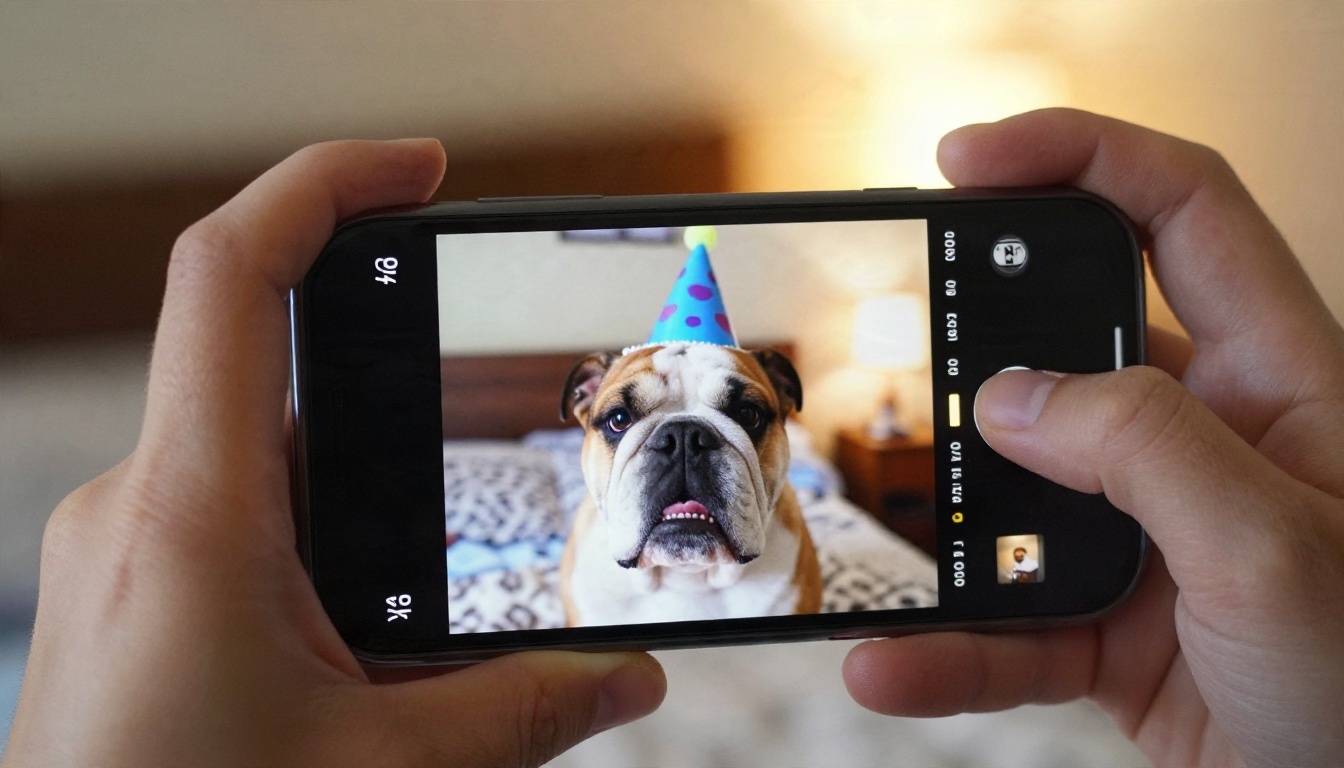
- "The bulldog in the party hat looks left, looks right, then gives a proud nod to the camera."
Step 4: Set Duration and Generate
Start with 5 seconds. Short clips animate more reliably, and shorter is better for a meme anyway. Generate, watch it twice and note what worked.
Step 5: Iterate on One Thing at a Time
If the face drifts, simplify the motion. If the joke is unclear, make the action bigger. If the audio is wrong, rewrite the spoken line. Change only one variable per attempt so you can tell what made the difference.
💡 Pro habit: Keep a note of prompts that worked. A good prompt for a pet photo usually works on the next pet photo with a tiny edit.
Prompts That Actually Get Laughs
Humor in AI video comes from contrast: a calm face with dramatic motion, a small animal with a huge voice, an ordinary setting with an absurd reaction. Below are formulas you can adapt.
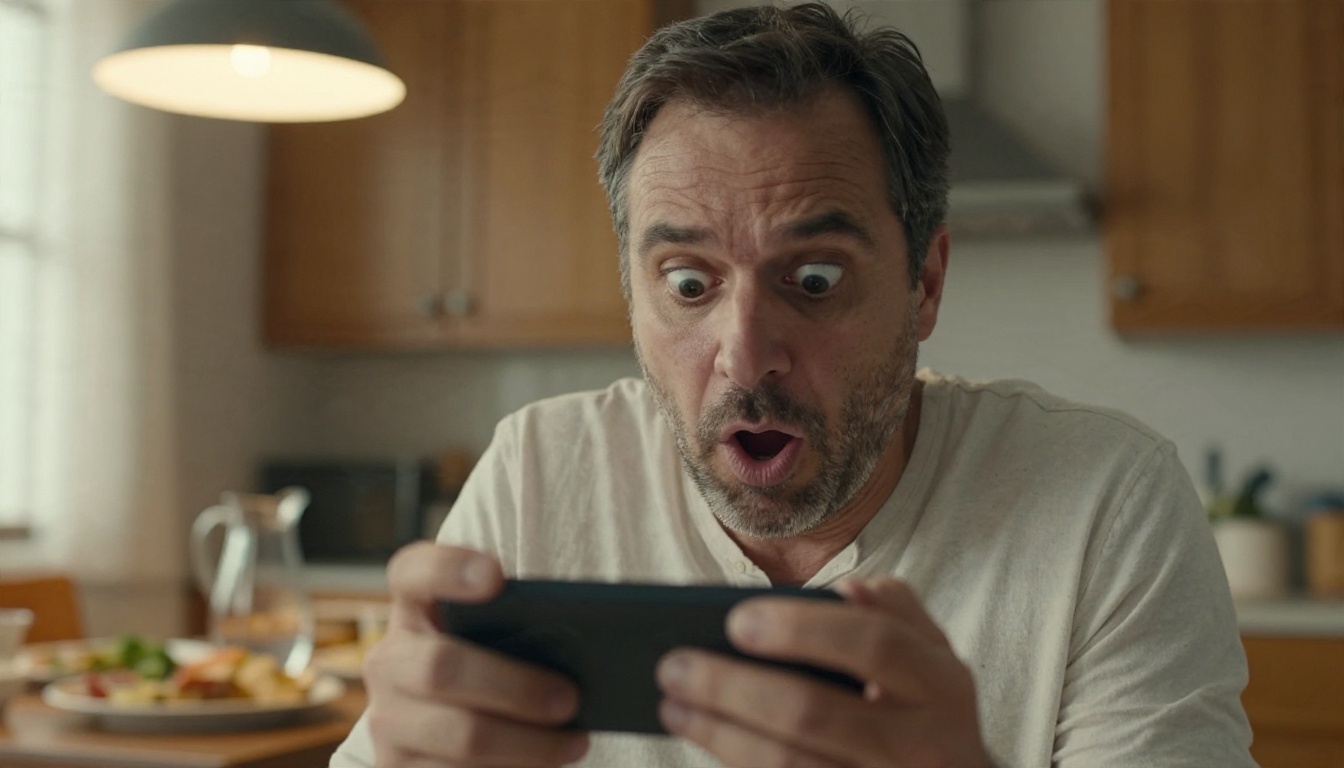
The Dramatic Reaction
"[Subject] stares at the camera with wide eyes, slowly gasps, then slowly looks away as if nothing happened. Static camera, natural light."
It works on pets, friends and relatives, and it loops well.
The Deadpan Monologue
"[Subject] looks straight into the camera and says in a calm serious voice: 'I did not eat the sandwich.' Tiny nod. Hold eye contact."
Models with native audio such as Grok Imagine Video 1.5 and Veo 3.1 Fast can deliver the line along with the motion.
The Sudden Dance
"[Subject] stands still for one second, then starts a goofy, confident dance with big arm swings. The camera stays fixed at chest height."
This one is best with full body photos where arms and legs are visible. Keep the background simple so the model does not warp it.
The Slow Zoom Stare
"Very slow push in on [subject]'s face. They blink once, raise one eyebrow, and the corners of the mouth lift into a smirk."
It is a classic reaction meme format and works well with Kling v3 Video thanks to its realistic facial motion.
| Joke Type | Photo Needed | Prompt Focus |
|---|
| Dramatic reaction | Close face, direct gaze | Eye and eyebrow movement |
| Deadpan monologue | Front facing portrait | Spoken line and tone |
| Sudden dance | Full body, plain background | One clear move |
| Slow zoom stare | Large face in frame | Camera push and smirk |
| Pet talking | Animal facing lens | Short phrase, human voice |
Fixing Common Problems
Even good models stumble. Here are the issues that show up most and the quick fixes.
The Face Drifts or Warps
This happens when the prompt asks for too much motion. Reduce the action to a head turn or a blink, avoid fast camera moves and use a model known for identity stability such as Wan 2.5 I2V.
The Joke Is Not Clear
If a viewer needs the caption to understand the clip, the motion is too subtle. Make the action larger and slower. A gasp has to look like a gasp. A stare has to last long enough to feel awkward.
The Photo Looks Soft
Low resolution input becomes low resolution video. Upscale the picture first, or regenerate a cleaner base image with a text to image model like Nano Banana or Seedream 4.5, then animate it.
Audio Does Not Match
If the spoken line sounds off, shorten it. Four to eight words usually come out clearer than a full sentence. You can also generate the clip silent and add a trending sound inside TikTok.
Building a Repeatable Meme Workflow
One clip is fun. A repeatable pipeline is how a creator turns a hobby into a channel with a recognizable style.
Create a Photo Bank
Keep a folder of expressive photos: pets, friends who agreed to be part of the joke, stock style faces you generated yourself. The more varied the bank, the easier it is to match a photo with a trending format on the day it rises.
Pair One Photo With Three Gags
Take one strong photo and generate three versions: a reaction, a monologue and a dance. Publish the best, keep the others for later. It costs almost nothing on a free model and gives you a week of material.
Add Captions and Sound in the App
Do the final touches inside TikTok or your editor of choice. Add a caption in the first second, trim the clip to its funniest moment and pick a sound that fits. If you need a custom voice line or a short jingle, PicassoIA also offers text to speech and AI music generation models in the same catalog.
Watch the Numbers, Then Repeat
Check which clips get replays and shares. Replays tell you the loop works, shares tell you the joke is relatable. Double down on the format that wins.
| Step | Tool Type | Goal |
|---|
| Pick or generate photo | Text to image | Clean, expressive subject |
| Upscale if needed | Super resolution | Sharper face detail |
| Animate | Image to video | One clear gag |
| Voice or music | Text to speech, music | Short audio hook |
| Final edit | TikTok or editor | Caption, trim, publish |
Responsible Meme Making
Funny should never mean harmful. Use photos of people who are comfortable with being in the clip, and do not create videos that put words in a real person's mouth in a way that could mislead or humiliate them. Pets, your own face, friends who are in on the joke and generated characters are the safest source material. Keep the tone playful, and check the rules of the platform you publish on regarding AI generated content labels.

Where These Clips Work Beyond TikTok
The same vertical clip works on Instagram Reels and YouTube Shorts. Brands and small teams also use quick meme clips for internal jokes, birthday greetings and social posts that feel human instead of corporate. If it makes the room laugh, it will probably travel.
Keep the Originals
Save the source photo, the prompt and the model name for every clip that performs well. When a similar trend returns, you will reproduce your best result in minutes.
Make Your First Meme Clip Today
The best way to see how fast this works is to try it with one photo. Pick the funniest picture on your phone, open Seedance 2.5 Lite or PicassoIA Video, write one sentence describing the joke and press generate. If the first result is almost right, tweak the prompt. If it is hilarious, move it to a quality model like Kling v3 Video and post it.
Everything you need is on one platform: image generation, image to video, voice, music and upscaling. Browse the full catalog at picassoia.com/en/all-models, pick a model, and turn that photo you have been saving into the clip your friends will send back with three crying laughing emojis. Your first one might be the one that gets shared.


