A good trailer is a two-minute lie that makes you want to buy a ticket. For decades, telling that lie required editors, composers, voice actors and a render farm. Now a single person with a laptop can sketch the whole thing in an afternoon. An AI movie trailer generator takes a written idea, turns it into moving shots, and lets you stitch those shots together with a voiceover and a score. The hard part is no longer the technology. It is knowing which tools are free, what to write, and how to avoid the trailer that looks like every other AI trailer on your feed.
This article walks through all three. You will see which free options are worth your time, how to write script ideas that suit 5 to 10 second clips, and which online tools handle which part of the job.

What an AI Trailer Generator Does
There is no single button labeled "make my trailer". When people say AI movie trailer generator, they usually mean a short pipeline: a language model writes the beats, a video model renders each shot, a voice model reads the narration, and a music model supplies the score. You assemble the pieces in any video editor.
That sounds like more work than a one-click tool, but it is the reason the results look intentional. Each stage gives you a place to fix a problem before it reaches the final cut.
Text to video
A text-to-video model reads a prompt such as "a lone traveler walks a desert road under a storm sky, slow dolly-in, handheld feel" and returns a clip. It is the fastest way to get a first draft of a shot, and it is where most free options live. Current models such as Kling v3 Video, Veo 3.1 Fast and Sora 2 can add synchronized sound to the clip, which saves a pass in the edit.
Image to video
Image to video starts from a still frame you already like, then animates it. This is the better route when you want the same character or location across several shots, because every clip begins from a frame you approved. Wan 2.5 I2V Fast is built for this kind of job. A common habit among trailer makers: generate a still, check the lighting and face, then animate it.
💡 Tip: Trailers run on contrast. Plan one calm shot, one tense shot and one big reveal for every ten seconds of finished runtime. Your generator will give you more usable footage if each prompt describes only one idea.
Free Options That Actually Work
Free is a slippery word in AI video. Some tools give you a handful of watermarked credits. Others are truly unlimited but cap clip length or resolution. Before you commit a weekend to a tool, check four things: watermark, length per clip, resolution, and whether the free tier allows commercial use.
Free tiers worth trying
On PicassoIA, Seedance 2.5 Lite is listed as a free and unlimited video generator with clips up to 10 seconds. That length matters for trailers, because most trailer shots are shorter than that anyway. If you want sound included, Seedance 2.0 Mini generates video with native audio. For a longer take, Seedance 2.5 is described as capable of 30-second videos.
For the music side, Music 2.6 is offered free and produces full songs, which is plenty for a trailer bed.
What free usually costs you
| Trade-off | What you will notice | How to work around it |
|---|
| Short clips | 5 to 10 seconds per generation | Plan shots, not scenes. Cut fast. |
| Lower resolution | Softer detail on faces and text | Upscale the final export |
| Queue time | Waiting at peak hours | Batch your prompts and go make coffee |
| Fewer controls | Less camera and seed control | Write camera moves directly in the prompt |
| Style drift | Characters change between shots | Start from the same still image |
None of these is a deal breaker. Trailers are built from fragments, so a tool that gives you many short clips quickly is a better fit than one that gives you a single perfect minute.
Script Ideas Worth Stealing
The script is where most AI trailers fall apart. People type "epic action movie" and get a stream of generic explosions. A trailer works because it implies a story: a person, a problem, a turn, and a promise.
A three-act trailer in 60 seconds
Use this skeleton and fit one clip to each beat:
- Act one (0 to 15 seconds): Show the ordinary world. Quiet music, a single voice, one clear character.
- Act two (15 to 40 seconds): Introduce the disruption. Cut faster. Add the first hit of the score.
- Act three (40 to 55 seconds): Rapid shots, rising sound, the biggest visual image you can generate.
- Title beat (55 to 60 seconds): Black, silence, then one line of dialogue or the title.
That is roughly 8 to 12 clips if each runs 4 to 6 seconds. Fits neatly inside what free generators allow.
Ten loglines to start from
A logline is one sentence that holds the whole movie. Swap the details to suit your own taste:
- A retired lighthouse keeper realizes the light has been answering someone.
- Two rival chefs are trapped overnight in a closed Michelin kitchen.
- A courier has 24 hours to deliver a package that keeps getting heavier.
- A small town wakes up to find every clock stopped at 3:07.
- A mountain guide hears a second set of footsteps on a solo climb.
- A former stunt double is hired to play the one role she has refused for years.
- A grandmother's recipe book contains directions to a place that does not exist.
- A night shift nurse notices the same stranger in the waiting room every full moon.
- A failing radio station receives calls from a year that has not happened yet.
- Three siblings reopen the family cinema on the night of a storm.
Let a language model draft the beats
A language model is good at structure, so use one for the shot list. Paste your logline and ask for a table with five columns: shot number, visual, camera move, sound, and a line of narration. Then ask it to rewrite each visual as a single video prompt under 60 words.
Models available on PicassoIA that handle this well include Claude Sonnet 5, GPT 5.6 Terra, Gemini 3.1 Pro and the lighter Gemini 3.5 Flash when you want fast iterations. For a free-leaning option, Granite 4.1 8B is described as a free LLM for chat and code.
A prompt that works well:
"Write a 12-shot trailer for the logline below. Use a three-act structure. For every shot give me: a 40-word visual description with lighting and lens, a camera move, a sound cue, and a narration line under 12 words. Avoid explosions and clichés like 'in a world'. Keep the same main character in every shot."
💡 Tip: Ask the model to describe the main character once, in detail (age, clothing, hair, scar, jacket color), then paste that description into every shot prompt. It is the cheapest way to reduce character drift.
How to Use Seedance 2.5 Lite on PicassoIA
If you want a free place to start, here is a simple workflow using Seedance 2.5 Lite. The same steps apply to most text-to-video models on the platform.

Step by step
- Open the model page. Go to the Seedance 2.5 Lite page and sign in or create an account.
- Paste your first shot prompt. Use the visual line from your shot list. Name the subject, the action, the camera move, and the light.
- Pick the clip length. For trailers, 4 to 6 seconds is usually enough. Longer clips are harder to cut.
- Choose the aspect ratio. Use 16:9 for a cinematic look, or 9:16 if the trailer is for social platforms.
- Generate, then review. Watch the clip twice. The first time for story, the second time for flaws such as warped hands or sliding backgrounds.
- Regenerate the weak shots. Change one word at a time so you know what caused the difference.
- Download the clips and name them in order. Something like 01_open, 02_street, 03_reveal saves headaches in the edit.
Prompt tips that save credits
- Put the camera move in the first sentence: "slow push-in", "handheld follow", "low-angle tilt up".
- Describe light with a direction: "late afternoon sun from the left", "single practical lamp behind her".
- Name a lens feel: "35mm wide", "85mm shallow depth of field".
- Keep one action per clip. "She opens the door" beats "She opens the door, sees the ghost, runs, and falls".
- Write what you want, not what you do not want. Negative phrases often make the unwanted thing appear.
No single model wins every category. Here is how the options on PicassoIA line up for trailer work.
Best for realism
If your trailer is a drama, a thriller or a documentary-style piece, pick a model known for natural motion and light. Sora 2 and Kling v3 both lean toward believable physical movement. Test with a quiet shot first: a person turning their head, a hand on a door, wind in a coat. If those look right, the action shots usually will too.
Best for speed
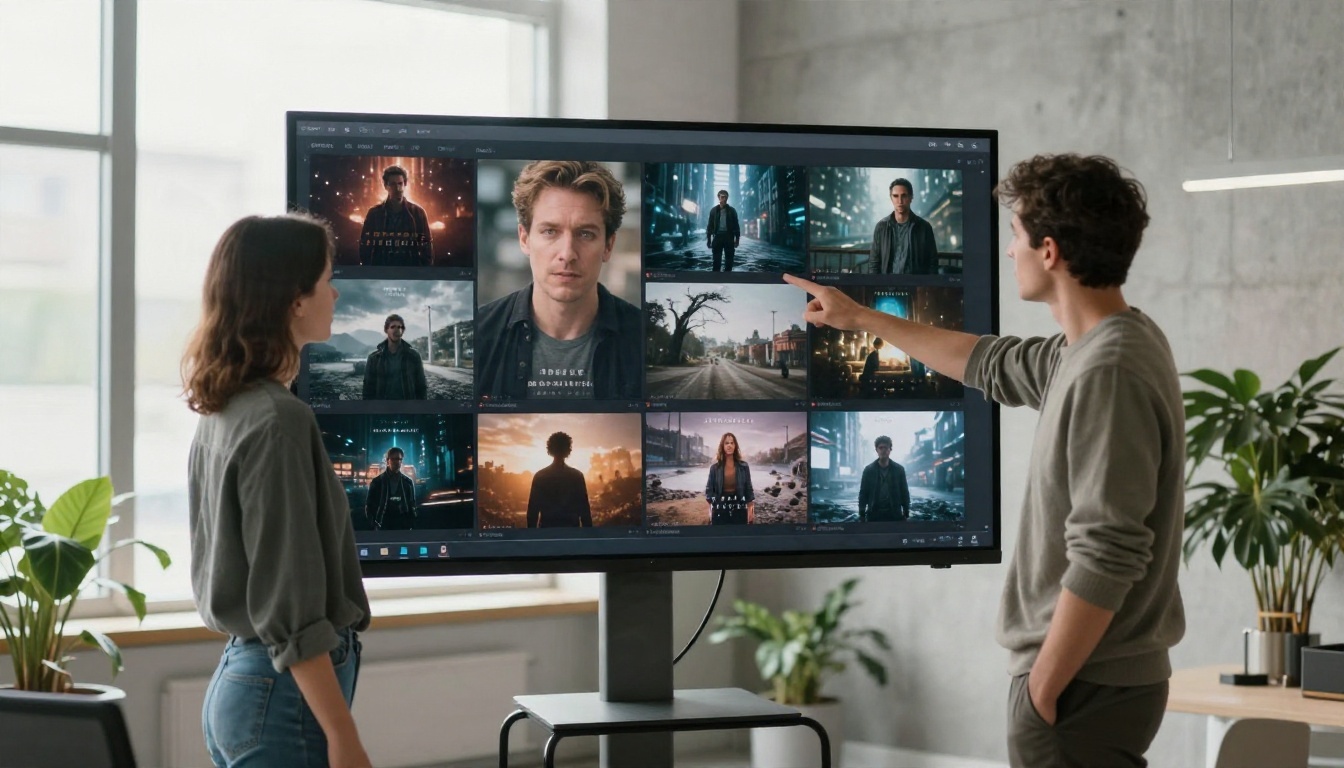
When you are still figuring out pacing, speed beats polish. Use a fast model such as LTX 2.5 Fast or Wan 2.5 I2V Fast to build a rough trailer, check the rhythm, and then re-render only the shots that matter with a heavier model. It is the same approach editors use with proxy files.
Voice, Music, and Final Polish
A silent trailer feels like a screensaver. Sound does most of the emotional work, so give it real attention.
Voiceover that sounds like a person
Trailer narration is short. Aim for fewer than 80 words across a 60-second piece. Realtime TTS 2 generates natural-language voiceovers, and Realtime TTS 1.5 Mini is a lighter option for quick takes. Write the lines with pauses in mind: a period is a beat, a line break is a longer breath. If you plan to release the trailer in several languages, Dubbing translates videos into more than 90 languages.
A score that builds
Trailer music follows a familiar curve: low drone, a pulse, a rise, a hit, silence. Music 2.6 and Lyria 3 Pro can generate a full track from a text description. Ask for "slow cinematic build, sparse piano, low strings entering at 20 seconds, big percussion hit at 45 seconds, then silence". Place the hits on your cuts, not the other way around.
Cutting it together
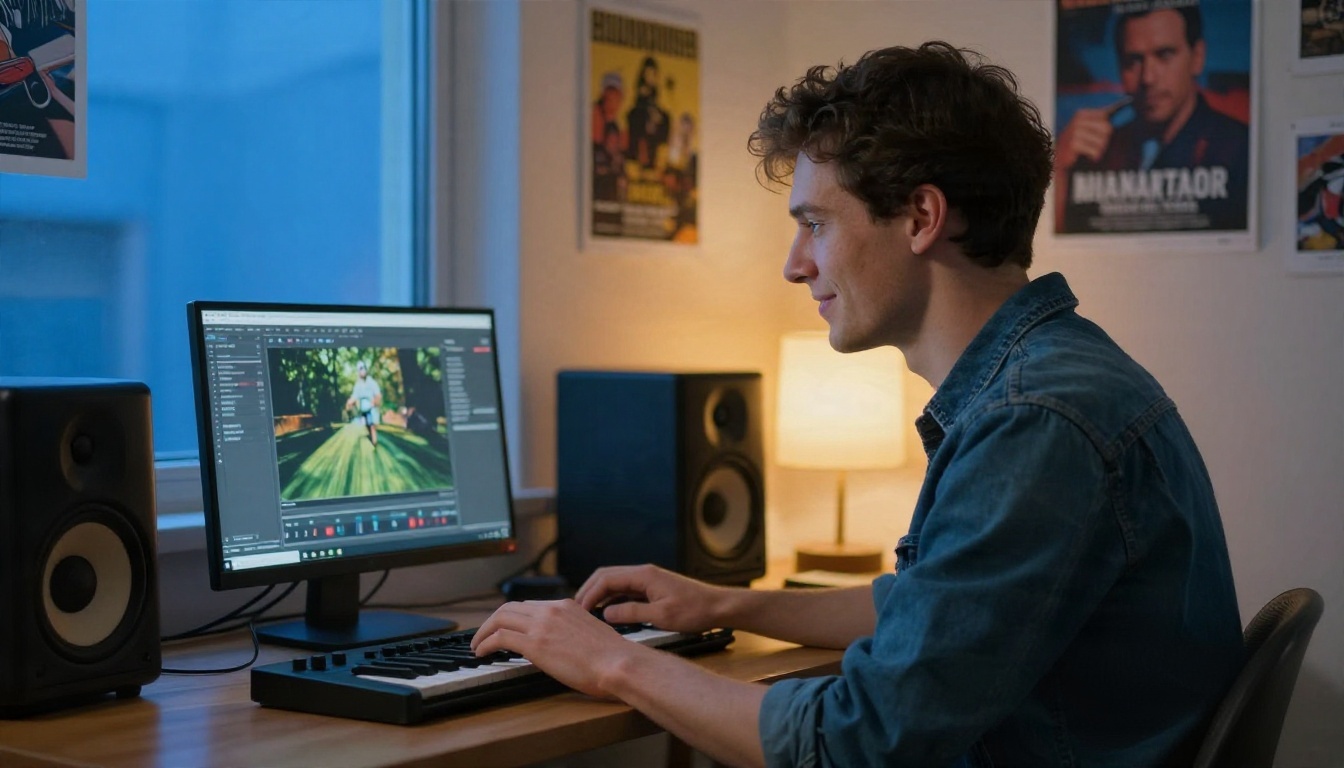
Any editor works: free desktop ones, browser editors, or the one already on your phone. Three rules help:
- Cut on motion. Start the next clip while the subject in the previous one is still moving.
- Shorten everything. Trim the first and last half second of each AI clip, where artifacts usually hide.
- Upscale at the end. Export once, then run the final file through a super resolution or video enhancement tool so you only pay for the upscale one time.
Common Mistakes to Avoid
Most weak AI trailers fail for the same few reasons. Spot them early and you will save hours.
Pacing that never changes
If every shot lasts five seconds, the trailer feels like a slideshow. Start with longer shots, then shorten them as the music rises. By the final act, shots should be one to two seconds. Use the long clips from your generator and trim hard.
A character who changes face
The most obvious tell of an AI trailer is a hero whose nose changes between shots. Fix it by:
- Generating one strong still of the character first.
- Animating from that still with an image-to-video model.
- Keeping outfit, hair and lighting the same in every prompt.
- Cutting away to hands, objects, silhouettes and landscapes between face shots. Real trailers do this too.
Too many ideas in one prompt
A prompt that tries to hold a chase, a conversation and a sunrise returns a muddled clip. One subject, one action, one camera move. Then move on.
Forgetting the audience
Decide before you generate: is this trailer for a pitch deck, a festival, a social post, or just for fun? A pitch trailer needs clarity. A social trailer needs a hook in the first two seconds. A for-fun trailer can be as strange as you like.
Make Your Own Trailer Today
The empty movie theater is still the dream for most storytellers, but the road to it is shorter than it used to be.
Here is a simple plan for this weekend:
- Pick a logline from the list above, or write your own in one sentence.
- Ask a language model to turn it into a 12-shot table.
- Generate your first three shots with a free model and check the look.
- Add a short narration and a music bed.
- Cut it, export it, and show it to one friend.
You do not need a studio to find out whether your idea has a pulse. Open PicassoIA, pick a text-to-video model, and generate your first shot. If you want to browse everything available before you start, visit picassoia.com/en/all-models and try a few side by side. Your trailer starts with one prompt.


