"In a world..." Four words, and your brain already hears the voice: low, slow, a little gravelly, with a pause that feels like a drumbeat. For decades that sound belonged to a handful of booked-solid voice actors. Now an AI movie trailer voice generator can give you something very close in under a minute, from nothing but a script and a few sliders. The catch is that most people type their text, press generate, and get a flat, friendly reading that sounds more like a GPS than a blockbuster. This article fixes that.
You will see which models make a believable deep narrator, what you can realistically get for free, the exact stability, speed, and style settings that push a voice toward trailer territory, and how to write the script itself so the audio lands. Everything here is practical: copy the settings, paste the sample script, and adjust by ear.

What Makes a Trailer Voice Sound Like One
Before touching any tool, it helps to know what you are trying to imitate. A trailer narrator is not just "a deep voice." Several things happen at once, and a text-to-speech model needs help with each of them.
The five ingredients
- Low pitch with chest resonance. The voice sits in the lower register and has body, not just bass.
- Slow, deliberate pacing. Trailer reads run roughly 20 to 30 percent slower than a normal narration.
- Heavy pauses. Silence does half the work. A one second gap after "This summer" is part of the performance.
- Controlled intensity. The voice does not shout. It leans in, and gets louder only on the final line.
- Clean, dry audio. Music and sound effects supply the drama, so the voice track itself is tight and close to the microphone.
An AI model gives you the first ingredient through voice selection, the second and fourth through settings, and the third and fifth through how you write the script and process the file. That division of labor is the whole strategy.
Why default settings fail
Most TTS engines are tuned to sound pleasant and conversational. Their default stability is moderate, speed is 1x, and expressiveness is low. That is perfect for an explainer video and wrong for a trailer. You need to deliberately push the model away from its comfortable average.
💡 Quick test: read your line out loud in your own voice first. Wherever you naturally pause or drop your pitch, mark it in the script. The AI will follow those marks far better than it follows a vague instruction like "make it dramatic."

Best Models for a Deep Narrator Voice
Not every speech model handles low, weighty delivery equally well. Here is how the main options on PicassoIA compare for trailer work.
| Model | Strength for trailers | Best use |
|---|
| ElevenLabs V3 | Expressive range, style and stability sliders, 25+ voices | Main narration with emotional build |
| Speech 2.8 HD | Studio-clean tone, steady low delivery | Polished final audio |
| Gemini 3.1 Flash TTS | 30 voices, 70+ languages | Multilingual trailers |
| TTS 1.5 Max | Fast generation, 15 languages | Quick drafts and iteration |
| Chatterbox | Emotion control and voice cloning | Custom character voices |
| Qwen3 TTS | Clone a voice or design your own | Inventing a signature narrator |
| Grok Text To Speech | Instant audio from short text | Tagline and logo stings |
ElevenLabs V3 for the main read
If you only try one model, make it ElevenLabs V3. Its sliders for stability, style exaggeration, and speed map almost perfectly onto the trailer checklist above. You can drop the speed below 1, raise the style value, and keep a long script sounding like one consistent person. The voice list is broad, so you can audition several deeper male voices in minutes.
Speech 2.8 HD for polish
Speech 2.8 HD is a good second opinion when V3 sounds too theatrical or too bright for your project. Run the same script through both and compare. The older Speech 2.6 HD is still useful when you want a slightly different texture.
Cloning and custom voices
When none of the stock voices has the exact growl you want, Qwen3 TTS lets you design a voice, and Voice Cloning can build one from a sample. Only clone voices you own or have written permission to use. Imitating a specific famous narrator without consent is a legal and reputational problem you do not need.

The Exact Settings to Use
This is the section to bookmark. These values are starting points, built around the controls ElevenLabs V3 exposes on PicassoIA, but the logic carries over to any model with similar sliders.
Starting presets
| Setting | Documentary read | Action trailer | Horror teaser |
|---|
| Speed | 0.90 | 0.85 | 0.75 |
| Stability | 0.60 | 0.45 | 0.70 |
| Style | 0.30 | 0.60 | 0.45 |
| Similarity boost | 0.75 | 0.80 | 0.75 |
What each slider actually does
- Speed is your pacing control. Going down to 0.85 or even 0.75 stretches words and makes every line feel heavier. Do not go so low that the audio sounds like slow motion; if it does, back off by 0.05.
- Stability controls how much the delivery varies from sentence to sentence. Low values sound more emotional and unpredictable. High values sound steady and almost robotic. For a trailer you want a middle range, so the voice can build but never wanders off character.
- Style is the exaggeration dial. At 0 you get a neutral reading. Pushing toward 0.5 or 0.6 adds the push and pull that makes a line sound performed.
- Similarity boost keeps the output close to the original voice character. Leave it around 0.75 to 0.80 unless the voice sounds thin.
💡 Change one slider at a time. If you move speed, stability, and style together you will never know which change helped. Generate, listen, adjust one value, generate again.
Picking a deep voice
The voice list in V3 includes names like Bradford, Reginald, Clyde, Paul, Drew, and Roger, among others. Voice names do not tell you pitch, so audition several with the same two sentences. Listen for a voice with a lower center of gravity and some grit, then lock it in before you tune the sliders. A good voice at default settings beats a mediocre voice with perfect settings.
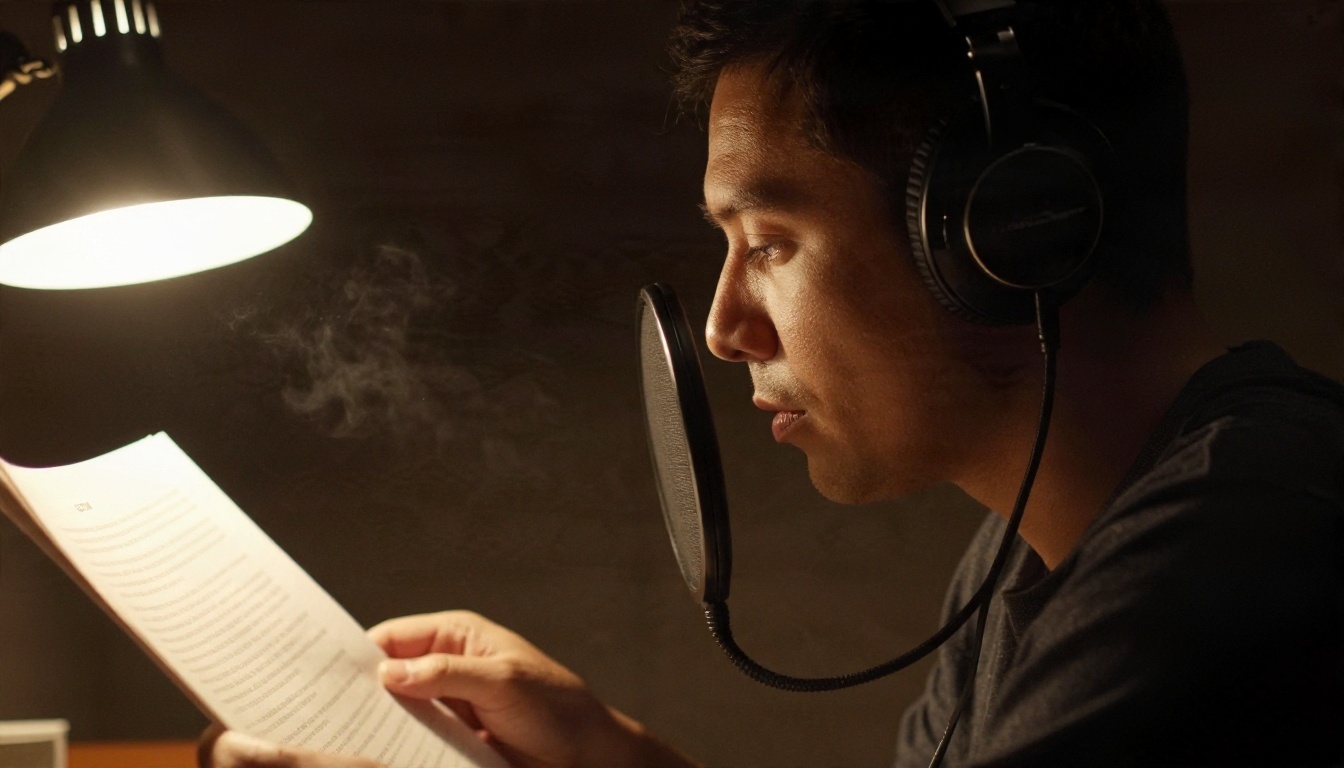
How to Use ElevenLabs V3 on PicassoIA
Here is the workflow from blank page to finished trailer line.
- Open the model page. Go to ElevenLabs V3 on PicassoIA.
- Paste your script into the prompt field. Use short lines with punctuation that forces pauses (more on that in the next section).
- Choose a voice. Start with a deeper male voice such as Bradford or Reginald, then audition two or three alternatives with the same text.
- Set speed. Enter 0.85 for an action trailer or 0.90 for a documentary tone.
- Set stability and style. Try stability 0.45 and style 0.60 for punch, or stability 0.60 and style 0.30 for a calmer read.
- Leave language code on "en" unless you are producing a trailer in another language, in which case change it to the matching code.
- Use previous and next text for context. If you generate a long trailer line by line, paste the surrounding sentences into the previous text and next text fields. The model uses them to keep intonation consistent across clips.
- Generate and listen on headphones. Judge the pauses and the final line first. Those two decide whether it feels like a trailer.
- Regenerate with one change. Adjust a single slider, run again, and compare.

Settings get you 60 percent of the way. The script gets you the rest. A text-to-speech model reads punctuation like sheet music, so write for the ear.
Use punctuation as stage directions
- Periods create the hardest stops. Use them generously.
- Ellipses (...) stretch a line and add suspense.
- Commas give short breaths.
- Capital letters on a single word often add emphasis, but use this sparingly.
- One idea per line. Long sentences flatten the delivery.
A sample script to test with
Paste this into your model and compare results across voices:
In a world... where silence is the last thing left.
One city. One choice.
And nothing will ever be the same.
This winter. Everything. Ends.
Notice the structure: a setup line with a drawn-out opener, two short punches, a promise, and a release with a single word per sentence at the end. That final beat is where most amateur trailers fall apart, because people write one long closing sentence instead of three tiny ones.
Common script mistakes
| Mistake | Why it hurts | Fix |
|---|
| Long run-on lines | Voice speeds up, loses weight | Split into short sentences |
| Too much adjective stacking | Sounds like a parody | Use one strong noun or verb |
| No pauses | Feels rushed | Add periods and ellipses |
| Over-explaining the plot | Kills mystery | Hint, do not summarize |
| Same intensity throughout | No arc | Start quiet, end loud |
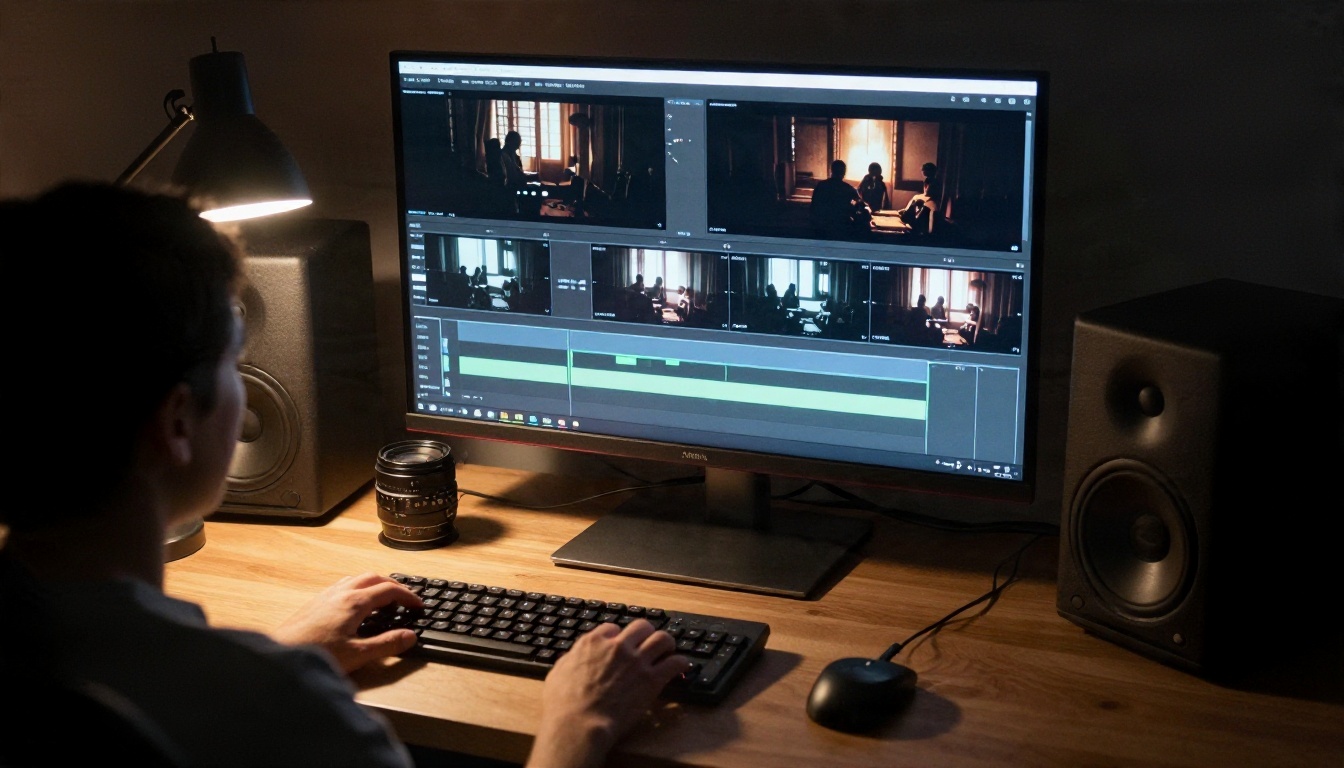
Free Options That Actually Work
"Free" comes up in nearly every search for this topic, so here is a straight answer. Truly unlimited, no-limit, studio-grade deep voices do not exist for free anywhere. What does exist is a set of reasonable ways to test and produce short trailers without spending much, if anything.
What you can realistically get
- Free trial credits. Most platforms, including PicassoIA, let new accounts generate a handful of clips before payment is needed. For a 30-second trailer read, that is often enough.
- Fast, cheaper models for drafts. Use lighter models like TTS 1.5 Mini or Chatterbox Turbo to test pacing and script structure. Then spend your credits on one final render with a premium model.
- Short scripts. A trailer voiceover is rarely more than 20 to 40 seconds. That is a tiny amount of audio compared to a podcast or audiobook, so even limited credit allowances go far.
- Pitch and EQ in a free editor. A free audio editor can lower pitch slightly and add low-end warmth to an otherwise average voice.
Where free options fall short
Free tiers usually come with one or more of these limits: capped monthly characters, watermarks or restricted commercial use, lower audio quality, or a short list of voices. Always check the license before you publish a trailer commercially, especially for client work or monetized YouTube content.
💡 Smart budget move: write and refine your script using a fast draft model, lock your timing, and only then run the final read through the best model you can access. You will burn far fewer credits than generating twenty full-quality takes.

Mixing It Like a Real Trailer
A great AI voice dropped raw onto a video still sounds like an AI voice on a video. Mixing is what makes it sound like a trailer.
A simple processing chain
- High-pass filter around 70 to 80 Hz to remove rumble.
- Gentle compression to keep the voice steady against music hits.
- Low-end boost of 2 to 3 dB around 100 to 200 Hz for chest weight, if the voice is thin.
- Slight presence lift around 3 to 4 kHz so words stay clear over drums.
- Short, dark reverb on the final line only. A touch of room tone makes the last words feel like they fill the theater.
Add the sound around the voice
Trailers use silence and sound effects as punctuation. Place a low rumble or a single impact hit exactly where your pauses fall. If your project needs a music bed, the AI music generation tools on PicassoIA can produce a tense, slow-building underscore that you can duck beneath the narration. You can also pair your finished audio with generated footage from the text-to-video models, or sync it to a character using lipsync tools, so the voice and the picture come from one workflow.
Check your timing against picture
If the narration has to match a cut, build the script around the shot lengths, not the reverse. Count roughly 2.5 words per second at trailer pace. A 6-second shot holds about 15 words at most, and fewer is better.
Fixing Common Voice Problems
Even with good settings, a few issues appear again and again.
The voice sounds too cheerful
Lower the style value, raise stability slightly, and try a different voice. Cheerfulness often comes from the voice itself, not the sliders. Rewrite the script with shorter, colder sentences as well.
It sounds robotic
Stability is probably too high or style is at zero. Drop stability to 0.45 to 0.55 and raise style to around 0.4. Also check for repeated sentence rhythm, which makes any voice sound mechanical.
The pacing feels rushed
Reduce speed by 0.05, then add periods between clauses. If you are generating a long script in a single block, split it into separate lines and use the previous and next text fields to keep context.
The voice drifts between clips
This happens when each line is generated with no context. Keep stability in the 0.5 to 0.7 range, use the same voice and settings for every clip, and pass neighboring lines as context.
Pronunciation errors
Spell tricky names phonetically in the script, for example "Kah-lee-oh-pee" instead of an unusual name, and listen again. It looks odd on the page and sounds right in the audio.
Trailer Voices for Other Languages
A lot of creators want a Spanish, French, or Portuguese trailer from the same script. Gemini 3.1 Flash TTS supports 70+ languages, and ElevenLabs V2 Multilingual is built for 30+ languages. If you already have a finished English video, the Dubbing model can translate it into other languages while keeping the track in sync. Rewrite the script by hand for each language rather than relying on literal translation, because pauses and rhythm differ from one language to another.
Make Your Own Trailer Narrator Today
You now have the full recipe: a deep voice chosen by ear, speed around 0.85, a stability and style balance that lets the read build without drifting, a script written in short punches, and a light mix that gives the audio some weight. Nothing here needs studio gear or a voice actor's schedule.
Open ElevenLabs V3 on PicassoIA, paste the sample script, and generate three takes with three different voices. Then run the best one through Speech 2.8 HD and compare. Try a horror teaser, a documentary open, or a joke trailer for your friend's birthday video. The fastest way to find your narrator's sound is to make a dozen of them. When you want to see what else the platform can do, from video generation to music, browse everything at picassoia.com/en/all-models and start building your own trailer today.


