AI Music Generator Free With Vocals: Online, No Signup, Commercial Use
Type a style and a few lyrics, and an AI music generator returns a full song with a singing voice in under a minute. This article shows which tools are really free, what no signup means, and how to check commercial use before you publish.
You type a sentence about a rainy night drive, add four lines of lyrics, press a button, and a few seconds later a voice is singing your words over a real chord progression. That is what a modern AI music generator with vocals does, and it no longer takes a studio, a singer, or a music degree. The harder part is the fine print. Search for a free tool and you will find dozens that promise free, no signup, and commercial use all at once. Very few deliver all three, and the gaps usually show up after you have already built a video around the track.
This article sorts the promises from the reality. You will see what "free" tends to mean, why a no signup tool is rare, how to check commercial rights before you publish, which models actually sing, and how to write prompts that sound like a person made them.
What "Free" Really Means Here
The word free is doing a lot of work in this category. Before you pick a tool, it helps to know the four versions you will meet.
Free Forever vs. Free Trial
A free forever tier gives you a limited number of songs per day or month with no card required. A free trial gives you a burst of credits, then asks you to pay. A freemium tool lets you generate for free but locks downloads, high quality files, or licensing behind a plan. Some sites are simply ad supported and let you generate as much as you like while you watch a banner.
💡 Tip: Generate one test song before you commit to any tool. Check three things: can you download the file, is the audio quality acceptable, and is there a watermark or voice tag in the output?
Why No Signup Is Rare
Generating audio costs real compute. Every song is a GPU job, and a site that lets anonymous visitors run unlimited jobs gets drained by bots within days. That is why most tools ask for an email, a Google login, or a credit system. When you do find a tool that skips the account step, expect tighter limits: shorter songs, a daily cap, a queue, or lower bitrate output.
A quick reading of recent reviews and roundups shows the same pattern. Vendor pages tend to claim no signup, unlimited songs, and full commercial use together, but those claims come from the vendors themselves and are hard to verify. Independent comparisons mostly report that free output on the best known song generators is limited to personal, non commercial use, while paid plans add the license.
Commercial Use: Read This First
A song you cannot legally use is just a hobby. If your plan involves YouTube monetization, client videos, ads, or streaming platforms, the license matters more than the sound.
What Licensing Usually Looks Like
Most generators follow one of three models:
License Type
What It Usually Means
Risk Level
Personal use only
Fine for private listening and non monetized sharing
High if you publish for money
Commercial on paid plans
Free songs stay personal, paid songs are yours to monetize
Medium, check the date you made the song
Royalty free with commercial rights
You may use the output in ads, videos, and products
Low, but read the terms for limits
One detail trips people up: on several platforms, the license depends on the plan you were on when you made the song. A track generated on a free tier may stay non commercial even if you upgrade later.
A Quick Safety Checklist
Run through this before you publish anything with money attached:
Find the terms page and search it for the words "commercial" and "ownership".
Check the date on your generation and the plan you used.
Keep a record of the prompt, the model name, and a screenshot of the terms.
Avoid naming real artists in your prompt. Style descriptions like "warm 90s R&B" are safer than "sound like" requests.
Skip distribution platforms if the license is unclear. Some reject AI tracks without documentation.
⚠️ Heads up: No article, including this one, replaces the current terms of the tool you use. Licenses change often, so read them on the day you publish.
Which Models Actually Sing
Not every music model writes vocals. Some produce only instrumentals, which is great for background beds but useless if you want a chorus someone can sing along to. PicassoIA lists several in its AI music generation category, and they fall into two camps.
Models That Make Full Songs
These accept a style prompt plus lyrics and return a finished track with a singing voice:
If you want the shortest path to a finished song with vocals, start with Music 2.6. It is the one used in the walkthrough below.
Instrumental Specialists
Stable Audio 2.5 and Lyria 2 lean toward instrumental and texture work: loops, ambient beds, cinematic swells, and background tracks for videos. When you need a clean bed under a voiceover, they are a sensible pick. When you need someone singing a hook, move to one of the full song models above.
How to Use Music 2.6 on PicassoIA
Music 2.6 takes a style prompt and optional lyrics, and returns a song with vocals, melody, harmony, and arrangement. It can also write the lyrics for you.
Write the style prompt. Describe genre, mood, and scene, for example: "Indie pop, warm female vocal, dreamy, perfect for a late summer drive."
Paste your lyrics into the lyrics field, or leave it empty and switch on the lyrics optimizer.
Add structure tags such as [Verse], [Chorus], and [Bridge] to control the arrangement.
Choose the output format. MP3 is fine for social clips. WAV is better for editing.
Generate, listen, and repeat. Change one thing per attempt so you know what caused the change.
Parameter Tips That Matter
Setting
What It Does
Recommended
Prompt
Style, mood, and scene, up to 2000 characters
1 to 3 sentences
Lyrics
Your words, up to 3500 characters
2 verses and a chorus
Lyrics optimizer
Writes lyrics from your prompt when the field is empty
On for first drafts
Is instrumental
Removes vocals completely
Off when you want a singer
Audio format
MP3, WAV, or PCM
WAV for editing, MP3 for sharing
Bitrate
Up to 256 kbps
Keep at the maximum
Sample rate
Up to 44100 Hz
Keep at 44100
💡 Tip: Leave the sample rate and bitrate at their top values. Lower settings save nothing you will notice and cost you clarity in the vocal.
Write Prompts That Sound Human
The biggest difference between a generic song and a memorable one is the prompt. The model fills every blank you leave, and it fills them with the average of everything it has heard.
Genre, Mood, Tempo, Voice
A strong style prompt names four things: genre, mood, tempo or energy, and the voice. Compare:
Weak: "A happy song."
Strong: "Upbeat acoustic folk pop, mid tempo, handclaps, a bright male vocal with a slight rasp, sunny road trip feeling."
The strong version gives the model a voice to cast, an instrument palette, and a scene. You can add a recording flavor too, such as "lo-fi tape warmth" or "clean studio pop."
Structure Tags for Lyrics
Tags tell the model where each section begins. A simple layout looks like this:
[Verse]
Streetlights smear across the glass
Radio low, the city moves too fast

[Chorus]
Take me home, take me home
Even if the road is long
Use [Intro] for a short instrumental opening, [Bridge] for a change of mood before the final chorus, and [Outro] to wind the song down. Short lines of 6 to 9 syllables sing more naturally than long, crowded ones.
3 Common Mistakes
Overstuffed prompts. Ten genres in one sentence give you muddy results. Pick one main genre and one supporting flavor.
Lyrics with no rhythm. If you cannot say the line out loud in time, the singer will struggle too.
Changing everything at once. Edit one variable per attempt. Otherwise you will never know what helped.
Real Ways to Use Your Track
A generated song is useful the moment it fits a project. These are the situations where people actually put them to work.
Videos and Reels
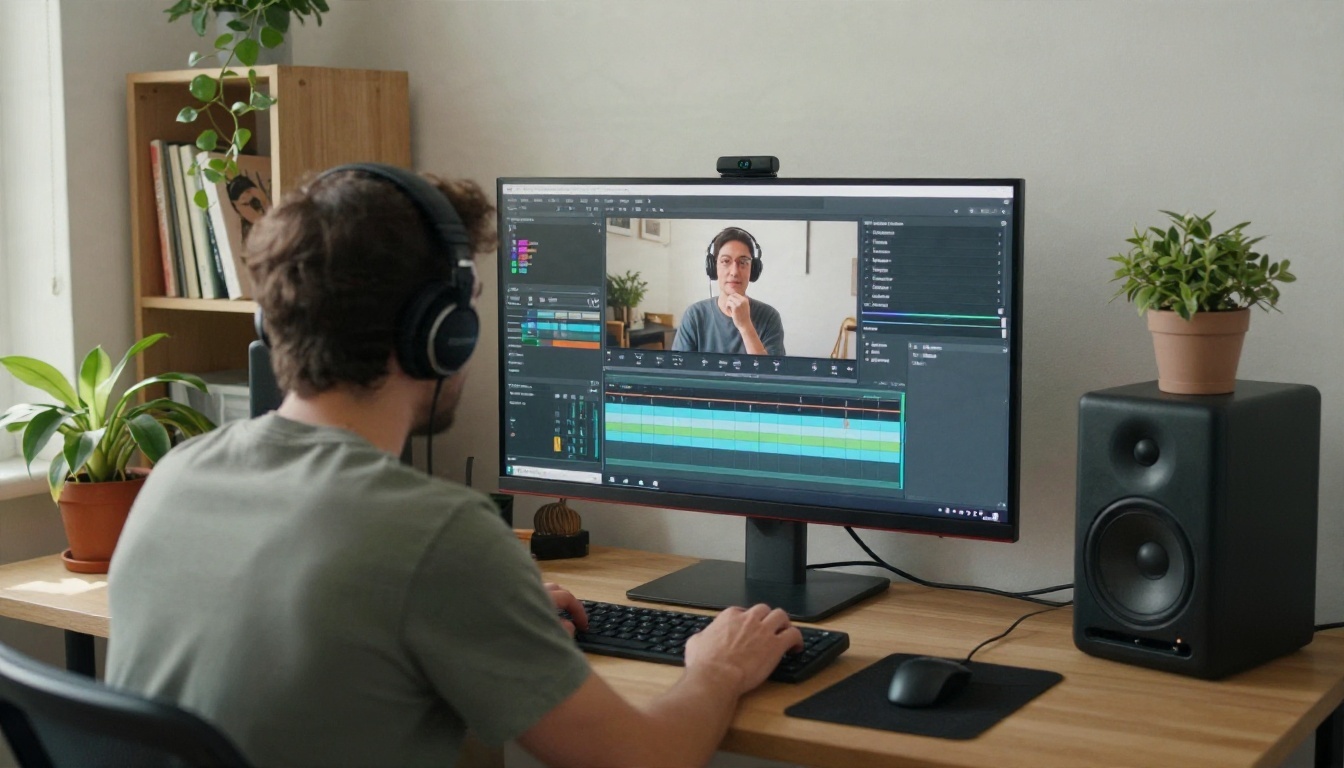
Short form creators need background music that is not already used by thousands of other accounts. A custom song tuned to the pace of your edit makes a clip feel finished. Match the tempo to your cuts and ask for an instrumental version for sections with talking.
Podcasts and Intros
A 15 second sung jingle with your show name turns an ordinary intro into a recognizable brand sound. Generate several versions, pick the one that matches the show's mood, and keep the lyrics short. If you plan a branded theme, run the licensing checklist above before you lock it in.
Personal Gifts and Memories
A birthday song with the right name and a few inside jokes lands better than any card. Friends and family react to a track built around their own story, and personal use is the safest legal ground for free tools.
Pitch Demos and Songwriting Sketches
Songwriters use these tools as a fast sketchpad. You write a verse and chorus, hear a rough arrangement in a minute, and decide whether the idea deserves a real session. For that job, free output is perfectly fine since the track is a reference, not a release.
Fixing Weak Results
Even good prompts sometimes produce a song that is almost right. Here is how to nudge it.
When the Vocals Sound Flat
Add emotion words and a vocal description: "breathy, close microphone, tender" or "powerful, belting chorus." Shorter lyric lines often improve phrasing as well.
When the Genre Drifts
State the genre first and put it in plain words. "Synthpop" will land closer than a long poetic scene. If the chorus keeps changing style, repeat the genre name once near the end of the prompt.
When the Song Ends Too Soon
Add more sections. A verse, chorus, verse, chorus, bridge, and final chorus layout gives the model room to build a full arc. A very short lyric sheet produces a very short song.
When You Need No Vocals At All
Turn on instrumental mode, or choose Stable Audio 2.5 for textures and loops. Pair the track with a voiceover and you get a clean bed that does not fight the speaker.
You do not need a studio, a singer, or a budget to hear your own words turned into a song. Pick a mood, write four lines, and let a model sing them back to you. Start with Music 2.6, try a second take with Lyria 3 Pro, and keep the version that gives you goosebumps.
When you are ready to pair your track with visuals, PicassoIA also has text to video, text to image, lipsync, and text to speech models, so a single idea can become a song, a cover image, and a short clip in one afternoon. Browse everything at picassoia.com/en/all-models, start experimenting, and share the result.