Type "free AI NSFW" into a search bar and you get a wall of tools that all make the same promise: no filters, no limits, no cost. Then you sign up, generate two pictures, and hit a paywall, a watermark or a queue that takes twenty minutes. This article sorts the useful options from the bait. You will see which image generators give good glamour results at no cost, how free chat apps behave once the novelty wears off, which prompts actually work, and what "free" costs you in daily caps and privacy.
One note on scope. Everything here focuses on suggestive, non-explicit content: bikinis, lingerie, boudoir portraits, glamour and fashion editorials. That is where AI image tools are strongest, and it is also where you stay on the right side of platform rules and the law.
What "Free" Really Means Here
Before comparing tools, it helps to know the four models of "free" you will run into. Most search results blur them together.
| Type of free | What you get | Catch |
|---|
| Daily credits | A fixed number of generations per day | Resets daily, but caps are low, often around 10 to 20 images |
| Trial credits | A one-time pile of credits | Gone after a session or two |
| Open models | Free weights you can run yourself | Needs a strong GPU and setup time |
| Unlimited on a platform | No per-image cap | Rare, so check how generation speed and quality hold up |
Research across recent roundups shows the same pattern: most free tiers cap daily usage or lock the better models behind a subscription. One vendor page, for example, listed roughly 15 image prompts a day on the free plan and an upgrade near $18 a month. Treat any number you read as a snapshot, because tiers change often.
💡 Quick test: Before you trust a "free" generator, make five images in a row. If the fifth one is blurred, watermarked or blocked behind a login, you have found the real limit.

Best Free AI NSFW Image Generators
Seedream 4.5 Comes First
Seedream 4.5 is the model I reach for when the goal is a believable, flattering, suggestive portrait. It renders skin with natural texture instead of the waxy plastic look, handles fabric like satin, lace and wet swimwear with convincing highlights, and keeps hands and faces stable across many generations. It also outputs at high resolution, so a picture still looks sharp when you zoom in.
What makes it useful for adult-leaning glamour work is how it responds to photographic language. If you write about lens, light and skin the way a photographer would, it follows closely. If you write a list of buzzwords, it gets noisy.
Why it leads the pack:
- Strong realism in faces, skin and fabric
- Good prompt following for lighting and pose
- High resolution output
- Handles bikini, lingerie and boudoir styling without drifting into cartoon looks
Image Editor Pro for Unlimited Runs
The second tool to try is PicassoIA Image Editor Pro. Its big advantage is simple: unlimited generations. That changes how you work. When every image costs a credit, you write one careful prompt and hope. When runs are unlimited, you iterate: tweak the outfit, swap the location, adjust the light, run it again, and keep the best.
It is also an editor, not just a generator. You can take a portrait you already like and change the outfit color, the background or the mood without rebuilding the entire picture. For anyone who has been burned by daily caps, that freedom is the main reason to try it.
💡 Workflow tip: Generate your base image with Seedream 4.5, then bring it into Image Editor Pro for unlimited small edits. You keep the quality of the first and the freedom of the second.
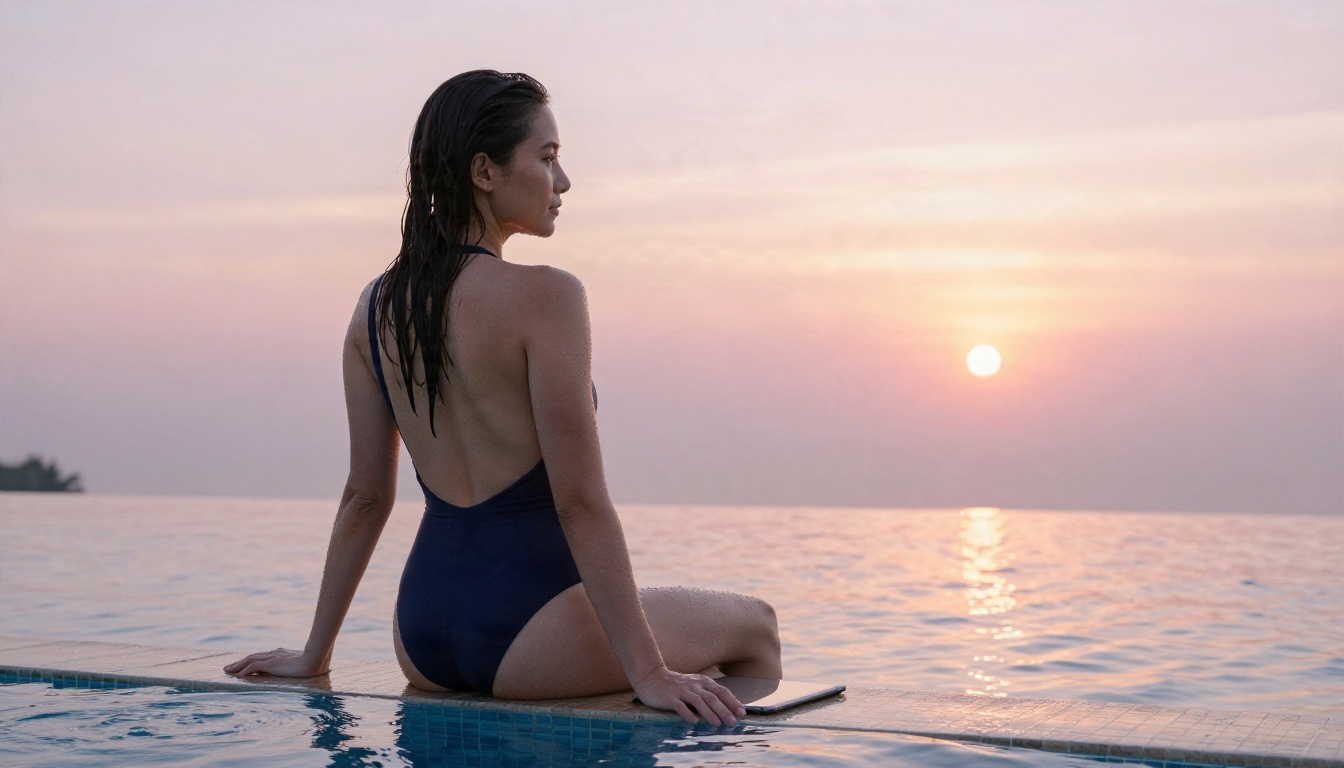
Open Models Worth Trying
If you want more variety, several other models on the platform deliver strong photoreal portraits. Their filters and style vary, so test each with a simple glamour prompt before committing a long session.
Be realistic about filters. Some mainstream models block anything beyond a swimsuit, and results can change when a provider updates its rules. That is why having several options in one place beats betting on a single generator. You can browse the full list at picassoia.com/en/all-models.
How to Use Seedream 4.5 on PicassoIA
Step by Step
- Open the Seedream 4.5 page on PicassoIA.
- Write your prompt in plain, photographic English. Start with the subject and outfit, then the place, then the light, then the camera.
- Pick a 16:9 ratio for wide editorial scenes or a portrait ratio for full-body fashion shots.
- Choose the highest resolution you need. Start lower for tests and go higher for the final run.
- Generate, review, and change one thing at a time: the light, the pose or the setting.
- Save the version you like, then polish it in Image Editor Pro.
Settings That Matter
- Lens words: Phrases like "85mm f/1.8" push the model toward flattering portrait compression and soft backgrounds.
- Light direction: "Golden morning light from the left" gives far better skin than "good lighting".
- Film language: "Kodak Portra 400, fine grain" softens the digital look.
- Skin detail: Mention "natural skin texture, faint freckles" to avoid the airbrushed finish.
- Fabric: Name the material: satin, lace, linen, wet cotton. The model draws different highlights for each.
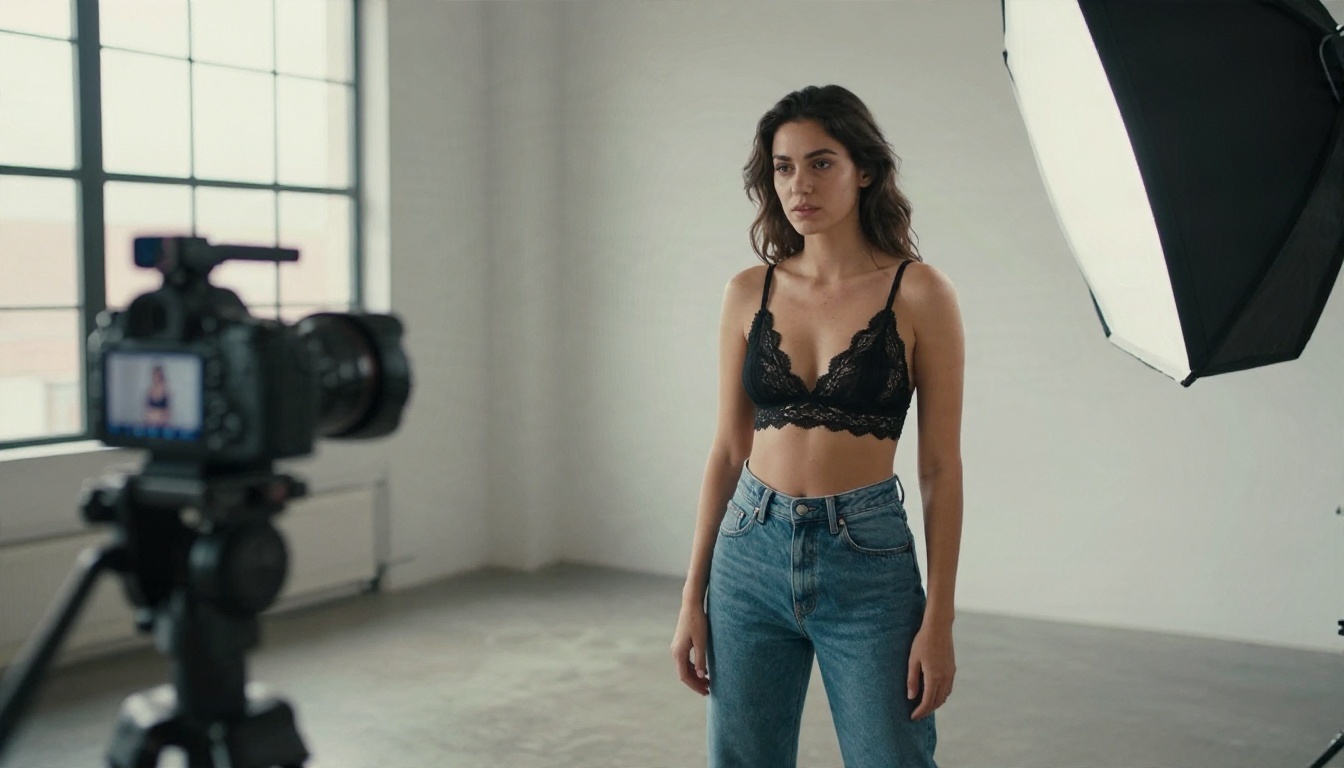
Free AI Chat Apps: What to Expect
Companion Apps and Their Paywalls
The chat side of this keyword is a different market. Companion and roleplay apps usually let you start free, with a daily message cap, then push you toward a paid tier. Based on recent roundups, the usual pattern looks like this:
| Feature | Free tier | Paid tier |
|---|
| Text chat | Yes, with a daily message limit | Higher or no limit |
| Memory of past chats | Short | Longer |
| Voice replies | Rarely | Usually |
| Image generation in chat | Rarely | Usually |
| Response speed | Slower in busy hours | Priority queue |
Names that come up again and again in listings include SpicyChat AI, CrushOn AI, Muah AI and Nastia AI. I would not tell you any of them is the best, because limits, filters and policies shift month to month, and some reviewers flag serious privacy worries with certain apps. Check the current terms yourself before you share anything personal.
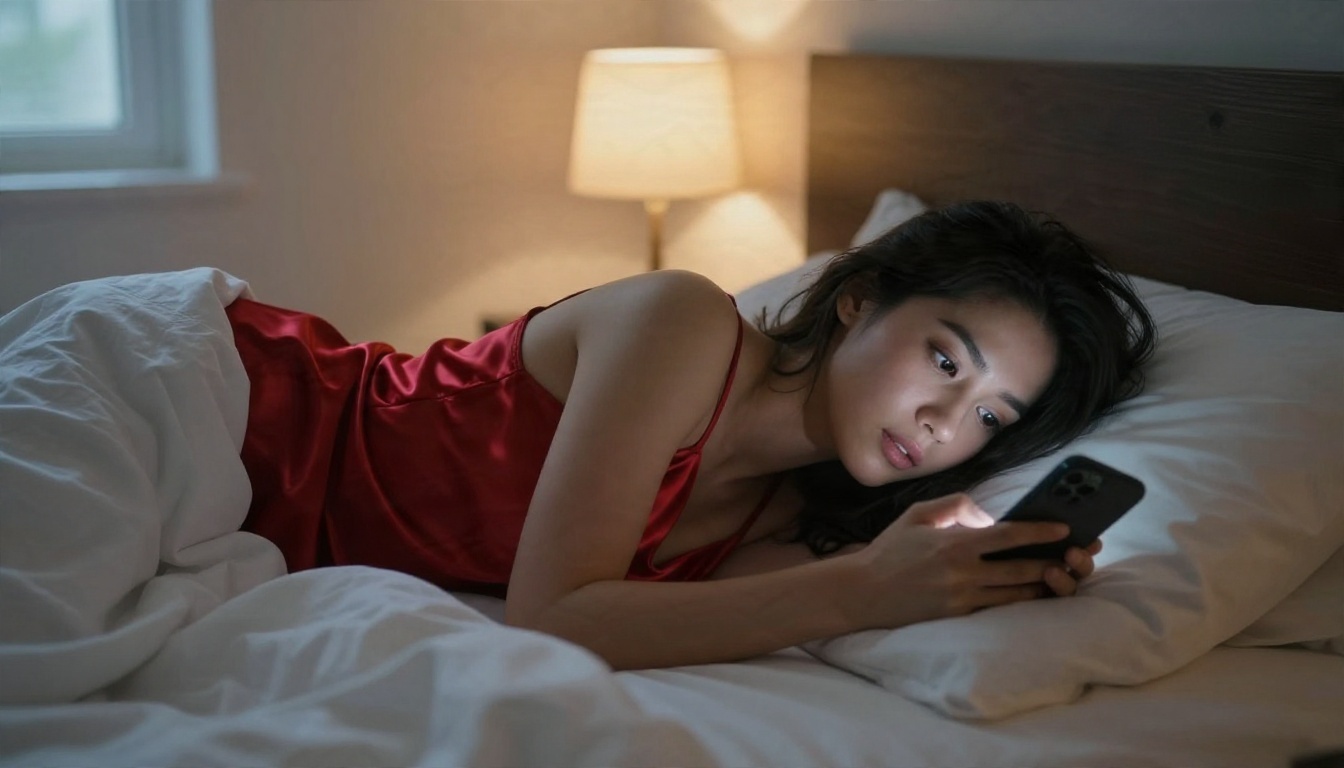
Using LLMs for Prompt Writing
Here is the part most people skip. A large language model is a very good prompt assistant for image work. You describe the mood you want in a casual sentence, and the model turns it into a detailed photographic prompt with lens, light and texture.
Good picks on PicassoIA include:
These are general chat models with their own safety behavior, so use them for scene design, romantic story drafts and prompt polishing, not for explicit roleplay. Ask them to rewrite your idea as a photography brief, and paste the result straight into your image tool.
💡 Try this request: "Turn this idea into a 70 word photo prompt: woman in a silk robe, sunny hotel room, soft golden light, 85mm lens, natural skin texture."
Prompts That Actually Work
A Simple Prompt Formula
Every strong glamour prompt follows the same five parts. Keep them in this order and you will waste fewer credits.
- Subject and outfit: who, what they wear, and the pose
- Setting: a real place with two or three physical details
- Light: direction, color and softness
- Camera: lens, angle and depth of field
- Texture and mood: skin, fabric, film grain, emotional tone
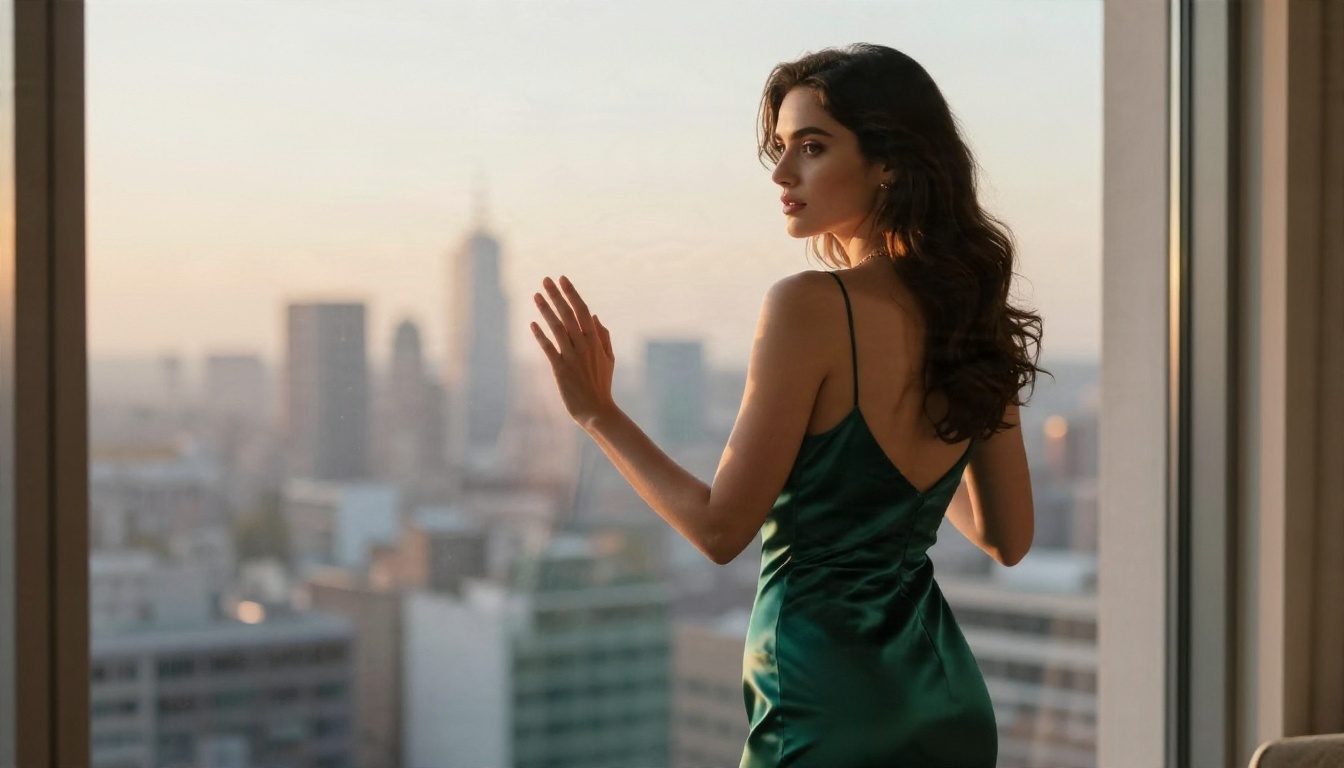
Five Prompts to Copy
Paste these into Seedream 4.5 or Image Editor Pro and adjust the details.
1. Hotel suite glamour
Raw photograph, woman in a black satin lingerie set under a loose white silk robe, lounging on a cream sofa in a sunlit hotel suite, golden morning light from the left, 85mm f/1.8, natural skin texture, Kodak Portra 400 grain.
2. Beach golden hour
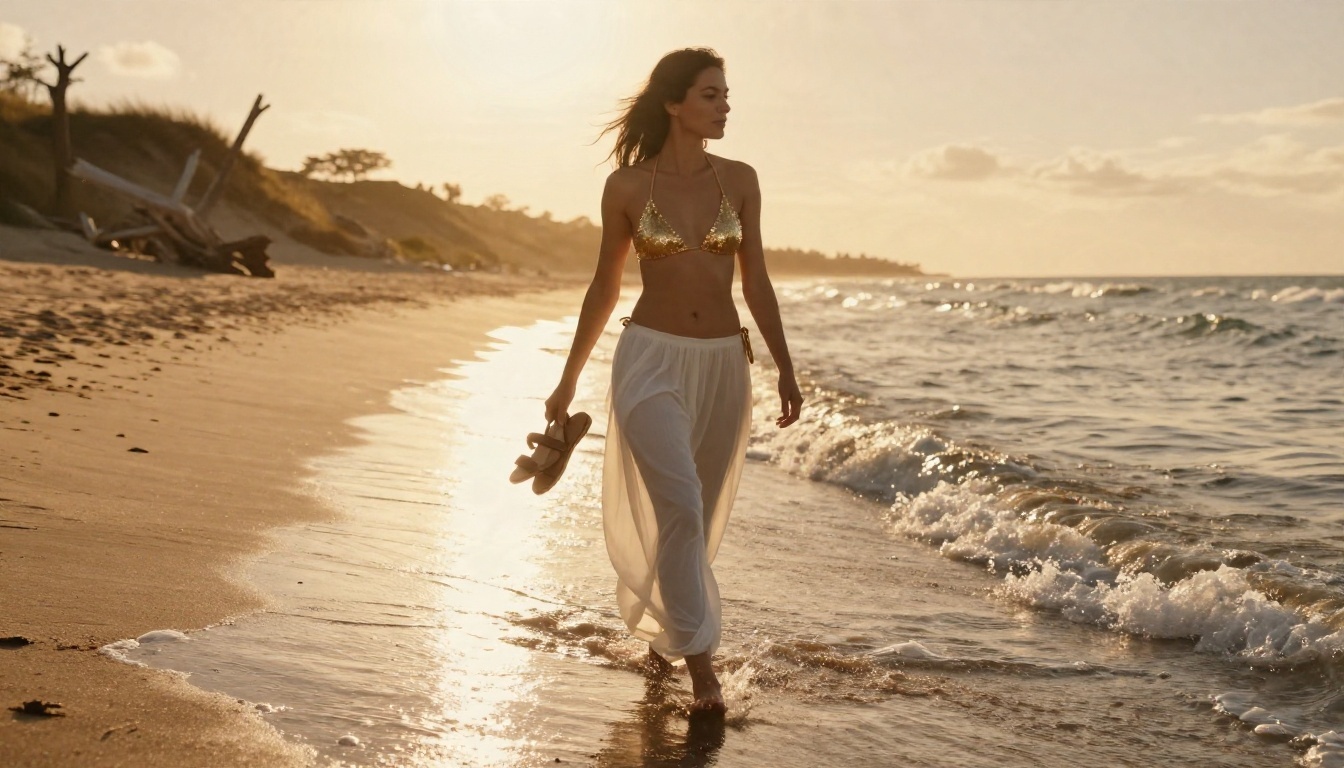
Raw photograph, woman in a gold bikini top and white linen pants walking along a quiet shoreline, backlit low sun, waves around her feet, 70mm f/2.8, wet sand reflections, sun-kissed skin.
3. Boudoir vanity
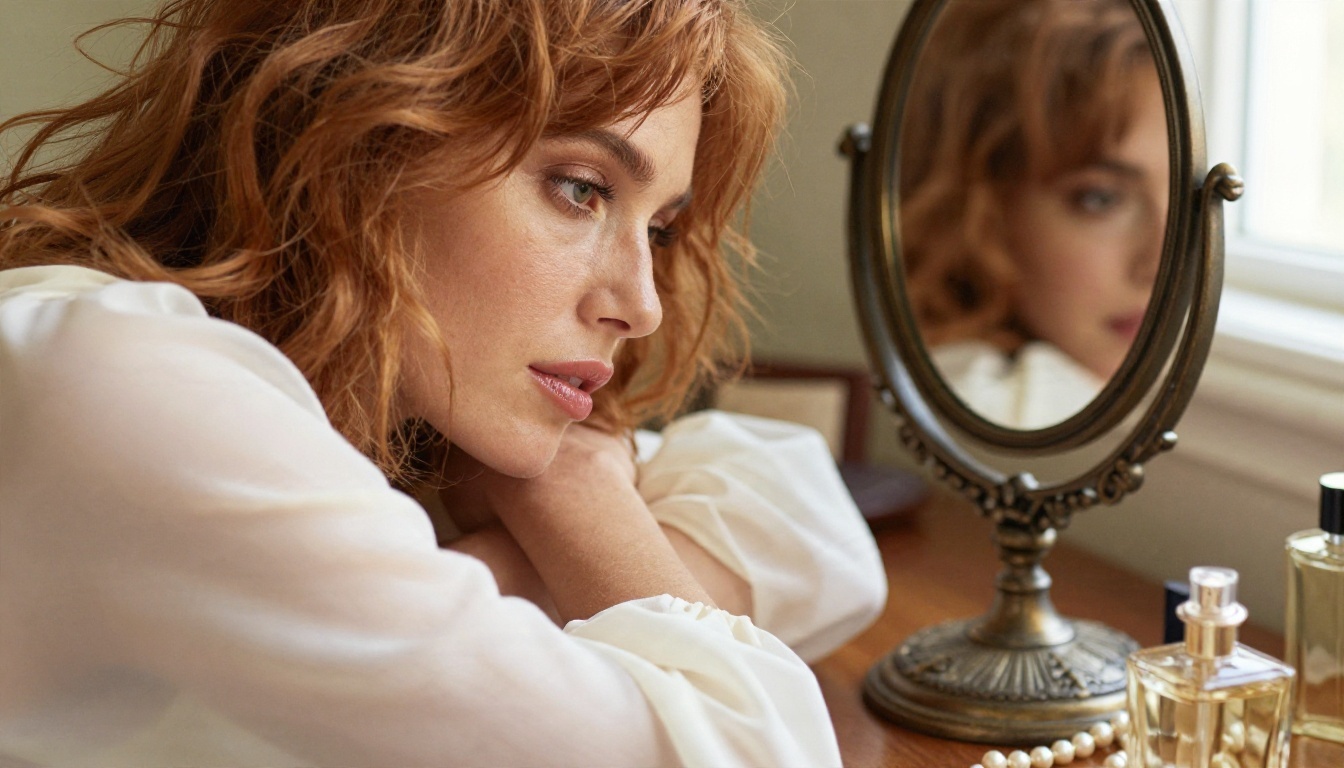
Raw photograph, close-up portrait of a woman in a sheer ivory robe resting her chin on her hand at a vintage vanity mirror, warm window light from the right, 100mm f/2, glossy lips, faint freckles.
4. Penthouse evening
Raw photograph, low-angle shot of a woman in an emerald satin slip dress by a floor-to-ceiling window at dusk, city blurred behind, rim light on her hair, 85mm f/1.4.
5. Pool at sunrise
Raw photograph, woman in a navy one-piece swimsuit at the edge of an infinity pool at dawn, droplets on her shoulders, soft pink and gold light, 35mm f/2.8, water ripples.
Habits That Waste Your Credits
- Stacking buzzwords: "ultra 8K masterpiece trending best quality" adds noise, not detail.
- Changing five things at once: you will never know which change helped.
- Skipping the light: flat, even lighting is the top reason AI portraits look fake.
- Vague outfits: "sexy outfit" gives random results. "Black satin slip dress" gives control.
- Ignoring the aspect ratio: wide scenes in a square frame crop awkwardly.
Free Limits Compared
Typical Daily Caps
Rather than naming each site and risking stale numbers, here is how the main categories tend to behave in practice.
| Tool category | Typical free allowance | What usually gets locked |
|---|
| Browser image generators | Around 10 to 20 images a day | Top resolution, fast queue, best models |
| Companion chat apps | A set number of messages a day | Memory, voice, image replies |
| Open models on your own PC | No cap | You pay in hardware and setup time |
| Multi-model platforms | Mix of free runs and paid credits | Varies by model |
| Unlimited editors | No per-image cap | Fewer controls than a full generator |
This is the table to keep in mind when a site shouts "unlimited." Always ask: unlimited what? Unlimited low-res previews are not the same as unlimited full-quality renders.
Hidden Costs of Free Tools
- Watermarks that ruin a good image
- Public galleries where your free generations are visible to everyone
- Slow queues during peak evening hours
- Forced upsells every third click
- Data use: your prompts and uploads may be stored or used for training
A free tool with a clean interface and a clear privacy page is worth more than a "no limits" site with a wall of ads.
Privacy and Safety Rules
Protect Your Data
Roundups on this topic keep repeating one warning: free cloud tools often publish vague retention and training policies, and a few have been tied to spyware-style behavior. A sensible routine looks like this:
- Use a throwaway email, not your main address
- Never upload a photo of a real person without their clear permission
- Do not type your full name, address or workplace into a chat
- Skip any app that asks for a download outside an official app store
- Read the data retention line before your first generation
Keep It Legal
"Uncensored" means a platform removed some of its own filters. It does not remove the law. Three lines are never worth testing:
- No real people without consent. Faces of colleagues, exes, public figures or friends are off limits for adult-style content.
- No minors, ever. Anything that looks youthful is a hard stop, no matter the prompt.
- No deceptive use. Never pass AI images off as real photos of a real person.
Stay with fictional adult characters, suggestive styling and clearly artistic framing. You get great results and none of the risk.
Try It Yourself Today
You do not need ten accounts and a stack of coupon codes. A short routine gets you further than endless signups:
- Ask a chat model like Deepseek V3.1 to turn your idea into a photography prompt.
- Generate the base image with Seedream 4.5.
- Refine outfit, background and mood with PicassoIA Image Editor Pro, where generations are unlimited.
- Test the same prompt on Z Image Turbo for a different look.
Pick one of the five prompts above, change the outfit and the location, and run it. Within ten minutes you will know whether the result beats the tool you use now. When you want more choices, open the full model list at picassoia.com/en/all-models and try a few side by side. Your best image is usually the third or fourth variation, so keep experimenting on PicassoIA.


