Type "AI no restrictions" into a search bar and you get a wall of promises: free chat with zero filters, image apps that never ask for an email, and tools that claim they will say yes to anything. Most of those pages are thin, a few are risky, and almost none tell you what you actually get once the page loads. This article sorts the hype from the useful. You will see what "no restrictions" really means, where free chat and no sign up image apps fall short, and which alternatives deliver sharp, photorealistic results without the hassle.
What "No Restrictions" Really Means
The Marketing Promise
When a site advertises an unrestricted AI, it usually means one of three things. Either the filters are looser than a big-brand assistant, or the tool runs an open-weights model with no moderation layer on top, or the page is simply a landing page built to collect clicks. The phrase is a search term, not a technical standard.
People search for it for ordinary reasons. A novelist wants a chatbot that will write a dark scene without lecturing. A photographer wants swimwear and glamour portraits without a refusal message. A student wants a straight answer on a sensitive medical or historical topic. These are fair needs, and they explain why the keyword is so popular.
Limits That Never Disappear
Here is the honest part. No legitimate AI service is truly without limits. Payment processors, app stores, hosting companies and the law all push back on a handful of categories: sexual content involving minors, non-consensual deepfakes of real people, instructions for serious harm, and fraud. Any tool that claims otherwise is either lying or about to be shut down.
💡 Quick rule: a tool that is "less filtered" is fine. A tool that promises no rules at all is a warning sign for your data, your device and your account.
What you can reasonably expect is a service that treats adults like adults: it allows suggestive but non-explicit imagery, mature fiction themes, blunt answers, and creative freedom, while keeping the few hard lines that protect real people.
Free AI Chat Without Filters

Why People Want It
Refusals are frustrating. You ask for help with a villain's monologue, a frank health question or a spicy marketing line, and the assistant answers with a paragraph of warnings. Over a long session, that friction adds up. Users start hunting for a free AI chat that simply helps and moves on.
The better framing is not "no filters" but fewer unnecessary refusals. Modern large language models are far more flexible than they were a few years ago, and the choice of model matters more than the brand of the chat window.
What Free Tiers Really Give You
Free chat sites are rarely free in the way you assume. Typical trade-offs include:
- Message caps that reset daily or hourly
- Slower queues when the service is busy
- Shorter memory, so long stories lose track of earlier details
- Prompt logging, meaning your private drafts may be stored
- Older models presented as if they were the latest
If privacy matters, read what the site says about storing conversations before you paste anything personal.
Open Models Versus Hosted Chat
Open models are the reason "uncensored" chat exists at all. Their weights can be run by anyone, which means anyone can fine-tune them to be more permissive. That is also why quality varies wildly. A small tuned model may follow your tone but forget facts, while a large hosted model reasons better but keeps tighter guardrails.
Several language models on PicassoIA sit in that middle ground and are worth testing side by side:
💡 Tip: if a model refuses, rewrite the request with context. Say who the scene is for, what the genre is and what the tone should be. A clear creative brief gets more cooperation than a vague one.
Image Apps With No Sign Up
The Appeal of Skipping Accounts
No sign up is a strong hook. You land on a page, type a prompt and get a picture. No email, no password, no verification code. For a quick test, that is hard to beat, and it explains why "AI image generator no sign up" is one of the most searched phrases around this topic.
The Trade-Offs of Anonymous Tools
Anonymous tools have to pay their bills somehow. Expect at least some of the following:
- Visible watermarks stamped across the corner or center
- Low resolution exports, often 512 pixels or similar
- Aggressive ads and pop-ups, some misleading
- Tiny daily limits enforced by cookies or IP address
- Unclear data handling, since there is no account to tie a privacy policy to
None of these are dealbreakers for a one-off experiment. They become a problem when you want consistent quality, higher resolution or a repeatable workflow.
Watermarks, Queues and Data
A good rule is to look at three things before you trust a free image app: where the output is stored, whether prompts are public, and what happens to uploaded photos. Uploading a photo of a friend to an unknown site is the single riskiest thing you can do in this category. If a site cannot answer those questions clearly, treat it as disposable.
Best Alternatives That Work Today
If your real goal is creative freedom with good quality, a platform with several strong models beats a random anonymous site. Here is the order I would try them in for glamour, swimwear, fashion and portrait work that stays suggestive but not explicit.
Seedream 4.5 First
Seedream 4.5 is the first model to test. It produces sharp, photorealistic 4K images with convincing skin texture, believable fabric and natural lighting, and it handles tasteful adult-oriented themes such as beachwear, lingerie-style fashion and glamour portraits without the constant refusals you hit elsewhere. It is also quick, so you can iterate several times in a few minutes.
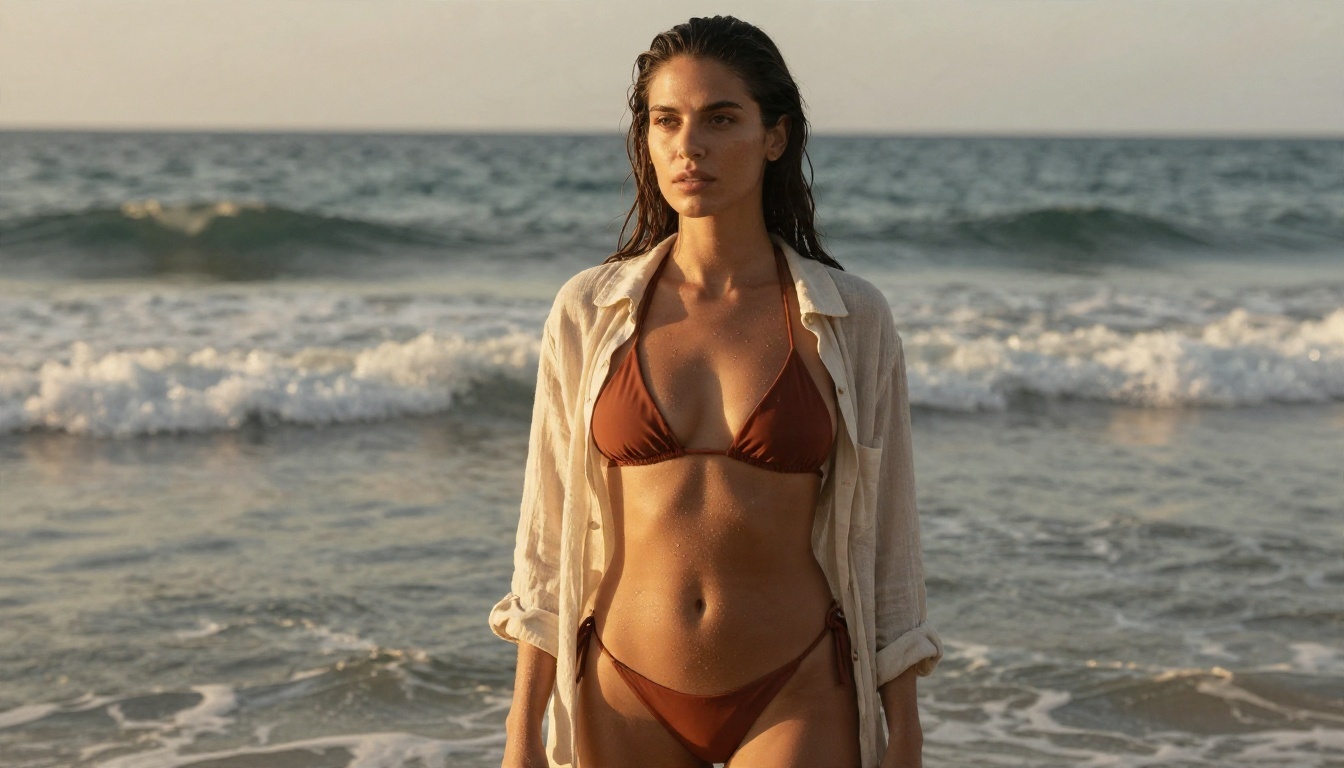
It works best with prompts that read like a photographer's brief: subject, outfit, location, light direction and lens. The beach portrait above is exactly that kind of shot.
PicassoIA Image Editor Pro
PicassoIA Image Editor Pro is the second stop, and it is the answer to the "free and unlimited" part of your search. It offers unlimited generations, so you can regenerate, adjust and refine as many times as you like without watching a counter. It is also an editor, which means you can take an image you already like and change the outfit, the background or the mood, instead of starting from scratch.
For anyone who has been burned by message caps and daily limits on free sites, that is the biggest practical difference.
More Photoreal Options
Once you have tested the first two, these models are worth keeping in your rotation:
| Need | Start with | Why |
|---|
| Glamour and swimwear portraits | Seedream 4.5 | Realistic skin, permissive on tasteful themes |
| Unlimited retries and edits | PicassoIA Image Editor Pro | No generation counter |
| Quick idea testing | Z Image Turbo | Very fast results |
| Photo edits on real shots | Nano Banana Pro | Precise changes |
| Clean photographic look | Qwen Image 3 Pro | Natural realism |
How to Use Seedream 4.5 on PicassoIA
Step by Step
- Open the Seedream 4.5 page on PicassoIA.
- Write a prompt that names the subject, outfit, setting, light and lens.
- Choose a 16:9 ratio for wide scenes or a portrait ratio for full-body fashion shots.
- Generate, then review the result at full size.
- Change one detail at a time, such as the light or the pose, and generate again.
- Move to PicassoIA Image Editor Pro when you want to edit the best result further with unlimited tries.
Prompt Settings That Matter
Three habits improve results more than any slider:
- Describe light direction. "Warm backlight from the right at golden hour" beats "nice lighting."
- Name the lens. "85mm f/1.8, shallow depth of field" pushes the model toward a photographic look.
- Add surface detail. Mention skin texture, water droplets, satin sheen or sand grain.
💡 Tip: keep prompts to one clear scene. Piling five ideas into one prompt usually gives a muddy picture.
A sample prompt that works well: "Low-angle portrait of a woman on a quiet beach at golden hour, terracotta bikini under an open linen shirt, warm backlight from the right, 85mm f/1.8, water droplets on skin, fine sand texture, Kodak Portra 400 grain."
Safety Habits That Protect You
Spot Risky Apps
Search results for this topic attract imitators. Be careful with any site that:
- Asks you to install an unknown app or browser extension to continue
- Requests payment details for a "free" trial before showing anything
- Demands photo uploads of real people to unlock features
- Hides its company name, contact details and terms
- Promises output with literally no rules
A clean, well-known platform with clear terms is a safer place to work than a one-page site with a countdown timer.
Respect Consent
The rule is simple and it protects you as much as anyone else. Do not generate sexualized images of real people without their consent, and never create anything involving minors. Those are the lines that platforms, payment providers and courts take seriously, and they are the reason credible tools keep some limits in place. Fictional characters, original models and your own photography are all fair territory.
Prompt Examples to Copy
Treat your first output as a draft. Generate two or three variations, compare them side by side and keep the one with the best skin texture and lighting. Here are starting points you can adapt.
For glamour and fashion:
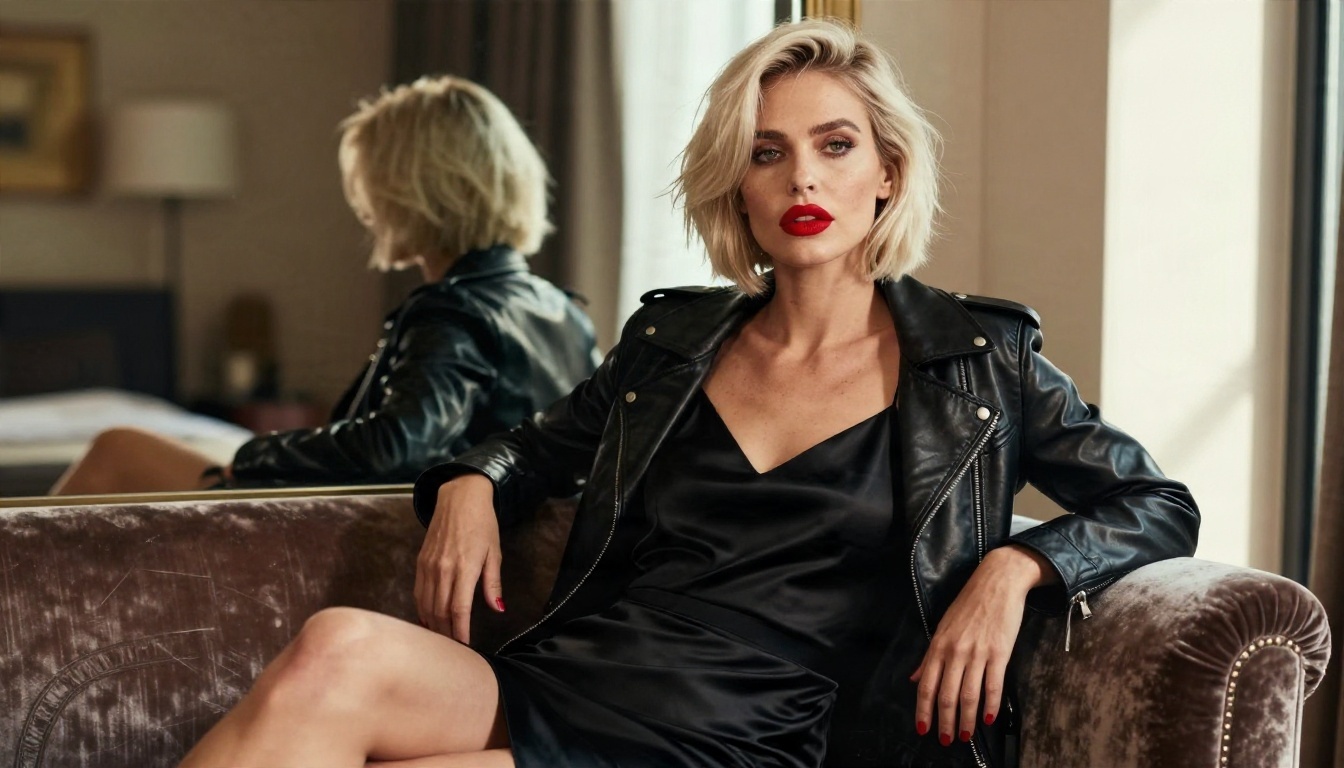
"Fashion editorial portrait of a woman with short platinum hair and red lipstick, black satin slip dress, leather jacket on her shoulders, velvet chaise, tall window light from the right, 85mm f/1.4, visible skin pores, film grain."
For lifestyle scenes:
"A young woman typing at a worn oak table in a sunlit loft, oversized cream sweater, steaming coffee, exposed brick wall, morning light from the left, 85mm f/1.8, natural film grain."
For product-style shots:
"Top-down view of a wooden desk with a phone, sunglasses, black coffee and a leather notebook, warm late-afternoon light, fine wood grain, 35mm lens."
Here is a quick checklist for each prompt before you press generate:
| Element | Example |
|---|
| Subject | Woman in her late twenties, freckles |
| Outfit | Terracotta bikini, linen shirt |
| Setting | Quiet Mediterranean beach |
| Light | Golden hour backlight from the right |
| Lens | 85mm f/1.8 |
| Texture | Water droplets, sand grain, film grain |
If you need written text for captions, product descriptions or story scenes, pair the image work with a language model such as Claude Sonnet 5 or GPT 5.4. Draft the scene in chat first, then turn the best paragraph into an image prompt.
Start Creating Your Own Images
The search for "AI no restrictions" is really a search for freedom to create without friction. You do not need a shady site with a countdown timer to get it. You need a model that produces realistic results, a platform that lets you retry without a counter, and a clear sense of the few lines worth respecting.
Open Seedream 4.5 for your first portrait, move to PicassoIA Image Editor Pro for unlimited edits, and test a chat model from the table above for your captions and stories. When you want to see everything else on offer, browse the full catalog at picassoia.com/en/all-models and run your own experiments today.


