Type a sentence, wait a few seconds, and get a glamour photo that looks like it came out of a magazine shoot. That is what AI NSFW art does in 2027, and it is the reason this corner of image generation keeps growing. The catch is that most "free" apps are slow, watermarked, capped at a handful of images a day, or locked behind filters that reject a plain bikini photo. This article sorts the useful tools from the noise, gives you prompt formulas you can copy, and shows real examples of what tasteful, non-explicit adult imagery looks like when it is done well.
Everything here stays on the suggestive, glamour side: swimwear, boudoir, fashion, silk, soft light. No pornographic content, and every example shows adult subjects only.
What AI NSFW Art Actually Means
The label sounds bigger than it is. In practice, "NSFW" covers a wide band of imagery, and most people searching for it want something in the middle of that band: attractive, stylish, a bit daring, but still beautiful rather than crude.
Typical content in this category:
- Bikini and swimwear photography on beaches, pools and boats
- Boudoir and lingerie style portraits with soft window light
- Glamour and fashion editorials in studio settings
- Romantic, moody portraits with warm lamps and velvet textures
- Artistic figure studies where the framing and shadows do the work
The search intent behind the keyword is mostly practical. People want to know which generators let them make this kind of image without fighting a filter on every prompt, what to type to get realistic skin instead of plastic, and where to run it for free.
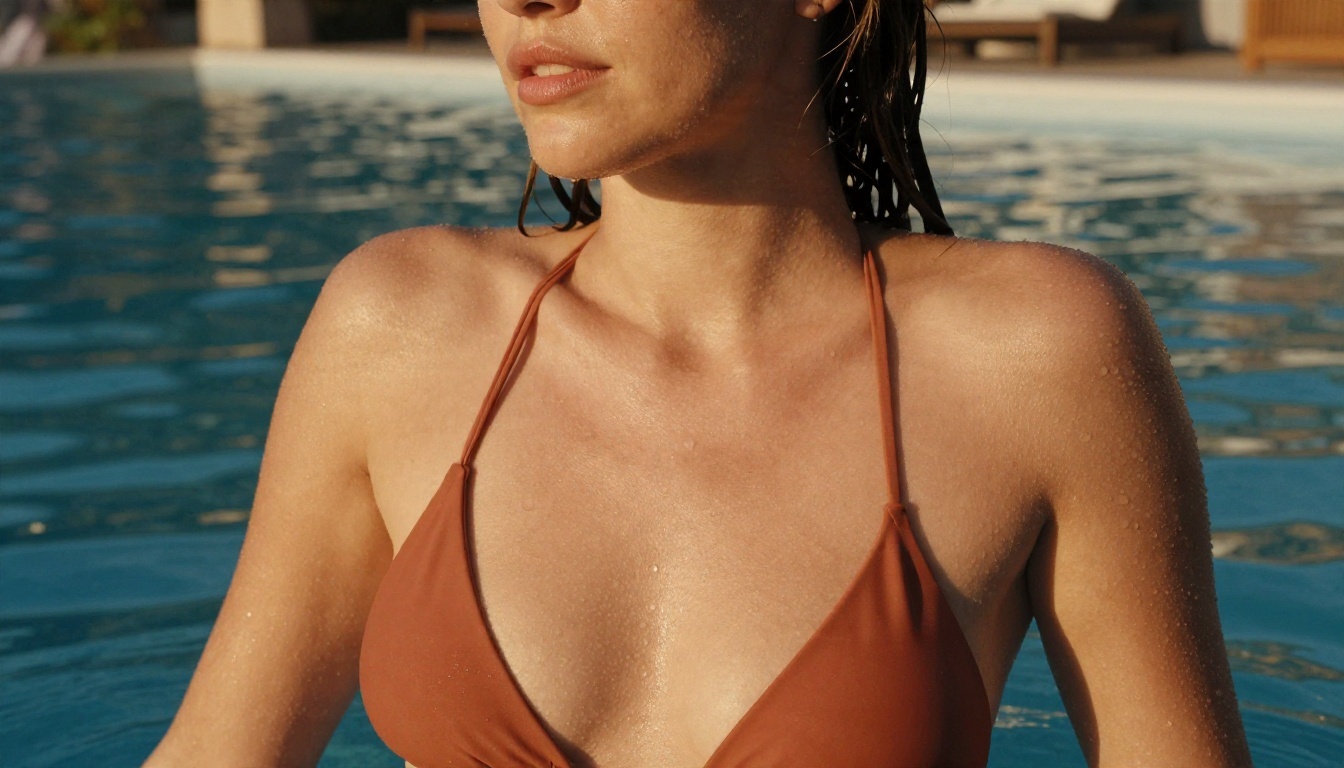
💡 Quick definition: In this article, AI NSFW art means photorealistic, suggestive glamour imagery. It does not mean explicit content, and none of the examples or prompts below ask for it.
Why Filters Block Harmless Prompts
If you have ever typed "woman in a bikini on a beach" and received an error, you have met the over-eager safety checker. Many mainstream generators run a moderation pass on both the prompt and the output. Some are strict enough to reject anything involving skin, lace or lingerie, even when the result would be fine for a swimwear catalog.
Two things cause most of the frustration:
- Keyword filters. Certain words trigger a block before the model even starts working.
- Output classifiers. The image is generated, then scanned, and thrown away if the score is too high.
During testing for this article, two of ten prompts were rejected by a moderation layer. The fix was not clever tricks. It was reframing the same idea with more fashion context: swimwear instead of lingerie, an oversized linen shirt instead of a robe over underwear. The result still looked glamorous, and it generated on the first retry.
💡 Practical rule: Describe a photograph, not an act. Wardrobe, location, light and lens do far more for the result than shock words ever will.
The free landscape is crowded. Roundups in 2027 keep naming the same handful of apps, including EroAI, Mage.space, PixAI, Venice.ai and Nastia AI, and most of them follow the same pattern: a free tier with limits, then a paid plan for higher resolution and more daily credits. Cloud tools built on FLUX style architectures dominate the photoreal end, while local Stable Diffusion setups give the most freedom but need your own graphics card and a lot of patience.
If you would rather skip app hopping, PicassoIA brings several strong image models into one place. Here is how the main options compare.
Seedream 4.5 First
Seedream 4.5 is the model to open first. It produces 2K or 4K output, follows long prompts closely, and renders skin, fabric and light with a photographic feel that many generators miss. It also accepts up to 14 reference images, so you can keep a look consistent across a set.
The biggest practical benefit is that it is uncensored enough to be useful for glamour work, which means bikinis, boudoir styling and sensual portraits are not rejected by default. It is also quick: a single image arrives in seconds, so you can test five variations of a prompt in the time it takes another app to load a queue.
PicassoIA Image Editor Pro Second
PicassoIA Image Editor Pro is the one to pair with it. It has unlimited generations, which changes how you work. Instead of rationing credits and hoping a prompt lands, you can iterate freely: change the outfit, move the scene from a bedroom to a terrace, adjust the lighting, and repeat until the frame is right.
Use Seedream 4.5 to build the hero image, then use Editor Pro to refine it without worrying about the meter.
Other Models Worth Testing
💡 Tip: Models differ in how strict they are about adult themes. If one blocks a prompt, switch to another instead of rewriting the same sentence ten times. You can browse the full catalog at picassoia.com/en/all-models.
Good AI NSFW art is mostly good photography written down. The best prompts read like a shot list. Use this structure every time:
[Subject and pose] + [Wardrobe] + [Location] + [Light direction] + [Lens and angle] + [Film and texture details]
The Five Ingredients
| Ingredient | What to write | Example |
|---|
| Subject | Age range, hair, expression | "adult woman in her late twenties, wavy chestnut hair, calm half smile" |
| Wardrobe | Fabric and color | "champagne silk robe, ivory linen shirt" |
| Location | Specific, lived in | "seaside villa bedroom, shuttered windows" |
| Light | Direction and quality | "golden morning light from the left, soft shadows" |
| Camera | Lens, angle, depth | "85mm f/1.8, shallow depth of field, three quarter angle" |
Skin and Fabric Details
Plastic skin is the number one giveaway of weak AI imagery. Add texture words and the difference is immediate:
- "natural pores, fine peach fuzz, subtle freckles"
- "soft sheen of moisturizer on collarbones"
- "individual flyaway hairs catching the light"
- "rumpled linen, glossy silk with natural folds, delicate lace pattern"
A Copy Ready Prompt
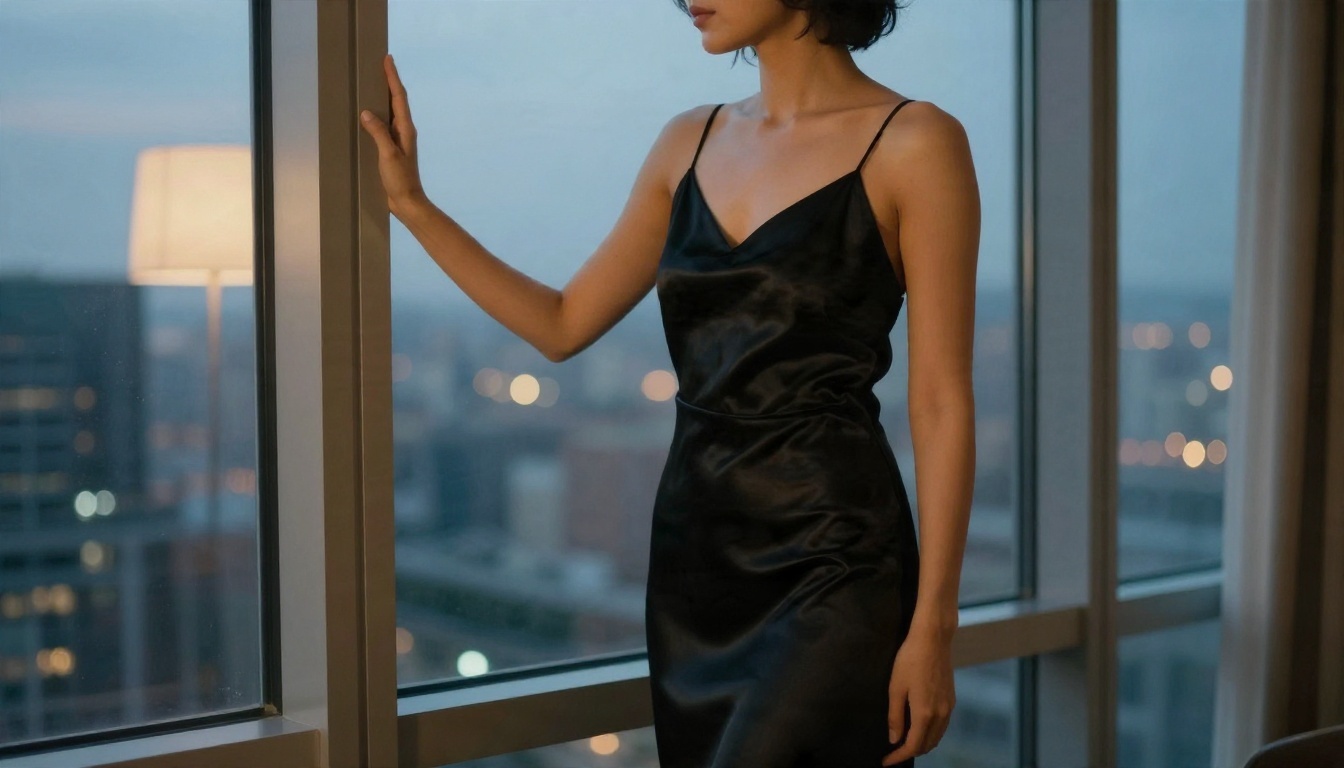
Adult woman in her late twenties with long wavy chestnut hair, relaxing on a cream linen bed in a seaside villa bedroom, oversized white linen shirt and champagne silk robe, golden morning light from the left through white shutters, sheer curtains moving in the breeze, 85mm f/1.8, shallow depth of field, Kodak Portra 400, fine film grain, natural skin texture, photorealistic.
That single paragraph is the style behind the cover image of this article. Change the room, the fabric or the hour, and you get a completely different photo with the same polished feel.
Real Examples With Their Prompts
Seeing the output helps more than any rule. Each example below was made from a short, specific prompt in the structure above.
Swimwear in Natural Light
Beach, pool and boat scenes are the safest and most reliable starting point. Wide shots, sun glare and water reflections give the model a lot to work with.
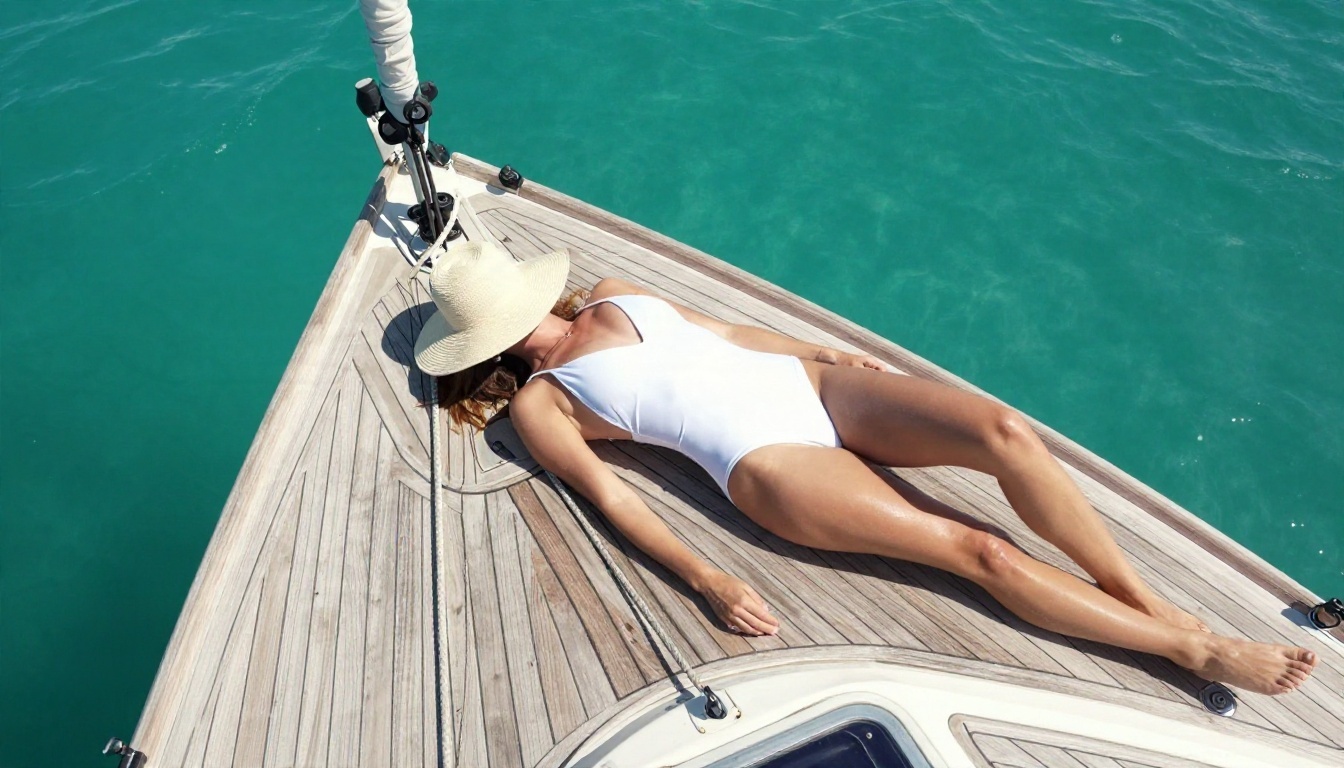
Prompt idea: "Wide aerial view of an adult woman in a white one-piece swimsuit lying on a teak sailboat deck over turquoise water, bright midday sun, 24mm drone angle, natural skin tones, film grain."
Why it works: The overhead angle and crisp midday shadows add realism, while the wardrobe is clearly swimwear, so there is little for a filter to object to.
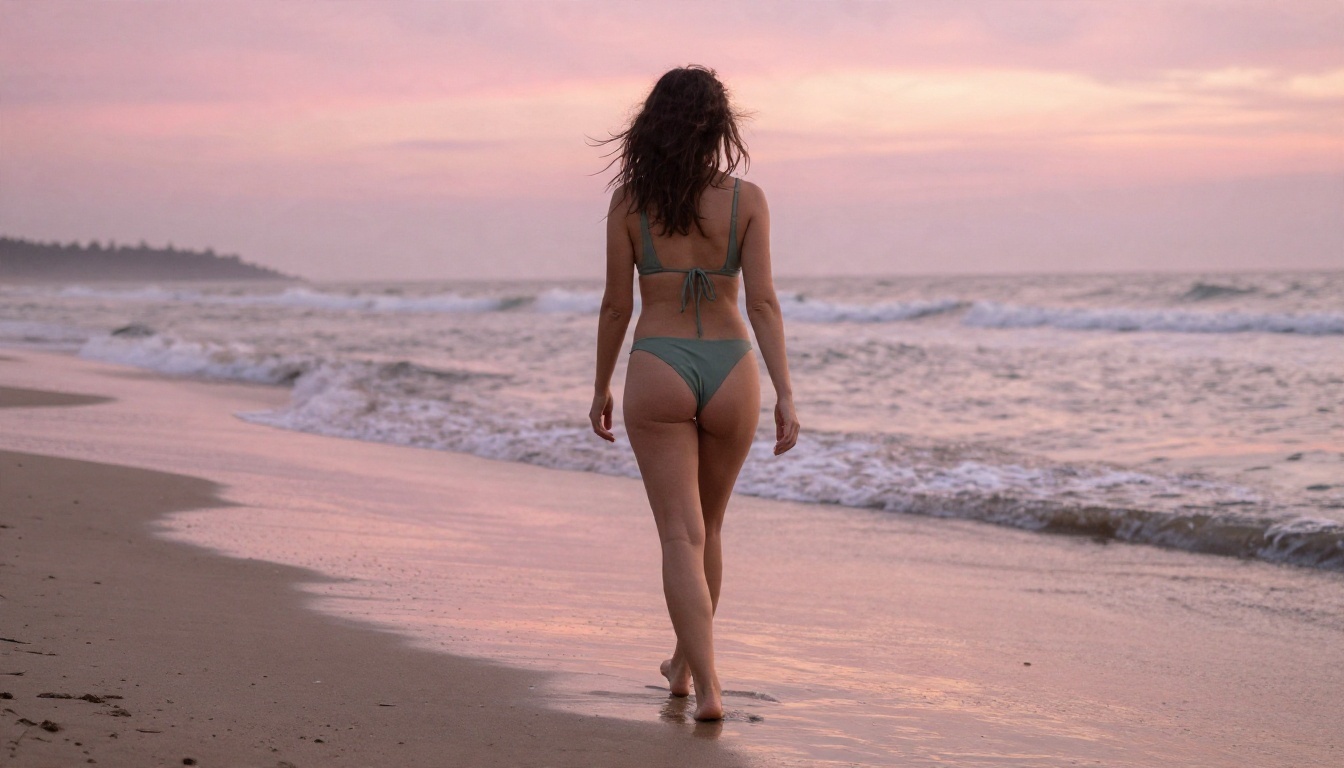
Prompt idea: "Over the shoulder shot of an adult woman in a sage green bikini walking on a deserted beach at sunrise, wet sand reflecting pink and gold sky, 70mm telephoto compression, soft backlight."
Moody Boudoir Styling
Warm lamps, deep amber shadows and rich textures give boudoir work its intimate mood. Velvet, brass and walnut make the frame feel expensive.
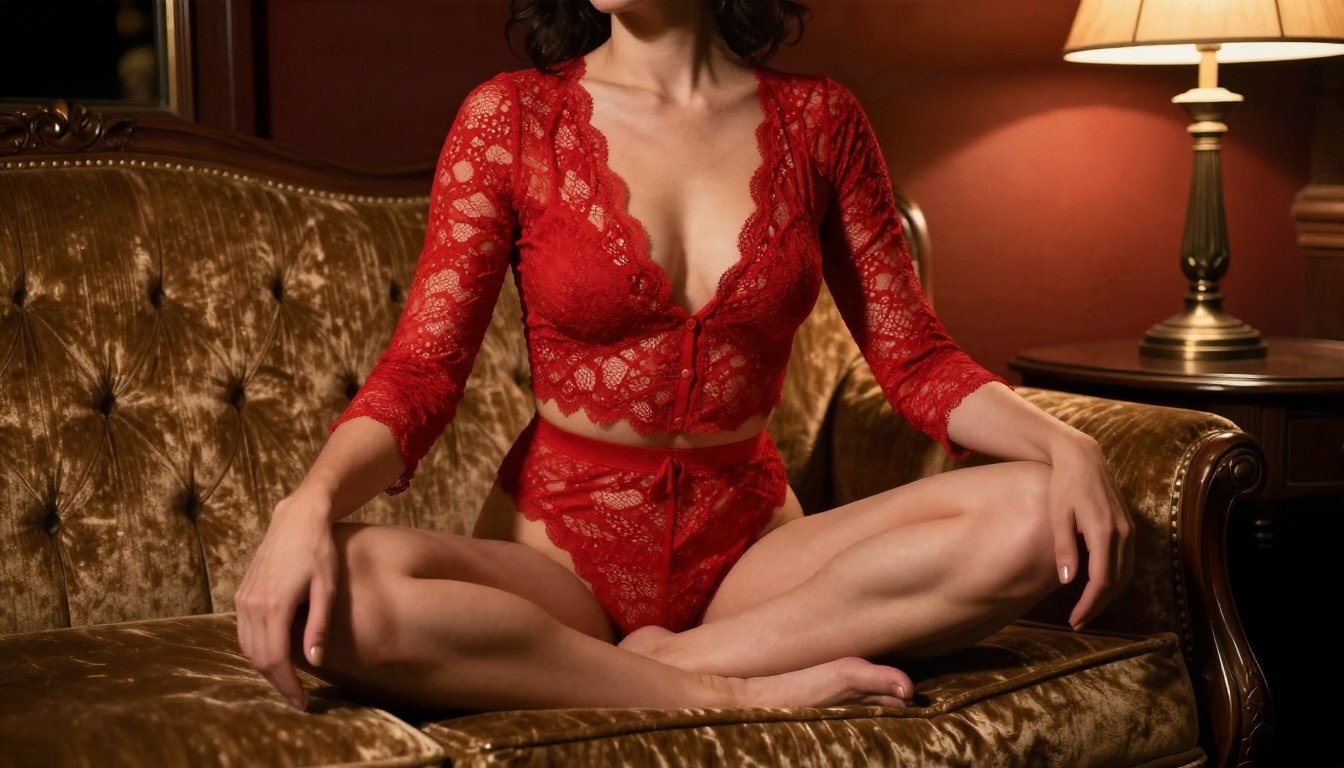
Prompt idea: "Adult woman in a red lace bodysuit with a cropped cardigan, cross legged on a vintage velvet sofa in a dim lounge, tungsten lamp from the right, 50mm f/1.4, visible velvet and lace texture."
💡 Tip: Pair a daring piece with a covering layer such as a cardigan, robe or oversized shirt. It looks more natural and keeps the image tasteful.
Clean Studio Editorials
A single softbox, a gray seamless backdrop and a confident pose is the classic fashion setup. It is also easy for a model to render well.
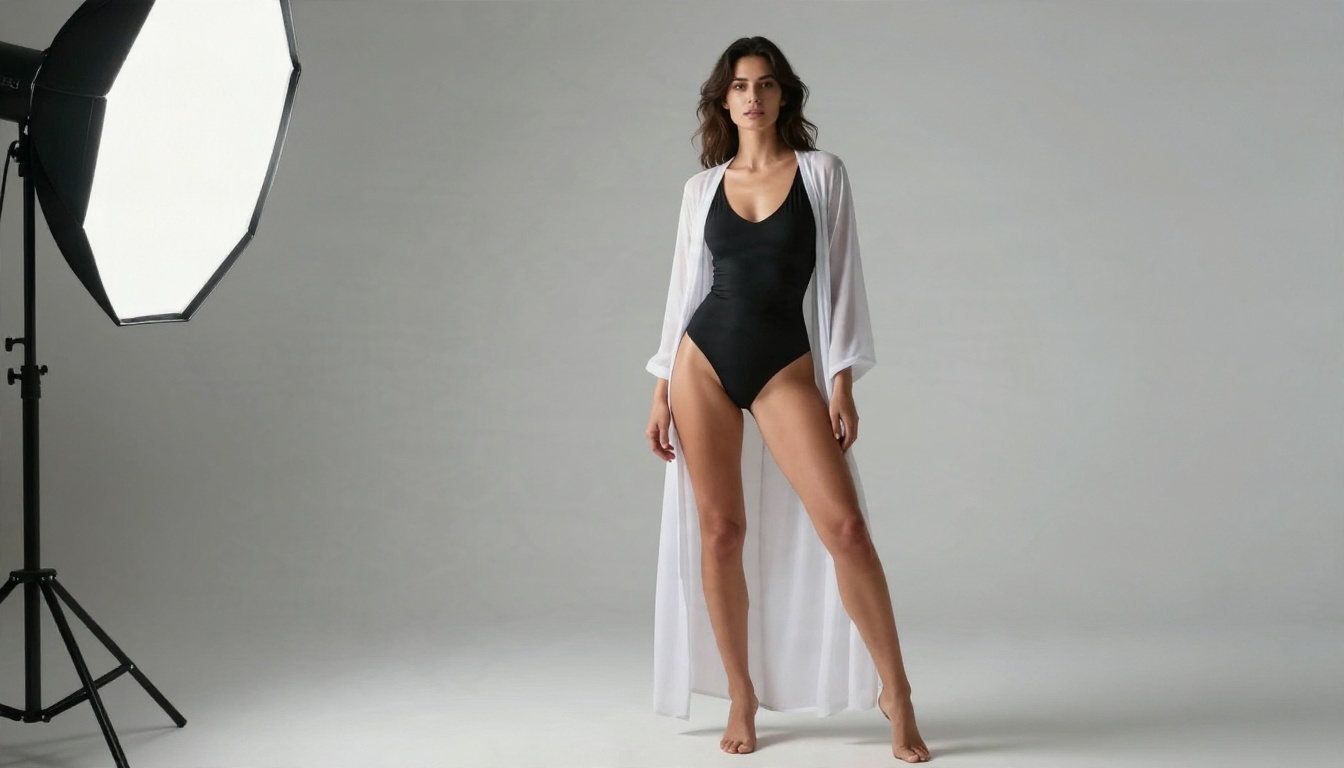
Prompt idea: "Full length fashion editorial of an adult woman in a black one-piece swimsuit with a sheer white wrap, pale gray seamless backdrop, single large softbox on the left, 100mm f/2.8."
Candid and Cozy Moments
Not every good image needs a pose. Candid frames with laughter or a quiet morning stretch feel more alive than stiff glamour shots.
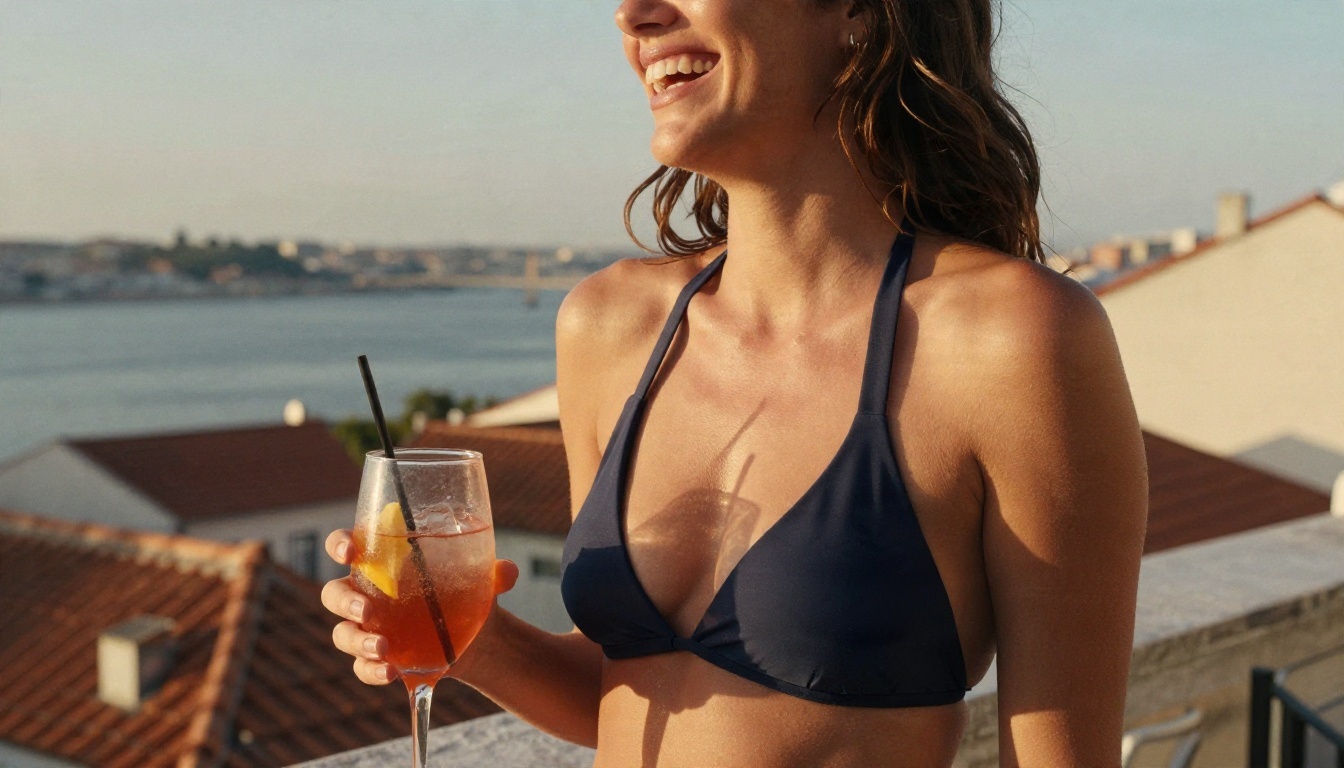
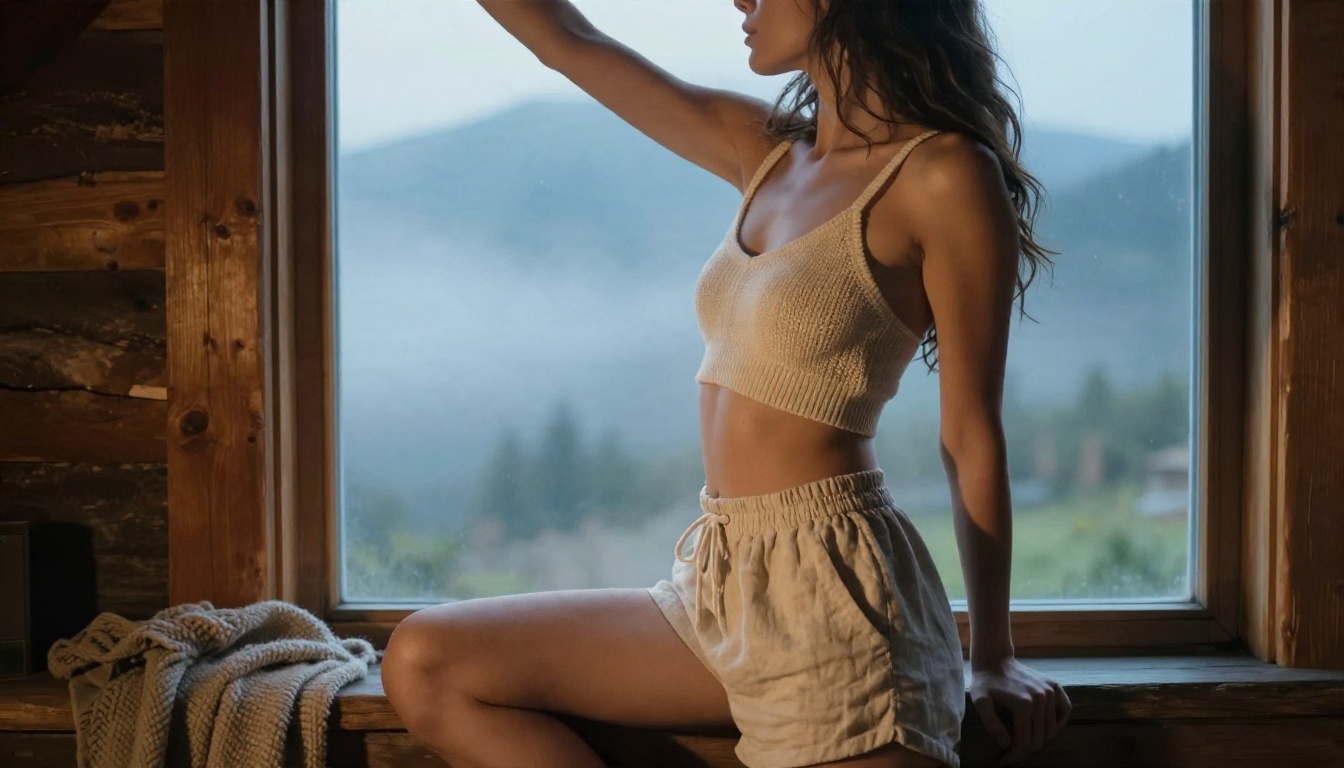
Prompt idea: "Candid close up of an adult woman in a navy halter bikini laughing on a Lisbon rooftop at late afternoon, tiled rooftops behind her, warm side light, 85mm f/1.8."
How to Use Seedream 4.5 on PicassoIA
This is the fastest route from idea to finished image. The whole process takes a couple of minutes.
Step by Step
- Open the model page. Go to Seedream 4.5 on PicassoIA.
- Write your prompt. Use the five ingredient structure from above. The prompt field accepts up to 4,000 characters, so there is room for detail.
- Pick the size. Choose 2K for fast drafts and 4K for the final render you want to keep or print.
- Set the aspect ratio. Use 16:9 for wide scenes, 9:16 for phone wallpapers and stories, 3:4 or 2:3 for portrait framing.
- Generate. Your image arrives in seconds.
- Iterate. Change one variable at a time, such as the light direction or the lens, and run it again.
Parameter Tips
| Setting | Recommended value | Why |
|---|
| size | 2K for tests, 4K for finals | Saves credits while you refine |
| aspect_ratio | 16:9, 3:4 or 9:16 | Match where you will post it |
| image_input | 1 to 14 references | Keeps the same look across a set |
| sequential_image_generation | auto | Lets the model produce related variations in one run |
| max_images | 4 to 8 | Gives you a small batch to choose from |
Build a Consistent Set
Upload a favorite result as a reference, then ask for a new location with the same styling. Because Seedream 4.5 can create up to 15 related images in one batch, you can build a full photo series from a single idea: morning in the villa, afternoon on the terrace, evening in the lounge.
Polish With Image Editor Pro
Take your best result into PicassoIA Image Editor Pro and make final changes. Swap a dress color, change the background, soften a shadow or fix a small detail. Since generations are unlimited, you can keep going until the image is exactly what you pictured.
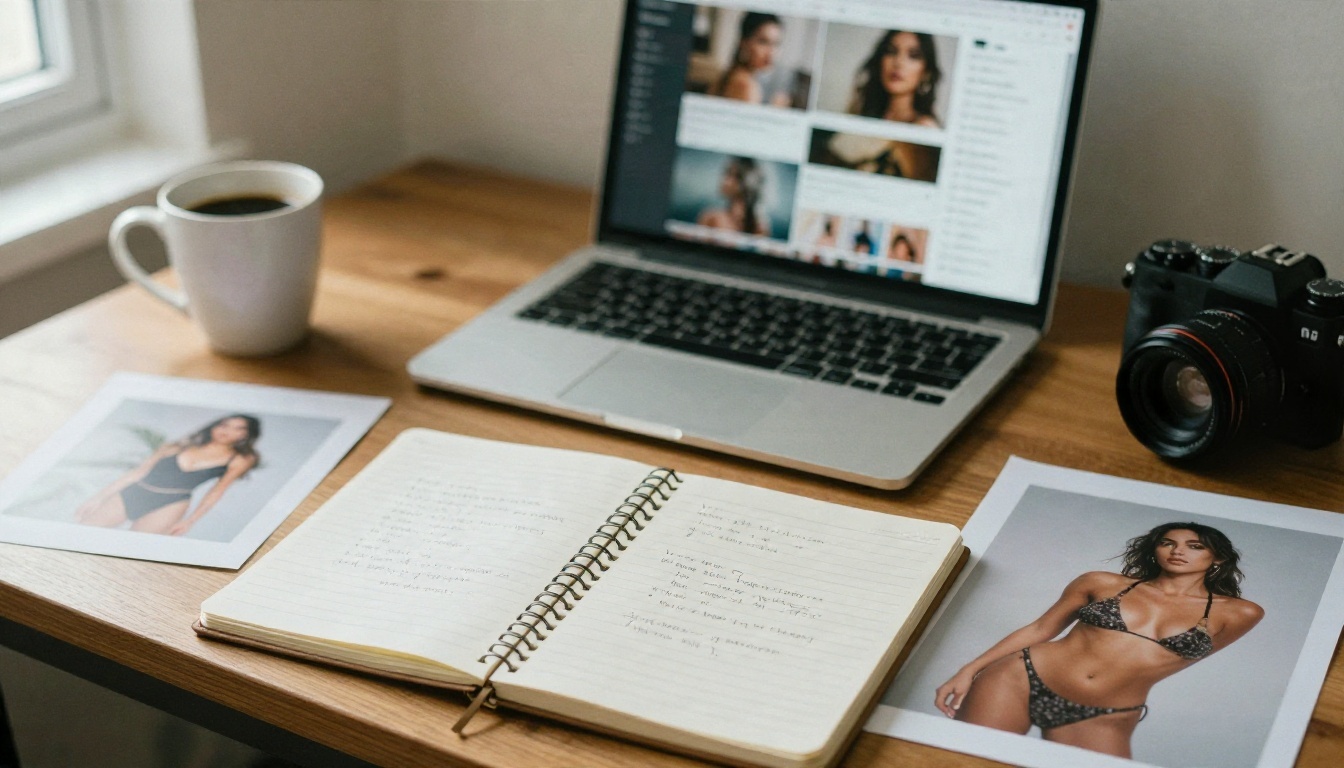
Common Mistakes to Avoid
Most weak results come from a short list of fixable habits.
- Vague prompts. "Sexy woman" gives you generic output. "Adult woman in a sage green bikini on a deserted beach at sunrise, 70mm lens" gives you a photograph.
- Skipping the lens. Without a focal length, the model guesses, and the guess is usually flat. Name the lens and aperture.
- Ignoring light. Light direction is what makes skin look real. Always say where it comes from.
- Changing everything at once. Edit one variable per run, or you will never know what helped.
- Fighting a strict model. If a model blocks a prompt twice, move to another one instead of spending your time on rewrites.
- Forgetting resolution. Draft at 2K, then render the winner at 4K.
💡 Reality check: Keep every subject clearly adult and every image non-explicit. It keeps your work usable on more platforms and avoids trouble with account bans.
Free Does Not Mean Risk Free
A few honest warnings before you pick an app.
Privacy. Many free generators do not publish clear policies on how long they keep your prompts and images, or whether they train on them. Read the terms, and avoid uploading real photos of other people.
Consent. Never generate or edit images of a real person without their permission. Use invented subjects or your own likeness only.
Misleading rankings. A lot of "best NSFW generator" pages are written by the tools they rank, and several recycle 2025 content under a 2026 date. Test with your own prompts before you trust any list, including this one.
Platform rules. Social networks and marketplaces have their own rules about adult imagery. Check them before you post.
Make Your Own Set Today
You now have the tools, the prompt structure and the examples. The next step is to try it. Open Seedream 4.5 on PicassoIA, paste the villa prompt from this article, and render it at 2K. Then change the room, the fabric or the hour and see how much a single detail shifts the result. When you have a favorite, bring it into PicassoIA Image Editor Pro and refine it as many times as you like.
Want more options? Browse every available model at picassoia.com/en/all-models and see which one fits your style. Start with one prompt, keep it photographic, and build your first set tonight.


