The Best AI NSFW Generators for Photos and Short Videos in 2027
A practical breakdown of the most powerful AI NSFW generators available for photos and short videos. From photorealistic portrait generation with Flux 1.1 Pro Ultra and Stable Diffusion 3.5, to glamour photography workflows, this piece shows which models produce the best results, how to write prompts that actually work, and where to create NSFW content with full creative control and total privacy.
The space between creative freedom and photorealistic AI output has collapsed in 2027. What used to require a professional studio setup, expensive equipment, and a full crew can now be produced in seconds with the right AI NSFW generators. Whether you want stunning glamour photography, implied artistic nudity, or short suggestive video clips, the tools available today operate at a quality level that was unimaginable just three years ago.
This article breaks down the best AI NSFW generators for photos and short videos, which models actually deliver photorealistic results, and how to get consistently high-quality output on your first try.
What Makes an AI NSFW Generator Worth Using
Not every AI image generator produces usable NSFW output. Many platforms either refuse adult prompts outright, produce censored or blurred results, or generate images with uncanny skin textures, distorted anatomy, or flat lighting that immediately reads as artificial.
The generators worth using share three characteristics: unrestricted model access, photorealistic output quality, and granular prompt control. When these three things align, the results look indistinguishable from professional photography.
Photo Quality vs. Artistic Freedom
There is a real tradeoff in most AI NSFW generators between artistic flexibility and output fidelity. Highly permissive platforms sometimes sacrifice image quality for access. The best solutions maintain both.
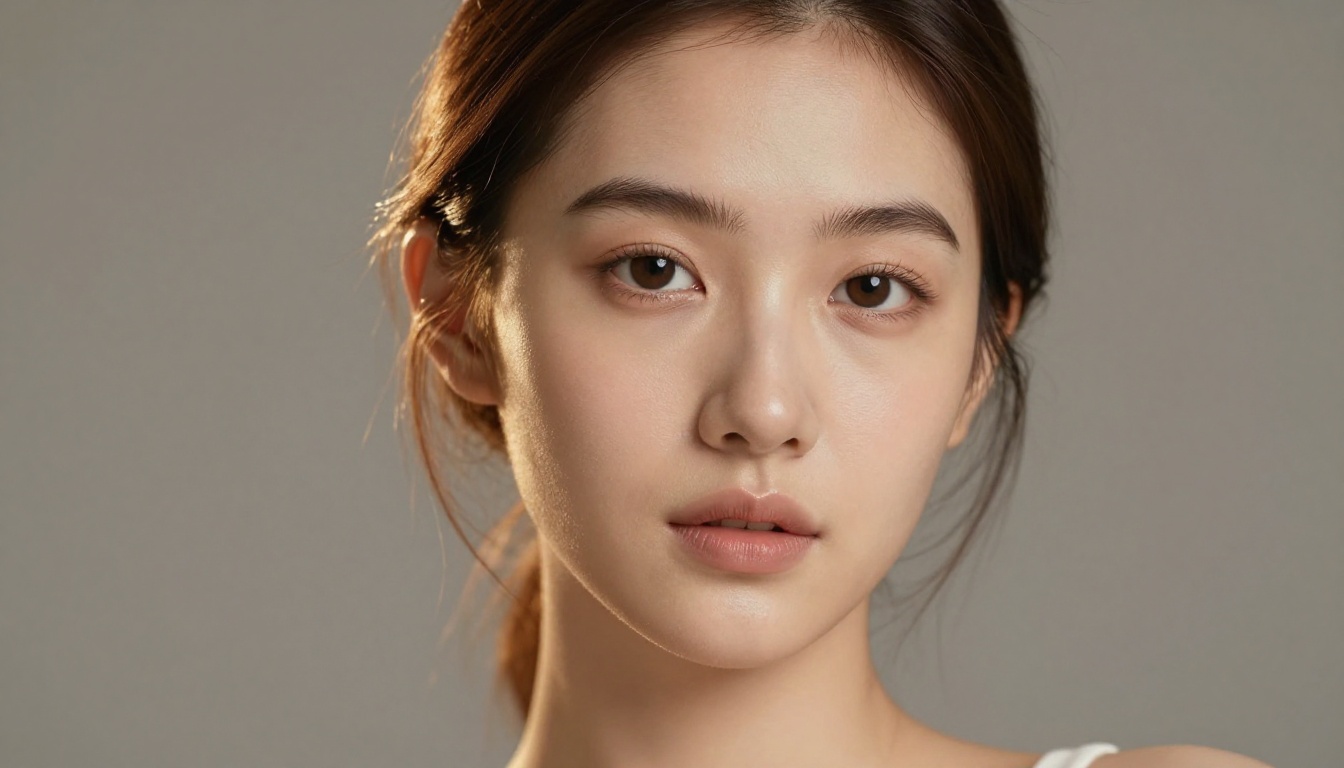
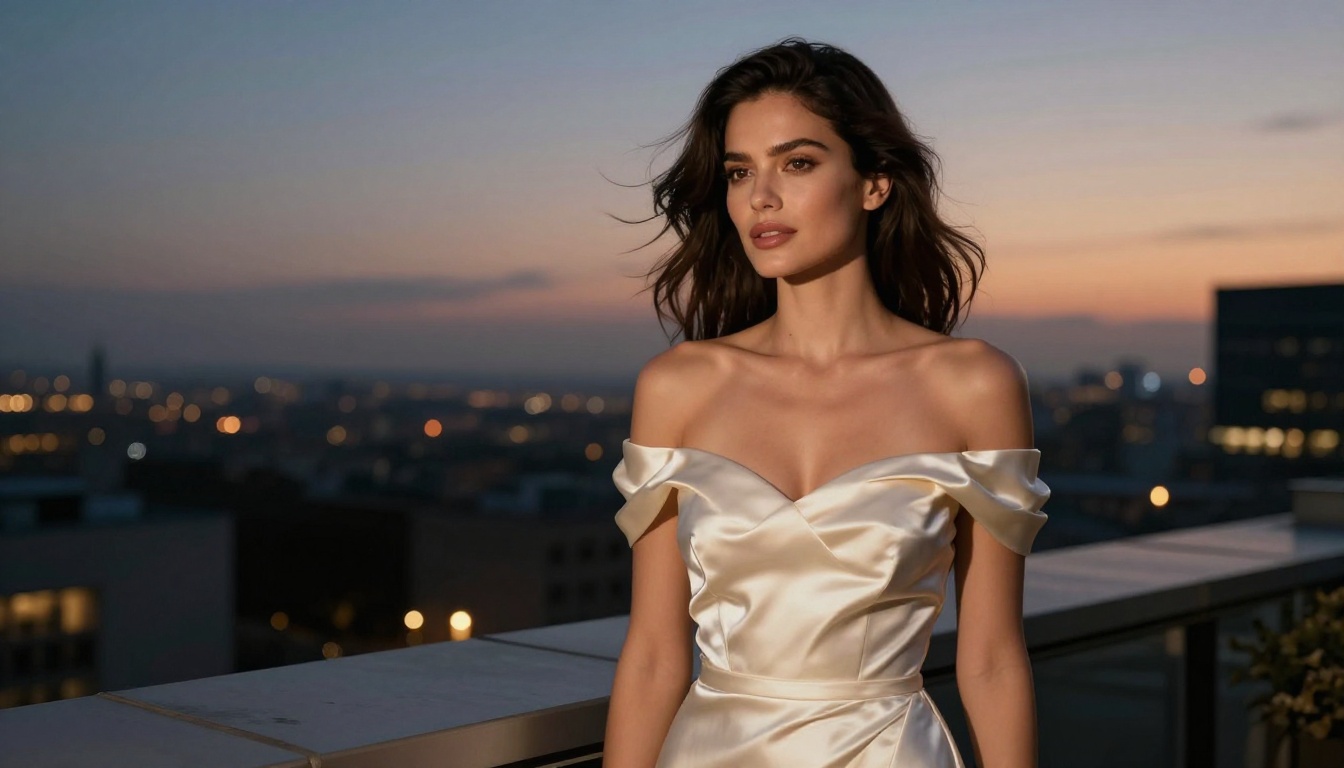
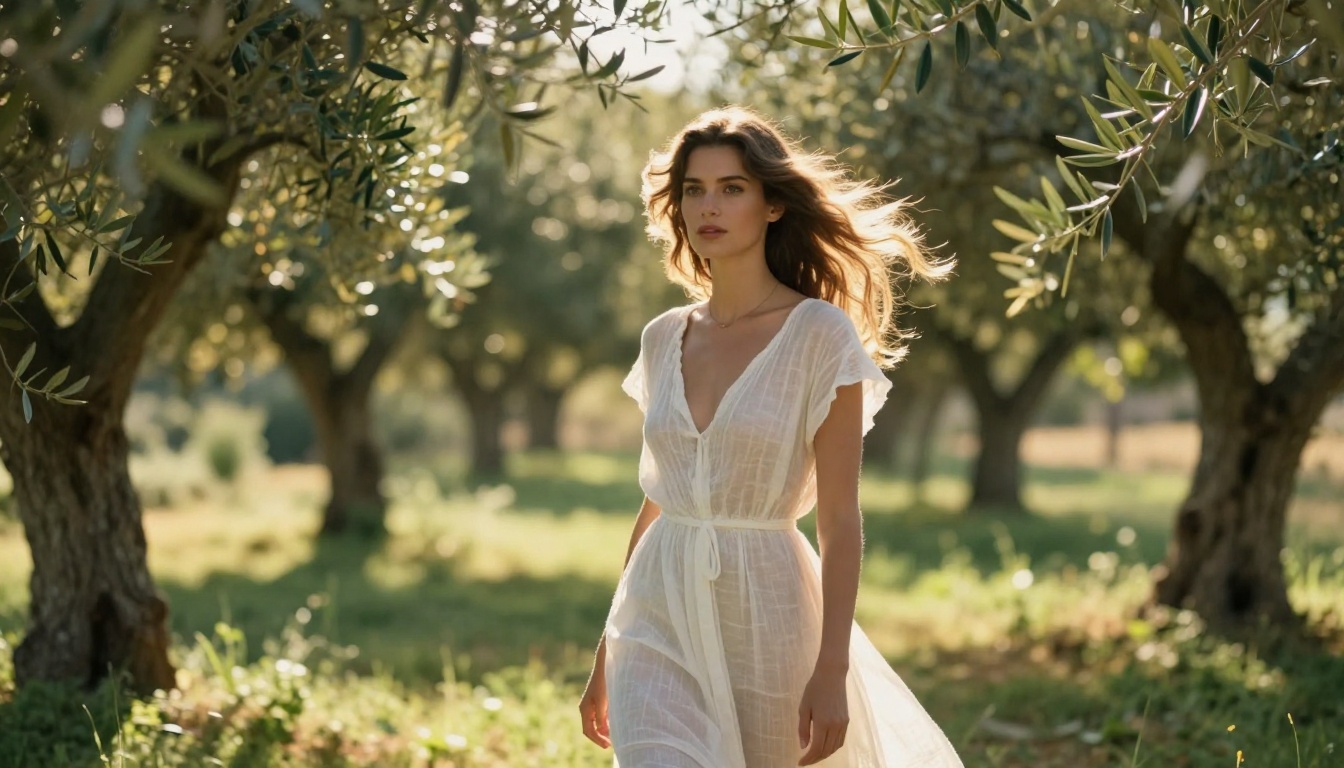
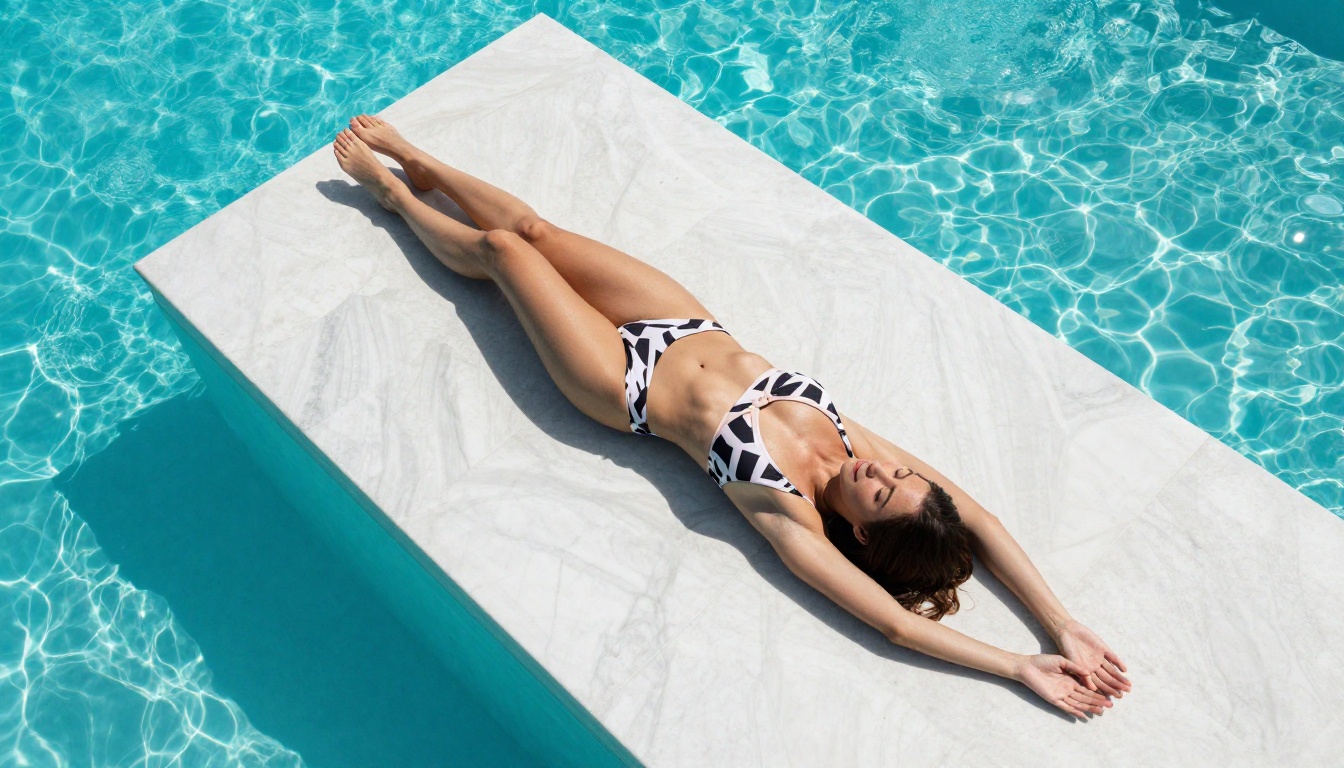
Models like Flux 1.1 Pro Ultra and Stable Diffusion 3.5 Large sit at the top of the quality curve. They produce 8K-equivalent photorealism with accurate skin texture, proper light physics, and zero plastic-skin artifacts when prompted correctly.
💡 Tip: The difference between a 5/10 and a 9/10 result usually comes down to the lighting description in your prompt, not the subject matter.
Privacy and Content Control
A factor many users overlook is where the generation happens and who can see it. Cloud-based generators send your prompt data to external servers. For anyone creating personal or sensitive content, this matters considerably.
Platforms that process requests through isolated sessions, with no persistent prompt logging, offer a meaningfully safer experience. Always check the platform's data retention policy before generating NSFW content.
Top Models for NSFW Photo Generation
Flux 1.1 Pro and Pro Ultra
The Flux 1.1 Pro and Flux 1.1 Pro Ultra from Black Forest Labs are currently the strongest text-to-image models for photorealistic human subjects. The "Ultra" variant specifically supports raw photographic output at resolutions that maintain full skin-pore fidelity.
What sets Flux apart for NSFW content:
Accurate anatomy: Hands, limbs, and body proportions render correctly far more often than competing models
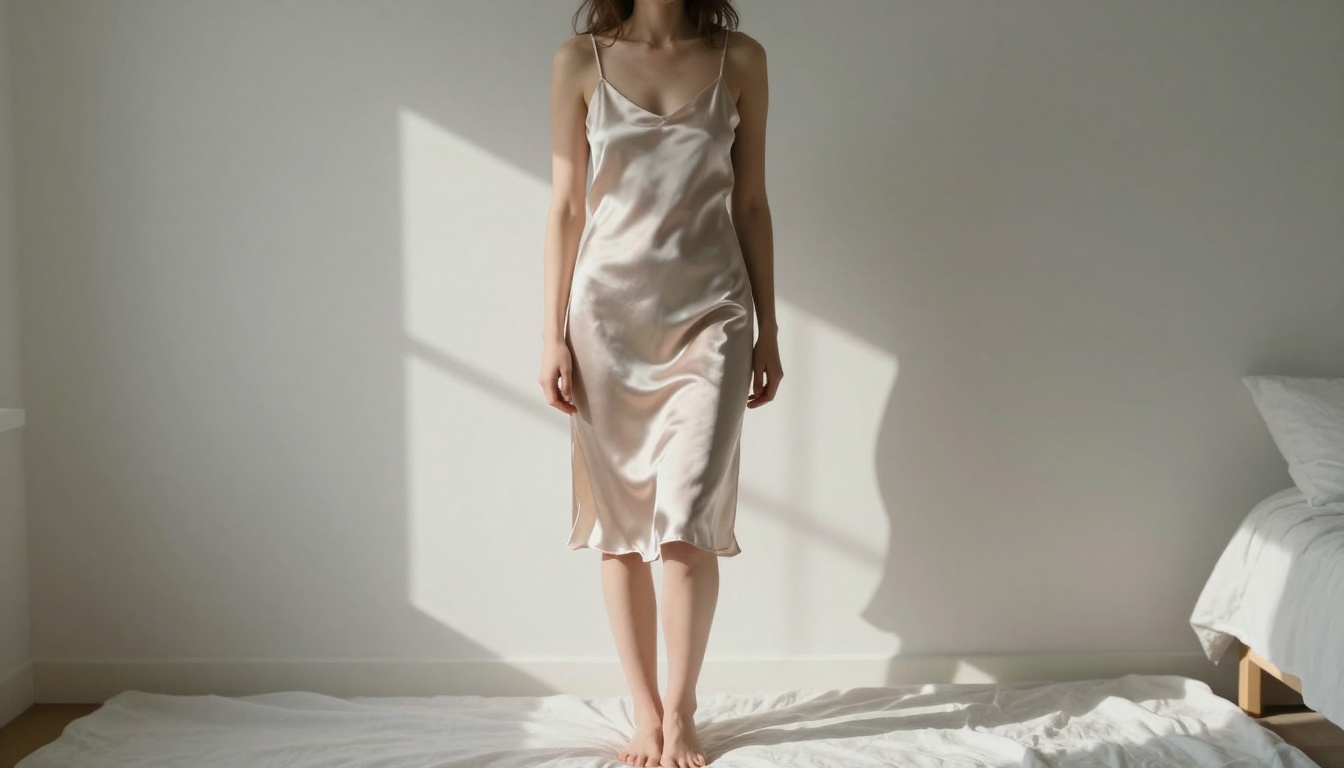
Fabric physics: Sheer and lightweight fabrics behave realistically, which is critical for implied or glamour content
Lighting response: Volumetric and directional lighting descriptions produce accurate shadows and highlights
The newer Flux 2 Pro and Flux 2 Max push this even further, offering improved coherence across complex scenes and better fine-detail fidelity on fabric textures and skin surfaces.
Stable Diffusion 3.5 and SDXL
Stable Diffusion 3.5 Large represents the current peak of the Stability AI lineage. Its improved text processing means you can write longer, more specific prompt descriptions without losing coherence in the output. For NSFW photography, this translates directly into more controllable results.
SDXL remains a workhorse for photorealistic adult content. Its extensive community of fine-tuned LoRA weights means you can layer specific aesthetic styles, body types, or lighting conditions directly onto the base model output. Combine it with SDXL Lightning 4Step if generation speed matters most.
Model
Realism
Speed
Control
Flux 1.1 Pro Ultra
⭐⭐⭐⭐⭐
Medium
High
Flux 2 Max
⭐⭐⭐⭐⭐
Medium
Very High
Stable Diffusion 3.5 Large
⭐⭐⭐⭐
Fast
High
SDXL
⭐⭐⭐⭐
Fast
Very High
Realistic Vision v5.1
⭐⭐⭐⭐⭐
Fast
Medium
Realistic Vision v5.1
Realistic Vision v5.1 deserves a dedicated mention because it was purpose-built for photorealistic human photography. Where generic models sometimes default toward a painterly or stock-photo aesthetic, Realistic Vision produces output that leans into natural skin imperfections, casual lighting conditions, and candid photographic framing.
For NSFW glamour or boudoir-style content, it consistently produces results that feel intimate and natural rather than staged or artificial.
How to Get the Best Results
Prompt Structure That Works
The structure of a successful NSFW prompt follows the same logic as a professional photography brief. It specifies subject, environment, lighting, camera, and mood in that order.
Example prompt structure:
[Subject + pose/clothing] + [Environment/background] + [Lighting direction and quality] + [Camera angle and lens] + [Film/texture details]
A working example:
"A beautiful woman in a sheer silk robe, standing by floor-to-ceiling windows, golden hour light from the left, low-angle shot at 85mm f/1.4, shallow depth of field, Kodak Portra 400 grain, RAW 8K"
What this does: it gives the model a spatial context (windows), a light source (golden hour, specific direction), a camera specification (85mm f/1.4), and a texture reference (Kodak Portra 400). Each element constrains the model toward photorealism and away from AI-typical artifacts.
💡 Tip: Adding specific film emulsions like "Kodak Portra 400" or "Fujifilm Pro 400H" consistently improves skin tone fidelity across every photorealistic model.
Settings That Matter
Beyond the prompt, generation settings significantly affect NSFW output quality:
Guidance Scale (CFG): Between 5-7 for photorealistic results. Higher values make images more prompt-literal but often introduce artifacts
Steps: 30-50 steps produce the most detailed output for NSFW photography
Negative Prompts: Always include cartoon, illustration, CGI, plastic skin, overexposed, blur, low resolution to push output toward photography
For LoRA-based models like p-image-lora, a LoRA weight between 0.6-0.85 keeps the stylistic influence strong without distorting anatomy.
AI NSFW Short Video Generation
Text-to-Video for Adult Content
Short video generation for NSFW content operates on different constraints than photo generation. Most mainstream text-to-video models apply content filters that reject suggestive prompts. The ones that do not, such as several available on PicassoIA's platform, produce 3-8 second clips at 720p-1080p resolution with believable motion.
The current text-to-video pipeline for NSFW short clips typically follows this sequence:
Generate a photorealistic still image using Flux or Realistic Vision
Feed that image into an image-to-video model with a motion prompt
Render 3-6 seconds of smooth, natural movement
This workflow produces far better results than text-to-video directly because the image foundation locks in the subject's appearance, lighting, and composition before animation begins.
Image-to-Video Workflows
The strongest results in AI NSFW short video come from treating still images as "frames" rather than prompts. A high-quality photorealistic still generated by Flux 1.1 Pro Ultra becomes the starting frame, and the video model animates natural, subtle motion: breathing, hair movement, fabric settling.
Motion prompts for this type of content work best when they describe ambient movement rather than dramatic action:
"subtle body sway, light changing, background bokeh drift"
"slow camera push-in, subject stationary, ambient environment movement"
💡 Tip: Avoid specifying dramatic motion in NSFW video prompts. Subtle, ambient movement reads as far more natural and cinematic than large body movements, which most current models still handle inconsistently.
How to Use Flux 1.1 Pro Ultra on PicassoIA
Flux 1.1 Pro Ultra is the best available model for photorealistic NSFW photography on PicassoIA. Here is a step-by-step workflow for getting consistent, high-quality results.
Step 1: Open the Model
Navigate to Flux 1.1 Pro Ultra on PicassoIA. This model supports both standard and ultra-high resolution output with a raw photographic mode specifically designed for naturalistic imagery.
Step 2: Enable RAW Mode
In the model settings, toggle Raw Mode to ON. This disables the model's default aesthetic processing and outputs images closer to unprocessed RAW photography. For NSFW content, this setting produces the most natural skin tones and realistic lighting physics.
Step 3: Write Your Prompt
Follow the prompt structure from earlier in this article. For Flux 1.1 Pro Ultra specifically, longer prompts perform better. Include at least:
Subject description with clothing and pose
Environment and background details
Specific lighting direction (e.g., "volumetric morning light from the left at 45-degree angle")
Camera and lens specification
Film emulsion reference
Resolution markers: RAW 8K, photorealistic, film grain
Sample prompt for glamour photography:
"A confident woman in a sheer silk negligee, seated on a luxurious ivory linen bed, soft morning window light streaming from the right, warm shadows pooling at edges, eye-level shot at 85mm f/1.8, natural skin texture with visible pores, Kodak Portra 400 film grain, RAW 8K photography"
Step 4: Set Aspect Ratio and Generate
Aspect Ratio: 16:9 for wide editorial shots, 2:3 for portrait and fashion framing
Output Format: JPEG with high quality compression for fastest delivery
Click Generate and review. If skin tones appear plastic or lighting looks flat, add natural skin imperfections, film grain, photorealistic, no post-processing to your prompt and regenerate
💡 Tip: PicassoIA saves your generation history. Use this to compare prompt variations and identify which specific phrase triggered the quality jump between attempts.
Comparing the Top Generators
Here is how the leading AI NSFW generators compare across the metrics that matter most for photo and video content:
Generator
NSFW Access
Photo Realism
Video Support
Ease of Use
Flux 1.1 Pro Ultra
Full
⭐⭐⭐⭐⭐
Via I2V
⭐⭐⭐⭐
Flux 2 Max
Full
⭐⭐⭐⭐⭐
Via I2V
⭐⭐⭐⭐
Realistic Vision v5.1
Full
⭐⭐⭐⭐⭐
No
⭐⭐⭐⭐⭐
SDXL + LoRA
Full
⭐⭐⭐⭐
No
⭐⭐⭐
Stable Diffusion 3.5 Large
Full
⭐⭐⭐⭐
No
⭐⭐⭐⭐
DreamShaper XL Turbo
Full
⭐⭐⭐
No
⭐⭐⭐⭐⭐
DreamShaper XL Turbo earns its place in this table for speed. If you need to iterate quickly through concepts or generate large batches of NSFW images, its fast generation process delivers usable results in under two seconds per image.
What Separates Pro Results from Amateur Output
Lighting and Composition
The single biggest differentiator between amateur and professional AI NSFW photography is lighting specificity. Amateur prompts say "good lighting." Professional prompts say "volumetric golden hour light from the left at 30-degree elevation, rim lighting on hair and shoulders, shadows filling right side of frame."
Three lighting setups that consistently produce professional-quality NSFW imagery:
Golden Hour Window Light: Warm, directional, creates long shadows and natural skin warmth
Chiaroscuro Lamp Light: Single warm point source, dramatic shadows, intimate atmosphere
Overcast Natural Light: Soft, flat, forgiving on skin texture, works well for close-up portraits
Negative Prompts and LoRA
Negative prompts are just as important as positive ones for NSFW content. A strong negative prompt prevents the model from defaulting to its training biases:
For users working with SDXL or Flux Dev, layering specialized LoRA models handles the stylistic gap between base model output and the target aesthetic. Photography-specific LoRAs (film photography, boudoir lighting, editorial portrait) significantly improve output without destabilizing anatomy.
The p-image-lora model combines the base p-image architecture with LoRA flexibility, making it a strong option for users who want to apply custom stylistic weights to photorealistic base output without rebuilding from scratch.
3 Common Mistakes That Ruin NSFW AI Photos
1. Vague subject descriptions
"A beautiful woman" tells the model almost nothing. "A confident woman with natural auburn hair, wearing a sheer linen shirt, standing in relaxed contrapposto pose" gives it everything it needs to produce a coherent, specific result.
2. Ignoring aspect ratio
Most AI models default to 1:1 square output. For editorial or fashion-style NSFW content, 2:3 portrait and 16:9 widescreen ratios produce far more professional compositions. Always set this intentionally before generating.
3. Over-editing the output
One of the most common mistakes is feeding AI-generated images through excessive post-processing. The photorealistic film grain and natural imperfections that make an image look real get destroyed by heavy noise reduction or aggressive sharpening. Let the image breathe.
💡 Tip: For portrait NSFW content, Ideogram v3 Quality produces exceptional facial detail and expression accuracy that many other models sacrifice in favor of body realism.
Start Creating Your Own NSFW AI Content
The models discussed in this article are all available on PicassoIA, no separate accounts or software installations required. The platform gives you direct access to over 90 text-to-image models including Flux 1.1 Pro Ultra, Flux 2 Max, Realistic Vision v5.1, and Stable Diffusion 3.5 Large, alongside video generation tools for taking your still images into motion.
The best way to improve is to generate, compare, and iterate. Take one prompt and run it across three different models. Compare the lighting, the skin texture, the fabric physics. That comparison will show you more about which model to use and when than any written explanation could.
Start with Flux 1.1 Pro Ultra for your first photorealistic NSFW photo. Use the prompt structure and lighting descriptions from this article. Then try the same prompt on Realistic Vision v5.1 and Stable Diffusion 3.5 Large to see how each model interprets it differently.
The tools are ready. The quality ceiling has never been higher.