Most people who search for AI NSFW reels hit the same wall: the free tools either blur everything, cap the clip at a few seconds, or hide the good settings behind a paywall. The result is a pile of half-finished clips and a lot of wasted credits. The fix is not a magic prompt. It is a two-step workflow, a realistic view of clip length, and a generator that does not panic when you type the word "bikini."
This article walks through all of it. You will see what "NSFW" means in a reel context, which free options are worth your time, what the length limits really are, and how to write prompts that give you a clean, attractive, non-explicit clip on the first or second try. Everything here stays on the glamour side: swimwear, lingerie-style editorial looks, boudoir light, and confident poses. No pornographic output, and none of the tips below need it.
What AI NSFW Reels Really Are
Suggestive, Not Explicit
An "NSFW reel" in practice is a 5 to 15 second vertical video that leans sensual: a model in a swimsuit turning toward the camera, a silk robe moving in window light, a slow walk along a beach at sunset. Think swimwear campaign, not adult site. That distinction matters for two reasons.
First, it keeps your content publishable. Instagram, TikTok and YouTube Shorts all restrict explicit material, and accounts that push the line get throttled or removed. Second, it makes the generation easier. Models handle "editorial swimwear photo, warm light" far better than anything vague or aggressive, and the output looks more expensive.
💡 Rule of thumb: if the still frame would pass in a magazine swimwear spread, the animated version will usually pass too.
Why the Format Works
Reels reward a strong first second. A glamour clip has an advantage here because the visual hook is built in: skin tones, golden light, fabric moving. A viewer decides in under two seconds whether to keep watching, and a well-lit portrait with a slow camera push holds attention far longer than a static photo.
There is also a practical benefit. A virtual model does not need a studio, a photographer, a location permit or a wardrobe budget. You can test twenty looks in an afternoon and keep the three that perform.
Free Generator Options That Work
Free Versus Unlimited
"Free" usually means one of three things: a daily credit allowance, a watermark, or a short clip limit. "Unlimited" means you can keep generating without watching a counter. For reels, unlimited matters more than free, because you will throw away more clips than you keep. A typical workflow burns four or five attempts per final video.
Here is how the main options on PicassoIA stack up for this kind of work:
| Step | Model | Best for | Notes |
|---|
| Still image | Seedream 4.5 | Photorealistic glamour portraits, 4K detail | Lead choice for adult glamour stills |
| Still image or edit | PicassoIA Image Editor Pro | Unlimited generations and edits | Ideal for iterating on outfits, lighting and poses |
| Animation | Seedance 2.5 Lite | Free, unlimited clips up to 10 seconds | Best default for reels |
| Animation | Seedance 2.5 | Longer clips up to 30 seconds | Use when you need a longer single shot |
| Animation | Wan 2.5 I2V Fast | Quick image to video tests | Cheap way to check a motion idea |
| Animation | Hailuo 2.3 Fast | Smooth body and fabric motion | Good for walking and turning shots |
| Animation | Grok Imagine Video 1.5 | Image to video with audio | Handy when you want sound baked in |
| Animation | Veo 3.1 Fast | Cinematic camera work | Strong for slow dolly and pan moves |
The Two Step Workflow
Do not try to go from a text prompt straight to a finished reel. Text-to-video gambles on both the face and the motion at once. The reliable approach is:
- Build a perfect still. Use Seedream 4.5 or Image Editor Pro to nail the face, outfit, light and framing.
- Animate that still. Feed it into an image-to-video model with a short, calm motion prompt.
This works because the still locks identity and styling. The video model only has to add movement, which it does far more consistently than inventing a person from scratch. If the still looks great, the clip almost always does.
Length Limits Explained
Clip Length Per Model
Every AI video model has a ceiling on how long a single generation can be. The numbers shift as models update, so treat these as working ranges and check the model page before you plan a shot.
| Model | Typical single clip | Practical use |
|---|
| Seedance 2.5 Lite | Up to 10 seconds | Standard reel shot |
| Seedance 2.5 | Up to 30 seconds | Long continuous take |
| Wan 2.5 I2V Fast | Roughly 5 to 10 seconds | Fast drafts |
| Hailuo 2.3 Fast | Roughly 6 to 10 seconds | Walking, turning, hair motion |
| Veo 3.1 Fast | Roughly 4 to 8 seconds | Short cinematic moments |
| Grok Imagine Video 1.5 | Short clips with audio | Quick social posts |
The pattern is simple: most models give you somewhere between 5 and 10 seconds per generation, with a few going much longer. That is plenty, because a reel is rarely one continuous shot anyway.
Platform Caps for Reels
Instagram has raised its Reel limit more than once, and published figures disagree. Recent write-ups mention in-app recording of up to 3 minutes, with longer uploads accepted from the camera roll. Rather than trust a number from a blog post, open the Reels camera and look at the length selector on your own account.
What matters more than the cap is the sweet spot. Short reels of 7 to 15 seconds tend to loop well and get replayed, which helps distribution. A 30 second reel built from a single AI clip often loses people in the middle.
💡 Plan for 3 shots of 4 to 5 seconds each. That gives you a 12 to 15 second reel with natural cuts and no dead air.
Stitching Clips Together
When you need more than one clip's worth of runtime, do not try to stretch a single generation. Instead:
- Generate three to five separate shots from different stills: a wide, a medium, a close-up.
- Keep the same outfit, hair and lighting across stills so the cuts feel like one shoot.
- Cut on movement, such as a head turn or a hand lifting hair, so the edit hides the seam.
- Add one audio track across all of them, either a music bed or the native audio some models generate.
Using the same character across shots is the hard part. Generate your first still, then use Image Editor Pro to change the pose, camera angle or background while keeping the face and styling consistent.
How to Make One on PicassoIA
Step One: Create the Still
Open Seedream 4.5 and write a prompt with five parts: subject and pose, environment, lighting, camera and lens, texture. Pick a 9:16 or 16:9 ratio depending on whether you plan to crop. For a reel, 9:16 saves you a step.
A solid starting prompt:
"Photorealistic editorial photo of an adult woman in a black satin two-piece swimsuit standing at a villa terrace at golden hour, windswept chestnut hair, warm sunlight from the left, infinity pool behind her, 85mm f/1.8 lens, natural skin texture with fine pores, Kodak Portra 400 film grain, suggestive glamour, non-explicit."
Generate a few variations. Pick the one with the best face and hands. Hands are the usual weak point, so check them before moving on.
Step Two: Refine the Look
If the outfit color is wrong or the background is distracting, jump into PicassoIA Image Editor Pro. Because it offers unlimited generations, you can fix small details without watching a credit counter. Typical edits: change the swimsuit color, soften the shadows, swap a cluttered background for a clean pool or beach, or fix a stray strand of hair.
Step Three: Animate the Frame
Take your final still into Seedance 2.5 Lite, which is free and unlimited for clips up to 10 seconds. Upload the image as the first frame and write a motion prompt. Set the duration to 5 seconds first. A short clip is cheaper to test and has fewer chances to drift.
If you want a longer single take, switch to Seedance 2.5. If you want to compare motion styles, run the same still through Hailuo 2.3 Fast and Wan 2.5 I2V Fast and keep the better result.
Prompts That Work
Starting Frame Prompts
Good still prompts read like a photographer's shot list. Here are five you can paste and adapt:
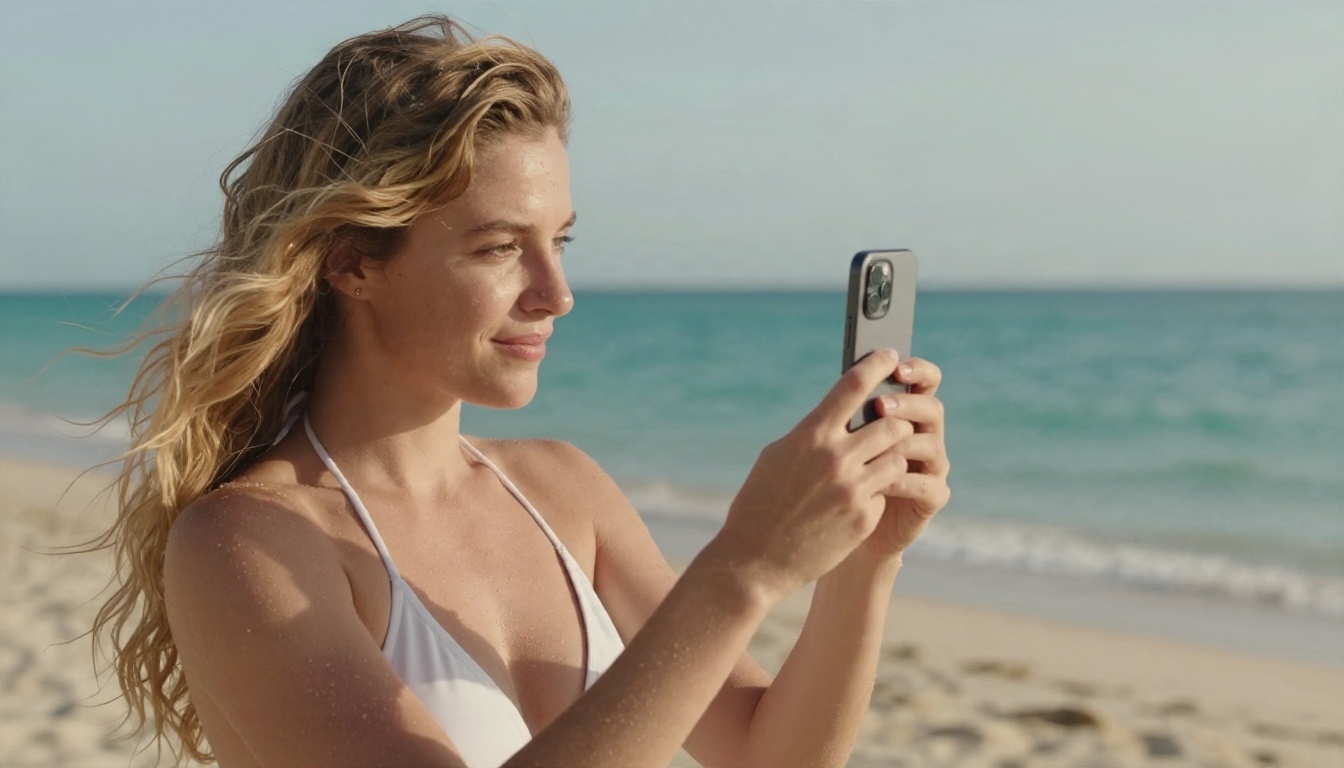
- Beach morning: Adult woman in a white bikini holding a phone at arm's length on a quiet beach, wavy blonde hair in the wind, turquoise water behind, soft morning light from the left, 50mm f/1.8, visible salt droplets on skin, film grain.
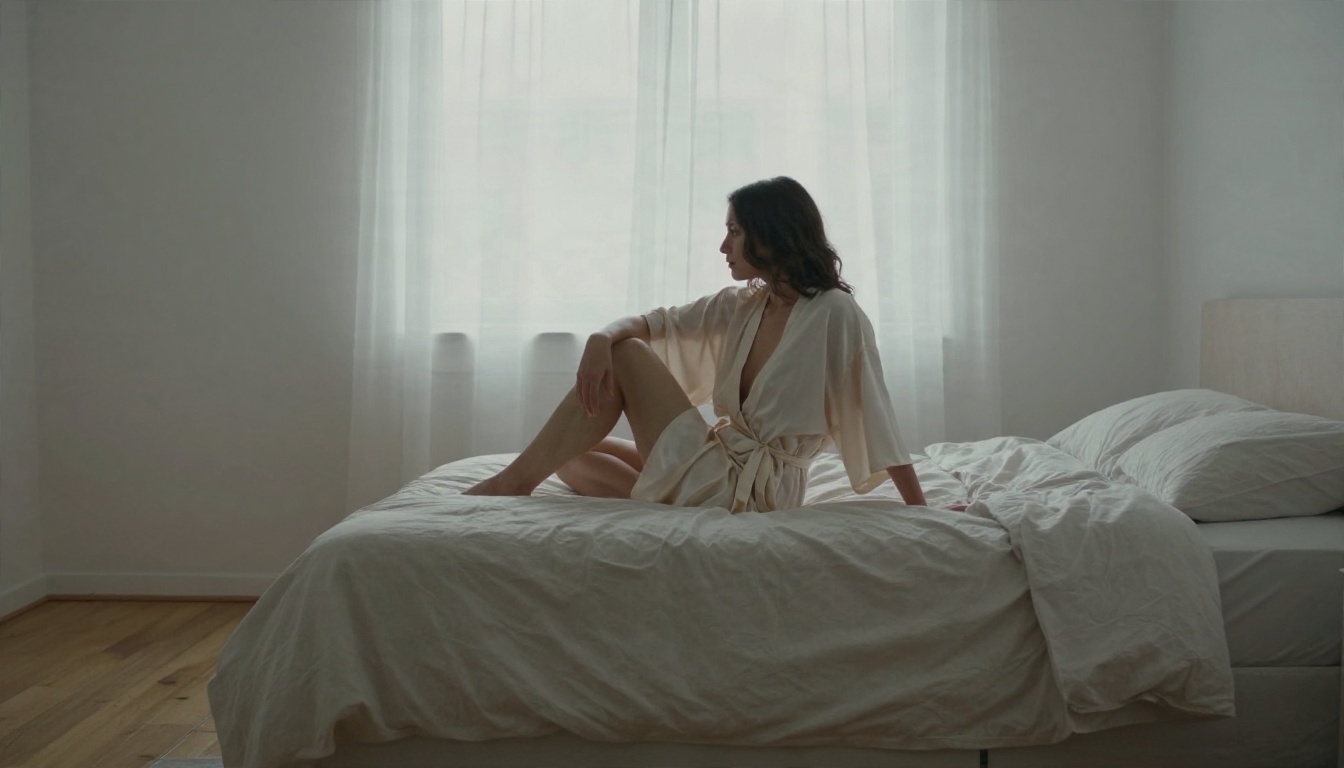
- Boudoir window: Adult woman in an ivory silk robe sitting on a linen bed beside a tall window, sheer curtains, overcast daylight from the right, 35mm f/2, soft fabric folds, muted tones.
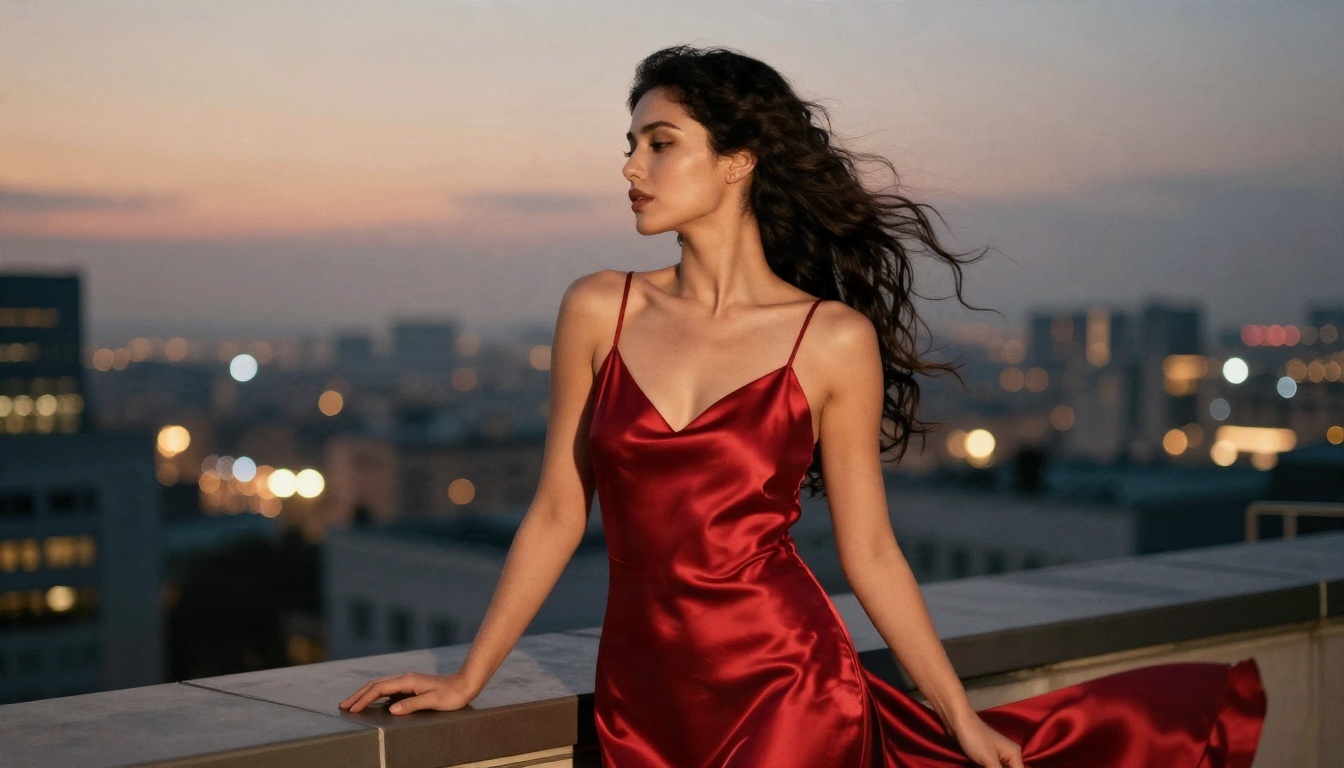
- Rooftop dusk: Adult woman in a red satin slip dress at a hotel rooftop railing, city lights as bokeh, last golden light from the left, 85mm f/1.4, satin sheen.
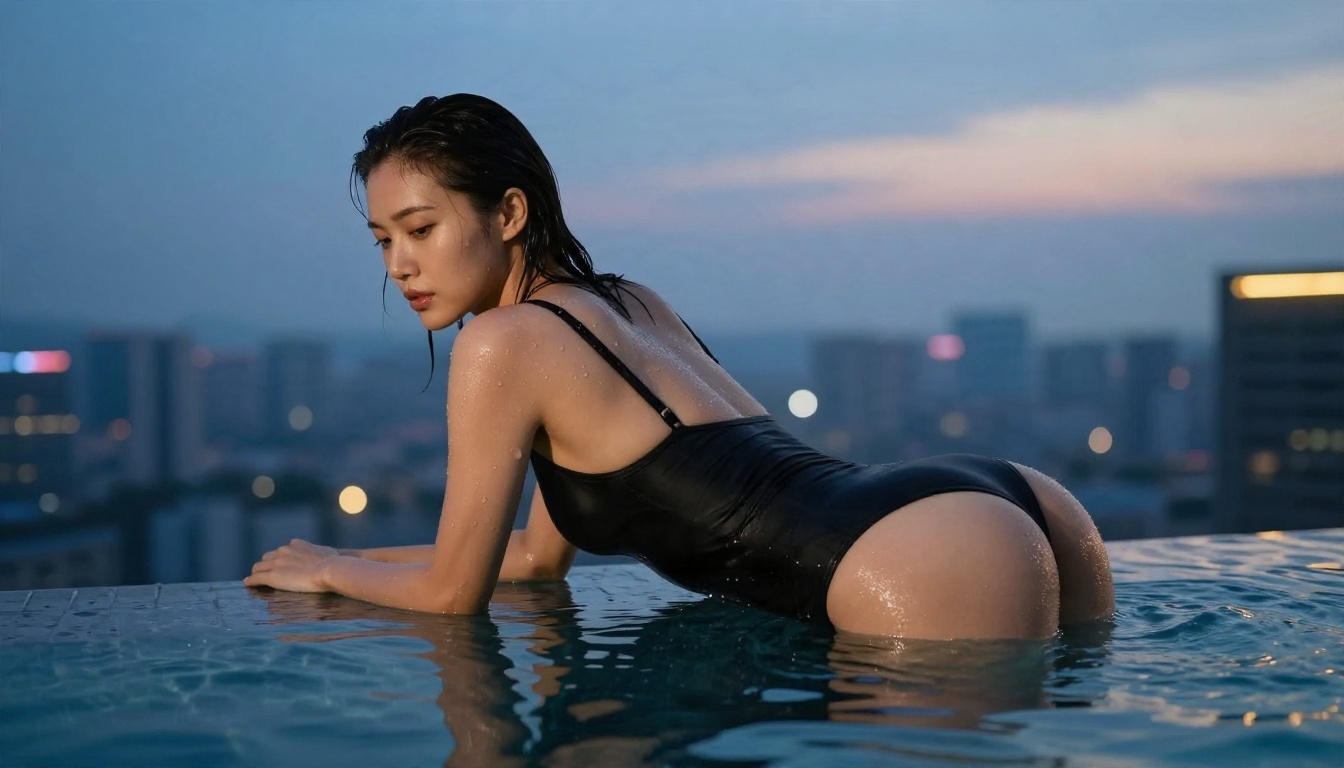
- Pool at blue hour: Adult woman in a black one-piece at a rooftop infinity pool, wet hair slicked back, water droplets on shoulders, warm lamps mixed with cool dusk, 24mm low angle.
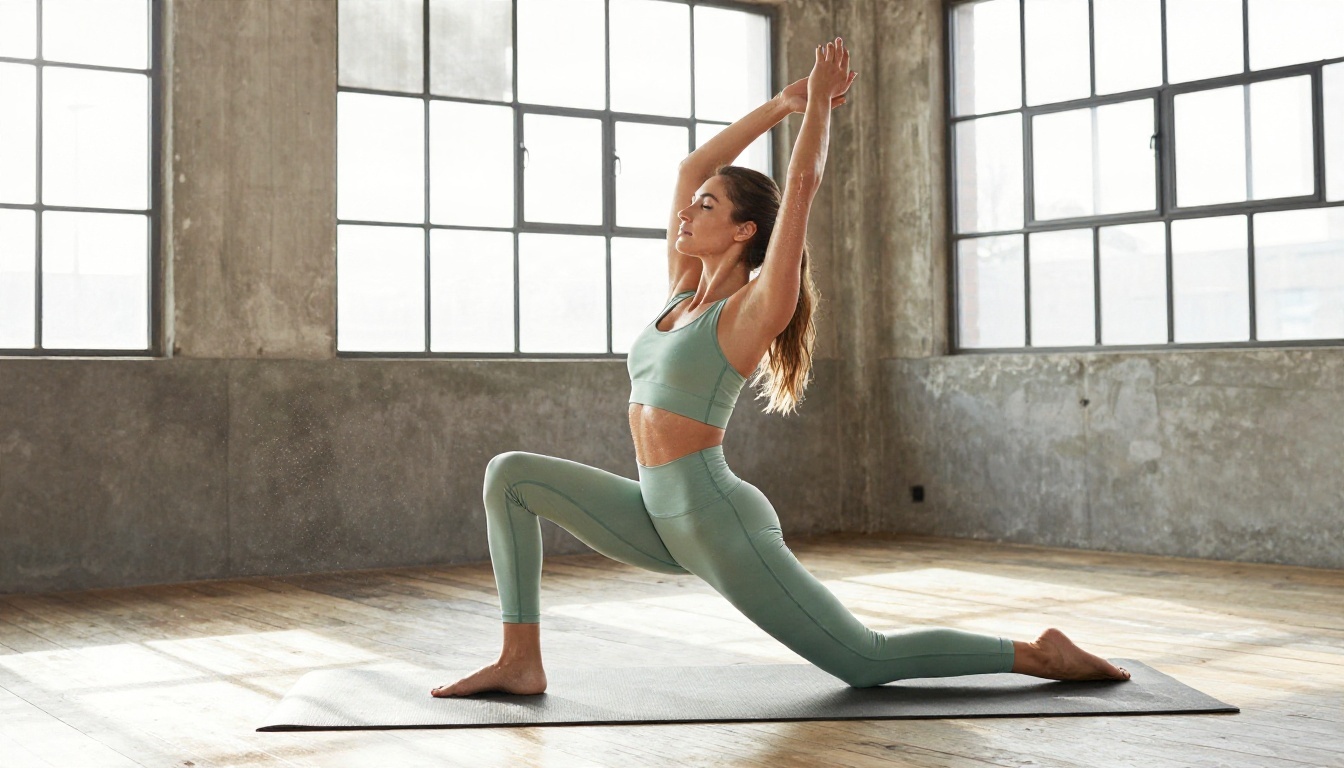
- Studio stretch: Adult fitness model in a sage green athletic set stretching in a sunlit loft studio, morning light from the left with dust in the air, 28mm f/2.8.
Motion Prompts
Motion prompts should be short, chronological and calm. Describe what moves, then what the camera does, then the mood. Avoid asking for five things at once.
| Scene | Motion prompt |
|---|
| Beach | She lifts the phone slightly, laughs, and tucks her hair behind her ear as a gentle wave rolls in behind her. Slow push in. |
| Boudoir | She turns her head toward the window, the curtain drifts in a light breeze, soft light shifts across her shoulder. Static camera. |
| Rooftop | Wind lifts the hem of the dress and her curls as she looks over her shoulder. Slow dolly to the right. |
| Pool | She slowly pushes her hair back with one hand as water ripples behind her. Low camera tilts up gently. |
| Studio | She raises her arms into a slow stretch, dust floating through the light. Smooth lateral pan. |
💡 One action per shot. A single clear movement looks natural. Three movements in five seconds usually look chaotic.
Common Mistakes
- Overloaded prompts. Long lists of adjectives make the model average everything. Pick one outfit, one location, one light source.
- No lens or light cues. Without them you get flat, plastic skin. Always name the lens and the light direction.
- Fast motion requests. "Running," "spinning," "dancing wildly" cause warped limbs. Ask for slow, deliberate movement.
- Skipping the still. Going straight from text to video is the main reason faces change mid-clip.
- Ignoring hands. If the hands look wrong in the still, they will look worse in motion.
Example Scenes to Copy
The Studio Look
A clean loft studio with big windows gives you soft, directional light and a neutral background. It is the safest setup because nothing competes with the subject. Use it for athletic or lifestyle looks and for any reel that needs to feel polished and brand-ready.
The Close-Up Hook
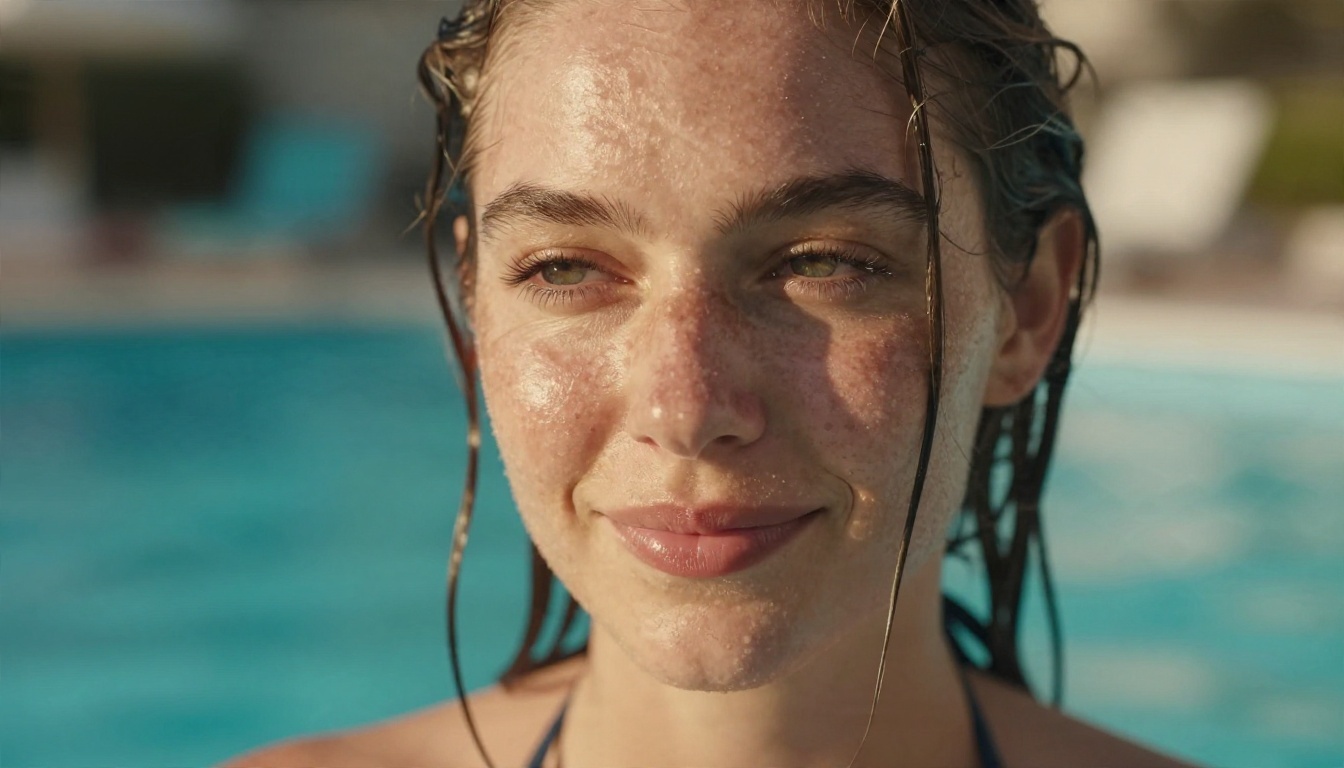
Open your reel with a tight beauty shot. A close-up with wet lashes, natural freckles and poolside reflections draws attention in the first second, then you cut to a wider shot to reveal the outfit and location. For the animation, ask for a slow blink and a slight smile, nothing more. Small movements on a face read as real.
The Cozy Everyday Clip
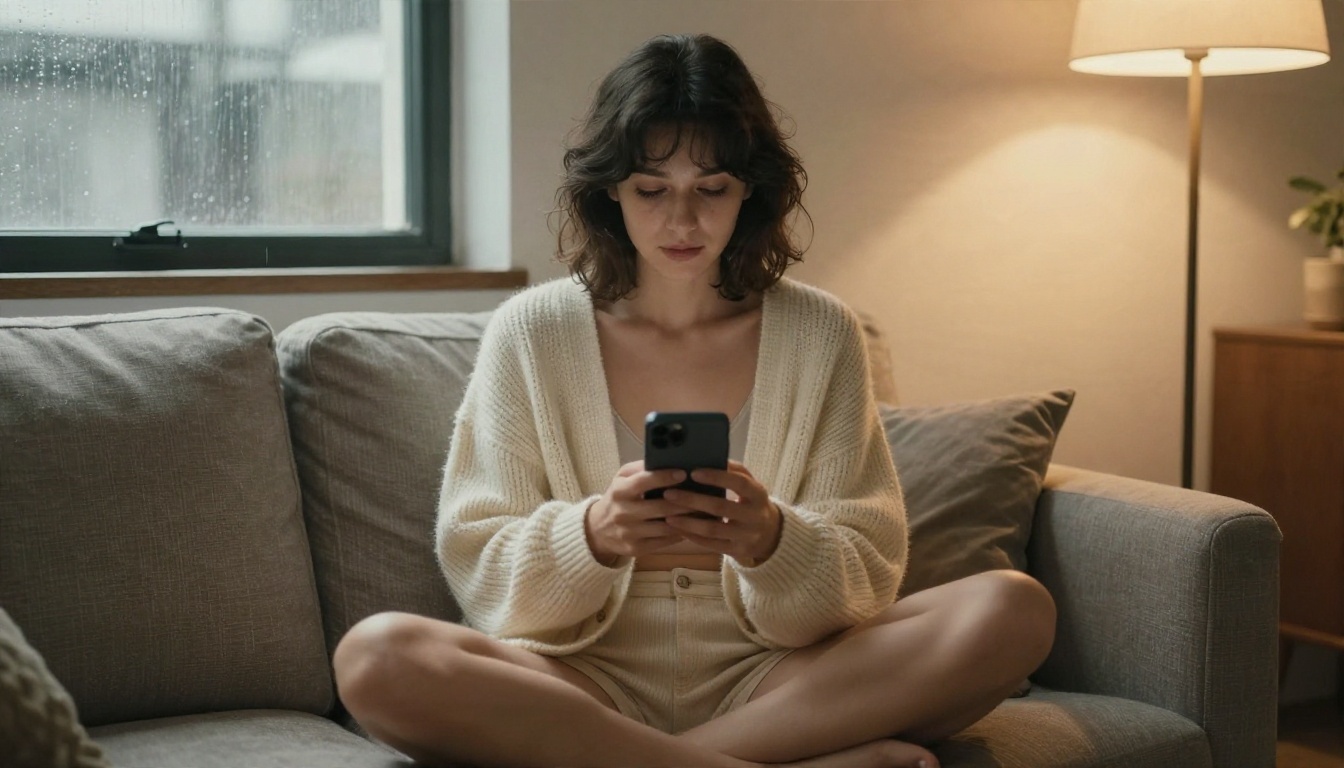
Not every NSFW reel has to be a swimsuit. A knit cardigan over a bralette on a sofa, rain on the window and a lamp glowing nearby creates a softer, girlfriend-style mood that tends to feel more personal. It also carries less risk with platform filters. Animate it with a small gesture: she glances down at her phone, then back up with a smile.
Fixing Problems Fast
Faces That Drift
If the face changes during the clip, the still was probably too small in frame or the motion prompt asked for too much. Move closer, simplify the movement and cut the duration to 5 seconds. You can also generate the clip several times and keep the most stable take.
Blocked or Blurred Output
Some generators refuse swimwear or lingerie prompts or blur the result. Two fixes help. First, use a model that accepts suggestive glamour content in the first place: Seedream 4.5 and Image Editor Pro are the right starting points here. Second, rephrase toward photography language: "editorial swimwear campaign" is treated differently than vague adult wording. Keep every subject clearly an adult, and keep the content non-explicit.
Choppy Motion
Choppy or rubbery movement almost always comes from a busy motion prompt. Strip it down to one subject movement and one camera move. If the problem persists, run the same still through a different animator. Hailuo 2.3 Fast tends to handle fabric and hair smoothly, while Veo 3.1 Fast is a strong choice for controlled camera moves.
A Quick Production Checklist
Before you post, check:
- Face consistent across all shots
- Hands and fingers look natural
- Total length between 7 and 15 seconds
- Vertical 9:16 crop with the subject centered
- Audio added once, not stitched from several different clips
- Content stays suggestive and non-explicit
Make Your Own Reels Today
The fastest route to a good reel is short: write one detailed still prompt in Seedream 4.5, polish it with unlimited edits in PicassoIA Image Editor Pro, then bring it to life with Seedance 2.5 Lite. Repeat three times with different angles, cut them together, and you have a reel that looks like a real shoot.
Pick one scene from the examples above, paste the prompt, and see what comes back. Your first attempt will be decent. By the fifth, you will have a feel for light, lens and motion that makes everything faster. When you want to compare more generators, browse the full catalog at picassoia.com/en/all-models and try a different animator on the same still.


